
I switched from a self-hosted LMS three years ago, and I’ll be honest: I waited too long. I spent months patching SCORM quirks, begging IT to push updates, and watching learner progress vanish into a spreadsheet I had to maintain manually. The “free” server setup was costing me in every way except the one I was tracking.
If you’re here, you probably already know a SaaS learning management system is the direction you want to go. You just need to know which one is worth your time. I’ve tested and researched all 11 platforms on this list. Keep on reading to check out what I found.
What Is a SaaS LMS?
Unlike traditional on-premise LMS solutions, a SaaS-based LMS is live from day one. There’s no deployment cycle, no IT ticket to request an update, and no one manually pushing patches on a Friday night. Your learners log in from any device, anywhere. Your admins see progress in real time.
The tradeoff is control: the vendor owns the infrastructure. If you need deep customization at the server level or have strict data residency requirements, a hosted LMS may be worth the complexity. For most organizations, SaaS is the faster, leaner, and more scalable path.
The 11 Best SaaS LMS Platforms in 2026
I built this list using hands-on testing, peer recommendations, and a review of neutral third-party ratings on Capterra and G2. Every platform here earns its place for a specific reason. None of them is right for everyone, and I’ll tell you exactly who each one is and is not for.
| SaaS LMS Platform | Best For | Capterra Rating | Starting Price |
| ProProfs Training Maker | Employee Training | 4.8/5 | Free; paid from $1.99/learner/month |
| Docebo | Complex Enterprise Training | 4.4/5 | Custom quote |
| Canvas LMS | K-12 Education | 4.4/5 | Custom quote |
| Absorb LMS | Complex Training Needs | 4.5/5 | Custom quote |
| Moodle | Open-Source Flexibility | 4.3/5 | Custom quote |
| LearnUpon | Training Delivery | 4.7/5 | Custom quote |
| CYPHER Learning | Automated Learning | 4.4/5 | Custom quote |
| iSpring Learn | PowerPoint Conversion | 4.6/5 | From $2.29/user/month |
| Blackboard Learn | Community-Based Learning | 3.8/5 | Custom quote |
| LearnWorlds | Selling Online Courses | 4.7/5 | From $24/month |
| Trainn | SaaS Customer Education | 4.8/5 | From $7.5/learner/month |
1. ProProfs Training Maker – Best for Easy AI-Powered Employee Training
ProProfs Training Maker is the SaaS LMS I recommend most often when someone needs to get a training program running fast without a steep learning curve or a six-figure budget.
I’ve used it across onboarding, compliance, and product training contexts, and what consistently impresses me is how little friction there is between “I need to build a course” and “the course is live.”
The AI course builder is a genuine time-saver. You type a topic, and it generates a structured course you can edit and publish. Try it yourself:

Let ProProfs AI create your training course
You also get access to 500+ expert-built, ready-to-use courses on topics like harassment prevention, workplace safety, leadership, and communication. If you need to adapt something rather than build from scratch, you’ll usually find a solid starting point here.
Learner engagement is handled well: gamification, branched scenarios, flashcards, and mobile-ready delivery keep training from becoming a passive click-through exercise. The reporting is clear and actionable, showing completion rates, performance trends, and where people are dropping off.
Pros:
- AI-assisted course creation cuts build time significantly
- 500+ expert-made courses available for immediate use or customization
- Supports 70+ languages, which makes it practical for global or multilingual teams
- Built-in quizzes with anti-cheating settings keep assessment results meaningful
- Integrates with HRIS, CRM, and SSO tools; supports SCORM import
Cons:
- No on-premise or downloadable version
- No dark mode
Pricing: Free plan available for small teams. Paid plans start at $1.99/active learner/month; Business plan at $3.99/active learner/month.
2. Docebo – Best for Complex Enterprise Training
Docebo is built for organizations where training is a strategic function, not just an administrative task. The platform uses AI to handle personalized learning recommendations, auto-tagging, and content surfacing.
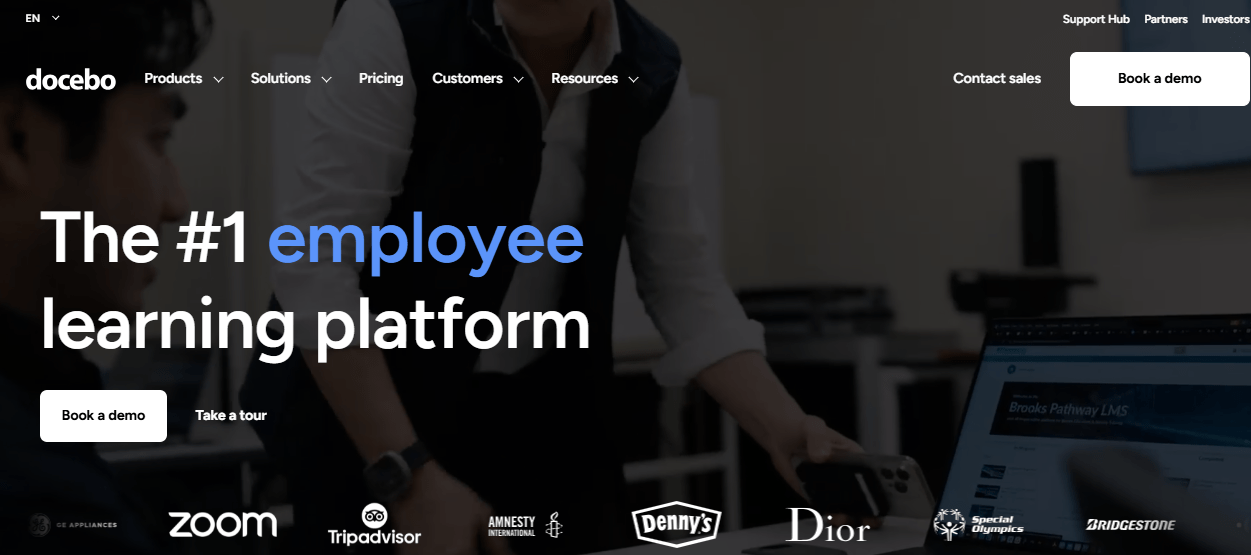
If you’re managing thousands of learners across multiple business units or geographies, Docebo handles that complexity without buckling.
What I find most useful about Docebo is how it connects learning to business outcomes. Learning paths are customizable, analytics run deep, and the platform integrates cleanly with enterprise tech stacks.
The AI features include virtual coaching and automated skill mapping, which goes beyond what most SaaS LMS platforms offer. It is mobile-friendly and supports diverse learning methods.
Pros:
- AI-driven personalization and content automation
- Robust analytics tied to business goals
- Strong integration with enterprise HR and CRM systems
- Flexible learning path configuration for complex training hierarchies
Cons:
- Pricing is opaque and tends to be high; not practical for SMBs
- No native support for large video uploads or live video training
- Steeper learning curve for admins unfamiliar with enterprise LMS systems
Pricing: Custom quote only.
3. Canvas LMS – Best for K-12 Learners
Canvas by Instructure was built for education, and it shows. The interface supports synchronous and asynchronous learning, integrates with common EdTech tools, and handles grade tracking, communication, and course management in a single environment.
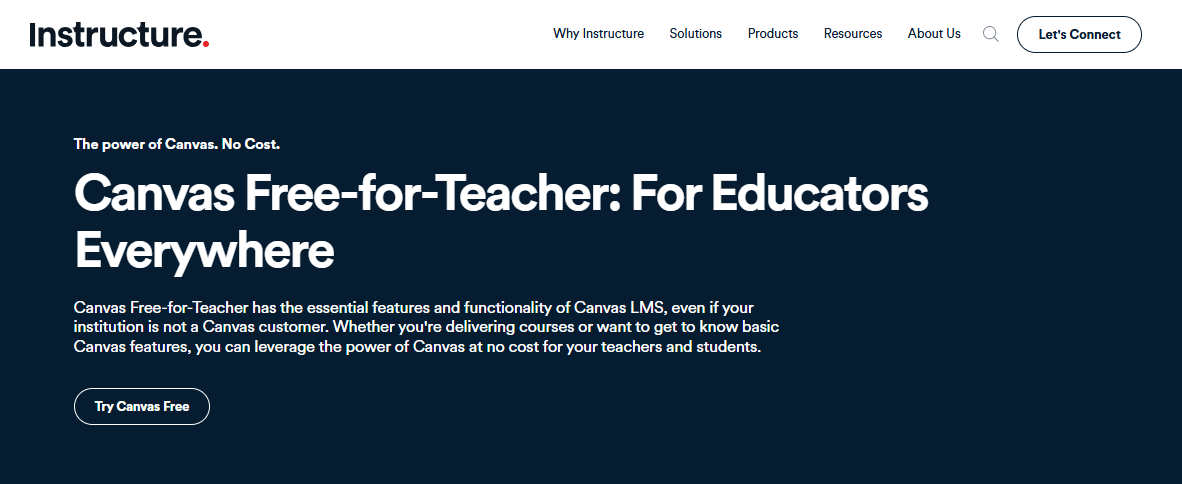
Canvas Studio adds interactive video discussion, which turns passive viewing into actual engagement.
Where Canvas stands out is in its classroom-first design. Teachers can build engaging lessons, manage student progress, and communicate with students and parents from one dashboard. For schools or institutions running hybrid instruction, the blend of in-person and online support is well-executed.
Pros:
- Strong synchronous and asynchronous learning support
- Broad integration ecosystem with educational tools
- Student progress and communication tools built into the same platform
- Canvas Studio makes video learning genuinely interactive
Cons:
- Expensive for small institutions or individual educators
- No offline access to materials
- Can feel overly complex for non-academic use cases
Pricing: Custom quote only.
4. Absorb LMS – Best for Complex Training Needs
Absorb LMS earns its reputation among enterprise teams that need a polished learner experience alongside serious administrative control.
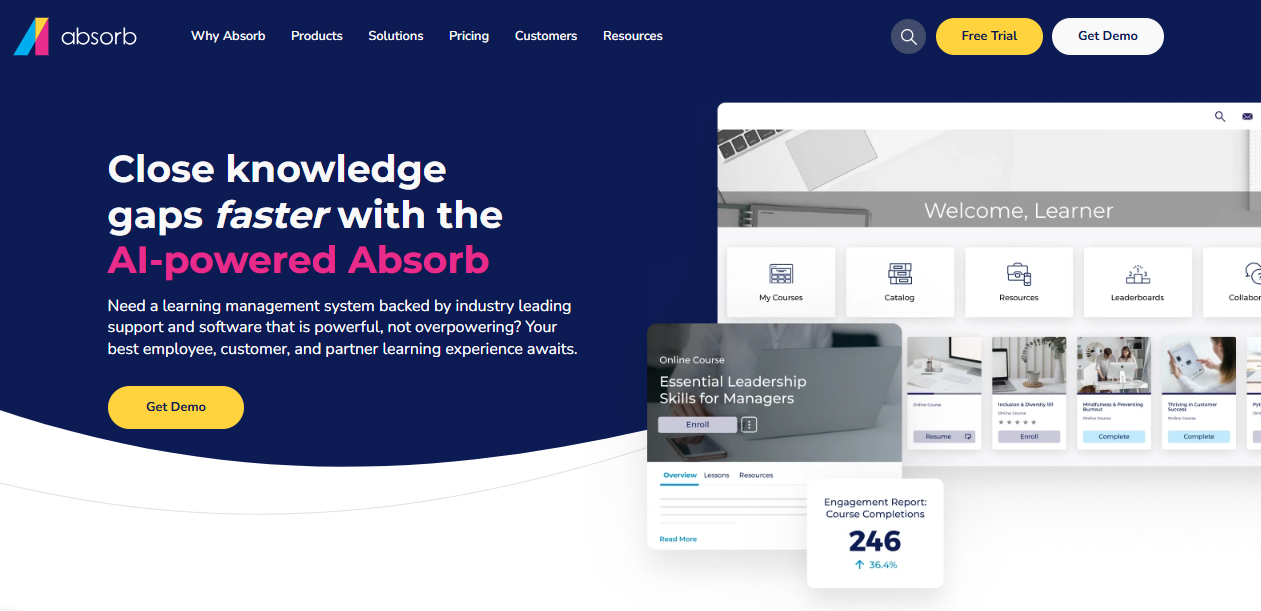
The platform handles complex training structures well: adaptive learning paths, detailed analytics, and a UI that’s been recognized consistently for usability. Major brands use it precisely because it scales without degrading the experience.
What I appreciate about Absorb is that it doesn’t feel like a tool built by a compliance team. It feels like a product someone thought hard about from the learner’s perspective. Engagement and retention metrics tend to be strong on this platform, which matters more than most teams realize when they’re comparing feature lists.
Pros:
- High-quality learner and admin UX
- Strong adaptive learning path configuration
- Scales well from mid-market to enterprise
- Detailed reporting and analytics
Cons:
- Pricing can be prohibitive for smaller organizations
- Limited advanced assessment flexibility
- No native project management integration
Pricing: Custom quote only.
5. Moodle – Best for Open-Source Flexibility
Moodle is the platform that almost everyone considers at some point, especially when the budget conversation gets difficult.
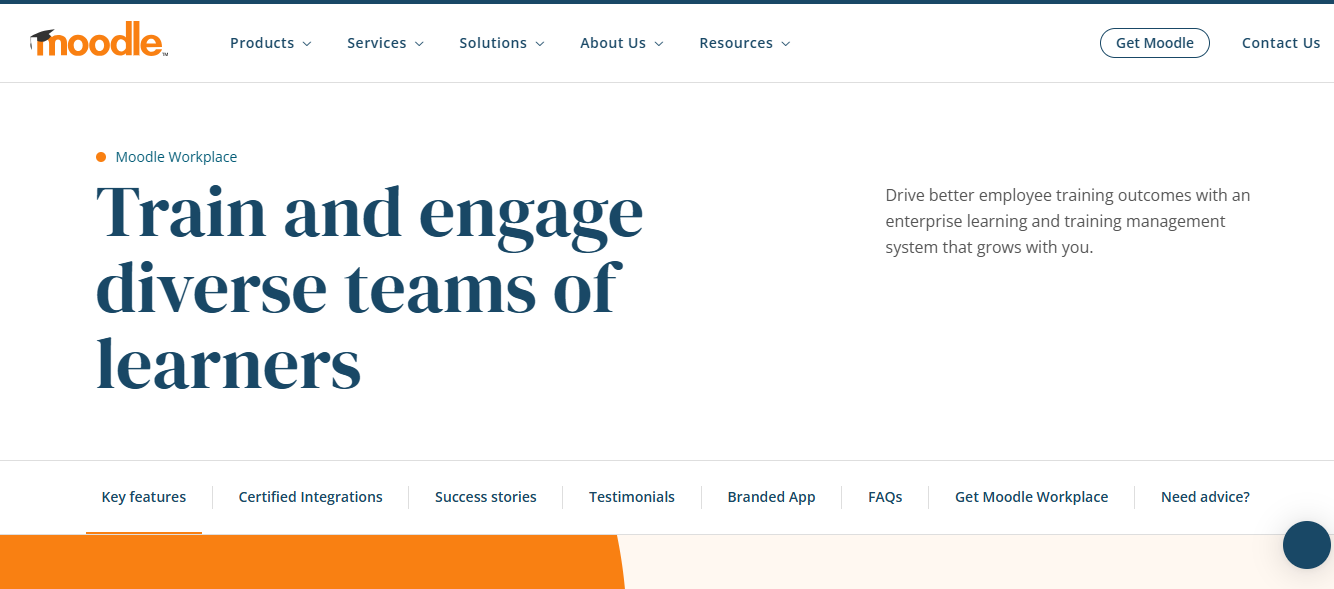
As an open-source LMS SaaS option (or self-hosted, depending on your setup), Moodle is technically free to license. The customization ceiling is higher than almost anything else on this list, and its plugin ecosystem is enormous.
Here’s what I’d want you to know before you commit: the total cost of ownership is higher than it looks. A cloud VM for Moodle might run less than $1,000 a year in infrastructure costs. But small IT teams routinely find themselves managing server maintenance, security patches, and SCORM troubleshooting as a near-full-time job.
For organizations with a professional IT team and a genuine need for custom functionality, Moodle is a serious option. For everyone else, the “free” tag is misleading.
Pros:
- Highly customizable with an extensive plugin library
- Vibrant community and active development
- Supports a wide range of multimedia content
- No per-user licensing fees
Cons:
- High maintenance overhead without a dedicated IT team
- Out-of-the-box reporting is weak
- Not a plug-and-play solution; requires significant configuration
Pricing: Open-source license is free; hosting and maintenance costs vary.
6. LearnUpon – Best for Training Delivery
LearnUpon is a well-designed SaaS LMS platform that handles structured training delivery reliably.

Learning paths let you link courses sequentially or allow learners to self-direct. Both mandatory and self-serve enrollment are supported, which gives organizations flexibility in how they run programs.
The platform’s real strength is in its operational clarity. Dashboards are clean, training history is accessible, and course catalogs are easy to manage.
For organizations that need to scale training delivery quickly without a long implementation runway, LearnUpon tends to get operational faster than more feature-heavy competitors.
Pros:
- Clean interface for both learners and admins
- Flexible mandatory and self-directed enrollment
- Strong integrations and automated workflows
- Good overview of learner progress and outcomes
Cons:
- Can feel too comprehensive for smaller organizations with simpler needs
- Advanced analytics reporting has gaps compared to enterprise competitors
- Minimal setup complexity suits simple needs, but may feel limiting for large programs
Pricing: Custom quote only.
7. CYPHER Learning – Best for Automated Learning
CYPHER Learning’s NEO LMS positions itself around automation as a core design principle, not an add-on.
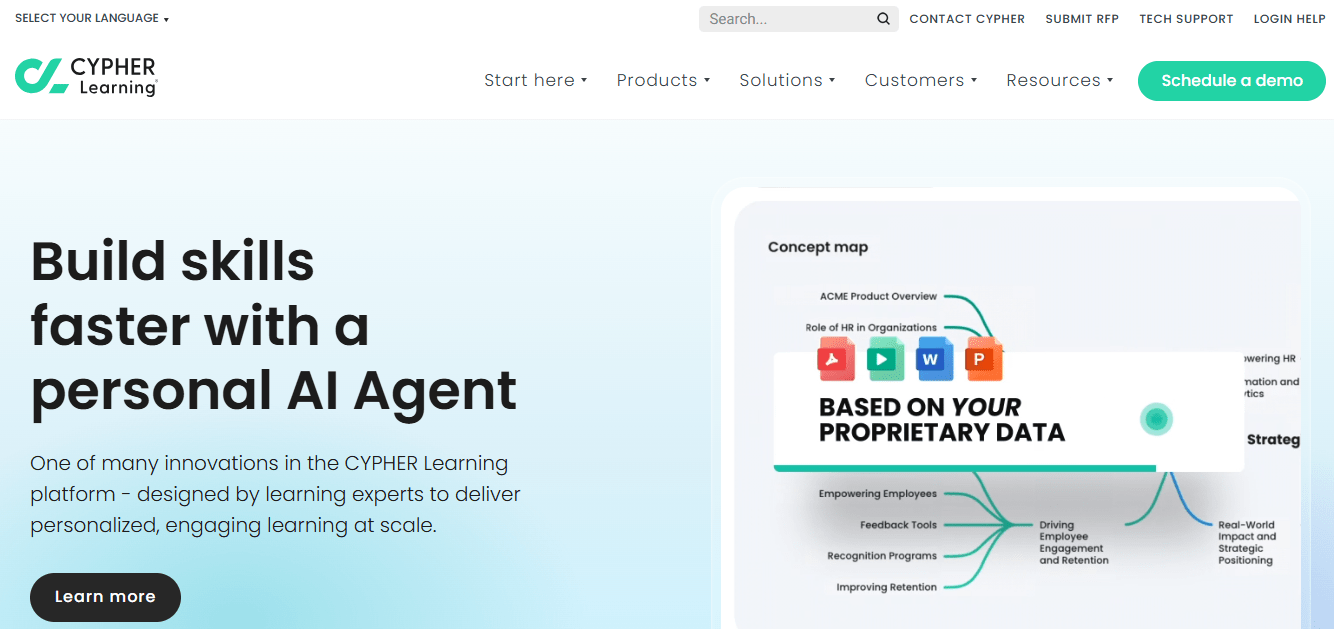
Its AI 360 Copilot can build competency-based courses, assessments, and multimedia content in minutes. For training managers who feel like they’re spending more time building and assigning than actually improving training quality, that time compression is real.
The platform handles course management, personalization, collaboration, and automated grading well. The reporting is comprehensive, and the workflow automation features are genuinely useful for teams managing large learner populations. Mobile accessibility is solid.
Pros:
- 25+ automated actions reduce admin overhead significantly
- AI Copilot accelerates course and assessment creation
- Strong reporting and analytics
- Good mobile experience
Cons:
- Limited formatting options within the course builder
- Email notification reliability has been flagged by users
- Mobile app quality lags behind the desktop experience
Pricing: Custom quote only.
8. iSpring Learn – Best for PowerPoint-Heavy Training Teams
iSpring Learn has been in the eLearning space for over 20 years, and its signature feature tells you exactly who it’s for: the platform converts PowerPoint presentations to HTML5 courses.
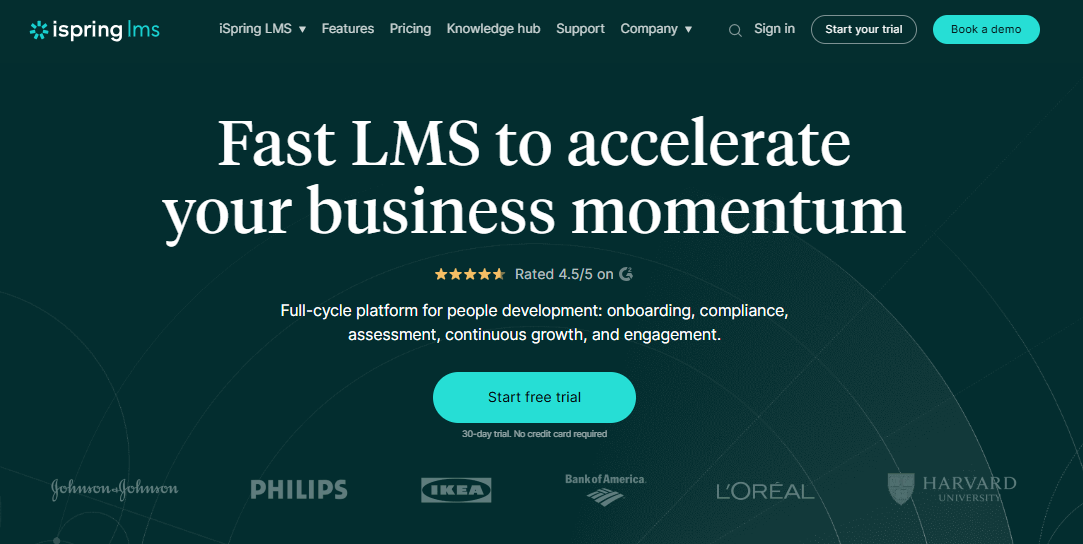
If your organization has years of training materials built in PowerPoint, iSpring cuts your migration time dramatically.
Beyond conversion, iSpring Learn handles employee upskilling well. The platform is stable and reliable even under high-volume concurrent use, which matters for organizations running time-sensitive compliance or product training rollouts. It is built for scale.
Pros:
- Best-in-class PPT to HTML5 conversion
- High reliability and uptime even at scale
- Good automation for training processes
- Consistent learner experience across geographies
Cons:
- Limited multilingual support compared to competitors
- Interface can be complex for new or non-technical users
- Weak social learning features
Pricing: Starts at $6.91/user/month (100 users, billed annually).
9. Blackboard Learn – Best for Community-Based Learning
Blackboard Learn is a legacy platform that still carries weight in higher education and certain corporate training environments.
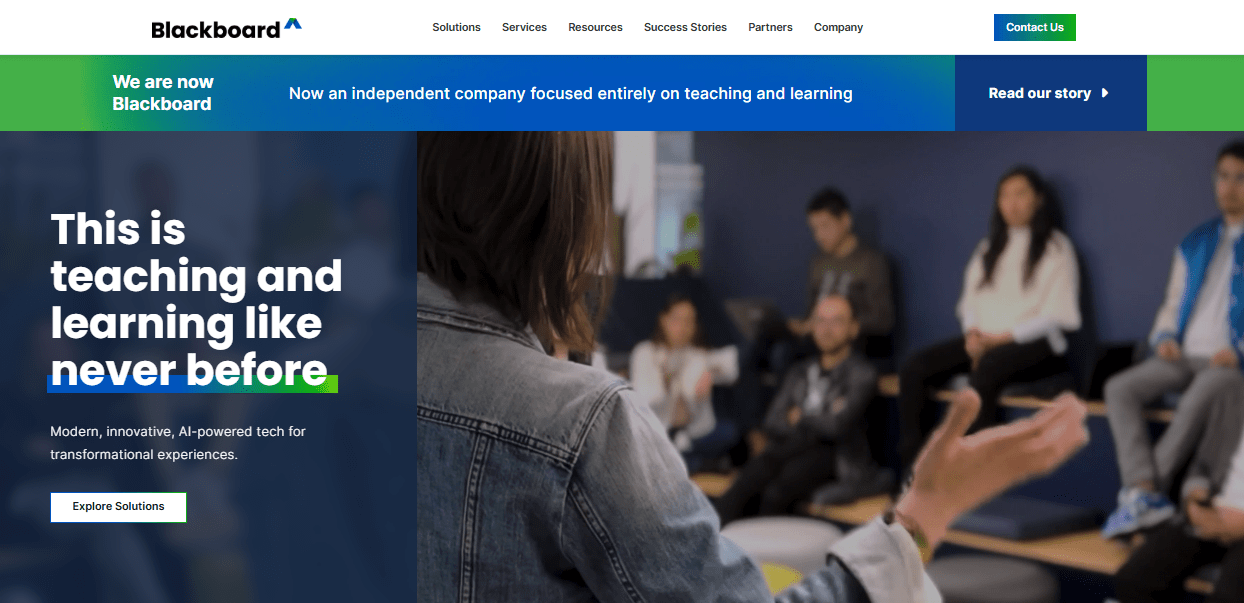
Its collaborative features are genuinely strong: discussion boards, chat rooms, video conferencing, and group projects are well-integrated. The automated grading system reduces administrative overhead for instructors managing large cohorts.
The honest limitation here is usability. Blackboard has a reputation for a steep learning curve, and that reputation is earned. Organizations evaluating it should factor in onboarding time for instructors and learners who are unfamiliar with the interface.
Pros:
- Robust collaborative and community features
- Strong automated grading and feedback tools
- Highly scalable infrastructure
- Deep integration with educational content systems
Cons:
- Steep learning curve for new users
- Mobile experience is below average
- Messaging system is limited compared to modern alternatives
Pricing: Custom quote only.
10. LearnWorlds – Best for Selling Online Courses
LearnWorlds is purpose-built for course creators and organizations that want to monetize training content, not just deliver it internally.
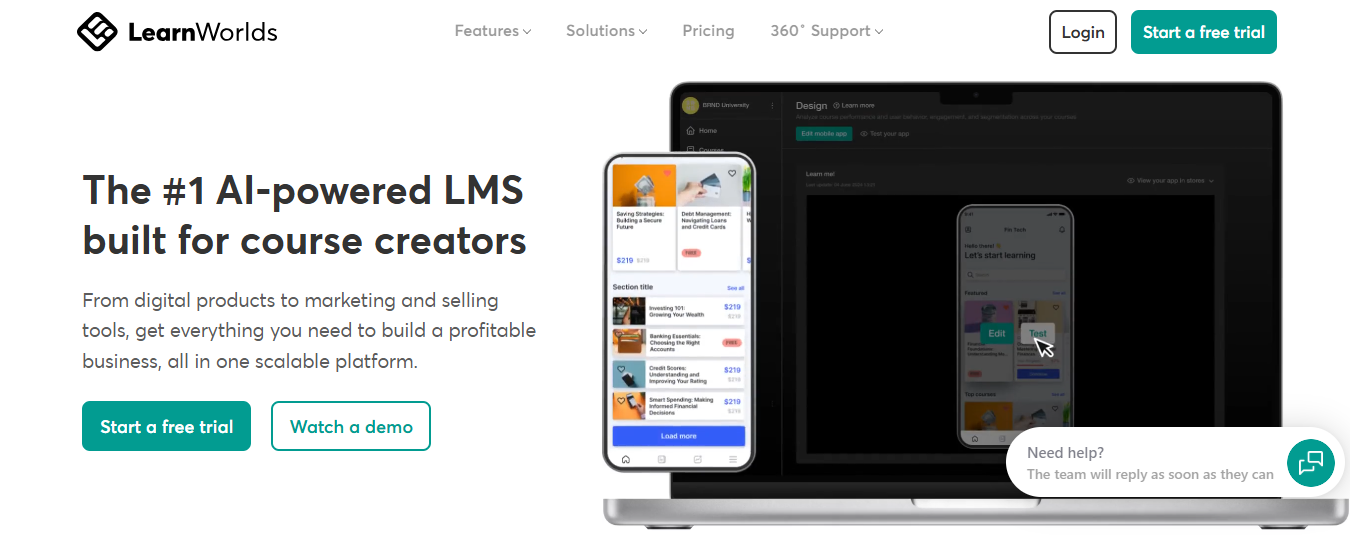
It is SCORM-compliant, eCommerce-ready, and supports unlimited learners, quizzes, and surveys out of the box. SSO and GDPR compliance are included.
Where LearnWorlds distinguishes itself is in its combination of authoring quality and commercial infrastructure. You can build a fully branded course academy, set pricing tiers, and manage the entire learner journey without stitching together separate tools.
For organizations training customers, partners, or external audiences, this is worth paying attention to.
Pros:
- Strong interactive authoring tools with good production quality
- eCommerce-ready with built-in payment and pricing support
- SCORM-compliant and strong security features
- All-in-one for employee, customer, partner, and compliance training
Cons:
- Reporting and analytics are basic compared to enterprise competitors
- No native email marketing integration
- Bulk content uploads are not supported in the course creator
Pricing: Starts at $24/month.
11. Trainn – Best for SaaS Customer Education
Trainn is a no-code SaaS LMS designed specifically for customer education teams.
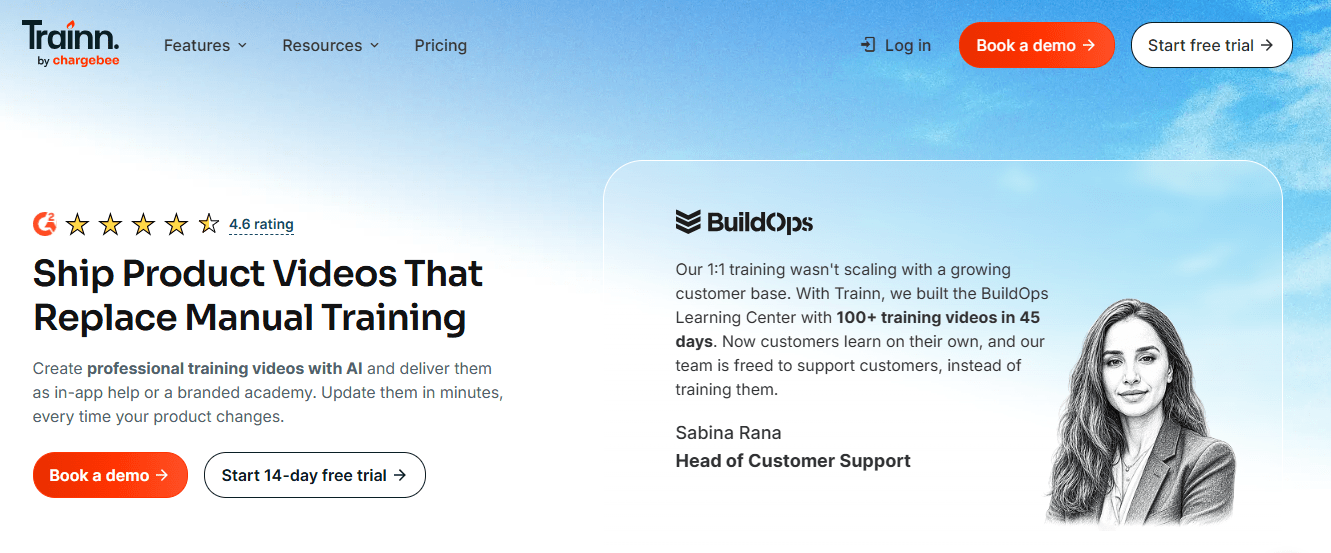
The platform handles the full workflow from content creation to academy hosting, including AI-assisted video production, interactive demos, step-by-step guides, and auto-generated quizzes. You can build and launch a branded academy without writing a line of code.
The AI helps produce multilingual training content in 25+ languages, which matters for SaaS companies with global customer bases. Salesforce integration allows course assignments to be made directly from the CRM, and Stripe integration supports paid course delivery.
Pros:
- No-code setup; launches fast without IT involvement
- AI-assisted content creation across formats and languages
- Salesforce and Stripe integrations are well-implemented
- Strong authentication and enterprise-grade security at accessible pricing
Cons:
- Limited customization for teams that want a coded environment
- No free tier available
Pricing: Starts at $7.5/learner/month.
My Top 3 SaaS LMS Picks
After working through all 11 platforms, three consistently rise to the top depending on your situation.
ProProfs Training Maker is my first recommendation for most organizations. It handles employee training, compliance, onboarding, and certification without requiring technical expertise or a large budget. The free plan is genuinely usable, not artificially limited, and the paid tiers are among the most affordable on this list. If you’re coming from a DIY stack and want something that works on day one, start here.
Absorb LMS is the right call for mid-market to enterprise teams that need a polished experience at scale. The learner UX is strong, the analytics are meaningful, and the platform doesn’t buckle under complexity. If your training program spans multiple departments, business units, or regions, Absorb is worth the evaluation time.
LearnWorlds is the pick for any organization training external audiences. If your use case involves customer education, partner certification, or selling courses directly, LearnWorlds gives you the commercial infrastructure and authoring quality that most LMS platforms treat as an afterthought.
How I Evaluated These SaaS LMS Platforms
I didn’t build this list from vendor marketing pages. My evaluation framework covered six areas:
- Ease of deployment: How fast can a non-technical admin get from sign-up to a live course? Platforms with long setup cycles or IT dependencies scored lower.
- Scalability: Does performance hold up as learner volume grows? I looked at architecture, uptime records, and user feedback at scale.
- Integrations: Does the platform connect with the tools organizations actually use? SSO, HRIS, CRM, and SCORM/xAPI support were weighted heavily.
- Analytics depth: Are the reports actionable, or do they tell you what happened without telling you what to do about it?
- Security and compliance: GDPR readiness, data access controls, and audit trail functionality.
- Pricing transparency: I penalized platforms that hide pricing and don’t offer meaningful trial access.
I also reviewed Capterra and G2 ratings for each platform, specifically filtering for reviews from organizations similar in size and use case to the majority of readers who would use this guide.
What Does a SaaS LMS Actually Cost?
This is the question that almost every comparison article answers incompletely, and it cost me real money when I was making my first LMS decision.
The subscription price is only one number. Your actual cost of ownership includes:
- Licensing or per-learner fees: Most SaaS LMS platforms charge per active user or per learner per month. These scale with your team size, so run the math at your current headcount and your expected headcount in 18 months.
- Implementation time: Even the fastest SaaS platforms require time to migrate content, configure user roles, and build your first courses. Budget a minimum of a week of admin time, more if you’re migrating from a legacy system.
- Integration setup: Connecting your SaaS LMS to your HRIS or SSO is usually straightforward, but “usually” is doing a lot of work there. Ask vendors specifically about your tech stack before you commit.
- Hidden costs on “free” open-source options: If you’re weighing Moodle against a paid SaaS LMS, calculate your IT team’s hourly cost against the maintenance hours realistically required. A $20,000/year SaaS subscription looks different when the alternative is 300+ hours of IT overhead per year.
The platforms with the most transparent pricing in this list are ProProfs Training Maker, iSpring Learn, LearnWorlds, and Trainn. For everything else, request a detailed quote before you get too far into evaluation.
SaaS LMS vs. Hosted LMS: What Actually Changes?
The decision between a SaaS-based LMS and a hosted LMS is really a decision about where you want to spend your organizational energy.
| Factor | SaaS LMS | Hosted LMS |
| Setup time | Days to weeks | Weeks to months |
| IT overhead | Low (vendor manages infrastructure) | High (your team manages everything) |
| Upfront cost | Low (subscription-based) | High (hardware, licenses, setup) |
| Customization depth | Limited to the vendor’s framework | Extensive, down to the server level |
| Scalability | Built-in; adjust user count as needed | Tied to server capacity |
| Data control | Vendor holds the data | Full internal control |
| Updates | Automatic | Your responsibility |
| Access | Anywhere with internet | Often limited to corporate network |
For most organizations, including most enterprises, a cloud-based LMS is the right call. The hosted path makes sense when you have strict data residency requirements, a dedicated IT team, and a genuine need for infrastructure-level customization. For everyone else, the SaaS route is faster, cheaper to maintain, and less operationally risky.
What Are the Key Benefits of Using a SaaS LMS?
If you’re still building the business case internally, here’s what the shift actually delivers:
Faster deployment: A SaaS training platform is live in days, not months. There’s no infrastructure to provision, no software to install, and no compatibility issues to debug.
Lower total cost: Subscriptions are predictable. You’re not buying servers, paying for licenses upfront, or absorbing maintenance costs when something breaks.
Anywhere access: Learners train from any device, any location. For remote, hybrid, or field-based workforces, this isn’t a nice-to-have. It’s the baseline requirement.
Automatic updates: The vendor pushes updates. You get new features without a migration project.
Scalability on demand. Adding 200 learners doesn’t require a server upgrade. You adjust your subscription. That’s it.
Built-in compliance infrastructure: Completion tracking, audit trails, certification management, and automated reminders are standard on most SaaS LMS platforms. Building that manually in a spreadsheet is how organizations end up in trouble during audits.
Your Next Step Isn’t Choosing – It’s Scoping
The most common mistake I see in LMS evaluations is starting with the platform shortlist instead of starting with a clear definition of what you actually need the platform to do. Before you request demos or start a trial, be specific about:
- Which training programs are you running in year one (onboarding, compliance, product, customer education)
- Who your learners are and how they access training (desktop, mobile, multilingual needs)
- What integrations are non-negotiable for your tech stack
- How you’ll measure whether the platform is working (completion rates, assessment scores, time-to-competency)
With that scope defined, the right SaaS learning management system becomes much easier to identify. And if you want to start without committing to a paid plan, ProProfs Training Maker’s free tier is a reasonable place to run your first real pilot.
Frequently Asked Questions
What is a SaaS LMS?
A SaaS LMS is a cloud-based learning management system delivered on a subscription basis. You access it through a browser, the vendor manages the infrastructure, and your organization uses it to build, deliver, and track training programs without managing servers.
What is the difference between a SaaS LMS and a traditional LMS?
A traditional LMS is installed on your own servers, requires IT management, and involves higher upfront costs. A SaaS-based LMS is hosted by the vendor, updated automatically, and accessed via the internet. SaaS is faster to deploy and lower maintenance; hosted gives you more infrastructure-level control.
Which SaaS LMS is best for small businesses?
ProProfs Training Maker is the strongest option for small businesses. It has a genuinely usable free plan, an intuitive interface that doesn't require a technical background, and paid tiers starting at $1.99 per active learner per month.
How much does a SaaS LMS cost?
Pricing ranges significantly. ProProfs Training Maker starts free, with paid plans from $1.99/learner/month. iSpring Learn starts at $2.29/user/month. LearnWorlds starts at $24/month. Enterprise-focused platforms like Docebo and Absorb LMS operate on custom quotes. Factor in implementation time and integration costs alongside the subscription price.
Can a SaaS LMS handle compliance training?
Yes, and this is one of the strongest use cases. Most SaaS LMS platforms include completion tracking, automated reminders, certification management, and audit-ready reporting. These features are table stakes for compliance training in regulated industries.
Is a SaaS LMS secure?
Enterprise-grade SaaS LMS providers use encryption, role-based access controls, SSO support, and GDPR-compliant data handling. Security quality varies by vendor, so verify data residency policies and access control options before committing, especially if you're in healthcare or finance.
What features should I look for in a SaaS LMS platform?
Prioritize based on your use case. For most corporate training programs: SCORM/xAPI support, built-in assessments, progress tracking, mobile access, and HRIS/SSO integration. For compliance-heavy programs, add audit trail reporting and certification management. For customer education, add eCommerce and branded academy capabilities.
Can I migrate from a self-hosted LMS to a SaaS LMS?
Yes. Most SaaS platforms support SCORM import, which covers the majority of existing course content. User data migration varies by platform. Plan for 1 to 4 weeks of transition time depending on your content volume, and confirm SCORM compatibility with your vendor before you start.
Let ProProfs AI create your training course

 We'd love your feedback!
What did you like & how can we make it even better?
 Thanks for your feedback!
 Ask Your Question
Have a question? Get expert help to make your decision easier.