

A bundle is only a bargain for the parts you actually open. That is the thought behind most searches for Kajabi alternatives: creators paying for a website builder, email, funnels, community, and a course platform while mostly using the last one, and watching the bill climb each time a plan changes or a product or contact limit is hit. I would not call that disloyalty; it is arithmetic.
Kajabi is polished, and for established creators who use most of the suite, it can still be the right call. But if you mainly need strong course delivery, or you want to own your payment data and leave cleanly someday, a different Kajabi alternative may cost less and frustrate you less. The 10+ Kajabi alternatives below each trade something away, and I say what. I would pilot one course on two of them before moving a single subscriber, and keep Kajabi running in the meantime.
Top 10+ Kajabi Alternatives Compared
Price, limits, and lock-in are three different complaints, and no platform removes all three equally. That is why the best Kajabi alternatives for a creator who lives on email and funnels look nothing like the best pick for one who only sells courses.
Most Kajabi competitors trade the bundle for focus, so here is the fast version: Capterra ratings, current pricing, and the two columns that map to the loudest complaints: how pricing works and how much marketing is built in.
| Tool | Best For | Capterra | Pricing | Pricing Model | Built-In Marketing |
|---|---|---|---|---|---|
| ProProfs Training Maker | Course delivery, training, assessment | 4.8 | Free (10 learners); paid from $1.99/learner/mo | Per learner; free plan | Store, coupons, sales reports; no funnels |
| Podia | Simple all-in-one for creators | 4.7 | About $33/mo cited; 5% fee on entry plan | Monthly; fee on entry plan | Email, affiliates, community |
| Thinkific | Branded course websites | 4.4 | $40–$164/mo (annual) | Monthly; 0% fees | Storefront, coupons, bundles |
| Teachable | Fast launch for courses and coaching | 4.3 | $29–$189/mo (annual) | Monthly; 7.5% fee on Starter | Sales page builder, native app |
| Kartra | Funnels and courses under one login | n/a | About $99/mo cited | Monthly | Funnels, email, affiliate, video |
| Mighty Networks | Community-first courses | 4.6 | About $41/mo cited; Launch plan ~$95 | Monthly | Community, events, live streaming |
| LearnWorlds | Interactive video, custom sites | 4.7 | $24–$249/mo (annual) | Monthly; $5/enrollment on Starter | Website builder, promotions, affiliates |
| EzyCourse | Courses, community, branded app | n/a | About $55/mo | Monthly; 0% fees | Email marketing, community, app |
| LearnDash | WordPress control | 4.6 | From about $199/yr | Annual license; processor fees only | Via WordPress plugins |
| Ruzuku | Ultra-simple coaching courses | n/a | About $99/mo | Monthly; no transaction fee | Mailchimp integration |
| FreshLearn | First-time creators | 4.2 | About $37/mo | Monthly | Website builder, email, coupons |
| Klasio | AI-assisted building on a budget | n/a | About $49/mo; free plan cited | Monthly; 0% fees | AI assistant, free student app |
1. ProProfs Training Maker – Best for Easy Course Creation for Employee Training, Compliance & Skill Assessment
ProProfs Training Maker is the one I would test if you mainly need course delivery and want to avoid paying for modules you never open. Pricing is per learner and per published. There is a free plan. If you are weighing alternatives to Kajabi because of transaction fees, you can sell courses and tests through ProProfs Store or your own website with Stripe, with coupons and multiple currencies.
Type a prompt like “a six-week onboarding course for new coaching clients,” and the AI course creator returns a structured course with lessons and quiz questions you can edit before you sell it, or upload your existing workshop slides and it turns them into lessons.

Let ProProfs AI create your training course
The 500+ expert-built, ready-to-use courses on compliance, workplace safety, and onboarding give you something ready to assign when a client asks for training you have not built yet. Reports show who finished, courses run in 70+ languages with AI-generated voiceovers, and gamification keeps learners moving.
It is not an email-and-funnel suite, so you would pair it with a mailing tool; it runs only in the cloud. Among Kajabi alternatives built for learning rather than marketing, it is the one I would price first.
Pros:
- Sells courses and tests through ProProfs Store or your own site, with coupons and multiple currencies
- Builds courses from a topic or an uploaded file with the AI course creator, so launch does not wait on writing
- Gives you 500+ expert-built courses to launch with or bundle beside your own
- Makes assessments more reliable with flexible question types, minimum-score rules, and certificates
- Fits professional setups with SCORM and Tin Can support, white-labeling, SSO, and multiple admins
Cons:
- Cloud-only, so there is no self-hosted or downloadable option
- No dark mode yet for learners studying in low light
Pricing: Free for up to 10 learners; paid plans start at $1.99 per learner per month.
2. Podia – Best for Creators Selling Courses, Downloads, and Coaching Without Tech Complexity
Podia is built for creative entrepreneurs who want to make a living doing what they love, and it gives you the functionality of several tools for the price and simplicity of one. You can sell online courses, digital downloads, memberships, and subscriptions, and the software is friendly and fun to work in rather than robotic.
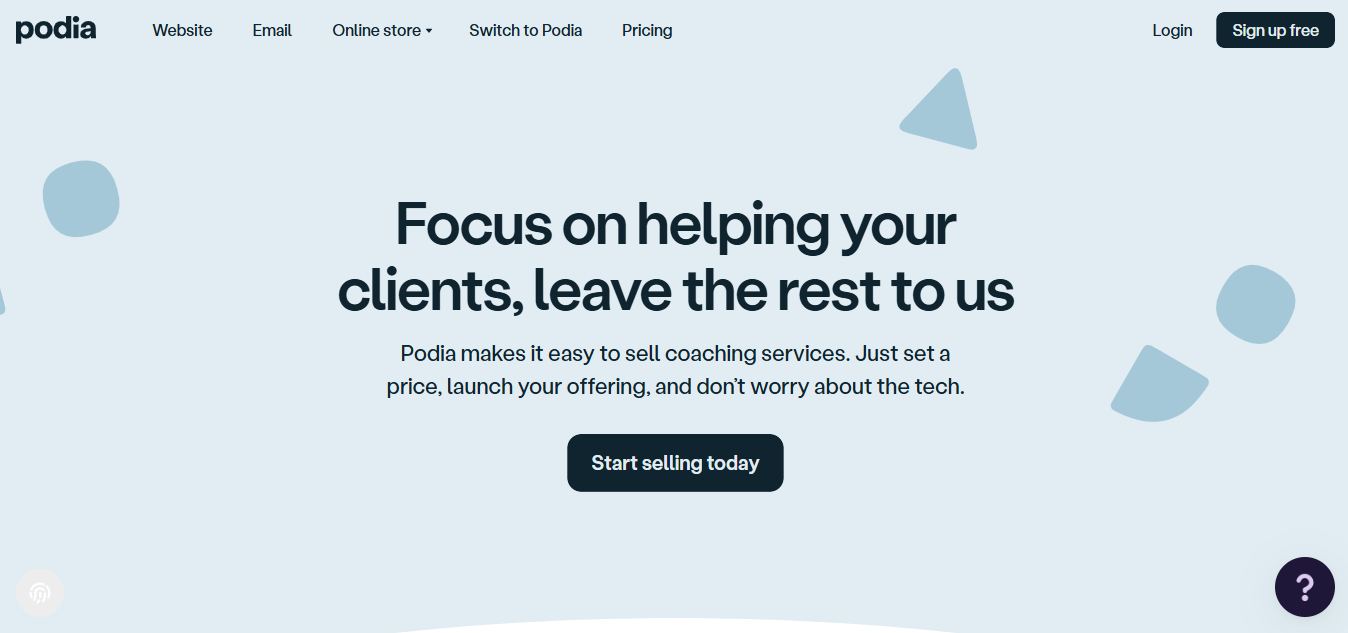
A built-in affiliate program, an easy setup that works even before your product is finished, and support that users consistently praise make it a gentle place to start. Integrations include Zoom, Zapier, ConvertKit, Stripe, and PayPal. The trade is limited sales page personalization, and the entry plan carries a transaction fee.
Older listings cite about $33 per month with a 5% fee on the entry plan. I would choose it for a creator who wants an affordable, simple all-in-one and does not need deep design control, and I would check which features sit on higher plans.
Pros:
- Courses, downloads, memberships, and subscriptions in one place
- Built-in affiliate program
- Easy to use and friendly to set up
- Support that users consistently praise
- Integrations with Zoom, Zapier, ConvertKit, Stripe, and PayPal
Cons:
- Sales page editor offers limited personalization
- Entry plan carries a 5% transaction fee
Pricing: Older listings cite about $33 per month with a 5% transaction fee on the entry plan; higher plans remove the fee.
3. Thinkific – Best for Scaling Digital Learning Through Branded Course Websites
Thinkific turns your expertise into a learning experience, with custom courses and membership sites and plenty of ways to keep an audience engaged. It scales from ten learners to ten million, and custom domains and web themes, live lessons and events, quizzes and assignments, and drip scheduling are among its core features.
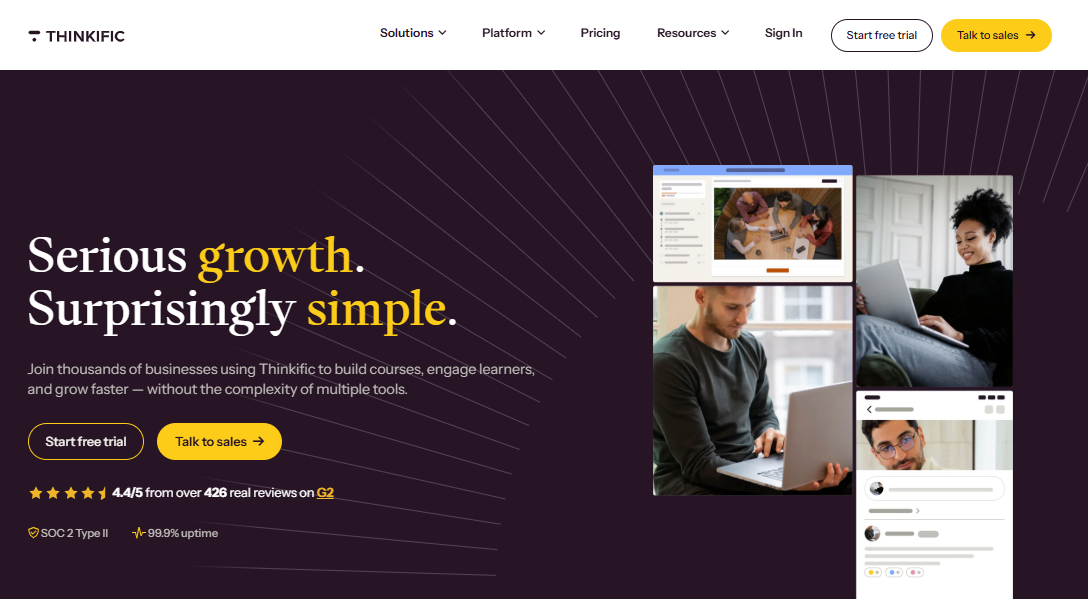
Community spaces, notifications, product bundles, coupons, and cross-selling help with revenue, and integrations with Shopify, Zapier, Mailchimp, Zoom, and Google Analytics extend it. Analytics show how your audience behaves. Transaction fees stay at 0% on paid plans, which answers a common cost complaint about Kajabi.
The 2026 price increase and the end of the free plan are real costs, and design customization can need coding on some plans. I would choose it for entrepreneurs and small businesses who want branded course websites without a heavy bundle, and I would test the analytics against your needs.
Pros:
- Custom domains and branded web themes
- Live lessons, quizzes, assignments, and drip scheduling
- Community spaces, bundles, coupons, and cross-selling
- 0% platform transaction fees on paid plans
- Integrations with Shopify, Zapier, Mailchimp, and Zoom
Cons:
- No permanent free plan, only a trial
- Deeper design customization can need coding
Pricing: Basic starts at $40 per month on annual billing, scaling to $164 per month for Grow.
4. Teachable – Best for a Fast, All-in-One Launchpad for Courses and Coaching
Teachable lets you share what you know and get paid for it, whether through online courses, digital downloads, or coaching. You prepare your product, set a price, and upload it, and years of work with creators show in an intuitive drag-and-drop course builder and a fully customizable sales page builder.
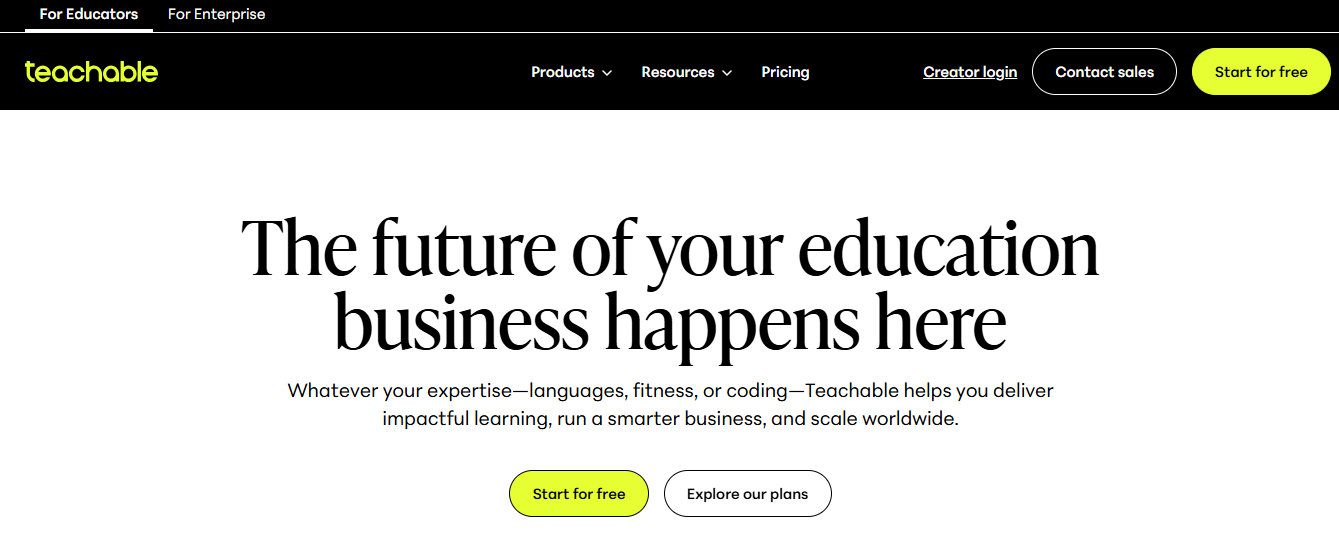
Direct integrations with tools you already use, plus learner-side features that drive engagement, round out the package, and training course video hosting is built in. Integrations include Calendly, Zapier, Mailchimp, and Google Analytics. A native iOS and Android app comes with paid plans, which Kajabi learners often ask about.
The trade is the fee structure: the entry Starter plan takes 7.5% of each sale on top of card processing, and there is no permanent free plan. Reviewers also describe uneven support lately. I would choose it for a beginner who wants to go live quickly and does not need deep customization.
Pros:
- Drag-and-drop course builder
- Customizable sales page builder
- Training course video hosting
- Native iOS and Android app on paid plans
- 0% transaction fees from the Builder plan up
Cons:
- 7.5% transaction fee on the entry Starter plan
- Reviewers report uneven customer service
Pricing: Starter starts at $29 per month on annual billing with a 7.5% fee, scaling to $189 per month for Growth with 0% fees.
5. Kartra – Best for Marketers Who Want Funnels and Courses Under One Login
Kartra is the tool for people who want everything working together in one account, replacing roughly fifteen platforms and services for creating, managing, marketing, and selling courses. It aims to remove duct-taped solutions that add frustration, minimizing points of failure and stress.
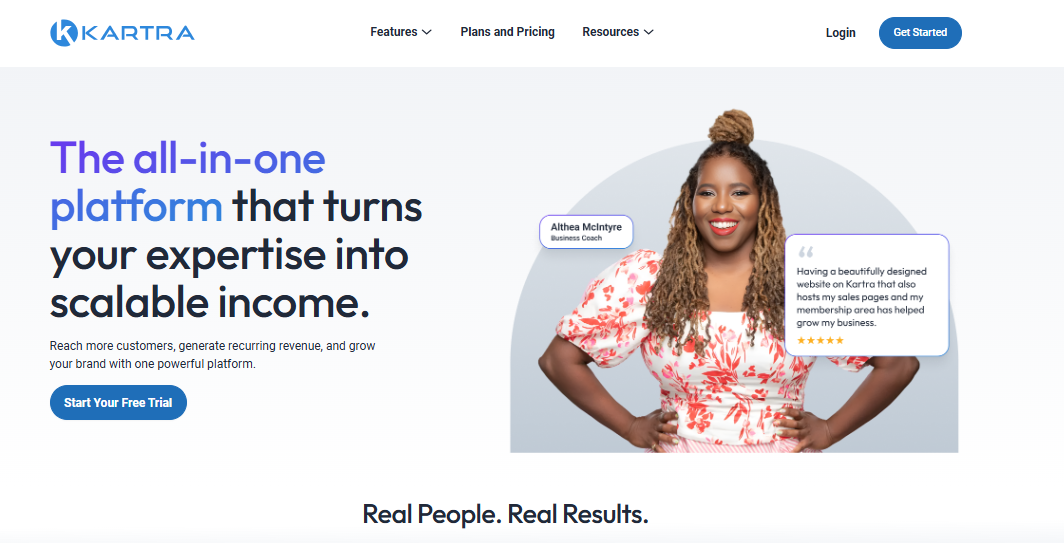
Page templates, lead databases, funnels, campaigns, emails, memberships, videos, forms, a marketplace, and checkouts are among its top features. You can point your own domain at Kartra-hosted pages, and it has been built for beginners and seasoned users alike, with data stored in the cloud. Integrations include Zapier, Stripe, PayPal, SendGrid, and Twilio.
It is powerful but complex, and it fits marketers better than educators. Older listings cite $99 for the first three months, with limits such as one custom domain on that plan. I would choose it for a creator who lives in funnels and automation and would rather learn one deep tool than stack several.
Pros:
- Funnels, campaigns, email, and checkouts in one account
- Memberships, videos, forms, and a marketplace
- Your own domain on Kartra-hosted pages
- Replaces many separate tools
- Integrations with Zapier, Stripe, PayPal, SendGrid, and Twilio
Cons:
- Powerful but complex, with a steeper learning curve
- Entry plan limits such as one custom domain
Pricing: Older listings cite about $99 for the first three months; confirm current pricing and plan limits.
6. Mighty Networks – Best for Community-First Courses and Memberships
Mighty Networks puts vibrant digital communities first. You can bring your courses, memberships, and other offers and stay on brand on the web, Android, or iOS, and you can start with a free community before adding a paid membership, live streaming, events, and dedicated course communities.
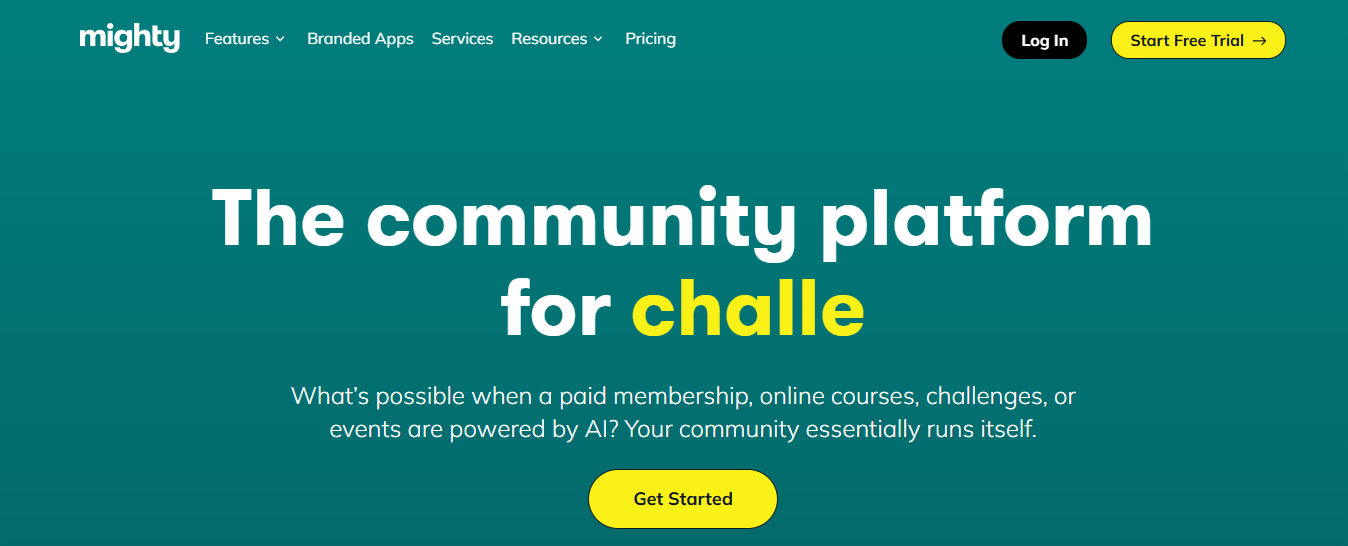
Cohort-based courses, event series, chat communities, web pages, videos, articles, and insights make it feel like a membership home rather than a course shelf, which is what Kajabi’s basic community features often lack. Integrations include Zapier, Zoom, YouTube, and Stripe.
Reviewers say personalization is limited, so competitors’ networks can look alike, and members sometimes need to accept invitations manually. Older listings cite about $41 per month, and the Launch plan is cited at $95. I would choose it for a creator whose community is the product, and I would check which features sit on the plan you need and test personalization first.
Pros:
- Community-first design with events and chat
- Cohort-based courses and event series
- Branded experience on web, Android, and iOS
- Free community to start
- Integrations with Zapier, Zoom, YouTube, and Stripe
Cons:
- Limited personalization, so networks can look alike
- Members sometimes need to accept invitations manually
Pricing: Older listings cite about $41 per month; the Launch plan is cited at $95 per month.
7. LearnWorlds – Best for Interactive Video and Customizable Course Sites
LearnWorlds helps you build a high-converting course website and craft learning experiences your audience will love. You can sell course bundles, memberships, and subscriptions, and upsell and cross-sell with attractive offers and promotions, whether you are a yoga instructor, chef, or teacher turning a passion into recurring income.
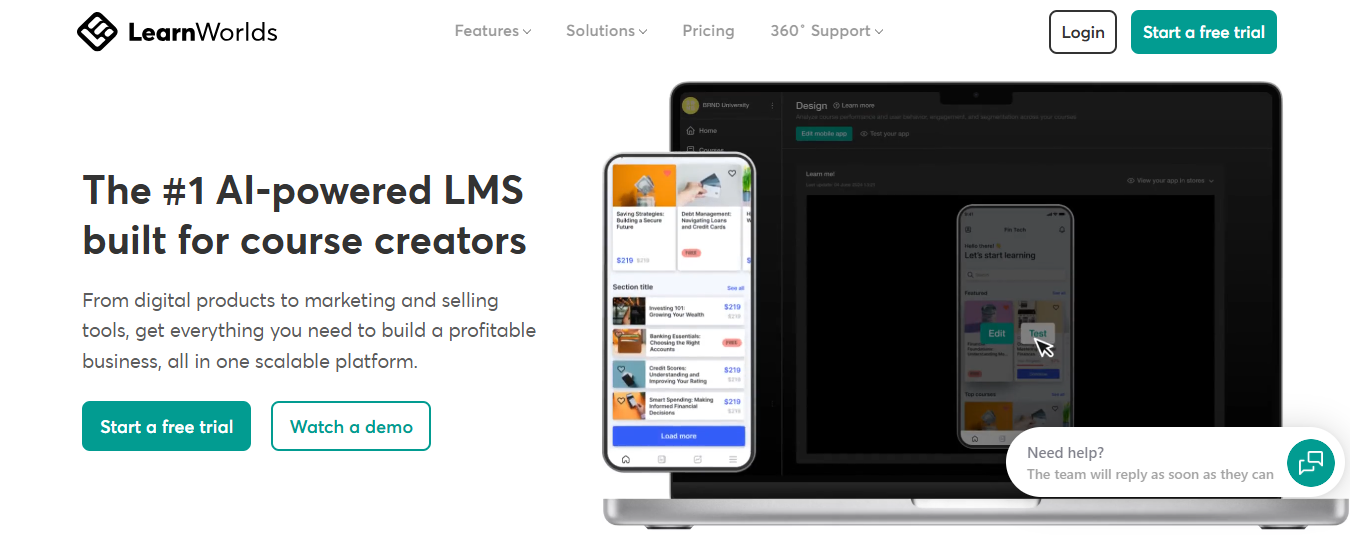
A website builder, marketing tools, affiliate programs, interactive videos, checkout and payments, and analytics and reports are among its helpful features, and the platform keeps evolving. Integrations include Zoom, Zapier, HubSpot, Stripe, and Mailchimp. Marketo and Salesforce are not among them.
The Starter plan carries a flat $5 fee per enrollment, which is worth modeling against your volume, though it disappears on Pro Trainer and above. I would choose it for educators and coaches who want interactivity and customization to deliver immersive learning, and I would price the plan that removes the fee and test the interactive video with one lesson.
Pros:
- Interactive video with embedded questions
- Website builder with checkout, bundles, and promotions
- Affiliate programs and marketing tools
- Analytics and reports
- Integrations with Zoom, Zapier, HubSpot, Stripe, and Mailchimp
Cons:
- Starter plan charges a flat $5 fee per enrollment
- Some key integrations such as Salesforce are absent
Pricing: Starter starts at $24 per month on annual billing with a $5 enrollment fee, scaling to $249 per month for Learning Center with no fee.
8. EzyCourse – Best for Courses, Community, and a Free Branded App
EzyCourse is an all-in-one platform for creating and selling courses, coaching programs, and digital products, with a built-in community that includes a feed, channels, and events. You can run live sessions and webinars and promote your materials through email marketing to reach new learners.

Unlike Kajabi, it offers a free branded mobile app on its Unlimited and Elite plans, and the starting plan has no transaction fees, so you keep your earnings. You can sell unlimited courses on that plan, set different pricing options, add quizzes and assignments, and track students’ progress in one place. An AI site builder and 10K monthly emails with automation are included.
The starting plan is cited at about $55 per month with limits on coaching programs, communities, and events. I would choose it for a creator who wants an all-in-one with a branded app at a lower entry price.
Pros:
- Unlimited courses, custom pages, and active users
- Free branded mobile app on higher plans
- Email marketing with automation
- Built-in community with live sessions and webinars
- No transaction fees on the starting plan
Cons:
- Entry plan limits coaching programs, communities, and events
- Branded app is limited to higher plans
Pricing: Starts at about $55 per month with 0% transaction fees; confirm current plan limits.
9. LearnDash – Best for WordPress Users Who Want Full Control
LearnDash is an LMS that doubles as a course creation and eCommerce platform, created by educators to help you build and administer courses on WordPress. You begin with a customizable template, add content in seconds, and start selling with a ready payment processor, with no coding required.
Onboarding starts once you install it, so you can create courses immediately, visualize content placement, and give access to courses, lessons, and assessments based on custom prerequisites. Since 2012 it has powered programs for major universities, companies, startups, entrepreneurs, and bloggers worldwide.
It carries a tech learning curve, plugin conflicts can need troubleshooting, and the interface can feel dated. It starts at about $199 per year for one site, with payment processor fees on top. I would choose it for a creator already on WordPress who wants control of design, ownership, and monetization, and who has the patience to maintain it.
Pros:
- Course creation and eCommerce on your own WordPress site
- Customizable templates with no coding required
- Access rules based on custom prerequisites
- Video progression support
- Integrations with WooCommerce, Zapier, and Mailchimp
Cons:
- Needs WordPress maintenance and a tech learning curve
- Plugin conflicts can need troubleshooting
Pricing: Starts at about $199 per year for one site; payment processor fees apply separately.
10. Ruzuku – Best for Ultra-Simple Course Creation for Coaches
Ruzuku suits coaches and solo educators who want an ultra-simple, no-fuss way to teach online, whether you are launching your first course or looking for something more efficient. You can use a prebuilt course or design your own, and the platform makes teaching online straightforward so no time is wasted on technology.
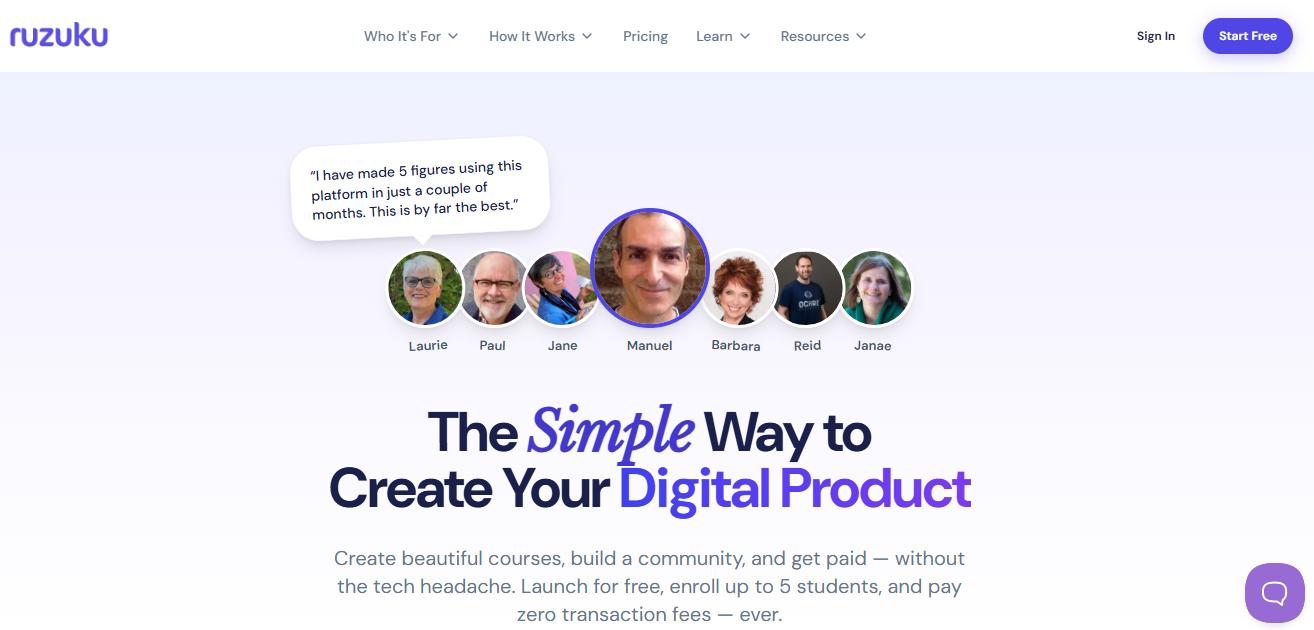
You join a team of experts rather than just buying a tool. An all-in-one website and course builder helps you monetize expertise, and there are no transaction fees and no fancy features that add to the cost. Support is praised as extraordinary, and integrations include Mailchimp, PayPal, and Zoom.
The design of the course itself can be the most time-consuming part, and the teacher-facing side can feel tedious, though learners find the classroom easy to navigate. Pricing starts around $99 per month. I would choose it for a coach who values simplicity and hands-on help over feature depth.
Pros:
- Incredibly easy to use
- No transaction fee on sales
- Prebuilt courses or your own design
- No fancy features that add to the cost
- Support that users praise highly
Cons:
- Course design can be time-consuming
- Teacher-facing side can feel tedious
Pricing: Starts at around $99 per month with no transaction fees.
11. FreshLearn – Best for First-Time Creators Testing Product Ideas
FreshLearn helps you start an online business in record time by turning knowledge into courses, live workshops, digital downloads, and cohorts. It is a one-stop platform that handles the nuts and bolts so you can focus on what you do best, which suits first-time creators testing digital product ideas quickly and affordably.
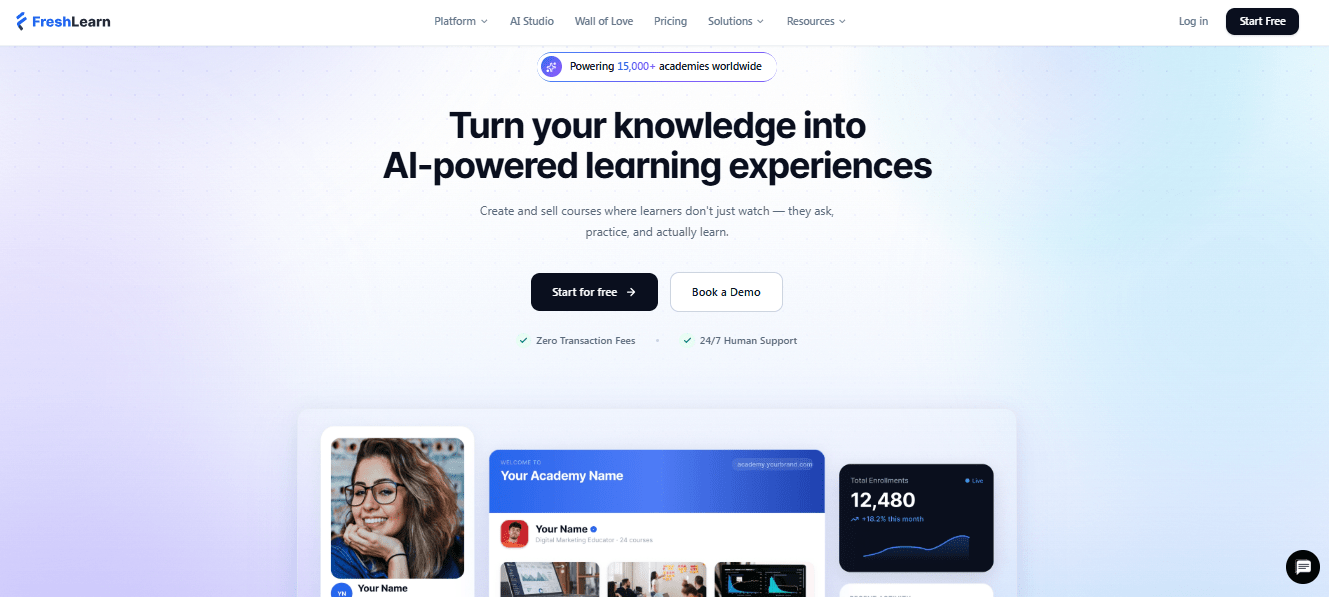
Like other top course platforms, it supports a website builder, email marketing, integrated payments, custom branding, coupons, and reports and insights. Video hosting and a hassle-free launch process reduce setup friction. Integrations include Zoom, Mailchimp, and Stripe.
Finding exactly where to turn a feature on or off can be difficult, and some users needed support to locate settings. Pricing starts around $37 per month and is limited to one admin on that plan. I would choose it for a solo creator who wants a broad foundation at a low price and does not need a team seat.
Pros:
- Courses, live workshops, downloads, and cohorts
- Website builder with email marketing and coupons
- Integrated payments and custom branding
- Video hosting and a simple launch process
- Integrations with Zoom, Mailchimp, and Stripe
Cons:
- Some settings are hard to find
- Entry plan is limited to one admin
Pricing: Starts at around $37 per month, limited to one admin on that plan.
12. Klasio – Best for AI-Assisted Course Building on a Budget
Klasio is a cost-effective, feature-rich course platform for skilled professionals, teachers, and coaches who want to launch and scale without the premium price tag. It stands out for AI capabilities, including an AI course designer that generates content and structures lessons, at a fraction of the cost of larger suites.
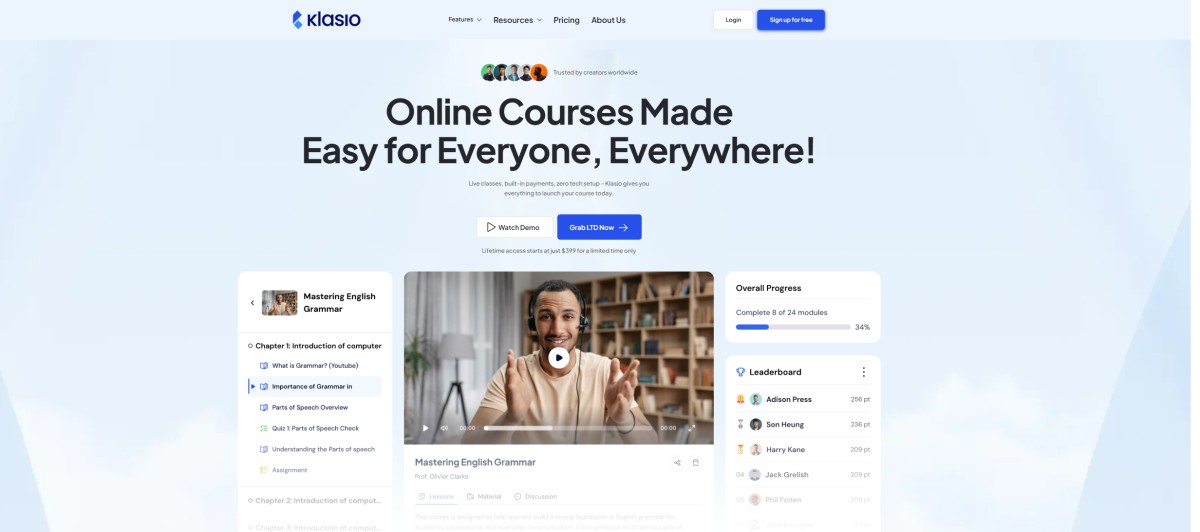
Unlike platforms that limit you to a single website, its higher plans offer multiple websites and unlimited hosting, which helps creators with diverse product lines. A free student mobile app, built-in gamification, and a leaderboard add engagement. Integrations include Stripe, PayPal, Razorpay, Mailchimp, Google Meet, and Zoom.
The Hobby plan is cited at about $49 per month with 0% transaction fees, and a free plan is available. I would choose it for a creator who wants modern AI features and a branded setup at a lower price, and I would test it with one real course.
Pros:
- AI course designer that generates outlines and lessons
- Free student mobile app
- Multiple websites and unlimited hosting on higher plans
- Built-in gamification and leaderboard
- 0% transaction fees
Cons:
- Smaller track record than long-standing platforms
- Multiple websites and unlimited hosting need higher plans
Pricing: Hobby plan cited at about $49 per month with 0% transaction fees; a free plan is available.
My Top Picks Among the Kajabi Alternatives
If you read nothing else, start here. Among all the Kajabi alternatives above, these three cover the three jobs people actually switch for: lower cost with fewer ceilings, community-first selling, and keeping control of your stack.
1. ProProfs Training Maker
If you want a lower-cost Kajabi alternative that is built for learning, this is my pick. Pricing is per learner, a free plan lets you test, and you can sell through your own website with Stripe. It is not an email-and-funnels suite, so pair it with a mailing tool.
2. Mighty Networks
My pick among Kajabi competitors if the community is the product. Cohort courses, events, and chat sit at the center, and the free community tier lets you start small. Check which features sit on the plan you need, since personalization is limited.
3. LearnDash
If you are weighing alternatives to Kajabi that keep ownership with you, this is my pick, and it suits you best if you already run WordPress. You control the design, the data, and the payment processor, and the price is a low annual license. Budget time for maintenance and plugin conflicts.
How I Evaluated These Kajabi Alternatives
I did not rank these alternatives to Kajabi on feature lists alone. Here is what shaped the order:
- User reviews and ratings from Capterra, weighted toward platforms with a meaningful volume of recent reviews, since any list of the best Kajabi alternatives is only as good as the reviews behind it
- Total cost, including subscription, transaction fees, add-ons, and the product and contact limits that push you to higher tiers, which is the loudest reason people look at Kajabi competitors
- Lock-in and exit, meaning whether you can use your own payment processor and export content, members, and subscriptions cleanly
- Course depth, including quizzes, certificates, and SCORM and Tin Can compliance that suit professional training
- Marketing and community, meaning what is built in and what you would still need to stack
- Branding and learner experience, including white-labeling and mobile access
- Fit, matching each platform to a solo creator, a community builder, or a business with a team, and when a Kajabi alternative makes sense versus staying put
Why (and When) Should You Transition From Kajabi?
Kajabi is undoubtedly a polished, all-in-one platform — but it’s not for everyone.
If you’ve outgrown its limitations or are looking for more flexibility and affordability, here’s when it might make sense to explore alternatives:
When Does Switching from Kajabi Make Sense?
- You need a scalable LMS with support for enterprise features like Tin Can API, quizzes, certifications, and multi-admin control.

- You want better pricing flexibility — Kajabi’s flat-rate pricing may not suit solopreneurs or teams with variable user counts.

- You’re looking to monetize beyond digital products, including physical goods, employee training programs, or multilingual audiences.

- You want granular analytics and AI-powered reporting for learning performance, assessments, and drop-off rates.
- You need deeper customization and white-labeling to match brand identity or compliance needs.
Here’s a comparison chart for you to understand when and where to transition:
| Feature / Platform | Kajabi | ProProfs Training Maker | Thinkific | Teachable |
|---|---|---|---|---|
| Starting Price | $149/month | $1.99/learner/month | $0/month | $0/month |
| Free Plan Available | ❌ | ✅ (Small Teams) | ✅ | ✅ |
| SCORM/Tin Can Compliance | ❌ | ✅ | ❌ | ❌ |
| Built-in Quizzes & Certificates | Basic | ✅ Advanced | ✅ | ✅ |
| White Label Support | ✅ | ✅ | ✅ (higher plans) | ❌ |
| AI Reporting & Insights | ❌ | ✅ | ❌ | ❌ |
| Monetization Options | Digital only | Courses, tests, physical/digital products | Digital only | Digital only |
ProProfs Training Maker gives you more control, richer features, and performance-driven tools — at a fraction of Kajabi’s price.
Audit the Bundle Before You Leave It
Every plan looks fair until you list what you actually open.
Kajabi is still a strong choice for established creators who use email, funnels, and community and whose revenue justifies the bundle, and its polished, professional feel is a real strength. Leave when the failing piece is the price, the limits, the fees, or the exit. Among all these Kajabi alternatives, none wins every category, and even the best Kajabi alternatives will not fix a business model you have not defined, so decide which complaint is yours before you migrate. Plenty of Kajabi competitors look cheaper until you add the fees, so list the fees too.
Migration is where fear is highest, and rightly: content exports are usually workable, member data takes effort, and recurring subscriptions are the real risk, so check how payments and subscribers move before you cancel anything. Reviewers frequently flag billing and cancellation experiences, so read the terms and set a calendar reminder. Pick one Kajabi alternative, run one course through it, and keep Kajabi running until the new setup has earned your trust. For creators who mainly need course delivery, I would run that pilot on ProProfs Training Maker too, since a free plan lets you test it with real learners. Anyone weighing alternatives to Kajabi should price a full year including fees.
Frequently Asked Questions
What are the best Kajabi alternatives for course creators?
Thinkific, Teachable, Podia, and LearnWorlds suit course-first creators, Mighty Networks fits community-led offers, and ProProfs Training Maker suits learning-focused sellers. Pilot two with one real course before deciding, and check each one's transaction fees and limits first.
Is there a cheaper Kajabi alternative with similar features?
Yes. Podia, Thinkific, Teachable, and EzyCourse cost less than Kajabi's higher tiers, and ProProfs Training Maker adds white-label branding on per-learner pricing. Compare transaction fees and limits, not only plan prices, and run one course through each.
Who are the main Kajabi competitors for community-first creators?
Mighty Networks is the main Kajabi competitor for community-first creators, while EzyCourse and Podia bundle community features with courses. Check which community tools sit on the plan you actually need, and run one live event on each before you commit.
What should I look for in alternatives to Kajabi?
Compare total cost including transaction fees, product and contact limits, and add-ons. Then check lock-in, export options, branding, and support before you compare long feature lists, and pilot with one course. Ask support how long exports take.
Can I move my courses and subscribers away from Kajabi without losing them?
Content usually moves, but member data takes effort and recurring subscriptions are the riskiest part. Ask any Kajabi alternative how subscribers and payments transfer, and keep Kajabi running until you confirm. Test the move with one small course first.
Which Kajabi alternative lets me use my own Stripe account?
ProProfs Training Maker lets you sell through your own website with Stripe, and LearnDash on WordPress uses your own payment processor. Ask every other vendor how payments and subscriber data are handled before you commit.
Let ProProfs AI create your training course

 We'd love your feedback!
What did you like & how can we make it even better?
 Thanks for your feedback!
 Ask Your Question
Have a question? Get expert help to make your decision easier.