If you are looking for Thinkific alternatives, something has already broken down. From what I’ve noticed, it’s rarely one big issue. It’s usually a few small things that start to stack up.
Maybe it was the 5% Stripe fee quietly eating into your course revenue. Maybe a B2B client asked for a separate admin portal, and you spent 3 hours realizing Thinkific wasn’t built for that. Maybe you just hit the wall where the platform you chose, because it was easy to start on, is now getting in the way of growing.
Whatever triggered the search, you are now in evaluation mode, which is a high-stakes, specific role. You are not looking for a tour of every LMS on the market. You are looking for the right replacement so you do not have to do this again next year.
This guide is built to get you there.
This guide is for:
- Online course creators who have outgrown Thinkific’s features or pricing
- L&D professionals and corporate trainers who need B2B multi-tenancy and compliance tools, Thinkific does not support
- Entrepreneurs looking for cleaner, cheaper options without hidden fees
- Anyone paying for a Thinkific plan and wondering if the math is still “math-ing”
What Is Thinkific, and Why Are Creators Leaving It?
Definition: Thinkific is a cloud-based platform for creating, hosting, and selling online courses. It offers a drag-and-drop course builder, student management, basic analytics, and integrations with email and payment tools. It was built primarily for individual course creators and small online businesses.
For several years, Thinkific held its position as one of the more beginner-friendly course platforms. That reputation is under serious pressure. Here is what has been driving people out.
- No Free Plan Anymore
Replaced with a 14-day trial, removing the low-risk starting point many relied on. - 5% Transaction Fee on Basic Plan
Applies when using Stripe or PayPal in select countries, cutting directly into revenue. - Limited to B2B and Teams
Managing multiple clients, admin roles, or compliance training is difficult at scale. - Content Is Hard to Migrate
Courses often need to be rebuilt from scratch due to a lack of true export flexibility. - Weak Analytics and Slow Support
Reporting lacks depth, and long-standing feature requests often go unresolved.
As of April 2026, Thinkific has 848 reviews on Trustpilot with an average of around 2.3 out of 5, with the most common complaints centered on billing issues and poor support, including charges continuing after account cancellation.
10 Best Thinkific Alternatives For Different Use Cases
If you’re exploring options beyond Thinkific, it helps to look at platforms that align better with different training goals, team sizes, and industries. Here are some strong alternatives designed to support everything from employee onboarding to ongoing skill development. But before that, here’s a quick glance at Thinkific Alternatives:
| Platform | Best For | Starting Price | Capterra Rating | Transaction Fees |
|---|---|---|---|---|
| ProProfs Training Maker | Employee & compliance training | $1.99 per active learner/month | 4.8/5 | None |
| Teachable | Solo creators focused on sales | $39/mo | 4.4/5 | 0% on Builder+ |
| Kajabi | All-in-one marketing + courses | $89/mo | 4.4/5 | None |
| LearnWorlds | B2B, SCORM, interactive video | $24/mo | 4.7/5 | None on paid plans |
| TalentLMS | Corporate/structured training | $69/mo | 4.7/5 | None |
| Podia | Simple, affordable creator platform | $33/mo | 4.6/5 | None on Shaker |
| LearnDash | WordPress, full ownership | $199/yr | 4.5/5 | None |
| Mighty Networks | Community-led learning | $41/mo | 4.8/5 | None |
| Systeme.io | Budget-first all-in-one | Free | 4.8/5 | None |
| MemberPress | WordPress bloggers monetizing content | $179.50/yr | 4.4/5 | None |
To make your choice easier, I’ve grouped the best Thinkific alternatives by use case and need.
- The Best Thinkific Alternatives for Corporate and Employee Training
- The Best Thinkific Alternatives for Course Creators and Entrepreneurs
- The Best Thinkific Alternatives for WordPress Users
- The Best Thinkific Alternatives for Community-Led Learning
The Best Thinkific Alternatives for Corporate and Employee Training
1. ProProfs Training Maker – Best for Employee Training and Compliance
If you are running compliance training, onboarding, or structured L&D programs and ended up on Thinkific because it was easy to start, you probably already know where it starts to break when things get serious.
That’s exactly where I started using ProProfs Training Maker. It’s a cloud-based LMS built for this kind of training. The AI course builder can generate an entire training program from a single prompt, which honestly saves a lot of time when your L&D team is just you, or you’re working against a tight deadline. You can try it yourself below:

Let ProProfs AI create your training course
You can still build everything from scratch using videos, presentations, interactive questions, and branched scenarios. Or you can skip the heavy lifting and let AI customize one from the library of 500+ ready-made courses on OSHA safety, harassment prevention, leadership, and more.
What I like most is the visibility. I can track completions, quiz scores, time spent, and certification status without exporting anything. The built-in anti-cheating features, like question randomization and time limits, also make assessments feel more reliable. And the pricing makes more sense for training use cases. You pay $1.99 per active learner/month, so costs scale with the number of learners actually training, not just the number of seats sitting idle.
Pros:
- AI course generation from a prompt
- 500+ ready-made compliance and skills courses
- Granular audit trails and certification tracking
- 70+ language support, SCORM compatible
- Integrates with Salesforce, BambooHR, Zoom, and more
Cons:
- No downloadable or on-premise version
- No dark mode
Capterra rating: 4.8/5
Pricing: Free plan available. Paid plans from $1.99 per active learner/month. Business plan at $3.99/active learner/month.
2. TalentLMS – Best for Structured Professional Training at Scale
I’ve seen TalentLMS come up a lot in conversations with L&D teams managing structured training across departments. One team I worked with at a mid-sized company used it, and what stood out was how cleanly it handled multi-team setups through its branch structure.
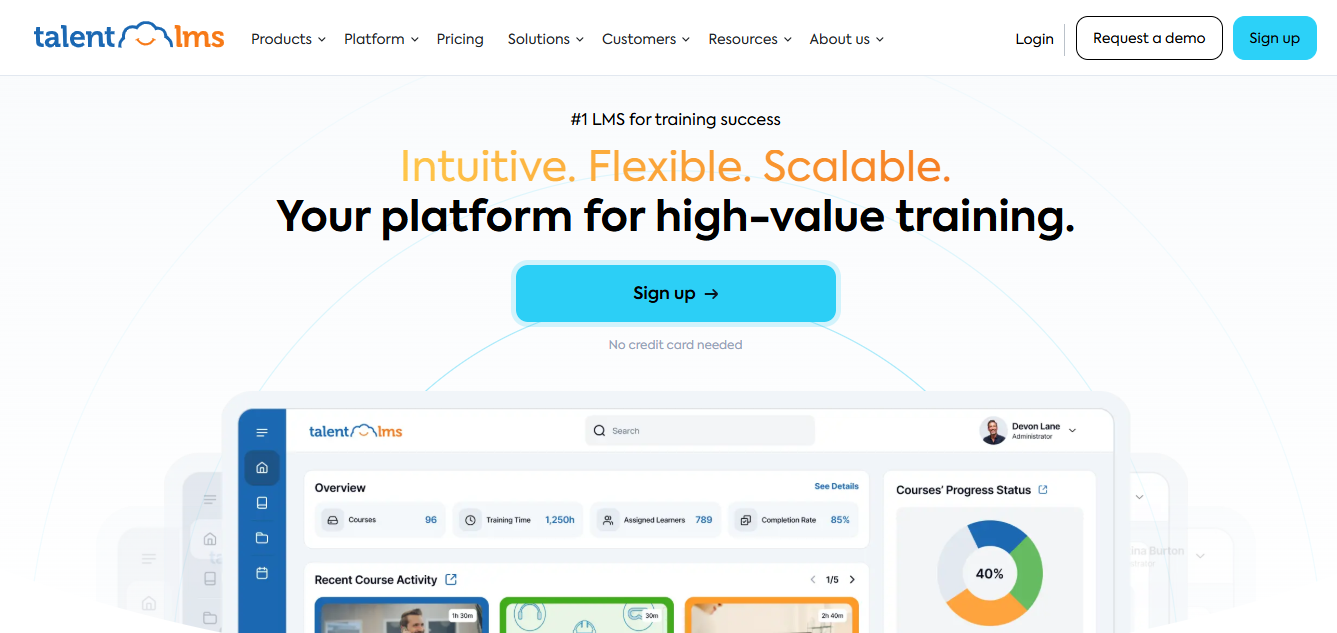
From what I’ve explored, it covers most of what corporate training teams expect. SCORM support works well, reporting is solid for compliance tracking, and gamification features like badges and leaderboards are built in without extra effort.
The TalentLibrary is a practical addition. Instead of building everything from scratch, you can plug in ready-made courses for topics like safety or communication.
The main concern I’ve heard repeatedly is pricing. It starts reasonably, but once teams grow, the jump between tiers can feel steep.
Pros:
- Solid SCORM support
- Branch-based admin structure for multi-team organizations
- Gamification with badges and leaderboards
- TalentLibrary ready-made content catalog
- Strong HR tool integrations
- Fast deployment compared to enterprise systems
Cons:
- Interface feels dated compared to newer tools
- Pricing scales steeply with user volume
- Limited branding customization on lower tiers
- Narrower customization options than more flexible platforms
Capterra rating: 4.7/5
Pricing: Starts at $69/month for up to 40 active users. Free plan available for small teams.
3. LearnWorlds – Best for B2B Clients, SCORM, and Interactive Video
I don’t use LearnWorlds day-to-day, but it keeps coming up whenever someone needs proper SCORM support or training across multiple client organizations. A few teams I’ve interacted with prefer it specifically because multi-tenancy works the way you expect, without needing workarounds.
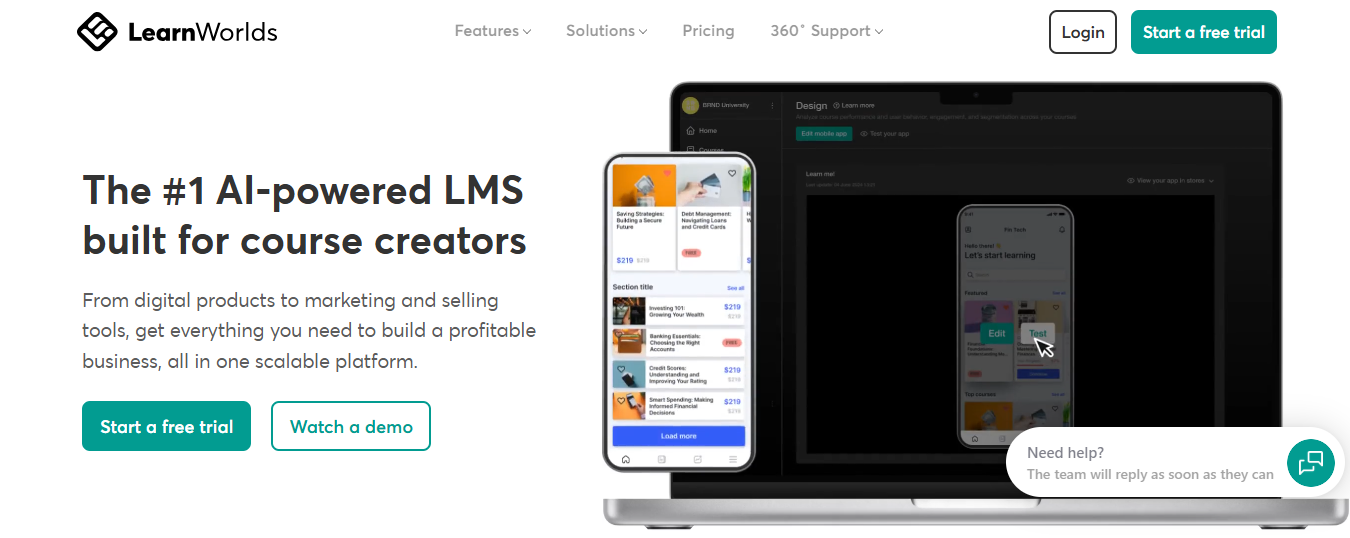
From what I’ve explored, the control it gives over the learning experience is a big step up. The interactive video feature, where quizzes can be embedded directly into videos, is something most platforms still don’t handle well.
The trade-off is complexity. Almost everyone I’ve spoken to mentions that it takes time to get comfortable with the interface. If simplicity is your top priority, this can feel like a lot. But if you need flexibility for B2B training, it starts to make sense.
Pros:
- Strong SCORM support across most plans
- Interactive video with in-video assessments
- White-labeling available without going to the top tier
- Customizable course player
- Localized payments for international audiences
- Built-in affiliate and marketing tools
Cons:
- Steep learning curve at setup
- Starter plan charges $5 per sale (waived on Pro Trainer and above)
- Some enterprise integrations like Salesforce and Marketo come at additional cost
Capterra rating: 4.7/5
Pricing: Starter at $24/month. Pro Trainer at $79/month (removes transaction fees, unlocks most B2B features). Learning Center at $249/month.
The Best Thinkific Alternatives for Course Creators and Entrepreneurs
4. Teachable – Best for Solo Creators Focused on Sales
I’ve tested Teachable briefly while comparing course platforms, and it feels like the closest alternative to Thinkific for individual creators. The setup is straightforward, and the checkout experience is noticeably cleaner.

A few creators in my network use it mainly for its affiliate features and ease of selling. It doesn’t try to do too much, which actually works in its favor if your goal is to launch and sell courses without building a full ecosystem.
Where it needs attention is the pricing structure. The Starter plan at $39/month charges a 7.5% transaction fee and limits you to just one published product; the Builder plan at $89/month gives you five published products and removes transaction fees entirely. The lower-tier plans look simple at first, but transaction fees and product limits can push you to upgrade sooner than expected.
Pros:
- Clean checkout flow
- Strong affiliate marketing tools
- Student mobile app
- Flexible multimedia course creation
- No transaction fees on Builder and above
- Coaching products supported alongside courses
Cons:
- Transaction fees and tight product limits on the Starter plan
- Email marketing is basic and requires third-party tools for anything beyond simple sequences
- Limited website customization relative to Kajabi
Capterra rating: 4.4/5
Pricing: Free plan with 10% transaction fee. Starter at $39/month (7.5% fee). Builder at $89/month (no fees).
5. Kajabi – Best for Creators Who Need Real Marketing Infrastructure
Kajabi is one of those platforms I’ve spent time evaluating when the goal shifts from just selling courses to actually running a full business around them. It usually comes up when managing multiple tools starts to feel messy.
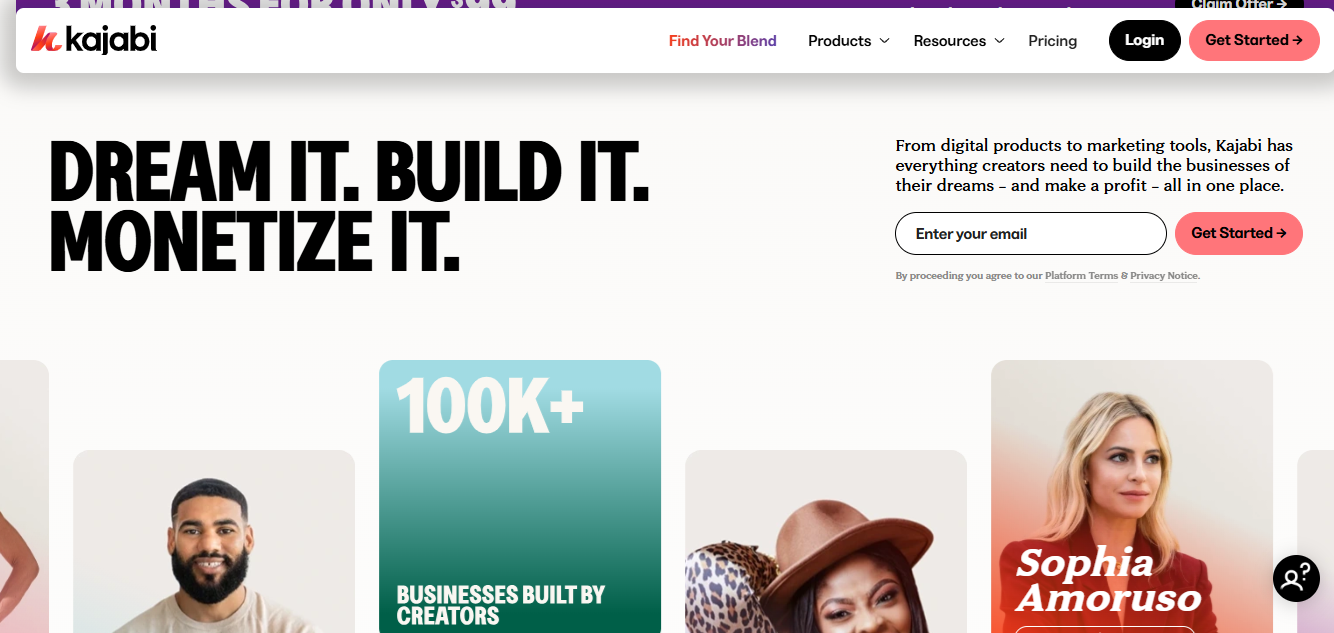
A few founders I know moved to Kajabi after juggling email tools, funnel builders, and course platforms separately. What they liked was having everything in one place. You get email marketing, landing pages, funnels, communities, coaching products, and course delivery under a single dashboard. That alone removes a lot of operational overhead.
From what I’ve explored, it’s polished and actively maintained. The automation is strong enough for most use cases, and the built-in funnels make it easier to scale without relying heavily on third-party tools.
The trade-off is pricing and limits. It’s expensive compared to simpler platforms, and even on higher plans, you’ll run into caps on contacts and products. So it only really makes sense once your course business already has traction.
Pros:
- Truly all-in-one: email, funnels, communities, coaching, website, affiliate management
- Polished UI with active product development
- No transaction fees
- 30-day free trial
- AI course outline generator
- Strong customer support reputation
Cons:
- Expensive relative to single-use course tools
- Product and contact limits even on the Growth plan
- Marketing automation depth falls below dedicated tools like ActiveCampaign
Capterra rating: 4.4/5
Pricing: Starts at $89/month billed annually. Growth plan at $199/month unlocks advanced automation and removes Kajabi branding.
6. Podia – Best for Simple, Affordable Course Selling
Podia feels like the opposite of Kajabi. Where Kajabi adds layers, Podia removes them. I tried it while testing quick course setups, and the biggest thing I noticed was how little friction there is to get something live.
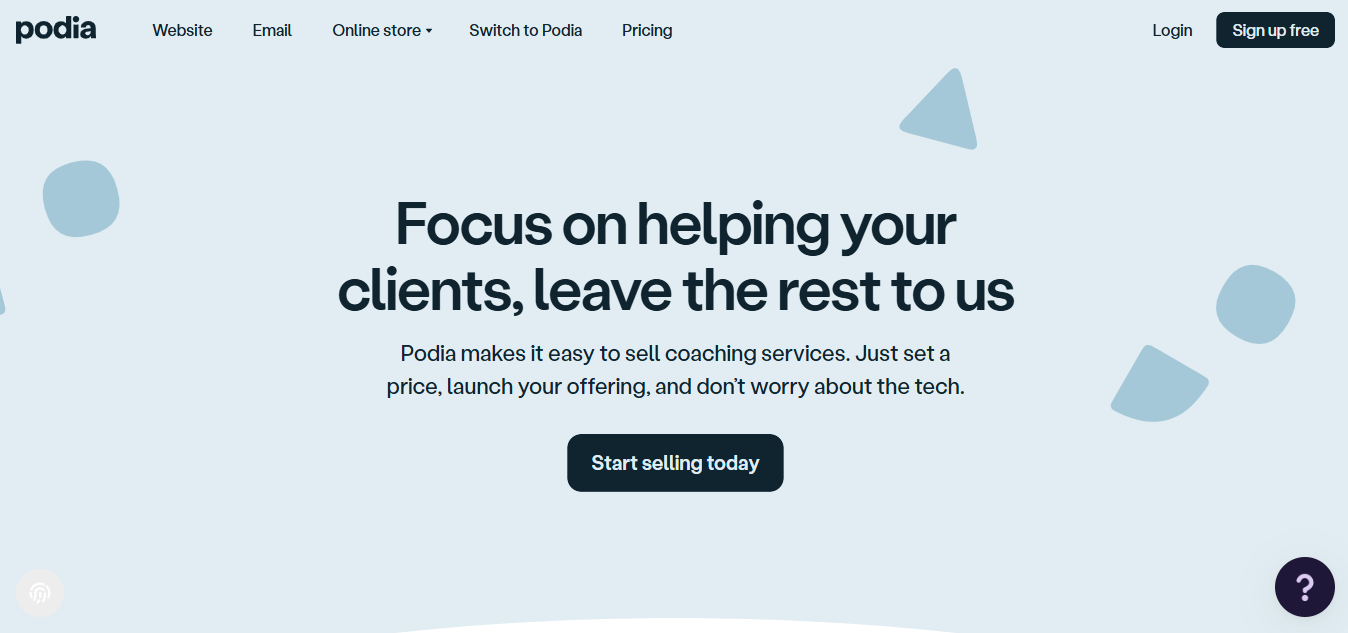
You can create a course, add a digital product, set up email, and start selling without overthinking the setup. I’ve seen creators stick with it simply because it stays predictable and doesn’t get in the way.
But it’s not built for complexity. Once you start needing deeper funnels, customization, or more control over the experience, you’ll start to feel the limits. It works best when simplicity is the priority, not scale.
Pros:
- Clean, beginner-friendly interface
- Built-in email marketing with automations and segmentation
- Supports courses, downloads, memberships, and coaching in one dashboard
- Automatic sales tax collection by customer location
- Free migration of up to five products from other platforms
- No transaction fees on the Shaker plan
Cons:
- Limited checkout and funnel customization
- Coupon codes cannot be edited, only archived and recreated
- No native blogging feature
- Affiliate tools locked to the Shaker plan
- Not suitable for SCORM or corporate compliance training
Capterra rating: 4.6/5
Pricing: 30-day free trial. Mover at $33/month billed annually (5% transaction fee). Shaker at $75/month billed annually (no transaction fees, affiliate tools included).
7. Systeme.io – Best Free Alternative to Thinkific
Systeme.io is the one I looked into mainly because the free plan seemed unusually generous, and it actually holds up. You get funnels, email marketing with automation, course hosting, and even a basic website builder without paying anything up front. That combination is rare, especially without transaction fees.
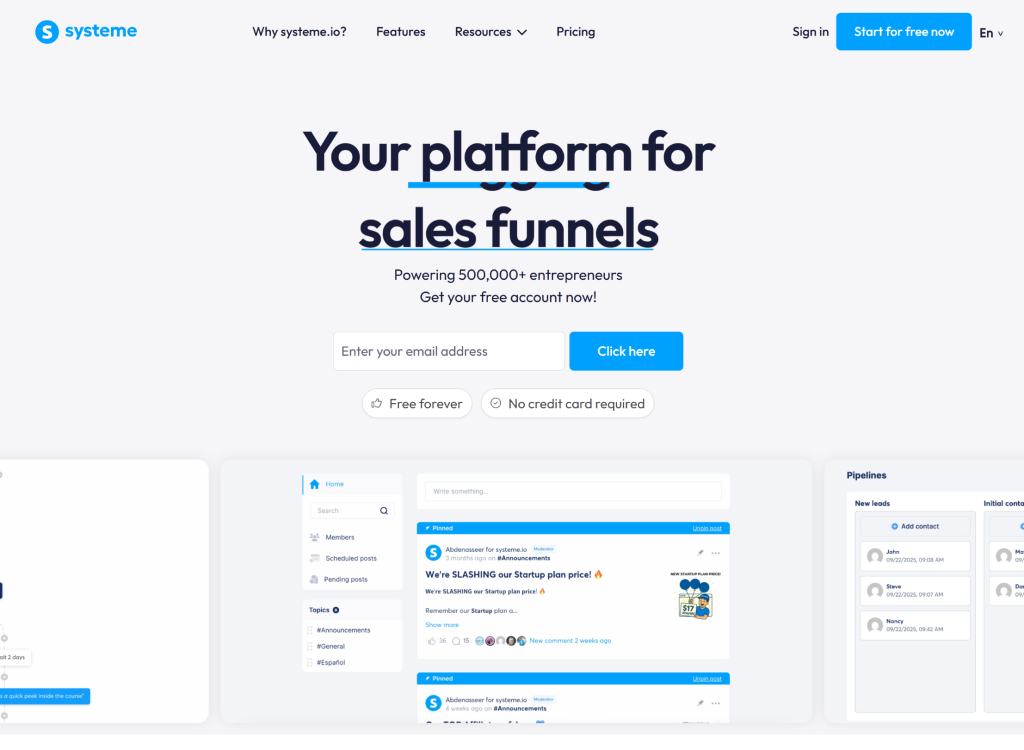
That’s why it keeps coming up for beginners or anyone validating a course idea. You can build a funnel, capture leads, and sell a course without stitching together multiple tools. I also noticed they’ve kept pricing relatively low even on paid plans, which makes it easier to scale without a sudden jump in costs.
Where it shows limits is in polish and ecosystem depth. The interface feels functional more than refined, design customization is limited, and integrations aren’t as extensive as those of more established platforms. I’ve also come across mixed feedback around reliability and support responsiveness.
It works well as a starting point or for lean setups, but if your business depends heavily on stability, branding, or integrations, it’s something I’d test carefully before committing long-term.
Pros:
- Genuinely capable free plan with no transaction fees
- Includes funnels and email automation alongside courses
- Unlimited students across all tiers
- Free migration assistance from other platforms
- Community feature included
- Priced lower than most comparable tools
Cons:
- Interface aesthetics are less polished than Teachable or Kajabi
- Limited design customization
- Third-party integrations narrower than more established platforms
- Some reported reliability issues and support delays
Capterra rating: 4.8/5
Pricing: Free plan with solid core features. Startup at $17/month. Webinar plan at $47/month. Unlimited at $97/month.
The Best Thinkific Alternatives for WordPress Users
8. LearnDash – Best for Full Content Ownership
LearnDash comes up in a completely different kind of conversation. Usually, when someone has been burned by platform lock-in, and doesn’t want to depend on a SaaS tool anymore.
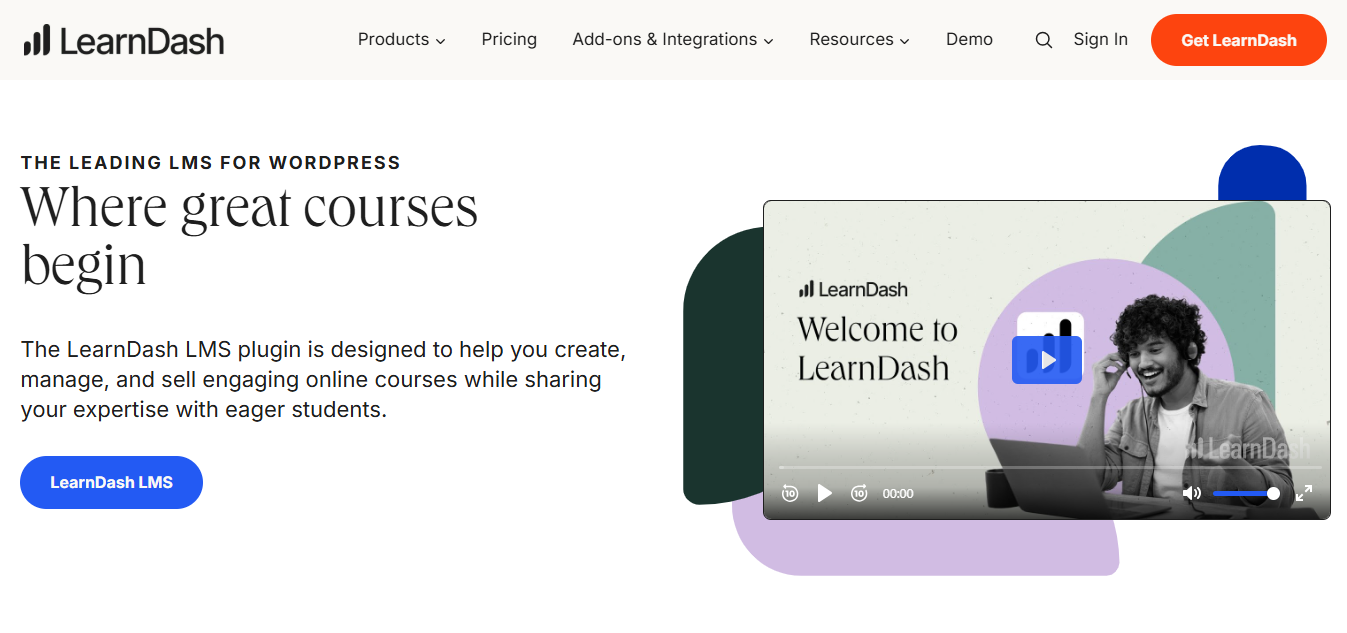
I haven’t run it myself long-term, but I’ve worked with teams that chose it specifically for ownership. Everything lives on your WordPress site. Your content, your data, your control.
From what I’ve seen, the feature set is strong. You can create structured learning paths with prerequisites, drip content over time, issue certificates, and add gamification with points and badges. The quiz builder is detailed enough for serious assessments, and group management works well for cohort-based training. With plugins like WooCommerce, you can also build a full storefront around your courses.
The trade-off is that you’re responsible for the entire setup. Hosting, performance, plugin updates, and integrations all sit on your side. It’s not difficult if you’re comfortable with WordPress, but it’s definitely not as plug-and-play as SaaS platforms.
It’s less about convenience and more about ownership and flexibility.
Pros:
- Complete content and data ownership
- Highly customizable via the WordPress plugin ecosystem
- Learning prerequisites, drip content, and group management
- Gamification with badges and points
- Integrates with WooCommerce, Stripe, PayPal, BuddyBoss, and major email tools
- ProPanel add-on for student-level analytics
Cons:
- Requires WordPress setup and ongoing site maintenance
- No built-in email marketing or sales funnels
- E-commerce needs additional plugins like WooCommerce
- Steeper technical learning curve than any SaaS alternative
Capterra rating: 4.5/5
Pricing: $199/year (single site). $229/year includes ProPanel for advanced student-level reporting.
9. MemberPress – Best for Bloggers Turning Content Into Courses
MemberPress is not trying to be a full LMS, and that’s exactly why it works for certain use cases. I’ve mostly seen it used by people who already have a WordPress audience and want to monetize what they’ve built without switching platforms.
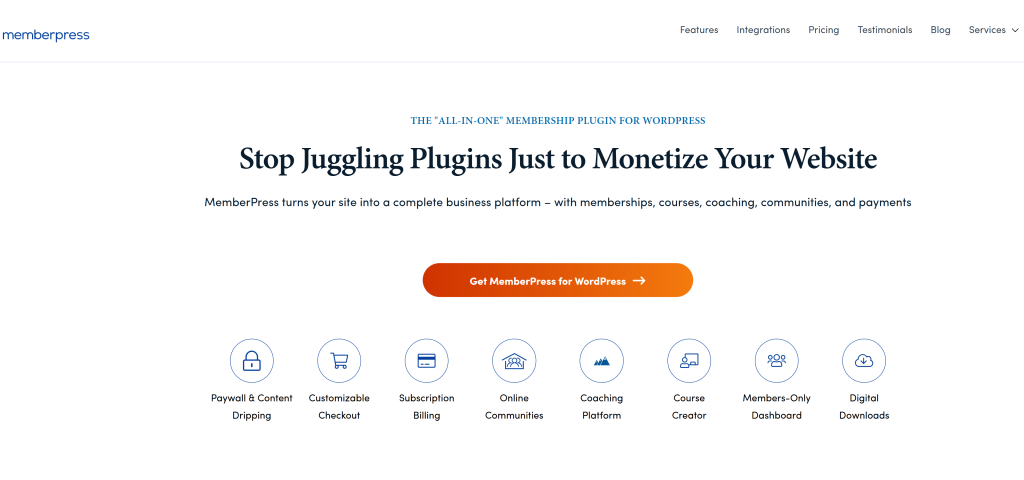
Instead of rebuilding courses elsewhere, you layer structure on top of existing content. The access rules are flexible enough to gate specific posts, categories, or resources behind different membership tiers.
It’s a practical choice if your business is content-first. But if you’re looking for structured training, compliance tracking, or deeper LMS features, this isn’t really built for that.
Pros:
- Strong subscription and membership management
- Integrates naturally with existing WordPress content and plugins
- Flexible content gating across specific posts, categories, or content types
- No transaction fees
- One-time annual fee rather than a monthly SaaS subscription
- Drip scheduling, quizzes, and completion certificates via the Courses add-on
Cons:
- Requires WordPress and technical comfort with plugin setup
- Course builder is less polished than dedicated LMS tools
- No community features without additional plugins
- Does not replace a full LMS for organizations needing compliance tracking
Capterra rating: 4.4/5
Pricing: Basic at $179.50/year. Pro at $299.50/year. Elite at $399.50/year.
The Best Thinkific Alternatives for Community-Led Learning
10. Mighty Networks – Best for Learning Through Community
Mighty Networks feels different the moment you look at it. I explored it while trying to understand community-led learning, and it’s clear the platform is built around interaction, not just content delivery.
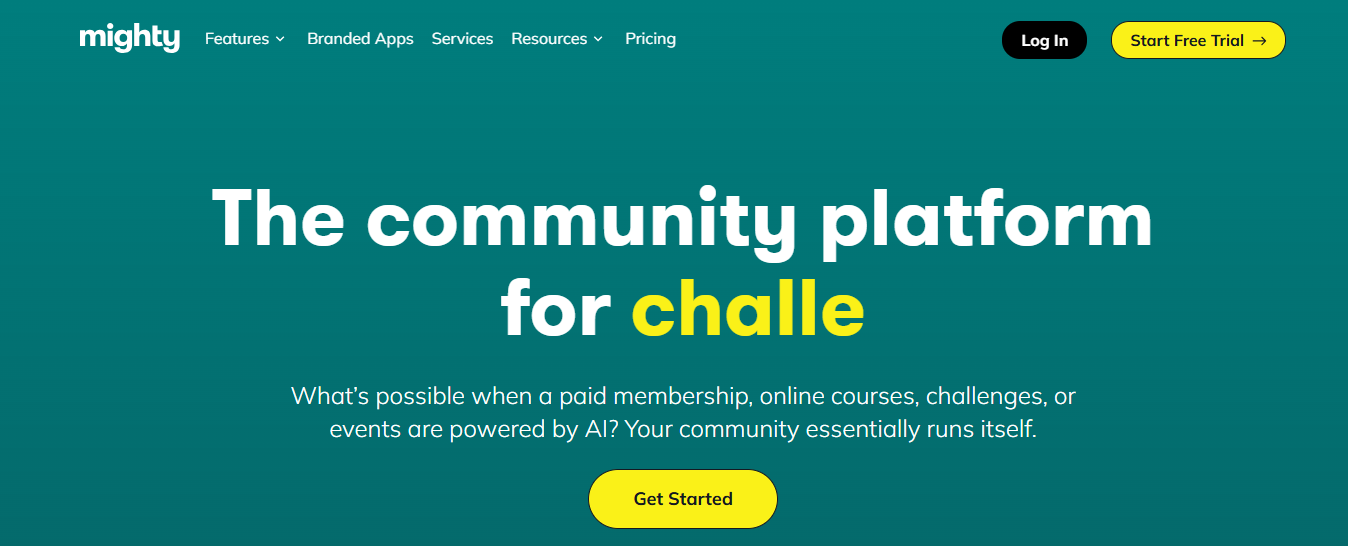
People I’ve spoken to who run cohort-based programs or paid communities tend to prefer it because learning happens through discussions, live events, and peer interaction, not just linear lessons. In fact, a large portion of the content is often created by members themselves, which tells you how community-driven the platform really is.
From what I’ve seen, the native mobile apps help keep engagement high, and the option to launch a branded app on higher plans gives it more of a standalone feel. There’s also flexibility to run courses alongside the community, so you’re not limited to just one format. Payments support multiple currencies, which matters if your audience is global.
The trade-off is on the integration side. It’s not as open as other platforms, and you’ll likely rely on tools like Zapier to connect things. It also leans heavily toward Stripe for payments. So if your goal is structured, compliance-style training, this isn’t really built for that. But for community-first learning, it does exactly what it’s supposed to.
Pros:
- Strong community tools built around member interaction
- Native iOS and Android mobile apps
- Branded app option on higher tiers
- AI co-host for content and community generation
- 135+ currency support
- Cohort and live event tools built in
- Member-matching and discovery features
Cons:
- Limited third-party integrations, no native API
- Stripe only, no PayPal support
- Interface complexity can challenge new members navigating for the first time
- Full feature set requires higher-tier plans
- Not suited for SCORM or corporate compliance training
Capterra rating: 4.8/5
Pricing: Courses plan at $41/month billed annually. Business plan at $99/month. Mighty Pro (branded app) at custom pricing.
Which Thinkific Alternative Is Right for You?
Before comparing features, figure out which bucket you are actually in. The right answer depends entirely on this.
Running Corporate or Employee Training?
Thinkific was never built for you. It is a creator platform, not a corporate LMS. The lack of multi-tenancy, SCORM support, and compliance tracking was not an oversight; it reflects what the product was designed for. You need a different tool category. Start with ProProfs Training Maker; add TalentLMS if you need branch-based admin at scale, or LearnWorlds if SCORM and interactive video are hard requirements.
Frustrated With Pricing or Hidden Fees?
The solution is not necessarily the cheapest tool. It is the tool that lets you predict your total cost of ownership over 12 months. Some “cheaper” platforms charge separately for features you will eventually need, replicating the same problem. ProProfs Training Maker’s per-active-learner model keeps costs proportional; Podia and Teachable on paid plans are the cleanest options for solo creators.
Worried About Content Ownership and Vendor Lock-In?
ProProfs Training Maker gives you full data ownership with exportable reports and audit trails. If you additionally want your course files hosted on your own server entirely outside any SaaS dependency, the WordPress-based route covers that: LearnDash or MemberPress for complete infrastructure control.
Scaling a Creator Business With Real Marketing Needs?
You are looking at a different platform class than Thinkific, and the price difference reflects that. Kajabi is the most complete option. LearnWorlds sits a step below in marketing depth but is stronger on course structure and SCORM.
What Are the Four Mistakes That Make Platform Switches Fail
Switching platforms does not fail because the new tool is bad. It usually fails because the evaluation focused on the wrong things.
1. Solving the Symptom Instead of the Root Problem
If Thinkific is breaking down because you need multi-tenancy or compliance audit trails, no amount of cheaper pricing fixes it. A $20/month platform with the same structural limitations gives you the same problems in six months. Before evaluating any alternative, identify the specific workflow that is actually broken and check whether the new platform solves it at an architectural level, not just in the feature list.
2. Treating the Trial Like a Tour
The most valuable thing you can do during any free trial is find the workflow that broke on Thinkific and execute it end-to-end on the new platform. Not the easy stuff. The specific thing. If your problem was annual compliance recertification, test exactly that. If your problem was managing separate client portals, build one. A platform that looks great on a product page can still have exactly the same wall you hit on Thinkific.
3. Skipping the Export Policy Check
Every platform sounds flexible until you try to leave. Before signing up for anything, look for clear documentation on what you can export, in what format, and whether student data is accessible without a support request. This check costs ten minutes upfront and potentially months of pain later.
4. Underestimating Total Cost of Ownership
A Thinkific Basic plan that appears to be $36/month can quietly exceed $100/month once payment processing penalties and essential integrations are factored in. The same math applies to every alternative on this list. Before committing, model what you will actually pay at your current revenue and user volume, including payment processing, the integrations you depend on, and the first tier upgrade you are likely to hit within a year.
How to Choose the Right Platform Without Regretting It in 12 Months
Here is a fast decision framework based on the platforms above.
1. Corporate or employee training is your primary use case: start with ProProfs Training Maker or TalentLMS; both handle compliance tracking, audit trails, and multi-admin structures that Thinkific does not. Add LearnWorlds to your shortlist if SCORM support and interactive video are requirements.
2. You are an individual creator selling courses: Teachable and Podia are the closest Thinkific equivalents with cleaner pricing; Kajabi is the upgrade path when you need marketing infrastructure to support growth; Systeme.io is the right answer if you are pre-revenue and need to start free.
3. Content ownership is the non-negotiable: LearnDash on WordPress is the only option that gives you full structural control; accept the setup complexity as the cost of that control.
4. Community is central to your learning model: Mighty Networks is the only platform here genuinely built for community-first learning; everything else treats community as a bolt-on feature.
The platform you are on should get out of your way and let you teach. If it is not doing that, the friction is information worth acting on.
Is Switching Platforms Really Worth the Effort?
For most people asking this question, the answer is yes, but only if you switch to the right thing. The pain of switching is real and front-loaded: content rebuilds take time, student communication requires planning, and the first two weeks on a new platform always involve unexpected friction. But that is a one-time cost.
Staying on a platform that structurally cannot do what you need, or charges you progressively more for less, is a recurring cost with no end date. The math tends to favor switching sooner than it feels comfortable to do so.
The key is not to rush it. Run the trial properly. Test the broken workflow. Check the export terms. Model the real price. Pick the platform that solves the actual problem, and you are unlikely to be back on this same search in another 12 months.
Frequently Asked Questions

Is there a free alternative to Thinkific?
ProProfs Training Maker offers a free plan for growing businesses. Systeme.io has the most capable free plan, covering courses, funnels, and email marketing with no transaction fees.
Which Thinkific alternative is best for employee training?
ProProfs Training Maker. It is built specifically for corporate L&D, including compliance tracking, audit trails, role-based administration, and recertification workflows. TalentLMS is a strong second choice for larger organizations that need branch-based admin and HRIS integrations.
What are the main limitations of Thinkific?
No multi-tenancy or separate client portals, no clean recertification workflow, a proprietary course builder that complicates migration, a 5% transaction fee on the Basic plan for US/Canada/UK users using Stripe or PayPal, and the removal of the free plan.
Can I migrate my courses from Thinkific?
Videos and PDFs you uploaded are yours and portable. If you built a course structure inside Thinkific's proprietary drag-and-drop builder, expect to rebuild layouts from scratch. Student data exports to CSV with minimal friction.
Which Thinkific alternative has no transaction fees?
ProProfs Training Maker charges none, and neither do most paid plans across this list: Kajabi, TalentLMS, LearnWorlds (Pro Trainer and above), Teachable (Builder and above), Podia (Shaker plan), and Systeme.io. Fees only appear on free or entry-level tiers of competing platforms.
Which platform is better, Thinkific or Kajabi?
Different tools for different stages. Kajabi is the stronger choice when you need marketing funnels, email automation, and an all-in-one business platform. Thinkific is simpler and cheaper if all you need is course delivery without the marketing layer.
Let ProProfs AI create your training course

 We'd love your feedback!
What did you like & how can we make it even better?
 Thanks for your feedback!
 Ask Your Question
Have a question? Get expert help to make your decision easier.