
I’ve sat in enough meetings where the question was some version of: “Why didn’t people finish the training?” And the answer, almost every time, wasn’t that people were lazy. It was that the training was boring, badly structured, or so disconnected from actual work that nobody could see the point of finishing it.
That’s when I started looking seriously at AI learning management systems. Not because AI is fashionable, but because the problems I was dealing with (low completion, manual admin work, zero personalization, and compliance chaos) weren’t going to solve themselves with another PowerPoint upload.
If you’re here because you’re searching for the best AI LMS and you want a straight answer on which platforms are actually worth your time in 2026, this is it.
What Is an AI LMS?
The practical difference is bigger than the definition suggests. A traditional LMS gives you a place to upload content and track completions. An AI LMS watches what’s working, flags where people are dropping off, suggests content adjustments, and in some cases builds the course for you from a prompt or an existing document.
That said, “AI” gets thrown around loosely in this space. Some platforms use it for meaningful automation. Others have bolted a chatbot onto their homepage and called it AI. The distinction matters, and I’ll flag it for each tool below.
Also Watch: Stop Scattered Training in 30 Seconds
The 7 Best AI LMS Platforms I’d Recommend in 2026
Here’s a quick lay of the land before we get into the details. These aren’t ranked by hype. They’re ranked by what actually moves the needle for training teams dealing with real operational problems.
| AI LMS | Best For | Starting Price |
| ProProfs Training Maker | Faster course creation and compliance training | Free; paid from $1.99/active learner/month |
| Absorb LMS | Complex enterprise training programs | Custom pricing |
| 360Learning | Collaborative, peer-driven learning | From $8/user/month |
| Docebo | Automating enterprise training at scale | Custom pricing |
| LearnUpon | Multi-audience training (employees + customers) | From $15,000/year |
| Paradiso LMS | Highly customized training portals | Custom pricing |
| Cornerstone OnDemand | Large organizations with advanced workforce needs | Custom pricing |
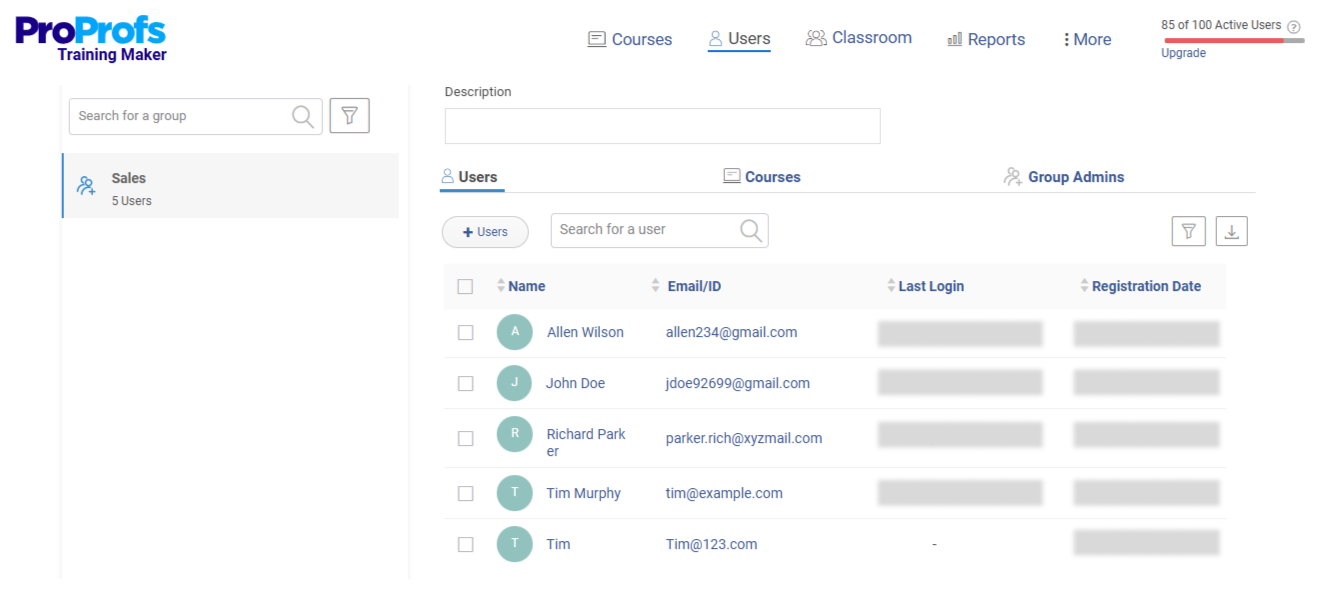
1. ProProfs Training Maker – Best for Easy AI-Powered Course Creation and Compliance Training
If your biggest bottleneck is time, ProProfs Training Maker is worth your serious attention.
The AI course builder takes a prompt and generates a complete training program, which isn’t a gimmick; it’s genuinely useful when you need to spin up a harassment prevention course before an audit or onboard a new hire cohort on short notice.

Let ProProfs AI create your training course
What I find most valuable is the combination of speed and structure. You’re not starting from scratch every time. There’s a library of 500+ expert-built courses covering sexual harassment prevention, workplace safety, leadership, and communication, all editable. You customize what you need, skip what you don’t.
Features worth knowing about:
- AI course builder generates complete training from a single prompt
- 500+ ready-to-use courses across compliance and skills topics
- Branched scenarios, gamification, and flashcards for engagement
- Built-in quizzes with anti-cheating controls and flexible question types
- Real-time progress tracking, completion reports, and certification management
- 70+ language support for global or multilingual teams
- Integrates with Salesforce, Justworks, and SSO tools; supports SCORM/xAPI
Pros:
- Course creation is fast, and the AI does the heavy lifting on first drafts
- Compliance training is built-in, not bolted on
- Analytics actually surface where learners are stuck, not just whether they finished
- Custom branding and white-labeling for a consistent learner experience
- Mobile-ready for field teams and remote workers
Cons:
- No on-premise or downloadable setup
- No dark mode
Pricing: Free plan available for small teams. Paid plans start at $1.99/active learner/month, with Business at $3.99/active learner/month.
Best for: Training managers who need to move fast on compliance, onboarding, or skills training without a team of instructional designers.
2. Absorb LMS – Best for Managing Complex Enterprise Training Programs
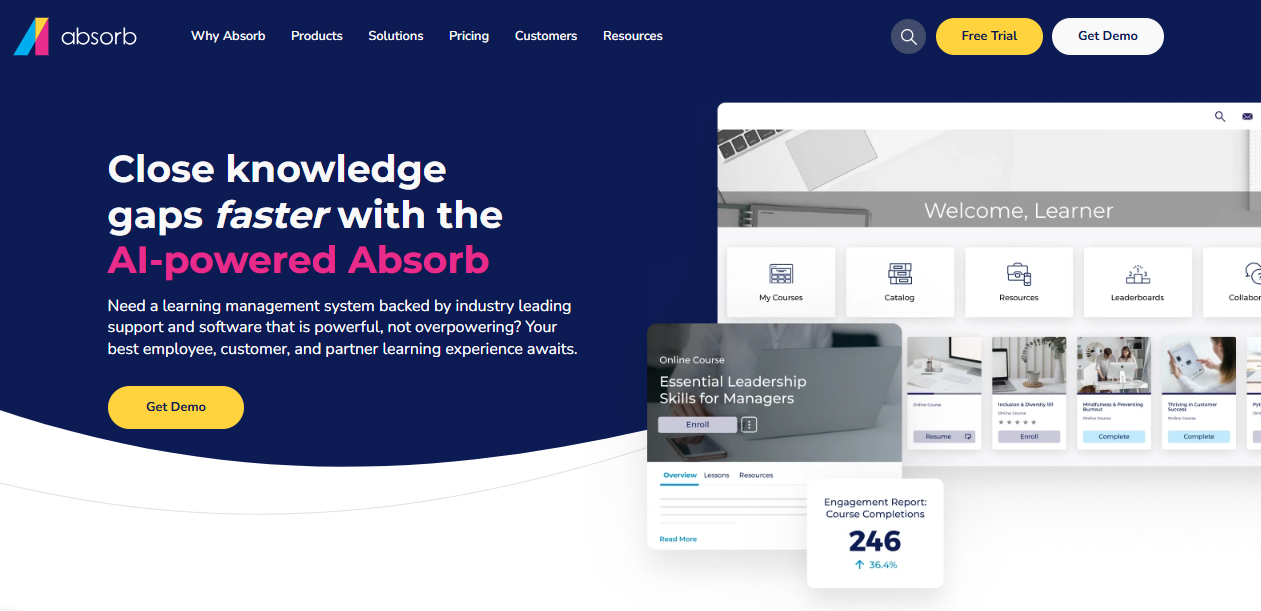
Absorb is built for organizations where training isn’t just one department’s job; it’s woven into compliance requirements, partner enablement, and customer education simultaneously. The platform’s AI features center on intelligent search and reporting, helping administrators surface the right content to the right learner without manual intervention.
Features worth knowing about:
- AI-powered learner recommendations based on role and behavior
- Intelligent reporting that flags at-risk completions before they become audit problems
- Flexible multi-audience setup for employees, contractors, and partners
- Strong integration ecosystem including Salesforce, BambooHR, and Workday
Pros:
- Scales cleanly across departments and audience types
- Reporting depth is genuinely useful for compliance-heavy industries
- Clean, modern interface that non-technical users can navigate
Cons:
- Pricing is enterprise-tier, not a fit for small or mid-size budgets
- Implementation timeline is longer than lighter platforms
- AI features feel more administrative than generative
Pricing: Custom pricing based on organization size.
Best for: Mid-to-large enterprises with complex training ecosystems and multiple learner audiences.
3. 360Learning – Best for Collaborative, Peer-Driven Learning
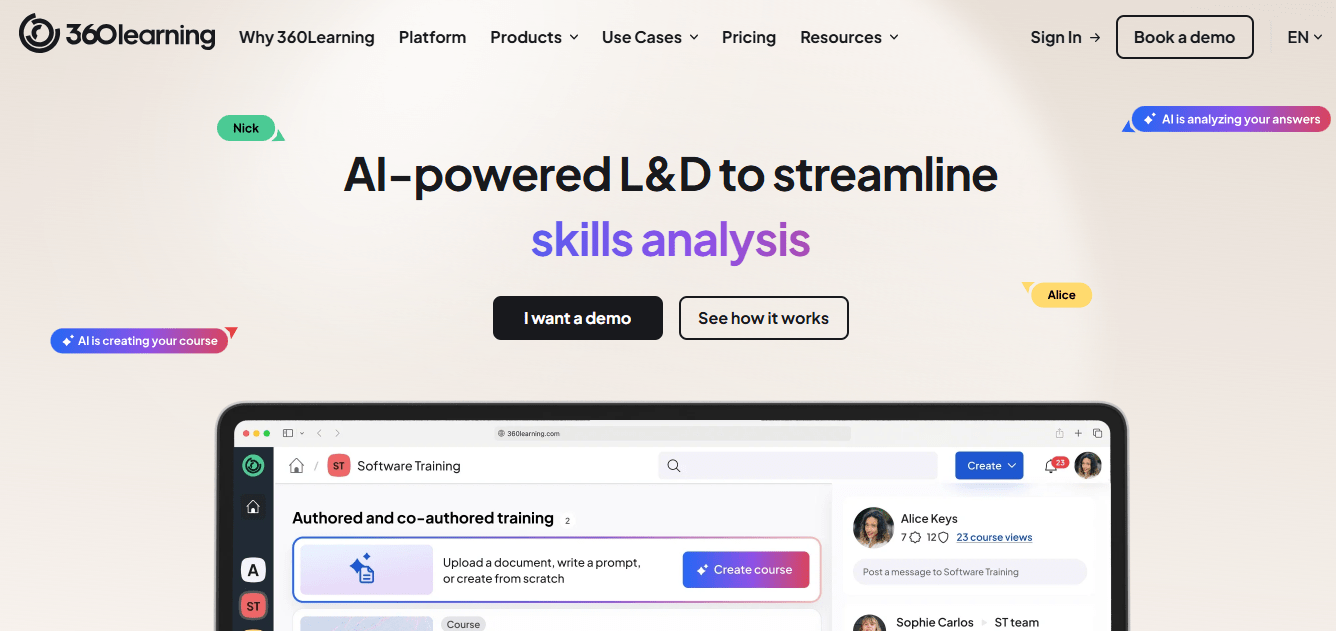
360Learning takes a fundamentally different approach than most platforms on this list. The philosophy here is that your best subject matter experts are already inside your organization; the platform makes it easy for them to create and share courses, not just consume them. The AI layer helps surface relevant content and identify knowledge gaps across teams.
Features worth knowing about:
- Collaborative authoring tools so subject matter experts can build courses without L&D involvement
- AI-driven recommendations based on team activity and skill gaps
- Discussion forums built directly into courses for peer engagement
- Pathway automation and enrollment triggers based on role or performance
Pros:
- Peer-generated content is often more relevant than top-down training
- Engagement metrics are meaningfully higher when learners contribute to content
- Good fit for fast-moving teams where knowledge becomes outdated quickly
Cons:
- The collaborative model requires cultural buy-in, it doesn’t work if SMEs won’t participate
- Less suited to compliance training that requires strict version control
- Can feel chaotic at scale without strong content governance
Pricing: From $8/registered user/month.
Best for: Teams where internal expertise is the training asset, and the L&D role is facilitation rather than content creation.
4. Docebo – Best for Automating Enterprise Training at Scale
Docebo is an enterprise-grade AI LMS that earns its reputation on automation and scale. Its AI capabilities include content tagging, learner recommendations, and a virtual coaching assistant. For organizations running thousands of learners across multiple programs, the automation layer meaningfully reduces admin overhead.
Features worth knowing about:
- AI-powered virtual coach that answers learner questions and surfaces relevant content
- Automated content tagging and organization using machine learning
- Learning impact measurement tools connecting training completion to business metrics
- Robust API and integration support for complex HR tech stacks
Pros:
- Automation depth is among the strongest in the market
- Content organization and discoverability are genuinely good at scale
- Strong analytics for connecting training to business outcomes
Cons:
- Implementation requires significant resources and time
- Pricing puts it out of reach for most SMBs
- Feature complexity can overwhelm teams without dedicated LMS administrators
Pricing: Custom pricing; typically enterprise contracts.
Best for: Large organizations with dedicated L&D teams and a clear mandate to connect training to performance data.
5. LearnUpon – Best for Delivering Structured Training to Multiple Audiences
LearnUpon is designed for organizations that need to train employees, customers, and partners from a single platform without the audiences bleeding into each other. The AI features are more supportive than the headline, think smarter reporting and content suggestions, but the core architecture is genuinely useful for multi-audience training programs.

Features worth knowing about:
- Multi-portal setup for segmenting employees, customers, and partner audiences
- AI-assisted reporting to identify completion trends and outliers
- Structured learning paths with prerequisites and deadline management
- Salesforce integration for customer education programs tied to CRM data
Pros:
- Multi-audience architecture is clean and well-executed
- Customer and partner training capabilities are a real differentiator
- Good balance between feature depth and usability
Cons:
- Minimum contract value makes it prohibitive for smaller teams
- AI features are functional but not generative
- Less flexibility for organizations that need heavy content customization
Pricing: From approximately $15,000/year.
Best for: Organizations that need to run parallel training programs for internal and external audiences from one platform.
6. Paradiso LMS – Best for Highly Customized Training Portals
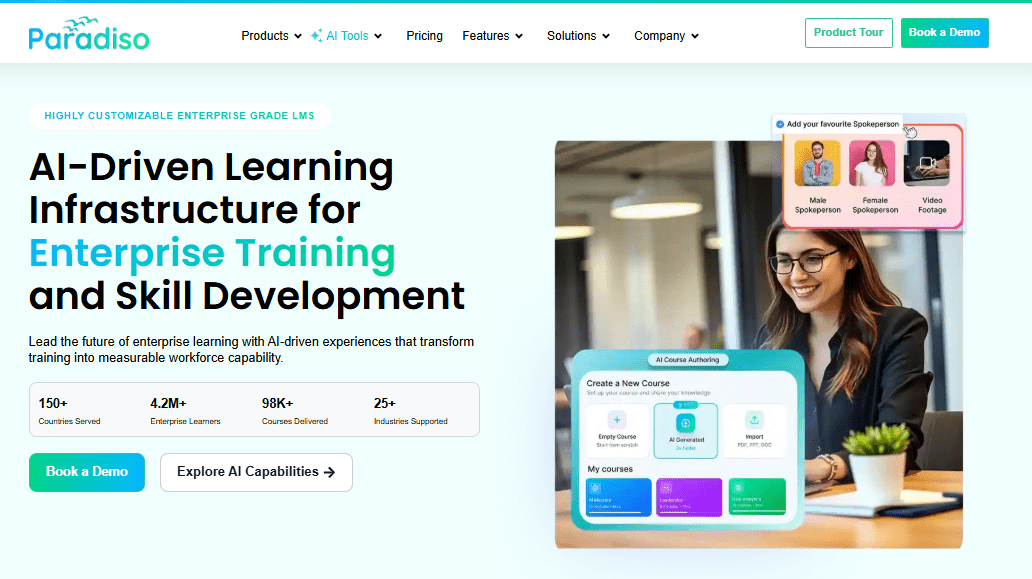
Paradiso positions itself on flexibility. If your organization needs training that looks, feels, and functions differently for different departments, brands, or client groups, Paradiso’s multi-tenant architecture handles that without requiring separate platform instances. The AI layer assists with content recommendations and learner analytics.
Features worth knowing about:
- Multi-tenant setup for separate branded portals within one instance
- AI-powered content recommendations based on learner history and role
- Wide integration library including Salesforce, Zoom, and HR systems
- Blended learning support combining ILT, virtual, and self-paced content
Pros:
- Customization depth is a genuine strength, not a marketing claim
- Good for organizations with complex brand or department segmentation needs
- Blended learning support is more flexible than most competitors
Cons:
- UI can feel dated compared to newer platforms
- Implementation complexity is higher than average
- AI features are still maturing relative to the competition
Pricing: Custom pricing based on requirements.
Best for: Multi-brand organizations or training providers that need distinct learning environments under one system.
7. Cornerstone OnDemand – Best for Workforce Development at Enterprise Scale
Cornerstone is one of the most comprehensive workforce learning and talent management platforms available. It’s not just an AI LMS; it’s a full talent suite, which means the learning function sits inside a broader ecosystem covering performance, succession, and skills intelligence. For large organizations trying to connect learning to workforce strategy, that integration is genuinely valuable.
Features worth knowing about:
- AI-driven skills intelligence that maps current capabilities and flags gaps
- Content curation from internal and external sources, including LinkedIn Learning and Coursera
- Predictive analytics for identifying high-potential employees and training needs
- Full talent management integration covering performance and succession planning
Pros:
- Skills intelligence is among the most sophisticated in the market
- Content ecosystem is vast and well-integrated
- Strong for organizations running strategic workforce development programs
Cons:
- Complex to implement and expensive to maintain
- Overkill for organizations that just need to deliver and track training
- AI features require clean skills data to function well
Pricing: Custom enterprise pricing.
Best for: Large organizations where learning is one component of a broader talent management strategy.
My Top 3 Picks
If I had to narrow it down based on what I’ve seen work across different team sizes and training challenges:
For speed and compliance: ProProfs Training Maker. The AI course builder and pre-built compliance library cut the time from “we need a training program” to “training is live” significantly. It’s also the only option on this list with a free tier that’s actually usable.
For large-scale automation: Docebo. If your team has the budget and infrastructure, the depth of automation pays off at scale. Just make sure you have someone who can manage it.
For collaborative knowledge-sharing: 360Learning. If your training problem is really an expertise-distribution problem, good knowledge sitting in a few heads that isn’t reaching the rest of the team, 360Learning’s model is the right fit.
How I’d Choose the Right AI LMS for My Team
The question isn’t “which platform has the best AI?” It’s “what specifically is breaking down in my current training setup, and which platform fixes that?”
If your biggest challenge is onboarding speed: Look for AI course creation, a template library, and automated learning paths. ProProfs Training Maker and Absorb LMS both address this directly.
If you need airtight compliance tracking: Audit trails, certification management, and completion reporting are non-negotiable. ProProfs, LearnUpon, and Docebo all handle this well. The question is whether you need enterprise depth or operational simplicity.
If you want to reduce admin work: AI features that auto-tag content, auto-assign courses, and send automated reminders save real hours. Docebo and Cornerstone are strongest here at scale. ProProfs is the better fit if you want that automation without the enterprise implementation overhead.
If your learners are disengaged: Completion rate problems are almost never about the platform; they’re about the content format. Look for platforms with gamification, branching scenarios, and progress-based nudges. ProProfs and 360Learning both invest here.
If you’re training multiple audiences: LearnUpon’s multi-portal architecture was built for exactly this. Paradiso is a close second if you also need heavy customization.
What Actually Makes AI Features Worth Paying For
I’ve seen enough LMS demos to tell you that “AI” in this space ranges from genuinely useful to rebranded autocomplete. Here’s what I look for:
AI course creation that produces usable first drafts. Not a blank template. Not five bullet points. An actual course structure with content you can edit rather than recreate from scratch.
Personalized learning paths that update based on performance. Static pathways aren’t personalization. Real AI adapts the path when a learner struggles with an assessment or skips ahead in a module.
Predictive analytics that flag problems before they become audit issues. Knowing someone didn’t complete training after the deadline is not analytics. Knowing who is at risk of not completing three days before the deadline is.
24/7 AI coaching or assistant features grounded in your content. This is one of the most requested capabilities in the L&D community right now: an AI that can answer employee questions by pulling from your actual training materials, not generic internet information.
Content generation that handles genuine use cases. Converting an existing SOP or PDF into a structured course. Building a quiz bank from a document. Rewriting content for a different reading level. These are the use cases that save real time.
AI LMS vs. Traditional LMS: What Actually Changes
| Features | Traditional LMS | AI LMS |
| Course creation | Manual build from scratch | AI-generated first drafts from prompts or documents |
| Learning paths | Static, admin-assigned | Dynamic, adapts based on performance and behavior |
| Analytics | Completion rates and scores | Predictive alerts, skill gap analysis, engagement signals |
| Admin work | High, enrollment, reminders, and reporting are all manual | Partially automated, AI handles triggers and flagging |
| Personalization | None or role-based at best | Individualized based on learner history and behavior |
| Content organization | Manual tagging and categorization | AI-assisted tagging and discoverability |
The honest version: AI doesn’t replace the instructional design work. It reduces the admin overhead and first-draft effort so you can spend more time on what actually affects learning quality.
Mistakes I’d Tell You to Avoid Before You Implement Anything
Uploading your existing content unedited. If your current training is boring and passive, an AI LMS will just distribute boring and passive training more efficiently. Content quality still matters.
Over-automating enrollment too early. Get the content right first. Automated learning paths built on weak courses create a bigger problem than manual enrollment.
Choosing on features, not on your actual bottleneck. Every platform on this list does many things. The question is what your team specifically needs to stop doing manually or start doing better.
Ignoring learner feedback after launch. The AI surfaces where people are dropping off. If you don’t act on that data, you’ve paid for a reporting tool, not a training improvement system.
Not training your admins before rollout. The most common implementation failure isn’t the platform; it’s that the people running it weren’t given time to learn it before it went live.
Where AI LMS Is Actually Headed
The platforms investing seriously in AI right now are moving toward a few capabilities that aren’t widely available yet but will matter in the next two years:
Skills forecasting: Mapping current team capabilities against where the business needs to be in 18 months, then automatically building learning paths to close that gap.
AI coaching that’s contextual to your specific organization: Not generic answers, but responses grounded in your actual policies, products, and processes.
Predictive compliance: Flagging employees who are likely to fall out of compliance before it happens, based on behavior patterns.
Internal mobility support: Using learning data to identify employees ready for new roles or responsibilities, connecting training completion to career progression.
Training That Actually Works
The technology is only as useful as the clarity you bring to it. I’ve seen well-resourced teams fail with sophisticated platforms, and lean ones get extraordinary results from simpler tools. The difference was never the software; it was knowing precisely what was broken and picking the thing that fixed it.
Most training problems aren’t engagement problems. They’re design or structure problems that got labeled as engagement problems because that’s easier to say in a meeting. An AI LMS won’t save a course nobody should have been assigned. But if your content is solid and your process is broken, the right platform changes everything. Start with your specific bottleneck. Prove it works. Then build from there.
Frequently Asked Questions
What is an AI LMS?
An AI LMS is a learning management system that uses artificial intelligence to automate tasks like course creation, learner path personalization, and compliance tracking. It does more than store and deliver content; it adapts to how learners behave and reduces the manual work required to manage training programs.
What is the best AI LMS for small businesses?
ProProfs Training Maker is the strongest option for small businesses. It has a free plan, a library of ready-to-use courses, and AI course creation that doesn't require instructional design experience. Pricing scales per active learner, so you're not paying for seats that aren't using the platform.
How does an AI LMS improve employee training completion rates?
AI LMS platforms improve completion by personalizing learning paths, sending automated reminders at the right moment, and using gamification and branching content to keep learners engaged. They also surface where people drop off, so you can fix the actual problem rather than guess.
Can an AI LMS replace an instructional designer?
No, and the better platforms don't claim it can. AI handles first drafts, content organization, and administrative tasks well. Instructional designers add judgment, context, and quality review that AI can't replicate. The right relationship is AI as a capable assistant, not a replacement.
What AI features should I actually look for in an LMS?
Focus on AI course creation from prompts or documents, adaptive learning paths that update based on performance, predictive analytics that flag at-risk completions, and automated enrollment and reminders. Skip platforms where "AI" means a chatbot that answers questions about how to use the platform.
How much does an AI LMS typically cost?
Costs vary significantly. ProProfs Training Maker starts at $1.99/active learner/month with a free tier available. Enterprise platforms like Docebo, Cornerstone, and Absorb use custom pricing that typically starts in the five-figure annual range. 360Learning starts at $8/registered user/month.
Can I add multiple instructors or admins to an AI LMS?
Yes, most platforms support multiple admin roles, including separate permissions for course creators, managers, and system administrators. ProProfs Training Maker, Docebo, and Cornerstone all offer granular role-based access controls so you can manage who builds content, who assigns it, and who reviews reports.
What's the difference between an AI LMS and a traditional LMS?
A traditional LMS is a content delivery and tracking system. An AI LMS adds automation, personalization, and predictive features on top of that foundation. The practical difference is less manual work for administrators and more relevant, adaptive experiences for learners.
Let ProProfs AI create your training course

 We'd love your feedback!
What did you like & how can we make it even better?
 Thanks for your feedback!
 Ask Your Question
Have a question? Get expert help to make your decision easier.