

Three weeks before an audit, I found out a third of our team hadn’t completed mandatory harassment training. The course existed. The deadline had passed. Nobody knew. By the time I’d pulled completion records together, it was two days of work I didn’t have.
The real problem was never the training itself. It was proving it happened, to the right people, on time, with documentation that holds up. That’s the job compliance training software is supposed to do, and most teams only find out their platform can’t do it when an auditor is already in the room.
Below, I’ve ranked 10 compliance training platforms for teams managing OSHA, HIPAA, GDPR, or other regulations with real consequences.
What Is Compliance Training Software?
The operational value isn’t just in hosting courses. It’s in everything that happens after a course is assigned: who got notified, who completed it, what version they saw, when the certificate was issued, and what the report looks like when an auditor asks for it in 48 hours. Good compliance training software handles all of that without you touching it.
For teams managing OSHA, HIPAA, GDPR, or anti-harassment requirements, the difference between a platform that tracks completions with timestamps and one that doesn’t is the difference between audit-ready and audit-panicked.
Watch: What Is Compliance Training?
Top 10+ Compliance Training Software
Not every compliance training tool gives you what you actually need. I’ve seen platforms that demo beautifully and fall apart in daily use: no clear reporting, no reliable way to manage renewals, mobile access that frustrates frontline workers, and admin overhead that turns one job into two.
The tools below earn their place by solving the actual operational problems compliance teams face. Here’s a quick side-by-side before we get into the details:
| Software | Best For | Pricing |
| ProProfs Training Maker | Easy online employee training & LMS | Free plan; paid from $1.99/active learner/month |
| SC Training (EdApp) | Mobile-first microlearning | From $2.95/active user/month |
| Coassemble | Fast, template-driven course creation | From $50/month |
| iHASCO | Multi-language training | From £112/user/year |
| MobieTrain | Gamified microlearning on mobile | Contact for quote |
| Tovuti | Corporate learning & development | Contact for quote |
| ELB Learning | Interactive, media-rich courses | From $999/year |
| WorkWize LMS | Risk-focused compliance programs | Contact for quote |
| Training Tracker | Simple, all-in-one training management | Contact for quote |
| Accountable | HIPAA and data privacy training | Contact for quote |
| Kallidus | Compliance training, onboarding & employee development | Contact for quote |
1. ProProfs Training Maker – Best for Easy Online Employee Training & LMS
When I started using ProProfs Training Maker, the first thing that stood out was how fast I could get a compliance program live.
I typed “OSHA safety” into the AI course builder and had a complete module with quizzes ready in minutes. For teams without dedicated instructional designers, that alone changes the workload. Give it a spin here:

Let ProProfs AI create your training course
The 500+ editable courses covering OSHA, HIPAA, and harassment prevention mean you rarely start from scratch. Importing existing PPTs and videos is straightforward, and everything stays SCORM/xAPI compliant.
From a compliance standpoint: audit-ready reporting with timestamped completions, role-based learning paths, automated renewal reminders, mobile delivery in 70+ languages, and integrations with BambooHR and Azure AD.
For growing teams, the Forever Free plan is a low-risk entry point. For larger organizations, SSO and LDAP/HRIS sync are enterprise-grade features that aren’t common at this price.
Pros:
- AI course builder creates a full module from a single prompt
- 500+ pre-built, editable compliance courses
- Comprehensive audit trail with timestamped records
- Mobile-friendly with 70+ language support
- Integrates with BambooHR, Azure AD, Salesforce, and more
Cons:
- No offline or on-premise setup
- Advanced analytics locked to higher-tier plans
Pricing: Free for up to 10 learners. Paid plans from $1.99/active learner/month. 15-day money-back guarantee.
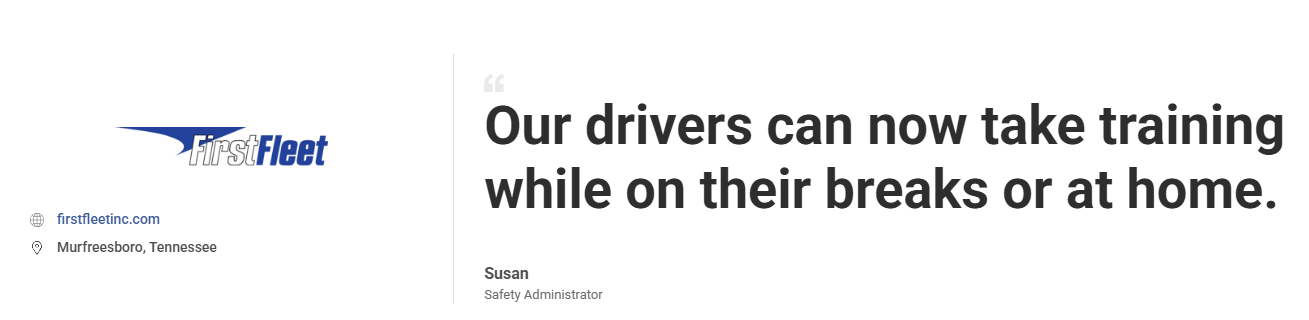
See how FirstFleet uses ProProfs Training Maker to deliver location-specific compliance training to over 2,600 drivers, tracking completions and enabling access anytime, even during breaks.
2. SC Training (Formerly EdApp) – Best for Mobile-First Microlearning
SC Training is built for workforces that complete training on their phones, not at a desk. Its microlearning format delivers short, gamified modules that keep employees moving through required content without the drop-off you see with longer courses.
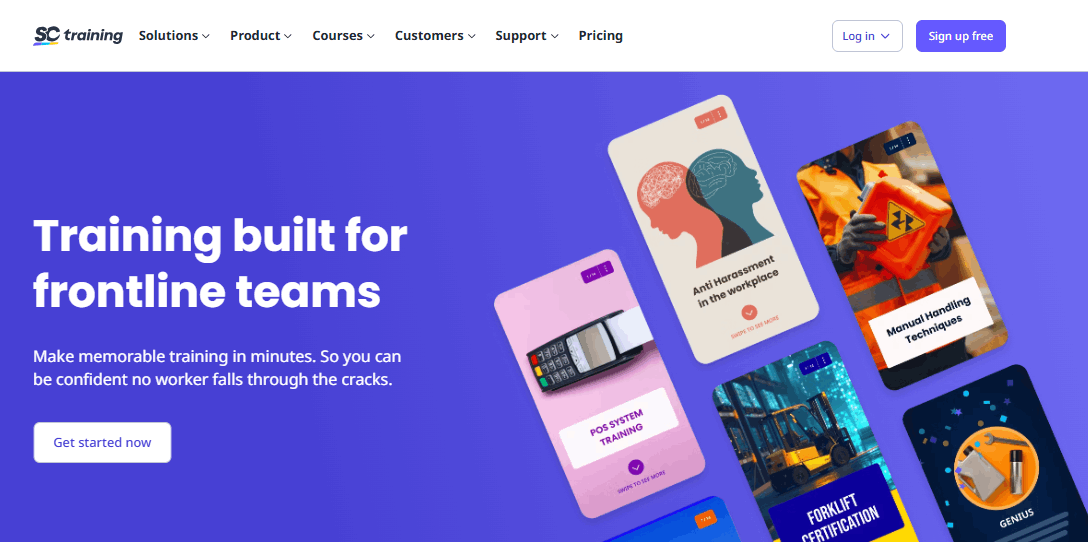
The library includes over 1,000 editable compliance courses covering harassment, safety, data privacy, and more, all customizable to your specific policies.
It supports SCORM and AICC for importing existing content, real-time push notifications for deadline nudges, and leaderboards and rewards to keep participation up. The reporting dashboard gives you completion rates and knowledge gap data without requiring a data analyst to interpret it.
For global teams, multi-language support and offline capability add real flexibility. Where it can fall short is in advanced customization and setup complexity for non-technical admins configuring it for the first time.
Pros:
- 1,000+ editable compliance courses
- Strong mobile and offline functionality
- Gamification drives completion without extra admin effort
- Multi-language support for global teams
- Clean real-time reporting
Cons:
- Interface can overwhelm new users
- Advanced features require technical setup
- Support response times vary
Pricing: From $2.95/active user/month
3. Coassemble – Best for Fast, Template-Driven Course Creation
Coassemble is the right choice when you need to build and launch compliance training quickly without hiring an instructional designer.
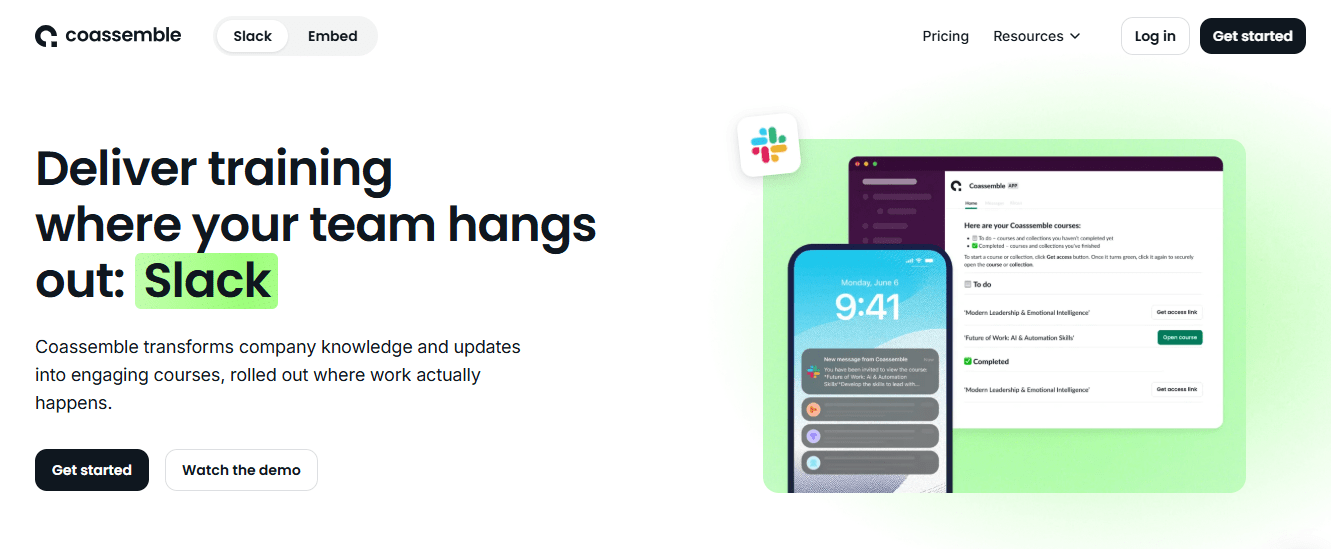
Its 35+ pre-designed templates cover the most common compliance formats, and the authoring tool is straightforward enough that any admin can have a course live within a day. You can group learners by team, role, or department and monitor completions from one dashboard.
Interactive elements like quizzes, challenge screens, and embedded video reinforce learning rather than just pushing employees toward a completion click. Real-time analytics surface gaps and flag who’s falling behind before it becomes a documentation problem.
The platform supports custom domains and white-labeling, so your training environment reflects your brand. For smaller organizations, the pricing is higher relative to what you get than some comparable tools, and advanced authoring features are limited.
Pros:
- Intuitive authoring for non-technical users
- 35+ compliance-ready templates
- Learner grouping by role or department
- Strong white-labeling and branding options
- Flexible HR and LMS integrations
Cons:
- Pricing steep for smaller teams
- Limited advanced authoring features
- Occasional technical glitches reported
- Limited offline functionality
Pricing: From $50/month
4. iHASCO E-Learning – Best for Multi‑Language Training
iHASCO is built for organizations with multilingual or globally distributed workforces where compliance training needs to reach employees in their first language.
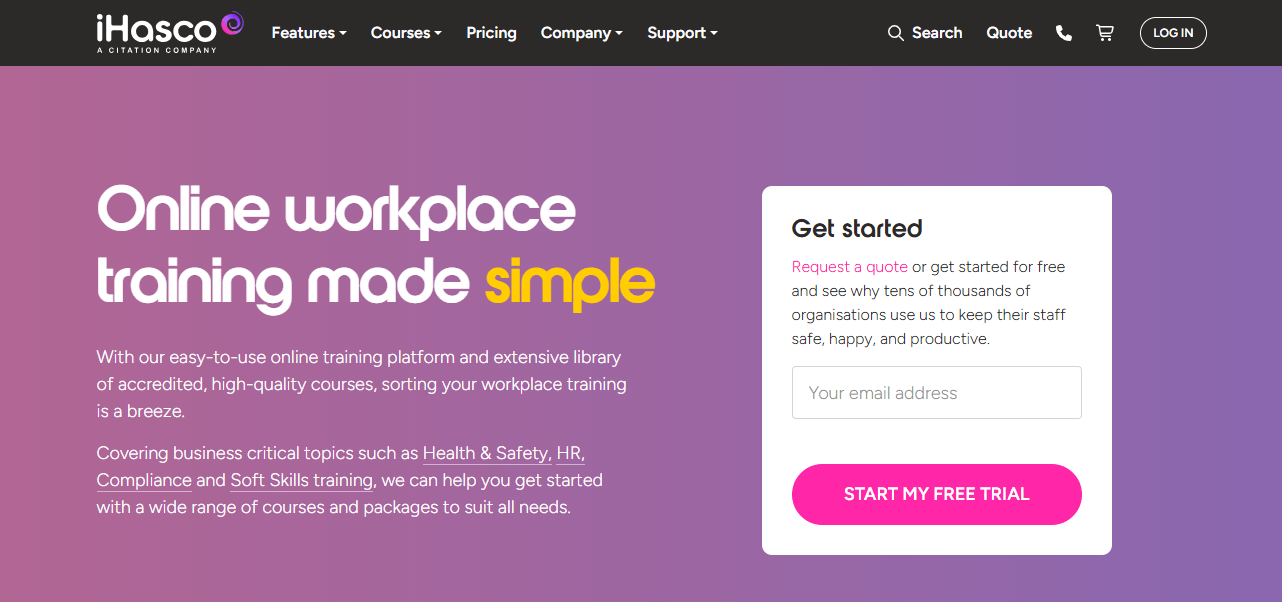
Training is accessible in 37 languages across any device, which addresses one of the most persistent barriers to completion in international teams. The course library covers GDPR, workplace safety, mental health, fire safety, and more, with SCORM import for existing materials.
Screen reader compatibility and accessibility features make iHASCO a strong choice for organizations with diverse accessibility requirements. The platform tracks completions through a centralized dashboard, auto-generates certificates, and includes gamified elements that improve engagement without requiring extra content work.
The reporting suite covers completions, scores, and compliance status in real time. The interface leans traditional compared to newer platforms, and pricing is higher per user than most options on this list.
Pros:
- 37-language support for global workforces
- Screen reader compatibility and accessibility features
- 99.5% uptime guarantee
- Auto-generated certificates and gamified elements
- Solid compliance reporting
Cons:
- Interface feels dated compared to modern alternatives
- Higher per-user cost than most competitors
- Limited customization for advanced use cases
Pricing: From £112/user/year
5. Kallidus – Best for Compliance Training, Onboarding & Employee Development
Kallidus is a cloud-based learning and compliance platform that combines mandatory training, certification tracking, and employee development in a single system.
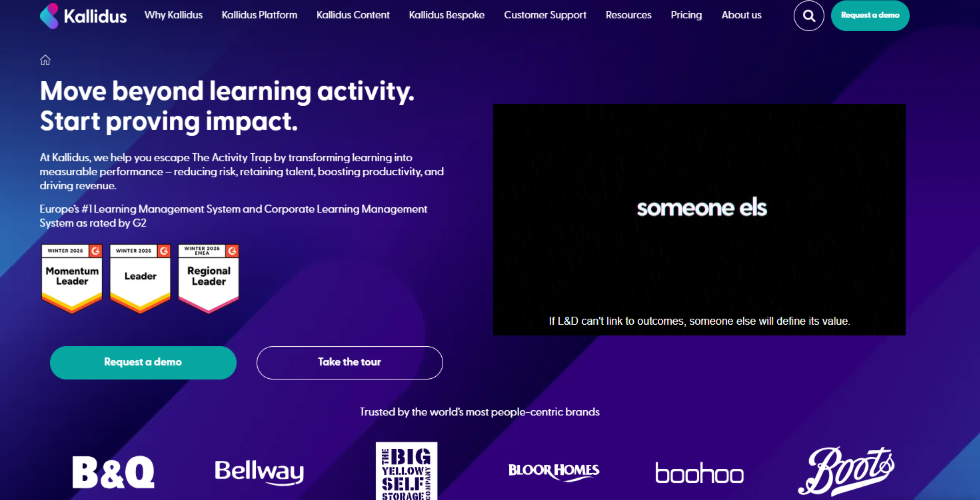
What I liked most about Kallidus is that it helps organizations move beyond simply checking compliance boxes. Instead, it connects compliance requirements with broader learning initiatives, making training feel more relevant and engaging for employees.
The platform includes automated learning paths, compliance reporting, certification management, and reminder workflows that reduce manual administration. It also integrates with HR systems and supports mobile learning, making it easier for distributed teams to stay compliant. For organizations that want compliance training and employee development to work together rather than as separate processes, Kallidus offers a well-rounded solution.
Pros:
- Combines compliance training with performance and skills development
- Automated certification tracking and renewal reminders
- User-friendly learner experience
- Strong reporting and compliance dashboards
- Integrates with HR and business systems
Cons:
- Pricing is not publicly available
- Advanced configuration may require implementation support
- More features than smaller organizations may need
Pricing: Contact for quote.
6. MobieTrain – Best for Gamified Microlearning on the Go
MobieTrain is a mobile-first compliance training solution designed around microlearning and progression.
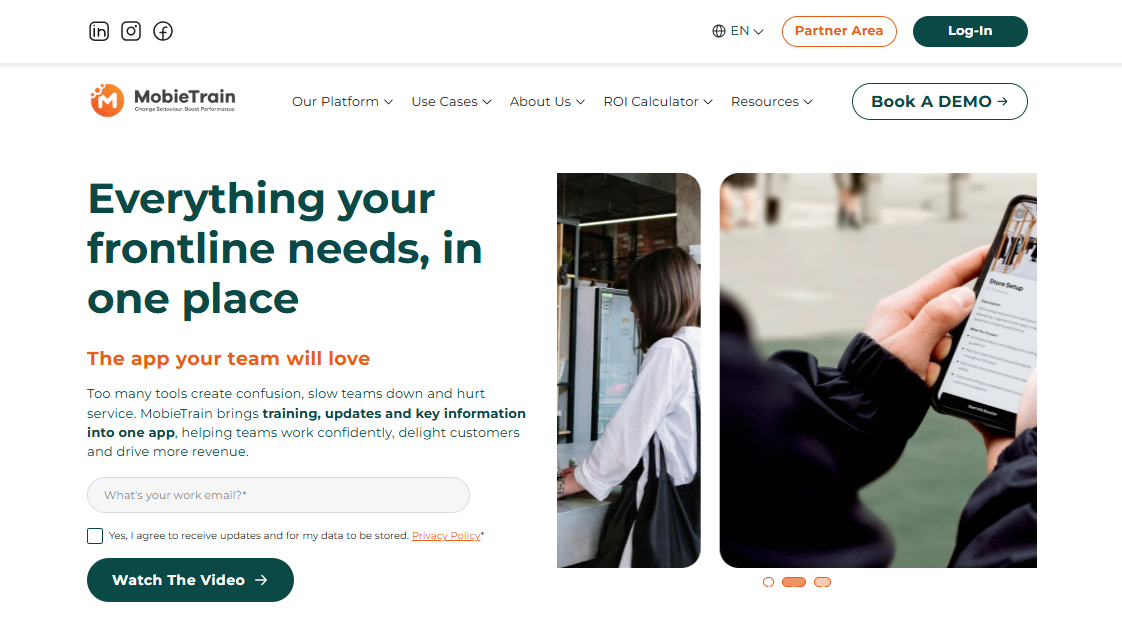
Content is delivered in short, focused modules that employees complete on their own devices, with learning paths that unlock based on demonstrated skill level rather than just time. This structure works particularly well for frontline and shift-based workforces where long desktop training sessions aren’t practical.
Quizzes, badges, and points keep motivation up through required compliance content that might otherwise see low completion rates. Admins get real-time dashboards showing completions, knowledge gaps, and individual progress without needing to chase status updates manually.
The platform integrates with existing HR and LMS systems. The main limitation is course creation depth: MobieTrain is optimized for delivering and tracking training, not for teams that need full-featured authoring tools alongside delivery.
Pros:
- Microlearning structure improves retention for compliance topics
- Gamification drives completion without manual intervention
- Skill-based progression rather than time-based
- Real-time admin dashboards
- Good HR and LMS integrations
Cons:
- Limited course creation compared to full-featured platforms
- Pricing not publicly listed
- Navigation can be unintuitive for some users
Pricing: Contact for quote
7. Tovuti – Best for Corporate Learning and Development
Tovuti is a versatile compliance training platform that handles course creation, delivery, and tracking in a single system without requiring separate authoring tools.
Its built-in editor lets you design branded, gamified compliance programs using bite-sized content and interactive lessons. It supports SCORM, AICC, and xAPI, so existing materials import cleanly and past training efforts aren’t wasted.
Collaborative features like discussion forums, surveys, and video discussions make it easier for teams to surface questions and share knowledge during compliance rollouts, which helps with comprehension beyond just completion.
Detailed analytics let admins track progress, spot gaps, and stay ahead of certification deadlines without manual follow-up. Mobile-responsive design, SSO, and advanced reporting make Tovuti a solid compliance LMS for mid-size to enterprise organizations. The learning curve is steeper than more lightweight options, and pricing requires a direct conversation.
Pros:
- All-in-one course creation and delivery
- Collaborative learning features for compliance rollouts
- Strong gamification and engagement tools
- Mobile-responsive with SSO support
- Flexible integrations
Cons:
- Steeper learning curve for new admins
- Pricing not publicly listed
- Can be complex for smaller organizations
Pricing: Contact for quote
8. ELB Learning – Best for Interactive and Media-Rich Courses
ELB Learning is built around the Lectora authoring tool and is the right choice when compliance training needs to go beyond slides and quizzes into scenario-based, simulation-driven, or VR-enabled learning.
Access to millions of stock assets, pre-made templates, and Training Arcade’s gamified modules gives you the raw material to build content that employees actually engage with rather than click through.
It supports SCORM, AICC, and xAPI for existing content, and collaborative authoring tools let multiple team members work on the same course simultaneously. Detailed analytics track completions, scores, attempts, and time spent per module, giving you the data to optimize content and demonstrate audit readiness.
The tradeoff is cost and complexity: ELB Learning is priced for organizations with serious content production needs, and the interface is not designed for non-technical users building their first compliance course.
Pros:
- Lectora authoring tool with millions of assets
- VR and scenario-based simulation support
- Collaborative authoring for team-built courses
- SCORM, AICC, and xAPI compatibility
- Detailed learner analytics
Cons:
- Higher cost than most alternatives
- Complex interface for non-technical users
- Limited customer support options
Pricing: From $999/year
9. WorkWize LMS by VinciWorks – Best for Risk-Focused Compliance Programs
WorkWize LMS is compliance-first by design, built for organizations where regulatory risk management is the primary driver, not general L&D.
It maps training directly to regulatory requirements, automates delivery through smart assignment rules, and includes people risk assessment tools that help identify compliance gaps before they surface in an audit or incident.
Course delivery is automated once assignment rules are configured: the right course reaches the right person at the right time without admin involvement. Timely reminders reduce the follow-up burden.
Detailed reports track progress by individual, team, or regulatory requirement and can be shared directly with stakeholders. The platform’s compliance-first focus is also its main constraint: it’s not built for organizations that need broad L&D capabilities alongside their compliance program. Setup and configuration require a meaningful time investment upfront.
Pros:
- Built specifically for compliance risk management
- People risk assessment tools identify gaps proactively
- Smart assignment automation reduces admin workload
- Audit-ready reporting with stakeholder sharing
- White-labeling and branding options
Cons:
- Limited general L&D capabilities
- Significant setup and configuration required
- Pricing not publicly listed
Pricing: Contact for quote
Capterra: 4.4/5
10. Training Tracker – Best for Simple, All-in-One Training Management
Training Tracker is a cloud-based compliance training software that brings course creation, user management, and reporting into one streamlined platform without the overhead of a larger enterprise system.
You build custom compliance modules using a straightforward authoring tool, embed quizzes and tests to verify understanding, and assign training by group with automated alerts for non-compliant users.
Admins can generate filtered completion reports quickly, covering assessment scores, compliance gaps, and status by individual or team. All modules work across devices, and there’s no cap on the number of hosted modules.
It’s a practical choice for mid-size organizations that need reliable compliance tracking without paying for capabilities they don’t use. The main limitation is depth: Training Tracker covers the core compliance workflow well, but teams with advanced authoring needs or complex reporting requirements will hit the ceiling.
Pros:
- Simple interface with no unnecessary complexity
- No cap on hosted modules
- Multimedia support across content types
- Automated alerts for non-compliant users
- Good multi-device compatibility
Cons:
- Limited advanced authoring features
- Basic interface may not satisfy all users
- Pricing not publicly listed
11. Accountable – Best for HIPAA and Data Privacy Training
Accountable is purpose-built for organizations managing HIPAA, GDPR, and ADA compliance, making it particularly strong for healthcare teams and any organization handling sensitive personal data.
Customizable training modules can be tailored to your internal policies and specific regulatory requirements, and automated scheduling ensures the right employees receive the right training at the right time without manual assignment.
Real-time dashboards give compliance officers full visibility into completions, knowledge gaps, and training status by individual or team. Interactive assessments go beyond passive video watching to actually test comprehension, and employees can complete training from any device.
For organizations in regulated healthcare or data-heavy environments, the HIPAA and GDPR-specific workflows are a meaningful advantage over general-purpose compliance platforms. The main constraints are pricing opacity and limited advanced customization for users who need to build outside the standard templates.
Pros:
- HIPAA, GDPR, and ADA-specific workflows
- Automated scheduling and deadline reminders
- Real-time compliance dashboards
- Interactive assessments for comprehension testing
- Mobile access across devices
Cons:
- Pricing not publicly listed
- Limited advanced customization options
- Interface could be more intuitive for new users
Pricing: Contact for quote
8 Features That Actually Matter in Compliance Training Software
Most feature lists are long. Most of those features don’t move the needle. After working through what actually causes problems during audits and renewals, these eight consistently matter.
1. Automatic Tracking and Deadline Alerts
A compliance LMS should track progress automatically and send alerts before due dates. If you’re manually checking who’s overdue, the software isn’t doing its job. Look for role-based deadline rules and escalation logic, not just a reminder toggle.
2. Audit-Ready Recordkeeping
Every enrollment, completion, and certificate should be timestamped and stored without manual effort. When a regulator asks for proof that a specific employee completed a specific version of a course on a specific date, that record needs to be unambiguous and immediately accessible.
3. Clear Reporting and Performance Insights
Reporting is the quiet weak spot of a lot of platforms. It looks fine in a demo and falls apart when you actually need to pull a compliance gap report across 200 employees. Exportable reports with filters by team, role, completion status, and version history are non-negotiable.
4. Access to Prebuilt, Editable Compliance Courses
A library of ready-to-use courses on HIPAA, OSHA, anti-harassment, and data privacy is only useful if those courses are editable. Regulations change. Your policies change. Pre-built content you can actually update to reflect your industry and jurisdiction saves real time.
5. AI-Powered Course Creation and Content Updates
Modern compliance training platforms can build or update courses from a prompt. You upload your own policies or start from a template, and the AI does the structuring. For teams without dedicated instructional designers, this is a genuine operational advantage.
6. Policy Updates and Version Control
When regulations change mid-year, you need to push updated content and track who completed the new version versus the old one. Without version control, you don’t actually know whether your employees are trained on your current policies.
7. Certification and Renewal Management
Certificates should generate automatically upon completion. More importantly, the platform should track expiration dates and send renewal reminders before certifications lapse. Missed renewals create real legal and operational risk that compounds quietly.
8. Integrations with HR and Identity Tools
A compliance training LMS that connects with BambooHR, Azure AD, or your existing HRIS means you’re not manually syncing user lists. Onboarding and offboarding happen automatically, and records stay clean across systems.
What Types of Compliance Training Does Your Team Actually Need?
Mandatory training requirements look different depending on your industry, workforce, and regulatory environment. Here’s a practical breakdown of the most common categories and what each one is actually trying to accomplish.
1. OSHA Safety Training covers workplace hazard identification, PPE use, chemical handling, and emergency response. Required for manufacturing, construction, logistics, and any environment where physical risk is present.
2. HIPAA Training covers patient data privacy, breach response, and secure handling of protected health information. Required for anyone in healthcare or adjacent roles with access to patient records.
3. Code of Conduct Training covers behavioral expectations, ethics, and consequences for misconduct. Foundational for onboarding and annual recertification across most industries.
4. Information Security Training covers phishing, data handling, password hygiene, and incident reporting. Required under GDPR and increasingly under state-level data privacy laws in the US.
5. DEI Training covers inclusion, workplace culture, and equity in decision-making. Mandated internally by most mid-size and larger organizations, and required by some regulators.
6. Anti-Bribery and Corruption Training applies to finance, government contracting, and any organization operating internationally under the FCPA or UK Bribery Act.
7. Anti-Harassment Training educates employees on what constitutes harassment, how to recognize it, and how to report it. Many states have specific legal requirements on frequency, documentation, and delivery format.
Watch: What Is Sexual Harassment Training?
Compliance Training Mistakes That Create Real Risk
Most compliance failures don’t happen because training didn’t exist. They happen because the process had gaps nobody noticed until something went wrong. These are the ones worth watching for.
Treating compliance as a once-a-year event: Regulations change mid-year. Employees turn over. Training that was current in January may not reflect current policy by October. Your platform needs to support a continuous cadence, not just an annual push.
Using the same course for every department: A warehouse worker and a finance analyst face different regulatory risks. Generic training produces surface-level completion without the role-specific comprehension that actually reduces liability.
Ignoring the mobile experience: If your frontline employees can only complete training on a desktop, you’ve created a structural barrier to completion. For distributed or hourly workforces, mobile access isn’t optional.
Measuring completion rates instead of comprehension: A 100% completion rate on a course nobody retained is a liability dressed up as a success metric. Assessment quality and scenario-based evaluation matter more than the completion percentage alone.
Waiting until audit season to clean up records: If your documentation requires manual reconstruction before an audit, it was never truly audit-ready. Records should be accurate and current at all times, not assembled under pressure.
How I’d Choose a Compliance Training Platform Today
The platform that looks cleanest in a demo is not necessarily the one that will serve you six months in. These are the questions that cut through the noise.
Start with your biggest compliance risk, not the feature list: Are you managing OSHA renewals for 400 field workers? Running HIPAA training across a hospital system? The right starting point is the workflow that would hurt you most if it broke, not the longest list of capabilities.
Audit your current process before evaluating software: Where are completions falling through? Where are records inconsistent? Where is your admin time actually going? Software should fix a real problem, not add a new layer over a broken process.
Test reporting before you evaluate content libraries: Most platforms have adequate course libraries. What separates them is what happens after a course is completed. Pull a mock audit report during your demo. Ask for timestamped completion logs by user, role, and content version. If that takes more than three clicks, it will be a problem during an actual audit.
Prioritize automation early: Manual enrollment, manual reminders, and manual certificate issuance don’t scale. If the compliance training solution you’re evaluating requires constant admin attention to keep running, the workload only gets harder as your team grows.
Check mobile completion from a real device: Not a desktop browser resized to a mobile window. Have someone sit down with a phone and complete a full course. If it’s frustrating, your frontline workers will find ways not to do it.
Verify integration depth before signing: “Integrates with BambooHR” can mean a full two-way sync or a manual CSV export. Know exactly which one you’re getting before the contract is signed.
Industry-Specific Compliance Requirements Worth Knowing
Compliance rules don’t look the same across industries. Here’s where the differences matter most.
Healthcare teams deal with HIPAA as a constant operational requirement, not a one-time checklist. Patient consent, breach response, and secure tech use all need training that reflects your current policy, updated whenever that policy changes.
Manufacturing and construction operate under OSHA’s most demanding safety standards. PPE requirements, chemical handling, equipment operation, and emergency procedures need to be trained to the actual conditions employees face on-site, not a generic safety module.
Finance and fintech navigate layered regulation: SOX, AML, GDPR, and an expanding set of state-level data privacy laws. Training needs to keep pace with regulatory changes, and records need to show that employees were trained on current rules, not outdated versions.
Data-heavy industries outside healthcare fall under GDPR if they handle data from EU residents, and under a growing patchwork of US state privacy laws. Data minimization, breach response, and cross-border transfer rules are the training priorities.
Education deals with FERPA and Title IX, both of which require documented, ongoing training for staff and faculty. The stakes around student data and campus safety make accurate recordkeeping as important as the course content itself.
Good Compliance Training Isn’t the End Goal
Good compliance software reduces the administrative drain of keeping training current, removes the uncertainty about who completed what, and gives you records that hold up under scrutiny without requiring heroics at the end of every quarter.
The right platform depends on your industry, workforce size, and the specific regulations you’re managing. But if the system automates the tracking, simplifies the reporting, and makes it easy for employees to complete training without constant admin intervention, you’ve already solved most compliance problems before they become risks.
ProProfs Training Maker is a strong starting point for teams that need fast course creation, reliable audit trails, and clean mobile delivery without enterprise-level complexity. The free plan lets you test it against your real workflow before committing to anything.
Frequently Asked Questions
What is compliance training software?
Compliance training software is a platform that assigns, tracks, and documents mandatory employee training tied to regulations and workplace policies. It automates reminders, maintains audit-ready completion records, manages certification renewals, and replaces manual spreadsheet tracking.
How do I deliver effective compliance training?
Keep courses role-specific rather than generic. Use scenario-based assessments instead of passive video viewing. Automate deadline reminders and renewal tracking so nothing slips without manual intervention. Maintain accurate completion records at all times, not just before audits.
How often should compliance training be updated?
Whenever the underlying regulation changes, your internal policy changes, or a new course version is issued. At minimum, review content annually. High-risk roles in healthcare or finance typically require more frequent updates to stay current with regulatory changes.
What reports do auditors usually ask for?
Timestamped completion logs by employee, role-based training assignment records, assessment scores, certificate issuance dates, and version history showing which course revision each employee completed.
Can compliance training be fully automated?
Enrollment, reminders, and certificate issuance can be fully automated. The content itself still requires human review to stay current with regulations. Automation handles the operational layer; accuracy requires editorial oversight.
How do you manage compliance training for contractors or temporary workers?
Look for a compliance training LMS that supports external learner accounts with separate enrollment rules. Contractors typically need a defined course set and a certificate of completion before site access, which should trigger automatically on account creation.
What is the biggest compliance training mistake companies make?
Treating it as a once-a-year event. Regulations change, employees turn over, and policies get updated mid-year. Compliance training needs to reflect your current obligations at all times, not last year's version of them.
How do you improve employee completion rates for compliance training?
Mobile access, short module formats, and automated reminders before deadlines are the highest-leverage changes. Role-specific content that feels directly relevant to an employee's job eliminates the "why does this apply to me" resistance that kills completion rates on generic courses.
Let ProProfs AI create your training course

 We'd love your feedback!
What did you like & how can we make it even better?
 Thanks for your feedback!
 Ask Your Question
Have a question? Get expert help to make your decision easier.