
If you’re reading this, Teachable probably just raised your bill. Some users reported renewals jumping past $800 this year. Others hit a course cap they didn’t see coming, or filed a support ticket that went nowhere for two weeks.
I’ve spent time testing platforms, reading the Reddit threads where people talk honestly about what actually happened after they switched, and going through pricing pages line by line.
This guide covers 12 Teachable alternatives worth your time in 2026, who each one is actually for, and how to move without losing your students in the process.
The 12 Best Teachable Alternatives
The honest version of this list is not “here are the twelve best platforms.” It’s “here are twelve platforms that are each genuinely better than Teachable at one specific thing.” Your situation tells you which one that is.
Here’s a table for a quick glance:
| Tool | Best For | Starting Price | Transaction Fees | Capterra Rating |
| ProProfs Training Maker | AI-powered corporate training | Free plan; paid plans start at $1.99 per active learner/month | None | 4.8/5 |
| Kajabi | All-in-one marketing stack | $149/mo | None (paid plans) | 4.4/5 |
| Thinkific | Zero fees + real certificates | $36/mo | None (paid plans) | 4.5/5 |
| LearnWorlds | Academic and compliance training | $29/mo | None (paid plans) | 4.7/5 |
| Podia | Simple storefronts for beginners | $39/mo | None (paid plans) | 4.6/5 |
| Mighty Networks | Community-first learning | $49/mo | None | 4.3/5 |
| Skool | Gamified communities on a budget | $9/mo | None | 4.5/5 |
| LearnDash | WordPress data ownership | $199/yr | None | 4.5/5 |
| Graphy | AI automation + global selling | $19/mo | None | 4.3/5 |
| Ruzuku | Coaches running live cohorts | $79/mo | None | 4.4/5 |
| FreshLearn | Freemium with real gamification | $29/mo | None (paid plans) | 4.4/5 |
| Zenler | Multi-instructor virtual schools | $67/mo | None | 4.3/5 |
1. ProProfs Training Maker – Best for Easy AI-Powered Corporate Training
ProProfs Training Maker is a cloud-based LMS built for teams that need to create, deliver, and track training at scale.
The AI course builder is the part I keep coming back to: type a prompt, and it generates a complete training program with lessons, structure, and assessments already mapped out. Give it a spin:

Let ProProfs AI create your training course
You also get access to 500+ ready-made, fully editable courses on topics like workplace safety, harassment prevention, leadership, and GDPR. The library alone saves hours on content that needs to exist, but nobody wants to build from scratch.
For compliance-heavy use cases, the audit trail holds up: completion tracking, certification logs, IP tracking, and real-time progress reports. The platform supports LTI (Learning Tools Interoperability), which matters for organizations connecting to institutional systems or larger enterprise environments.
It covers 70+ languages, integrates with Salesforce, Justworks, and SSO tools, and is SCORM-ready. AI features include automated course generation, adaptive learning paths, and built-in quiz intelligence that flags where learners are actually getting stuck.
Pros:
- AI builds complete courses from a single text prompt
- 500+ expert-built, fully editable course library
- Detailed completion audit trails and certification tracking for compliance
- SCORM-ready with integrations for Salesforce, Justworks, and SSO
Cons:
- No on-premise or downloadable version
- No dark mode (minor, but worth noting)
Pricing: Free plan available. Paid plans start at $1.99 per active learner/month; Business plan at $3.99/active learner/month.
2. Kajabi – Best for Established Creators Who Want One Tool for Everything
Kajabi is expensive. I want to say that clearly before anything else, because the people who love it the most are usually the ones who calculated exactly what they were spending on ConvertKit, ClickFunnels, a community platform, and a podcast host, and realized Kajabi costs less than all of them combined.
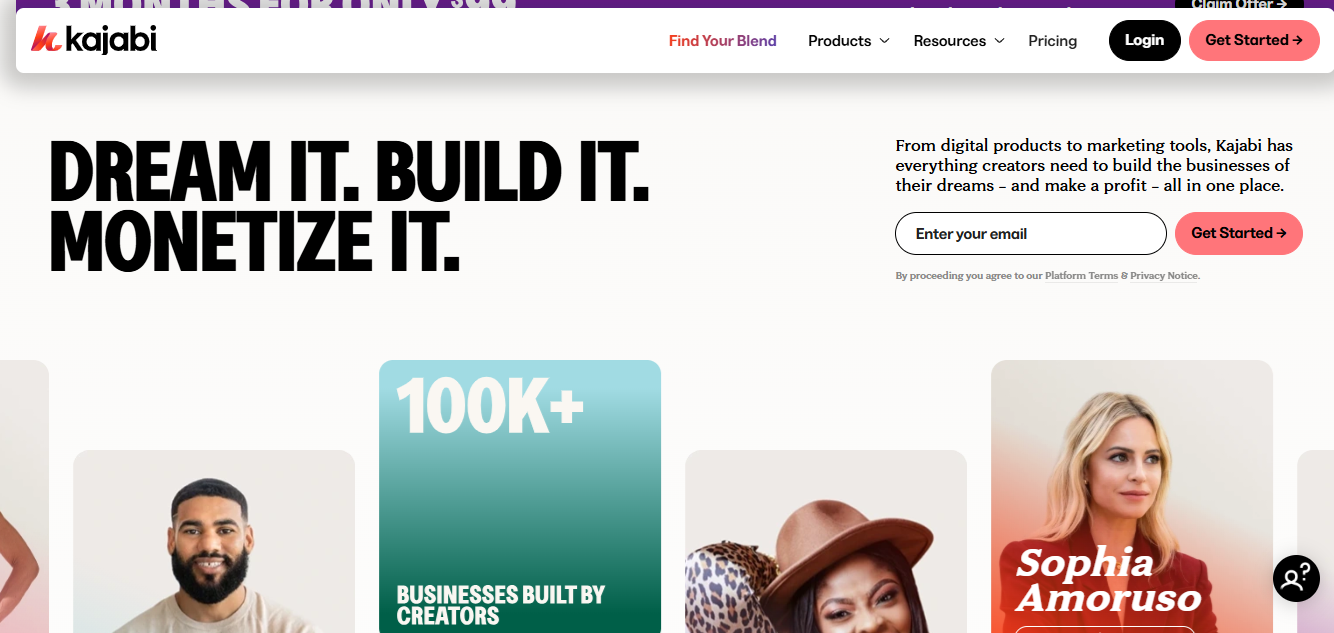
If you’re not at that stage yet, it’s probably overkill. But if you are, Kajabi’s marketing automation is the real thing. The sales funnels, the behavior-triggered email sequences, the built-in affiliate tools: these are not watered-down versions of standalone tools. They’re legitimate. The student experience is clean. The design is polished. And having everything in one place means one fewer thing to Zapier together at 11 pm on a Sunday.
Pros:
- Native email marketing, sales funnels, communities, and podcasting included
- Automation connects course activity to email triggers without third-party tools
- Zero transaction fees on all paid plans
- Clean, polished student experience
Cons:
- Starts at $149/month; no free plan
- Transaction fees on the lowest tier
- Overkill for creators who are not already revenue-generating at scale
Pricing: Plans start at ~$149/month.
3. Thinkific – Best for Zero Transaction Fees and Stronger Certifications
Teachable’s Starter plan takes 7.5% of every sale. At any real volume, that number becomes a line item worth paying attention to. Thinkific takes zero on every paid plan, which is the most straightforward reason most creators end up here.
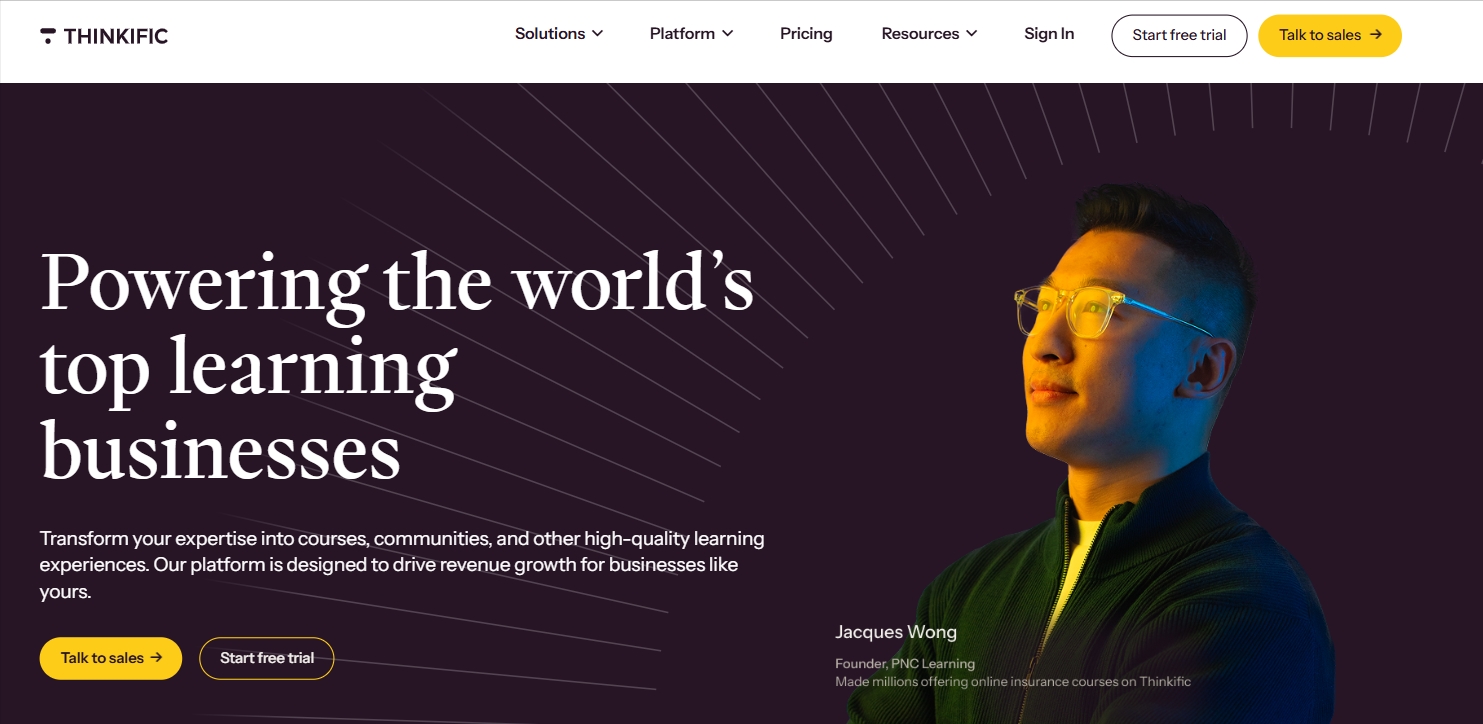
Beyond the fee structure, Thinkific’s certificate tools are noticeably better than Teachable’s. If your students expect a credential they can actually put somewhere, the customization options here are far ahead. The assessments are also more robust: question banks, randomized delivery, timed quizzes, all available without jumping to the top plan. SCORM compliance is included for organizations that need it.
Pros:
- Zero transaction fees on all paid plans
- Better native certificate customization than Teachable
- SCORM-compliant for enterprise and business use
- Advanced assessments: question banks, randomization, timed quizzes
Cons:
- Marketing automation is weaker than Kajabi
- No built-in affiliate marketing at the entry level
- Free plan is fairly limited
Pricing: Free plan available. Paid plans start at $36/month.
4. LearnWorlds – Best for Academic-Style Courses and Compliance Programs
Most course platforms are built to sell content. LearnWorlds is built to teach it. That’s a different design philosophy, and it shows throughout the platform.
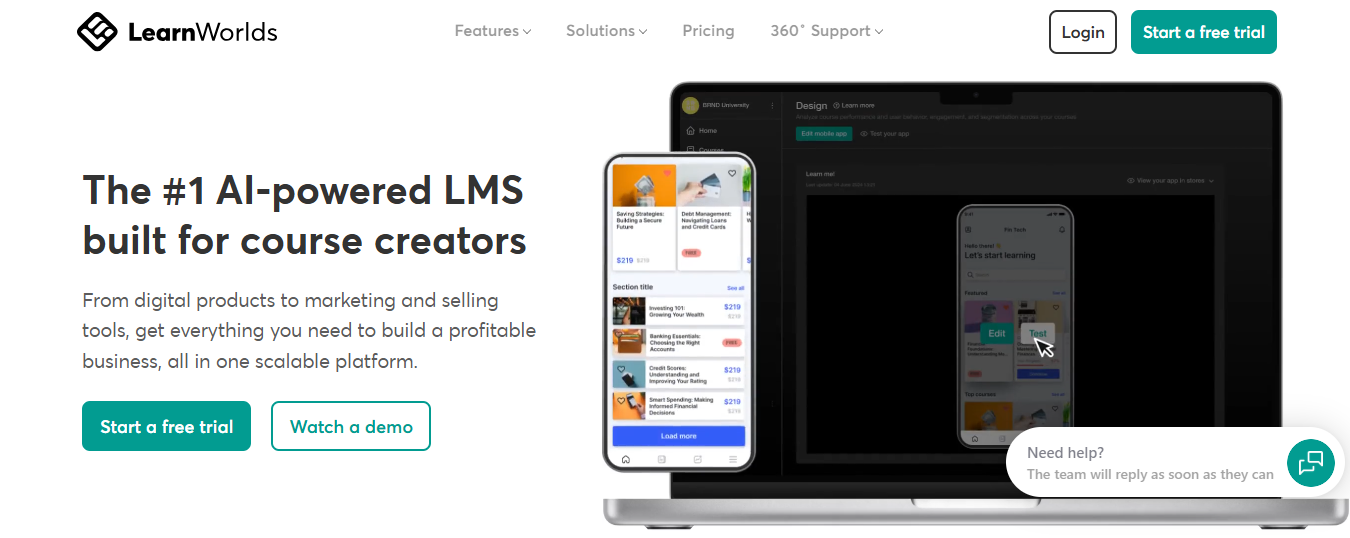
Interactive video with embedded questions and timestamp-based notes, a built-in ebook creator, transcripts, SCORM and xAPI support: these are features an instructional designer actually asked for, not a marketing team.
If your course needs to feel credible to a formal institution, a corporate compliance department, or a licensing board, LearnWorlds gives you the tools to make that case in a way that Teachable simply cannot. The white-label mobile app on higher plans is a genuine differentiator for organizations that need a branded learning environment.
Pros:
- Interactive video with embedded questions and in-video notes
- SCORM and xAPI support for enterprise and compliance use cases
- Built-in ebook creator and transcript generation
- White-label mobile app available on higher plans
Cons:
- Steeper learning curve than most platforms on this list
- Best features require higher-tier plans
- More than necessary for simple video course delivery
Pricing: Starter at $29/month (with transaction fees). Pro at $99/month (no transaction fees).
5. Podia – Best for Getting Up and Selling Fast
Every platform on this list has a setup process. Podia’s is the shortest. You can go from signing up to a working storefront selling your first course in a few hours, not a few days. That’s not an accident; it’s the entire product philosophy.
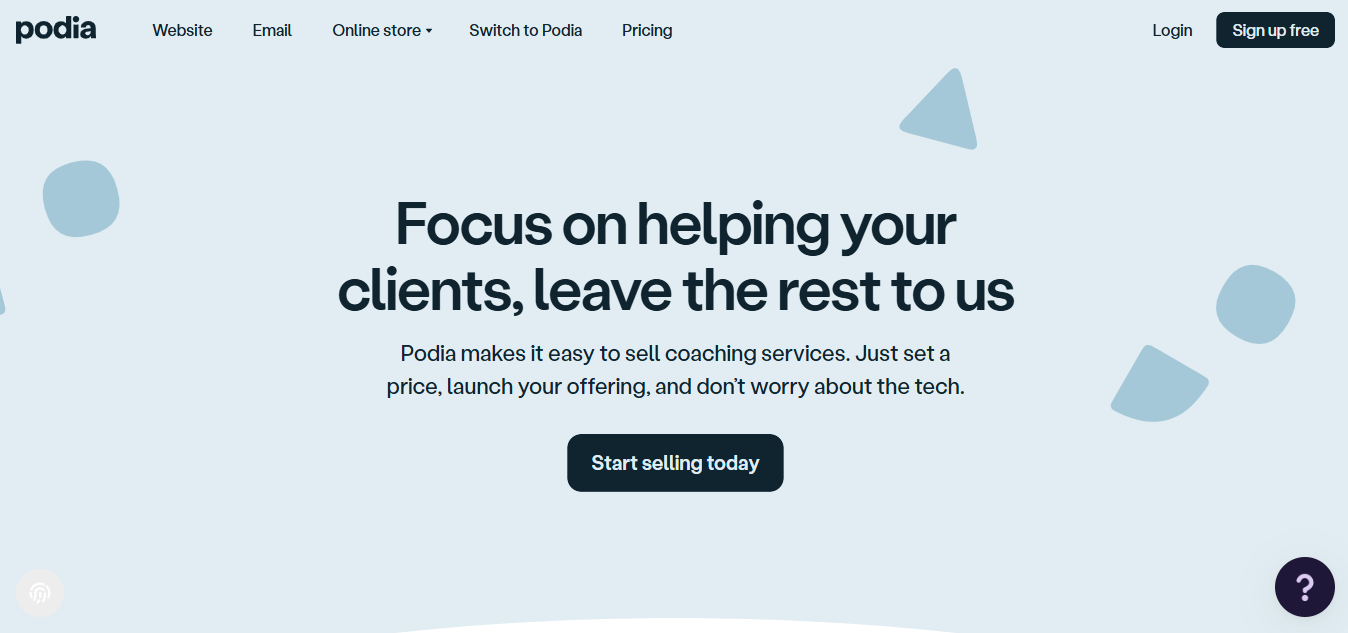
Podia handles courses, digital downloads, webinars, and email marketing in one place without requiring you to connect tools, configure webhooks, or watch three tutorial videos before anything works. If you’re at the stage where you just want to test whether people will pay for what you’re making, Podia removes all the friction that would otherwise get in the way of finding out.
Pros:
- Fastest setup time on this list; genuinely beginner-friendly
- No transaction fees on paid plans
- Courses, downloads, webinars, and email in one place
- Clean checkout experience with no technical configuration needed
Cons:
- Limited design customization compared to higher-end platforms
- Not suited for complex assessments or compliance training
- Community features are basic at entry level
Pricing: Free plan available (with transaction fees). Paid plans start at $39/month.
6. Mighty Networks – Best for Creators Whose Business Is the Community
Teachable is built on the assumption that your students come for the content and leave when it’s done. Mighty Networks assumes the opposite: that the conversation between students is as valuable as anything you put in the modules.
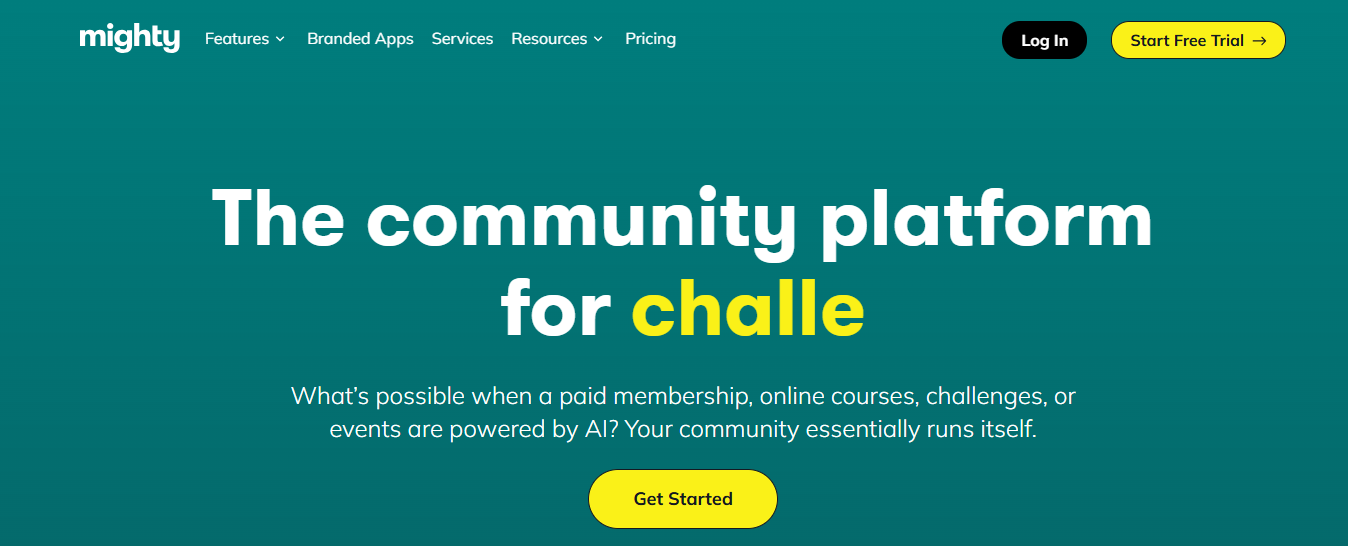
If your model is built around ongoing member interaction, cohort momentum, and people coming back between lessons, the platform architecture here fits that goal in a way Teachable never will.
The AI surfaces member connections based on shared interests. Livestreaming is built in. The fully branded iOS and Android apps are included at mid-tier plans. And the community feed feels like a social network your students actually want to open, not a forum they visit once and forget about.
Pros:
- AI-powered member matching and connection suggestions
- Courses and community fully integrated on one platform
- Branded mobile app included on mid-tier plans
- Native livestreaming with no third-party tools
Cons:
- Course creation tools are not as advanced as LearnWorlds or Thinkific
- Pricing increases significantly when the branded app is included
- Not suitable for SCORM or compliance training
Pricing: Plans start at $49/month. App plans are priced higher.
7. Skool – Best for Gamified Communities Without the Kajabi Price Tag
Skool’s value proposition is almost annoyingly simple. For $9/month on the hobby plan, or a flat $99/month for the full platform, you get integrated community and courses with leaderboards, points, and levels baked in.
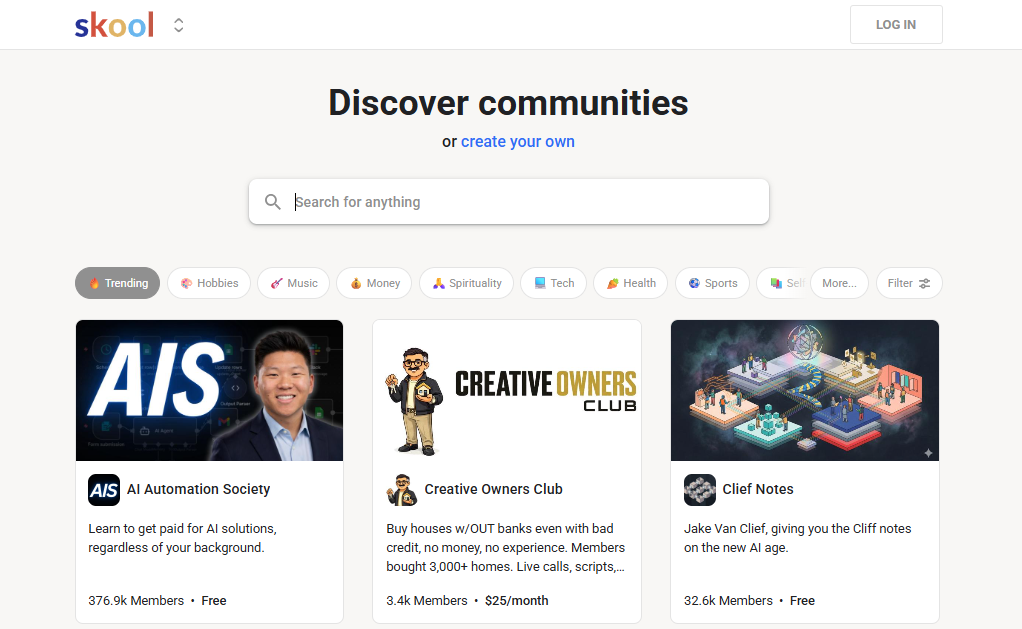
No third-party gamification plugin. No separate Circle account. Just the thing, at a price that doesn’t require a revenue justification conversation.
The student engagement mechanic is straightforward and it works. The interface is minimal, which means students spend less time figuring out where things are and more time inside your content. If you’ve been trying to build this experience across three separate tools, Skool’s consolidation alone is worth the cost.
Pros:
- Native gamification: leaderboards, points, levels, all included
- Community and courses on the same page; no toggling
- Flat pricing with no per-student fees
- Fast to set up; minimal interface reduces friction for students
Cons:
- Minimal course tools; no advanced assessments
- Not SCORM-compatible or suited for compliance training
- Limited design customization
Pricing: $9/month (hobby plan) or $99/month (full platform).
8. LearnDash – Best for WordPress Users Who Want to Own Their Data
Every platform on this list charges you monthly, which means every platform on this list has the ability to raise their prices. LearnDash doesn’t work that way.
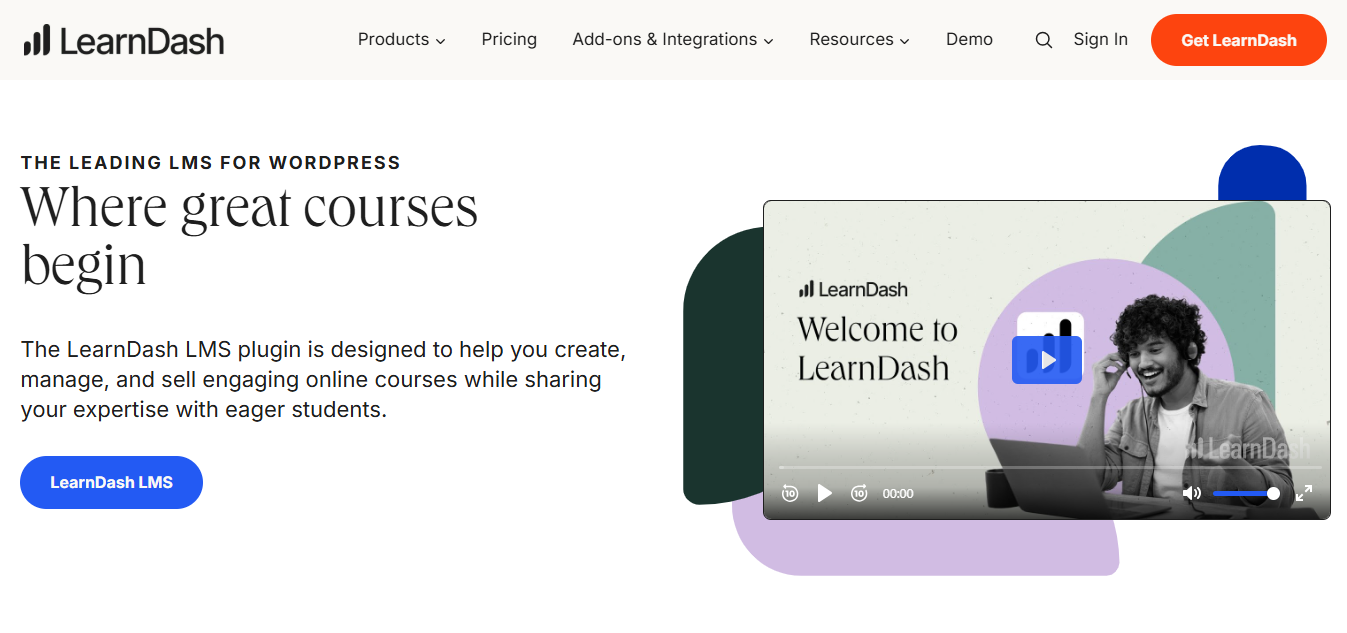
You pay an annual license, install it on your own WordPress site, and own everything: student data, course content, transaction records, all of it. No platform takes a cut. No one can change the rules on you.
The tradeoff is real: you handle hosting, security, and maintenance. But if you’re already running a WordPress site and know your way around it, LearnDash gives you advanced quizzes, drip content, certificates, and access to the entire WordPress plugin ecosystem for tools that don’t exist natively anywhere else.
Pros:
- Full data ownership on your own server
- Zero transaction fees, ever
- Access to the WordPress plugin ecosystem
- Advanced quiz tools, certificates, and drip content included
Cons:
- Requires WordPress knowledge to set up and maintain
- Hosting, security, and maintenance are your responsibility
- Support is documentation-heavy rather than hands-on
Pricing: Starts at $199/year for the plugin (self-hosted).
9. Graphy – Best for AI-Driven Course Creation and International Selling
Most platforms treat international pricing as an afterthought. Graphy doesn’t. Country-specific pricing at checkout, built-in currency support, and international payment infrastructure are core features, not add-ons.

If you have a meaningful percentage of students outside your home country, the pricing difference alone recaptures revenue that most platforms quietly lose.
The AI side is also genuine. An AI website builder, a native sales agent, and a customer support agent mean you’re not manually setting up every piece of the funnel. Built-in affiliate marketing removes the need for a separate tool. The platform is younger than Teachable or Thinkific, which means the ecosystem is smaller, but the feature-to-price ratio at the entry tier is hard to argue with.
Pros:
- Country-specific pricing for international audiences built in natively
- AI website builder, sales agent, and support agent included
- Native affiliate marketing with no third-party integration required
- Courses and community on one platform
Cons:
- Smaller ecosystem and community than established alternatives
- Some advanced course features are still maturing
- Fewer native integrations than Kajabi or Thinkific
Pricing: Free plan available. Paid plans start at ~$19/month.
10. Ruzuku – Best for Coaches Running Live Cohorts
Ruzuku has one of the most honest positioning statements in the e-learning space: it’s for people who teach, not people who want to build a software business.
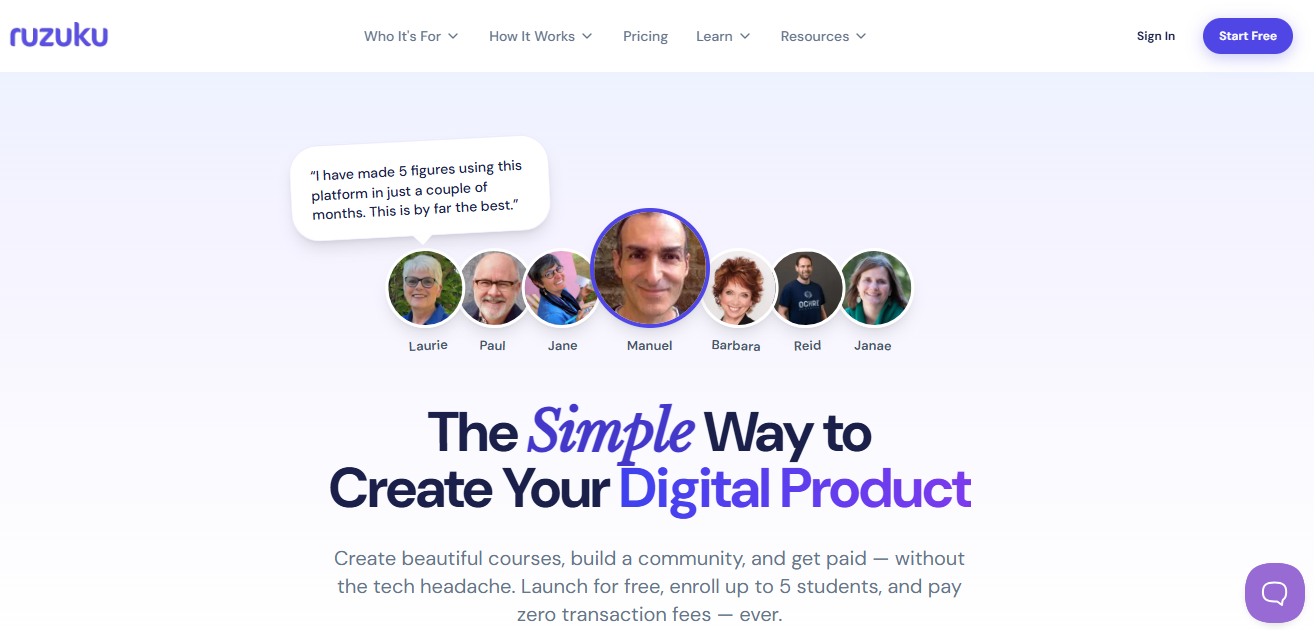
Zero transaction fees on every plan, native Zoom integration for live sessions, and a genuinely unusual feature for a platform at this price: Ruzuku handles student tech support so you don’t have to.
If you’ve spent any time fielding “I can’t log in” and “the video isn’t playing” tickets from students, you understand exactly how much that last part is worth. Ruzuku is not trying to be Kajabi. It’s trying to make the actual teaching experience as clean as possible for people who got into this to teach, not to run a SaaS stack.
Pros:
- Zero transaction fees on every plan
- Native Zoom integration for live cohort sessions
- Ruzuku handles student technical support directly
- Clean, simple interface built for non-technical instructors
Cons:
- Minimal gamification or engagement features
- Not suitable for high-volume asynchronous course delivery
- Limited design customization
Pricing: Starts at $79/month.
11. FreshLearn – Best Freemium Option With Real Gamification Built In
The free plan problem with most platforms is that the free version is a demo, not an actual product. FreshLearn’s free plan is different. It’s limited, but it’s functional enough to test your market before committing.
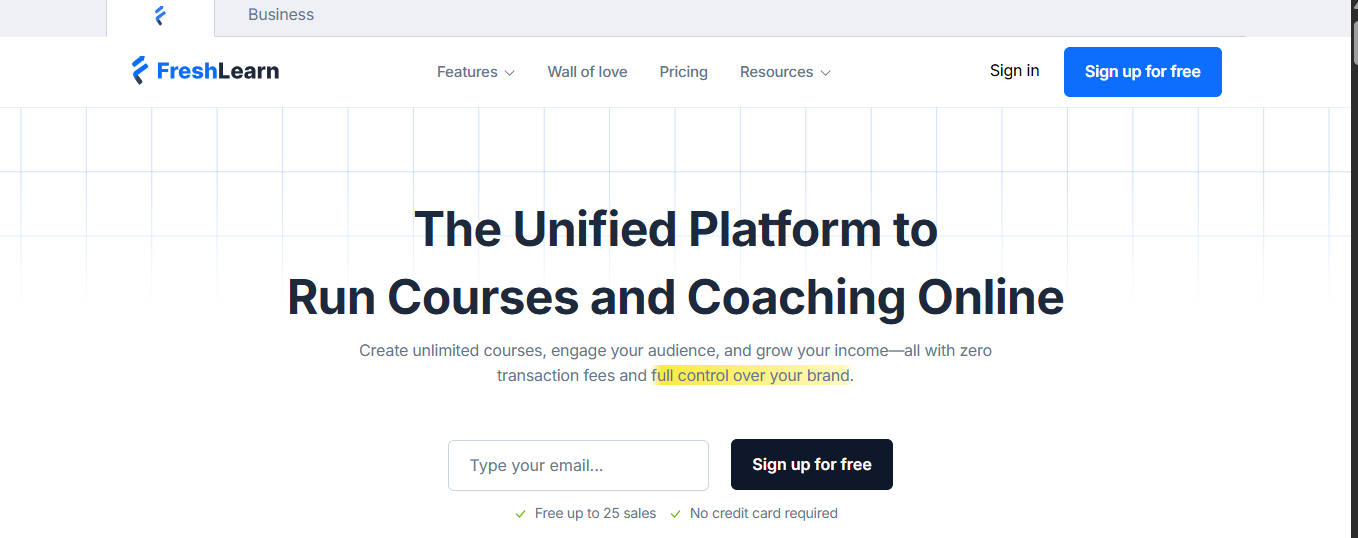
The gamification features, points, and badges are available on affordable paid tiers, not locked behind the most expensive plan. And cohort-based course support is included without jumping tiers.
If you’ve been looking at Teachable alternatives and keep hitting a ceiling where the one feature you actually need requires a plan that costs three times what you’re spending now, FreshLearn is worth a serious look.
Pros:
- Genuine free plan, not a crippled demo
- Native gamification on affordable paid tiers
- Cohort-based course support included
- No FreshLearn branding on mid-tier plans
Cons:
- Smaller ecosystem than established platforms
- Advanced analytics are limited on lower plans
- Community tools are basic compared to Mighty Networks or Skool
Pricing: Free plan available. Paid plans start at $29/month.
12. Zenler – Best for Running Multi-Instructor Virtual Schools
Most platforms assume one instructor, one course catalog, one admin. Zenler assumes you’re running something closer to a school: multiple instructors with separate admin access, dozens of live sessions, a community that needs to support conversations going in multiple directions at once, and a marketing layer with enough design flexibility to actually look like a brand.
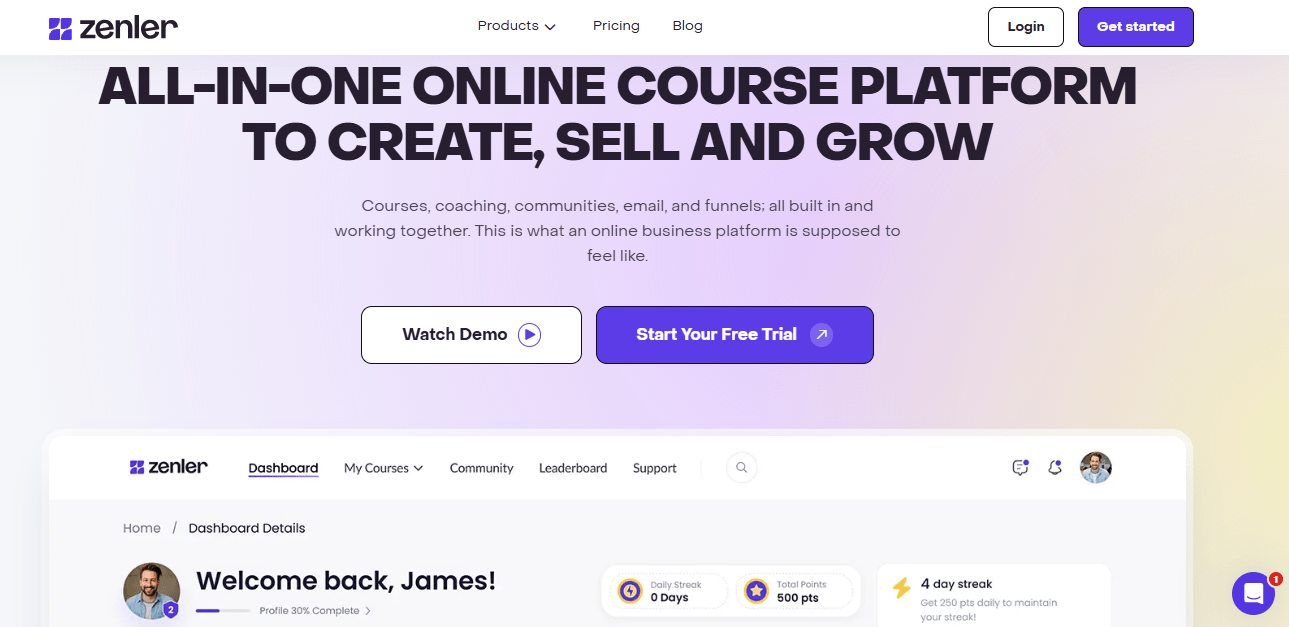
If you’re managing tutors rather than just publishing your own courses, and if the platforms above feel too simple for the organizational complexity you’re dealing with, Zenler is built for that scale.
Pros:
- Multi-instructor support with individual admin controls
- 1,000+ design blocks for landing and sales pages
- Community features built for multi-directional interaction
- Strong live session management for high-volume programs
Cons:
- Steeper learning curve than simpler platforms
- Student experience is less polished than top-tier competitors
- Support response times are inconsistent based on community reports
Pricing: Paid plans start at $67/month.
My Top 3 Picks
If I had to hand someone a shortlist right now based on what I’ve seen actually work for different types of creators and organizations, here’s where I land.
ProProfs Training Maker if you’re running training for a team rather than selling courses to individuals. The AI builder, the compliance audit trails, and the course library make it the most complete corporate training platform on this list for the price. Nothing else comes close for organizations that need to prove training happened.
Thinkific if you’re a platform for professional creators who want to keep every dollar they earn, build better certificates than Teachable offers, and run on a platform with a stable pricing history. Zero transaction fees and genuinely strong assessments put it ahead of most alternatives at this price point.
Skool if community engagement is the product and budget matters. The gamification is native, the interface actually gets students to come back, and the flat pricing lets you model the economics clearly without worrying about what happens when your student count grows.
How I Evaluated These Teachable Alternatives
There’s no shortage of “best platform” lists online. Most of them were written by someone who skimmed the pricing page, checked the G2 ratings, and called it a day. That’s not what this is.
I evaluated each platform across five criteria:
Pricing transparency: Not just the headline number, but what’s actually available at each tier, what gets gated, and whether the pricing history for existing customers is stable. Teachable’s core frustration is not the price itself; it’s the feature gates that force upgrades before you’re ready.
Migration viability: Does the platform make it realistic to move an existing student roster without losing people? Tools that offer bulk import, dedicated migration support, or clean CSV export got scored higher here.
Feature access at entry tier: Kajabi is a great platform. But if the features you actually need don’t unlock until you’re on the $299 plan, that matters for the evaluation. I looked at what’s genuinely usable at the lowest paid tier for each platform.
Student experience quality: Most comparisons focus on the creator side. I focused on what it feels like to be a student on each platform, because your completion rates and your reputation depend on that.
Specific use case fit: A platform that’s excellent for a solo creator is not necessarily excellent for a compliance team. I tried to be honest about who each platform is actually built for rather than declaring one overall winner.
The Migration Problem Is Real. Here’s What Actually Helps.
I want to address this directly because it’s the thing nobody talks about enough. Moving platforms when you have an active student roster is legitimately complicated, and the fear of breaking something is real.
Here’s what to do, in order:
Step 1: Export everything before you do anything else
Student lists, course content, and completion data. Most platforms let you export CSVs. Do this before you cancel anything.
Step 2: Don’t just replicate your existing course
The migration is a good forcing function. If your current structure has things you’ve always meant to fix, fix them now. Don’t carry dead weight to a new platform.
Step 3: Communicate with your students before you switch
Especially for students with “lifetime” access, a heads-up email with clear instructions prevents the bulk of support tickets. Give them a date and a clear next step.
Step 4: Ask the new platform about migration support
Graphy, FreshLearn, and Esmerise have offered migration assistance in various forms. LearnDash (via developers) can handle bulk student imports. It’s worth asking directly before you commit.
What to Check Before You Sign Anything
Teachable’s real frustration is not the price itself. It’s the feature gates that force upgrades before you have revenue to justify them. Before you commit to any platform on this list, run through this quick check.
What to look for on the pricing page:
- Which features are available at the entry tier vs. locked behind the next plan up
- Whether student or product caps apply at the plan you’ll actually be on
- Whether pricing is fixed or subject to “annual adjustments” (check the fine print, not just the marketing page)
- Whether LTI support is included if you’re integrating with a university system, enterprise LMS, or corporate HR stack
Where to look beyond the pricing page:
- Current Reddit threads for that platform, specifically posts from existing customers, not new signups
- G2 and Capterra reviews filtered to the last six months
- The platform’s changelog or blog for any recent pricing or plan structure announcements
Platforms with transparent, stable pricing tend to get better long-term reviews. Thinkific, Ruzuku, and Skool have been more consistent on this than most. That’s not a guarantee, but it’s a signal worth weighing before you move.
You Picked Teachable Once for a Reason
And that reason was probably that it was simple, it worked, and it was good enough for where you were at the time.
The problem is not that Teachable is a bad platform. It is that “good enough for where you were” stops being an argument once the platform decides your renewal is more valuable than your loyalty.
What I’d actually recommend: pick the platform that solves your current biggest problem at the tier you will realistically be on for the next 12 months. Not the one with the most features. Not the one with the best landing page. The one that does the specific thing you need, at a price that makes sense for where you are right now.
The switching cost is real. Make the move count.
Frequently Asked Questions
What is the best free Teachable alternative?
ProProfs Training Maker has a free plan that is functional, not a stripped-down demo. FreshLearn and Thinkific also offer genuine free tiers. FreshLearn includes gamification at no cost; Thinkific's free plan lets you host one course.
Which Teachable alternatives have zero transaction fees?
ProProfs Training Maker charges per active learner, with no transaction fees. Thinkific and Ruzuku also charge zero transaction fees on all paid plans. Podia removes fees on paid tiers. Teachable's Starter plan takes 7.5% of every sale, which adds up quickly once you're generating any real volume.
Can I migrate my existing Teachable students to another platform?
Yes, but it requires planning. Export your student list as a CSV first, then manually invite or bulk-import on the new platform. Tell your students before the switch. Some platforms offer migration support directly; ask during your trial before committing.
Which platform is best for selling courses internationally?
Graphy is built specifically for this, with country-specific pricing at checkout and native international payment support. ProProfs Training Maker also supports 70+ languages and is used by global teams across time zones. Kajabi and Mighty Networks handle international payments well, too. Check whether VAT handling is native or requires a third-party integration before committing.
What are the best Teachable alternatives for corporate training?
ProProfs Training Maker is the strongest option for corporate use. It offers SCORM support, completion audit trails, compliance tracking, certification management, and 70+ language support for global teams. It is a different category from creator-focused platforms.
Is LearnDash a good Teachable alternative?
If you are already on WordPress, yes. LearnDash gives you full data ownership, zero transaction fees, and the entire WordPress plugin ecosystem. The tradeoff is that you handle hosting, security, and maintenance. Not recommended if you are not already comfortable with WordPress.
What is the easiest Teachable alternative for beginners?
Podia is the fastest from signup to selling. Skool is close behind if community is part of your model. Both are designed so you can start without a setup tutorial.
Which Teachable competitors are best for gamification?
Skool and FreshLearn both include native gamification without requiring third-party tools. Skool's leaderboards and levels are the more polished implementation. FreshLearn is the better choice if budget is a priority.
Let ProProfs AI create your training course

 We'd love your feedback!
What did you like & how can we make it even better?
 Thanks for your feedback!
 Ask Your Question
Have a question? Get expert help to make your decision easier.