Retail training has a specific failure mode that I find almost universal: the training happened, the box got checked, and three weeks later, the employee is handling a return the wrong way because the policy changed and nobody told them. Not because they weren’t trying. Because the system for getting information to people is slower than the information itself changes.
That’s what a retail LMS is supposed to fix. Whether it does depends entirely on which one you pick.
What Is a Retail LMS?
That definition sounds tidy. The reality is messier, and I think it’s worth being honest about that.
What separates a retail-specific LMS from a general-purpose one is how it handles the actual conditions of the job: deskless employees who only have a phone, turnover rates that make “consistency” feel like an aspiration, product updates that need to reach 500 people by Monday, and compliance requirements that need a paper trail to survive an audit. A general LMS will technically function in this environment. But “technically functions” is not what you’re shopping for.
Most of the frustration retail teams experience with their LMS comes from picking a platform designed for a completely different use case, usually corporate e-learning or individual course creators selling online, and trying to force it to fit retail. The feature checklist looks similar. The day-to-day experience doesn’t.
7 Best Retail LMS Software to Choose From
I’ll give you the honest answer upfront: there’s no single best platform for every retailer. The right LMS depends on your size, your team structure, and what’s actually broken in your training right now. What I can do is give you a clear look at the platforms worth your time, evaluated against real retail criteria, not marketing copy.
Before we go into details for each tool, here’s a quick glance:
| Tool | Best For | Multi-Location Support | Offline Mobile Access | Starting Price | Capterra Rating |
|---|---|---|---|---|---|
| ProProfs Training Maker | Easy online retail training for teams of all sizes | Yes | Yes | Free up to 10 users; paid plans start at $1.99 per active learner/month | 4.8 |
| Docebo | Enterprise retail with complex brand hierarchies | Advanced | Yes | Custom pricing | 4.4 |
| CYPHER Learning | AI-driven automation and on-the-go learning | Yes | Yes | Custom pricing | 4.5 |
| Axonify | Daily reinforcement and frontline knowledge retention | Yes | Limited | Custom pricing | 4.7 |
| Academy of Mine | B2B retail and extended enterprise training | Advanced | No | Custom pricing | 4.9 |
| TalentLMS | Mid-size retailers that need to launch fast | Yes | Limited | $69/month (up to 40 users) | 4.7 |
| Schoox | Connecting training directly to business performance | Yes | Limited | Custom pricing | 4.4 |
1. ProProfs Training Maker – Best for Easy Online Retail Training & LMS
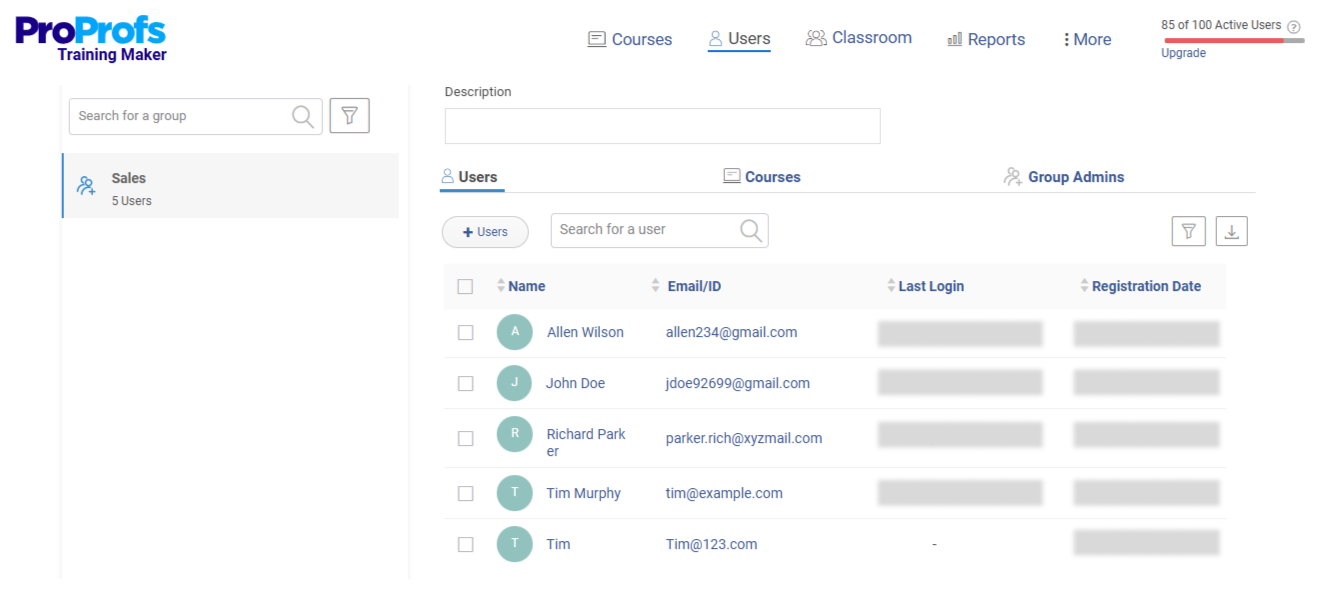
If there’s one retail LMS that feels complete without needing an IT team, I’d pick ProProfs Training Maker.
Retail training isn’t just one thing. It’s onboarding, product knowledge, sales, compliance, and customer service all happening at once. What I’ve seen fail is when these live in different tools and spreadsheets. ProProfs brings everything into one place and makes it easy to manage.
What stood out to me most is that it’s an AI-powered LMS, not just a traditional platform with AI added later. During a seasonal hiring push, I had to quickly train a large number of new staff. Instead of building courses manually, I used AI to generate them. I uploaded SOPs and guides, and the system turned them into structured courses. I could also just type a topic, and it would create a full course instantly.
Courses were ready, assigned by role, and tracked before day one. Training didn’t slow operations down. It helped speed them up.
Try it yourself; enter a prompt below and create a course in minutes.

Let ProProfs AI create your training course
Everything runs in one loop. I can create courses, assign them, track progress, and generate certificates without switching tools. Managers get real-time visibility, and compliance records are automatically stored and audit-ready.
What you can do with it:
- Pick from 500+ ready-to-use courses & templates or build from scratch using your own docs, videos, and PPTs
- Assign training by role, location, or group with automatic enrollment
- Track progress, quiz scores, and completion rates in real time
- Generate compliance audit trails and custom certificates automatically
- Schedule and manage training sessions with a built-in training calendar
- Set up smart groups and subgroups by store, region, or team for organized multi-location management
Pros:
- Mobile-responsive with a dedicated app for anytime, anywhere learning
- Accessible via employee ID for staff without a company email address
- Live online sessions through Zoom integration
- Gamification elements (badges, certificates, leaderboards) that actually drive completion
- Integrates with Salesforce CRM, BambooHR, Mailchimp, WordPress, and more
Cons:
- No dark mode
- Free plan is capped at 10 learners
Pricing: Free plan for teams of up to 10 learners. Paid plans start at $1.99 per active learner/month for larger teams, with a 15-day money-back guarantee. No hidden fees.
2. Docebo – Best for Enterprise Retail With Complex Brand Hierarchies
Docebo is what you reach for when “multi-location” means multiple countries, dozens of brands, and training audiences that include not just your employees but also franchise operators, wholesale partners, and regional distributors.
At that scale, the problem isn’t just content delivery. It’s governance: who controls what, which store admins can see which data, and how a global brand standard gets maintained while still allowing for regional variation. Docebo is built around that problem in a way that smaller platforms simply aren’t.
Its AI layer, called Shape, personalizes learning paths based on behavior, role, and historical performance. It recommends content rather than waiting for a manager to manually assign it. For a brand managing thousands of SKUs and frequent product updates, that level of automation keeps training current without requiring a full-time content team to push every update manually.
What you can do with it:
- Create separate branded portals for each location, partner type, or franchise group with independent admin controls
- Use AI-driven content recommendations to keep learning paths current without manual updates
- Connect with Workday, Salesforce, and other enterprise HR systems for seamless data sync
- Track training impact through robust analytics dashboards that tie completions to business KPIs
- Manage multi-region compliance requirements from a single admin seat
Pros:
- Best-in-class extended enterprise and multitenancy architecture
- Strong third-party integrations across HR, CRM, and HRIS platforms
- AI-powered personalization that scales without proportional content team effort
Cons:
- Implementation timeline is long and requires dedicated resources
- Pricing reflects its enterprise tier and is not suited for small or mid-size teams
- More platform than most retailers need if training is primarily internal and single-region
Pricing: Custom pricing based on organization size and feature requirements. Expect enterprise-level investment.
3. CYPHER Learning – Best for AI-Driven Automation and On-the-Go Learning
CYPHER Learning has built its entire product strategy around one premise: the less your training team has to manually do, the better. In a retail environment where L&D staff are stretched thin and content needs change constantly, that premise holds up well.
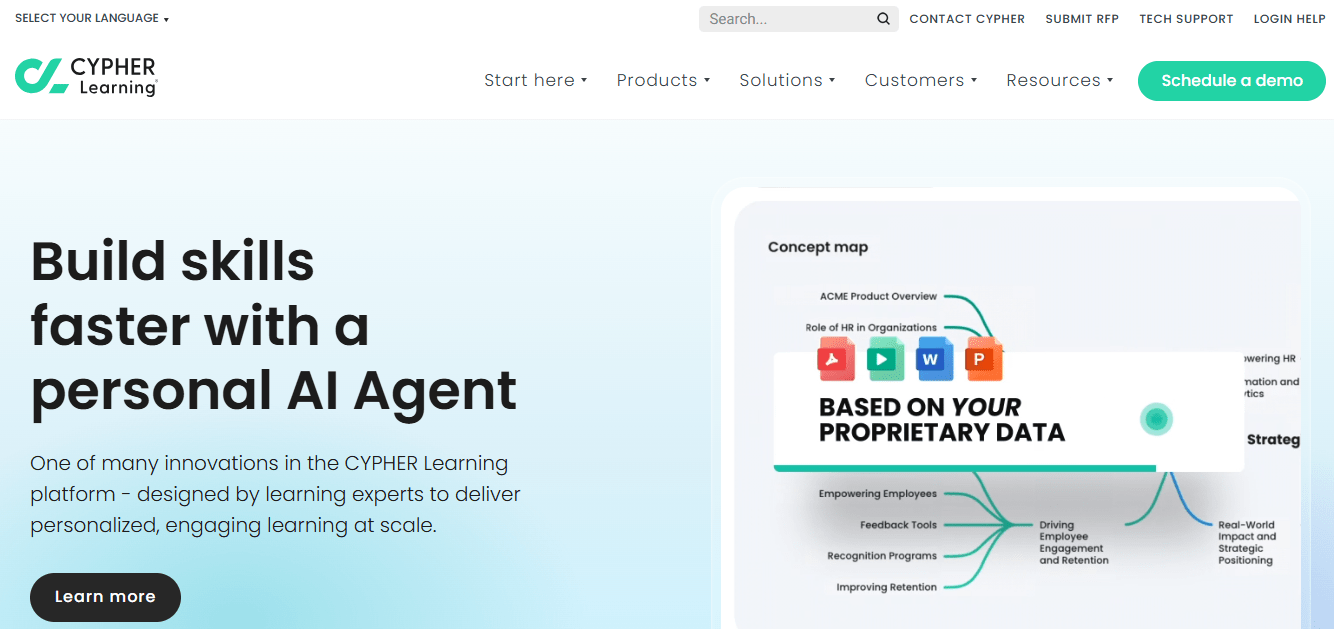
The platform’s learner agent is the standout feature. It works like an always-available knowledge assistant. Staff can ask it policy questions, product questions, or process questions in plain language and get an immediate, accurate response. That reduces the volume of repeated “quick questions” that eat into manager time and gives frontline employees a resource they’ll actually use, especially during onboarding when they’re still hesitant to ask for help repeatedly.
Course creation also runs faster here than on most platforms. You feed it an existing document (a standard operating procedure, a product spec sheet, an employee handbook) and it builds a structured course with assessments. For retail teams that already have documentation but haven’t formalized it as training, that’s a significant time saver.
What you can do with it:
- Build courses directly from existing SOPs, product documents, and policy guides using AI
- Deploy a learner-facing AI agent that answers policy and product questions in real time
- Set personalized learning paths that adapt based on each employee’s role and performance data
- Track skill gaps and automatically assign targeted training to close them
- Manage competency-based learning frameworks for structured workforce development
Pros:
- Genuinely fast AI-powered content creation from existing documentation
- Real-time learner support through conversational AI reduces manager load
- Strong competency frameworks for structured development paths
Cons:
- AI features require configuration to deliver consistent results, so expect a setup investment
- Less suited to organizations that need simple, fast onboarding without an L&D team managing the rollout
- Reporting depth can feel like more than smaller teams need
Pricing: Tiered plans based on learner count and feature set. Contact for enterprise pricing.
4. Axonify – Best for Daily Reinforcement and Frontline Knowledge Retention
Axonify approaches retail training differently from every other platform on this list, and I think that’s worth understanding clearly before you evaluate it.
Most LMS platforms are about delivery: get the training in front of the employee, record the completion, move on. Axonify is about retention. Its core mechanism is spaced repetition, which means short daily bursts of two to five questions, calibrated to what each individual employee still needs to reinforce based on their past performance. The system figures out what they don’t know and keeps coming back to it until they do.
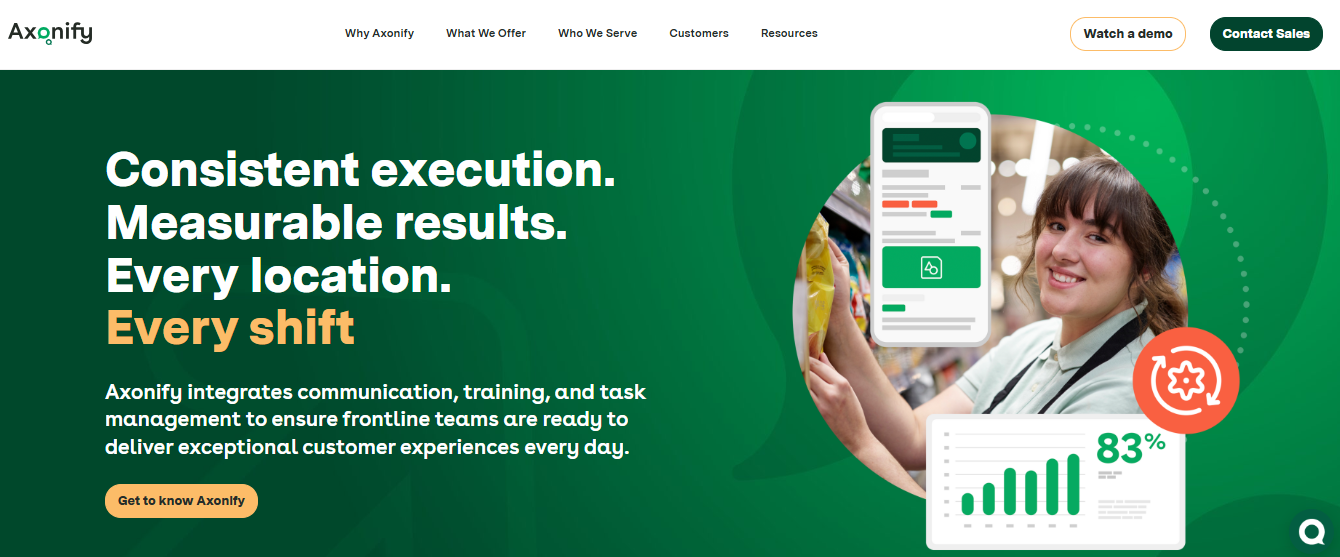
For frontline retail, this matters more than most training managers realize. An employee can complete a compliance module and score 80% on the post-test. That doesn’t mean they remember it three weeks later when it’s actually relevant. Axonify’s model is specifically designed to close that gap, and it shows up in floor behavior data for teams that use it consistently.
It also feels less like “doing training” than any other platform here. Daily check-ins take under three minutes. Completion rates are high not because managers are chasing people, but because the format fits how frontline workers actually operate.
What you can do with it:
- Deploy short daily knowledge reinforcement to frontline staff automatically
- Use spaced repetition algorithms that identify individual knowledge gaps and prioritize accordingly
- Drive engagement through gamified daily check-ins (points, badges, leaderboard visibility)
- Connect training data to operational KPIs to show which knowledge gaps are costing you on the floor
- Set up manager coaching workflows built around observed performance, not just course completions
Pros:
- Genuinely high frontline adoption because the format fits the work environment
- Knowledge gap identification happens automatically, with no manual analysis required
- Performance correlation data is strong for retailers who need to demonstrate training ROI
Cons:
- Primarily a reinforcement tool, not a full onboarding or compliance management platform
- Works best as a complement to a traditional LMS rather than a standalone solution
- Less suited to long-form content or structured certification programs
Pricing: Custom pricing based on learner count and organizational needs.
5. Academy of Mine – Best for B2B Retail and Extended Enterprise Training
Academy of Mine solves a problem that most LMS platforms treat as an afterthought: training people who aren’t your employees.
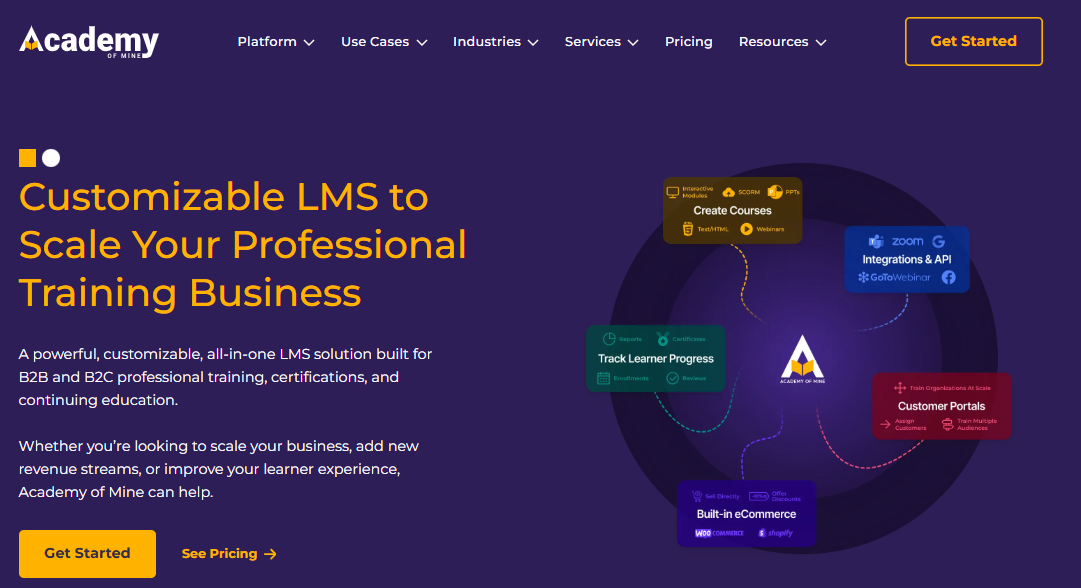
If you’re a wholesaler or brand that needs to train retail partners, resellers, or franchise operators (people who are one step removed from your organization but whose product knowledge directly affects your sales), Academy of Mine was built specifically for that. Each external training audience gets its own branded, isolated portal with its own admin structure, its own reporting, and its own learning experience.
This matters because external training relationships are complicated by default. The brand wants to control the content and the certification standards. The retailer wants to control their staff’s data. Academy of Mine gives both parties the visibility they need without either one owning the other’s experience. That data ownership tension, which comes up constantly in extended enterprise retail, is something the platform is explicitly designed to manage.
What you can do with it:
- Create white-labeled portals for each reseller, franchise group, or partner organization
- Manage independent admin controls per portal so external partners can self-administer
- Sell or gate access to certification programs through built-in ecommerce functionality
- Integrate with partner management and CRM systems via clean API connections
- Track completion and certification status across all external audiences from a central dashboard
Pros:
- Best-in-class architecture for B2B and extended enterprise training scenarios
- White-labeling is thorough, with each portal genuinely feeling like its own product
- Ecommerce functionality for organizations that monetize access to certification programs
Cons:
- Not designed for internal employee onboarding, this is external training infrastructure, not a frontline LMS
- Less feature-rich for content creation than platforms built for internal use
- Pricing and complexity can be more than a retailer with purely internal training needs requires
Pricing: Custom pricing based on portal count and learner volume.
6. TalentLMS – Best for Mid-Size Retailers That Need to Launch Fast
TalentLMS sits in a useful position in the market: capable enough to handle real retail training complexity, straightforward enough that a non-technical training manager can get it running without IT support, and priced in a range that mid-size retailers can actually budget for.
The setup timeline is genuinely short. I’ve seen teams go from signing a contract to having a live onboarding curriculum in under two weeks. The course builder is intuitive, the SCORM import works cleanly, and branch accounts let you run separate location-level administrations from a single parent account. For a retailer with 10 to 20 locations and a training team of one or two people, that combination hits most of the requirements without the overhead of a long enterprise implementation.
One honest caveat: TalentLMS has increased its pricing significantly over the past few years, and some teams find they’re paying for a feature set broader than what they actually use. It’s worth doing a close headcount calculation before committing, especially if your learner base spikes seasonally.
What you can do with it:
- Build and launch courses quickly with an intuitive, no-code course builder
- Import SCORM and xAPI packages from Articulate, iSpring, or other authoring tools
- Manage multi-location administration through branch accounts under a single parent
- Automate enrollment, reminders, and certification tracking
- Access pre-built reports on completion, quiz performance, and learner progress
Pros:
- Fast implementation timeline, with most teams live within days, not weeks
- Branch account structure handles multi-location administration cleanly
- Solid SCORM and xAPI compatibility for content portability
Cons:
- Pricing has increased meaningfully in recent years, so verify current rates carefully
- Gamification and engagement features are functional but not as strong as Axonify or ProProfs
- Less AI-native than CYPHER Learning or Docebo for content creation
Pricing: Starts at $69/month for up to 40 active users. Scales by active user tier. Enterprise plans available with custom pricing.
7. Schoox – Best for Connecting Training Directly to Business Performance
Most LMS platforms answer one question: did the employee complete the training? Schoox is built to answer the harder one: did it actually change anything?
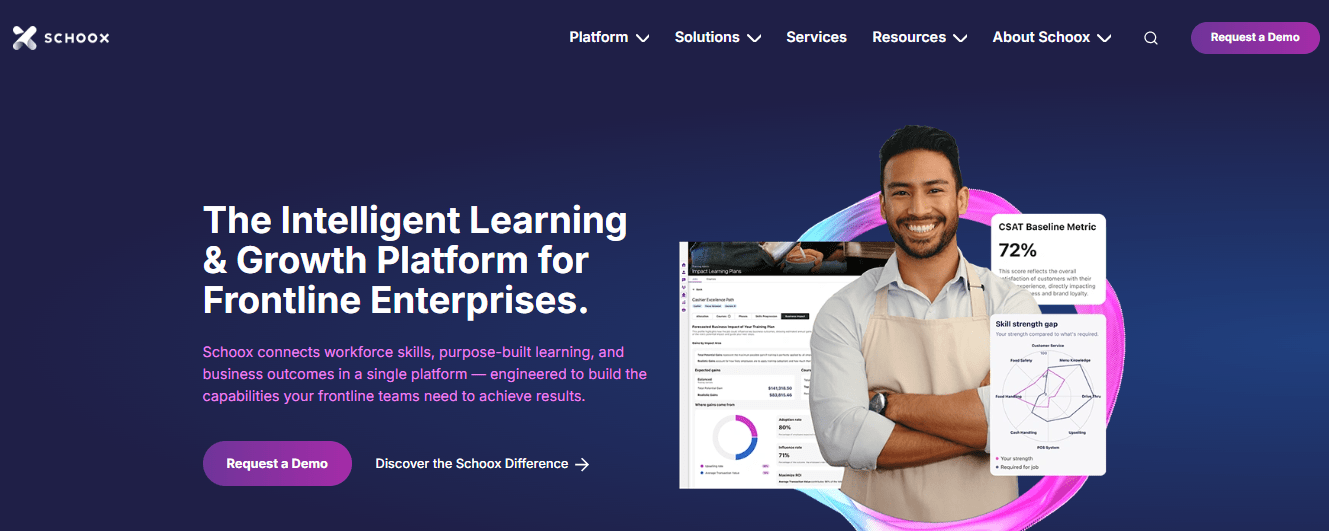
The platform ties learning data directly to operational performance metrics, including sales per hour, customer satisfaction scores, audit results, and loss prevention incidents. When a store manager looks at their team’s training dashboard, they’re not just seeing completion rates. They’re seeing whether the people who completed product knowledge training are actually outselling the people who didn’t. That correlation data is what turns training from a compliance conversation into a business conversation.
For retailers who need to justify their L&D budget to leadership, or who want to identify which training programs are genuinely moving the needle versus which ones are checking boxes, Schoox delivers a layer of visibility that most platforms don’t come close to.
What you can do with it:
- Connect training completion data to POS, HR, and performance management systems
- Track which learning programs correlate with improvements in sales, service scores, or operational KPIs
- Build manager coaching workflows tied to observed performance gaps
- Use social learning features for peer knowledge sharing and team-level discussion
- Manage structured development paths with role-based progression tracking
Pros:
- Performance correlation capability is genuinely differentiated, with few platforms doing this well
- Manager coaching workflows create accountability beyond just course completion
- Strong analytics for demonstrating training ROI to leadership
Cons:
- The performance analytics are only as valuable as the data you connect to them; fragmented POS or HR systems will limit what you get out
- More setup investment required than plug-and-play platforms like ProProfs or TalentLMS
- Less suited to teams whose primary need is fast onboarding rather than performance measurement
Pricing: Custom pricing based on learner count and integration requirements.
How I Evaluated Each Platform
When I compared these platforms, I didn’t just look at feature lists. I focused on what actually matters in day-to-day operations, especially if you’re managing teams across stores or locations.
Here’s what I assessed each tool against:
1. Mobile Usability
Can your floor staff realistically complete training on their phones during a shift? Or does it feel like something they’ll keep postponing? I looked for platforms that are fast, intuitive, and built for real-world usage, not just desktop learning.
2. Onboarding Speed
How quickly can a new hire go from “just joined” to actually being productive? The best tools reduce friction with ready-to-use content, guided learning paths, and minimal setup time.
3. Compliance Tracking
I checked whether the platform can automatically generate audit-ready records. This includes completion logs, certifications, and reports you can pull instantly when needed.
4. Multi-Location Management
If you’re running multiple stores or regions, things can get messy fast. I prioritized tools that let you manage everything from one dashboard while still allowing flexibility at the location level.
5. Content Update Ease
Policies and product details change all the time. I looked for platforms that let you quickly update content and push it live across all teams without delays or manual work.
6. Pricing Model
Seasonal hiring can break your budget if pricing isn’t flexible. I evaluated whether the cost structure scales well when your workforce expands or contracts.
What Are the Common Challenges in Retail Training?
Before you evaluate any platform, it helps to be honest about what you’re actually dealing with. The retailers who pick the wrong LMS usually skip this step.
1. Turnover is not occasional. It’s structural.
Annual frontline turnover in retail regularly exceeds 60%. That means onboarding is not a project you complete. It’s an ongoing operation running in parallel with everything else. Your training system has to work reliably when the most experienced person on the floor has been there three months.
2. Content goes stale faster than most teams can manage.
A new promotion, a pricing update, a revised return policy: these happen on short cycles. If updating a training module takes two weeks of content team bandwidth, the information reaching your employees will always be behind what’s actually true on the floor. An LMS with fast, ideally AI-assisted, content authoring is the only way to consistently close that lag.
3. The market is overwhelming, and most of it isn’t built for you.
There are hundreds of LMS platforms available. A significant number are designed for individual creators selling courses online, not for corporate retail training operations. They look similar on a feature comparison sheet, but behave completely differently when you’re trying to onboard 50 seasonal hires across six locations in three days. Knowing what to filter out is half the work.
4. Vendor lock-in is a real risk that most buyers discover too late.
If your course content is built using a platform’s proprietary authoring tools and those files can’t be exported in SCORM or xAPI format, you don’t just have a training system. You have a commitment. Switching later becomes an expensive rebuild, not a migration. Always build content in a tool you own and import it into whatever platform you choose.
What Features Should a Retail Learning Management System Include?
Not every feature matters equally for retail. Here’s what actually moves the needle for frontline operations specifically.
1. Mobile-First Delivery
Your frontline staff are not sitting at desks. Training needs to work on a phone, in a break room, between shifts. Offline access matters if your stores have unreliable connectivity. If a platform’s mobile experience is a scaled-down version of the desktop, that’s not mobile-first. That’s mobile-adjacent.
Three to five-minute modules consistently outperform long-form courses for completion and retention in frontline environments. Your LMS should make microlearning a native format, not something you have to manually engineer by breaking a longer course into pieces.
3. AI-Powered Course Creation
The better retail platforms now use AI to generate structured courses from existing documents: SOPs, product specs, employee handbooks. This is the difference between a content team that can keep training current versus one that’s always three updates behind.
4. Gamification That Actually Gets Used
Badges, leaderboards, and points work especially well with younger frontline workforces. But clunky implementation gets ignored. The platforms that see real engagement from gamification are the ones where it’s lightweight, visible, and doesn’t require technical setup to activate.
5.Multi-Location and Multi-Tenant Management
If you run more than one location, you need to administer, report, and restrict access at the location level without creating a separate account for everything. The label varies by platform (branch accounts, extended enterprise, multitenancy), but the capability remains the same: run Store A and Store B as distinct training environments from a single admin seat.
6. Compliance Tracking and Audit Trails
For OSHA requirements, safety certifications, or any regulated training, you need a complete record of who completed what and when. When an audit happens, and it will, your LMS should produce that documentation in minutes, not require someone to reconstruct it from emails and spreadsheets.
7. SCORM and xAPI Compatibility
Build your content in an authoring tool you own. Export SCORM packages. Host on whatever platform makes sense. SCORM compatibility is your insurance policy against vendor lock-in. Any platform on this list that doesn’t support it should be disqualified immediately.
How Do You Train Seasonal Retail Employees at Scale?
Seasonal hiring is where most retail training strategies get exposed. The volume is high, the timeline is short, and the people you’re training may not stay past January. Here’s a practical workflow that handles that reality without burning out your training team.
Step 1: Build a lean “day one” learning path. Cap it at 90 minutes of content. Cover compliance essentials, safety basics, and the three most common on-floor scenarios. Save product depth and upselling technique for week two.
Step 2: Automate enrollment. The moment a new hire is created in your HR system, they should be automatically enrolled in their role-specific onboarding track. Manual assignment doesn’t scale when you’re bringing on 40 people in one week.
Step 3: Deliver on mobile. Seasonal staff skews younger and phone-native. Any training that requires a desktop will see low completion. Design for the norm, not the exception.
Step 4: Set automated deadline reminders. Don’t rely on managers to track who’s behind. Configure your LMS to send reminders at the 48-hour and 24-hour marks before any required completion date.
Step 5: Follow up with short product modules. In week two, push two to three microlearning modules per week on product knowledge and customer handling. Keep each under five minutes.
Step 6: Document automatically. When the season ends, and a compliance audit lands three months later, you need records. Make sure your LMS generates and stores completion documentation without any manual export required.
The platforms best suited to seasonal scale are ProProfs Training Maker for speed and simplicity, Axonify for daily reinforcement that drives retention, and TalentLMS for mid-size operations that need branch-level management at a reasonable price point.
What Retail LMS Integrations Should You Check Before Buying?
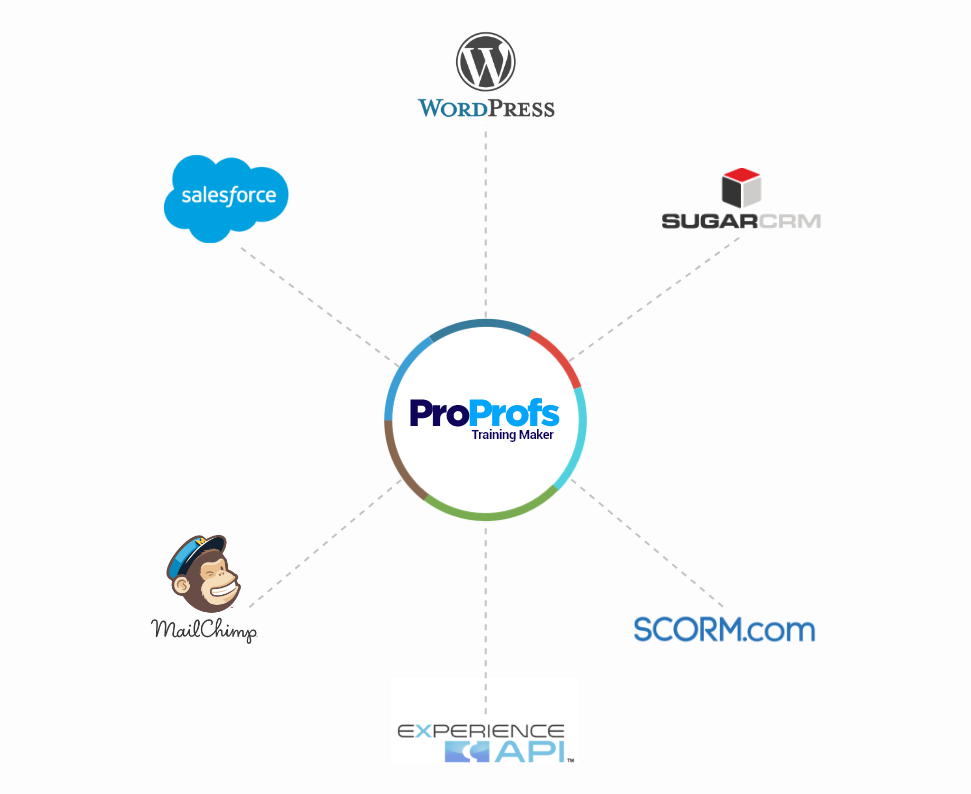
Integrations determine whether your LMS becomes the center of your training operations or just another isolated tool your team works around. Before you commit to any platform, run through this checklist.
HR and People Systems
- Does it sync with your HRIS (Justworks, BambooHR, Workday) to auto-enroll new hires?
- Will role and location changes trigger automatic learning path updates?
Scheduling and Shift Tools
- Can training assignments be scheduled to avoid conflicts with shifts?
- Does the platform notify learners through channels they already use (email, SMS)?
POS and Performance Systems
- Can you connect training completion data to sales or customer satisfaction metrics?
- Can you slice reporting by store, region, or role without exporting to a spreadsheet?
Content Authoring Tools
- Does the LMS accept SCORM and xAPI packages from Articulate, iSpring, or similar tools?
- Can you import directly from Google Drive, Dropbox, or internal document repositories?
SSO and Identity Management
- Does the platform support single sign-on so employees don’t need separate credentials?
- For frontline staff without company email addresses, does it offer alternative login options?
How Should You Think About Retail LMS Pricing?
Retail LMS pricing has more variation than almost any other software category, and picking the wrong model can cost significantly more than the platform itself once you scale.
Per-active-user pricing charges only for learners who log in during a billing period. For seasonal businesses, this looks attractive on paper. But “active” is defined differently across platforms. Nail down the exact trigger before peak hiring season, or you’ll face a surprise invoice.
Flat-rate licensing gives you unlimited users at a fixed monthly or annual fee. This is typically the most cost-effective model for mid- to large-sized retailers with consistent headcount. The risk is overpaying during low-activity periods.
Per-completion pricing charges are based on the number of courses employees complete. This model shows up most often with compliance training vendors. It can work for specific use cases, but it creates an incentive to minimize training volume, which is usually the wrong direction for a retail operation trying to improve knowledge retention.
The right answer depends on whether your headcount is stable or seasonal, how much training volume you run each year, and whether your primary goal is compliance documentation or continuous learning. When in doubt, start with a per-active-user pricing model that offers a free trial and run the numbers against your actual headcount before committing.
The LMS Won’t Save You. The Right One Might.
There’s a version of this decision that goes badly. You pick a platform based on a demo that looked clean, spend 3 months implementing it, and end up with something your floor managers have quietly stopped using. The training still isn’t consistent. The audit trail still doesn’t exist. And you’re now locked into a contract for two more years.
The retailers who avoid that outcome do one thing differently: they pick a platform that fits what’s actually broken today, not the one that looks most impressive in a comparison table. They build content they own. They start with a shorter onboarding path than feels right. And they make sure someone can pull a completion report at 9 pm the night before an audit without having to call anyone.
That’s the job. Pick the platform that helps you do it.
Frequently Asked Questions

How do I choose a retail learning management system?
Start by identifying your core problem: is it onboarding inconsistency, compliance documentation, content update speed, or learner engagement? Then evaluate platforms on mobile usability, ease of content creation, multi-location management, SCORM compatibility, and pricing model. Run a short pilot with real learners before committing to an annual contract.
How does an LMS improve retail employee onboarding?
An LMS standardizes onboarding so every new hire receives the same curriculum in the same order, regardless of location or manager. Automated enrollment, reminders, and completion tracking remove the manual coordination that typically falls to store managers, and a built-in audit trail proves training occurred when compliance reviews arise.
Can retail LMS software handle seasonal employee training?
Yes, but setup matters. You need HR-triggered auto-enrollment, short learning paths designed for low-tenure staff, mobile delivery, and automated completion tracking. The platforms most reliable for seasonal scaling are ProProfs Training Maker, Axonify, and TalentLMS.
What integrations should a retail LMS have?
At minimum: HRIS integration for auto-enrollment, SCORM and xAPI support for content portability, mobile delivery, and email or SMS notifications. Stronger platforms also connect with POS systems, scheduling tools, payroll software, and SSO providers.
Is there a free retail LMS?
ProProfs Training Maker offers a free plan for teams of up to 10 learners. TalentLMS and Moodle also have free tiers with feature limitations. For most retail operations beyond the early stage, compliance tracking and multi-location management requirements will require a paid plan.
How much does retail LMS software cost?
Pricing ranges from free entry-level plans to $75,000+ per year for enterprise platforms with global multitenancy and advanced analytics. Mid-market platforms like ProProfs Training Maker start at $1.99/learner/month. TalentLMS starts at $69/month for up to 40 active users. Enterprise platforms like Docebo and Axonify use custom pricing based on scale and feature requirements.
Let ProProfs AI create your training course

 We'd love your feedback!
What did you like & how can we make it even better?
 Thanks for your feedback!
 Ask Your Question
Have a question? Get expert help to make your decision easier.