Your attorneys bill by the hour, so even a few minutes lost navigating a clunky training system or searching for modules quickly adds up to lost revenue.
And then there’s compliance. CLE requirements vary by state, deadlines are strict, and without the right system, tracking everything often turns into last-minute spreadsheet chaos.
That’s exactly why choosing the right LMS for a law firm matters.
In this guide, I’ve broken down the 9 best LMS platforms for law firms, organized by use case and firm type, with a clear look at what each one actually does well and where it falls short.
If any of that sounds familiar, and you’re evaluating the right LMS for law firm training and compliance, this guide is for you. Specifically, it is written for:
- Legal training managers and HR professionals are evaluating LMS options
- Compliance officers are accountable for CLE tracking across jurisdictions
- Firm administrators who have outgrown shared drives and email reminders
- L&D leaders at enterprise firms who need something built for legal workflows, not retrofitted for them
What Is a Law Firm LMS?
A law firm LMS is basically a training platform designed around how legal teams actually work.
It helps you deliver compliance courses, track CLE credits across different jurisdictions, onboard new hires, and keep all your certification records ready for audits without the usual chaos.
What makes it different is the legal context. Law firms deal with bar requirements, ethics rules, and harassment training standards that are very different from what a retail or tech company needs. That is where most generic LMS tools fall short.
I’ve noticed that many firms start with a general LMS and then hit a wall. Things like tracking jurisdiction-specific CLE credits or managing compliance properly become messy. A legal LMS handles all of that from the start, so you are not trying to force-fit your workflows into something that was never built for them.
What to Actually Check for When a Vendor Claims They Are Built for Legal
Many platforms market themselves as legal training software, yet they’re not meaningfully different from what a retail company would use. When you are in a demo, here is what to actually press on.
- CLE tracking by jurisdiction, not just total hours: Attorneys are licensed in specific states, and each state has its own category requirements. A platform that only tracks aggregate hours is not solving the real problem.
- Role-based legal learning paths: What a first-year associate needs is not what a paralegal needs, and neither is it what your non-billable administrative staff needs for legal tech training.
- Compliance course libraries built for legal contexts: Sexual harassment prevention, workplace safety, legal ethics, and confidentiality. These should be available out of the box, written for attorneys and legal staff, not adapted from retail or hospitality modules.
- Secure legal training solutions with proper access controls: Client confidentiality extends to training environments. Document hosting, access controls, and SSO are not nice-to-haves in a legal context.
- Audit-ready reporting you can generate in minutes: Not a CSV export, you sort the night before a compliance review manually.
- Mobile learning for lawyers that actually works: Attorneys are not sitting at desks waiting to do training. If the platform does not work cleanly on a phone between hearings, it does not work.
The 9 Best LMS Platforms for Law Firms
The platforms below are not all competing for the same buyer. Some solve the compliance tracking problem. Some solve the content problem. Some just solve the getting-started problem. Here is how to tell which one is yours.
Quick Comparison: 9 Best LMS for Law Firms at a Glance
| Platform | Best For | CLE Tracking | AI Features | Pricing Starts At | Free Plan |
|---|---|---|---|---|---|
| ProProfs Training Maker | All-firm types, fast course creation | Yes | Yes (AI course builder) | $1.99 per active learner/month | Yes |
| Valamis | Enterprise, multi-state compliance | Yes | Yes | Custom quote | No |
| Lawline | CLE delivery, attorney-focused content | Yes (multi-jurisdictional) | Yes (AI recommendations) | Custom/firm pricing | No |
| Path LMS (Blue Sky) | Bar associations, legal organizations | Yes (ABA MCLE integrated) | Limited | Custom quote | No |
| Tribal Habits | Lean teams, easy content authoring | Yes | Limited | Active user pricing | No |
| BeaconLive | CLE webinars and live legal events | Yes | Limited | Custom quote | No |
| TalentLMS | Early-stage firms, simple setup | Limited | Yes | $69/mo (up to 40 users) | Yes (5 users) |
| Docebo | Large firms, enterprise L&D | Via integrations | Yes | Custom quote | No |
| SavvyAcademy | Legal-native content library | Yes | Limited | Custom quote | No |
1. ProProfs Training Maker: Best for AI-Powered Course Creation and Compliance Training

Let ProProfs AI create your training course
You might want ProProfs Training Maker if your firm’s training situation currently lives in a shared Google Drive folder, a few PDFs someone made in 2019, and the memory of a senior associate who just left.
I tested the AI course builder by typing something like “create a sexual harassment prevention training for a 40-person law firm with a mix of attorneys and administrative staff,” and it returned a structured module, learning objectives, section content, quiz questions, and a completion flow. Not a skeleton. An actual usable draft. I have seen instructional designers take three weeks to produce something comparable, and that is not an exaggeration. It is the thing I would lead with if I were recommending this to someone.
The pre-built library adds to that. Over 500 courses on topics like workplace safety, legal ethics, and leadership, ready to deploy as-is or pull apart and rebuild around your firm’s specific context. SCORM support means content you already own uploads cleanly. And the active-learner pricing, where you pay only for people who actually complete training in a given month, not per seat, is the kind of model that makes sense when your contractor roster fluctuates, or your training cycles are seasonal.
The 70-plus language support is genuinely useful if you are onboarding international staff or third-party contractors, which comes up more often in legal than people expect.
Pros:
- AI builds a real, deployable course from a plain-language prompt
- 500+ pre-built compliance courses, including harassment prevention and workplace safety
- When integrated with ProProfs Quiz Maker, anti-cheating controls for assessments where certification carries legal weight
- Gamification elements like quizzes, brain games, flashcards, and branched scenarios for engagement
- 70+ language support for multilingual or international teams
Cons:
- No downloadable or on-premise version
- No dark mode
Pricing: Free plan available. Paid plans start at $1.99 per active learner/month; Business plan at $3.99/active learner/month.
2. Valamis: Best for Enterprise Firms Managing Multi-State Compliance
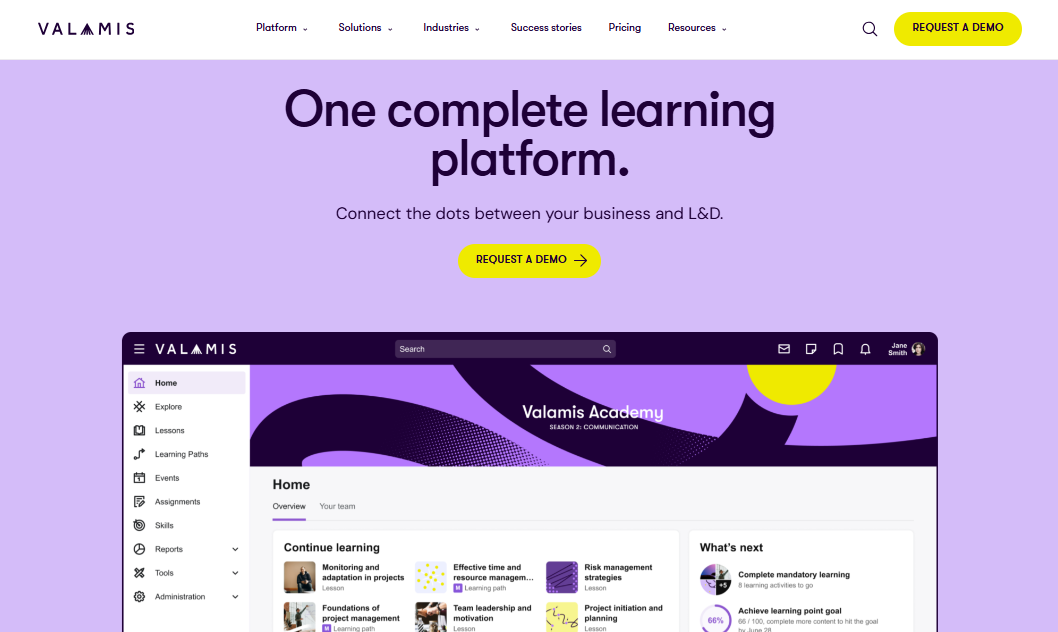
Here is the situation Valamis is built for. You have attorneys licensed in eight states. Each state has different CLE category requirements. Someone on your team is maintaining a spreadsheet that tracks who needs what, but it’s always about two months behind where it should be. That is not an operations failure. That is just an unsolvable problem if you are doing it manually.
Valamis automates the assignment. You tell the platform which attorneys are licensed in which states, and it builds the right learning path and auto-enrolls them in the relevant training. When a jurisdiction updates its requirements, the platform reflects those changes without anyone having to manually rebuild the logic from scratch.
The analytics go further than most platforms will show you in a demo. L&D ROI reporting connects training activity to business outcomes, which is what you need when you are making the case for program investment to managing partners who think in billable hours, not learning objectives.
Pros:
- Automates state-specific CLE assignment across jurisdictions
- L&D ROI analytics that connect training to business outcomes
- Integrates with the major legal tech stack
Cons:
- Enterprise pricing
- Setup complexity is not suited for teams without dedicated IT support
Pricing: Custom enterprise quote.
3. Lawline: Best for CLE Content Access and Multi-Jurisdictional Credit Tracking
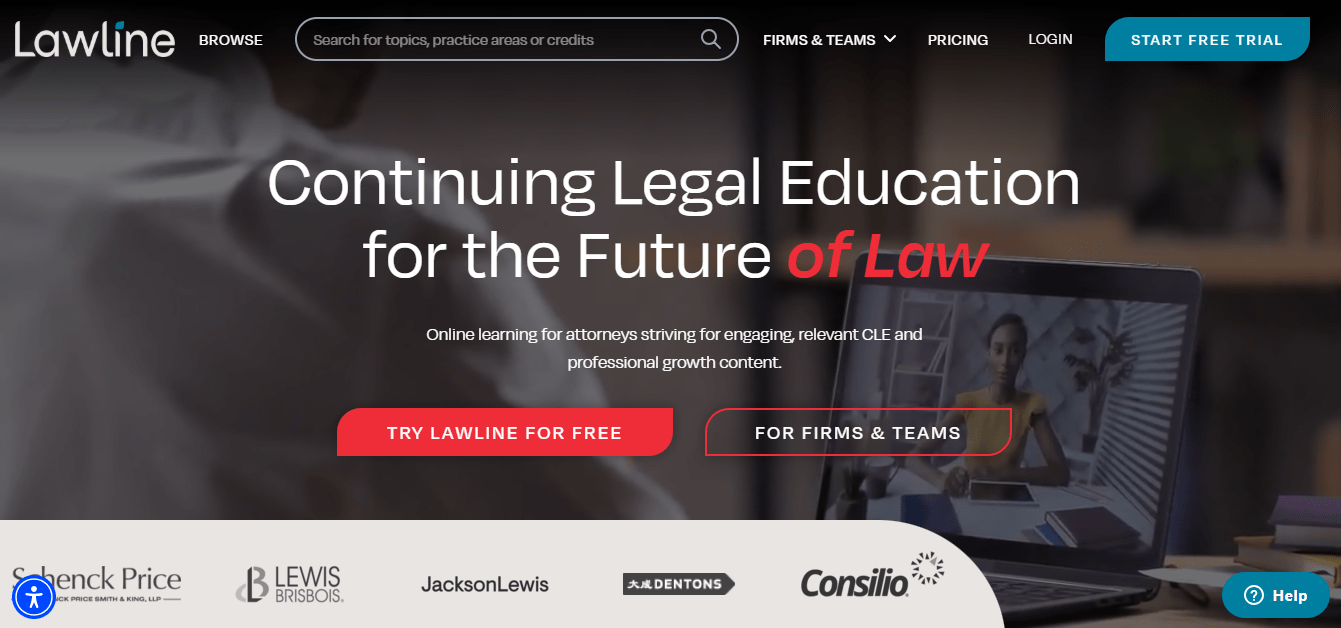
Think of Lawline less as an LMS and more as a deep, intelligent Continuing Legal Education platform that has the infrastructure to run it. Over 2,000 courses across 60-plus practice areas, multi-jurisdictional credit tracking, and AI-powered recommendations that account for your attorneys’ actual practice area and state requirements. If your primary problem is CLE compliance and your attorneys want real content they can learn from rather than modules to click through, this is the most focused solution on this list.
What I find useful about how Lawline fits into a broader stack is the SSO and API integration story. You do not have to consolidate everything into one platform. A lot of firms use Lawline as the CLE layer inside a larger training setup, keeping their general law firm learning software for internal onboarding and custom content while routing CLE compliance specifically through Lawline. That separation of concerns works well in practice.
Pros:
- 2,000+ CLE courses across 60+ practice areas
- Multi-jurisdictional credit tracking built natively, not bolted on
- AI-powered recommendations by practice area and jurisdiction
Cons:
- Not built for creating internal custom training content
- Firm-level pricing requires a sales conversation
Pricing: Individual and firm plans available. Contact for firm pricing.
4. Path LMS by Blue Sky eLearn: Best for Bar Associations and Legal Organizations
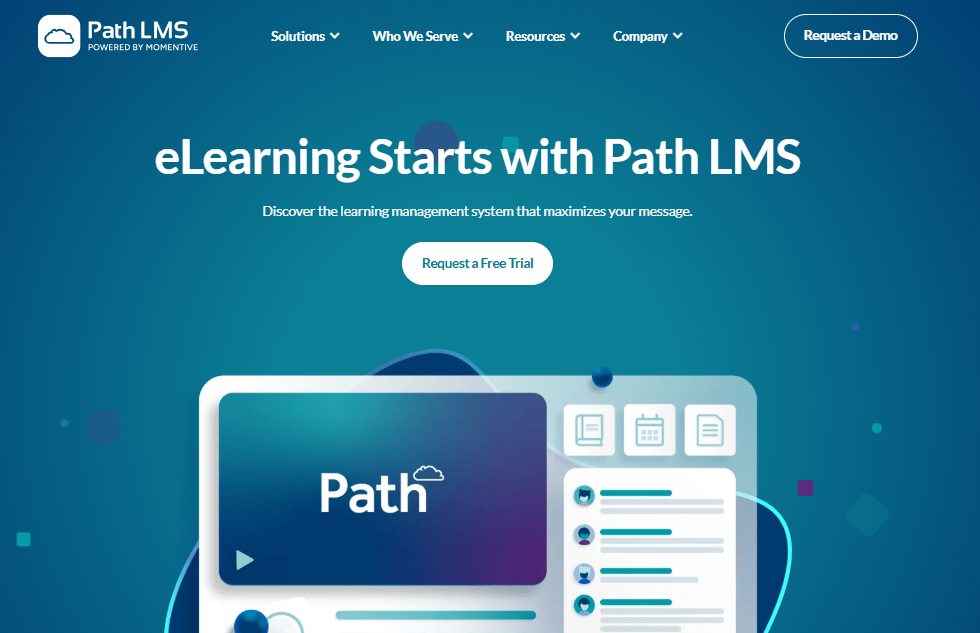
You want this one if you are running CLE programs for members or external audiences, not just your internal team. A bar association, a legal professional organization, a firm that hosts accredited programs for the broader legal community. The ABA MCLE integration is the headline here: it automatically verifies and reports credits across jurisdictions, so the manual reconciliation process that usually happens after every program no longer exists.
The virtual event infrastructure is also genuinely built for legal education rather than generic webinar delivery. Live chat, polling, Q&A, and breakout rooms are built into the delivery experience, not an afterthought. If you have ever watched mandatory CLE attendance numbers drop because the format is passive and the content is not engaging, the interactive tools here are a direct answer to that problem.
Pros:
- ABA MCLE integration for automatic cross-jurisdictional credit verification
- Event engagement tools built into the delivery experience, not added on top
- Scales cleanly for large membership organizations
Cons:
- Designed for external CLE delivery, not internal firm L&D
- No public pricing tiers
Pricing: Custom quote.
5. Tribal Habits: Best for Lean Legal Teams That Need Easy Content Authoring
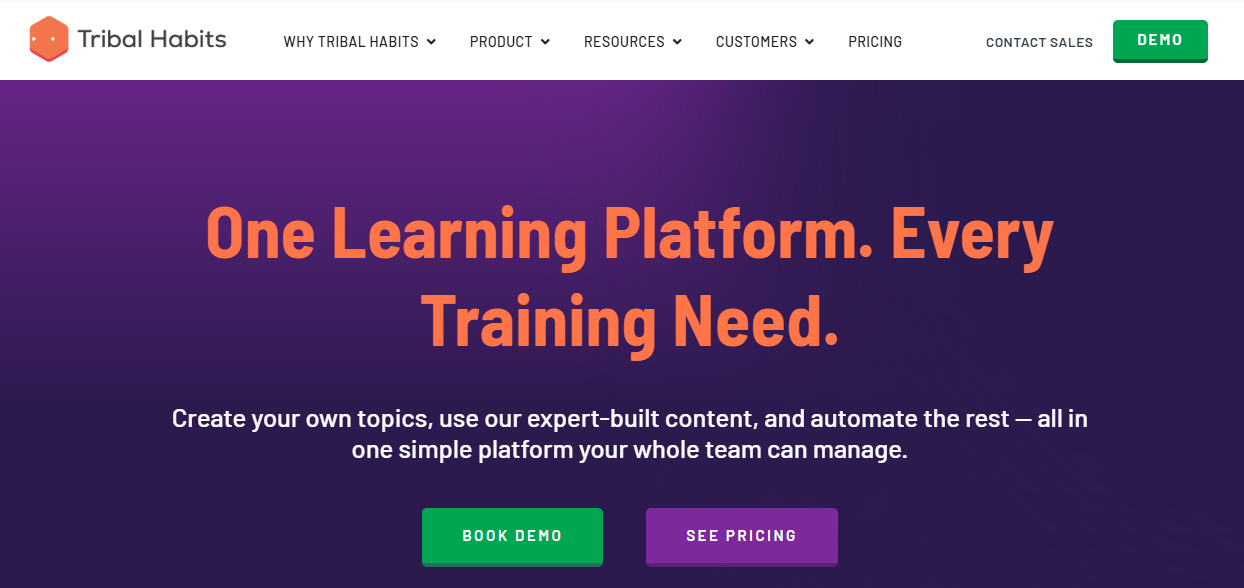
This one is for you if the person responsible for training at your firm is also responsible for five other things and cannot spend three months on an implementation. Tribal Habits is built so that someone non-technical can build, update, and publish compliance courses without involving IT. When a regulation changes and you need to update a module before the next compliance cycle, you do that yourself. You are not waiting on a development queue or filing a ticket.
The active-user pricing model is worth flagging separately. You pay for people who log in and complete training in a given month, not for every name sitting in your system. If your training demand is uneven across the year or you have contractors cycling in and out, that model can save a meaningful budget compared to flat per-seat pricing. The main caveat is that Tribal Habits is calibrated primarily for Australian and New Zealand compliance requirements, so if you need US-specific legal content out of the box, expect to build more custom content than you might with a US-native platform.
Pros:
- Non-technical authoring that does not require IT involvement
- Active-user pricing that reflects actual training activity
- Solid compliance audit reporting
Cons:
- Compliance content defaults to Australian and NZ requirements
- Smaller US-specific legal content library
Pricing: Active user model. Contact for pricing.
6. BeaconLive: Best for CLE Webinars and Live Legal Events
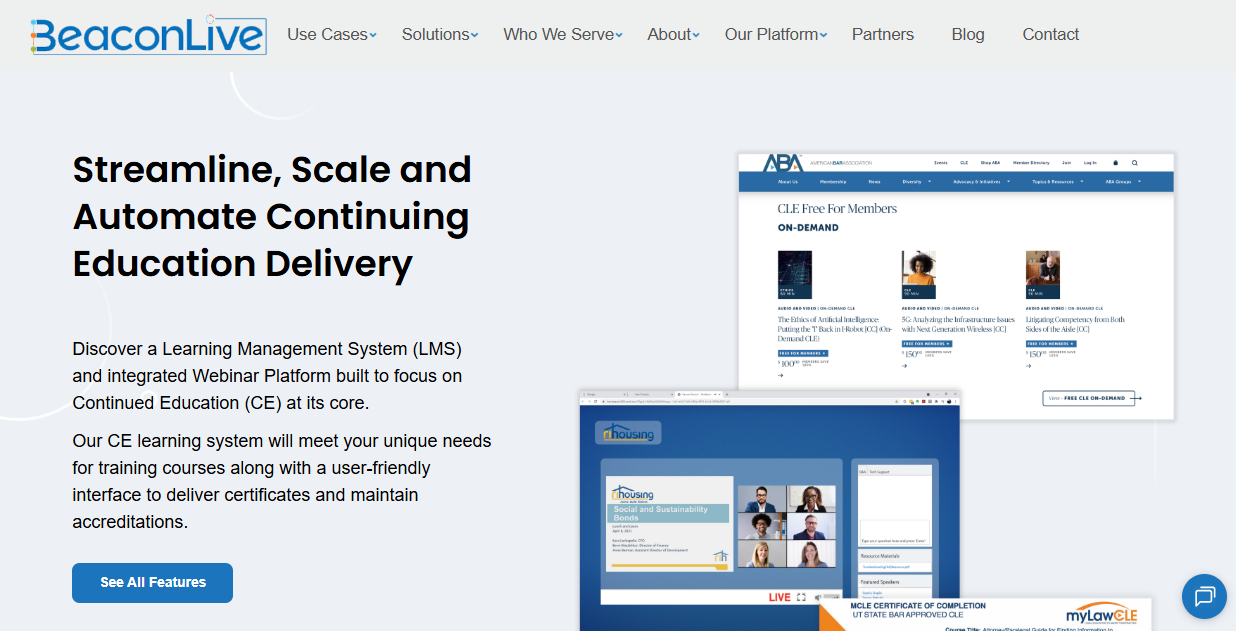
Most platforms give you tools and leave you to figure out execution. BeaconLive gives you a managed service team that handles onboarding, branding, streaming, and production alongside the platform itself. If you are running a large CLE event with accreditation requirements and a professional audience, that distinction matters more than almost any feature on the spec sheet. The difference between an event that runs smoothly and one that loses your attendees in the first 15 minutes usually comes down to production quality and technical execution, not content quality.
The 150-plus interactive tools, including polls, breakout rooms, and Q&A, are built for engagement in mandatory learning contexts where the bar for keeping attention is genuinely high. Automated certificate delivery and jurisdictional tracking mean the administrative cleanup after a large event is not a multi-day exercise.
Pros:
- Managed service team handles production, not just platform access
- 150+ interactive tools designed for live and hybrid engagement
- Automated CLE credit and certificate delivery
Cons:
- More than you need if you are not running live CLE events at scale
- Custom pricing only
Pricing: Custom quote.
7. TalentLMS: Best for Early-Stage Firms That Need a Simple, Honest Starting Point
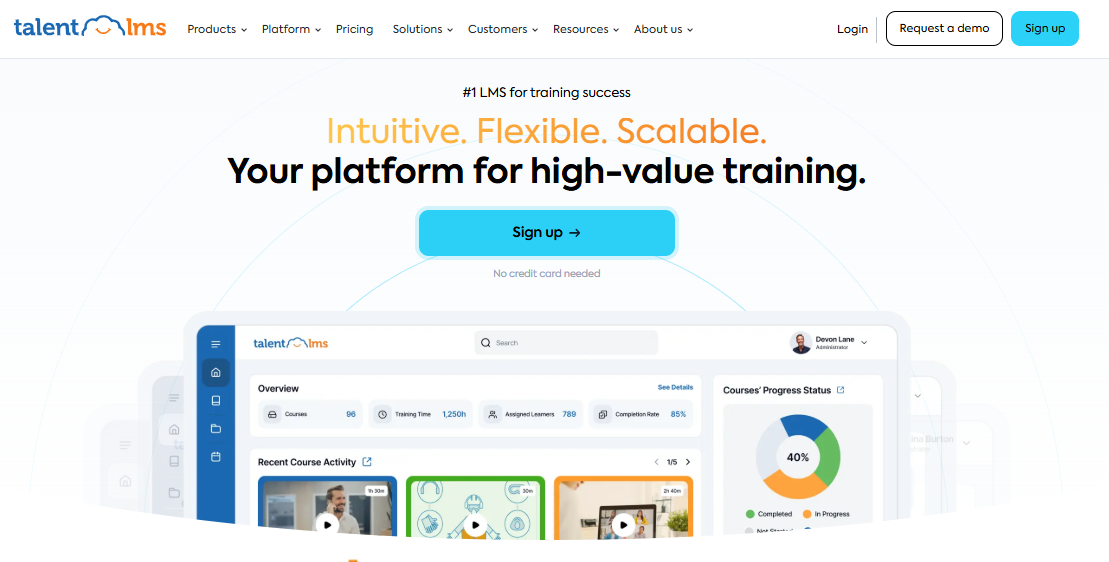
If you have been putting off formalizing training because every platform you have looked at felt like a six-month project, TalentLMS is worth a second look. It is not built for legal specifically, but it is genuinely fast to set up, honest about pricing, and does not require someone with a technical background to keep it running week to week.
The free plan for up to five users is real enough to test whether your team will actually adopt an LMS before you spend anything. That matters because adoption is the part most firms underestimate. AI course generation and gamification are available on paid plans, and the integrations cover most standard HR and communication stacks without custom development work. If your compliance needs are straightforward and your primary problem is getting structured training off the ground, this is one of the cleanest starting points on the list.
Pros:
- Transparent, publicly listed pricing with no surprises
- Fast setup that does not require a technical background
- Free plan for up to five users to test adoption before committing
Cons:
- Limited native CLE tracking
- Not built around legal workflows specifically
Pricing: Free plan for up to 5 users. Paid plans start at $69/month for up to 40 users.
8. Docebo: Best for Large Firms With Complex Enterprise L&D Requirements
Docebo is what you reach for when your firm’s L&D function is sophisticated enough that the limitations of most platforms have become genuinely frustrating. Intelligent learning recommendations, automated content tagging, and analytics that measure actual ROI rather than just completion rates. For a large firm or global legal department with a dedicated L&D team, that depth is used in practice, not just in the demo.
The honest trade-off is that CLE tracking is not native. You will need to integrate a dedicated legal compliance tool, which adds implementation complexity. That is a manageable trade if you have the internal resources. If you need out-of-the-box compliance coverage from day one, it is a gap worth taking seriously before you get into contract conversations.
Pros:
- Enterprise AI personalization and learning recommendations
- Analytics that measure L&D ROI, not just completions
- Scales for large global legal teams
Cons:
- CLE tracking requires additional integration work
- Enterprise pricing, and significantly more than leaner teams need
Pricing: Custom enterprise quote.
9. SavvyAcademy: Best for Firms That Want a Law Firm-Specific Content Library
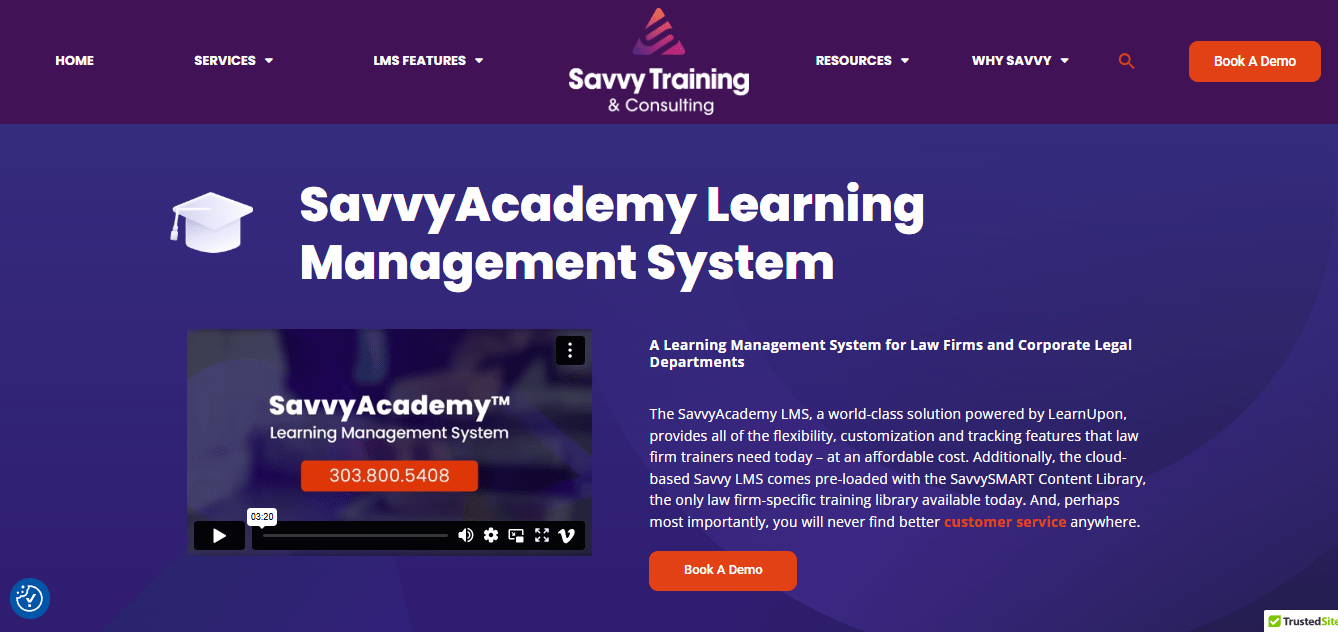
If you have ever watched attorneys sit through a compliance module that was clearly written for a manufacturing floor, you understand why SavvyAcademy’s content library is worth calling out separately. The SavvySMART library is, as far as I can find, the only training content library built specifically for law firms rather than adapted from general corporate material. That matters in a compliance context where the scenarios, language, and professional norms in the content actually need to match the people going through it.
It runs on LearnUpon’s infrastructure, which means reliability is not a concern you will be managing. And the support reputation is one of the better ones on this list. Firms specifically talk about implementation support and post-launch responsiveness, which are the two things most LMS evaluations underweight and most firms regret underweighting once they are live.
Pros:
- Only law firm-specific training content library is currently available
- Built on LearnUpon’s proven infrastructure
- Consistently strong implementation support and post-launch responsiveness
Cons:
- Custom pricing with no public tiers
- Smaller platform ecosystem than enterprise tools
Pricing: Custom quote.
My Top 3 Picks at a Glance
Not sure where to start? These three platforms cover the most common needs we see across law firms of different sizes and training goals.
1. Best for Fast, AI-Powered Course Creation: ProProfs Training Maker
AI builds a deployable compliance course from a plain-language prompt, with 500+ pre-built legal courses and active-learner pricing that only charges for people who actually complete training, not every name in your system.
2. Best for Enterprise Multi-State Compliance: Valamis
Automates jurisdictional CLE assignment across states so your attorneys are always enrolled in the right training, without anyone having to maintain a spreadsheet.
3. Best for CLE Content Depth: Lawline
2,000+ courses across 60+ practice areas with multi-jurisdictional credit tracking built natively. The deepest CLE content library on this list.
Get Free Employee Training Software — All Features, Forever.
We've helped 567 companies train 200,000+ employees. Create courses in under a minute with our AI LMS or use 200+ ready-made courses on compliance, harassment, DEI, onboarding, and more!
How I Evaluated These Platforms
Before shortlisting these tools, I focused on how legal training actually works inside a firm, not just feature checklists.
Here’s what mattered most in the evaluation:
- Can it handle real CLE complexity? Not just total hours, but state-wise and category-specific tracking.
- Does the content feel relevant to attorneys? Legal ethics, confidentiality, and compliance training should reflect real scenarios, not generic corporate modules.
- How fast can you get started? If setup takes months or needs constant IT support, it’s not practical for most firms.
- Will attorneys actually use it? A clean, mobile-friendly experience was critical since most training happens between meetings, not in scheduled blocks.
- Does the pricing make sense over time? I looked beyond the base plan to see what you actually end up paying for reporting, content, and integrations.
I filtered out platforms that looked strong on paper but broke down in real legal use cases, especially around CLE tracking and usability.
This list reflects tools that solve specific problems law firms face, whether that’s compliance tracking, content delivery, or simply getting structured training in place without slowing your team down.
What Most LMS Comparisons for Law Firms Get Wrong
Most “best LMS for law firms” lists are repurposed generic roundups with a legal keyword inserted. They miss the friction that legal training managers and HR leaders actually report.
Here is what comes up consistently when legal professionals talk about their LMS frustrations:
- The time crunch is underestimated: Attorneys are chronically overbooked. They need microlearning and just-in-time modules embedded in their existing workflow, not 45-minute courses blocked out on a calendar. Most platforms are built around scheduled training blocks rather than workflow-integrated learning.
- Generic compliance content does not hold up: Harassment prevention modules written for warehouse workers do not land the same way for a firm of 80 attorneys, and firms have gotten pushback on this during audits.
- Scattered knowledge is the biggest unaddressed problem: Institutional knowledge lives in senior partners’ heads, in emails, in documents that three people know how to find. Most legal training LMS tools do not solve this. The ones that do function as a centralized knowledge base, not just a course delivery engine.
- Growing firms often overbuy: A firm of 15 does not need an enterprise platform with a dedicated implementation team. Platforms built for Fortune 500 L&D departments will drain time and budget before the first training is complete.
- Hidden costs often arise: Platforms that advertise low per-seat pricing often charge extra for content libraries, advanced reporting, or SSO integration. The total cost of ownership looks very different from the demo price.
How to Choose the Right LMS for Your Law Firm: What to Do First
Most firms get this decision wrong by starting with a product demo. Start here instead.
| Question to Answer First | Why It Matters |
|---|---|
| What is your primary training need right now? | CLE compliance, internal onboarding, and skills training require different features. A platform built for CLE delivery may not be the right tool for onboarding international contractors. |
| How many attorneys are licensed in multiple states? | If significant, automated jurisdiction-based CLE assignment becomes a critical feature, not a nice-to-have. Valamis and Intellek handle this natively. |
| Do you have an instructional designer or dedicated L&D staff? | If no, prioritize pre-built legal content libraries and AI course creation. If yes, you can evaluate platforms with more build-your-own flexibility. |
| What is your firm's IT capacity? | Platforms that require dedicated implementation teams or significant configuration work are the wrong choice if no one owns that process internally. |
| What does the full cost actually include? | Before any demo, ask what is charged separately. Content library access, advanced reporting, SSO, and implementation support are frequently excluded from headline pricing. |
If you can only do one thing this week, run a training needs audit before talking to any vendor. Document your current compliance gaps, your CLE tracking process, and where onboarding breaks down. Every vendor will try to fit your problem to their solution. Knowing your problem precisely is what lets you evaluate whether their platform is a genuine fit or just a well-rehearsed demo.
Don’t Pick an LMS Until You Understand Your Firm’s Training Gaps
There is no single best LMS for law firms, because law firms are not a single thing. A growing firm getting compliance training off the ground for the first time needs a completely different tool than an enterprise firm managing multi-state CLE across dozens of practice groups.
What the platforms that actually work for legal training have in common is this: they treat compliance as a jurisdictional problem, not a checkbox. They are built for people who measure their day in six-minute increments and cannot afford to lose time to a tool that was not designed with them in mind. And they make audit reporting something you can handle in an afternoon rather than a three-day scramble.
Start with the five questions in the selection framework above. Run your internal audit before any demos. And when you are in those conversations, hold every vendor to the full-cost question, because the number in the proposal is rarely the number in your first renewal. The firms that get this right are the ones that evaluate software against their actual training gaps, not against the feature list in a sales deck.
Frequently Asked Questions

How does a legal training LMS help law firms track CLE compliance?
A legal training LMS tracks CLE credit hours by attorney, maps requirements to each state jurisdiction, sends automated reminders before deadlines, and generates audit-ready reports for bar association compliance. Platforms like Intellek, Lawline, Valamis, and Path LMS have purpose-built CLE tracking that handles the category-specific requirements different states mandate, not just aggregate hour counts.
Is there a difference between an LMS and practice management software for law firms?
Yes, and the confusion comes up often because "LMS" is used for both in legal contexts. A Learning Management System manages training delivery, CLE compliance tracking, and professional development. Practice management software such as Clio, MyCase, or Smokeball manages cases, billing, client communication, and firm operations. These are separate categories solving separate problems. This guide covers Learning Management Systems only.
Can attorneys use a law firm LMS on mobile?
Most modern platforms are mobile-responsive or have dedicated apps, and mobile learning for lawyers is increasingly a baseline expectation rather than a premium feature. Given that attorneys are rarely desk-bound, a platform that does not work cleanly on a phone is a platform that will not get used. When evaluating any option, test the mobile experience yourself before committing. Mobile-responsive and mobile-optimized are not the same thing.
What features should legal training software have that generic platforms often miss?
The critical legal-specific features are jurisdiction-based CLE credit tracking, compliance course libraries written specifically for legal professionals rather than adapted from other industries, secure legal training solutions with proper access controls and SSO, audit-ready reporting, and role-based legal learning paths for attorneys, paralegals, and administrative staff. Most generic platforms can be configured to approximate some of these. Purpose-built legal LMS tools handle them natively.
How much does law firm learning software typically cost?
Pricing varies significantly by platform and firm type. ProProfs Training Maker starts at $1.99 per active learner per month, which is one of the most transparent and accessible entry points available. TalentLMS starts at $69 per month for up to 40 users. Enterprise platforms like Intellek, Valamis, and Docebo use custom pricing that typically scales into the thousands per month for larger firms. Most specialized legal LMS tools do not publish pricing publicly, which means a sales conversation is required before any meaningful comparison is possible.
How long does it take to implement an LMS at a law firm?
Small firms using pre-built compliance courses can be operational in a week or less on platforms like ProProfs or TalentLMS. Mid-size firms building custom content typically take two to six weeks. Enterprise implementations with SSO, jurisdiction-based CLE automation, and multi-department rollout commonly run eight to sixteen weeks.
Let ProProfs AI create your training course

 We'd love your feedback!
What did you like & how can we make it even better?
 Thanks for your feedback!
 Ask Your Question
Have a question? Get expert help to make your decision easier.