

Before you search for Trainual alternatives, check how many people opened the content you already built. A lot of the failures I see described are rollout problems: material loaded once, a team that skipped it, and the same questions asked again on Monday. A new tool will inherit those habits, so I would audit usage before I shop.
That said, some complaints are about the product itself: a 10-seat minimum with no public price, an implementation fee, thin reporting, a search that worsens as content grows, and exports that make leaving harder than joining.
The 12 Trainual alternatives below each address at least one by a different route, and I say plainly where they trade something away. Plenty of Trainual competitors look better in a demo than in a rollout, so I would test two or three with your newest hires before trusting a feature list.
Top 12 Trainual Alternatives Compared
Pricing, adoption, and depth are distinct complaints, and no single tool addresses all of them equally well. That is why the best Trainual alternatives for a team of ten who want a clear price look nothing like the best pick for a compliance-heavy enterprise.
Here is the fast version: Capterra ratings, current pricing, and the two columns that map to the loudest complaints, how visible the pricing is, and how deep the training features go.
None of these Trainual competitors fixes everything, so the useful question is which problem each one fixes.
| Tool | Best For | Capterra | Pricing | Pricing Visibility | Training Depth |
|---|---|---|---|---|---|
| ProProfs Training Maker | Adoption, proof, compliance courses | 4.8 | Free (10 learners); paid from $1.99/learner/mo | Published, with a free plan | Courses, quizzes, certificates, reports |
| eFront | Enterprises, training orgs, government | 4.5 | Flat rate (~$1,200/mo listed) | Flat rate; confirm current price | Full LMS, high customization |
| Seismic Learning | Sales and customer-facing teams | n/a | Quote-based (~$300/mo cited) | Quote only | Lessons, coaching, practice |
| Tovuti | Businesses, associations, non-profits | n/a | From ~$199/mo (confirm) | Starting tier reported | Full LMS for mixed audiences |
| iSpring Learn | PowerPoint-based training, fast rollout | 4.7 | $3.97–$6.91/user/mo | Published, per user | Courses, quizzes, gamification |
| D2L Brightspace | Personalized, adaptive learning | 4.3 | Custom quote | Quote only | Adaptive, competency-based paths |
| EasyLlama | Corporate compliance | 4.8 | Usage-based (~$19.95/training) | Usage-based, listed | Compliance courses, reminders |
| Absorb LMS | Intuitive, engaging learning at scale | 4.5 | Custom quote (~$14.5K/yr cited) | Quote only; add-ons | Enterprise LMS, reporting |
| 360Learning | Collaborative, peer-led learning | 4.7 | From ~$8/user/mo | Published for smaller teams | Peer-built courses |
| Cornerstone LMS | Large enterprises, healthcare, retail | 4.3 | Quote-based | Quote only | Enterprise LMS, compliance, safety |
| Trakstar Learn | Recurring training, healthcare, government | 4.3 | From ~$4,599/yr | Starting price listed | Recurring compliance training |
| Moodle | Open-source flexibility and control | 4.3 | Free (self-hosted); hosting varies | Free software | Fully customizable LMS |
1. ProProfs Training Maker – Best for Easy Course Creation for Employee Training, Compliance & Skill Assessment
ProProfs Training Maker is the one I would test if you are looking at alternatives to Trainual, because the content got built and then ignored. Courses with quizzes, certificates, and reminders give people a reason to open them, which a static playbook rarely does, and results by individual, team, or location show who actually did.
The AI course creator builds a course from a topic or an uploaded file, so capturing an existing process does not mean retyping it.

Let ProProfs AI create your training course
Separately, 500+ expert-built courses cover employee skills training and compliance topics. Courses run in 70+ languages, and Conversational AI for Reports lets you ask where learners are falling behind instead of exporting a spreadsheet.
It is a training platform, not a wiki, so nested knowledge belongs elsewhere. Among Trainual LMS alternatives, I would pick it when adoption and proof matter more than a document tree, especially for employee onboarding.
Pros:
- Turns existing processes and uploaded files into complete courses with the AI course creator, so capturing a process never means retyping it
- Gives you 500+ expert-built courses to assign alongside your own material
- Shows where learners fall behind with reports by individual, team, or location, and Conversational AI for Reports
- Keeps people engaged with points, badges, and leaderboards through gamification, plus due-date reminders
- Supports your existing stack with SCORM and Tin Can support, plus HR, CRM, and SSO integrations
Cons:
- Everything lives in the cloud, with no on-premise or downloadable option
- No dark mode for the learner interface yet
Pricing: Free for up to 10 learners; paid plans start at $1.99 per learner per month.
2. eFront – Best for Enterprises, Training Organizations & Government
eFront is the heavy-duty answer when Trainual’s structure starts to feel too rigid. It is built for demanding learning ecosystems and gives you control over the training environment and your data, which speaks directly to the lock-in worry some Trainual users raise about exports. It can be tailored for enterprises, training organizations, and government departments, and it carries ISO/IEC 27001 and ISO 9001 certifications plus GDPR compliance.
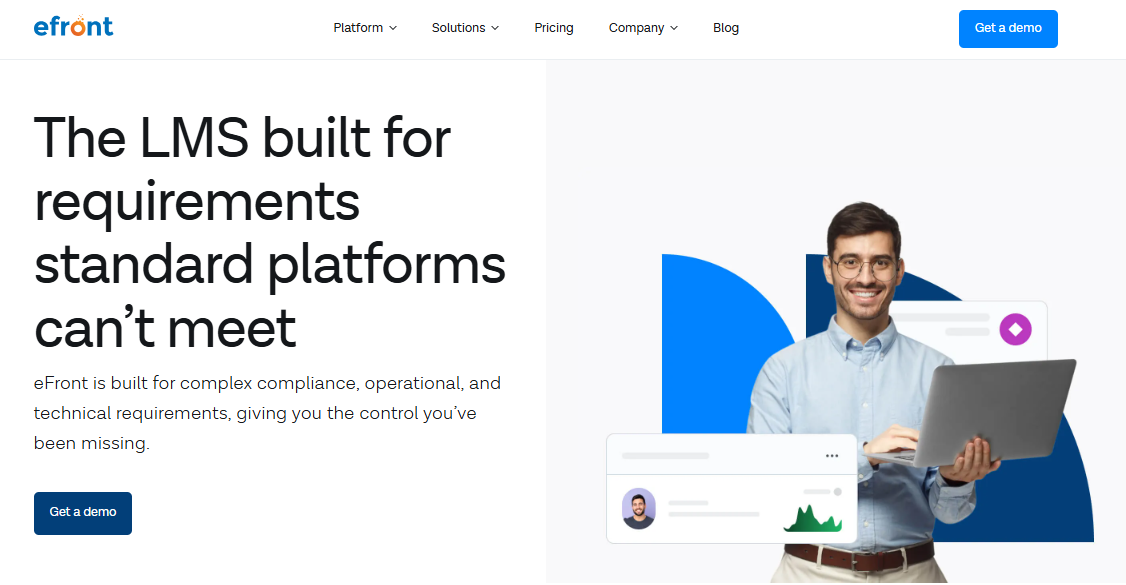
Reviewers describe it as powerful and customizable, with the tradeoff that the price is steep for what it is and support can lag. Migrating data in from another LMS can be challenging, and some features are not fully documented in the knowledge base.
I would pick it for a larger or regulated team that wants control over hosting and data. For a small team that only needs SOPs and onboarding, it is far more system than the problem requires.
Pros:
- Complete control over the training environment and data
- Tailored for enterprises, training organizations, and government departments
- Highly customizable to match your organization’s needs
- ISO/IEC 27001 and ISO 9001 certified, with GDPR compliance
- Simple, usable interface despite the depth
Cons:
- Migrating data from another LMS can be challenging
- Some features are not fully documented in the knowledge base
Pricing: Flat rate; commonly listed around $1,200 per month billed annually for up to 1,000 registered users.
3. Seismic Learning – Best for Training Sales Teams
Seismic Learning, formerly Lessonly, is the one I would shortlist for sales and customer-facing teams. It lets you build customized lessons for specific departments, pair them with coaching, and use practice scenarios and skill assessments so people rehearse before a live conversation. Quick-burst lessons and automated due-date reminders also address the built-it-and-nobody-opened-it problem.
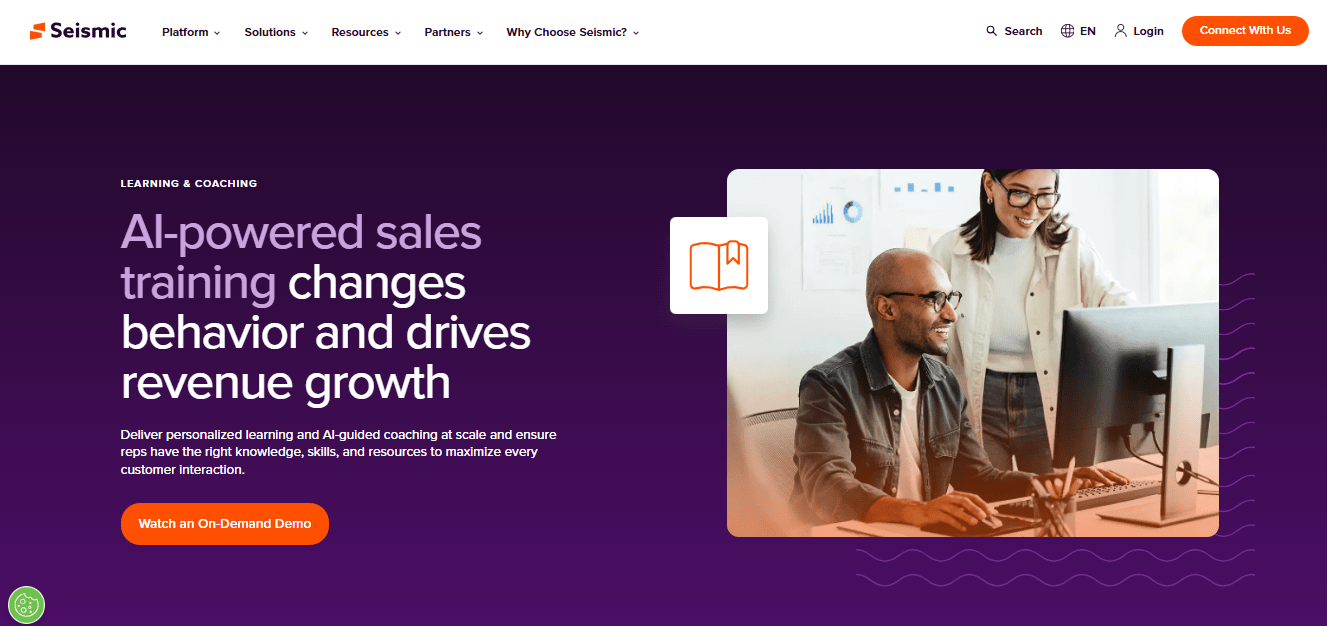
Reviewers praise ease of use and support, and the platform can grow with an expanding team. The small annoyances are real: there is no filter for lesson history, so revisiting old lessons is clumsy, and text size and color options are limited. Confirm how reporting handles individual records, since that is where lighter tools disappoint.
Pricing is not public, with third-party sources citing entry plans around $300 a month. I would choose it when revenue teams are the primary audience, and I would request a pilot with one sales cohort before signing anything.
Pros:
- Customized lessons for specific departments and teams
- Practice scenarios and skill assessments for client-facing roles
- Quick-burst lessons with automated due-date reminders
- User-friendly content creation for lessons, quizzes, and assessments
- Scales as a team grows
Cons:
- No filter for lesson history, so revisiting old lessons is hard
- Limited text size and color options
Pricing: Quote-based; third-party sources cite entry plans from around $300 per month.
4. Tovuti – Best for Small to Large Businesses, Associations & Non-Profits
Tovuti is the flexible option for organizations that are not purely corporate. Small businesses use it to train staff on new products or procedures and for continuing education, larger enterprises use it for employees, customers, and partners, and associations and non-profits use it for member training, volunteer onboarding, and certification programs.
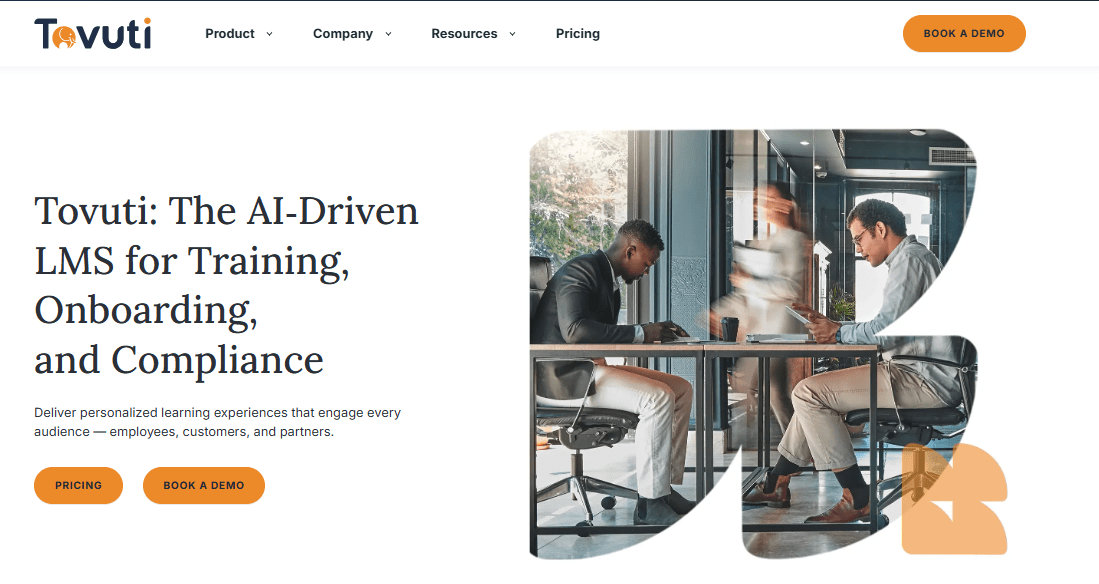
The course creation tool is customizable and quick to use, multilingual support helps global teams, and the platform has earned awards and a large learner base. The downsides are pricing that runs higher than comparable LMS options and customer service that reviewers describe as rocky at times.
I would choose it for an association, non-profit, or mixed-audience program that needs real customization and can budget for it. Confirm current pricing and support terms before you commit. I would also ask how pricing scales with learner count, since reviewers flag cost as the main drawback.
Pros:
- Fully customizable digital course creation tool
- Fits businesses, associations, and non-profits
- Multilingual support for global organizations
- Straightforward experience that speeds up training delivery
- Supports member training, volunteer onboarding, and certification programs
Cons:
- Customer service is rocky at times, according to reviewers
- Pricing runs higher than comparable LMS options
Pricing: Reported from about $199 per month with one custom brand and unlimited courses; confirm current pricing with the vendor.
5. iSpring Learn – Best for PowerPoint-Based Training and Fast Rollout
iSpring Learn suits a team that already lives in PowerPoint. With a 20-year eLearning history behind it, it pairs with the iSpring Suite authoring toolkit, so slide decks turn into interactive courses without a new skill set, and an intuitive interface makes the first rollout quick, even for admins with no LMS experience.
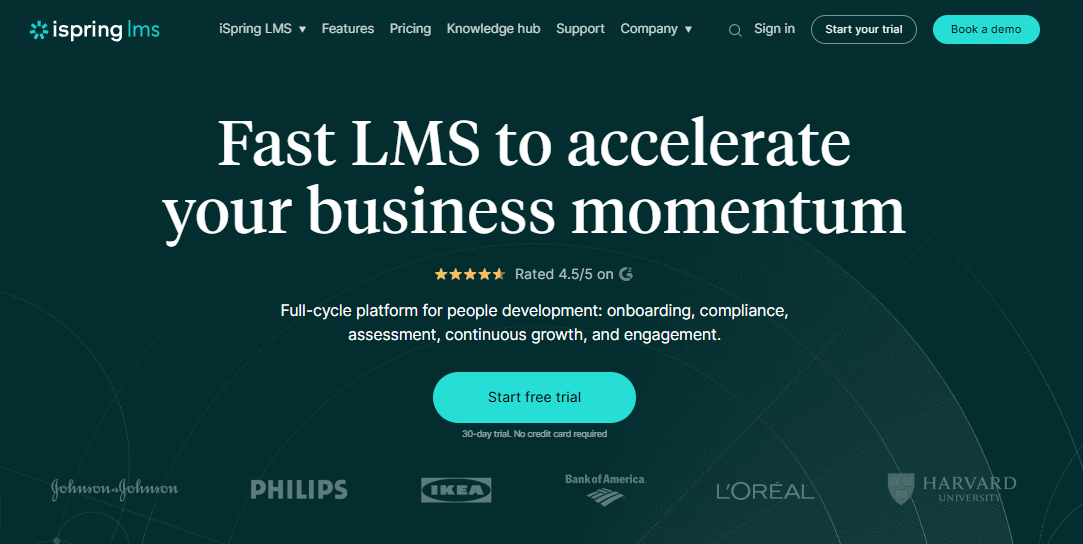
It supports varied content formats, quizzes, and surveys, along with responsive design, gamification, and one-click publishing. Support is consistently praised. The limits are a handful of built-in integrations, though an open API exists for custom ones, and eCommerce is basic if you plan to monetize courses.
Per-user pricing falls as headcount grows, which answers the seat-cost frustration. I would pick it for a team that wants a plain, dependable LMS that lives fast and has slides ready to convert. Test the handoff from one real slide deck, and confirm which integrations you need are built in.
Pros:
- Pairs with iSpring Suite to turn slides into interactive courses
- Intuitive interface that gets teams started quickly
- Quizzes, surveys, gamification, and one-click publishing
- Per-user pricing that drops as headcount grows
- Consistently praised, responsive customer support
Cons:
- Only a handful of built-in integrations, with an open API for the rest
- eCommerce capabilities are basic for monetizing courses
Pricing: Starts around $6.91 per user per month at 100 users, dropping to about $3.97 at 500 users.
6. D2L Brightspace – Best for Personalized & Adaptive Learning
D2L Brightspace is built around personalization at scale. It lets learners progress at their own pace and mastery level, and gives educators and trainers the means to design adaptive, competency-based paths, which go well beyond the linear subject-and-topic structure that works for onboarding but struggles with complex programs.
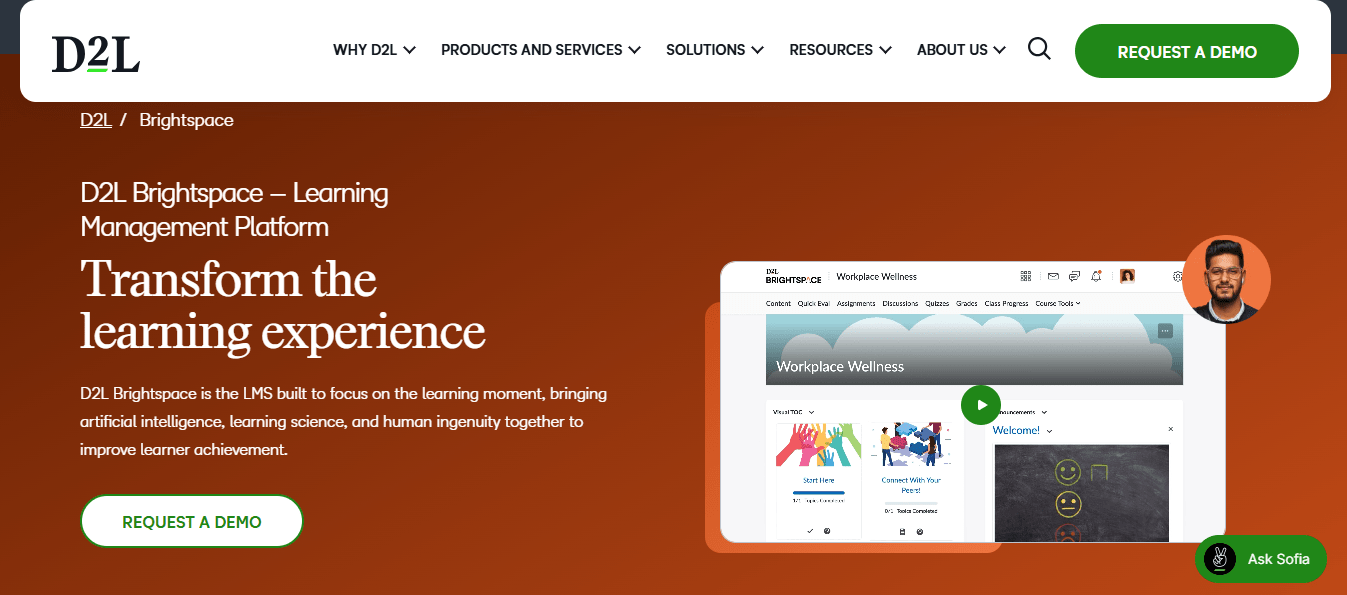
The interface is intuitive and mobile-friendly, security includes encryption and two-factor authentication, and add-on packages such as Core, Performance Plus, and Engagement Plus extend what it can do. Reviewers note that translation is occasionally off, and instructors have to switch to a student view to see courses as learners do.
Pricing is not public, so expect a sales conversation. I would choose it for a team with learning-design capacity that wants adaptive paths, not just a place to store SOPs. Ask for references from an organization with a similar learning-design team, and confirm add-on costs up front.
Pros:
- Adaptive, competency-based learning paths
- Learners progress at their own pace and mastery level
- Intuitive, mobile-friendly interface
- Encryption and two-factor authentication for data protection
- Add-on packages that extend the platform
Cons:
- Translation is occasionally inaccurate
- Instructors must use a student view to see courses as learners do
Pricing: Custom quote only; the vendor does not publish pricing.
7. EasyLlama – Best for Corporate Compliance
EasyLlama is a specialist: it built its name on compliance training, and its courses are designed around how modern learners consume content rather than long slide decks. They are customized by industry, updated as regulations and best practices change, and they promote a workplace free of harassment and discrimination.
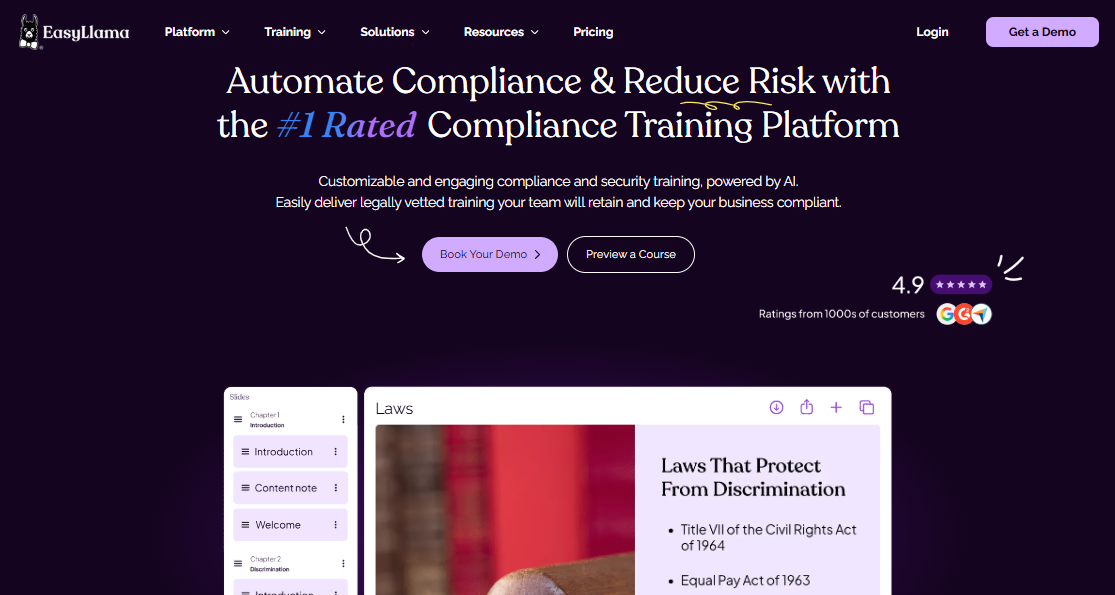
Customization options let you tailor content to internal policies, and the platform sends training reminders and weekly reports so managers see what is happening. Switching from an existing vendor is described as smooth. Reviewers do mention that platform updates are not always communicated to administrators, and that color and theme options are limited.
Pricing is usage-based, with a $19.95 per training figure listed by the vendor. I would pick it when compliance is the main job, and pair it with another tool for SOPs and general onboarding. Ask how often content is refreshed for your industry and state.
Pros:
- Interactive compliance courses customized by industry
- Content updated to follow regulations and best practices
- Training reminders and weekly reports for managers
- Customization to internal policies and industry needs
- Smooth transition support when switching vendors
Cons:
- Platform updates are not always communicated to administrators
- Limited color and theme options
Pricing: Usage-based; the vendor has listed $19.95 per training with no setup fees.
8. Absorb LMS – Best for Intuitive & Engaging Learning Experiences
Absorb is a widely used LMS known for an interface that admins and learners find easy to navigate, which supports engagement and participation. It offers a vast library of content in different formats, customizable branding, and mobile compatibility, and it serves both corporations and educational institutions across industries, from healthcare to technology.
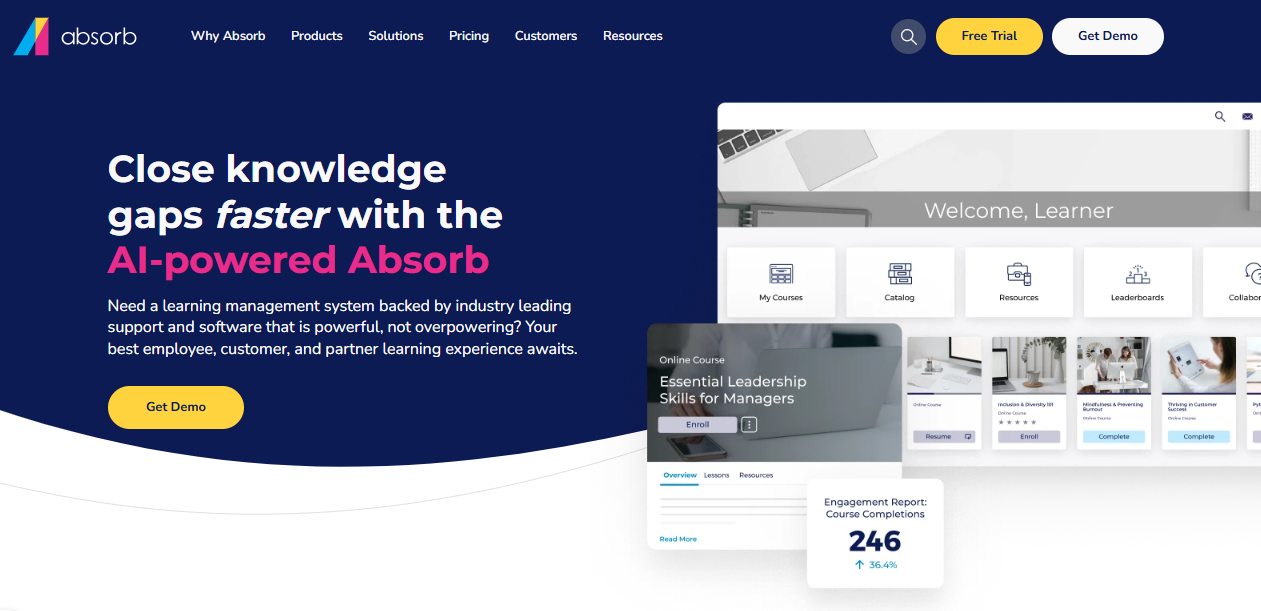
Reporting and analytics give useful insight into course effectiveness and learner performance, which answers the basic reporting complaint some Trainual users have. The pricing sits on the higher end, and because it is designed mainly for larger enterprises, it can feel overly complex for a smaller team.
Contracts are quote-based, with third-party sources citing entry deals around $14,500 a year. I would pick it for a growing organization that needs depth and polish and has the budget for a proper contract. Ask for a pilot with your real content and a written list of add-on costs.
Pros:
- Easy-to-use interface for admins and learners
- Large content library in diverse formats
- Customizable branding and learning experiences
- Mobile responsive access from any device
- Robust reporting and analytics on course effectiveness
Cons:
- Pricing sits on the higher end of the market
- Can be overly complex for smaller teams
Pricing: Custom quote; third-party sources cite entry contracts around $14,500 per year.
9. 360Learning – Best for Collaborative Learning
360Learning treats learners as contributors. Users can create and share videos, articles, presentations, and quizzes, and collaboration, questions, and feedback are built in, so the people who actually do the work help shape the training. That ownership addresses the adoption problem from a different angle than a manager-written playbook does.
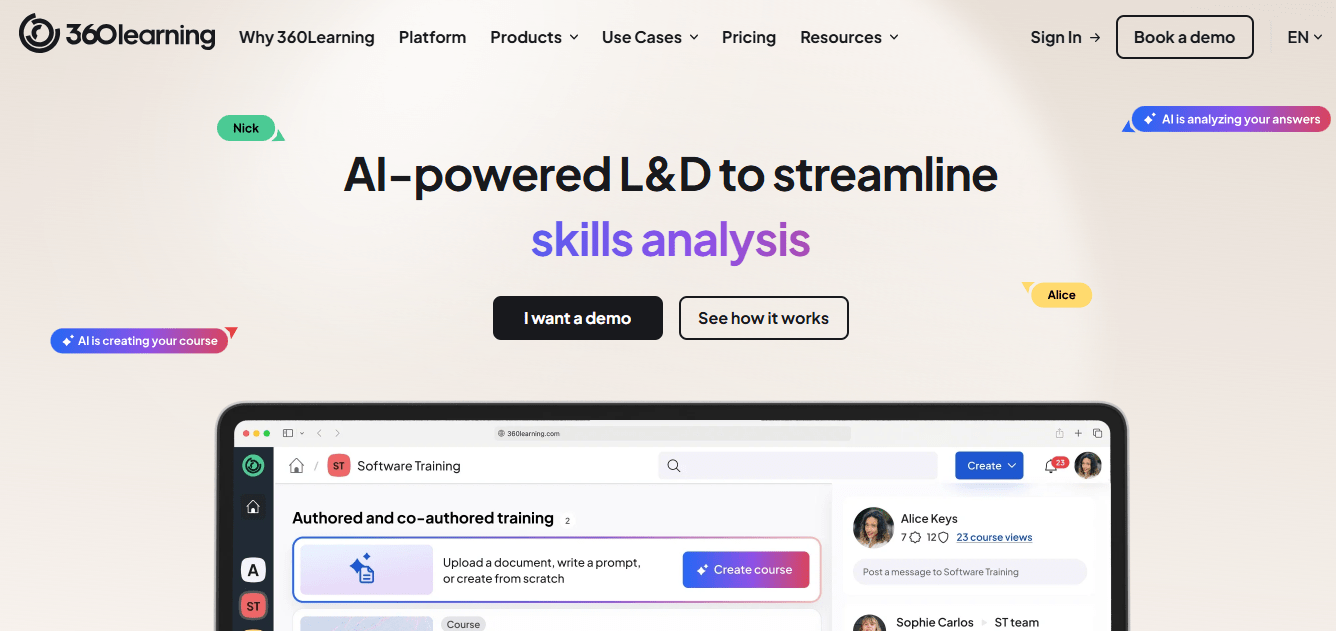
It is effective at tackling new learning challenges as they arise, and public per-user pricing makes budgeting clearer than many enterprise tools. The limits are practical: you need external tools for advanced content, and reporting offers less customization than some teams want in the dashboard view.
I would choose it when peer-led knowledge is the goal and the team is willing to contribute. Keep a compliance-grade tool beside it if audit evidence matters to your program, and seed it with a handful of named contributors, since a peer-led tool only works if some peers actually contribute.
Pros:
- Learners create and share videos, articles, presentations, and quizzes
- Built-in collaboration, questions, and feedback
- Handles new learning challenges as they arise
- Published per-user pricing for smaller teams
- Well suited to peer-led and expert-led learning
Cons:
- External tools are needed for advanced content
- Reporting offers limited customization on the dashboard
Pricing: Starts around $8 per registered user per month, with custom pricing for larger teams.
10. Cornerstone LMS – Best for Large Enterprises, Healthcare, Retail & Manufacturing
Cornerstone LMS is aimed at large enterprises, healthcare organizations, retail, and manufacturing. It handles complex training requirements and large learner counts, delivering compliance, safety, and product training to many employees at once, with progress monitoring that helps meet competency requirements.
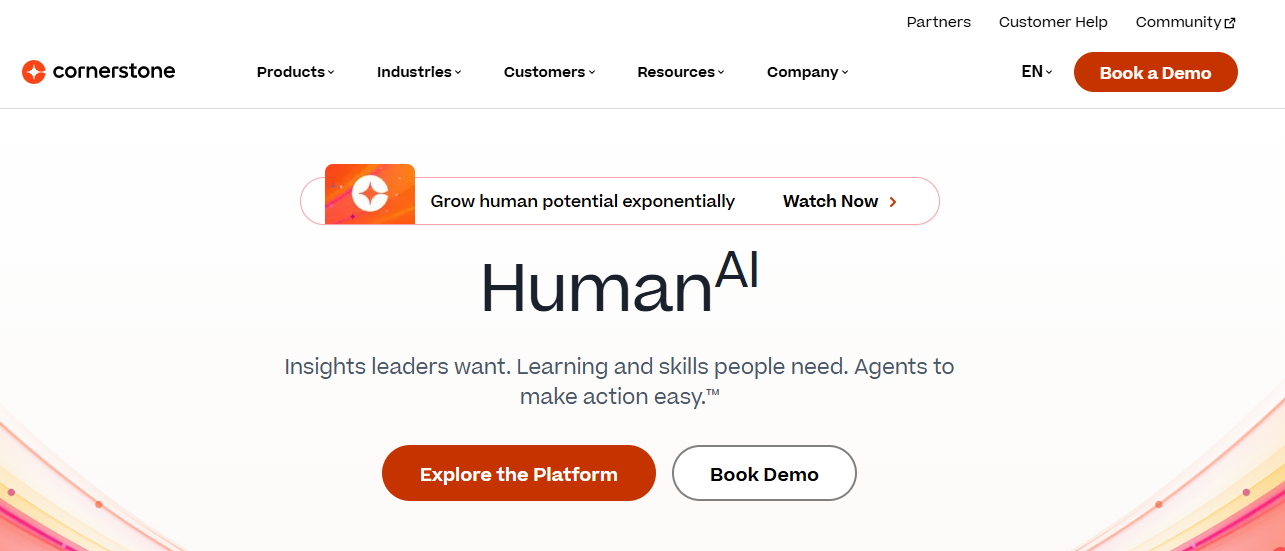
Admins get a high level of customization, reporting that extracts a lot of quality data, and quarterly updates informed by customer feedback. The gaps are mundane but real: there are few automation features for repetitive admin tasks, and the group functionality has gone without a meaningful update.
It is far beyond what a small team needs, so I would only shortlist it at enterprise scale, with a pilot in one department first, and with references from a company in your sector. Expect a long implementation, and plan the admin time that comes with it. Pricing is quote-based, and older listings cite about $6 per user per month.
Pros:
- Handles complex training requirements and large learner counts
- High level of admin customization
- Strong reporting that extracts a lot of quality data
- Quarterly updates informed by customer feedback
- Fits healthcare, retail, and manufacturing training needs
Cons:
- Few automation features for repetitive admin tasks
- Groups functionality needs an update
Pricing: Quote-based; older listings cite about $6 per user per month.
11. Trakstar Learn – Best for Enterprises, Healthcare & Governments
Trakstar Learn suits teams that want recurring training to run itself. A set-it-and-forget-it approach to recurring assignments, easy structuring of modules, courses, and users, and subgroups with custom user fields keep large or varied workforces organized, and training packs can be imported in different formats.
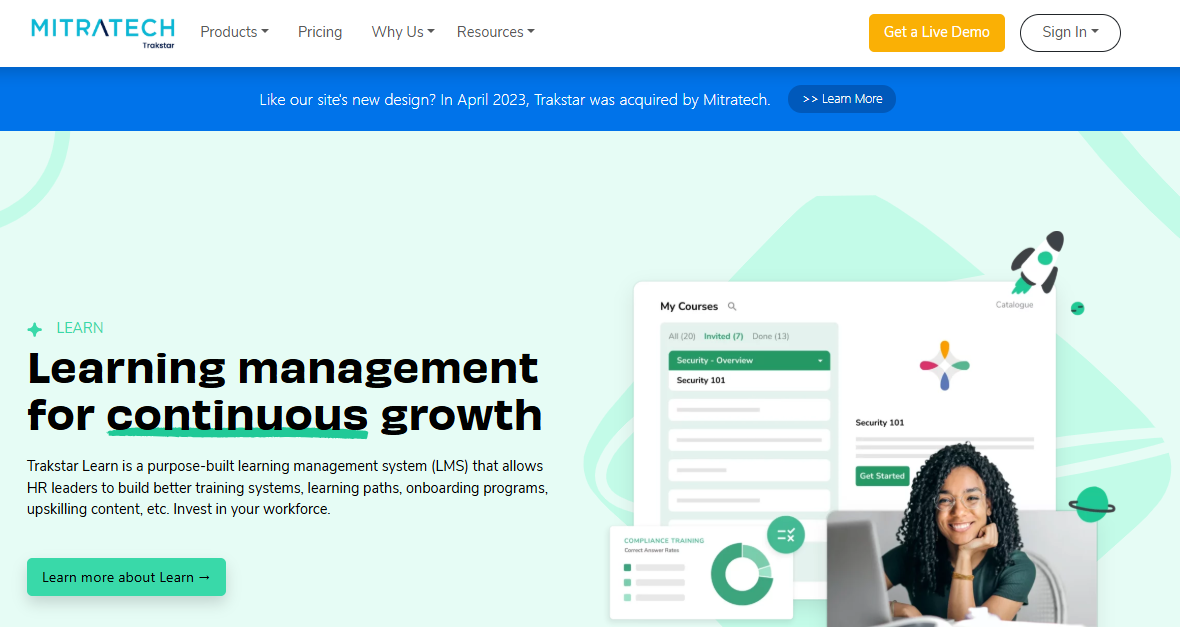
It is used in healthcare to distribute training and support compliance with regulations like HIPAA, and by government agencies for mandatory ethics, cybersecurity, and code-of-conduct modules. The weaker spots are automatic deadline reminders that do not always work as expected, and a front end that feels in need of a refresh.
A free version and trial are available, and the paid version starts at about $4,599 a year. I would pick it for compliance-heavy teams with a recurring schedule, and I would test reminders first. Confirm the renewal terms and what the starting price includes before you compare it with per-user tools.
Pros:
- Set-it-and-forget-it recurring training
- Import of training packs in different formats
- Easy structuring of modules, courses, and users
- Subgroups and custom user fields for classifying learners
- Fits healthcare and government compliance training
Cons:
- Automatic deadline reminders do not always work as expected
- The front end feels dated
Pricing: Free version and free trial available; paid plans start at about $4,599 per year.
12. Moodle – Best for Open Source Learning
Moodle is the free answer for teams that want control. It is open-source, highly customizable, and extended through third-party plugins, with multimedia courses, interactive assessments, and discussions, and it serves K-12, higher education, workplace learning, and non-profit organizations alike.
Features such as forums, wikis, and group projects support collaborative learning, and plugins can add gamification. The trade is effort and risk: performance can slip when many users are on at once, security vulnerabilities have been reported in the past, and there is no direct technical support unless you pay for a partner.
I would choose it for an organization with technical people in-house that wants ownership of its data and its design. Budget real hours for hosting, security updates, and plugin vetting, since that is where the savings can quietly disappear. Name a technical owner from day one, and test an export before you commit.
Pros:
- Free, open-source software you can modify as you like
- Large, active community of users and developers
- Forums, wikis, and group projects for collaborative learning
- Gamification through plugins and modules
- Flexible enough for K-12, higher education, and workplace learning
Cons:
- Performance can suffer when many users are on at once
- No direct technical support, and security vulnerabilities have been reported in the past
Pricing: Free and open-source to self-host; hosted plans through Moodle partners vary by provider.
My Top Picks Among the Trainual Alternatives
If you read nothing else, start here. Among all the Trainual alternatives above, these three cover the three jobs people actually switch for: adoption and proof, compliance, and cost control.
1. ProProfs Training Maker
If you are weighing alternatives to Trainual because the content exists but nobody uses it, this is my pick. Courses with quizzes, certificates, and reminders give people a reason to open them, and reports by individual, team, or location show whether training has stuck. It is not a wiki, so keep a documentation tool beside it if you need nested knowledge.
2. EasyLlama
Among Trainual competitors, this is my pick if compliance is the main job. Courses are customized by industry, updated as regulations change, and backed by reminders and weekly reports. Pair it with another tool for SOPs, since it is built around compliance rather than general process documentation.
3. Moodle
My pick if budget is the constraint and you have technical people in-house. The software is free, the plugin ecosystem is large, and you control your own data and exports. Price the maintenance hours honestly, since that is where open-source savings can disappear.
How I Evaluated These Trainual Alternatives
I did not rank these twelve alternatives to Trainual on feature lists alone. Here is what shaped the order:
- User reviews and ratings from Capterra, weighted toward platforms with a meaningful volume of recent reviews, since any list of the best Trainual alternatives is only as good as the reviews behind it
- Pricing visibility and total cost, including seat minimums, implementation fees, and add-ons, since opaque pricing is the loudest reason people look at Trainual competitors
- Adoption potential, meaning whether the tool gives people a reason to open content through quizzes, reminders, and engagement, not just a library to store it
- Training depth, including reporting that proves training stuck, certifications, and standards such as SCORM, which is what separates genuine Trainual LMS alternatives from a shared document folder
- Search, organization, and content creation, since finding content later and formatting limits are repeated complaints
- Integrations and export, meaning how easily records and content leave the platform
- Real-world fit, matching each tool to whether you need SOPs, compliance, collaboration, or a full LMS
Fix the Rollout Before You Replace the Tool
Most ignored training was ignored before the tool ever mattered.
Trainual is still a sound choice for structured SOPs, role-based paths, and basic quizzes, especially for teams that will use the full feature set. Switch when the failing piece is the price, the reporting, the search, or the lock-in, because even the best Trainual alternatives will not fix a library nobody owns. Among all these Trainual alternatives, none wins every category, so decide whether your pain is the tool or the rollout before you start demos.
When you compare Trainual LMS alternatives, pick two or three finalists, test them with your newest hires, name an owner for the content, and audit what is actually used before you move anything. I would run the same pilot on ProProfs Training Maker, too, since the free plan lets you try it with real learners and see whether anyone opens the courses. Anyone weighing alternatives to Trainual should ask each vendor for the full first-year cost in writing, including seats, implementation, and add-ons.
Frequently Asked Questions
What are the best Trainual alternatives for small teams?
The best Trainual alternatives for smaller teams are the ones that publish pricing: ProProfs Training Maker, 360Learning, and iSpring Learn. Moodle is free with technical help, and EasyLlama fits compliance-only needs. Test two or three with new hires.
Which Trainual LMS alternatives offer stronger reporting?
Of the Trainual LMS alternatives here, Absorb and Cornerstone offer deep reporting for larger organizations, and ProProfs Training Maker adds reports by individual, team, or location, plus Conversational AI for Reports. Ask each vendor for sample reports on your data.
Who are the main Trainual competitors for compliance training?
EasyLlama is built around compliance courses, Trakstar Learn suits recurring healthcare and government training, and ProProfs Training Maker combines compliance courses with certificates and reminders. Choose by industry and the audit evidence you need, and pilot one mandatory course first.
What should I look for in alternatives to Trainual?
When comparing alternatives to Trainual, check price visibility, seat minimums, and implementation fees first. Then check adoption features, reporting depth, search and organization, and how cleanly content and records export before comparing long feature lists, and run a pilot.
Is there a free option among Trainual alternatives?
Yes. Moodle is free open-source software, and ProProfs Training Maker is free for up to 10 learners. Free options suit pilots with real learners, so check limits, caps, and support before scaling or committing budget.
Should I switch tools or fix my rollout first?
Fix the rollout first if people never opened what you built, before you shortlist Trainual competitors. Name a content owner, test with new hires, and audit usage. Switch only if the tool is the blocker: price, reporting, search, or export.
Let ProProfs AI create your training course

 We'd love your feedback!
What did you like & how can we make it even better?
 Thanks for your feedback!
 Ask Your Question
Have a question? Get expert help to make your decision easier.