A client of mine spent three weeks setting up LearnDash exactly the way her developer recommended, then watched a routine WordPress update break checkout the following month, right in the middle of a course launch. That is not a rare LearnDash story; it is close to the median, which is why so many training managers start searching for LearnDash alternatives the moment their site grows past a single course.
LearnDash still works well for many existing sites. But between plugin conflicts, the hosting and maintenance you inherit as a WordPress site owner, and the ownership changes since StellarWP’s 2025 restructuring, plenty of L&D teams are deciding the maintenance burden is no longer worth it.
Here are ten LearnDash alternatives that address the platform’s biggest pain points, from course creation and reporting to learner engagement, integrations, and ongoing maintenance.
Top LearnDash Alternatives Compared
Every one of these takes a different bite out of what makes LearnDash frustrating, so the best LearnDash alternatives for a team that wants to stay on WordPress look nothing like the best pick for a team that wants off it entirely.
Here is the fast version: Capterra ratings, current pricing, and two things that matter more than a feature list, hosting model, and how long setup actually takes.
| Tool | Best For | Capterra | Pricing | Hosting Model | Setup Time |
|---|---|---|---|---|---|
| ProProfs Training Maker | Course creation for employee training & compliance | 4.8 | Free (10 learners); paid from $3.99/learner/mo | Fully hosted, no WordPress | Live same day |
| Tutor LMS | Free, modern WordPress course builder | 3.8 | Free core; $199–$1,899/yr | Self-hosted WordPress plugin | Half day+, WP required |
| LifterLMS | Memberships & coaching on WordPress | 4.8 | Free core; $120–$1,200/yr | Self-hosted WordPress plugin | Half day+, WP required |
| MemberPress | Memberships plus courses combined | 4.8 | $199.50–$499.50/yr | Self-hosted WordPress plugin | Half day+, WP required |
| Teachable | Escaping WordPress maintenance entirely | 4.3 | $29–$189/mo (annual) | Fully hosted, no WordPress | Live same day |
| Thinkific | Course depth without WordPress upkeep | 4.4 | $40–$164/mo (annual) | Fully hosted, no WordPress | Live same day |
| Kajabi | Replacing your entire marketing stack | 4.3 | $143–$499/mo (annual) | Fully hosted, no WordPress | 1–2 days, funnel setup |
| LearnWorlds | Interactive, branded course design | 4.7 | $24–$249/mo (annual) | Fully hosted, no WordPress | Live same day |
| TalentLMS | Fast setup, transparent pricing | 4.7 | Free plan; $149–$579/mo | Fully hosted, no WordPress | Live same day |
| iSpring Learn | Corporate onboarding & compliance | 4.7 | $3.97–$6.91/user/mo | Fully hosted, no WordPress | Live same day |
1. ProProfs Training Maker – Best for Easy Course Creation for Employee Training, Compliance & Skill Assessment
I moved a client off LearnDash after the third plugin conflict in six months, and the biggest relief was that there was no WordPress site left to babysit. ProProfs Training Maker runs fully hosted, with native iOS and Android apps, so there is no theme compatibility to check and no update that might quietly break checkout overnight.
Course creation is genuinely fast, too. I type a topic into the AI course creator and get a structured course back, with chapters, quizzes, and a skill assessment already in place.

Let ProProfs AI create your training course
I can also choose from 500+ expert-built, ready-to-use courses whenever I want to supplement my own content.
The learner experience feels more polished, too. Teams can take courses in 70+ languages, while badges, points, and leaderboards make training more engaging. Behind the scenes, I still get audit-ready reporting to track completions and compliance without adding extra tools or paid extensions.
It is the better fit when the real issue is the maintenance burden, not just a missing feature. You can still connect it with WordPress through the plugin, but without relying on a heavily plugin-dependent setup to manage courses, reporting, and learner administration.
Pros:
- AI course creation that turns a topic into a full, structured course in minutes
- 500+ expert-built, ready-to-use courses to supplement your own content
- Audit-ready reporting and compliance tracking built in, not a paid add-on
- 70+ language support for global or distributed teams
- Built-in gamification (badges, leaderboards, points) that lifts completion rates
Cons:
- No on-premise or self-hosted deployment option
- Light and dark mode theming is not yet available for the learner interface
Pricing: Free for up to 10 learners; paid plans start at $1.99 per active learner/month.
2. Tutor LMS – Best for a Free, Modern Course Builder on WordPress
Tutor LMS is the plugin I point people toward when their actual complaint about LearnDash is the interface, not the price. The free core version ships a genuinely modern drag-and-drop course builder, and a built-in migration tool can pull courses straight over from LearnDash without hand-rebuilding everything.
Reviews are more mixed than the marketing suggests, though. Capterra’s sample is small, and the ratings on support and value trail LearnDash’s own numbers, which tracks with what I have seen: a smaller support team behind a fast-growing free plugin. You still inherit every WordPress maintenance issue that pushed you away from LearnDash in the first place, hosting, updates, plugin conflicts, since Tutor LMS is a plugin too.
It is worth trying if your budget is near zero and the interface is genuinely what bothers you. It does not fix the underlying WordPress upkeep problem at all.
Pros:
- Free core plugin with a modern, drag-and-drop course builder
- Built-in migration tool imports courses directly from LearnDash
- WooCommerce and Easy Digital Downloads integration for selling courses
- 20+ integrations and add-ons available
- Multi-instructor support for marketplace-style course sites
Cons:
- Smaller, less consistent support experience than more established plugins
- Still inherits every WordPress hosting and maintenance burden LearnDash has
Pricing: Free core plugin; Pro starts at $199 per year for one site, scaling to $1,899 per year for the agency bundle.
3. LifterLMS – Best for Memberships and Coaching Businesses on WordPress
LifterLMS solved a problem for a coaching client of mine that LearnDash never quite got right: monetization that goes beyond a simple course sale. Built-in membership and subscription tools handle recurring revenue and multi-tier access without stacking a separate membership plugin on top, which is exactly the kind of bolted-on complexity LearnDash pushes you toward.
The free core plugin is a real starting point too, not a crippled trial, with add-ons priced individually as you actually need them rather than one large mandatory bundle. Reviewers consistently rate it higher than LearnDash on ease of use and value for money, and I have found the same in practice.
You are still running a WordPress plugin, though, with the same hosting and update responsibilities that make LearnDash a maintenance job. This fixes the monetization gap, not the WordPress overhead itself.
Pros:
- Free core plugin with genuinely useful built-in features, not just a trial
- Native membership and subscription tools without a separate plugin
- Add-ons priced individually rather than one mandatory bundle
- Strong reviewer ratings on ease of use and value for money
- Frontend course builder that does not require the WordPress dashboard
Cons:
- Still a WordPress plugin, so hosting and update maintenance remain your job
- Advanced features require stacking multiple paid add-ons over time
Pricing: Free core plugin; paid add-ons start at $120 per year, scaling to $1,200 per year for the full bundle.
4. MemberPress – Best for Combining Memberships and Courses in One Plugin
MemberPress earns its spot for one reason: it treats courses as one feature inside a membership plugin rather than the other way around, which matters if what you actually need is gated content and multiple access tiers, not just a course. That combination is something LearnDash simply does not do natively.
Setup felt more contained than LearnDash in my experience, mostly because payment, access rules, and course content live in one plugin instead of three stacked together. Reviewers back that up, rating MemberPress notably higher than LearnDash on both ease of use and overall satisfaction, with a much larger review sample behind those numbers.
It is not cheap, and renewal pricing draws real complaints. But if memberships are the actual product and courses are one piece of it, MemberPress consolidates what LearnDash would need three plugins to do.
Pros:
- Memberships, gated content, and courses combined in a single plugin
- Zero transaction fees on Growth and above
- Higher-rated than LearnDash on ease of use across a large review sample
- Flexible pricing tiers for courses and memberships within one account
- Strong content protection and access-rule management
Cons:
- Pricing and renewal costs draw frequent complaints from smaller businesses
- Still a WordPress plugin, so hosting and maintenance responsibilities remain
Pricing: Launch starts at $199.50 per year, scaling to $499.50 per year for Scale with zero transaction fees.
5. Teachable – Best for Escaping WordPress Maintenance Entirely
Teachable was the platform that finally got a client of mine off WordPress altogether, hosting, updates, backups, all of it becomes someone else’s problem the moment you sign up. A native iOS and Android app comes standard on every paid plan too, which none of the WordPress plugins on this list offer without extra development work.

The tradeoff is the fee structure. The entry Starter plan still charges 7.5% on every sale on top of card processing, though that disappears entirely once you move to Builder. For a team that has been counting hours spent on plugin updates and hosting tickets, trading a percentage fee for zero maintenance often nets out ahead anyway.
If a single broken WordPress update is what finally pushed you to look elsewhere, Teachable removes that risk completely, at the cost of platform lock-in instead.
Pros:
- No hosting, updates, or plugin conflicts to manage at all
- Native iOS and Android app included on every paid plan
- 0% transaction fees once you reach Builder and above
- Built-in affiliate marketing tools to drive course sales
- Straightforward, well-reviewed checkout experience for buyers
Cons:
- 7.5% transaction fee on the entry Starter plan
- Less content-depth customization than a fully self-hosted WordPress setup
Pricing: Starter starts at $29 per month annually with a 7.5% fee, scaling to $189 per month for Growth with 0% fees.
6. Thinkific – Best for Course Depth Without the WordPress Upkeep
Thinkific solves the technical-complexity complaint from a completely different angle than the WordPress plugins on this list: it is not a plugin at all, so there is no hosting, no theme conflicts, and no update that can quietly break your checkout page overnight. Graded assignments and structured learning paths still give it real teaching depth, closer to what LearnDash offers than most hosted platforms manage.

Transaction fees stay at 0% on every plan, which matters if you compare LearnDash’s flat license cost against a percentage-fee platform and worry about losing that advantage. The 2026 price increase and the disappearance of Thinkific’s free plan take some shine off, and a branded mobile app is not included below the enterprise Plus tier.
If your actual complaint was the maintenance, not the price, Thinkific closes that gap while keeping real course-building depth intact.
Pros:
- No WordPress hosting, themes, or plugin conflicts to manage
- 0% platform transaction fees on every paid tier
- Graded assignments and structured learning paths for real course depth
- Automatic certificates and coupons included even on the entry plan
- Strong ease-of-use ratings from non-technical reviewers
Cons:
- No permanent free plan anymore, only a 14-day trial
- Branded mobile app is not included below the enterprise Plus tier
Pricing: Basic starts at $40 per month annually, scaling to $164 per month for Grow.
7. Kajabi – Best for Replacing Your Entire Marketing Stack, Not Just LearnDash
Kajabi is worth a look if what actually frustrated you was needing five other plugins for email, funnels, and a page builder just to run a course business around LearnDash. Full email marketing, sales funnels, and a website builder live in the same subscription, with no plugin compatibility to check after every WordPress core update.

I will say the price reflects that scope. Kajabi raised rates again in January 2026, and the Basic plan now starts at $143 a month annually with a tighter contact limit than before. There is no platform transaction fee if you use Kajabi Payments directly, but routing sales through your own Stripe account brings a surcharge back.
This is not a fix for a team that just wants a simpler LMS. It is a fix for a team that was stitching together a marketing stack around LearnDash and is tired of maintaining all of it.
Pros:
- Full email marketing, funnels, and website builder in one subscription
- No plugin conflicts or WordPress updates to manage
- No platform transaction fee when using Kajabi Payments directly
- Cohort courses with a defined start and end date
- Strong track record processing billions in creator revenue
Cons:
- No free plan and among the highest starting prices on this list
- A surcharge of up to 2% applies if you skip Kajabi Payments for your own Stripe account
Pricing: Basic starts at $143 per month annually, scaling to $499 per month for Pro.
8. LearnWorlds – Best for Interactive, Branded Course Design
LearnWorlds is where I send teams whose complaint is really about how dated the learner experience looks. Interactive video, dropping quizzes and clickable moments directly into a lesson, is a genuinely different teaching tool than anything LearnDash’s quiz builder offers, and the whole thing runs without a WordPress install underneath it.
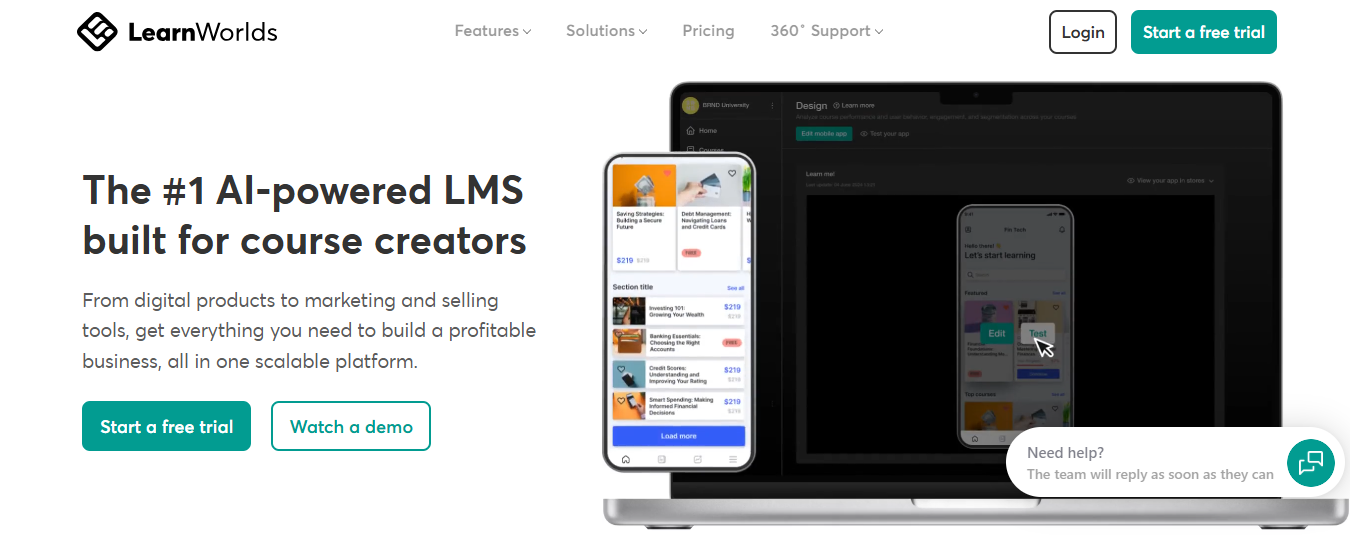
The Starter plan carries a flat $5 fee per enrollment rather than a percentage, worth knowing before you commit, though that disappears entirely on Pro Trainer and above. A branded mobile app is available too, but only as a $149-a-month add-on rather than something included in the base price.
If design quality and interactive content matter more to you than raw cost, and you are done maintaining a WordPress plugin stack to get there, LearnWorlds is a real step up on the learner experience.
Pros:
- Interactive video with embedded quizzes and clickable moments
- No WordPress hosting or plugin maintenance required
- Fee drops to 0% entirely on Pro Trainer and above
- Strong live class integration through Zoom and Webex
- Consistently rated 4.7 across multiple independent review platforms
Cons:
- Starter plan charges a flat $5 fee per enrollment
- Branded mobile app costs an extra $149 per month rather than being included
Pricing: Starter starts at $24 per month annually with a $5 enrollment fee, scaling to $249 per month for Learning Center with no fee.
9. TalentLMS – Best for Fast Setup and Transparent Pricing
TalentLMS solves the setup-time complaint directly. Where a WordPress-based LMS commonly takes 20-plus hours to configure properly, I have had a TalentLMS course live for a client the same afternoon, with pricing published right on the website instead of buried behind a quote request.
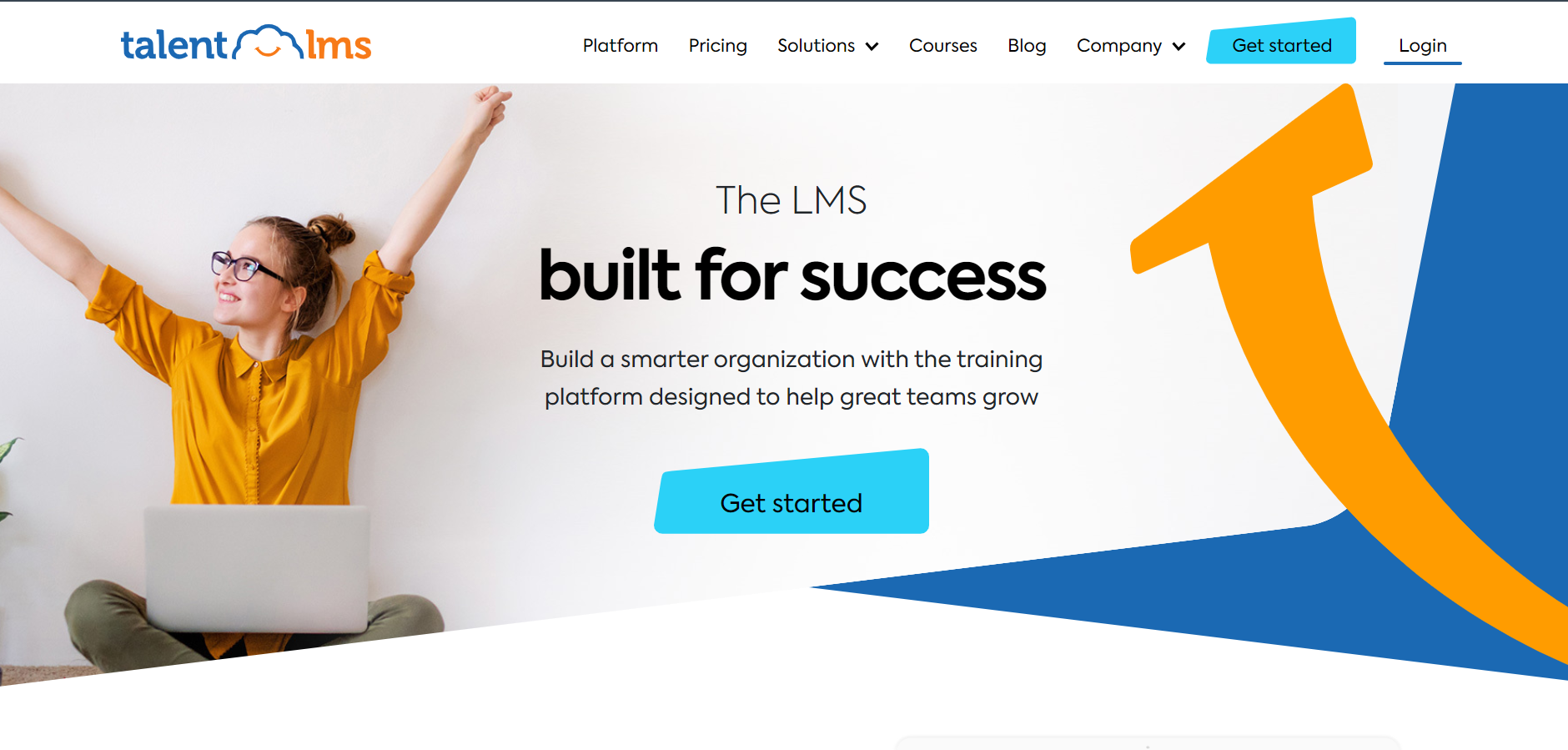
It handles the fundamentals well: unlimited courses even on lower tiers, a genuine free plan, and 30-plus integrations covering tools most training teams already use. Where it shows seams is depth. Social learning features stay thin, and it will not match LearnDash’s certification and prerequisite structures for genuinely complex, multi-course programs that regulated industries often need.
For a team that wants training live this week without touching a WordPress dashboard, TalentLMS is close to the fastest path off WordPress on this entire list.
Pros:
- Live and taking learners within hours, no WordPress setup required
- Published pricing with no sales call required
- Genuine free plan available for testing before committing
- 30+ integrations including Zoom, BambooHR, and Microsoft Teams
- High marks for ease of use across admins and learners
Cons:
- Limited social or collaborative learning features
- Less depth for complex, multi-course certification programs than LearnDash offers
Pricing: Free plan available; Core starts at $149 per month for up to 100 users, scaling to $579 per month for 1,000 users.
10. iSpring Learn – Best for Structured Onboarding and Compliance Training
iSpring Learn is built for exactly the audience most likely to be reading this: L&D teams and training managers who want structured onboarding and compliance training without IT involvement or a WordPress site to maintain. Setup leans toward the same-day range rather than the 20-plus hours a WordPress LMS commonly demands.
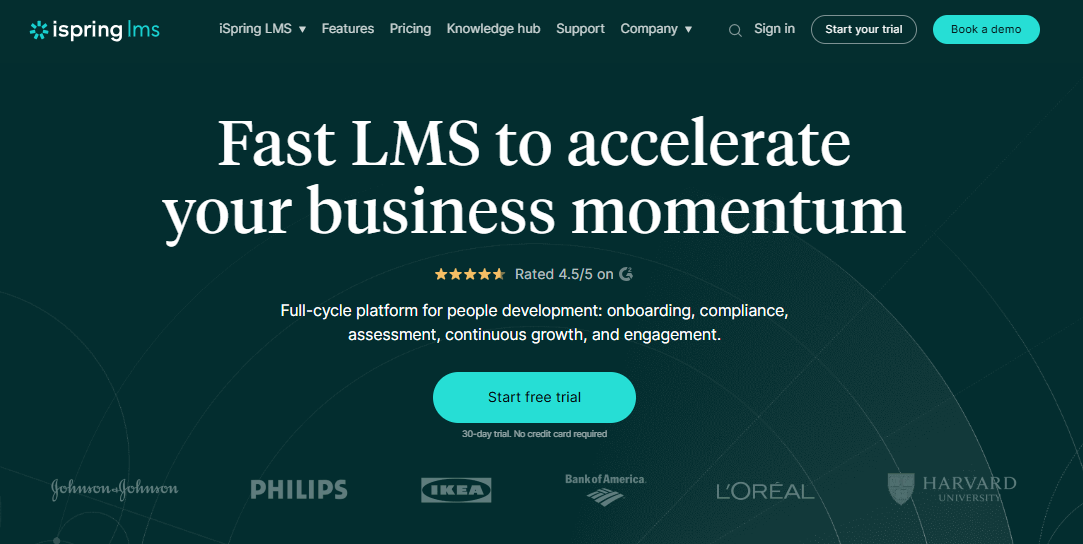
Pricing scales per user rather than per site license, which actually works in your favor at moderate headcounts, dropping toward $3.97 per user per month at 500 seats. Reviewers consistently praise the support team’s responsiveness, a real contrast to the ticket-only, multi-day waits that show up often in reviews of plugin-based LMS support options.
It leans corporate rather than course-marketplace, so if you are selling courses to the public rather than training your own team, some of the platforms further up this list will fit better.
Pros:
- No WordPress hosting, updates, or plugin conflicts to manage
- Built for structured onboarding and compliance training specifically
- Per-user pricing that drops meaningfully at higher headcounts
- Consistently praised, responsive customer support
- Fast setup without IT involvement
Cons:
- Leans corporate training rather than public course sales
- No free plan; pricing requires committing to a paid tier
Pricing: Starts at $6.91 per user per month at 100 users, dropping to $3.97 per user per month at 500 users.
My Top Picks Among the LearnDash Alternatives
If you read nothing else, start here. Among all the LearnDash alternatives above, these three cover the three real decisions on the table: stay on WordPress, leave it entirely, or optimize specifically for employee training.
1. ProProfs Training Maker
My pick if the maintenance burden itself, not any single missing feature, is what is pushing you toward LearnDash alternatives. It handles easy course creation for employee training, compliance, and skill assessment without a WordPress site to patch, back up, or worry about between updates. Automated compliance tracking and a native mobile app come standard, and pricing stays transparent as your team grows past a single course.
2. LifterLMS
My pick if you are staying on WordPress, no matter what, and just want the monetization that LearnDash never quite delivered. The free core plugin is a real starting point; membership and subscription tools are native rather than bolted-on, and reviewers consistently rate it above LearnDash for ease of use. You still own the hosting and update responsibilities that come with any WordPress plugin, but within that constraint, it closes a real gap.
3. TalentLMS
My pick if you want to go off WordPress entirely and have it done this week. Published pricing, a genuine free tier, and same-day setup make it the fastest realistic path away from plugin maintenance, even if it will not match LearnDash’s depth for complex, multi-course certification programs.
How I Evaluated These LearnDash Alternatives
I did not rank these ten alternatives to LearnDash on feature checklists alone. If you are comparing alternatives to LearnDash for the first time, here is what actually shaped it:
- User reviews and ratings from Capterra are weighted more heavily where a platform has a meaningful volume of recent reviews rather than a handful of vendor-solicited ones
- Hosting model and maintenance burden, since plugin conflicts and WordPress upkeep are the single biggest complaint driving people toward LearnDash competitors
- True cost of ownership, including hosting, themes, and add-ons for WordPress options, not just the headline license price
- Setup time and ease of use, since LearnDash’s own reviewers report 20-plus hours to configure properly
- Course and content depth, since some alternatives trade LearnDash’s certification structures for simplicity
- Support quality and response time, based on patterns across verified reviews rather than a single testimonial
- Real-world fit, matching each platform to whether you actually need to stay on WordPress or are free to leave it, including structured onboarding programs built for employee training specifically
Which LearnDash Alternative Actually Fits Where You’re Headed
There is no single best LearnDash alternative because there is no single reason people leave LearnDash. Every list of LearnDash alternatives has to make this same tradeoff explicit: if you need deep customization and have the technical resources to maintain a WordPress plugin, LifterLMS or MemberPress solves the monetization gaps LearnDash leaves open without asking you to abandon WordPress. If you want speed-to-launch and zero server management, ProProfs Training Maker, Teachable, and TalentLMS all get you there, just for different audiences, employee training versus public course sales.
Whatever you choose, trial the shortlist with a real course before migrating anything. Progress data is the hardest thing to export cleanly, so test enrollment, reporting, and mobile access with actual users, and calculate the true 12-month cost, including your own time, not just the license fee. It is worth reading a related look at Moodle alternatives too, since the WordPress-versus-hosted tradeoff shows up there in nearly identical form.
Frequently Asked Questions
What are the best LearnDash alternatives for employee training?
ProProfs Training Maker and iSpring Learn are strong LearnDash alternatives for employee training, both with automated compliance tracking and no WordPress site to maintain. ProProfs adds AI course creation and a free tier; iSpring Learn scales well for larger teams.
Is there a free alternative to LearnDash?
Yes. Tutor LMS and LifterLMS both offer genuinely usable free core plugins on WordPress, and TalentLMS and ProProfs Training Maker offer free hosted plans, so you can test before committing to a paid license either way.
What are the main LearnDash competitors for WordPress-based teams?
Tutor LMS, LifterLMS, and MemberPress are the closest LearnDash competitors if you want to stay on WordPress. Each fixes a different gap, interface, memberships, or combined course-and-membership management, without asking you to leave the platform.
What should I look for in alternatives to LearnDash?
Match the fix to your actual problem: hosting burden, monetization depth, setup speed, or employee-training features like compliance tracking. Total cost of ownership matters more here than the sticker price, since WordPress options carry hidden hosting and add-on costs.
Do learn dash alternatives exist for teams that want to leave WordPress entirely?
Yes. ProProfs Training Maker, Teachable, Thinkific, Kajabi, LearnWorlds, TalentLMS, and iSpring Learn are all fully hosted, so there is no server, theme, or plugin update to manage once you switch away from a WordPress-based LMS.
Which LearnDash alternative is best for compliance and certification tracking?
ProProfs Training Maker includes automated compliance and certification tracking as a standard feature, not as a paid add-on. iSpring Learn is a strong second option for larger corporate teams with dedicated onboarding and compliance programs already in place.
Let ProProfs AI create your training course

 We'd love your feedback!
What did you like & how can we make it even better?
 Thanks for your feedback!
 Ask Your Question
Have a question? Get expert help to make your decision easier.