I built my first cohort course on Podia because it promised a single dashboard for everything: courses, checkout, email, and community. For a while, that promise held. Then a friend who runs her own coaching business told me her account got flagged for a routine review on a Friday night, right as her launch email went out, and she spent the whole weekend locked out while refunds piled up in her inbox.
Hearing that was what actually pushed me to start testing Podia alternatives rather than blindly trusting the platform. The other cracks showed up fast once I looked: no real mobile app for students, a 5% fee on the entry plan that ate more of my margin as revenue grew, and quizzes too basic for anything beyond a comprehension check.
If any of that sounds familiar, here are ten platforms that actually fix one or more of those specific problems.
Top Podia Alternatives Compared
Each of these fixes a different aspect of what Podia gets wrong, so the best Podia alternatives for a solo creator testing a $29 course look nothing like the best pick for a coach running a $2,000 cohort.
Here is the fast version before the full write-ups: Capterra ratings, current pricing, and the two numbers Podia reviewers complain about most, transaction fees, and whether there’s an actual native mobile app.
| Tool | Best For | Capterra | Pricing | Transaction Fees | Native Mobile App |
|---|---|---|---|---|---|
| ProProfs Training Maker | Structured training, no per-sale fees | 4.8 | Free (10 learners); $1.99/learner/mo | 0%, none, ever | Yes, iOS & Android |
| Kajabi | All-in-one marketing & course sales | 4.3 | $143 – $499/mo (annual) | 0% via Kajabi Payments; surcharge on own Stripe | Shared app only, no custom build |
| Thinkific | Course depth without platform fees | 4.4 | $40 – $164/mo (annual) | 0% on every plan | Add-on only, not included |
| Teachable | Native app on every paid plan | 4.3 | $29–$189/mo (annual) | 7.5% on Starter; 0% on Builder+ | Yes, iOS & Android |
| Systeme.io | Zero-fee selling on a tight budget | 4.8 | Free; $17 – $97/mo | 0% on every plan incl. free | No native app |
| LearnWorlds | Interactive video & branded design | 4.7 | $24 – $249/mo (annual) | $5/enrollment on Starter; 0% above | Add-on, ~$149/mo extra |
| Mighty Networks | Community-first course delivery | 4.6 | $79 – $354/mo | 2% down to 0.5%, never zero | Yes, iOS & Android |
| Sellfy | Simple digital product sales | 4.5 | $22 – $119/mo (annual) | 0% on every plan | No native app |
| LearnDash | Self-hosted WordPress control | 4.6 | $199 – $799/yr (site license) | 0%, your own processor | No built-in app |
| Circle | Discussion-led community + courses | 4.7 | $89 – $219/mo (annual) | 2% down to 0.5%, never zero | Enterprise tier only |
1. ProProfs Training Maker – Best for Easy Course Creation for Employee Training, Compliance & Skill Assessment
My frustration with Podia was a different shape than most: I was not trying to sell a course to the public; I was trying to get a team of contractors through compliance training on a deadline, and Podia was never built for that job. ProProfs Training Maker is.
What actually solved my problem was how fast and easy course creation turns into something usable here. I typed a topic, and the AI course builder handed back a full, structured course, chapters, quizzes, and a skill assessment already built in. You can try the AI course building below, just type a simple prompt about what kind of course you want, and wait and see the magic happen.

Let ProProfs AI create your training course
Add automated compliance reminders, certificate expiration tracking, and audit-ready reporting, none of which Podia offers, and it stopped feeling like a course-selling tool forced into compliance work.
It is a strong fit whether the goal is internal training or selling structured courses to the public, since Training Maker supports course monetization through its own store or an embedded checkout, not just employee-facing programs. The real shift from Podia is depth: expect a platform built around structured learning outcomes and assessment rather than a general digital storefront.
Pros:
- AI course builder that turns a topic into a full course with quizzes and skill assessments built in
- Automated compliance reminders and certificate expiration tracking, not available on Podia at all
- No per-sale transaction fees, ever, regardless of plan
- Native iOS and Android app for actual mobile learning, not just a responsive site
- 500+ expert-built, ready-made courses if you are supplementing your own content
Cons:
- No on-premise or self-hosted deployment option
- Light and dark mode theming is not yet available for the learner interface
Pricing: Free for up to 10 learners; Essentials starts at $1.99 per learner per month, scaling to Business Complete at $4.98 per learner per month.
2. Kajabi – Best for All-in-One Marketing and Course Sales
Kajabi is the platform I recommend when someone tells me they are tired of stitching Podia together with Mailchimp and a separate landing page tool. Full email marketing, sales funnels, and a website builder all live inside the same subscription, and none of it feels bolted on the way some all-in-one claims do.
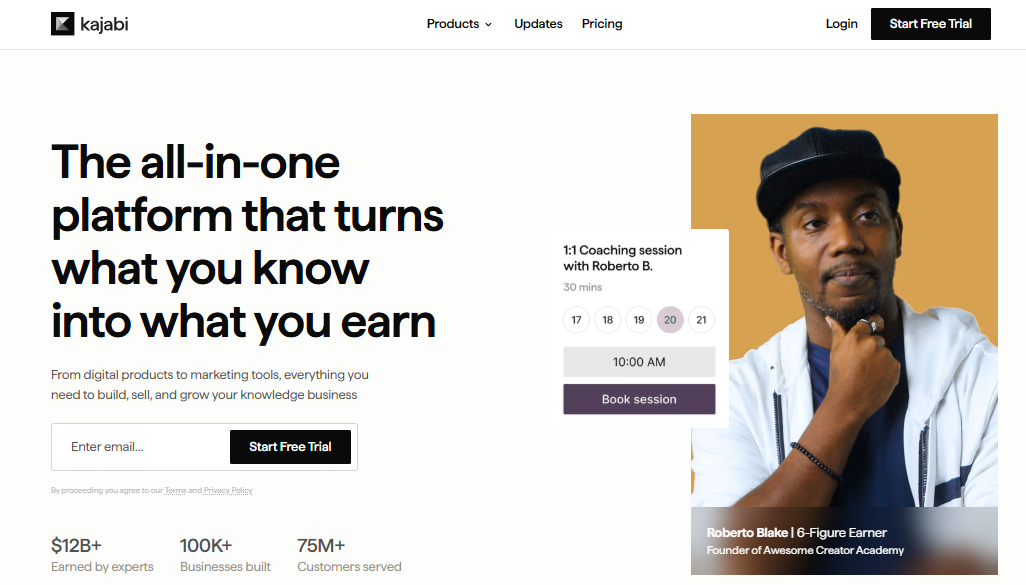
I will say the price hurts more than it used to. Kajabi raised rates in January 2026, and the Basic plan now starts at $143 a month annually with a tighter 2,500-contact limit than before. There is no revenue share if you use Kajabi Payments, but route sales through your own Stripe account and a surcharge of up to 2% quietly reappears.
If you are already comfortable running one tool for everything and can absorb the subscription cost before your first sale, Kajabi replaces more of your stack than almost anything else on this list.
Pros:
- Full email marketing built in, not just student notifications
- No platform transaction fee when using Kajabi Payments directly
- Sales funnels, landing pages, and website builder included on every plan
- Cohort courses with a real start and end date
- Strong track record processing over $5 billion in creator revenue
Cons:
- No free plan and among the highest starting prices on this list
- A surcharge of up to 2% applies if you skip Kajabi Payments for your own Stripe account
Pricing: No free plan; Basic starts at $143 per month annually, scaling to $499 per month for Pro.
3. Thinkific – Best for Course Depth Without Platform Fees
Thinkific was the first alternative I actually trialed, mostly because 0% transaction fees on every plan sounded too good after Podia’s sliding scale. That part held up. What surprised me was how much deeper the course builder goes: graded assignments, structured learning paths, and completion tracking that Podia just does not have.
The 2026 price increase stung a little, roughly 10% across the board, and the free plan Thinkific used to offer is gone now too, replaced by a 14-day trial. The other catch is the branded mobile app; it is not included below the enterprise Plus tier, and Thinkific does not publish what the standalone add-on costs anymore.
For a creator who wants real teaching tools and does not mind living inside a browser rather than a branded app, Thinkific closes Podia’s biggest course-depth gap without adding a fee on top of your plan.
Pros:
- 0% platform transaction fees on every paid tier
- Graded assignments and structured learning paths Podia’s builder cannot match
- Automatic certificates and coupons included even on the entry plan
- AI course prompts to speed up initial course structuring
- Strong ease-of-use ratings from reviewers with no technical background
Cons:
- No permanent free plan anymore, only a 14-day trial
- Branded mobile app is not included below the enterprise Plus tier
Pricing: No free plan; Basic starts at $40 per month annually, scaling to $164 per month for Grow.
4. Teachable – Best for a Native Mobile App on Every Paid Plan
Teachable solved the exact complaint I hear most about Podia: there is a real native iOS and Android app included on every paid plan, not an upsell. Students open an actual app icon instead of bookmarking a mobile browser tab, and it shows in completion rates.

The tradeoff sits in the fee structure. The entry Starter plan still charges a 7.5% transaction fee on every sale on top of standard card processing, so a $200 course sold to ten students hands over $150 in platform fees alone. That fee disappears once you move to the Builder plan, which is really where most serious creators end up.
If a branded-feeling mobile experience is the thing that would finally get your Podia students to finish what they start, Teachable is worth the jump to Builder to skip the Starter fee entirely.
Pros:
- Native iOS and Android app included on every paid plan
- 0% transaction fees on Builder and above
- Built-in affiliate marketing tools to drive sales through partners
- Course compliance features like completion certificates on higher tiers
- Straightforward, well-reviewed checkout and payment experience for buyers
Cons:
- 7.5% transaction fee on the entry Starter plan, on top of card processing
- No permanent free plan, only a short trial before you choose a paid tier
Pricing: No free plan; Starter starts at $29 per month annually with a 7.5% fee, scaling to $189 per month for Growth with 0% fees.
5. Systeme.io – Best for Zero-Fee Selling on a Tight Budget
Systeme.io is what I point broke, early-stage creators toward when the whole reason they are leaving Podia is cost. The free plan is genuinely usable, not a crippled trial: 2,000 contacts, three sales funnels, one course, and 0% transaction fees, permanently, with no credit card required to start.
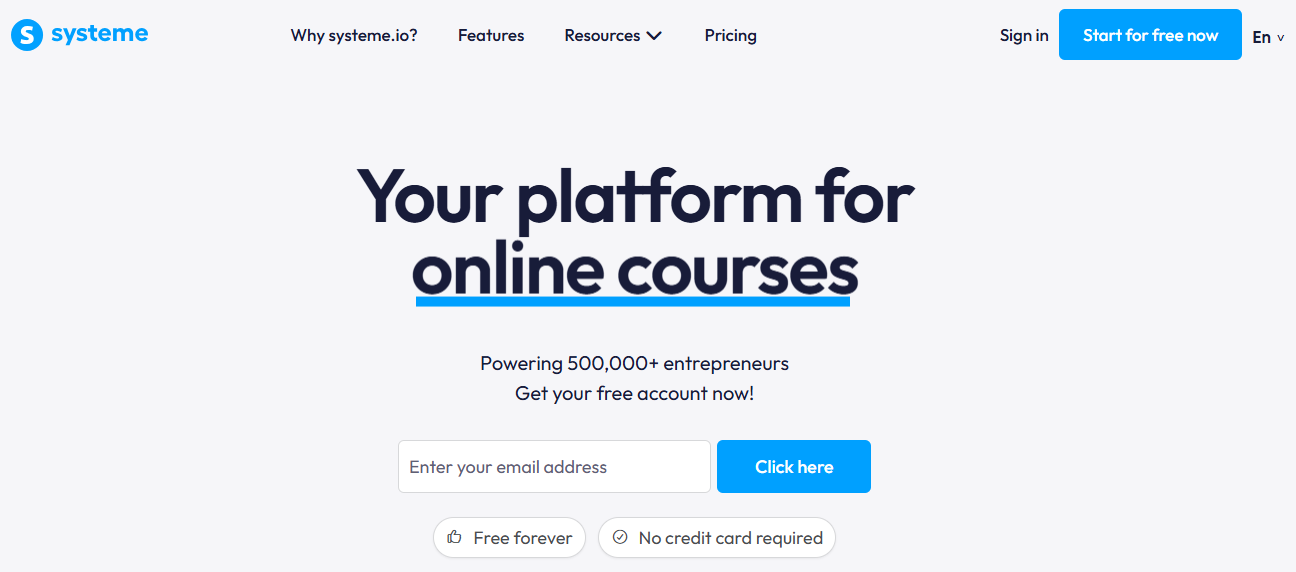
It will not replace Podia’s course-teaching depth. Quizzes are basic, there is no dedicated mobile app, and design customization tops out at clean but plain rather than polished. What you are trading course-building sophistication for is an entire marketing stack, funnels, email automation, affiliate management, bundled into one of the cheapest subscriptions in this category.
If your Podia frustration is really about the fees eating your margin rather than the course tools themselves, Systeme.io removes that problem entirely and throws in a funnel builder you would otherwise pay for separately.
Pros:
- 0% transaction fees on every plan, including the permanent free tier
- Free plan supports real sales activity, not just a demo account
- Built-in sales funnels and email marketing without extra tools
- Founder actually lowered prices in 2025 rather than raising them
- Consistently high ratings for ease of use from non-technical founders
Cons:
- No native mobile app for students or admins
- Course-building tools are noticeably more basic than dedicated course platforms
Pricing: Free plan available; Startup starts at $17 per month, scaling to $97 per month for Unlimited.
6. LearnWorlds – Best for Interactive Video and Branded Course Design
LearnWorlds is where I send creators whose complaint about Podia is specifically about how the course looks and feels. Interactive video, where you can drop quizzes and clickable moments directly into a lesson, is genuinely more advanced than anything Podia offers, and the branded course player feels like a real product rather than a template.
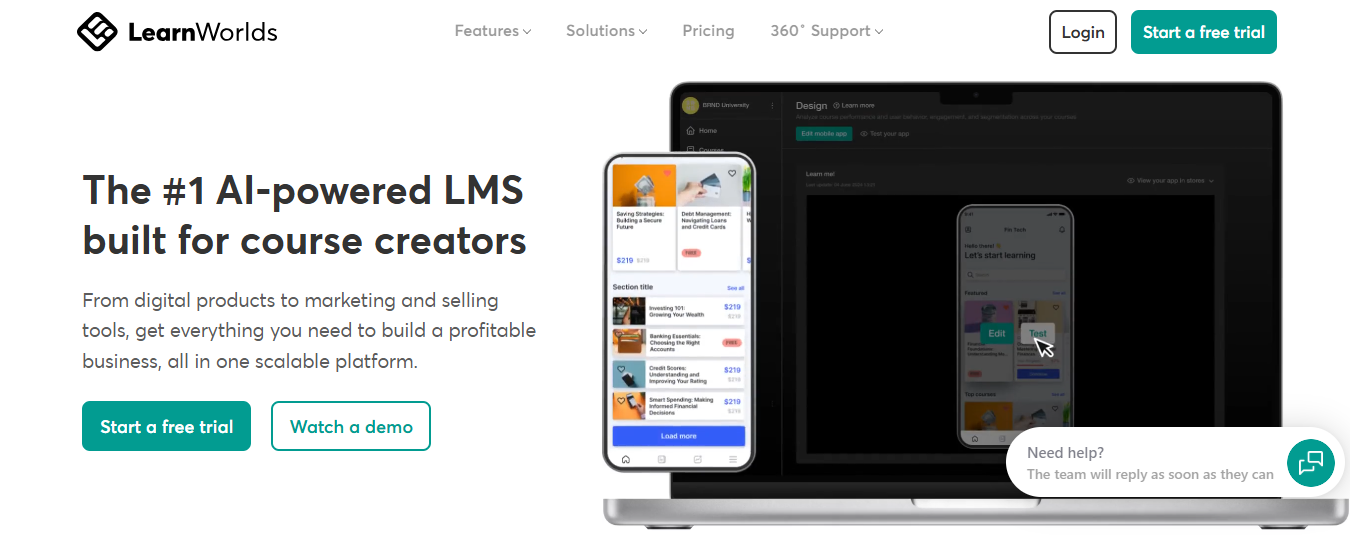
The Starter plan carries a catch worth knowing before you sign up: a flat $5 fee per enrollment rather than a percentage, which is brutal on a $20 course and barely noticeable on a $200 one. That fee disappears entirely on Pro Trainer and above. A branded mobile app is available too, but only as a $149-a-month add-on on top of your plan.
If your course is priced high enough that a flat per-enrollment fee does not sting, and design quality matters more to you than raw affordability, LearnWorlds outclasses Podia on the actual teaching experience.
Pros:
- Interactive video with embedded quizzes and clickable moments
- Fully branded, highly customizable course player
- Fee drops to 0% entirely on Pro Trainer and above
- Strong live class integration through Zoom and Webex
- Consistently rated 4.7 across multiple independent review platforms
Cons:
- Starter plan charges a flat $5 fee per enrollment
- Branded mobile app costs an extra $149 per month rather than being included
Pricing: No free plan; Starter starts at $24 per month annually with a $5 enrollment fee, scaling to $249 per month for Learning Center with no fee.
7. Mighty Networks – Best for Community-First Course Delivery
Mighty Networks answers a complaint I hear constantly about Podia: the community feels bolted onto the course rather than built around it. Spaces here combine discussions, courses, and events in a way that actually keeps people coming back between lessons instead of disappearing after they finish the content.
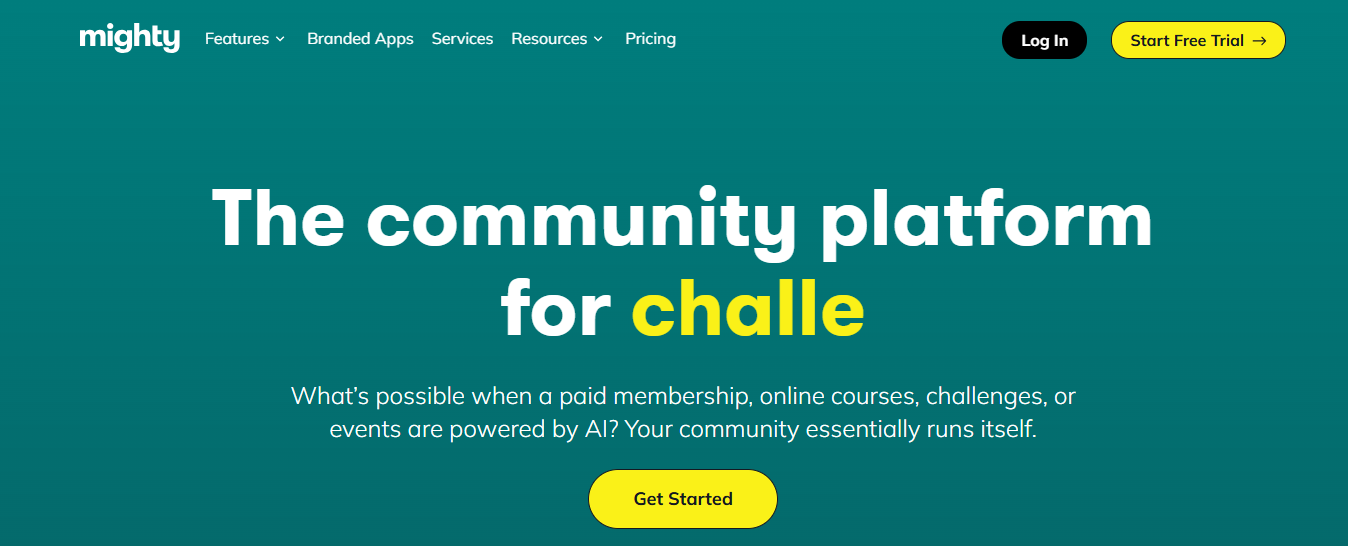
The tradeoff is that transaction fees never reach zero, not even on the priciest plan. Launch charges 2%, and even the $354-a-month Growth plan still takes 0.5% off every sale, on top of standard card processing. What you get in exchange is a native iOS and Android app included from the entry tier, which is more than most course-first platforms offer at any price.
Pick this over Podia if the community is the actual product and the course is what holds it together, not the other way around.
Pros:
- Native iOS and Android apps included from the entry Launch plan
- Spaces architecture blends discussions, courses, and events naturally
- Strong social and engagement features Podia’s community lacks
- Livestreaming built in without a separate tool
- Well-suited to coaches and creators running an ongoing membership
Cons:
- Transaction fees never drop to 0%, even on the top-tier plan
- No plan below $79 a month, so it is not the cheapest way to start
Pricing: No free plan; Launch starts at $79 per month, scaling to $354 per month for Growth with a 0.5% fee.
8. Sellfy – Best for Simple Digital Product Sales With No Fees
Sellfy is the closest thing on this list to what Podia looked like when it first got popular: upload a digital product, set a price, and sell it with zero platform transaction fees on every plan. If most of what you sell is templates, ebooks, or presets rather than a multi-module course, it does that job with less overhead than Podia charges.
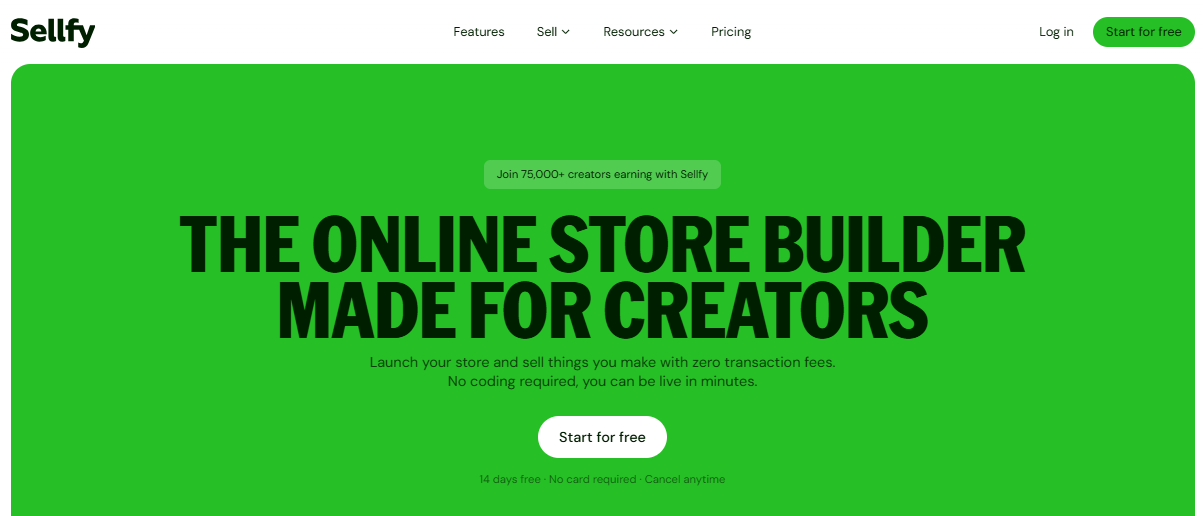
It is not trying to be a teaching platform, and it shows. There is no real course-structuring depth, no community features, and no mobile app, so anyone expecting Podia’s course player will be disappointed. What you get instead is a clean storefront, print-on-demand support, and revenue caps by plan rather than by percentage.
If your Podia usage was closer to a digital storefront than an online school, Sellfy strips out everything you were not using and charges you less for it.
Pros:
- 0% transaction fees on every plan
- Simple, fast storefront setup for digital and print-on-demand products
- Built-in email marketing on Business and above
- Annual sales limits rather than per-sale fees keep costs predictable
- Straightforward pricing with no hidden add-on tiers
Cons:
- No dedicated mobile app for buyers or sellers
- Limited course-structuring tools compared to dedicated teaching platforms
Pricing: No free plan; Starter starts at $22 per month annually, scaling to $119 per month for Premium.
9. LearnDash – Best for Self-Hosted Control on Your Own WordPress Site
LearnDash made sense to me the moment I realized my actual complaint about Podia was ownership: I did not want my courses living on somebody else’s platform at all. As a WordPress plugin, LearnDash puts everything on a site I control, with no platform transaction fee sitting between me and my own payment processor.
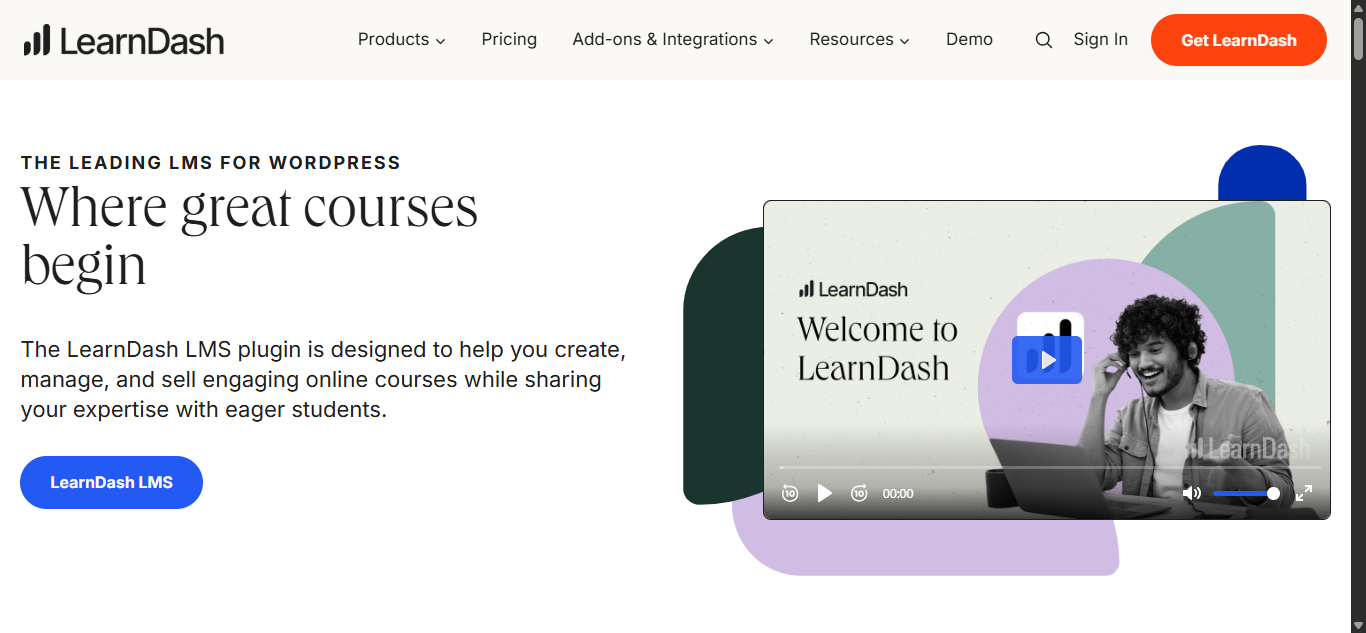
The tradeoff is real, though. You need a WordPress site and enough comfort with plugins to combine LearnDash with a page builder and a payment plugin to replicate what Podia does out of the box. Pricing is a flat annual license instead of a monthly subscription, which is unusual in this category and can work in your favor if you are building for the long term.
Choose this over Podia only if you are comfortable maintaining WordPress yourself or already have someone who is; the control is worth it, but it is not free of setup work.
Pros:
- No platform transaction fees since you connect your own payment processor
- Full ownership and control since courses live on your own WordPress site
- Flat annual licensing rather than a recurring monthly fee
- AI course outline tool to speed up initial structuring
- Deep plugin ecosystem for extending features WordPress-side
Cons:
- Requires a WordPress site and comfort managing plugins yourself
- No built-in mobile app, community, or checkout the way Podia bundles them
Pricing: Starts at $199 per year for one site, scaling to $799 per year for unlimited sites.
10. Circle – Best for Discussion-Led Communities With Course Content
Circle is what I would pick over Podia if discussion is the actual heartbeat of what I am building and the course content is secondary to keeping people talking. Threaded conversations, spaces organized by topic, and live events all feel considerably more developed than anything in Podia’s flat community feed.
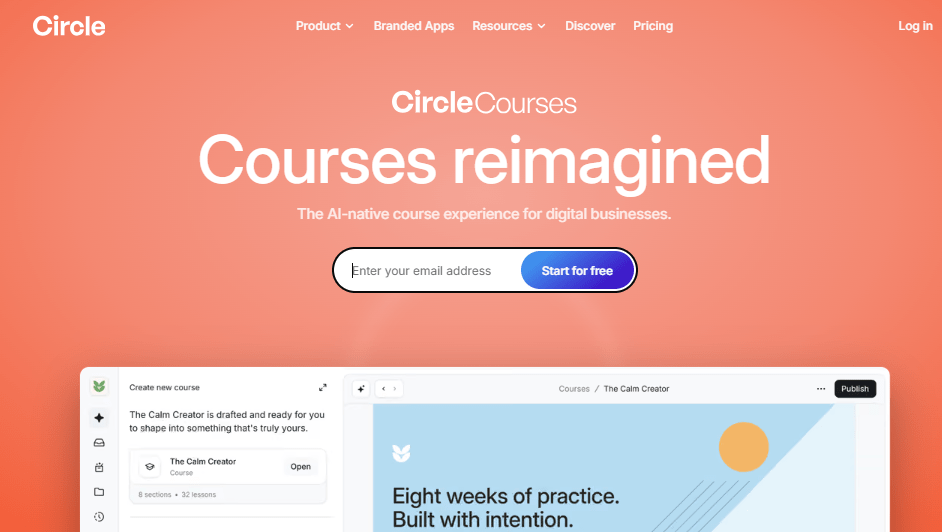
Transaction fees follow the same pattern as Mighty Networks: they shrink as you pay more but never disappear, 2% on the entry Professional plan down to 0.5% on the custom Enterprise tier. A branded mobile app is not included either unless you are on that top custom tier, which keeps the real cost higher than the sticker price suggests.
If your Podia community always felt like an afterthought bolted onto the course player, Circle flips that relationship and makes the community the main event.
Pros:
- Threaded, topic-organized discussions well beyond Podia’s flat community feed
- Live events and courses included from the entry Professional plan
- Strong ease-of-use ratings from both admins and members
- SOC 2 Type 2 certification for security-conscious communities
- Workflow automation included even on lower tiers
Cons:
- Transaction fees never reach 0%, ranging from 2% down to 0.5%
- Branded mobile app is only available on the custom Enterprise tier
Pricing: No free plan; Professional starts at $89 per month annually, scaling to $219 per month for Business.
My Top 3 Picks Among the Podia Alternatives
If you read nothing else, these three Podia alternatives address the three reasons people actually leave Podia: fees, budget, and the lack of a mobile app.
1. ProProfs Training Maker
My pick if training itself is the goal rather than selling a single course to the public. It handles course creation for onboarding, compliance, and skill assessment in ways Podia was never designed for, with an AI builder that turns a topic into a structured course, quizzes included, in minutes. No per-sale transaction fees and a native mobile app round out the case, especially once you are training a distributed team rather than selling to one-time buyers.
2. Systeme.io
My pick if you are starting from zero and cannot justify a subscription before your first sale. The free plan is genuinely usable rather than a crippled trial, the 0% transaction fee never turns into a surprise later, and you get a full funnel and email marketing stack bundled in that Podia does not offer at all. It will not match Podia on course-teaching depth, but for a creator testing an idea on a tight budget, that tradeoff is usually worth it.
3. Teachable
My pick, if a native mobile app is the single feature that would fix your Podia problem. It is included on every paid plan, not gated behind an enterprise tier or sold as a separate add-on, the way several other platforms on this list handle it. Move past the entry Starter plan, and the transaction fee disappears too, so the app stops being the only upgrade worth paying for.
How I Evaluated These Podia Alternatives
I did not judge these ten alternatives to Podia purely on feature lists. Here is what actually shaped the ranking:
- User reviews and ratings from Capterra are weighted more heavily where a platform has a meaningful volume of recent reviews rather than a handful of vendor-solicited ones
- Transaction fee structure, since that is one of the two complaints that shows up most often in real Podia reviews, and whether the fee ever actually reaches zero
- Native mobile app availability, given how often Podia’s browser-only experience comes up as a dealbreaker
- Course and content depth, from basic digital downloads through graded assessments and structured learning paths
- Ease of use for creators building courses without a technical team behind them
- Value for money measured against total cost, including fees, not just the advertised subscription price
- Real-world fit, matching each of these Podia alternatives to the specific business model it actually serves rather than treating best as one-size-fits-all
Which Podia Alternative Actually Fixes Your Specific Problem
There is no single best Podia alternative because there is no single reason people leave Podia. If fees are quietly eating into your margin as revenue grows, ProProfs Training Maker or Systeme.io solves that from opposite ends: one built for structured paid training, the other for a lean, funnel-first business. If the missing mobile app is the dealbreaker, Teachable or Mighty Networks both include a standard one. If community is actually the product, Circle takes that more seriously than Podia ever did.
Before you commit to any Podia alternatives on this list, export what you can; customer lists and content usually move cleanly, but plan to rebuild your automations and email sequences by hand. It is worth checking a full breakdown of authoring tools worth comparing before you run both platforms in parallel for a few weeks, rather than migrating everything on launch day.
Frequently Asked Questions
What are the best Podia alternatives for course creators?
ProProfs Training Maker, Thinkific, and Teachable stand out for course depth. ProProfs fits employee and client training with no transaction fees, Thinkific offers graded assignments and learning paths, and Teachable includes a native mobile app on every paid plan.
Is there a free alternative to Podia?
Yes. Among Podia alternatives, Systeme.io offers a genuinely usable free plan with 2,000 contacts and 0% transaction fees, and ProProfs Training Maker is free for up to 10 learners, both without the trial-only limits Podia now uses.
What are the main Podia competitors for community-based businesses?
Mighty Networks and Circle are the closest Podia competitors for community-first creators. Both blend discussions, courses, and live events into one space, though neither drops transaction fees to zero on any plan, even at their most expensive tiers.
What should I look for in alternatives to Podia?
Match the fix to your actual problem: transaction fees, native mobile access, course and assessment depth, or real community integration. Pricing transparency and how fees behave as revenue scales matter more in the long run than the advertised subscription price.
Does any Podia alternative avoid transaction fees entirely?
Yes. ProProfs Training Maker, Thinkific, Systeme.io, Sellfy, and LearnDash all charge 0% platform transaction fees on every plan, though standard card processing fees from Stripe or PayPal still apply on top, regardless of which platform you choose.
Which Podia alternative has the best native mobile app?
Teachable includes a native iOS and Android app on every paid plan, not just the top tier. ProProfs Training Maker and Mighty Networks also include native apps as standard, unlike Podia, which remains browser-only for both creators and students.
Let ProProfs AI create your training course

 We'd love your feedback!
What did you like & how can we make it even better?
 Thanks for your feedback!
 Ask Your Question
Have a question? Get expert help to make your decision easier.