I’ve spent enough time evaluating learning platforms to know that most listicles on this topic are written by people who’ve never actually logged into the admin panel.
So I’ll be direct: Wise is a tutoring-first tool. Scheduling, billing, live sessions, it does those things. But if you’re running corporate training, onboarding distributed teams, or proving compliance to anyone above your pay grade, you’ve probably hit the wall.
The Wise LMS alternatives in this list were chosen because they move the needle on what actually matters: course creation, tracking, reporting, and keeping learners engaged past the first module. Here’s what I found.
The 10 Best Wise LMS Alternatives in 2026
Each tool below was evaluated on course creation capability, tracking depth, learner experience, pricing transparency, and how well it handles real corporate training requirements (not just feature checkbox marketing). I’ve used or tested most of these firsthand, and where I haven’t, I’ve gone deep on user reviews, support forums, and community threads from people who have.
Here’s a table for a quick glance:
| Tool | Best For | Capterra Rating | Starting Price |
| ProProfs Training Maker | AI-powered course creation + compliance | 4.8/5 | Free; $1.99/learner/month |
| TalentLMS | Simple setup for mid-size teams | 4.7/5 | $69/month |
| Docebo | Enterprise learning at scale | 4.4/5 | Custom |
| iSpring Learn | PowerPoint-heavy training libraries | 4.6/5 | $3.66/user/month |
| Absorb LMS | Compliance-heavy regulated industries | 4.5/5 | Custom |
| LearnUpon | Multi-audience training portals | 4.8/5 | Custom |
| SAP Litmos | Fast deployment with pre-built content | 4.2/5 | Custom |
| 360Learning | Peer-driven collaborative learning | 4.6/5 | $8/user/month |
| Moodle | Open-source with full data control | 4.3/5 | Free |
| Teachable | Solopreneurs selling training online | 4.4/5 | Free; $39/month |
1. ProProfs Training Maker – Best for Easy AI-Powered Course Creation and Scalable Employee Training
ProProfs Training Maker is the one I recommend most often when someone’s outgrown a tutoring-first or session-based platform.
It’s a cloud-based, AI-powered LMS built for corporate training, compliance, and employee development, and it gets people from “we need training” to “training is running” faster than anything else I’ve tested.
You type a prompt, and the AI generates a full course. You can try it yourself, just type “Create a 30-minute beginner onboarding course with key features, exercises, best practices, and a final assessment.”

Let ProProfs AI create your training course
If you’d rather not start from scratch, there’s a library of 500+ expert-built courses on topics like sexual harassment prevention, leadership, safety, and communication, all editable with AI-assisted rewrites.
Gamification, branching scenarios, and support for 70+ languages ensure engagement and accessibility. The analytics are the part I rely on most: real-time completions, performance data, and gap identification that you can actually present to leadership.
Pros:
- AI course builder cuts development time from days to minutes
- 500+ ready-to-launch expert-made courses across compliance and soft skills
- Built-in quizzes with anti-cheating settings keep results honest
- Full white-labeling for a consistent brand experience
- Real-time reporting with audit-ready completion data
- 70+ language support for global and distributed teams
- SCORM-compatible; integrates with HR, CRM, and SSO tools
Cons:
- No downloadable or on-premise version
- No dark mode
Pricing: Free plan available. Paid plans start at $1.99/active learner/month; Business at $3.99/active learner/month.
2. TalentLMS – Best for Mid-Size Teams Who Want to Get Up and Running Fast
TalentLMS is where most mid-size teams land when they want something capable without enterprise-level complexity, and I get it.
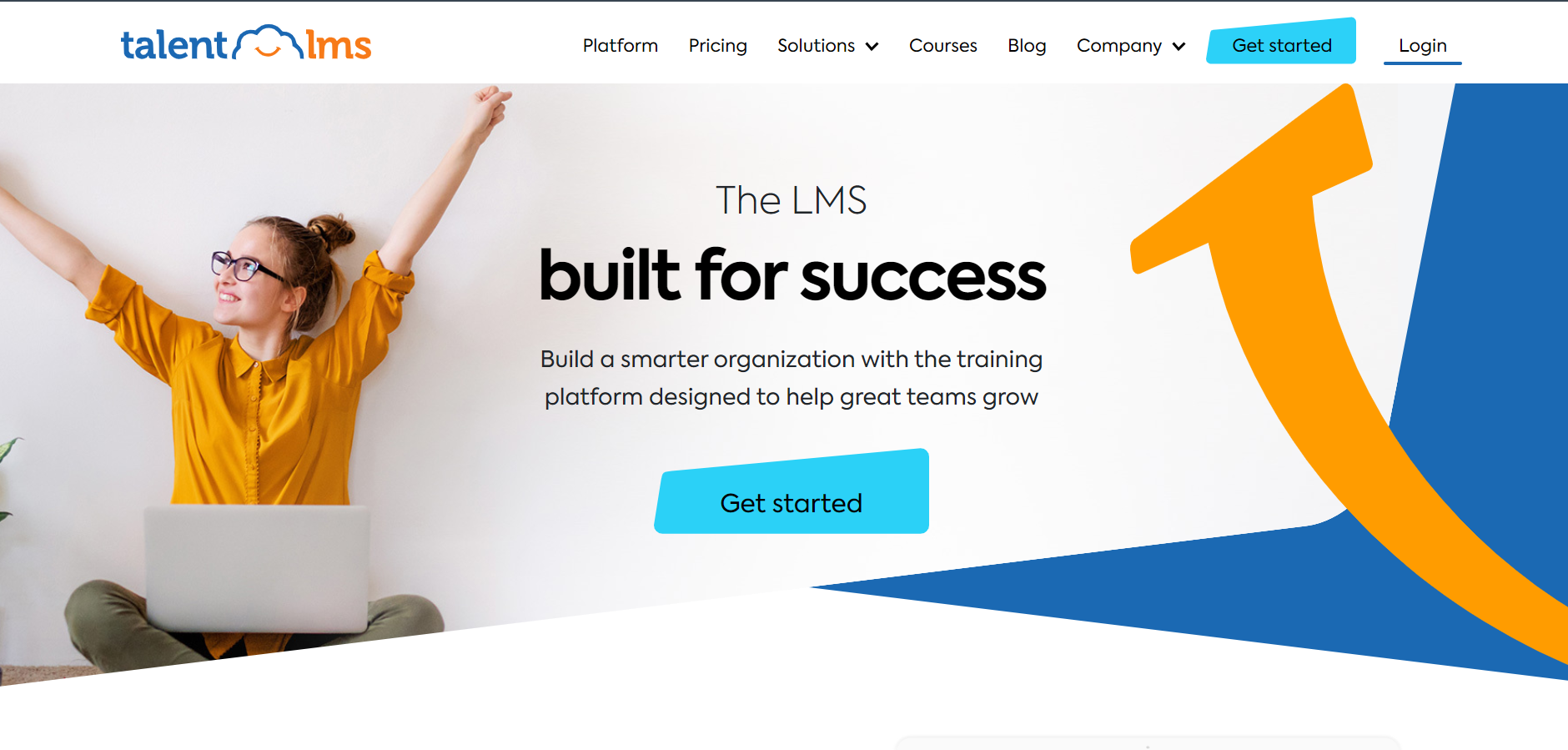
The setup is genuinely fast, the learner interface is clean, and the course builder doesn’t require an instructional design background to use.
You get SCORM support, gamification, custom certificates, and an ILT module that handles blended learning if you’re mixing live sessions with self-paced content. It integrates with Salesforce, BambooHR, and Zoom, which covers the most common workflow requirements.
The point where TalentLMS starts showing its limits is advanced reporting and deep automation; both require moving to higher-tier plans. But for teams in the 50-to-500 learner range who want structure without a six-week implementation, it earns its place.
Pros:
- Fast setup with a minimal learning curve for admins
- Clean learner and admin interface
- Gamification, custom certificates, and SCORM support included
- Solid blended learning support with ILT tools
- Integrates with Salesforce, BambooHR, and Zoom
Cons:
- Advanced reporting locked behind higher-tier plans
- Limited customization compared to enterprise options
- Per-user pricing grows quickly at scale
Pricing: Starts at $69/month for up to 40 users.
3. Docebo – Best for Enterprise Teams Managing Learning at Volume
Docebo is built for organizations where “training program” means something with a dedicated team, a multi-year roadmap, and reporting requirements that land on the CFO’s desk.
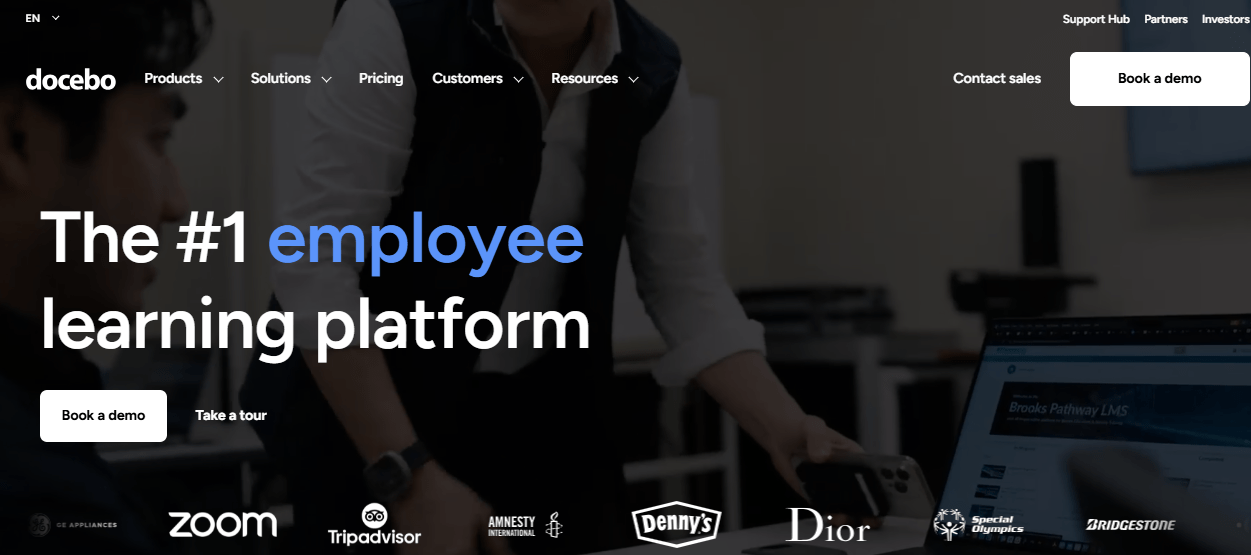
The AI features here aren’t a checkbox; they’re baked into how the platform works: content recommendations, skill tagging, and adaptive learning paths that update as roles and progress change. The extended enterprise capability is what separates it from most alternatives to Wise LMS at this level; you can run separate learning environments for employees, customers, and partners under one license.
Implementation takes real time and planning, and the pricing reflects that, but if you’re at scale and need the infrastructure to match, Docebo is a serious platform.
Pros:
- AI-powered content recommendations and skill mapping
- Extended enterprise support for employees, partners, and customers simultaneously
- Deep integrations with Salesforce, Workday, and major HRIS platforms
- Robust custom analytics and reporting
- Multi-language and multi-tenant support
Cons:
- Custom pricing only; not accessible for smaller budgets
- Significant implementation time required
- Steeper admin learning curve
Pricing: Custom. Contact Docebo directly.
4. iSpring Learn – Best for Teams With a Heavy PowerPoint Training Library
If your training content lives in PowerPoint slides, iSpring is the smoothest path forward I’ve found.
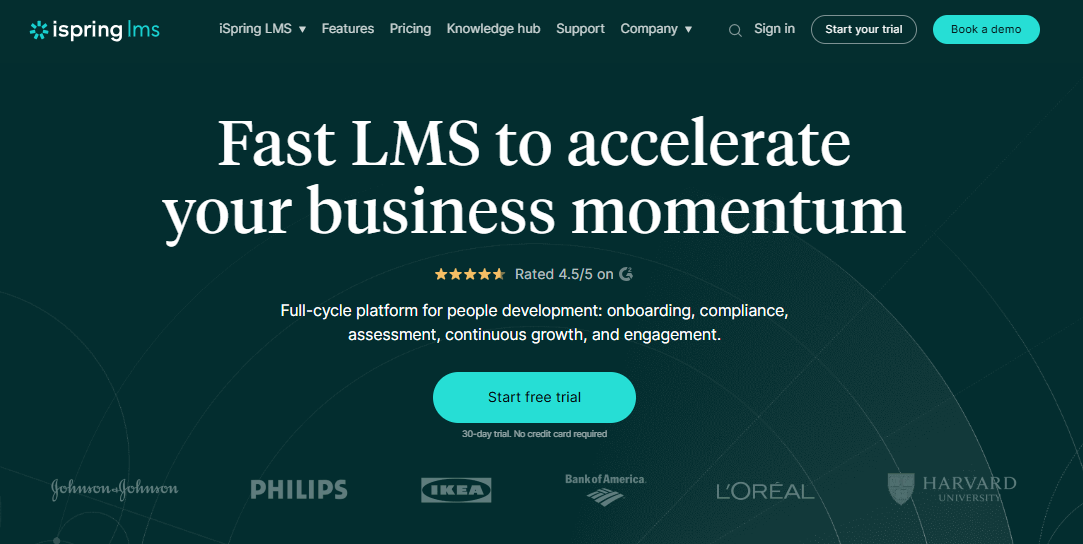
The iSpring Suite add-in converts existing decks into interactive eLearning without rebuilding everything from scratch, which can save weeks when you’re migrating from a legacy setup.
The LMS side handles assignments, role-based learning paths, progress tracking, and completion certificates cleanly. The learner interface is simple and works well on mobile. Where it earns special credit is customer support, consistently responsive in a way that larger platforms often aren’t.
The main thing to know before buying: the full feature set requires both the Suite license and the LMS license, so factor both into your pricing comparison.
Pros:
- Seamless PowerPoint-to-eLearning conversion
- Fast course authoring for teams with existing slide-based libraries
- Clean learner experience with strong mobile support
- Responsive, consistently praised customer support
- Detailed quiz and progress analytics
Cons:
- Full capability requires two separate licenses (Suite + Learn)
- Less suited for collaborative or peer-driven learning workflows
- Advanced branching lives in the authoring tool, not the LMS itself
Pricing: iSpring Learn starts at $3.66/user/month (annual billing).
5. Absorb LMS – Best for Compliance Training in Regulated Industries
Absorb is the platform I point compliance-heavy teams toward first, and the reason is simple: the reporting infrastructure was built for documentation, not just dashboards.
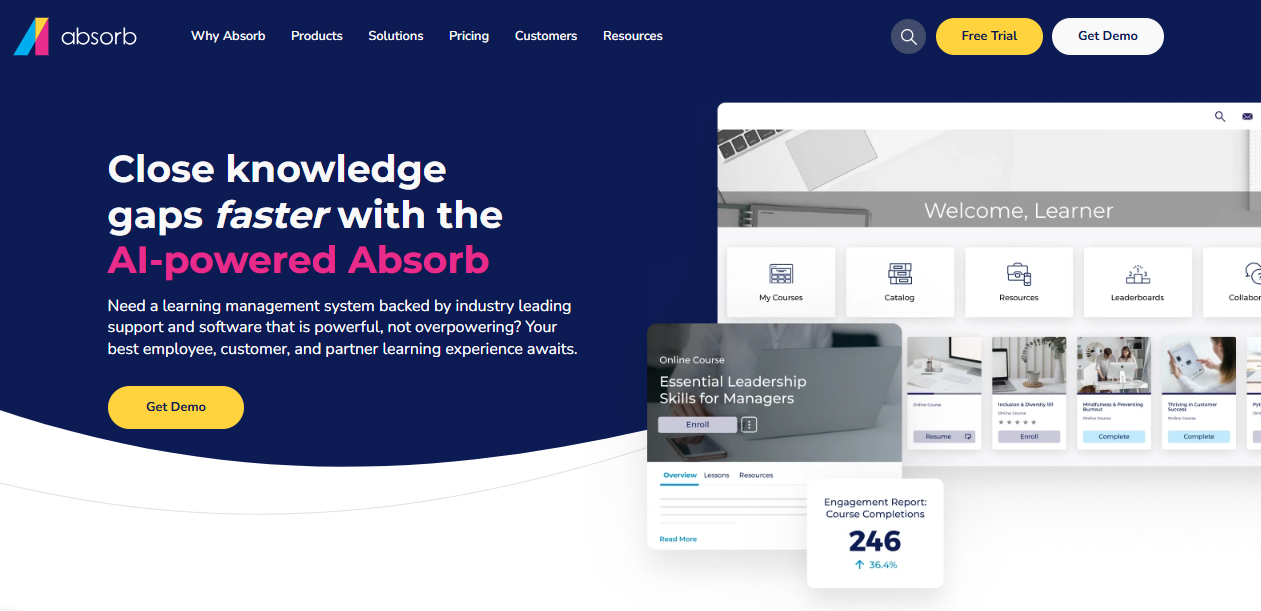
Healthcare, finance, and manufacturing organizations in regulated industries land on Absorb because when an auditor asks for proof of completion, the report they generate actually holds up.
The admin interface is cleaner than most enterprise LMS tools, and the AI-powered content recommendations and intelligent search make it easier for learners to find relevant training without digging through a catalog.
The tradeoff is cost and accessibility; there’s no self-serve signup, and pricing requires a sales conversation.
Pros:
- Audit-ready compliance reporting built for regulated industries
- Clean, intuitive admin and learner interfaces
- AI-powered content recommendations and search
- Strong SCORM and xAPI support
- Good integrations with HRIS and payroll systems
Cons:
- Custom pricing with no self-serve option
- Better suited for mid-market and enterprise than small teams
- Some advanced features require add-ons
Pricing: Custom. Contact Absorb for a quote.
6. LearnUpon – Best for Teams Training Employees and External Audiences Simultaneously
Most LMS platforms are designed for one audience. LearnUpon is designed for teams that need to train several at once: employees, customers, partners, and resellers, each with their own branded portal and course catalog, all managed from a single admin account.

I’ve seen this become a deciding factor for SaaS companies running customer onboarding alongside internal L&D, and for training businesses managing multiple client cohorts.
The course builder handles multimedia and SCORM well, and the customer success team gets consistently strong marks in user reviews, which matters more than people admit when you’re navigating a platform switch.
Pros:
- Multi-portal setup for different audiences under one account
- Each portal has its own branding, courses, and reporting
- Solid SCORM and multimedia support
- Strong customer success and onboarding from the LearnUpon team
- Good Salesforce and Zapier integrations
Cons:
- Pricing not publicly listed; demo required
- Less competitive on AI course-building features
- Better for multi-audience setups than single-team internal training
Pricing: Custom. Request a demo.
7. SAP Litmos – Best for Large Organizations That Need Training Running Yesterday
The thing Litmos has over most alternatives to Wise LMS is a built-in content library of 2,000+ pre-built courses on compliance, safety, leadership, and business skills.
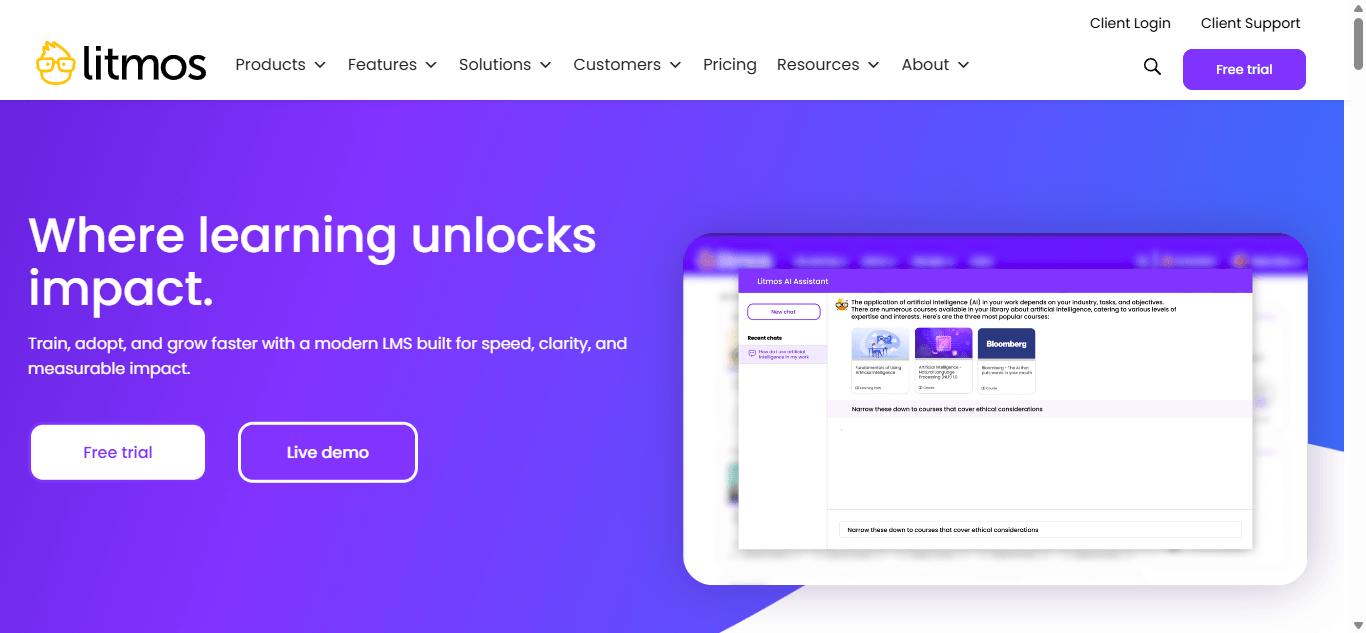
If you’re a large organization that needs training deployed across thousands of employees quickly and can’t wait for a course library to be built, that matters a lot. Deployment is fast, Salesforce integration is tight, and multi-language support covers global team requirements.
Where Litmos draws mixed reviews is the user interface (dated by current standards) and customer support consistency, worth checking recent reviews before committing.
Pros:
- 2,000+ pre-built courses ready to assign immediately
- Fast deployment with minimal setup
- Tight Salesforce integration for sales training workflows
- Multi-language support for global teams
- Solid compliance tracking and documentation
Cons:
- Interface feels dated compared to newer platforms
- Customer support quality inconsistent across user reviews
- Custom pricing requires a sales conversation
Pricing: Custom. Contact Litmos for pricing.
8. 360Learning – Best for Teams Where the Experts Are Already on Staff
360Learning is built on one idea: the people closest to the work are the best people to teach it.
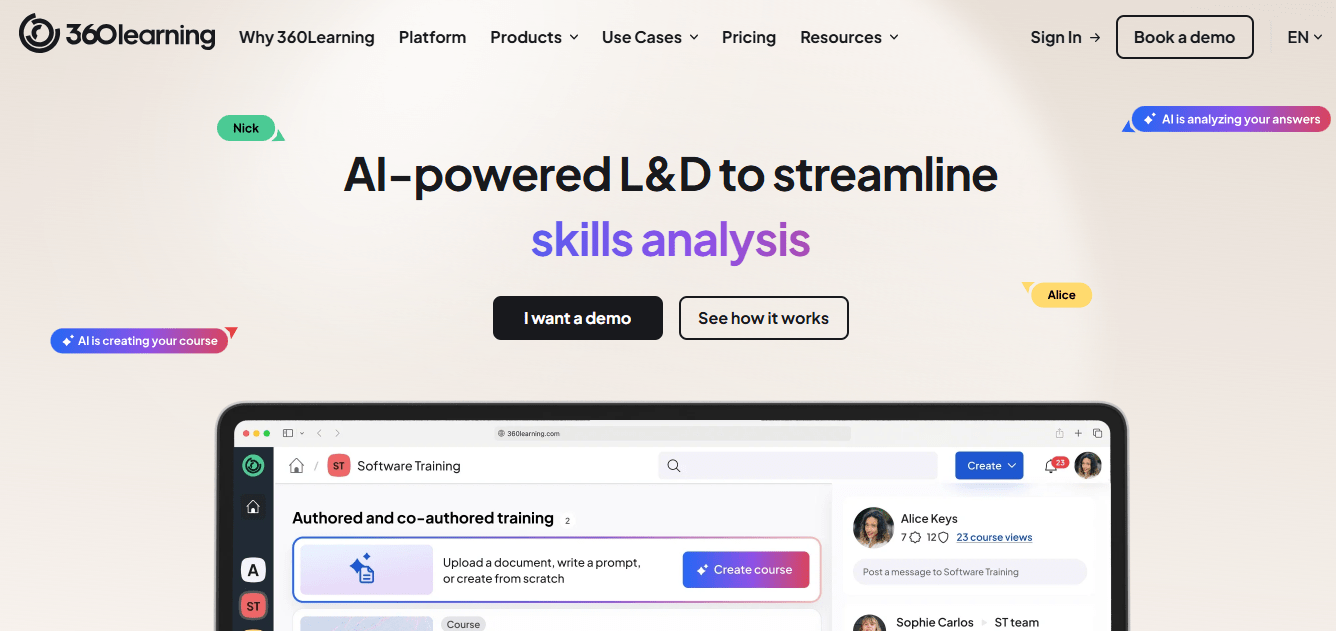
Subject-matter experts across your organization can create, update, and share courses without needing an instructional design background or L&D team sign-off for every change. Discussion threads inside courses, peer ratings, and social features keep learners more engaged than typical click-through eLearning.
Analytics track engagement and actual learning activity, not just whether someone hit the complete button.
It’s not the right fit if your training needs are compliance-heavy and require strict standardization, but for teams where knowledge transfer already happens person-to-person, it puts structure around what’s already working.
Pros:
- Subject-matter experts across the org can author courses directly
- Discussion threads and peer features drive genuine engagement
- Clean mobile experience
- Engagement analytics beyond simple completion tracking
- Integrates with major HRIS and HR tech stacks
Cons:
- Less suited for compliance training requiring strict content standardization
- Collaborative model needs buy-in from managers, not just L&D
- Pricing scales quickly with user counts
Pricing: Starts at $8/user/month (annual billing).
9. Moodle – Best for Organizations That Need to Own Their Data and Customize Everything
Moodle is open-source, which means the software costs nothing. What you’re paying for is hosting, setup, and any custom development work.
For organizations with in-house technical capacity, or ones under regulatory requirements that mandate full control over where data lives, that’s a meaningful difference from any proprietary platform on this list.
The tradeoff is real: Moodle out of the box is functional, not polished, and the setup requires genuine technical work. But the plugin ecosystem is enormous, the SCORM and xAPI support is solid, and the flexibility ceiling is basically unlimited if you have the resources to build.
Pros:
- Open-source with no software licensing fees
- Full data ownership and on-premise hosting available
- Massive plugin ecosystem for extended functionality
- Strong SCORM and xAPI compatibility
- Active global community and thorough documentation
Cons:
- Requires technical expertise to set up and maintain
- Interface is functional, not modern
- Support comes from hosting providers or community forums, not a dedicated team
Pricing: Free (open-source). Hosting and development costs vary.
10. Teachable – Best for Consultants and Solopreneurs Monetizing Their Expertise
Teachable is a different kind of tool from everything else on this list, and I want to be upfront about that. It’s not a corporate LMS.
It’s built for creators, coaches, and consultants who want to package their knowledge into sellable courses: landing pages, payment processing, student management, drip content, and completion certificates all in one place.
If the reason you’re looking for a Wise alternative is that you’re selling training to clients rather than delivering it internally, Teachable closes that loop cleanly. If your goal is internal employee training at scale, look at the other nine.
Pros:
- Simple course builder requiring no technical background
- Built-in payment processing and sales page creation
- Student management and completion tracking included
- Supports drip content, coupons, and course bundles
- Free plan available for testing before committing
Cons:
- Not designed for corporate L&D or compliance training
- Transaction fees on the free and lower-tier plans
- Limited reporting compared to enterprise LMS tools
- No SCORM support
Pricing: Free plan available. Paid plans from $39/month.
My Top 3 Picks
After going through these platforms in detail, three consistently rise to the top depending on what you’re actually trying to solve.
ProProfs Training Maker is my first recommendation for most people reading this. If you’re moving away from Wise because you need real corporate training infrastructure, course creation, compliance reporting, learner tracking, and multi-language support, ProProfs handles all of it at a price point that doesn’t require a budget approval process. The AI course builder and the 500+ pre-built course library mean you’re not starting from zero on day one.
TalentLMS is the one I recommend when the team is mid-size, the budget is defined, and the priority is getting something running fast without a complex implementation. It’s not the most powerful tool on this list, but it’s reliable and well-supported.
Docebo is the answer when scale is the constraint. If you’re managing thousands of learners across multiple regions with integrations to enterprise HR systems, the infrastructure Docebo offers is worth the investment and the implementation time.
How I Evaluated These Wise LMS Alternatives
I didn’t score these platforms on a spreadsheet of checkboxes. I evaluated them against the criteria that actually determine whether a platform survives contact with a real training program.
AI Course creation depth: Not just “can you upload content.” Can you build interactive, multimedia lessons natively without an authoring tool add-on?
Tracking that holds up: Completion dashboards are easy to build. Reports you can hand to a compliance officer or a CHRO, ones that show exactly who did what and when, are harder. I looked at what the actual report exports contain.
Learner engagement tools: Does the platform give learners a reason to engage beyond clicking through slides? Gamification, branching, discussions, and peer feedback aren’t nice-to-haves when learner completion rates are the metric you’re being judged on.
Admin usability: If your L&D team needs IT support to reassign a learning path, the platform isn’t ready. I looked at whether a non-technical HR manager can run day-to-day operations independently.
Honest pricing: I excluded platforms that list “contact us” as the only pricing option without at least a ballpark. You deserve to know what you’re walking into before you’re on a sales call.
Migration realism: SCORM compatibility claims mean nothing if the import process breaks half your content. I factored in what the actual migration experience looks like, not what the features page says.
What To Check Before You Switch
Before you commit to any Wise LMS alternative, run through these questions with every vendor you’re evaluating seriously.
- What does migration actually look like? Get a specific answer about what formats they support and what happens when something doesn’t import cleanly.
- What counts as an “active learner”? Per-active-learner pricing varies by definition. One vendor’s “active” is a monthly login; another’s is course enrollment. Get it in writing.
- Can you see a real report export? Not a screenshot. An actual exported compliance report in the format you’d share with a stakeholder.
- Who handles support? Chatbots or humans? What’s the response time SLA on your plan?
- What’s the 12-month total cost? Get the number for your expected learner count at the end of year one, not the starting number.
The Right Tool Is the One That Fits the Job You’re Actually Doing
The mistake I see most often is picking a platform based on features instead of fit. Every tool on this list has a genuine use case where it’s the right answer. The question is whether that use case matches yours.
If you’re running corporate training and need something that goes from setup to running fast, ProProfs Training Maker is where I’d start. If you’re at enterprise scale, Docebo or Absorb gives you the infrastructure for it. If you’re selling training as a product rather than delivering it internally, Teachable is the better fit than any corporate LMS.
Take the free trials seriously. Get real pricing on paper. And if two platforms feel equivalent on features, pick the one with better implementation support. That decision will matter more at month three than the feature comparison ever will.
Frequently Asked Questions
What is the best alternative to Wise LMS for corporate training?
ProProfs Training Maker is a strong first choice. It covers AI course creation, compliance reporting, learner tracking, and multi-language delivery at a price point that makes sense for most teams. For enterprise-scale requirements, Docebo or Absorb LMS are worth evaluating alongside it.
What is Wise LMS actually built for?
Wise is a tutoring operations platform. It manages scheduling, billing, tutor coordination, and live sessions well. It was not designed for asynchronous corporate training, compliance tracking, or large-scale employee development programs.
Are there free Wise LMS alternatives?
Yes. ProProfs Training Maker has a free plan. Moodle is open-source and free to use, though you'll pay for hosting and setup. Teachable also has a free tier with transaction fees. Most enterprise platforms require paid plans, but several offer free trials.
What features should I look for in a Wise LMS alternative?
Native course creation, completion tracking with exportable reports, compliance audit trail documentation, SCORM support, mobile access, and automation for enrollment and reminders. If you're in a regulated industry, audit-ready reporting is non-negotiable, not a nice-to-have.
Which Wise LMS alternative is best for compliance training?
Absorb LMS is the strongest choice for regulated industries because its reporting was built for audit documentation specifically. ProProfs Training Maker and SAP Litmos also handle compliance training well and include pre-built compliance courses.
How difficult is it to migrate content from Wise LMS to another platform?
Wise is session-based, so if your training content exists as live sessions rather than structured courses, there's nothing to export in the traditional sense. The migration challenge is rebuilding content in a course format, not transferring files. Most platforms on this list support SCORM imports if you have existing course content.
Can I use a Wise LMS alternative for both employees and external learners?
Yes. LearnUpon and Docebo are built specifically for multi-audience training, with separate portals for employees, customers, and partners under one account. ProProfs Training Maker also supports external learners with role-based access and custom branding.
Is ProProfs Training Maker worth it as a Wise alternative?
If your training needs have grown past live sessions into structured courses, compliance programs, or multi-location onboarding, yes. The AI course builder and pre-built course library are meaningful advantages, and the pricing is accessible enough that you can test it on the free plan before committing to anything.
Let ProProfs AI create your training course

 We'd love your feedback!
What did you like & how can we make it even better?
 Thanks for your feedback!
 Ask Your Question
Have a question? Get expert help to make your decision easier.