I’ve worked with teams making high-stakes LMS decisions where performance, scalability, and maintenance overhead aren’t non-negotiable, and the conversation around Open edX is almost always the same: someone loves what it can do, and dreads what it takes to keep it doing it.
The platform is genuinely powerful. I’m not here to dismiss it. But if you’re reading this, you’ve probably already discovered the part where ‘free and open-source’ quietly transforms into ‘you’re now the infrastructure team.’
In this post, I compare ProProfs Training Maker and nine other Open edX alternatives, broken down by use case, so you can find what actually fits your needs without spending hours going down the wrong path.
This is for:
- Corporate L&D and compliance teams who need training running without a DevOps dependency
- Higher education institutions that want something modern and maintainable
- Online course creators who’ve outgrown simple tools and need actual scale
- IT or ops leads who’ve been handed “figure out the training platform” as a project
What Is Open edX?
It’s used by universities, government bodies, and large enterprises that have engineering teams. The feature set is mature and deep. The friction is in maintenance, not capability.
Here’s the thing I don’t see mentioned enough: the “maintenance tax” on Open edX compounds. Setting it up takes real developer time. Then, as your learner base grows, so does the infrastructure overhead.
Several people in the r/elearning community have described it bluntly: they wanted something they could deploy without a weekend of fighting Docker containers, and Open edX was nowhere near that. That’s the gap all the platforms below are trying to fill, in different ways and for different audiences.
10 Best Open edX Alternatives
The platforms I’ve looked at fall into four categories based on the type of organization searching for an Open edX competitor. I’ve structured them that way because the right tool for a corporate compliance team is genuinely different from the right tool for a university or a solo course creator.
Here’s a table for your quick reference:
| Open edX Alternatives | Type | Multi-Tenancy | SCORM | Capterra Rating | Starting Price | Best For |
| ProProfs Training Maker | Cloud SaaS | Yes | Yes | 4.8/5 | Free for growing teams; paid plans start at $1.99 per active learner/month | Corporate L&D, compliance |
| Docebo | Cloud SaaS | Yes | Yes | 4.4/5 | ~$25,000+/year | Large enterprise |
| Absorb LMS | Cloud SaaS | Yes | Yes | 4.5/5 | ~$800+/month | Mid-market teams |
| TalentLMS | Cloud SaaS | No | Yes | 4.7/5 | $89/month | Small teams |
| Moodle | Self-hosted | Yes (Iomad) | Yes | 4.3/5 | Free + hosting | Open-source, multi-tenant |
| Canvas LMS | Cloud/Self-hosted | No (native) | Yes | 4.5/5 | Custom (institutional) | Higher education |
| Thinkific | Cloud SaaS | No | No | 4.4/5 | $49/month | Course creators |
| LearnDash | Self-hosted (WP) | Limited | Yes | 4.6/5 | $199/year | WordPress orgs |
| Frappe LMS | Self-hosted | No | Limited | N/A | Free + hosting | Modern open-source |
| Tutor LMS | Self-hosted (WP) | No | Limited | 4.4/5 | $199/year | Simple WP sites |
Category 1: Corporate & Enterprise Training
These are platforms built for organizations that need to train employees, demonstrate compliance, and manage learner data without running their own servers.
1. ProProfs Training Maker – Best for Easy AI-Powered Corporate Training
Open edX is technical-first. ProProfs Training Maker is deliberately the opposite.
I’ve used it to build training programs from scratch, and what surprised me most is how quickly the gap closes between “we need training” and “training is running.”
Most of that is because of the AI course builder: you describe what you need, and it generates a full course structure including sections, assessments, and learning flow with a single prompt. Give it a spin:

Let ProProfs AI create your training course
You can edit everything with AI’s help, or start from the 500+ expert-built, ready-to-use courses covering OSHA compliance, sexual harassment prevention, leadership, onboarding, and more.
When a colleague was tasked with rolling out safety training for 200 employees across three locations, she used ProProfs to launch a complete compliance program in a week. With Open edX, that timeline would have started with a server provisioning ticket.
It directly addresses Open edX pain points: no installation, no hosting headaches, no separate tools for training and assessment. Everything, including course creation, quizzes, certifications, completion tracking with AI flagging where learners are falling behind, and compliance audit trails, lives in one place.
Pros:
- AI course builder generates full course structures from a text prompt
- 500+ ready-to-use expert courses mean you’re not starting from zero
- Completion tracking and compliance audit trails without extra configuration
- Interactive quizzes for assessing understanding, retention, and gaps.
- 70+ language support for multilingual or global teams
- SCORM/xAPI compatible; integrates with Salesforce, Mailchimp, BambooHR
- Single Sign-On to authenticate learners who are already logged into your website.
Cons:
- No on-premise or self-hosted deployment option
- No dark mode
Pricing: Free plan available. Paid plans start at $1.99 per active learner/month.
2. Docebo – Best for Large Enterprise Learning at Scale
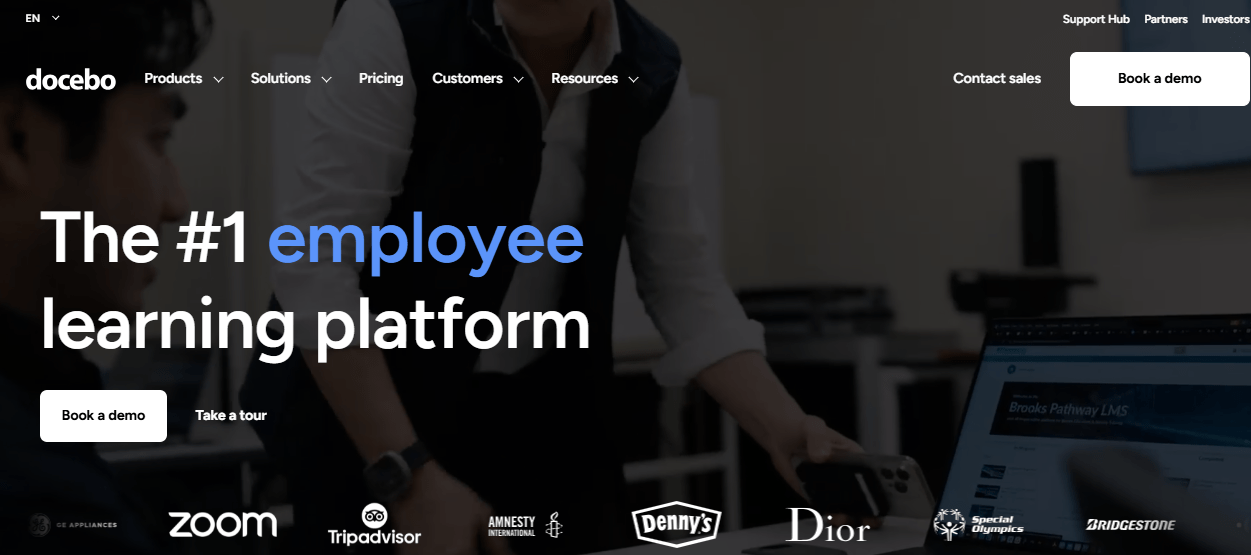
Docebo is what you reach for when your organization is large, your training needs are complex, and you’ve accepted that “enterprise LMS” means a real implementation project. I haven’t run it in production myself, but colleagues who have describe a platform that genuinely delivers on its promise of personalized learning paths, deep reporting, and multi-audience management, once you get through onboarding.
The AI features are real and not bolted-on: automated enrollments, content tagging, translations, and personalized learning path recommendations based on role and behavior. The United Nations, Zillow, and Lego are customers. The price reflects that company.
Where it fits the Open edX alternative conversation: if your reason for leaving (or avoiding) Open edX is technical complexity and you’re at enterprise scale, Docebo trades one kind of complexity for another. The difference is that Docebo manages the infrastructure; you manage the platform configuration.
Pros:
- AI-driven personalization for learning paths, not just content suggestions
- Manages training across employees, customers, and partners from one platform
- Strong reporting and analytics for ROI measurement
- Deep integrations (Salesforce, Workday, Teams, SSO)
Cons:
- Implementation takes time and expert support; not plug-and-play
- Pricing starts around $25,000/year; not for small teams
- Some users report friction with course archiving and mobile experience
Pricing: Custom. Budget significantly above $10,000/year for enterprise contracts.
3. Absorb LMS – Best for Mid-Market Teams
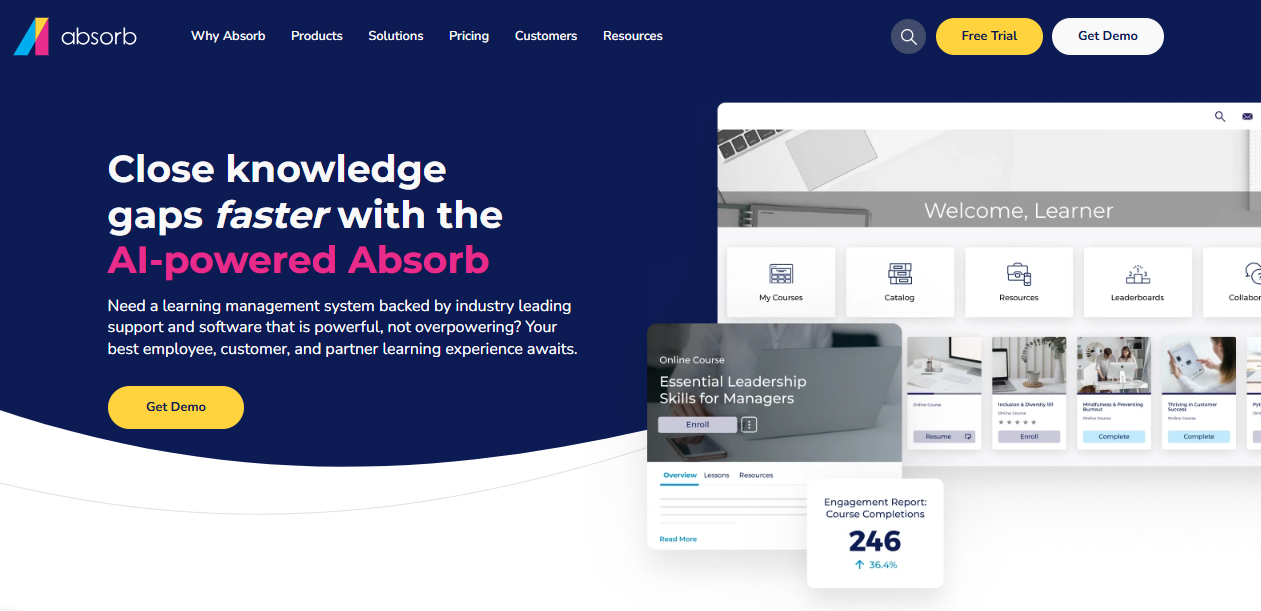
Absorb sits in a useful middle ground: more polished than TalentLMS, less expensive than Docebo, and genuinely designed for organizations with 100 to 1,000+ learners who need a professional experience on both sides of the screen.
A colleague in L&D at a mid-size insurance firm switched from a legacy system to Absorb and praised the reporting engine specifically, saying it was faster and more intuitive than anything else she’d tried at that price point.
The AI voiceover feature is worth mentioning because it’s genuinely practical: it automatically generates audio narration for course content, saving a meaningful amount of time for content teams that aren’t recording studio sessions.
Pros:
- Clean, learner-friendly UI that doesn’t feel like a legacy system
- AI voiceover for automatic course narration
- Strong reporting and analytics
- Supports SCORM, xAPI, AICC
Cons:
- Pricing isn’t public; requires a quote
- Initial setup has a learning curve
- Some users find enrollment workflows have too many steps
Pricing: Custom. Generally starts around $800/month for smaller deployments.
4. TalentLMS – Best for Small Teams Who Need to Move Fast
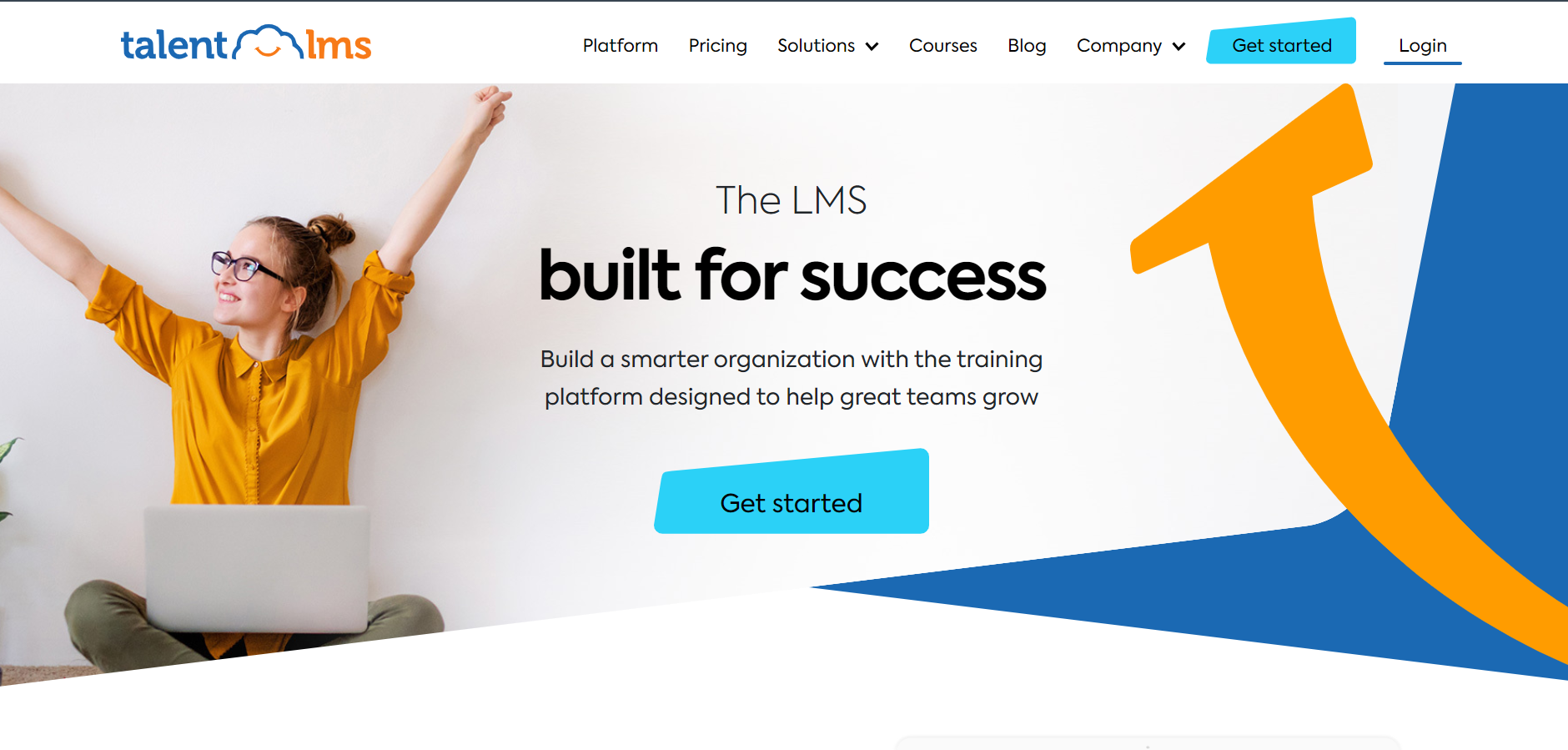
TalentLMS is the platform I’d recommend to someone who needs training working by next week and doesn’t want to spend a month in procurement. Setup is genuinely fast, the interface is clean, SCORM works, and the core use cases: onboarding, compliance, and basic skills training, are handled well.
The honest caveat is the ceiling. TalentLMS is designed for ease, and ease has trade-offs. Deep customization, complex branching scenarios, and sophisticated analytics are not where it shines. If those are requirements now, size up. If they might become requirements in two years, factor in a future migration.
Pricing has also crept up. A few people in comparison communities have noted that TalentLMS is no longer the obvious budget choice it once was.
Pros:
- Fast setup; no technical expertise required
- Clean, modern interface with good learner UX
- SCORM support, gamification, certifications
- AI course builder included
Cons:
- Feature ceiling is relatively low for complex programs
- Customer service gets mixed reviews at scale
- Pricing has increased; less compelling on value than before
Pricing: Free plan for up to 5 users. Paid plans start at $89/month for up to 40 users.
Category 2: Open Source & Flexibility
For organizations that want self-hosted control, accept the trade-offs, and have the technical capacity to handle them.
5. Moodle – Best Open-Source LMS for Organizations With Developer Capacity
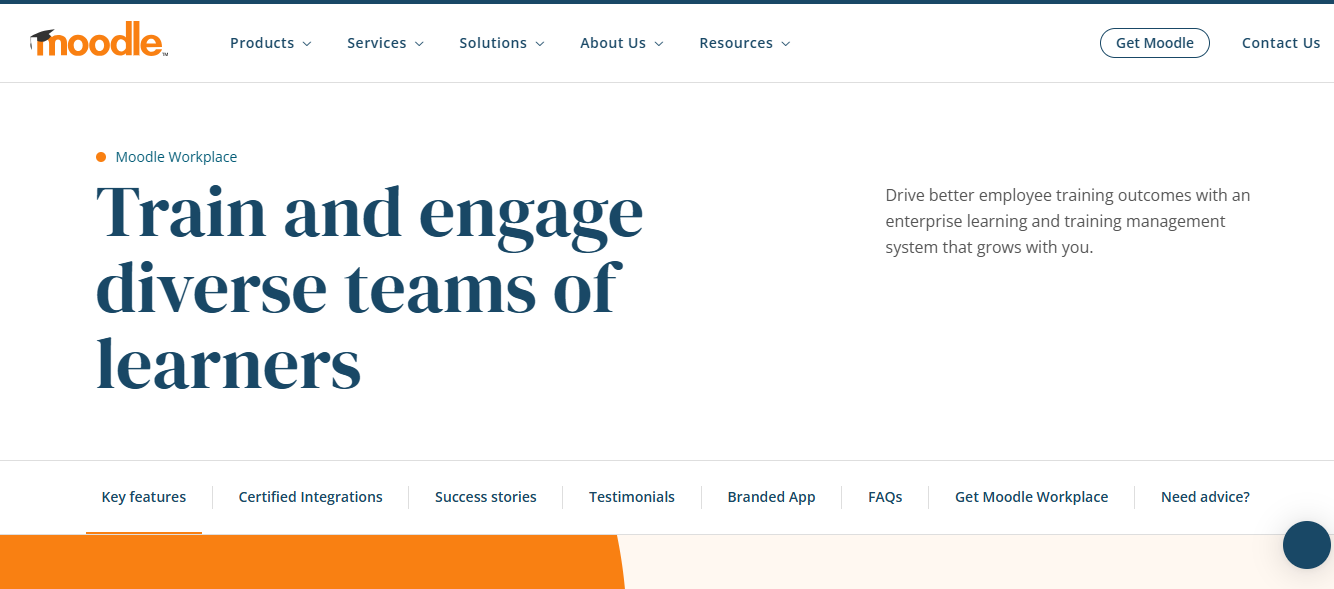
I’ve found Moodle to be the most widely deployed open-source LMS for a reason. It can handle almost everything Open edX does, and in some areas, it goes even further. But it also shares a key trait with Open edX. You’ll need solid technical resources to run it effectively.
The UI criticism is valid. Out of the box, Moodle feels dated, like software that has evolved over two decades without a design-first mindset. You can improve it with themes and plugins, but that takes effort. What stands out to me, though, is its functional depth. From gradebooks and activity tracking to competency frameworks, SCORM, xAPI, and a massive plugin ecosystem, it covers almost any learning scenario I’ve needed.
One area where I’ve seen Moodle clearly outperform Open edX is multi-tenant corporate training. With Iomad, a Moodle fork built for organizations, I can create isolated environments for different teams or clients without relying on extra plugins. That’s something Open edX handles less natively.
Pros:
- Massive plugin ecosystem covers almost any feature gap
- Iomad fork solves multi-tenancy natively
- SCORM, xAPI, competency frameworks, deep gradebook
- Huge community; robust documentation
Cons:
- UI is dated; learner experience requires theme investment
- Hosting, patching, and maintenance are your responsibility
- Complex to configure for non-technical administrators
Pricing: Free (self-hosted). MoodleCloud starts at $120/year for up to 50 users.
6. Canvas LMS – Best for Higher Education Institutions
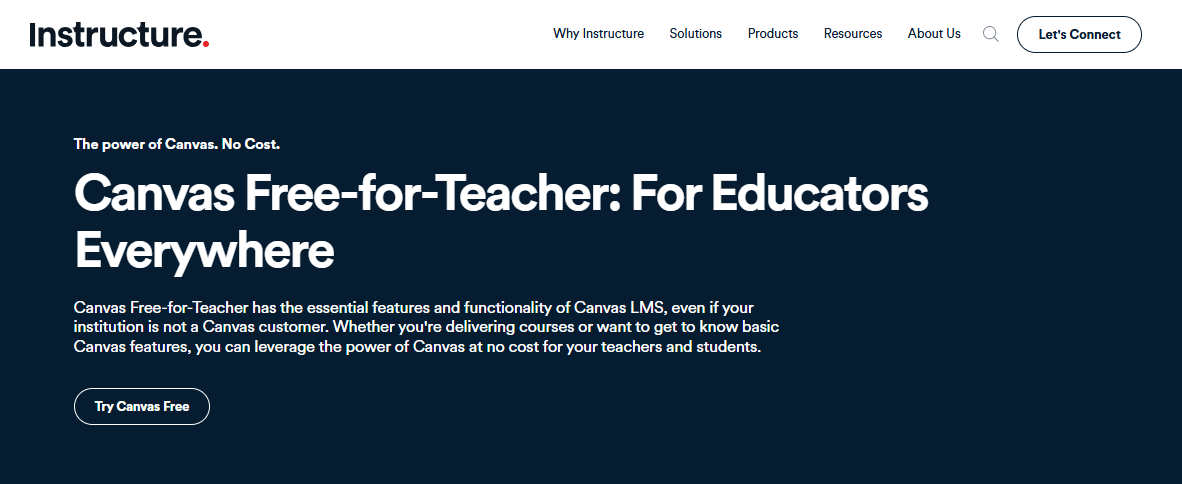
I’ve seen Canvas become the LMS that higher education naturally gravitates toward when moving away from Blackboard and other legacy systems. It feels cleaner and more modern than most academic platforms, and it focuses on what universities actually need. Assignment workflows, discussion boards, SpeedGrader, LTI integrations, mobile access, and a gradebook that’s easy to navigate are all built in.
A colleague of mine in instructional design at a mid-size university switched from Moodle to Canvas a few years ago. What stood out to me from her experience was how quickly faculty adapted. Instructors who used to rely on IT just to upload a document were suddenly doing it on their own. That kind of reduced friction, across hundreds of faculty members, adds up to real time savings.
Canvas isn’t cheap at the institutional level, but Instructure prices it with scale in mind. If you’re in higher ed and struggling with Open edX because of maintenance overhead or faculty frustration, this is probably the most straightforward alternative I’d look at.
Pros:
- Modern, faculty-friendly UI with low adoption friction
- Strong assignment and assessment workflows
- Robust LTI integration ecosystem
- Best-rated free LMS on Capterra for institutions
Cons:
- Institutional pricing isn’t transparent; requires a quote
- Some users report it’s convoluted for parents/guardians to navigate
- Customization requires HTML knowledge for advanced use cases
Pricing: Contact Instructure for institutional pricing. Free tier available for individual instructors via Canvas Free for Teachers.
Category 3: Course Creation & Monetization
For educators, consultants, and entrepreneurs building and selling courses to external audiences.
7. Thinkific – Best for Course Creators Who Want to Monetize Their Expertise
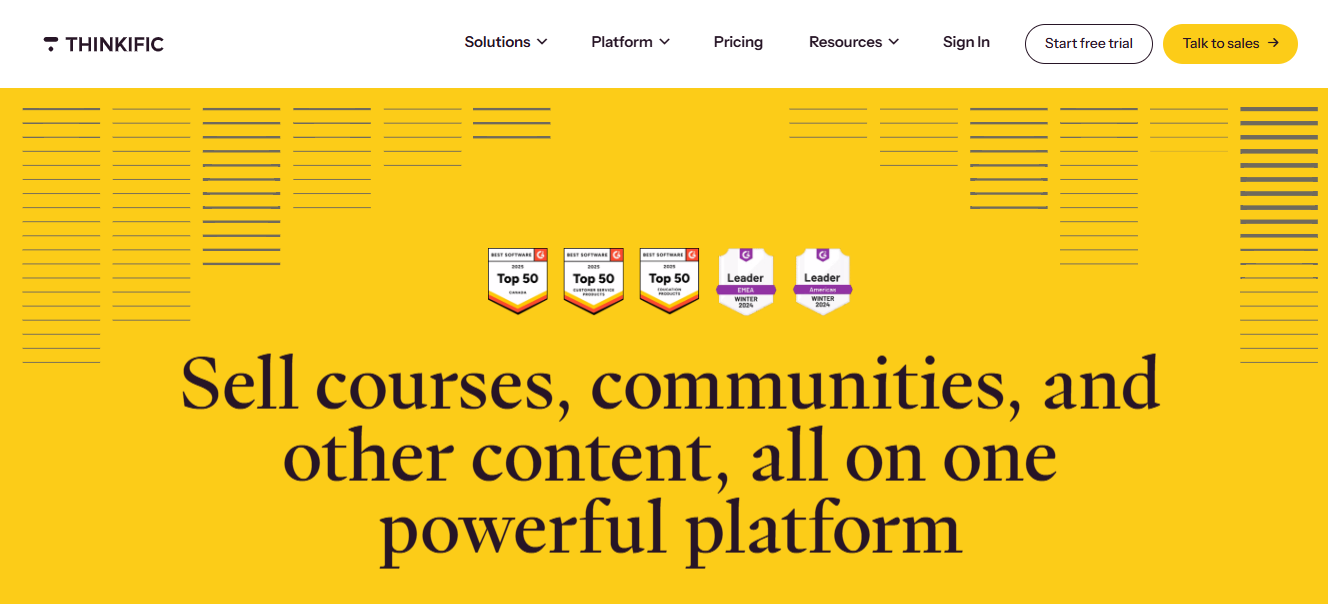
I look at Thinkific very differently from tools like Open edX because it’s not a corporate LMS. It’s built for course creation and selling, and that distinction matters.
If I’m trying to train employees and track compliance, this isn’t the tool I’d pick. But if I want to package my knowledge into a course and sell it with a smooth checkout experience, it does that really well.
Where I’ve seen Thinkific stand out is on the commerce side. Subscriptions, one-time payments, coupons, community features, and a storefront that actually feels modern are all handled cleanly. At the same time, the gaps on the corporate side are clear to me. There’s no compliance tracking, no audit trails, no SSO for employees, and no manager-level hierarchy.
Pros:
- Clean course builder with strong commerce integration
- Built-in community features
- Good analytics for course creator business metrics
- No transaction fees
Cons:
- Not designed for internal employee training or compliance
- No native SCORM support
- Student engagement features are limited compared to corporate LMS platforms
Pricing: Free plan available. Paid plans start at $49/month.
8. LearnDash – Best for WordPress Organizations With Developer Resources
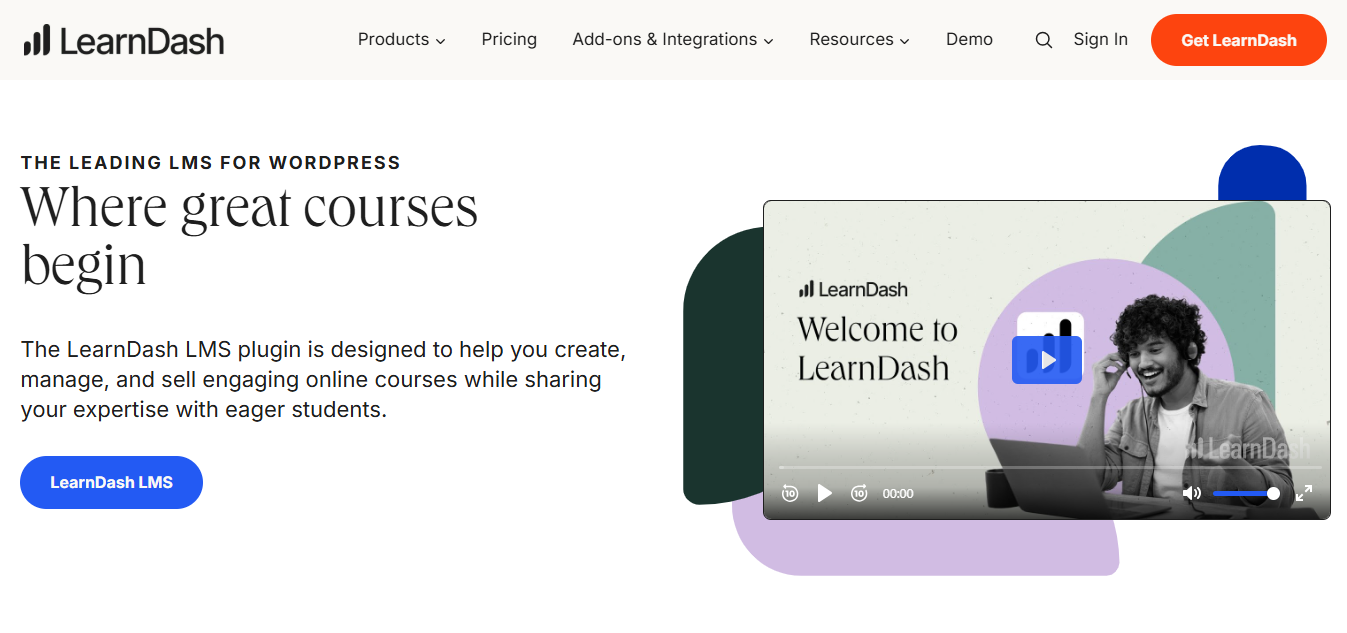
I see LearnDash as the most capable LMS plugin in the WordPress ecosystem, and that says both a lot and enough. If I’m already using WordPress and have a developer who can handle plugins, LearnDash gives me solid coverage. I can build courses, run quizzes, drip content, issue certificates, manage groups, and even sell courses through WooCommerce.
Where things start to get tricky for me is scale and maintenance. Running WordPress with a full LearnDash setup, plus all the supporting plugins, takes consistent effort. I’ve seen feedback from users who mention that it’s not ideal for enterprise or compliance-heavy environments without serious customization. From my experience, if I’m not already committed to WordPress, I wouldn’t go out of my way to choose this path.
Pros:
- Feature-rich within the WordPress ecosystem
- WooCommerce integration for selling courses
- Flexible quiz and drip content logic
- Strong value for money if you’re already on WordPress
Cons:
- Performance degrades at scale without infrastructure investment
- Managing plugins creates ongoing maintenance overhead
- Not suitable for non-technical users
Pricing: Starts at $199/year for a single site.
Category 4: Modern Open Source
For technically capable teams who want a contemporary open-source experience without Open edX’s deployment complexity.
9. Frappe LMS – Best Modern Open-Source LMS for Lean Technical Teams
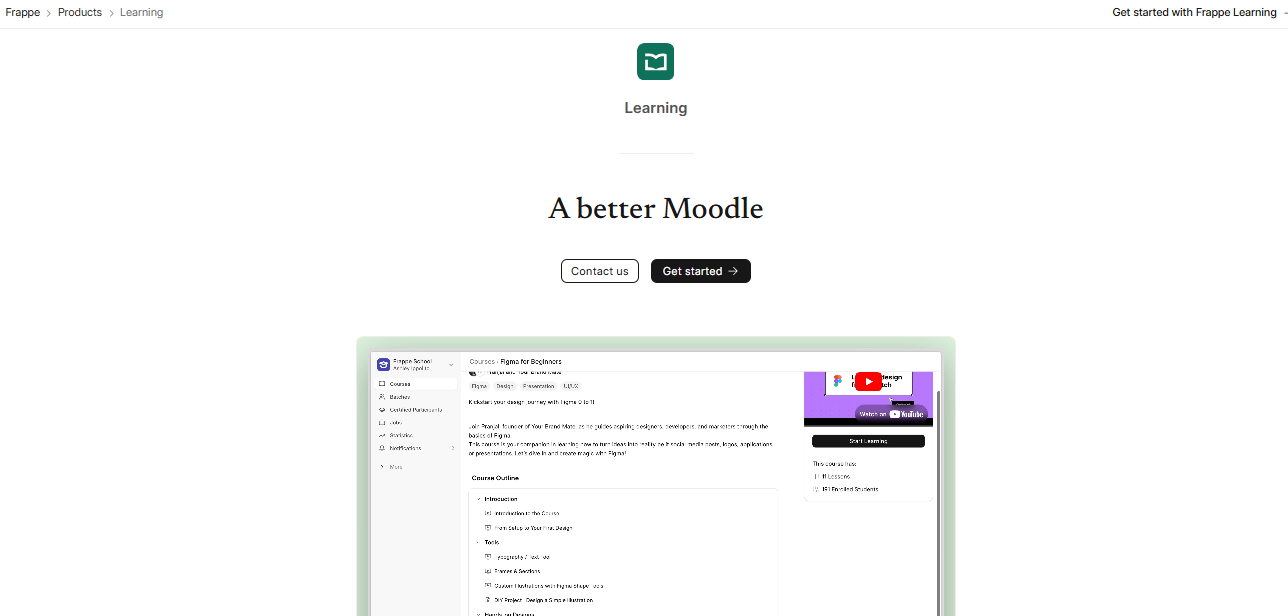
I came across Frappe LMS while exploring newer open-source options, and it immediately stood out for how modern it feels. It’s built by the ERPNext team, and the UI actually looks current, not something carried over from the early 2000s.
Setup is also much simpler compared to Open edX. If my main frustration is that Open edX feels too heavy and outdated, Frappe LMS solves both of those issues.
That said, I do see a trade-off in feature maturity. Since it’s a newer platform, it doesn’t yet match the depth you get with more established systems. Things like advanced reporting workflows, deep SCORM support, or compliance audit trails aren’t as developed.
If I have a developer comfortable with Python and Frappe, and my focus is mainly on delivering content, it works really well. But if I need proven compliance features at scale, I’d look elsewhere for now.
Pros:
- Genuinely modern UI; rare for open-source LMS
- Simpler deployment than Open edX
- Built on a mature Python/Frappe framework
- Free to self-host
Cons:
- Feature maturity lags behind Moodle and Open edX
- Limited SCORM support
- Smaller community and plugin ecosystem
Pricing: Free (self-hosted). Frappe Cloud hosting starts around $10/month.
10. Tutor LMS – Best for Simple WordPress Course Sites on a Budget
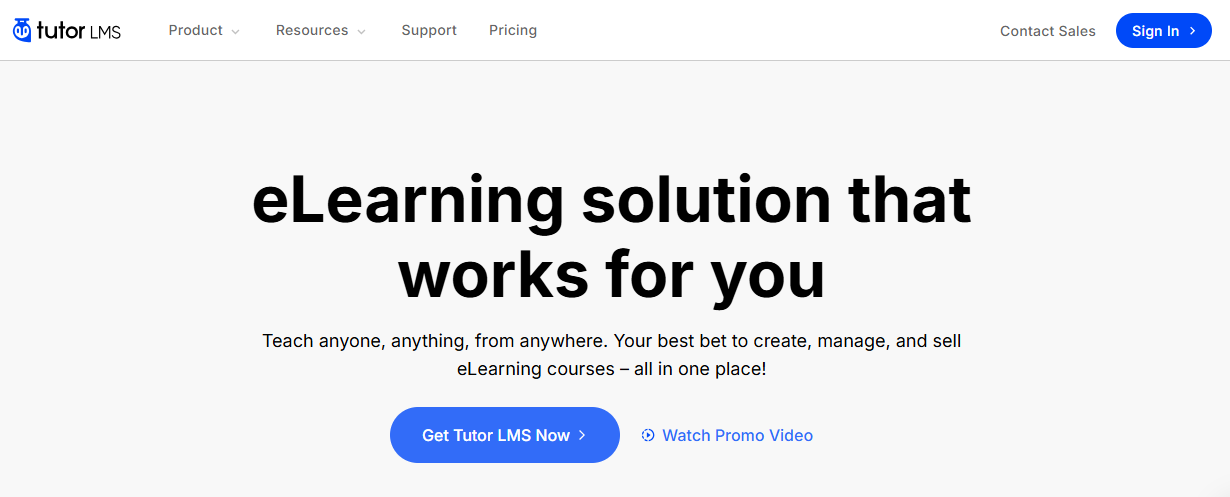
I see Tutor LMS as the simpler, more accessible alternative to LearnDash in WordPress. It gives me a front-end course builder, quizzes, certificates, and WooCommerce integration, which makes it easy to launch and sell courses without much setup.
It works best for small course catalogs or individual instructors. I’ve noticed the limitations show up quickly once things get more complex. The feature depth isn’t as strong as LearnDash, but the pricing is more accessible.
For corporate training, multi-user management, or compliance tracking, I wouldn’t use it. It’s just not built for that level of complexity.
Pros:
- Easy front-end course builder
- Free core version available
- WooCommerce integration for selling courses
Cons:
- Limited reporting and no compliance tracking
- Not suited for corporate or enterprise training
- SCORM support is basic
Pricing: Free core version. Pro starts at $199/year.
How Did I Evaluate These Open edX Alternatives?
I evaluated these platforms against five criteria that matter specifically when you’re coming from Open edX. Not generic LMS criteria: criteria shaped by the actual pain points that drive the “I need an Open edX alternative” search.
Setup and ongoing maintenance overhead: Open edX’s biggest friction point isn’t the initial install; it’s the accumulating cost of keeping it running. I looked at how much technical investment each platform requires, not just at launch but at month six and year two.
Feature depth versus operational simplicity: Some platforms pack deep features into a complex admin experience. Others keep it simple at the cost of capability. I’ve tried to name that trade-off honestly for each tool rather than calling both good and calling it a day.
Multi-tenancy support: A common Open edX pain point, especially for corporate use: isolating environments for different departments or clients. I’ve noted which platforms handle this natively and which require plugins or custom work.
Compliance and completion tracking: The ability to prove who completed what, and when, is non-negotiable for compliance-heavy organizations. Platforms that handle this well got credit for it; platforms that don’t got flagged.
Total cost of ownership, not just license price: “Free” software that requires a developer to maintain isn’t the same as a $2/learner/month SaaS platform. I’ve tried to make that math visible where it matters.
Which Open edX Alternative Is Actually Right for You?
Rather than making you re-read ten reviews, here’s how I’d narrow it down.
For corporate L&D teams who need speed and compliance tracking: ProProfs Training Maker. The setup is fast, the pre-built course library is genuinely useful, and the AI course builder significantly reduces the time from “we need training” to “training is running”.
For higher education: Canvas LMS. The academic feature set is mature, faculty adoption is easier than most alternatives, and it handles the structural complexity of course-based learning well.
For open-source with multi-tenant requirements: Moodle with Iomad. If you need self-hosted, multi-tenant isolation and have developer capacity, this combination is the most proven answer.
For modern open-source on a budget: Frappe LMS, with the understanding that you’re trading feature maturity for a significantly better UI and deployment experience.
The worst thing you can do is spend three months deploying Open edX, hit the maintenance wall, and start this search over from scratch. That’s the scenario these alternatives are trying to prevent.
When Should You Actually Quit Open edX?
Not everyone should. If you have a DevOps person, an engineering team unbothered by LMS maintenance tickets, and a genuine need for deep customization, staying makes sense.
But some signals are hard to ignore.
Maintenance is eating up your L&D team’s time: it happens gradually. A security patch here, a plugin conflict there that takes three days to diagnose. None of it feels catastrophic individually. But if your L&D team spends hours every month on platform upkeep rather than on training content, you’re paying an invisible tax. Track it for 60 days. The number is usually worse than expected.
You can’t prove compliance: Getting completion data into a format that legal or HR can actually use for an audit often requires custom reporting. If a regulator asked for an 18-month harassment training report today, how long would it take to prepare? If the answer is “I’d have to ask the developer,” that’s a real risk on your books.
Adoption is low, and nobody knows why: Open edX’s UI is functional, not intuitive. If completion rates are low and you suspect platform friction, you’re probably right. Learners don’t file UX tickets. They just don’t finish.
A key technical person left: The clearest signal. If institutional knowledge of your configuration walked out with them, you’re one incident away from a very bad week.
You’re about to scale: Moving from 50 learners to 500 is not a linear problem. Evaluate alternatives before you’re under pressure, not during it.
None of these signals requires immediate action. But if two or more feel familiar, the question isn’t really “should I leave Open edX?” It’s “how much longer can I afford not to?”
Stop Optimizing for “Free.” Optimize for Total Cost.
The thing I’d leave you with, if you take nothing else from this post, is this: the conversation around Open edX alternatives usually gets framed as “free vs. paid.” That framing is misleading.
Open edX is free, the way a house is free if someone gives you one to renovate. The license costs nothing. Time, infrastructure, security patching, developer hours, and accumulated technical debt all cost a lot. For organizations with dedicated engineering capacity, that trade makes sense. For everyone else, the “free” option usually ends up costing more than the $2/learner/month option.
Figure out your actual capacity first. Then pick accordingly.
Frequently Asked Questions

Are there free Open edX alternatives?
Yes. Moodle and Frappe LMS are both free to license and self-host. Canvas has a free tier for individual instructors. The catch with self-hosted options is that hosting, maintenance, and developer costs are real and can exceed a mid-tier SaaS license if your team doesn't have the technical capacity.
What are the top Open edX competitors for higher education?
ProProfs Training Maker is a strong option for higher education teams that want a simple, ready-to-use platform for creating and delivering courses without dealing with complex setups. It works especially well for institutions focused on speed, ease of use, and quick deployment. Canvas LMS and Moodle are also widely used in higher education. Canvas is often preferred for its intuitive interface and strong faculty adoption, while Moodle stands out for its deep customization and cost flexibility.
Which Open edX alternatives support multi-tenancy?
Moodle with the Iomad fork is the most purpose-built open-source option. ProProfs Training Maker, Docebo, and Absorb LMS support multi-tenant configurations in their cloud versions. Vanilla Open edX requires the eox-tenant plugin for data isolation.
What should I look for when evaluating Open edX alternatives?
Prioritize: ease of deployment relative to your technical capacity, SCORM/xAPI compliance for third-party content, SSO integration with your identity provider, native completion tracking and reporting, and honest total cost of ownership, which includes developer time for self-hosted platforms.
Can I migrate course content from Open edX to another platform?
Packaged SCORM content typically migrates cleanly in a few LMSs, like ProProfs Training Maker. Course structure, learner history, and completion records are harder to transfer. Most migrations require some rebuild time. Build that into your timeline before committing to a switch.
How do the suggest top competitors for Open edX compare on pricing?
The range is wide. ProProfs Training Maker starts at $1.99/learner/month. TalentLMS starts at $89/month. Docebo starts around $25,000/year. Moodle and Frappe LMS are free to self-host, but come with additional infrastructure and maintenance overhead. In practice, self-hosted “free” options tend to work best for organizations that have the technical resources to manage setup, updates, and ongoing support, while cloud-based platforms offer a more straightforward, ready-to-use experience.
Let ProProfs AI create your training course

 We'd love your feedback!
What did you like & how can we make it even better?
 Thanks for your feedback!
 Ask Your Question
Have a question? Get expert help to make your decision easier.