I’ve been on the evaluation side of enough LMS decisions to know what “we’re looking for EdCast alternatives” usually means. It means someone on the team finally said out loud what they’d been thinking for months. The platform works, technically. But it works for a different problem than the one you’re trying to solve.
EdCast was built as a knowledge discovery and content aggregation engine for large enterprises. That’s a real use case. It’s just not the same use case as “train our 200 employees on harassment prevention and prove completion to HR.”
If you’re here, you’ve probably already had that realization. This list is for you.
What Is EdCast?
EdCast was designed around a specific idea: employees should be able to discover learning the way they discover content online, through recommendations, channels, and curated feeds. That idea has real merit in organizations running large-scale upskilling initiatives where self-directed learning is the goal.
The problem is that many organizations bought an LXP when they actually needed an LMS. And after Cornerstone acquired EdCast in 2022, the product became more deeply embedded in an enterprise talent suite that assumes you have implementation resources, IT involvement, and a training budget that doesn’t require a price tag on the website. That’s simply not where most mid-market teams are.
10+ Best EdCast Alternatives in 2026
Before I get into the list, I want to be honest about something I see teams get wrong: they compare platforms on feature parity rather than fit. EdCast’s biggest limitation isn’t its lack of features. It’s that its core architecture, content aggregation, self-directed learning, and enterprise-scale LXP, is built for a different job than most corporate training teams are trying to do.
Here are the 10 best EdCast alternatives I’d put in front of a training manager today:
| Tool | Best For | Capterra Rating | Pricing | Free Plan | SCORM Support | Compliance Tracking | Admin Complexity |
| ProProfs Training Maker | AI-powered employee and compliance training | 4.8 | From $1.99/learner/month | Yes | Yes | Yes | Low |
| TalentLMS | SMB teams; fast setup, multi-branch support | 4.7 | From $69/month | Yes (5 users) | Yes | Yes | Low |
| 360Learning | Collaborative and peer-driven learning | 4.7 | From $8/user/month | No (free trial) | Yes | Limited | Medium |
| iSpring Learn | PowerPoint content libraries; fast onboarding | 4.7 | From ~$2.86/user/month | No | Yes | Yes | Low |
| Absorb LMS | Mid-large teams; polished UX and AI features | 4.5 | Quote-based | No | Yes | Yes | Medium |
| Degreed | Enterprise skill development and career mobility | 4.5 | Quote-based | No | Limited | No | High |
| Udemy Business | Supplementary self-directed professional development | 4.5 | $360/user/year (team) | No | No | No | Low |
| Docebo | Enterprise customization, multi-audience delivery | 4.4 | Quote-based (~$25K+/yr) | No | Yes | Yes | High |
| Litmos | Pre-built compliance content library | 4.2 | Quote-based | No | Yes | Yes | Medium |
| Cornerstone Learning | Large enterprises in the Cornerstone ecosystem | 4.1 | Quote-based (six figures) | No | Yes | Yes | High |
1. ProProfs Training Maker – Best Easy-to-use EdCast Alternative for AI-Powered Employee Training
ProProfs Training Maker is the EdCast alternative I’d recommend first to most mid-market training teams, and for good reason: it’s built for exactly the job those teams are trying to do.
I’ve found it genuinely useful for compliance training, employee onboarding, and role-specific skills development. What I like most is the AI course builder. You type a prompt describing what you need, and it generates a structured course with content, questions, and learning flow. That’s not a gimmick; it’s a real time-saver when you’re managing training across multiple departments and don’t have an instructional design team behind you. You can try it here:

Let ProProfs AI create your training course
The 500+ ready-made expert courses are also worth mentioning. Topics such as sexual harassment prevention, workplace safety, leadership, and communication are covered, so you’re not building everything from scratch. You can use a pre-built course as-is or let AI customize it to match your organization’s policies.
Where ProProfs really separates from EdCast is on the tracking side. Completions, quiz scores, time spent, and where learners drop off; it’s all visible in real time. You can actually produce an audit trail for compliance purposes, which an LXP like EdCast isn’t designed to provide. It also supports gamification, branched scenarios, flashcards, 70+ languages, and SCORM import, so your existing content doesn’t have to be rebuilt from scratch.
The pricing is public, which shouldn’t feel notable, but does after dealing with quote-only enterprise vendors.
Pros:
- AI course builder creates full training programs from a text prompt
- 500+ expert-made courses across compliance, safety, and soft skills
- Real-time completions, progress reports, and certification tracking
- Built-in quizzes with anti-cheating settings and flexible question types
- 70+ language support with AI-generated voiceovers; mobile-ready for global and remote teams
- SCORM-compatible; integrates with Salesforce, Justworks, and SSO tools
- Customizable branding and white-label options
Cons:
- No on-premise or downloadable version
- No dark mode
Pricing: Free plan available. Paid plans start at $1.99/active learner/month; Business plan at $3.99/active learner/month.
2. TalentLMS – Best for SMB Teams That Need a Fast, Flexible Setup
I’ve recommended TalentLMS to more teams than any other platform on this list. Not because it’s the most powerful option available, but because it consistently does what it says it does, without a three-month implementation project and without requiring a dedicated LMS admin to keep it running.
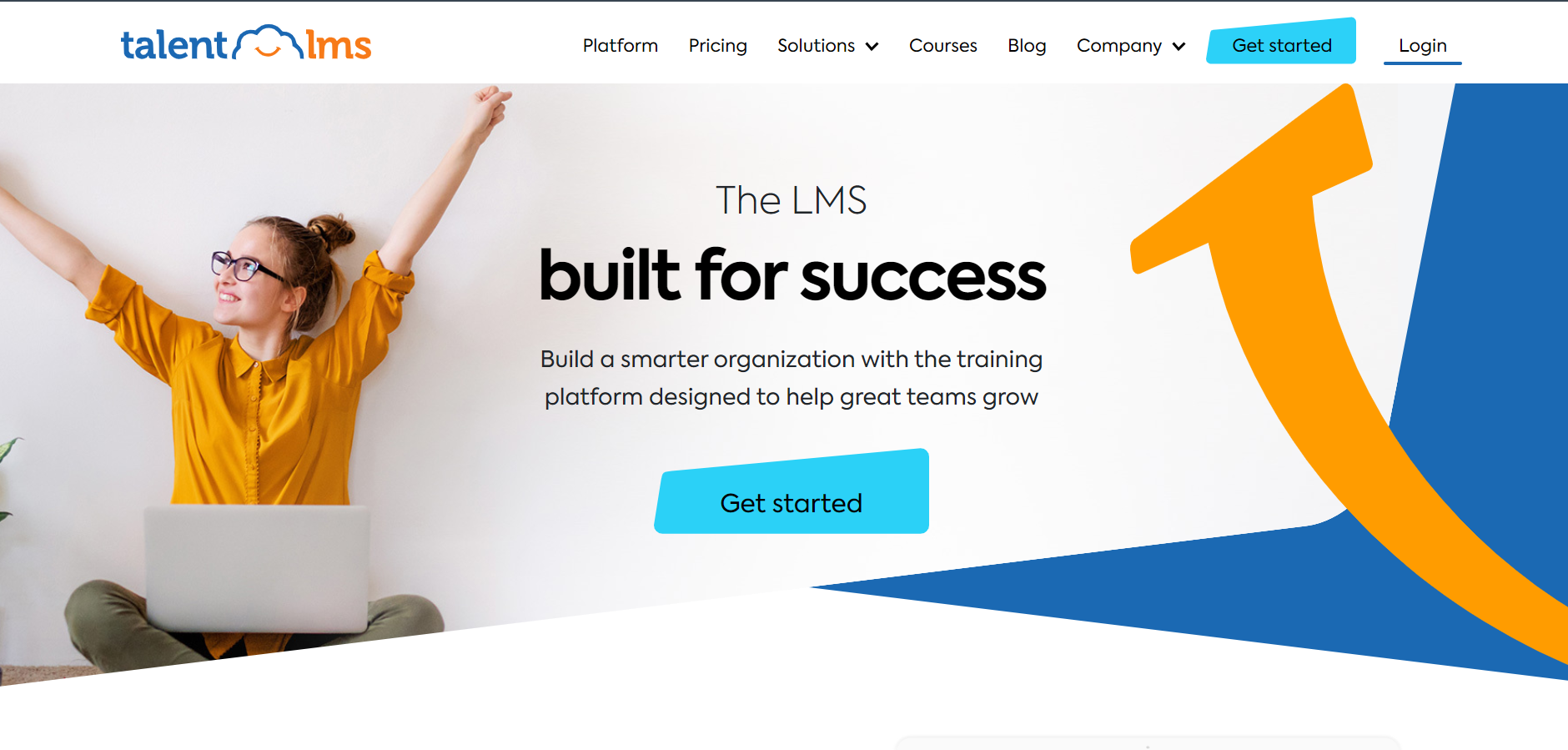
The admin experience is clean. Course creation takes minutes, not hours. It handles SCORM, xAPI, videos, quizzes, and live sessions. And the multi-branch setup, where you give different departments or locations their own branded portal, is genuinely well-implemented for a platform at this price point.
What I keep noticing is that teams coming from EdCast often underestimate how much of their frustration came from admin complexity rather than platform capability. TalentLMS simplifies that significantly. The flip side is that advanced reporting requires exporting to spreadsheets, and the gamification is basic compared to enterprise tools. Those tradeoffs are real. But for a team of 20 to 500 people that just wants training to run reliably, TalentLMS is hard to beat on value.
Pros:
- Intuitive admin and learner interface; fast to set up
- Multi-branch support with per-branch branding and user groups
- SCORM, xAPI, and built-in course authoring included
- Free forever plan for small pilots
Cons:
- Advanced reporting requires manual spreadsheet exports
- Limited customization compared to enterprise platforms
- Pricing is per registered user, not active, which adds up if your roster is large
Pricing: Free plan for up to 5 users. Paid plans start at $69/month (Core), $109/month (Grow), $179/month (Pro). Enterprise is custom.
3. Docebo – Best for Enterprise Teams That Need Deep Customization
Docebo is the platform I point large organizations toward when they’ve outgrown everything else and have both the budget and the technical resources to back it up. It’s AI-powered, deeply configurable, and built to serve multiple learning audiences: employees, partners, and customers from a single environment.
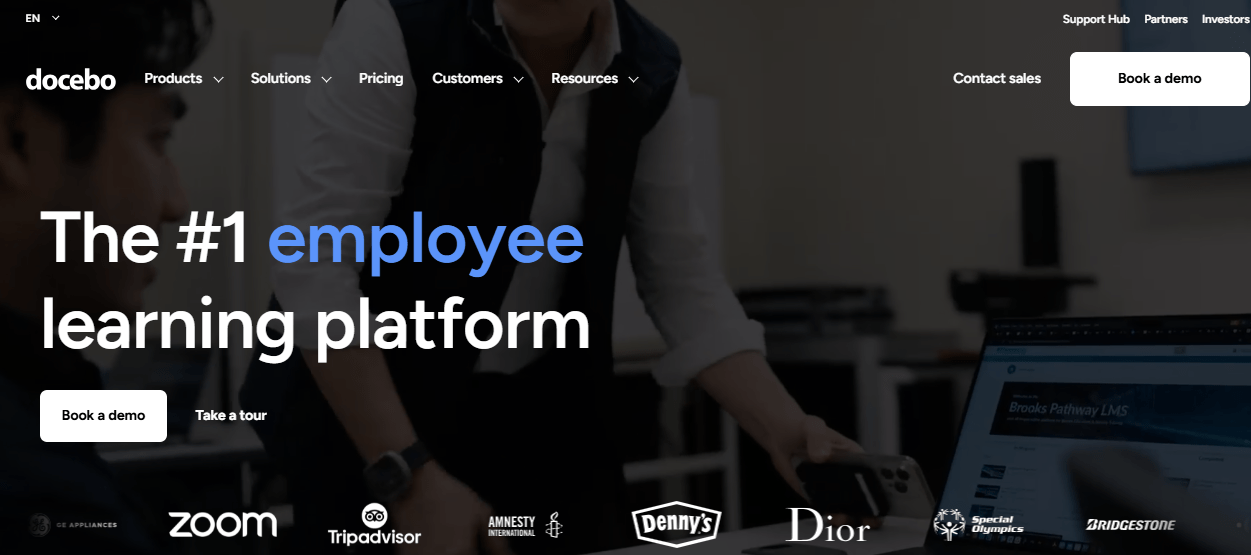
The AI handles content recommendations, enrollment automation, and skill gap identification without requiring manual rules for every workflow. That matters at scale. I’ve seen Docebo run training programs for tens of thousands of learners across multiple regions, and it handles that complexity well.
What I’d tell anyone considering it: the minimum entry point is roughly $25,000 per year, and that’s before implementation. The configuration timeline is real. I’ve seen organizations take four to six months to get it properly set up. If you have those resources, the investment pays off. If you don’t, there are better fits further down this list.
Pros:
- Highly configurable with API access and native integrations
- AI-powered recommendations, enrollment, and skill mapping
- Multi-audience delivery from a single platform
- Strong compliance tracking, analytics, and certification management
Cons:
- No public pricing; industry estimates start at $25,000/year
- Implementation requires significant technical involvement
- Reporting flexibility is strong but some users find it harder to navigate than expected
Pricing: Quote-based. Industry benchmarks suggest starting costs around $25,000/year; enterprise contracts scale from there.
4. 360Learning – Best for Teams Where Internal Experts Drive Training
360Learning is built on a premise I find genuinely interesting, and also genuinely limited depending on your context. The idea is that the people who know the most about your business should be the ones building training, not a centralized L&D team working from templates. Subject matter experts create courses directly, learners engage in context, and the platform facilitates knowledge sharing rather than top-down content delivery.
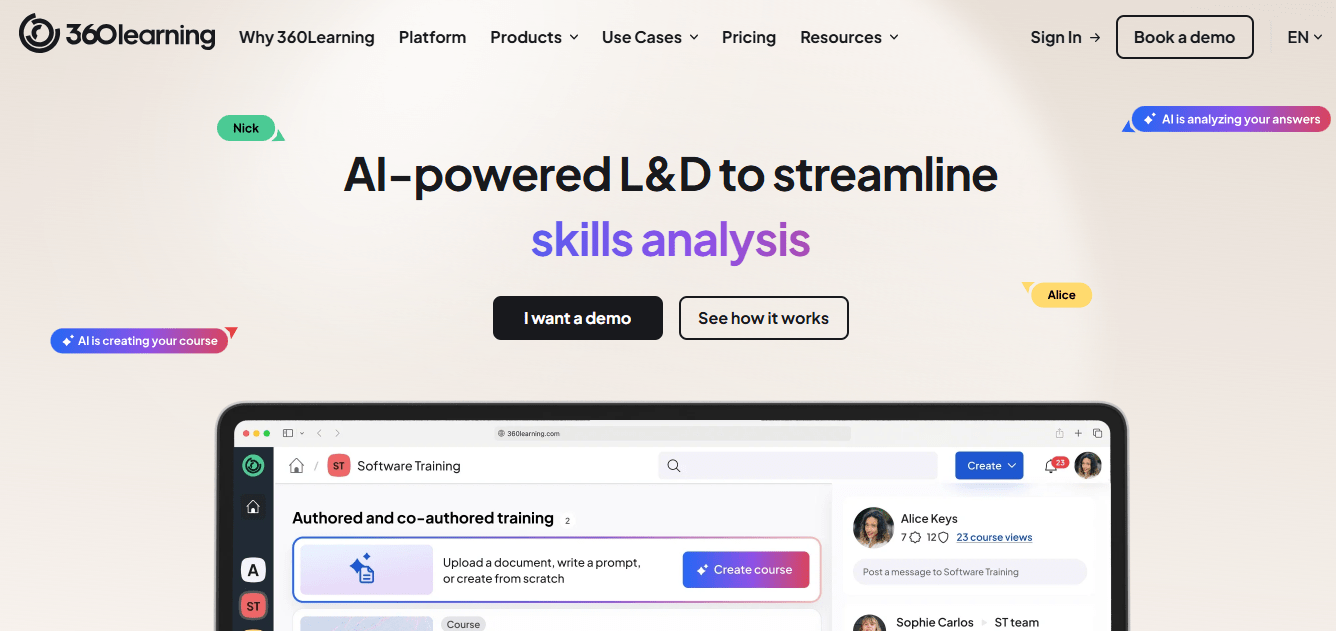
In the right environment, this is powerful. I’ve seen it work exceptionally well in product, sales, and customer success teams where the real expertise is distributed across the organization. The collaborative course authoring produces training that feels current and relevant in a way that generic content libraries rarely do.
In compliance-heavy environments, the model doesn’t work as cleanly. If you need structured mandatory training with strict completion workflows and detailed audit trails, the collaborative LXP architecture of 360Learning creates friction rather than solving it. That isn’t a knock on the product. It’s a fit issue. Know which environment you’re running before you book a demo.
Pros:
- Collaborative authoring lets SMEs build training directly on the platform
- AI-driven content recommendations and adaptive coaching
- Strong mobile experience; recognized as a top-rated enterprise LMS
- Fast content creation compared to traditional top-down LMS workflows
Cons:
- Less suited for strict compliance training and mandatory completion workflows
- Advanced plans cost significantly more than the entry price suggests
- Customization of the learner-facing interface has noted limitations
Pricing: Starts at $8/user/month for up to 100 users. Enterprise pricing is custom.
5. Cornerstone Learning – Best for Organizations Already in the Cornerstone Ecosystem
Cornerstone is EdCast’s parent platform, so mentioning it here feels almost circular. But for organizations that were using EdCast as part of a broader Cornerstone deployment, the natural path forward is usually deeper into Cornerstone rather than out of it.
The platform covers learning, performance, succession, and compliance in an integrated talent suite built for organizations with 5,000 or more employees. The automation depth is real: assignments, reminders, certifications, and compliance workflows can run with minimal manual intervention once configured. That word, “configured,” is doing a lot of work. Cornerstone has a steep setup curve and a complex admin experience. I’ve spoken to L&D managers who needed months just to understand the reporting module.
For smaller organizations, Cornerstone is almost certainly more platform than you need, and the price tag, typically six figures annually, would confirm that quickly.
Pros:
- End-to-end talent suite: learning, performance, succession in one platform
- Powerful automation for compliance, certification, and assignment management
- Strong reporting for executive and regulatory visibility
- Large, active customer community with extensive documentation
Cons:
- Configuration complexity is significant; mix of old and new UI can feel disjointed
- No public pricing; annual contracts typically run six figures
- Primarily built for organizations with dedicated HR and IT resources
Pricing: No public pricing. Industry benchmarks consistently indicate six-figure annual contracts.
6. Absorb LMS – Best for Mid-to-Large Teams That Prioritize a Polished User Experience
What I notice about Absorb LMS first is the interface. Both the learner portal and the admin side are genuinely well-designed, and that matters more than most platform evaluations account for. Learners who feel comfortable in the environment complete more training. Admins who can navigate reporting without help don’t bottleneck your team. Absorb gets this right.
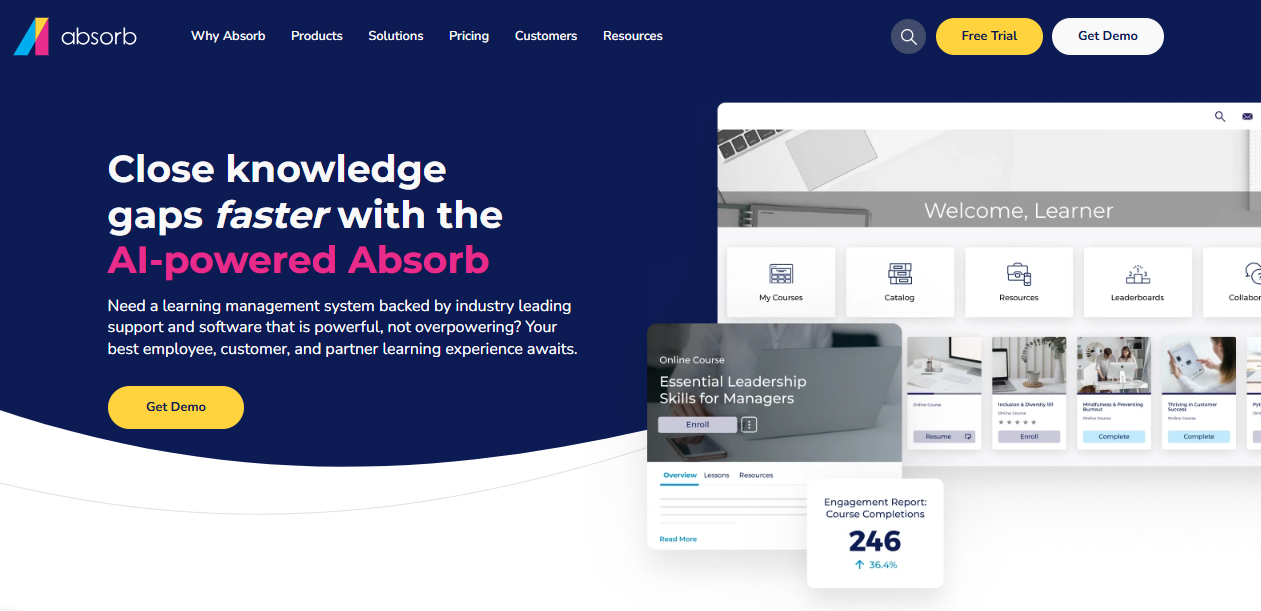
The AI features handle content suggestions, learner path automation, and intelligent reporting without requiring you to build manual rules for everything. I’d position Absorb between TalentLMS and Docebo in terms of complexity and price: more capable than a straightforward SMB tool, less expensive and faster to implement than enterprise-grade platforms.
The honest limitation I’d call out: Absorb’s mobile apps have lower ratings on iOS and Android than their desktop experience, which is a real constraint if your workforce is primarily in the field. Implementation also carries upfront costs that aren’t always obvious at the demo stage.
Pros:
- Polished admin and learner interfaces across both portals
- AI-driven content recommendations and learner path automation
- SCORM and xAPI compliant; strong accessibility features
- Offline mobile access available (though app ratings lag the desktop)
Cons:
- No public pricing; implementation fees can add $4,000 or more
- Mobile app experience is noticeably weaker than desktop
- Multi-year contracts are common, reducing flexibility for growing teams
Pricing: Quote-based. Reported starting costs around $25,000/year; implementation fees typically additional.
7. iSpring Learn – Best for Organizations With Large PowerPoint-Based Content Libraries
iSpring Learn solves a problem I see constantly: organizations that have invested years in PowerPoint-based training materials and face the prospect of rebuilding everything when they switch platforms. iSpring’s authoring tool converts PowerPoints directly into interactive eLearning courses, which eliminates one of the most time-consuming parts of any LMS migration.
The LMS itself is clean and easy to manage. Development plans, OJT checklists, and a built-in knowledge base are included, which gives it more depth than a basic course delivery system. The admin interface is consistently praised for being intuitive, and the onboarding timeline is shorter than most comparable platforms.
What I’d flag honestly: iSpring’s real value proposition lives in the authoring tool, not just the LMS. Organizations that don’t have a significant PowerPoint library may find other platforms more cost-effective on a straight per-user comparison. There’s also no free plan, which makes it harder to trial before committing.
Pros:
- Converts PowerPoint libraries into interactive eLearning without rebuilding
- Clean, intuitive admin interface; fast implementation
- Includes development plans, OJT checklists, and a knowledge base
- Automated enrollment, reporting, and notification workflows
Cons:
- No free version; annual billing required
- Best value is realized when paired with the iSpring Suite authoring tool
- No nonprofit or educational discounts on the LMS itself
Pricing: Starts at approximately $2.86/user/month, billed annually. Volume pricing available.
8. Degreed – Best for Large Enterprises Running Workforce Transformation Programs
Degreed is an LXP, not an LMS, and that distinction matters more than most vendor comparisons acknowledge. It doesn’t deliver and track structured mandatory training the way a compliance-oriented LMS does. What it does instead is map skills, aggregate learning content from across your existing systems, and help employees and managers see skill gaps and progression pathways clearly.
One in three Fortune 50 companies uses it, and that adoption reflects a real use case at that scale.
I’d be direct about the fit: if your primary training need is deploying mandatory compliance courses and proving completion to auditors, Degreed is not the right tool. It’s best understood as a workforce development platform that works alongside a structured LMS, not in place of one. Implementation takes months, pricing is enterprise-only with no public tiers, and it’s designed for organizations with 5,000 or more employees and dedicated people analytics resources.
Pros:
- Strong skills intelligence and taxonomy for strategic workforce planning
- Aggregates content from multiple LMS, content, and HR systems
- AI-driven personalized learning paths and career mobility tools
- Real-time skill gap visibility for managers and L&D teams
Cons:
- Not designed for compliance training or SCORM-native audit trails
- Implementation timeline measured in months, not weeks
- No public pricing; enterprise annual contracts only
Pricing: No public pricing. Annual subscription model; best suited for enterprises with 5,000+ employees.
9. Litmos – Best for Compliance Training Teams That Need an Off-the-Shelf Content Library
Litmos combines an LMS with a pre-built content library covering compliance, safety, hospitality, and HR topics. For organizations that need immediate access to ready-to-deploy training without building everything from scratch, that combination has real practical value. The native SAP SuccessFactors integration is also worth noting for organizations already inside the SAP ecosystem.
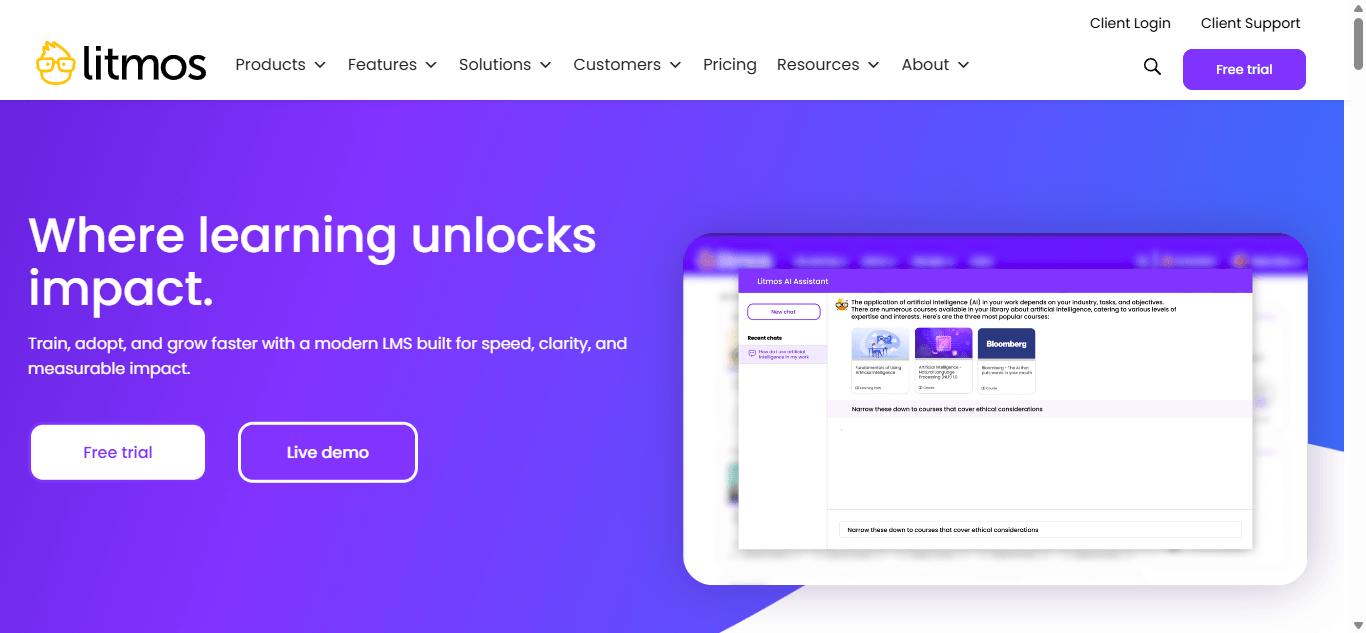
What I’d be transparent about: user reviews show a consistent pattern at scale. The learner experience is solid. The admin tools for larger deployments, particularly around scheduling mass assignments and getting responsive support, have drawn repeated criticism. I’ve seen this type of mixed feedback enough to take it seriously. Teams evaluating Litmos should specifically test the workflows they’ll use most at their actual user volume, not just in a demo environment.
Pros:
- Pre-built compliance, safety, and HR course library ready to deploy
- Native SAP SuccessFactors integration
- Automated workflows for assignments and notifications
- Clean, accessible learner experience
Cons:
- Mass assignment scheduling for large groups has documented limitations
- Admin tools at scale receive mixed reviews
- No public pricing
Pricing: Quote-based. Positioned as mid-to-enterprise; no public pricing tiers.
10. Udemy Business – Best as a Supplementary Resource for Self-Directed Professional Development
Udemy Business gives your team access to a curated catalog of over 6,000 business-focused courses from Udemy’s broader 210,000+ course library. For self-directed professional development, it’s fast and low-friction. The interface is familiar to anyone who’s used Udemy personally, which almost always helps with adoption.

The gap worth being clear about: Udemy Business is a content platform, not a training management system. I’d position it as supplementary rather than primary. You can track engagement, but you can’t run compliance workflows, generate completion audit trails for regulatory purposes, or manage structured mandatory training through it. Teams that try to use it as a standalone LMS tend to end up managing a second tool anyway because the reporting doesn’t satisfy HR or compliance requirements. Buy it as an add-on, not a replacement.
Pros:
- Immediate access to 6,000+ curated business and professional development courses
- Low adoption barrier; familiar interface for most learners
- Integrates with 40+ learning and performance platforms
- Self-paced; works well alongside a structured LMS
Cons:
- Not built for compliance, mandatory training, or completion audit trails
- Limited admin control over structured assignment workflows
- Course quality varies significantly across instructors
Pricing: Team plan at $360/user/year for 5-20 users. Enterprise pricing is custom for 21+ users.
How I Evaluated These Platforms
I’ve been in enough platform evaluations to know that the demo never shows you what matters. Every LMS looks clean and capable when a sales engineer is driving.
What I actually care about is how the platform performs when a non-technical admin is running it unsupported, what the reporting looks like when a VP asks for a compliance summary at 4 PM on a Friday, and whether learners actually complete courses or abandon them at the second module.
My evaluation focused on five things.
- Does it solve the real problem? I looked specifically for platforms that close the gaps EdCast leaves open: structured compliance delivery, transparent pricing, admin tools that don’t require IT involvement, and real audit trails.
- Who can actually run it? A platform that requires developer support for routine tasks creates backlogs. I weighed how much an admin can do independently without having to raise a ticket.
- Will learners use it? Completion rates are the only metric that matters operationally. I looked at mobile experience, interface clarity, and whether the platform creates friction or removes it.
- Is the pricing honest? Quote-only pricing isn’t inherently bad, but it makes total cost-of-ownership calculations harder. I prioritized platforms with published pricing or meaningful free plans whenever possible.
- Does it integrate with what you already have? SCORM compatibility, Salesforce, Workday, BambooHR, SSO. The connective tissue of an HR tech stack matters as much as the platform’s features.
My Top 3 EdCast Alternatives Picks
Picking a platform is easier when you know what job you’re actually hiring it for. Here’s where I’d send different teams based on what I keep seeing go wrong with EdCast alternatives.
ProProfs Training Maker is my first recommendation for most corporate training teams. The AI course builder, 500+ ready-made courses, real-time compliance tracking, and transparent per-learner pricing remove the three biggest obstacles I see teams face when switching from an LXP: build time, admin complexity, and cost unpredictability.
TalentLMS is where I’d send a team that needs to be operational in weeks, not months. The free plan is a real trial, not a stripped-down demo, and the multi-branch functionality punches above its price point.
360Learning makes sense if your training strategy depends on internal expertise rather than pre-built content. It won’t replace a compliance LMS, but for sales enablement, onboarding, and knowledge sharing in fast-moving teams, the collaborative model produces better content than a centralized library approach.
Worth More Than the Platform Decision
Every six months or so, I talk to a training manager who just switched platforms and is still having the same problem. Learners aren’t completing. Reporting doesn’t tell them what they actually need to know. Training varies by department or location in ways that undermine the program as a whole.
The platform mattered less than they thought. What mattered was whether the training itself was structured, whether someone owned the process end-to-end, and whether the tool was chosen for the job it actually needed to do rather than the job that looked impressive in a demo.
If you’re moving away from EdCast, that’s a reasonable decision. Just make sure the reason is accurate. Switching from an LXP to an LMS closes real gaps around compliance and tracking. It doesn’t automatically fix engagement, relevance, or adoption. Those take more work than a platform change. The good news is that once you have the right infrastructure in place, the harder work becomes easier.
Frequently Asked Questions
What is EdCast used for?
EdCast is an AI-powered LXP for workforce upskilling, personalized content delivery, and career mobility, primarily in large enterprises. It aggregates internal and external learning content and delivers AI-driven recommendations in the flow of work. It is not designed for structured compliance delivery or SCORM-native audit trails.
Why are organizations looking for EdCast alternatives?
The most common reasons are pricing opacity after the Cornerstone acquisition, increased complexity for mid-market teams, limited structured compliance workflows, and admin tools that require significant IT involvement. Teams needing transparent pricing, simpler delivery, or stronger audit trail capabilities tend to find better fits elsewhere.
What is the best free EdCast alternative?
ProProfs Training Maker offers a free plan for up to 10 learners with full course creation and tracking features. TalentLMS has a free forever plan for up to 5 users and 10 courses. Both let you validate fit before spending anything.
Is EdCast an LMS or an LXP?
EdCast is an LXP (Learning Experience Platform), not a traditional LMS. It focuses on content aggregation, personalized pathways, and self-directed learning. It lacks the structured compliance delivery, mandatory assignment workflows, and detailed completion audit trails that a purpose-built LMS provides.
What is the difference between an LMS and an LXP?
An LMS manages, delivers, and tracks structured mandatory training, including SCORM courses, compliance programs, and certifications. An LXP aggregates content from multiple sources, maps it to skills, and supports self-directed learning paths. Most alternatives on this list are LMS platforms or platforms that combine both.
Which EdCast alternative is best for compliance training?
ProProfs Training Maker and TalentLMS are the strongest options for compliance training. Both support SCORM, provide completion audit trails, include anti-cheating assessment settings, and offer certification tracking that satisfies regulatory reporting needs.
Does EdCast support SCORM?
EdCast supports SCORM as a content upload format for basic completion tracking. It is not a SCORM-native LMS and does not provide the granular interaction tracking, attempt management, or compliance audit trails that regulated industries typically require.
What happened to EdCast after Cornerstone acquired it?
Cornerstone OnDemand acquired EdCast in 2022. Since then, EdCast has been integrated into Cornerstone's broader enterprise talent suite. It continues to operate as the LXP component of that ecosystem, but is increasingly positioned as part of a larger enterprise platform rather than a standalone product.
Let ProProfs AI create your training course

 We'd love your feedback!
What did you like & how can we make it even better?
 Thanks for your feedback!
 Ask Your Question
Have a question? Get expert help to make your decision easier.