I’ve sat through webinars where the presenter’s audio cut out mid-sentence and forty people just left, quietly, without a word in the chat. That’s the real cost of picking the wrong webinar software for employee training: a room full of managers who now trust your L&D team a little less.
I’ve run live product walkthroughs, onboarding sessions, and compliance refreshers through most of the platforms on this list, and the pattern holds every time.
The tools that actually work don’t just stream video; they get people to show up, stay engaged, and remember something afterward. This isn’t a features dump pulled from a spec sheet. It’s what I’d tell an HR manager with one shot at a 200-person onboarding webinar.
What Is Webinar Software for Employee Training?
In reality, webinar platforms approach employee training in two very different ways.
One camp is built for marketers running lead-generation webinars and treats employee training as an afterthought. The other, smaller camp is built around a different reality: training webinars need recordings people can revisit, attendance logs someone can audit, and a way to turn a one-off session into something that outlives the calendar invite.
The 10 Best Webinar Software for Employee Training, Ranked
Before you sit through ten demo calls, here’s the shape of the market at a glance.
I pulled every rating and price directly from each vendor’s own Capterra listing, not from marketing copy, so the numbers below reflect what actual buyers report. If you’re benchmarking the best webinar platforms for employee training in enterprises for 2026, here’s where the ten stack up before we get into specifics.
| Tool | Best For | Capterra Rating | Pricing | Browser-Based | AI Capabilities |
|---|---|---|---|---|---|
| WebinarNinja | Live & automated training webinars | 4.2 | Free up to 10; from $99/mo | Yes | AI recaps & follow-up drafts |
| ProProfs Training Maker | Turning webinars into certified courses | 4.8 | From $1.99/user/mo | Yes (ILT + LMS) | AI course & quiz builder |
| Zoom Events and Webinars | Large-scale, familiar video quality | 4.6 | From ~$500/mo | Partial (app-first) | AI meeting summaries |
| GoTo Webinar | Enterprise webinars, built-in analytics | 4.5 | From $59/user/mo | Partial (app-first) | AI highlight reels |
| Livestorm | Zero-download browser webinars | 4.7 | Free plan; from $110/mo | Yes | AI chapters & transcripts |
| Demio | Marketing-style engagement analytics | 4.7 | From $63/mo | Yes | AI engagement scoring |
| WebinarJam | Budget live webinars, sales tools | 3.9 | From $49/mo flat | Mostly (Chrome best) | Basic automation only |
| ON24 | Enterprise engagement data at scale | 4.3 | From $10,000/yr | Yes | AI-driven engagement data |
| BigMarker | Fully branded, white-labeled events | 4.8 | From $79/mo | Yes | AI content repurposing |
| ClickMeeting | Simple setup, lower price point | 4.5 | From $32/mo flat | Yes | AI-generated presentation aids |
1. WebinarNinja – Best for Live and Automated Training Webinars
WebinarNinja started as a tool for coaches and course creators who needed to go live without hiring a production team, and that DNA still shows. Setup takes minutes: pick a format (live, automated, series, or hybrid), customize the registration page, and you’re generating a shareable link. For a training team running the same onboarding session every two weeks, the automated and series formats mean you build it once and let it repeat on autopilot.
Where it earns its spot on a training-specific list is the replay economy. Every session becomes a reusable asset, which matters when your new-hire cohort doesn’t all start on the same Monday. Attendance and engagement data get logged automatically, so nobody’s screenshotting a participant list to prove someone finished onboarding. It’s also part of the ProProfs family these days, which is why it pairs so naturally with the training platform two spots down.
It’s not built for enterprise-scale compliance auditing, and a few reviewers note the experience gets shaky at higher attendee counts. For a mid-sized training team that wants one tool for both live sessions and evergreen replays, it holds up well.
Pros:
- No download required for attendees to join
- Live, automated, series, and hybrid webinar formats in one platform
- Built-in email reminders and automated follow-up sequences
- Reusable replays that double as on-demand training content
- Simple registration page builder with no design skills needed
Cons:
- No on-premise deployment or downloadable version available.
- Light and dark mode options would make the interface more comfortable to use.
Pricing: A FREE 14-day trial is available. Paid starts at $0.30/attendee/month (includes CourseNinja worth $1200).
2. ProProfs Training Maker – Best for Turning Webinars Into Certified, Trackable Training
ProProfs Training Maker isn’t webinar software, and I’d be lying if I pretended otherwise. What it solves is the problem every tool above creates: the webinar ends, and then what? Attendance data lives in one place, quiz scores in a spreadsheet, and certificates in nobody’s inbox.
The part that actually surprised me is the AI course builder. Type in a topic, or just a single prompt, and it drafts a full course, structured lessons, quizzes, and all, without needing an existing deck or document to work from.

Let ProProfs AI create your training course
Training Maker schedules and manages instructor-led training (ILT) sessions, so a live compliance webinar becomes a tracked course record instead of a calendar event that disappears into your meeting history. Learners get a certificate on completion, managers get a real audit trail, and the session recording sits inside the same course as the pre-work and the follow-up quiz.
ProProfs actually bundles this directly with WebinarNinja inside its Smarter Employee Learning Suite, so the live session and the training record aren’t two separate purchases stitched together with a workaround.
For a growing HR team that’s outgrown tracking training completion in a shared spreadsheet, this closes the loop that the webinar tools above leave wide open.
Pros:
- ILT scheduling with automatic attendance and completion tracking
- Auto-generated certificates tied to each training session
- Built-in quizzes and assessments to verify what was actually learned
- 500+ expert-built courses give you a vetted starting point instead of a blank page
- Bundles natively with WebinarNinja inside the Smarter Employee Learning Suite
- AI course builder that turns an existing deck or document into a structured course in minutes
Cons:
- No on-premise or downloadable setup
- An option for light and dark mode would be great for an enhanced UX
Pricing: Free plan for up to 10 learners. Essentials starts at $1.99 per active learner per month
3. Zoom Events and Webinars – Best for Large-Scale Sessions With Familiar Video Quality
Zoom’s biggest advantage for training webinars isn’t a feature; it’s muscle memory. Almost nobody on your invite list needs a tutorial to join a Zoom link, which matters enormously when half your audience is frontline staff who’ve never used a dedicated webinar tool before.
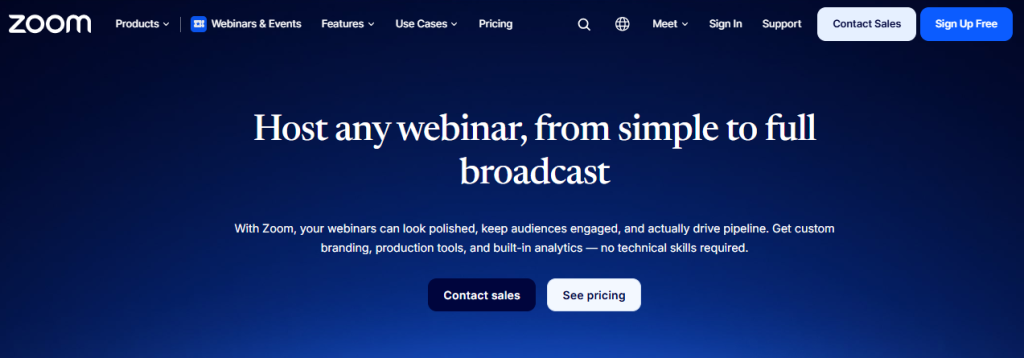
For employee training specifically, the webinar tier layers registration, rehearsal mode, and post-event reporting on top of the video quality Zoom is already known for. Breakout rooms let you split a 300-person compliance session into small-group discussions without switching platforms, and the recording library doubles as a training archive over time.
The catch is cost and complexity. Pricing scales by host and by attendee tier, and it climbs fast once you’re running webinars regularly instead of occasionally. Reviewers also flag that admin settings sprawl across multiple menus, which is manageable for an IT-savvy L&D team and genuinely frustrating for anyone else.
Pros:
- Familiar interface most employees already know from regular meetings
- Breakout rooms for small-group discussion during large sessions
- Rehearsal mode to test a session before going live
- Cloud recording library that doubles as a training archive
- Reliable video and audio quality at high attendee counts
Cons:
- Pricing scales quickly for organizations running frequent training webinars
- Admin and reporting settings are spread across multiple menus
Pricing: Starts around $500/month per license for the Events and Webinars tier.
4. GoTo Webinar – Best for Enterprise Training Webinars With Built-In Analytics
GoTo Webinar has been in this market long enough to be the default enterprise choice, and the reporting depth shows why. Every session generates attendance timestamps, poll results, and engagement scores you can hand straight to a compliance officer without reformatting anything.
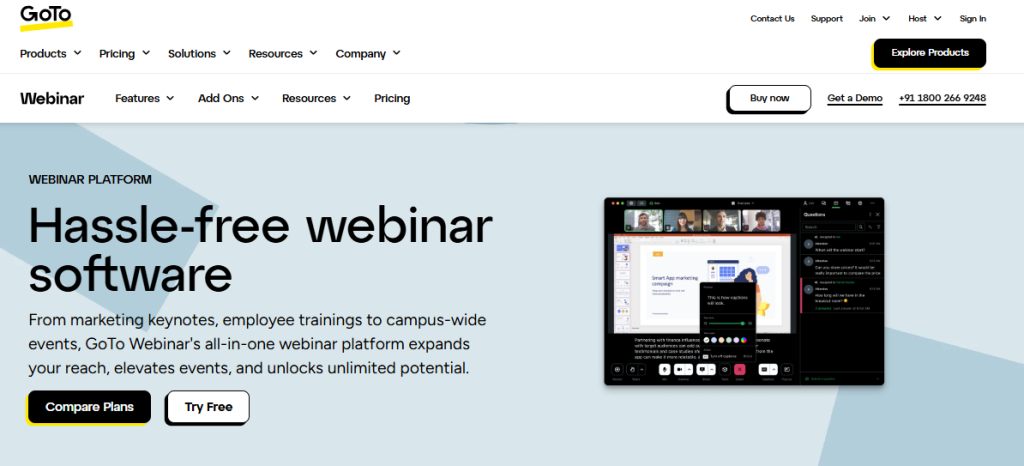
For training teams running the same webinar across multiple time zones, the scheduling tools let you set up recurring sessions once and let attendees self-select a slot that works. The mobile app is genuinely usable for attendees joining from a phone, which matters more than most vendors admit for distributed or frontline teams.
Reviewers consistently point to pricing as the tradeoff: it’s positioned as a premium, enterprise-first tool, and the cost reflects that. A few also mention the interface feels dated next to newer entrants, though setup for a first session still takes some getting used to compared with simpler tools on this list.
Pros:
- Detailed post-session analytics ready for compliance reporting
- Recurring session scheduling across time zones
- Usable mobile app for attendees joining from a phone
- Automated reminder and follow-up emails
- Integrates with major CRMs and calendar tools
Cons:
- Pricing sits at the higher end for frequent training use
- Interface feels dated compared with newer webinar platforms
Pricing: Starts at $59 per user/month, billed annually.
5. Livestorm – Best for Zero-Download, Browser-Based Webinars
Livestorm solves the exact problem that shows up in every forum thread about webinar software: attendees who can’t or won’t download an app before a session starts. Everything runs in the browser, on any device, which removes the single biggest source of last-minute login panic.
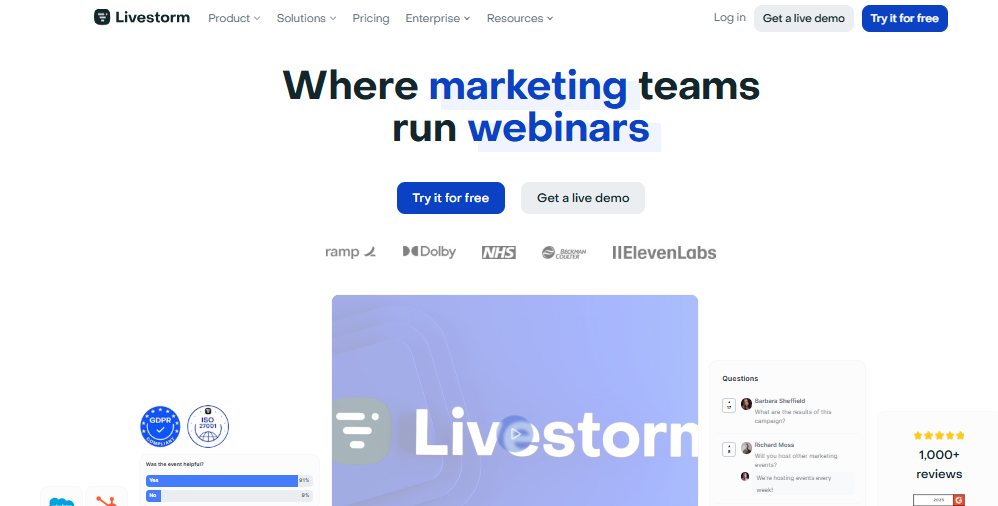
For training use cases, the built-in engagement tools, polls, Q&A upvoting, embedded surveys, keep sessions from turning into someone reading slides at a muted audience. Recordings and transcripts are generated automatically, so a missed live session doesn’t mean lost training.
Where it gets complicated is pricing, which is based on active contacts rather than a flat seat count. That model rewards small, focused training cohorts and penalizes larger organizations running webinars across many departments. A free plan makes it easy to test the format before committing to a paid tier.
Pros:
- No downloads required for hosts or attendees
- Automatic recording and transcript generation
- Built-in polls, Q&A upvoting, and embedded surveys
- GDPR-compliant data handling out of the box
- Free plan available for testing before committing
Cons:
- Pricing is based on active contacts, which can get expensive at scale
- Limited native integrations outside common marketing and CRM tools
Pricing: Free plan available; paid plans start at $110/month.
6. Demio – Best for Marketing-Style Engagement Analytics
Demio was built for revenue teams running lead-generation webinars, and that lineage means the analytics are sharper than most training-first tools bother to build. Every attendee action, a poll answer, a resource click, a question asked, gets logged and tied to that person’s profile.
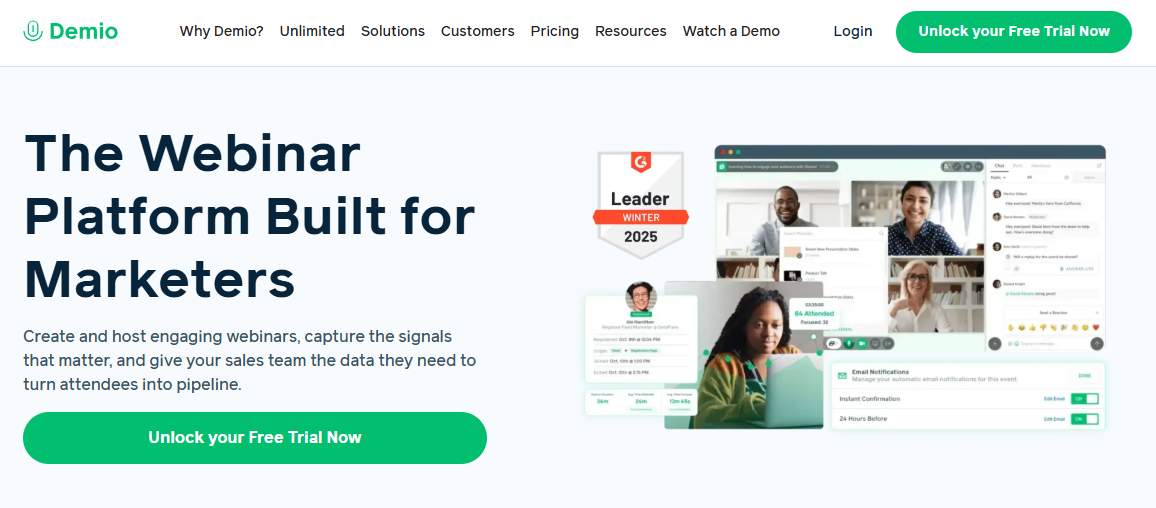
For training scenarios, that translates into knowing not just who showed up, but who actually engaged versus who left the tab open in the background. The no-download, browser-based room setup mirrors Livestorm’s approach, and setup time is genuinely fast; most reviewers report having a professional-looking session ready within minutes.
The tradeoff shows up in pricing structure: adding a second host or scaling past a few hundred attendees pushes you into higher tiers quickly. That makes it a better fit for a training team running weekly sessions than one running a single quarterly refresher.
Pros:
- Per-attendee engagement tracking across polls, clicks, and questions
- Fast, professional-looking setup with minimal prep time
- Browser-based rooms with no attendee downloads
- Native integrations with major marketing and CRM platforms
- Automated replay and follow-up sequencing
Cons:
- Adding hosts or scaling attendee count increases cost quickly
- Better suited to frequent users than occasional, one-off sessions
Pricing: Starts at $63/month for the Starter plan.
7. WebinarJam – Best for Budget Live Webinars With Sales-Style Tools
WebinarJam leans hard into features you’d expect from a sales webinar tool, countdown timers, offer reveals, live chat moderation, which feels slightly out of place for a compliance session but works surprisingly well for high-energy onboarding or product training webinars.
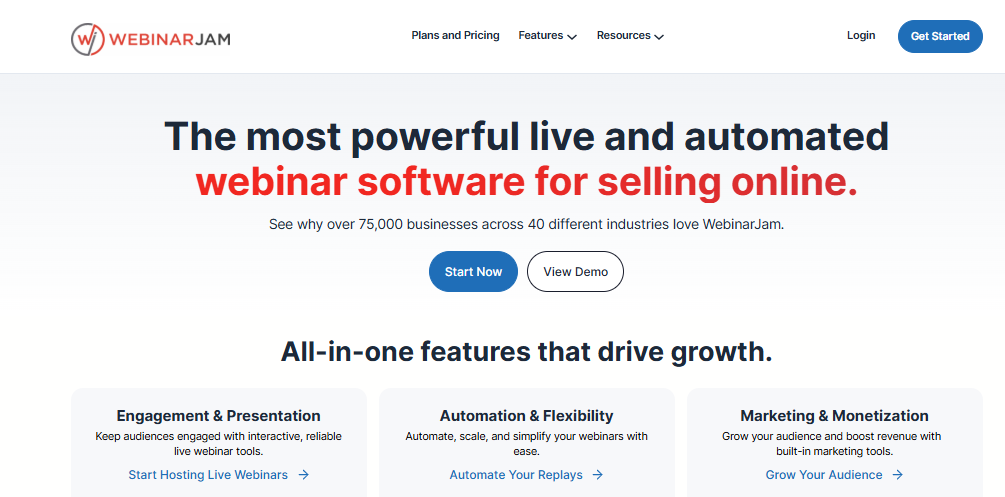
Flat-rate pricing is the real draw here. Instead of paying per host or per attendee, you get a set attendee cap for one flat monthly fee, which makes budgeting straightforward for a training team that isn’t sure yet how often it’ll actually use the tool. Setup takes about the same ten minutes as most tools on this list, and the interface doesn’t require a tutorial to figure out.
Reviewers are split on reliability. Several long-time users report occasional stream instability during larger sessions, and customer support response times get mixed reviews. For smaller training webinars where budget is the primary constraint, it still holds up as a functional, no-frills option.
Pros:
- Flat-rate pricing with a set attendee cap, easy to budget
- Live chat moderation and interactive engagement tools
- Automated backup systems if the primary stream drops
- Simple, quick setup with no steep learning curve
- Built-in email and SMS reminder sequences
Cons:
- Some users report stream instability during larger sessions
- Customer support response times get mixed reviews
Pricing: Starts at $49/month flat rate for up to 100 attendees.
8. ON24 – Best for Enterprise-Grade Engagement Data at Scale
ON24 sits at the opposite end of the market from WebinarJam: it’s built for enterprises running high-stakes, high-volume virtual events where the engagement data matters as much as the session itself. Every click, scroll, and resource download inside the platform’s virtual environment gets captured and fed into reporting.
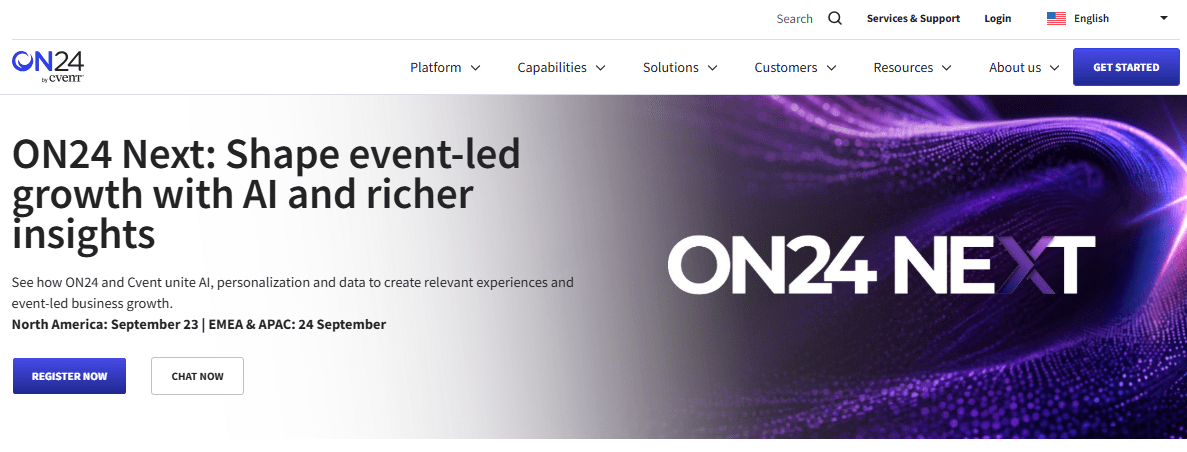
For large-scale employee training, that depth of data means you can see exactly which section of a mandatory course people skipped or rewound, which is genuinely useful for spotting confusing content before it becomes a compliance gap. The platform also supports simulated-live and on-demand formats, so a single production can serve multiple time zones without a host repeating themselves live each time.
None of this comes cheap. ON24 is priced for enterprise budgets, not departmental ones, and reviewers note that setup and customization require real onboarding time before a team can run sessions independently.
Pros:
- Granular attendee behavior data, including scrolls, clicks, and downloads
- Simulated-live and on-demand formats from a single production
- Strong fit for large, multi-timezone training rollouts
- Extensive branding and environment customization options
- Detailed reporting suited to compliance documentation
Cons:
- Enterprise pricing puts it out of reach for smaller training teams
- Setup requires meaningful onboarding time before teams can self-serve
Pricing: Enterprise pricing starts around $10,000/year.
9. BigMarker – Best for Fully Branded, White-Labeled Training Events
BigMarker’s whole pitch is customization, and for organizations that want a training webinar to look like an internal product rather than a generic video call, that’s a real differentiator. Branding, landing pages, and the console itself can all be white-labeled down to a custom domain.
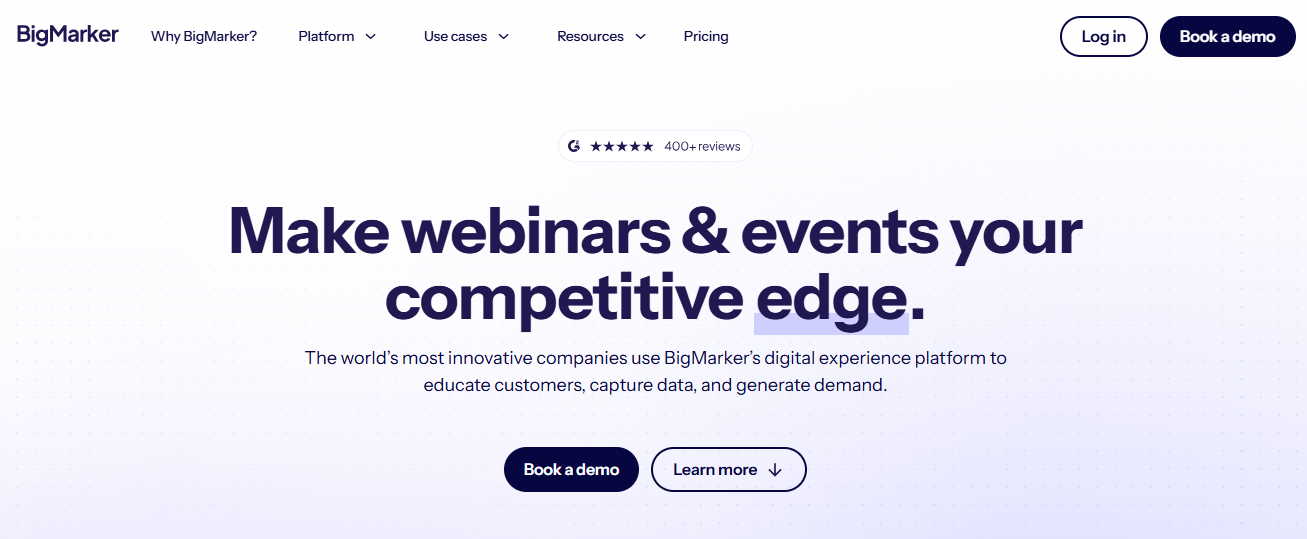
For recurring internal training programs, the automation tools, email sequences, registration workflows, CRM syncing, mean a training coordinator can set up a quarterly compliance series once and let it largely run itself afterward. The browser-based, mobile-friendly join experience also holds up well for distributed or field-based teams joining from a phone.
The tradeoff is a genuine learning curve. Reviewers consistently mention there are enough options and settings that it’s easy to miss a feature that would have solved a specific problem, and getting full value out of the platform takes more onboarding time than simpler tools on this list.
Pros:
- Deep white-label branding, including custom domains
- Strong automation for recurring training series
- Browser-based, mobile-friendly attendee experience
- Supports live, automated, and on-demand formats in one platform
- Native integrations with CRM and email marketing tools
Cons:
- Steep learning curve given the breadth of customization options
- Occasional connection instability reported during live streaming
Pricing: Starts at $79/month; enterprise pricing available on request.
10. ClickMeeting – Best for Simple Setup at a Lower Price Point
ClickMeeting is the tool I’d point a smaller training team toward if the previous nine options all felt like overkill. It’s genuinely browser-based with no installation required for hosts or attendees, and the interface doesn’t demand a training session of its own before your first live event.
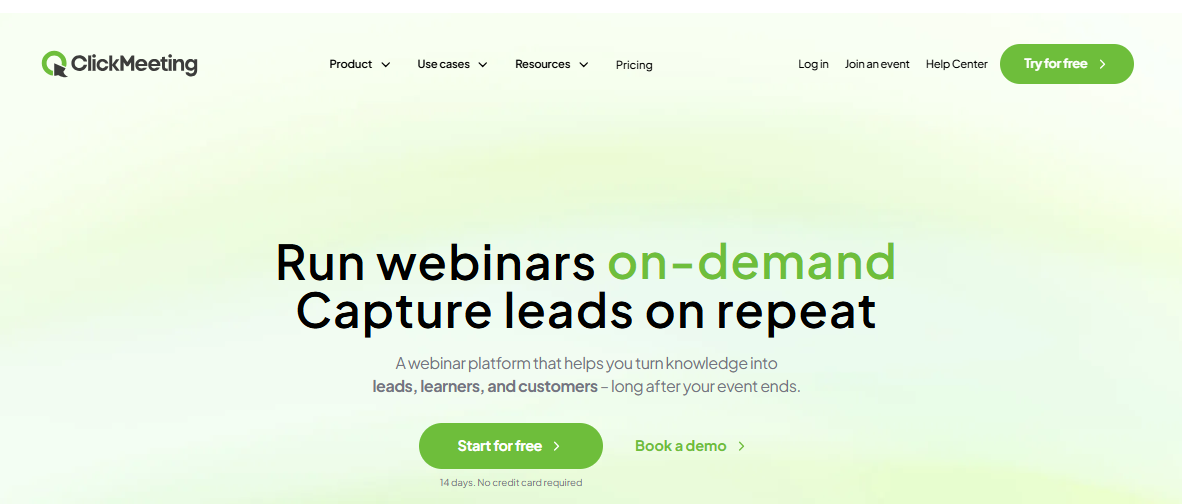
For employee training specifically, built-in whiteboards, polling, and screen annotation keep sessions interactive without bolting on a separate tool, and automated recording with one-click upload to YouTube makes building an on-demand training library fairly painless. It also supports multilingual sessions and interface translations, which genuinely helps distributed or international teams running the same training across regions.
Reviewers who’ve compared it against larger platforms tend to say the pricing runs a little higher than expected for the feature set you actually get, and nothing here pushes the category forward. It’s a dependable, no-surprises choice for a team that wants webinars to just work, rather than one chasing the newest engagement gimmick.
Pros:
- Fully browser-based, no downloads for hosts or attendees
- Built-in whiteboard, polling, and screen annotation tools
- One-click recording upload to YouTube for on-demand libraries
- Multilingual interface and session support
- Straightforward setup with a short learning curve
Cons:
- Pricing runs slightly higher than comparable tools at this tier
- Feature set is solid but not particularly differentiated
Pricing: Starts at $32/month flat rate.
My Top Picks for Webinar Software for Employee Training
If you don’t have time to read all ten entries, here’s where I’d start.
Best Overall: WebinarNinja
If you need one tool that handles live, automated, and hybrid training sessions without a steep setup curve, this is it. It’s also the easiest way to test whether webinar-based training actually works for your team before committing to enterprise pricing elsewhere.
Best for Closing the Loop: ProProfs Training Maker
Pair it with whatever webinar tool you choose, WebinarNinja or otherwise, and every live session becomes a tracked course with a certificate, a quiz score, and an audit trail attached. It’s especially useful for compliance training programs where you need proof, not just attendance, and it’s the piece most webinar-only tools on this list simply don’t build.
Best for Frictionless Attendance: Livestorm
When your training audience includes contractors, frontline staff, or anyone on a locked-down work laptop, a zero-download browser experience removes the single biggest reason people don’t show up. Just model your active-contact usage carefully before you commit to a plan.
How I Evaluated These Webinar Software for Employee Training Options
None of this is guesswork, so here’s exactly what I weighed when comparing employee webinar training software for this list.
- User reviews and ratings from Capterra and G2, with more weight given to tools carrying a higher volume of reviews; a 4.8 average built on two dozen reviews tells you less than a 4.5 average built on two thousand.
- Core features for training specifically: attendance tracking, session recording, and reporting that survives beyond the live event, not just during it.
- Ease of use for both hosts running the session and attendees who may never have used the platform before, including non-desk or field-based employees.
- Customer support responsiveness, since a webinar tool that breaks mid-session with no help desk in sight is a bigger problem in training than in marketing.
- Value for money relative to how often a team will actually run training webinars; weekly onboarding sessions and quarterly compliance refreshers change the math completely.
- Real-world fit for a distributed or partially non-desk workforce, since several of these tools quietly assume every attendee is sitting at a laptop with a stable connection.
Picking the Webinar Tool Your Training Program Won’t Outgrow
Every tool on this list can host a webinar. The difference between them shows up three weeks later, when someone in HR needs to prove that 200 employees actually completed a mandatory training session, not just registered for one.
That’s really the question underneath best webinar platform for employee training in enterprises: not which tool has the nicest interface, but which one leaves you with a record you can stand behind when it matters. WebinarNinja and Training Maker solve for that together: one handles the live session, the other handles what happens to it afterward. If your organization runs training at real scale, ON24 or GoTo Webinar might make more sense as your primary tool. If you’re replacing a shaky DIY stack of video calls, spreadsheets, and hope, start smaller and build up from there.
Good employee webinar training software should feel like an upgrade, not one more tool your team has to babysit. Test it with one real session before rolling it out company-wide; a demo call will never show you what happens when forty non-technical employees try to join at once.
Frequently Asked Questions
What is the best webinar software for employee training?
There's no single best webinar software for employee training since it depends on scale and budget. WebinarNinja and Livestorm suit mid-sized teams, GoTo Webinar and ON24 suit enterprises, and pairing any of them with a training platform adds tracking and certification.
Can I use regular webinar software for compliance training?
Yes, but most webinar tools don't retain long-term attendance records or issue certificates. For compliance training specifically, pair your webinar platform with a system that tracks completion, stores certificates, and gives you an audit trail auditors can actually use.
What's the best webinar platform for employee training in enterprises?
For enterprise-scale training, ON24 and GoTo Webinar offer the deepest reporting and highest attendee capacity. Both cost significantly more than mid-market tools like Livestorm or Demio, so weigh session frequency against budget before signing an enterprise contract.
Is employee webinar training software different from a learning management system?
Yes. Employee webinar training software handles live sessions, chat, and screen sharing. A learning management system manages courses, quizzes, and certificates. Many training teams use both together rather than expecting one tool to do both jobs.
How much does webinar software for employee training cost?
Pricing ranges widely: WebinarJam and ClickMeeting start under $50/month, mid-market tools like Livestorm and Demio run $60 to $120/month, and enterprise platforms like ON24 start around $10,000/year. Match the tier to how often you'll actually run sessions.
Do employees need to download software to join a training webinar?
Not with most modern tools. WebinarNinja, Livestorm, Demio, and ClickMeeting all run entirely in the browser. Older enterprise tools like Zoom and GoTo Webinar work better with a desktop app, though browser join options exist too.
Let ProProfs AI create your training course

 We'd love your feedback!
What did you like & how can we make it even better?
 Thanks for your feedback!
 Ask Your Question
Have a question? Get expert help to make your decision easier.