I spent three years running L&D for a 400-person logistics company, and Adobe Learning Manager was the tool I inherited, not the one I chose. The reporting dashboards told me who logged in, not who actually retained anything, and every time our HR team asked for a custom export, I ended up rebuilding it in Excel at 9 PM.
If you’re researching Adobe Learning Manager alternatives right now, I’d bet you’re dealing with one of three things: an admin interface that fights you at every click, a pricing model that punishes you for growing headcount, or a support team that reads from a script.
I tested and researched the platforms L&D leaders actually switch to, and this list ranks the best Adobe Learning Manager alternatives by what matters most: ease of use, reporting depth, pricing transparency, and how well each one handles compliance at scale.
What Is Adobe Learning Manager (and Why Teams Look for Alternatives)
In my experience, most teams researching alternatives to Adobe Learning Manager aren’t unhappy with what it does. They’re frustrated by how it does it: reporting exports that feel a decade old, an admin console with its own learning curve, and pricing that scales in ways that are hard to predict a year out.
If you’re just starting to sort through Adobe LMS alternatives, it helps to know exactly what you’re moving away from before you compare what’s next.
The 10 Best Adobe Learning Manager Alternatives to Consider
Ratings and pricing won’t make the decision for you, but they’re a fast way to narrow ten options down to three.
Whether you think of these as Adobe Learning Manager competitors or straight-up replacements, each one below solves for a different priority, from compliance depth to raw affordability. If you’re comparing Adobe LMS alternatives side by side, pricing transparency should weigh as heavily as any feature list.
Here’s how the ten options stack up on the things I check first:
| Tool | Best For | Capterra Rating | Pricing | AI Course Creation | Free Plan / Trial |
|---|---|---|---|---|---|
| ProProfs Training Maker | Affordable Compliance & Skills Training | 4.8/5 | $1.99–$4.98/user/mo | Yes | Free plan (10 learners) |
| TalentLMS | Fast Course Launches | 4.7/5 | From $149/mo | Yes | Free plan + trial |
| Docebo | AI-Powered Enterprise Learning | 4.4/5 | Custom quote | Yes | Demo only |
| Absorb LMS | Modern Learner Experience | 4.5/5 | Custom quote | Yes | Demo only |
| LearnUpon | Multi-Audience Training | 4.7/5 | Custom quote | Add-on | Demo only |
| 360Learning | Peer-Driven Learning | 4.7/5 | From $8/user/mo | Yes | Free trial |
| Cornerstone OnDemand | Global Enterprise Compliance | 4.1/5 | Custom quote | Add-on | Demo only |
| Litmos | Sales Enablement & Onboarding | 4.2/5 | Custom quote | Limited | Free trial |
| WorkRamp | Branded Customer Academies | 4.5/5 | Custom quote | Yes | Demo only |
| iSpring Learn | PowerPoint-Based Authoring | 4.7/5 | From $3.58/user/mo | Yes | Free trial |
1. ProProfs Training Maker – Best for Easy Course Creation for Employee Training, Compliance & Skill Assessment
I like tools that don’t make me relearn how software works just to build one course, and ProProfs Training Maker is exactly that. The course builder uses drag-and-drop templates, and I can pull from a library of 500+ ready-to-use courses instead of starting from a blank screen every time.
What actually kept me using it is the compliance layer. I can set automated reminders that chase down learners who haven’t finished a course, issue certificates that expire and renew on a schedule, and pull audit-ready completion reports without touching Excel. The AI course builder also turns PDFs, PowerPoints, and recorded webinars I already had lying around into trackable, quizzable courses in minutes.

Let ProProfs AI create your training course
For a spread-out or multi-location team, I’ve used the roles and permissions setup to give location managers their own admin view, and the platform trains in 70+ languages, covering a genuinely global workforce from one account. It’s built for growing teams and enterprises, not a two-person shop, and the reporting depth shows it.
Pros:
- Library of 500+ expert-built, ready-to-use courses, so I rarely start from a blank screen
- AI course builder turns existing PDFs, videos, and slides into trackable courses in minutes
- Automated compliance reminders plus certificates that expire and renew on schedule
- Role-based permissions for multiple instructors and location-level admins
- Training delivered in 70+ languages from a single account
Cons:
- No on-premise or downloadable setup, so it runs cloud-only
- A dark mode option would round out the admin experience nicely
Pricing: Free plan for up to 10 learners; paid plans start at $1.99 per user/month (Essentials) and scale to $4.98 per user/month (Business Complete Elite).
2. TalentLMS – Best for Fast Course Launches Without IT Help
TalentLMS was the fastest platform on this list to actually get live. I signed up, pulled from the built-in course library and templates, and had a working catalog by the end of the afternoon, with AI tools drafting quiz questions and course outlines from a simple prompt.
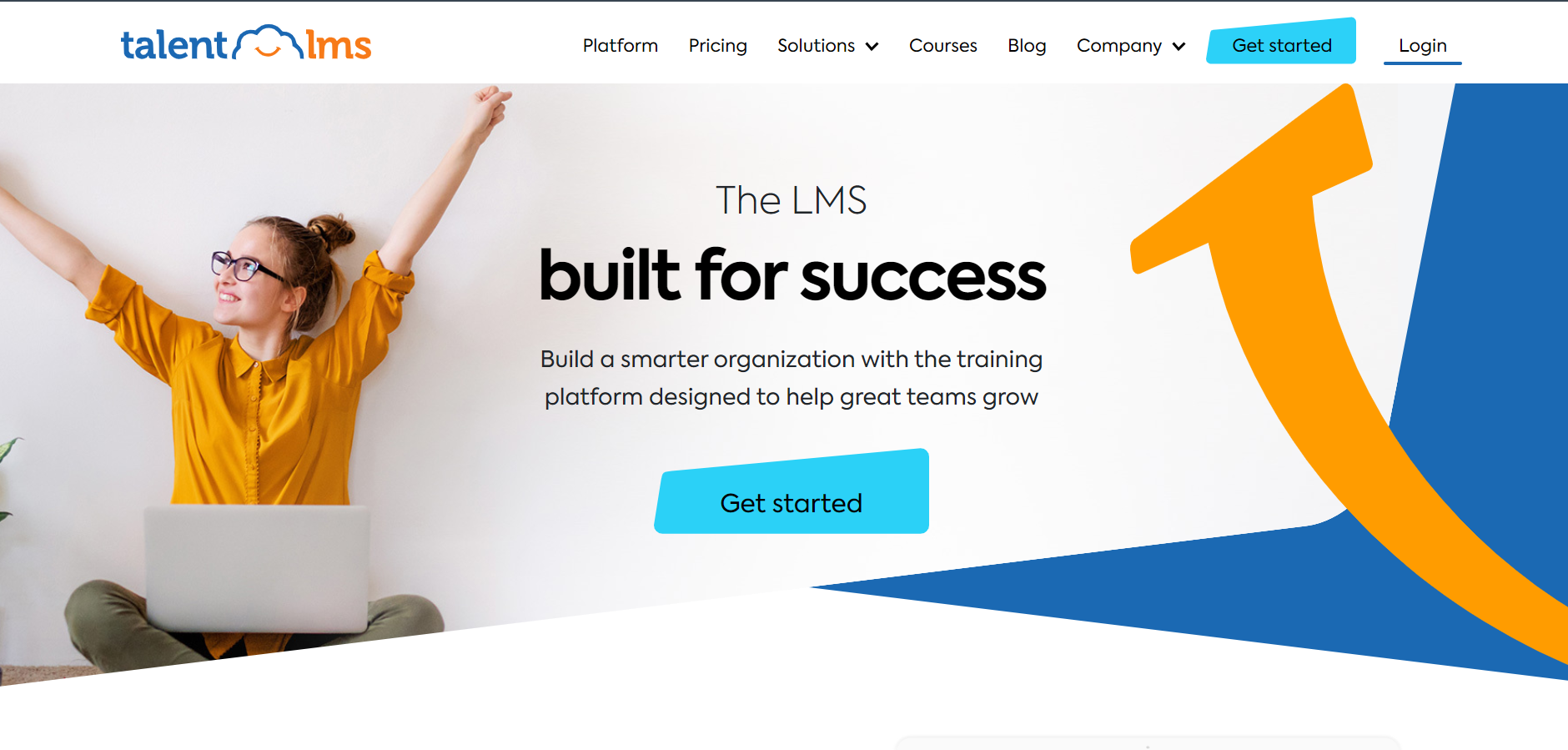
The branch structure is what I’d point to as its best trick. Each branch I set up got its own courses, users, and reporting, so I could run isolated training programs for different departments or client accounts from a single login instead of juggling separate ones.
I’d recommend it to mid-sized companies and training agencies that want a self-serve setup without a sales call. It’s consistently one of the easier tools I’ve used, though I noticed costs climb quickly once you’re managing more than a few hundred learners.
Pros:
- Live course catalog can be running within a day of signup
- Branch structure isolates training for different departments, franchises, or clients
- AI tools draft course outlines and quiz questions from a prompt
- Integrates with 30+ tools, including Zoom, BambooHR, and Microsoft Teams
- Transparent published pricing with a genuinely free plan
Cons:
- Per-branch and per-user costs add up quickly past the 500-user mark
- Advanced reporting requires the higher-tier Pro or Enterprise plans
Pricing: Free plan available; paid plans start at $149/month for the Core plan (up to 100 users), scaling to $579/month for 1,000 users on the Pro plan.
3. Docebo – Best for AI-Powered Enterprise and Customer Education
Docebo is built for organizations training more than just employees, and I could feel that the moment I got into the Extended Enterprise settings. It’s designed for running employee, partner, and customer education programs at once, each with its own branding and reporting.
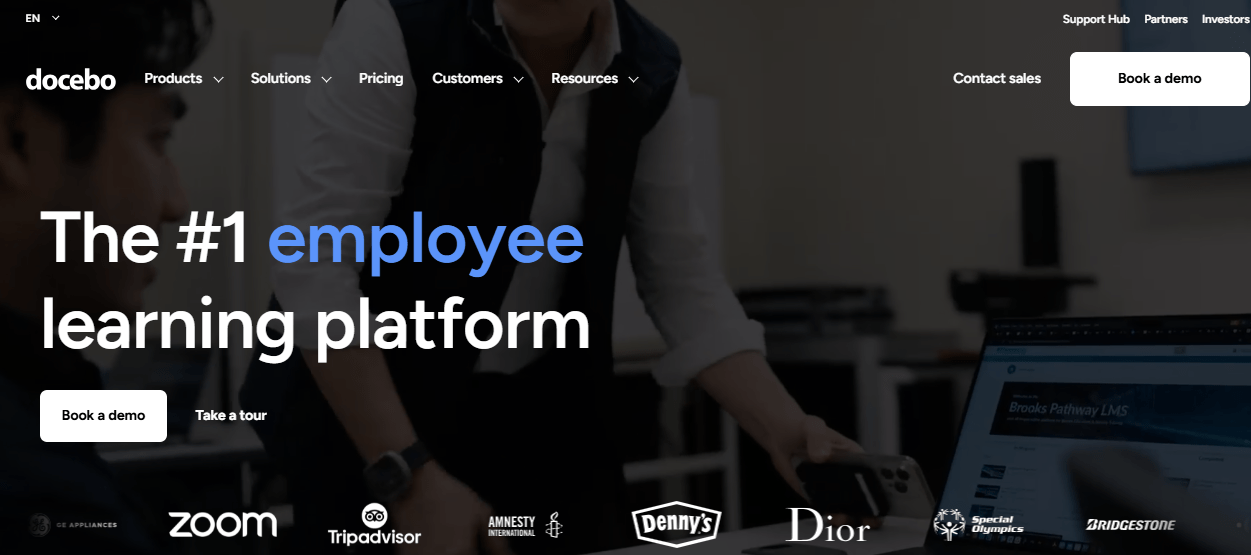
The feature that impressed me most was Docebo Shape, an AI tool that turns existing documents into structured micro-courses. I watched it convert a stack of compliance documentation into digestible modules in a matter of days, work that would have taken me months by hand.
This is enterprise-grade software, and I felt the price tag reflect that at every step of setup. It’s a better fit for organizations with a dedicated L&D or RevOps team that can justify the time and negotiate contract terms than for a lean team hoping to configure everything in a weekend.
Pros:
- AI-powered content creation (Shape) turns documents into courses quickly
- Strong support for branded, multi-audience training across employees, partners, and customers
- Deep reporting and analytics for large, distributed learner populations
- Mobile-first learner experience with offline access
- Proven at scale with enterprise customers like Zoom and Heineken
Cons:
- Pricing is quote-based and opaque, often starting near $25,000 per year
- Admin setup and configuration require a real-time investment before launch
Pricing: Custom quote based on active users and modules selected; total cost of ownership commonly starts around $25,000 per year before add-ons.
4. Absorb LMS – Best for Modern Learner Experience and Retention
Absorb LMS is the platform on this list that felt the least like enterprise software to actually use. The interface is clean, the course catalog reads like a streaming service, and Absorb Intelligence recommended courses to me based on role, skill gaps, and what similar learners had completed.
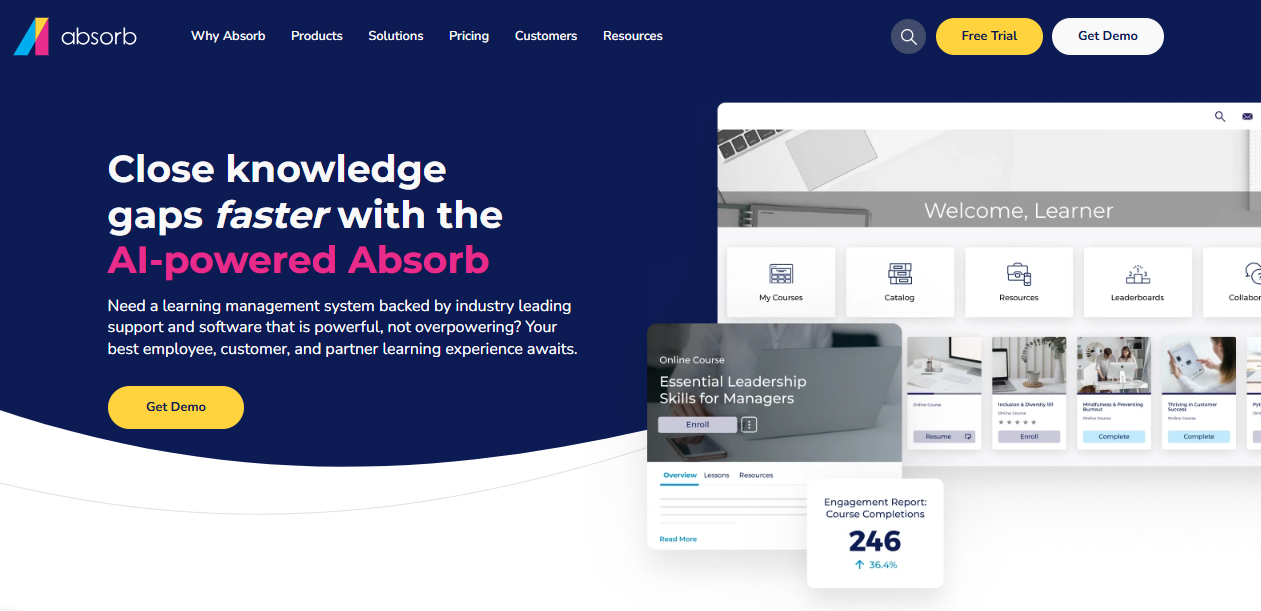
That focus on experience shows up in the numbers I’ve seen reported. Teams that migrate to Absorb consistently report meaningful increases in completion rates within the first quarter, largely because learners actually want to open the app rather than being nagged into it.
I’d point mid-size to large organizations toward this one, typically 200 to 10,000 employees, especially teams that have struggled with adoption on a legacy LMS and are willing to pay a premium for something learners don’t resist using.
Pros:
- Clean, modern learner interface that drives voluntary adoption
- Absorb Intelligence recommends courses based on role and skill gaps
- Strong customer support consistently highlighted in reviews
- Flexible enough to support a wide range of content formats
- Fast implementation, with some teams live within six weeks
Cons:
- No published pricing, so every quote requires a sales conversation
- Add-ons for social learning and advanced analytics can push costs higher
Pricing: Custom quote based on active learner count; Absorb does not publish list pricing.
5. LearnUpon – Best for Multi-Audience Training at Scale
LearnUpon was built around something I’ve run into constantly: most mid-market companies aren’t training just one audience. I was training employees, customers, and partners simultaneously, each needing different content and completion requirements.

What I liked was the portal structure. I could spin up separate, branded training environments for each audience from a single backend, so a customer onboarding academy and an internal compliance program could run in parallel without content or data crossing over.
I’d recommend it to B2B SaaS companies and mid-market organizations juggling multiple training audiences, especially teams that have outgrown a single-purpose tool but aren’t ready for the cost and complexity of a fully custom enterprise deployment.
Pros:
- Separate branded portals for employees, customers, and partners from one account
- Highly rated customer support, consistently near the top of Capterra reviews
- Automation rules reduce manual enrollment and reminder work
- Solid reporting for compliance and certification tracking
- Scales cleanly from a few hundred to several thousand learners
Cons:
- No published pricing; every plan requires a custom quote
- Deeper customization and advanced analytics can require add-on modules
Pricing: Custom quote based on learner count and the number of audience portals needed.
6. 360Learning – Best for Collaborative and Peer-Driven Learning
360Learning works differently from most tools I’ve tested for this list. Instead of a top-down model where L&D builds every course, it’s built for collaborative authoring, where subject matter experts across the company co-create and review training content directly on the platform.
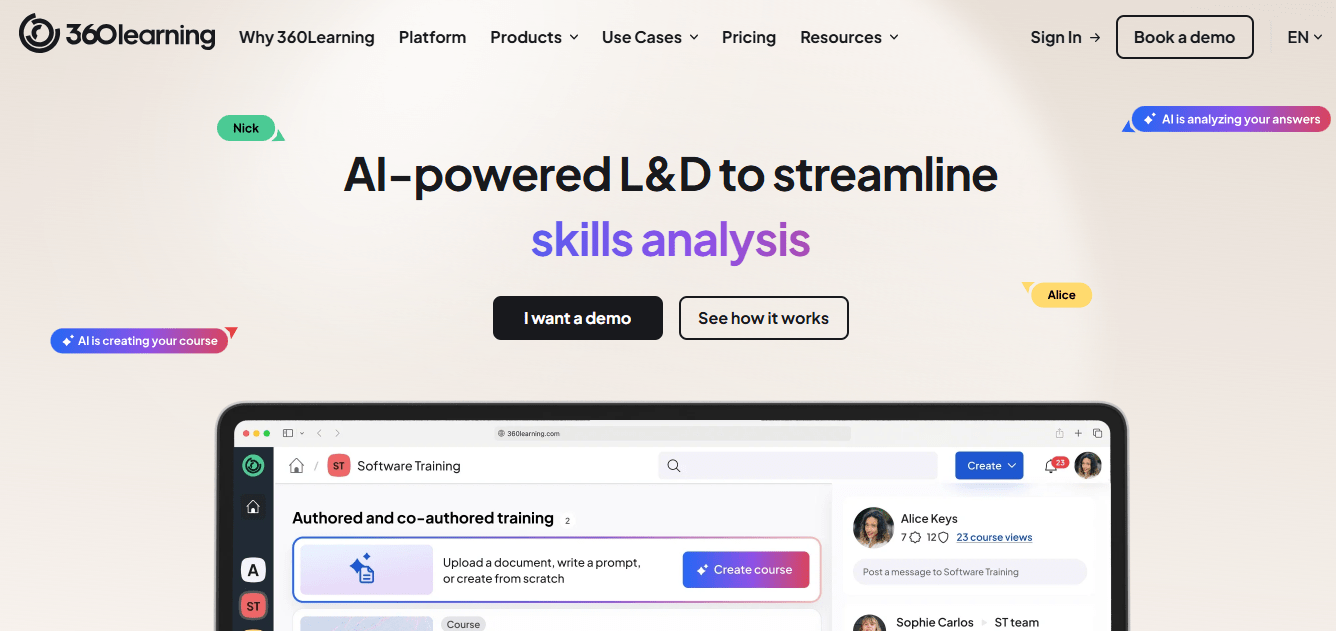
That structure worked well for the fast-moving teams I’ve seen use it, where the person who knows a process best usually isn’t in the training department. Peer reviews, discussion threads, and built-in feedback loops meant courses got refined by the people actually using them, not just written once and left stale.
I’d point companies with a strong internal culture of documentation and cross-team collaboration toward this one, especially if the goal is scaling internal knowledge sharing without funneling every course through a single instructional designer.
Pros:
- Collaborative course authoring lets subject matter experts build content directly
- Transparent per-user pricing that starts low for small teams
- Peer review and discussion tools keep content current
- Strong onboarding support and responsive customer service
- Scales well for companies with a continuous-learning culture
Cons:
- Pricing can feel steep once advanced security or admin controls are needed
- Less suited to teams that prefer fully pre-built, ready-to-deploy content
Pricing: Starts at $8 per user/month for the Team plan; enterprise pricing is quote-based.
7. Cornerstone OnDemand – Best for Global Enterprise Compliance Programs
Cornerstone OnDemand is built for a level of complexity that smaller platforms I’ve tested simply weren’t designed to handle: tens of thousands of employees, dozens of countries, and compliance requirements that shift by region and language.
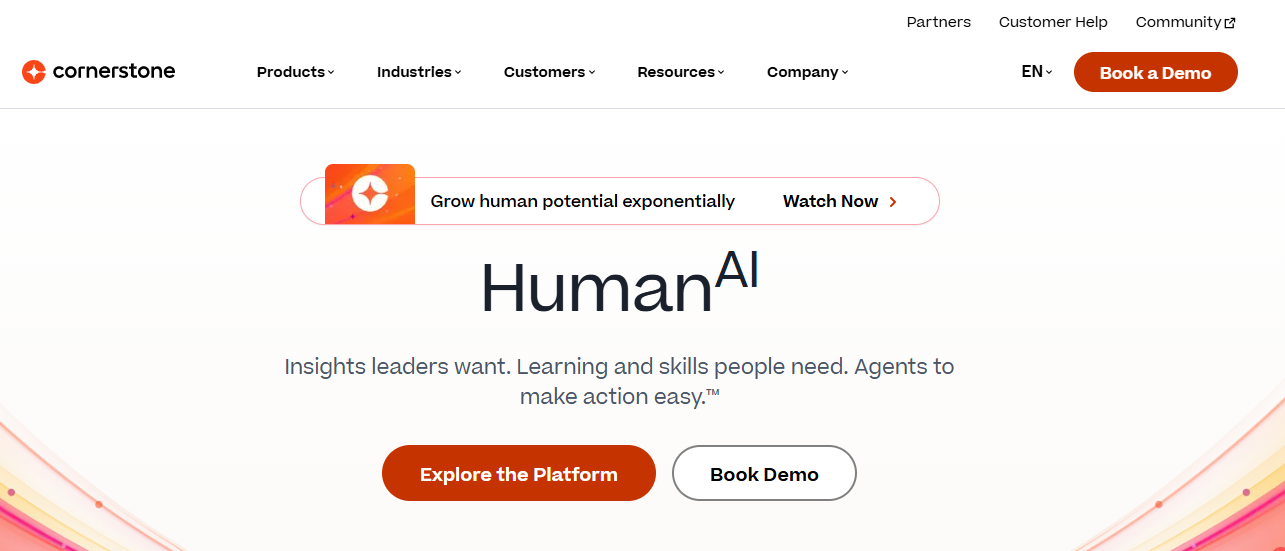
The depth is the whole point. Between the Content Anytime marketplace, granular role-based permissions, and reporting built for regulatory audits, I found it could support compliance training in fifteen or more languages across a genuinely global workforce, something few other tools on this list attempt.
That depth comes at a cost, in dollars and in implementation time. I’d only recommend this to large enterprises with a dedicated systems administrator on staff, not mid-market teams that need to be live within a month.
Pros:
- Handles complex, multi-region compliance training at genuine global scale
- Content Anytime marketplace reduces the need to build every course from scratch
- Granular role-based permissions suit strict governance requirements
- Deep reporting built for regulatory audit needs
- Established vendor with decades of enterprise HR software experience
Cons:
- Implementation commonly takes several months and a dedicated administrator
- Pricing is quote-based and reported to run well into five figures annually
Pricing: Custom quote; industry estimates put annual contracts in the $65,000 to $70,000 range before add-ons.
8. Litmos – Best for Sales Enablement and Onboarding
Litmos has carved out its niche in sales enablement and fast-turnaround onboarding, where I needed speed more than deep customization. It ships with a large library of off-the-shelf content and built-in video assessments, which I used to verify reps could actually deliver a pitch, not just click through slides.
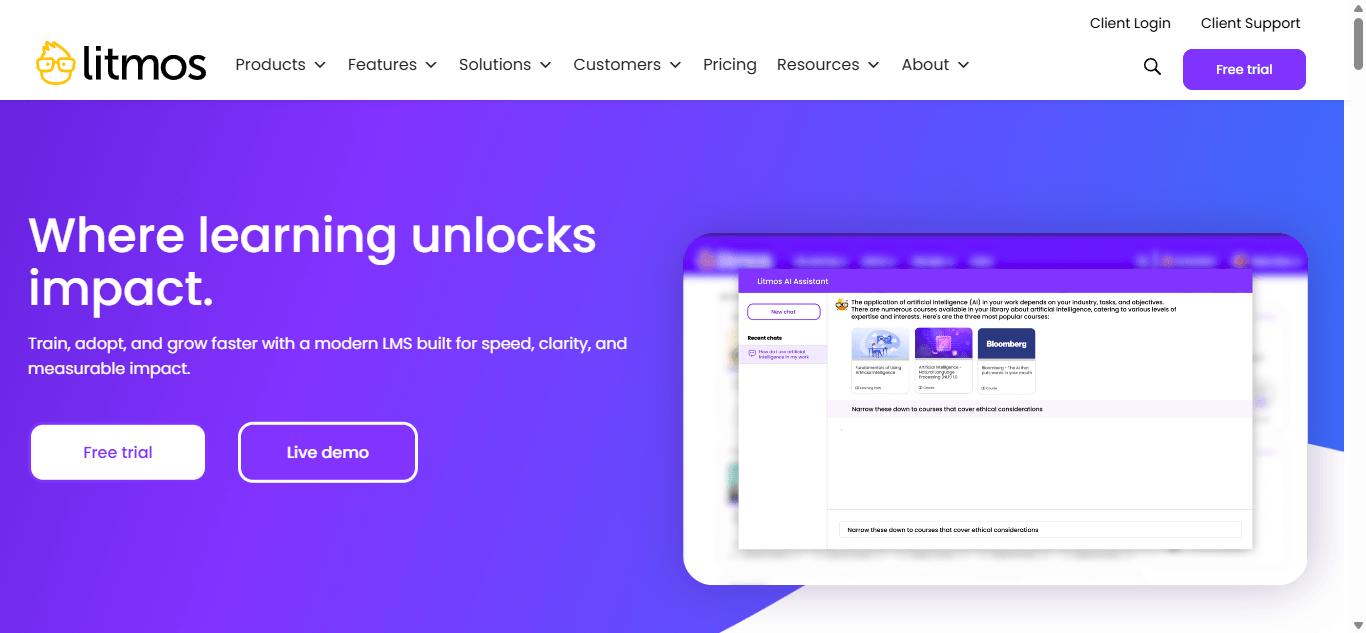
The setup was genuinely quick in my experience. Teams onboarding a distributed sales force or a seasonal retail workforce across dozens of countries have reported doubling course completion rates simply by switching from a clunkier legacy system.
I’d recommend it for sales enablement, customer training, and onboarding-heavy use cases rather than deep compliance programs, where I noticed the reporting and support experience felt less consistent than some of the other platforms here.
Pros:
- Fast deployment with a large library of ready-made content
- Built-in video assessments for verifying real-world skill, not just quiz answers
- Custom UI branding and dashboards out of the box
- Reasonable pricing for non-profits and educational institutions
- Works well for distributed sales and frontline teams
Cons:
- Reporting depth lags behind more compliance-focused platforms on this list
- Support quality and billing experience receive mixed reviews
Pricing: Custom quote; third-party estimates place per-user costs between roughly $6 and $15 per month, depending on volume.
9. WorkRamp – Best for Branded Customer and Partner Academies
WorkRamp calls itself a “Learning Cloud” rather than a traditional LMS, and that distinction made the most sense to me when I looked at its Customer LMS. It let me stand up a fully branded academy, complete with certifications and structured learning paths, aimed at external users rather than employees.
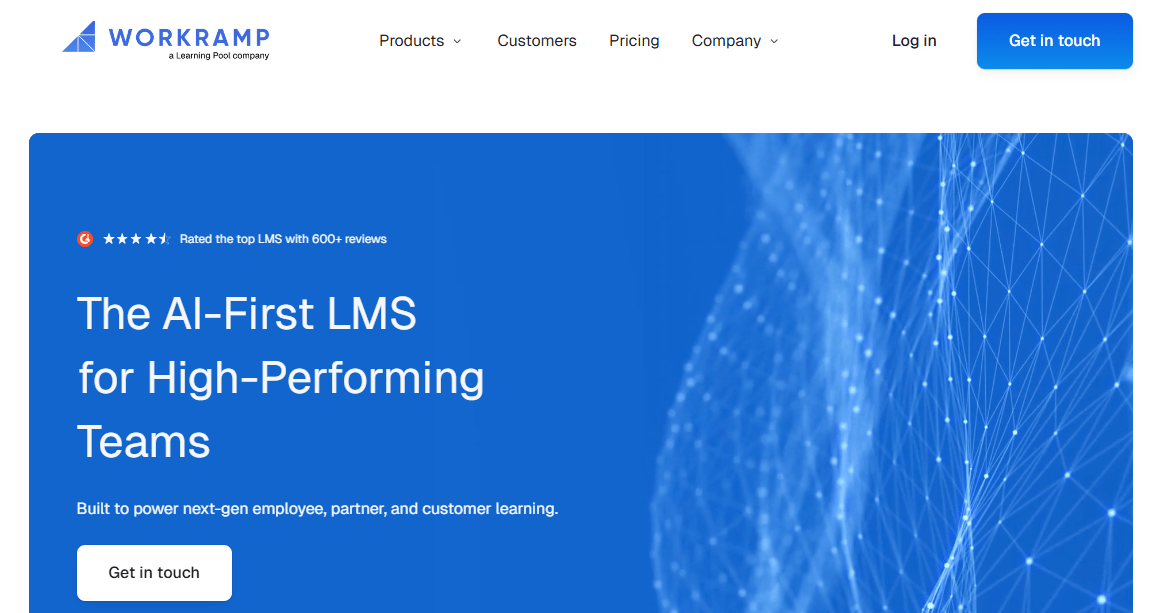
Course authoring was genuinely fast in my hands. I’d point to the intuitive editor as the reason implementation stayed short, even for a team that had never run a formal customer education program before.
I’d suggest it to mid-market and enterprise companies, typically 200 or more learners, that want to run a branded customer or partner academy alongside internal employee training on one platform instead of stitching two tools together.
Pros:
- Purpose-built for branded customer and partner academies, not just internal training
- Genuinely fast, intuitive course authoring
- Strong customer support cited across reviews
- Proven with recognizable customers like Canva and Box
- Combines a customer LMS and an employee LMS on one platform
Cons:
- Reporting is consistently flagged by reviewers as the weakest area
- Pricing is opaque and typically starts above $20,000 per year
Pricing: Custom quote based on learner count and modules selected; typically starts around $20,000 per year.
10. iSpring Learn – Best for PowerPoint-Based Course Authoring
iSpring Learn made the most sense to me for teams that already live in PowerPoint and don’t want to learn a whole new authoring workflow. Its authoring tools sit directly inside PowerPoint, converting slides, narration, and quizzes into SCORM-ready courses without a separate content tool.
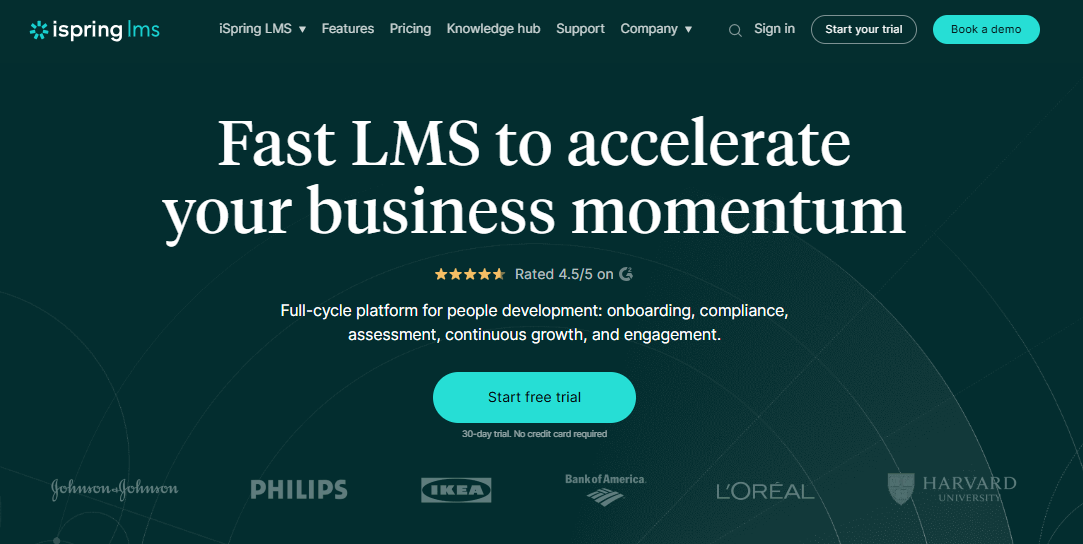
The LMS side covered the essentials well when I tested it: automated enrollments, development plans, on-the-job training checklists, and a built-in knowledge base for storing SOPs. I also liked that pay-per-active-user billing meant I wasn’t charged for registered users who never logged in during a given month.
I’d point small to midsize businesses with PowerPoint-heavy existing content toward this one, especially teams comparing options on price rather than enterprise feature depth.
Pros:
- PowerPoint-based authoring with no separate content tool required
- Pay-per-active-user billing avoids charging for inactive registered users
- On-the-job training checklists and a built-in knowledge base
- Offline mobile access for distributed or field-based teams
- Genuinely responsive customer support, frequently praised in reviews
Cons:
- Reporting shows only the most recent quiz attempt, not the full attempt history
- Some administrative workflows, like closing 360-reviews, feel dated
Pricing: Starts around $3.58 per user/month on the Business plan at 1,000 users, scaling up to $4.46 per user/month at smaller volumes; Enterprise plans are custom-priced.
The Best Adobe Learning Manager Alternatives to Shortlist First
If you don’t have time to read all ten breakdowns, here are the three I’d point you to first.
ProProfs Training Maker
If I were advising a growing team that needs reliable compliance tracking without a six-figure contract, I’d start here. The ready-made onboarding templates and automated certificate renewals get programs live in days, not months, and it’s the one I’d hand to a lean L&D team first.
TalentLMS
If speed to launch is what you care about most, I’d go with TalentLMS. The branch structure alone made it worth recommending to anyone managing training across multiple departments or client accounts.
Absorb LMS
If you’ve tried an LMS before and watched learners ignore it, I’d point you to Absorb LMS next. Its AI-driven recommendations and clean interface are what I’d credit for the completion-rate jumps teams report after migration.
How I Evaluated These Adobe Learning Manager Alternatives
None of these rankings came from marketing pages alone, so here’s what actually went into them.
Here’s exactly what I put into ranking these alternatives to Adobe Learning Manager:
- User reviews and ratings from Capterra and G2, weighted toward tools with a meaningful volume of recent reviews rather than a handful of five-star outliers
- Compliance-specific features, including audit trails, certificate expiration and renewal, completion reporting, and multi-language support
- Ease of use for non-technical admins, since most L&D teams don’t have a dedicated LMS administrator on staff
- Customer support quality and responsiveness, based on recurring patterns across verified reviews
- Pricing transparency and real-world total cost of ownership, not just the number on the homepage
- Fit for extended enterprise use cases, meaning how well each platform trains employees, customers, and partners from one account
Across every comparison of Adobe LMS alternatives I researched for this piece, ease of use and reporting depth came up more than any other complaint, so I weighted both heavily. That combination of usability and pricing clarity is what separates the best Adobe Learning Manager alternatives from platforms that just look good in a demo.
Picking the Right Fit Beats Picking the Popular One
Adobe Learning Manager alternatives aren’t interchangeable, whatever the comparison charts imply. A 50-person company drowning in spreadsheet-based compliance tracking needs something different than a 5,000-person enterprise running training in fifteen languages. Match the tool to the problem you actually have today, not the one you might have in three years.
If you’re still narrowing down alternatives to Adobe Learning Manager, start with a free trial on two or three options from this list and run the same test course through each one. The platform that gets out of your way during setup is usually the one that keeps getting out of your way a year later. For teams ready to see what that looks like in practice, ProProfs Training Maker’s employee training resources are a reasonable place to start. Bookmark this list of Adobe LMS alternatives and revisit it any time your training program outgrows its current tool.
Frequently Asked Questions
What Is the Best Free Alternative to Adobe Learning Manager?
I'd point you to ProProfs Training Maker. It has the strongest free plan among Adobe Learning Manager alternatives, supporting up to 10 learners with course creation, quizzes, and certificates included, plans starting at $1.99 per user/month.
Is TalentLMS Better than Adobe Learning Manager?
In my experience, TalentLMS is easier to set up and far more transparently priced than Adobe Learning Manager, which makes it the better fit for small and mid-sized teams. Adobe still wins if you're deep in the Creative Cloud ecosystem.
Which Adobe Learning Manager Alternative Handles Compliance Training Best?
I'd split this one: ProProfs Training Maker for faster-moving mid-market teams that need audit-ready reporting, and Cornerstone OnDemand for large, multi-region enterprises running compliance training across many languages and regulatory frameworks.
Can I Migrate My Courses to Other Alternatives to Adobe Learning Manager?
Most SCORM- and xAPI-compliant courses I've built in Adobe Learning Manager can be exported and re-imported into platforms like TalentLMS, ProProfs Training Maker, or Docebo, though I've had to rebuild custom interactive elements by hand.
How Much Do Adobe Learning Manager Alternatives Cost?
Pricing varies widely in what I've seen: ProProfs Training Maker starts under $2 per user/month, TalentLMS starts at $149/month flat rate, and enterprise-grade platforms like Docebo or Cornerstone OnDemand typically run $20,000 or more per year.
Let ProProfs AI create your training course

 We'd love your feedback!
What did you like & how can we make it even better?
 Thanks for your feedback!
 Ask Your Question
Have a question? Get expert help to make your decision easier.