Every B2B LMS pricing page has the same trick buried in it. iSpring advertises $3.58 per user, per month. That number’s real. It’s also locked behind a 1,000-user minimum, so anyone smaller pays two or three times as much and finds out during the quote call, not before.
I’ve bought a B2B LMS for three different companies now. The one that survived past year one was never the cheapest quote or the smoothest demo. Once, it was the only vendor that let us export our own courses without a fight. Another time, it was the one whose “seamless integration” still worked six months later instead of quietly dying after the contract was signed.
That’s what this list is built around. Ten platforms, real limitations included, not buried in the fine print.
What Is a B2B LMS, Exactly?
That distinction matters more than it sounds. Buyers land on “B2B LMS” as a search term after getting burned by tools built for one classroom of employees. Searches for LMS B2B SaaS and LMS portals B2B SaaS have climbed for the same reason: software companies are bolting training onto their own product instead of building it from scratch.
The acronym soup doesn’t help either. An LMS manages structured courses and compliance. An LXP leans toward discovery and informal content. An LRS is just the data layer underneath both. Most platforms on this list quietly do all three.
The 10 Best B2B LMS Platforms, Compared
Once you know what you’re actually shopping for, these ten stop looking like interchangeable options. A few only look similar until you check the pricing model, and by then, you’re usually three demos deep and reluctant to start over.
Here’s how they stack up before I get into the details on each one.
| Platform | Capterra Rating | Best For | Starting Price |
|---|---|---|---|
| ProProfs Training Maker | 4.8/5 | Growing teams needing fast course builds + compliance tracking | Free (up to 10 learners); $1.99/learner/mo |
| Docebo | 4.4/5 | Enterprise, API-first B2B SaaS integration | Custom quote (~$25K-$40K/yr) |
| TalentLMS | 4.7/5 | Budget-conscious teams wanting transparent pricing | $149/mo (100 users) |
| Absorb LMS | 4.5/5 | Mid-market to enterprise, AI-driven personalization | Custom quote (~$14.5K/yr+) |
| iSpring Learn | 4.7/5 | Teams already building content in PowerPoint | $3.58/user/mo (1,000-user minimum) |
| 360Learning | 4.7/5 | Peer-driven, collaborative course creation | $8/user/mo (Team plan) |
| Litmos (SAP Litmos) | 4.2/5 | Sales enablement, fast deployment | Custom quote (~$6-15/user/mo) |
| Moodle Workplace | 4.3/5 | Multi-tenant partner or reseller training | Custom, via partners ($50K+/yr) |
| LearnUpon | 4.7/5 | Mid-sized enterprises with multiple external audiences | Custom quote |
| Adobe Learning Manager | 4.3/5 | Enterprises standardized on Adobe | Custom quote (100 MAU minimum) |
1. ProProfs Training Maker: Best for Easy Course Creation, Employee Training, Compliance & Skill Assessment
ProProfs Training Maker is the platform I recommend first to most mid-market teams evaluating a B2B LMS, and it’s not close, for a specific reason: it’s built for exactly the job those teams actually have.
I’ve used it for compliance training, employee onboarding, and partner-facing skills programs, and the thing that keeps me coming back is the AI course builder.
You describe what you need in a prompt, and it generates a structured course: content, quiz questions, and a logical learning flow, in minutes. That’s not a party trick. If you’re running training across three departments without an instructional design team behind you, it buys back hours you don’t have. Why don’t you try creating a quick course below, just type a simple prompt and see a course built in minutes:

Let ProProfs AI create your training course
The 500+ ready-made expert courses matter too. Sexual harassment prevention, workplace safety, leadership, communication, and the usual compliance load are already built. Use them as-is or edit them to match your own policy language.
Where ProProfs actually separates from most platforms on this list is tracking. Completions, quiz scores, time on task, and drop-off points are all visible in real time, and you can pull an audit trail for compliance purposes without exporting three spreadsheets first. It also handles gamification, branched scenarios, flashcards, 70+ languages, and SCORM import, so existing content doesn’t need to be rebuilt from scratch.
Pros:
- AI course builder cuts course production time significantly
- 500+ pre-built compliance courses reduce build-from-scratch work
- Real-time tracking with exportable, audit-ready reports
- Transparent, published pricing; no sales call required
- 70+ language support and SCORM import for existing content
Cons:
- No dark mode for low-light environments
- No downloadable or on-premise version
Pricing: Free trial available (up to 10 learners). Paid plans start at $1.99 per active learner/month.
2. Docebo: Best For Enterprise B2B SaaS Companies Needing Deep API Integration
Docebo is where mid-market to large organizations land when they need to bolt training onto an existing product or sales motion, not run it as a standalone department.
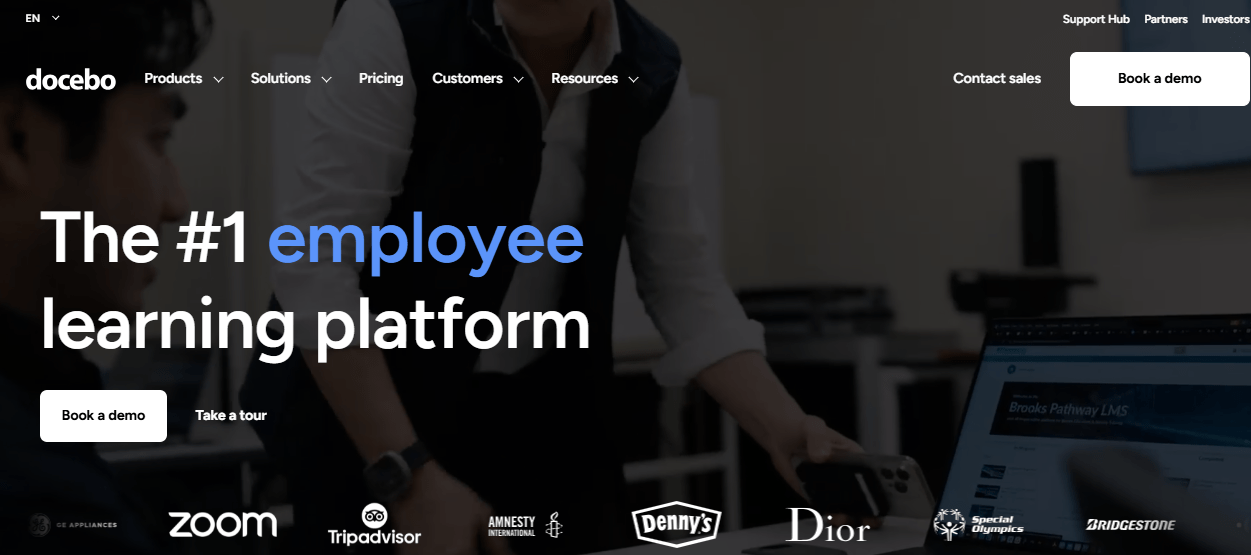
What stands out is how API-first the whole thing is. Docebo shows up constantly on shortlists built for LMS portals, B2B SaaS companies embed directly into their own product, since that requires front-end functionality exposed programmatically, an area Docebo has invested in more than most competitors.
Its AI features (content curation, skill recommendations, and a new AI credit system for consumption-based billing) are genuinely capable, if you’re prepared for the pricing model that comes with them.
The tradeoff is cost and complexity. This isn’t a platform a two-person training team spins up in an afternoon, and the AI credit system adds a layer of billing unpredictability on top of a contract that already isn’t published anywhere.
Pros:
- Strong API-first architecture built for embedding training into B2B SaaS products
- Mature AI-driven content curation and personalization
- Handles multi-audience training at real enterprise scale
Cons:
- No published pricing; contracts commonly start around $25,000-$40,000 per year
- New AI credit system adds consumption-based costs on top of base licensing
- Steeper implementation curve than smaller platforms on this list
Pricing: Custom quote only. Typical mid-market contracts run $25K-$40K annually.
3. TalentLMS: Best For Teams That Want Transparent, Predictable Pricing
TalentLMS solves a specific frustration that shows up constantly in buyer forums: not knowing what an LMS will cost until you’re deep into a sales call. Its pricing is published, flat-rate, and tied to user tiers, which makes budgeting genuinely simple.
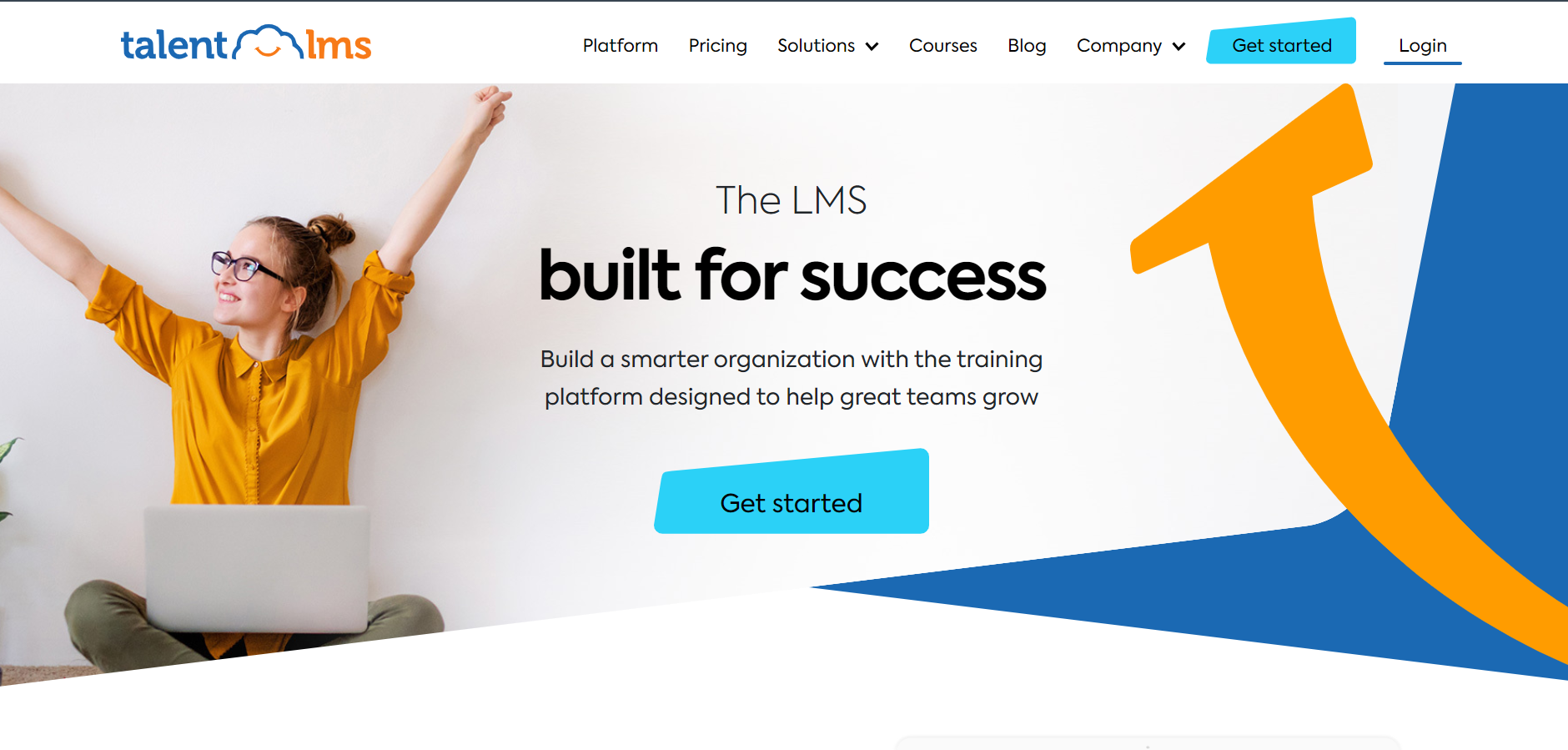
It’s fast to set up, learners pick it up without training, and the course creation flow doesn’t require a technical background. It’s also one of the few platforms here where the free tier is genuinely usable for a real pilot, not just a lead-gen gate that nags you to upgrade after day three.
Where it thins out is anything approaching AI-powered personalization or adaptive learning, features Absorb and Docebo already ship. Its social and collaborative learning tools are basic, and e-commerce functionality for organizations that want to sell courses externally isn’t as developed as platforms built specifically for that.
Pros:
- Transparent, published pricing tiers, no sales call required
- Fast setup and a genuinely low learning curve
- Strong integration library (Zoom, BambooHR, Salesforce, Zapier)
Cons:
- No built-in AI-powered recommendations or adaptive learning paths
- Limited social or collaborative learning features
- Per-user costs climb quickly past the 500-1,000 user mark
Pricing: Core $149/month (100 users), Grow $299/month (500 users), Pro $579/month (1,000 users), Enterprise custom.
4. Absorb LMS: Best For Mid-Market to Enterprise Teams Wanting AI-Driven Personalization
Absorb has built its identity around Absorb Intelligence, an AI layer that recommends courses, predicts who’s likely to finish (or not finish) their training, and flags at-risk learners before a manager has to ask. For organizations training a mix of employees, customers, and partners at real scale, that kind of proactive flagging is genuinely useful, not a checkbox feature.
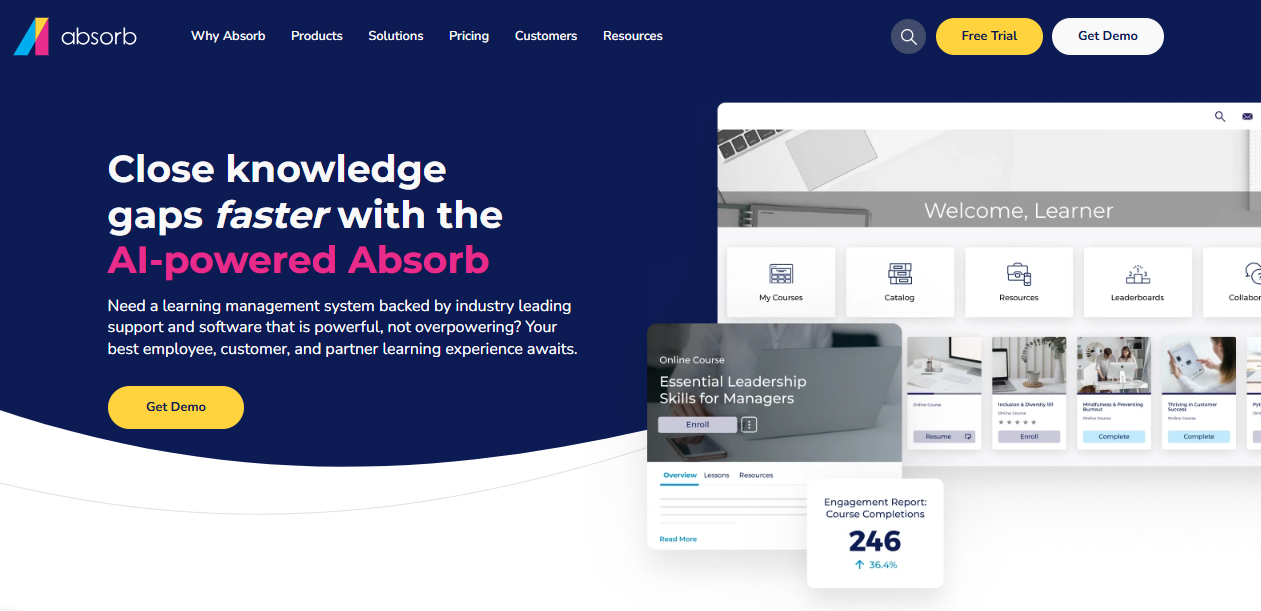
The interface is clean enough that adoption tends to be high without much hand-holding, and it’s commonly shortlisted alongside Docebo by mid-market L&D teams that want enterprise polish without necessarily signing a multi-year contract on day one. The catch is the one you’ll see across most enterprise platforms here: pricing isn’t published, and the add-on model (social learning, advanced authoring, deeper analytics) means your quoted number is rarely your final number.
Pros:
- Absorb Intelligence AI personalizes recommendations and flags at-risk learners
- Modern learner interface drives high adoption without heavy training
- Strong customer support, consistently cited across reviews
Cons:
- Quote-only pricing with an add-on structure that inflates the base cost
- Admin setup and migration take longer than reviewers expect going in
- Best suited to 200+ employee organizations; overkill for smaller teams
Pricing: Custom, pay-per-active-learner. Small-end deployments start around $14,500/year.
5. iSpring Learn: Best For Teams Already Building Content in PowerPoint
iSpring’s pitch is straightforward: if your team already builds training in PowerPoint, iSpring Learn turns that content into SCORM-ready, trackable courses without starting over. It’s fast to deploy, and its AI assistant speeds up course assembly further.
Here’s where it gets interesting if you’re comparing this list on price. iSpring is one of the platforms behind that headline “$3.58 per user per month” rate you’ll see in ads. It’s real, but it’s locked behind a 1,000-user minimum.
Below that, the effective per-user cost is considerably higher, which is exactly the kind of pricing structure that frustrates buyers researching this category in the first place.
It’s also a natural landing spot for teams migrating off a clunkier authoring-first tool, since several reviewers specifically mention switching over for that reason alone.
Pros:
- Fast conversion of existing PowerPoint content into trackable SCORM courses
- Strong quiz and assessment tooling
- High satisfaction scores, especially around ease of use
Cons:
- Advertised low per-user rate requires a 1,000-user minimum to unlock
- Reporting sometimes only shows a learner’s last quiz attempt, not full history
- Licensing can be inflexible when transferring seats between users
Pricing: From $3.58/user/month at the 1,000-user tier; smaller teams pay meaningfully more per seat.
6. 360Learning: Best For Peer-Driven, Collaborative Course Creation
360Learning takes a different approach than most platforms here: instead of a top-down course library, it leans on internal experts to build and co-author training collaboratively, with discussion threads built into every course.
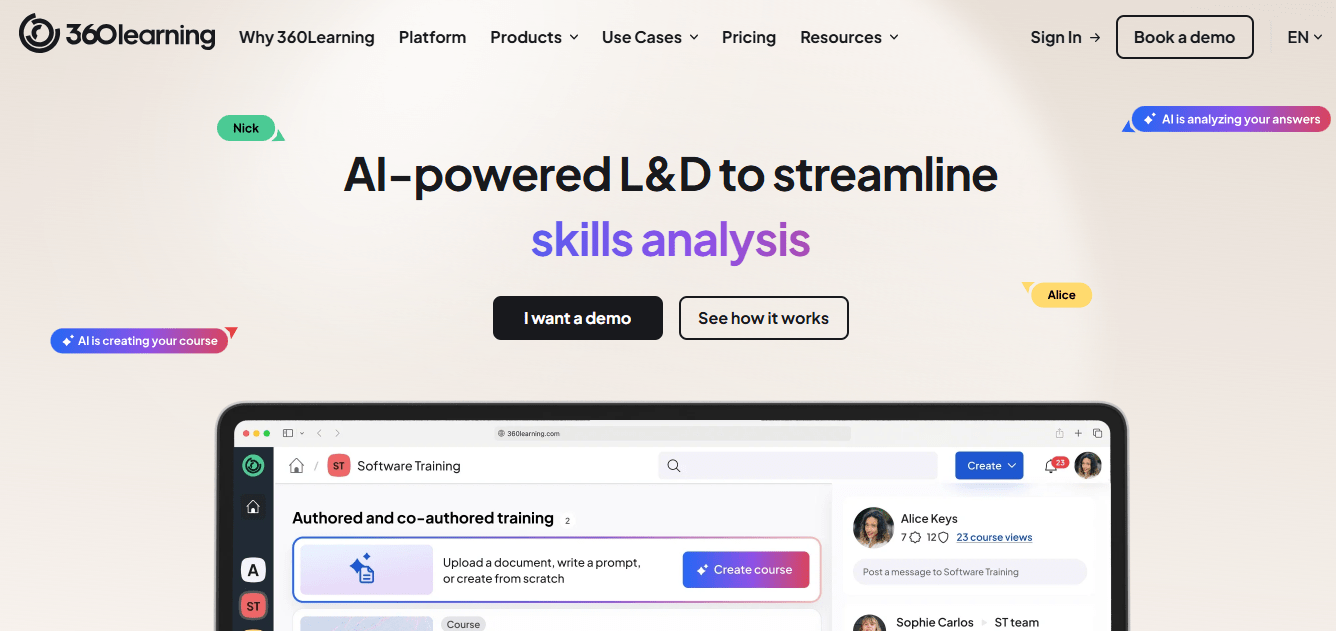
For companies whose real expertise lives in their team’s heads rather than in a content library, that model can produce better training faster than a traditional build process. It also tends to surface subject-matter experts who’d otherwise never touch an authoring tool, since the barrier to co-author a single course is close to zero.
It scales reasonably well and has picked up genuine praise for customer support. The entry price looks approachable, but reviewers note costs get “hefty” once you need enterprise identity controls, multi-region governance, or deeper analytics, at which point you’re back to a custom quote.
Pros:
- Collaborative, peer-driven course creation with built-in discussion tools
- Strong customer support and onboarding, per reviewer feedback
- Published entry-level pricing for smaller deployments
Cons:
- Costs shift to custom enterprise pricing quickly once you need advanced security or governance
- Less suited to organizations that prefer pre-built, ready-made course libraries
- Advanced customization has a real learning curve
Pricing: From $8/user/month (Team plan, published); enterprise features move to custom quote.
7. Litmos (SAP Litmos): Best For Sales Enablement Teams Needing Fast Deployment
Litmos, now under SAP, is commonly shortlisted by sales enablement and compliance teams that need to get training live quickly without a long implementation cycle.
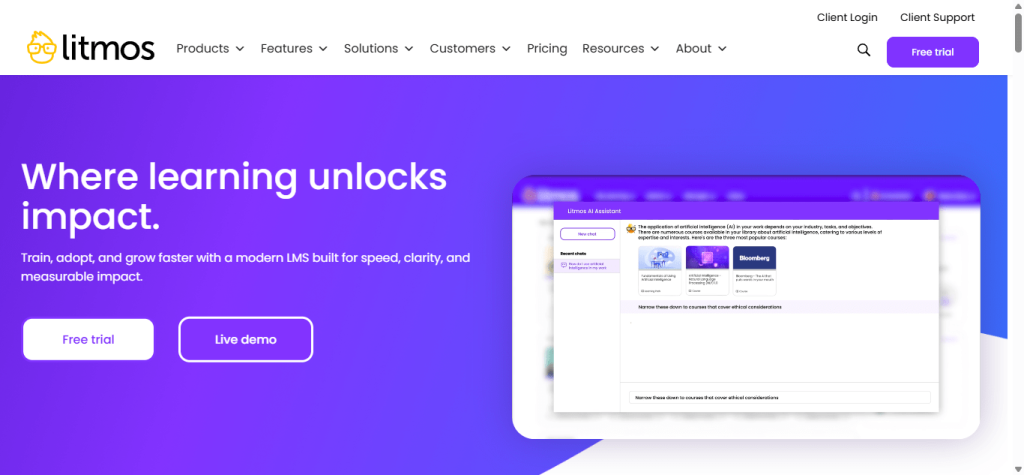
It plugs into Salesforce reasonably well, which matters if your training needs to live close to your CRM data, a common ask from anyone searching LMS B2B sales tools specifically.
It also shows up in extended-enterprise conversations, training a company’s own dealers or franchisees alongside internal staff, though its native content authoring tools trail what dedicated authoring platforms offer.
Reviewers are split on value. A meaningful share call it cost-effective for what you get, particularly nonprofits and education-adjacent buyers, while others say costs climb once you add features beyond the base LMS. Support responsiveness comes up as a recurring complaint in recent reviews.
Pros:
- Quick deployment and simple setup for sales and compliance use cases
- Reasonable Salesforce integration for CRM-adjacent training needs
- Large existing content library (2,000+ courses on higher tiers)
Cons:
- Support responsiveness is a recurring theme in negative reviews
- Pricing isn’t published; per-user costs vary widely by volume and tier
- Some users report technical instability and slow bug fixes
Pricing: Custom, typically cited around $6-$15 per user/month depending on volume and tier.
8. Moodle Workplace: Best For Multi-Tenant Training Across Partners, Resellers, or Franchises
Moodle Workplace is the enterprise edition of the open-source Moodle LMS, and it’s the one platform on this list built specifically around multi-tenancy: separate, isolated learning environments for different clients, franchises, or reseller networks, all run from a single instance.
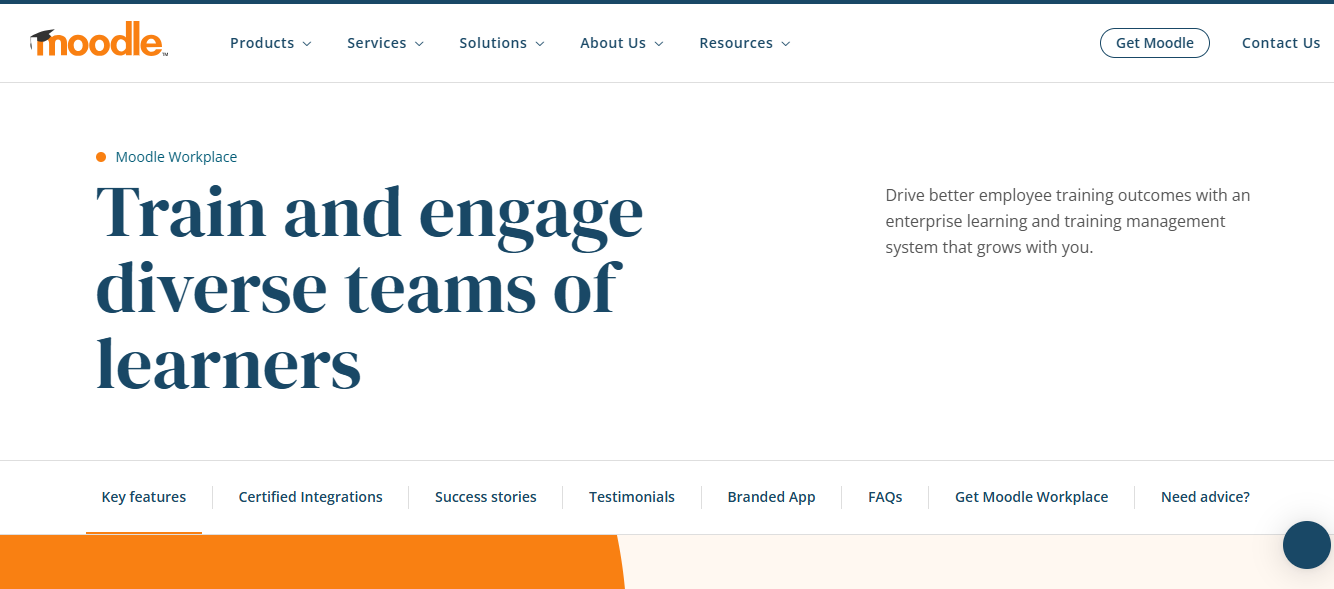
If your actual problem is data control (a retailer wants its own employee data walled off, while you still need visibility into completion rates), this is the category Moodle Workplace was built to solve.
That capability comes at real cost. It’s not sold directly. You license and implement it through certified partners, and enterprise deployments commonly run from the tens of thousands into six figures annually, a different budget conversation entirely from most of this list.
Pros:
- Purpose-built multi-tenancy for partner, reseller, or franchise training
- Built on Moodle’s open-source core, so third-party plugin support is extensive
- Strong compliance and automated recertification tooling
Cons:
- No public pricing; sold exclusively through certified implementation partners
- Enterprise deployments often run $50,000-$150,000+ per year
- Requires more technical setup than most platforms on this list
Pricing: Custom, via certified partners. Typical enterprise deployments range $50K-$150K+ annually.
9. LearnUpon: Best For Mid-Sized Enterprises Training Multiple External Audiences
LearnUpon markets itself as an “Agentic Learning Platform” now, layering AI agents on top of the core LMS to automate admin workflows: enrollment, reminders, and reporting cleanup, the tasks that eat a training manager’s week.

Reviewers consistently rate its customer support among the best in the category, which shows up in nearly every review I read while researching this list.
It’s positioned for mid-sized enterprises managing more than one external audience (customers, partners, resellers) from a single account, and it handles that multi-portal setup well. Implementation tends to run smoother than the enterprise names on this list too, with reviewers commonly reporting a live rollout inside a few weeks rather than a full quarter. As with most platforms in this price range, you won’t find a number on the pricing page.
Pros:
- Genuinely high-rated customer support across independent reviews
- Handles multiple external audiences from one account cleanly
- New AI agent layer automates admin-heavy workflows
Cons:
- No published pricing; every deal requires a sales conversation
- Native authoring tools are fairly basic (text, images, video, links only)
- Best fit narrows to mid-sized enterprise; overkill for very small teams
Pricing: Custom quote only.
10. Adobe Learning Manager: Best For Enterprises Already Standardized on Adobe
Adobe Learning Manager (formerly Captivate Prime) makes the most sense for organizations already running deep in the Adobe ecosystem, since its tightest integrations are with other Adobe products. It handles course creation, user management, and reporting solidly enough, and larger organizations use it for both employee and extended B2B training.
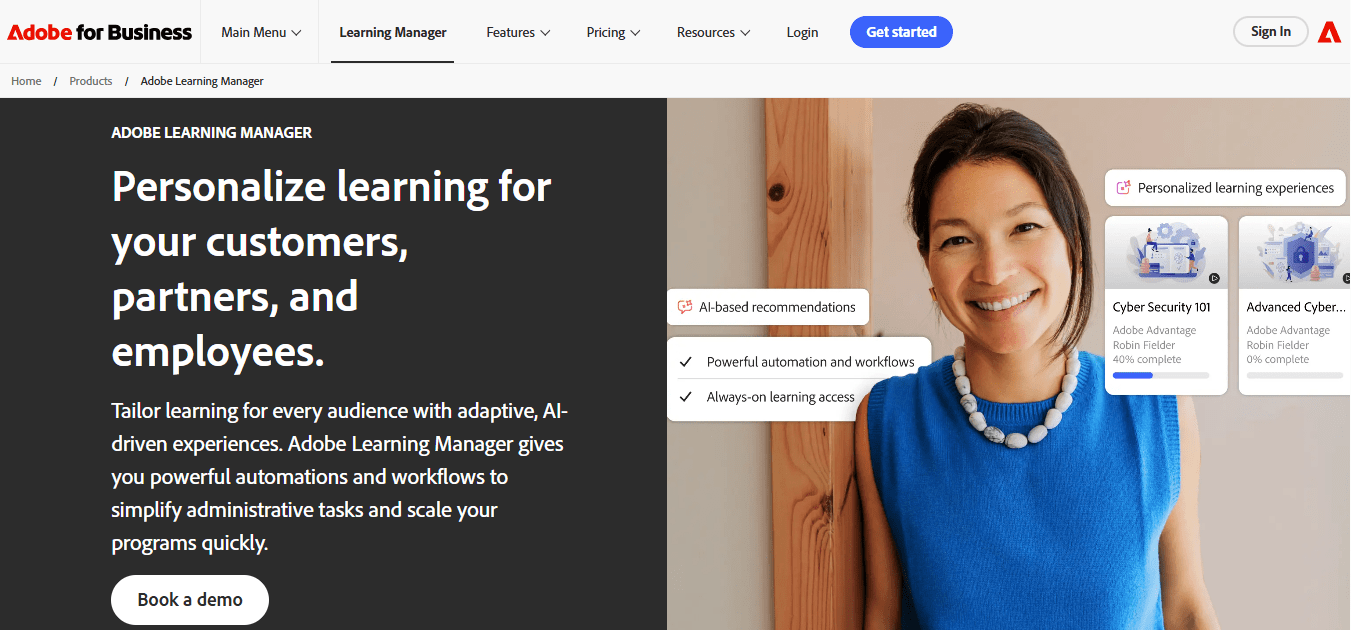
Its content authoring also ties back to the broader Adobe Creative Cloud toolset, which is either a genuine advantage or entirely irrelevant depending on whether your team already lives inside Adobe products day to day.
Where it consistently loses points in reviews is ease of use and cost. Reviewers describe the interface as requiring real technical expertise to configure past the basics, and pricing is repeatedly flagged as prohibitive for smaller organizations, with per-user costs adding up quickly once you’re past the entry tier.
Pros:
- Deep integration with the broader Adobe product ecosystem
- Solid reporting and user management for large organizations
- 30-day free trial available before committing
Cons:
- Lower ease-of-use scores than most platforms on this list
- Pricing repeatedly cited as expensive for smaller teams
- Some users report a slower, buggier experience than competitors
Pricing: Custom quote, entry point around 100 monthly active users minimum.
My Top 3 Picks If You’re Short on Time
If you’ve made it this far and just want the shortcut, here’s how I’d narrow it down based on the three questions I get asked most, whether you’re building general onboarding or an LMS that B2B sales teams will actually use.
Best Overall B2B LMS: ProProfs Training Maker. For most growing teams evaluating a B2B LMS without an existing enterprise contract, this is where I’d start. The AI course builder and published pricing solve the two biggest headaches on this list: build time and budget uncertainty.
Best for Multi-Tenant Partner or Reseller Training: Moodle Workplace. If your actual problem is data control, letting a reseller or franchise partner own their learner data while you keep reporting visibility, nothing else here does it as natively. Budget for the enterprise price tag that comes with it.
Best Budget Pick for a Growing Team: TalentLMS. When the real constraint is needing a number you can put in a budget spreadsheet today, not next week, TalentLMS’s published, flat-rate pricing removes the guessing game that frustrates most first-time LMS B2B SaaS buyers.
How I Actually Evaluated Each B2B LMS
None of this came from a single afternoon comparing feature checklists. Here’s what actually shaped the list, in the order it mattered.
- Capterra and G2 ratings, read for patterns, not stars. I pulled verified reviews from both sites and looked for the same complaint or praise appearing across multiple reviewers, not a single five-star outlier or a single angry review.
- AI feature maturity, not AI feature marketing. A lot of platforms now put “AI-powered” on a feature list. I checked whether the AI actually does something (builds a course, predicts a dropout, personalizes a recommendation) versus whether it’s a chatbot bolted onto a search bar.
- Ease of use, tested against a real first course build. If getting a working course live took more than 20-30 minutes for a non-technical admin, that friction shaped the ranking. It compounds every time you build something new.
- Pricing transparency. Platforms that publish real numbers scored better than ones requiring a sales call to learn what you’ll pay, since that opacity is one of the most common frustrations buyers report when researching a B2B LMS.
- Fit for actual B2B use cases, not generic corporate training. I weighted multi-audience support (employees, partners, customers), multi-tenancy, and integration depth more heavily than I would for a plain internal-training list, including fit for LMS B2B SaaS use cases where training bolts onto an existing product rather than running as its own department.
- Where it sits among other B2B training LMS options at a similar price point. A platform can look strong in isolation and still be a weak choice once you line it up against three competitors at the same budget, so I cross-referenced pricing tier against pricing tier, not just feature list against feature list.
- Genuine limitations, reported honestly. Every platform on this list has a real con. If I couldn’t find one in reviews or my own use, I looked harder before including it.
The Real Test Happens After the Demo Ends
Every platform on this list will look competent in a 30-minute demo. That was never the hard part. The hard part is month six, when your training program has grown past what you originally scoped, and you find out whether the platform you picked can actually keep up, or whether you’re back here, rereading a list like this one.
If I’m being honest about where most growing teams should start, it’s with a B2B LMS that gets you live fast, doesn’t require a sales call to understand what you’re paying, and still has room to grow into partner or customer training later. That’s a short list. ProProfs Training Maker is where I point most people first, not because it does everything Docebo or Moodle Workplace does, but because it does the things a growing team actually needs, right now, without three months of implementation standing between you and your first course.
Frequently Asked Questions
What is the best B2B LMS for growing teams without a big training budget?
ProProfs Training Maker is the strongest fit for growing teams evaluating a B2B LMS, thanks to published pricing, an AI course builder, and 500+ ready-made compliance courses. Enterprise-only platforms like Docebo or Moodle Workplace make more sense once you're managing thousands of external learners.
What's the difference between a B2B LMS and a regular corporate LMS?
A B2B LMS is built to train audiences outside your own employees: customers, resellers, and partners, often with separate branding, logins, or data ownership. A standard corporate LMS typically assumes one internal audience and doesn't need that multi-tenant flexibility.
How much does a B2B LMS typically cost?
Pricing varies enormously by platform and audience size. Published-pricing options like TalentLMS or ProProfs Training Maker start around $149/month or under $2 per learner, while enterprise B2B training LMS options like Docebo or Moodle Workplace commonly run $25,000 to $150,000 or more per year through custom, quote-only contracts.
Can a B2B LMS handle training for external partners and customers, not just employees?
Yes, that's the core distinction of this category. Platforms like Moodle Workplace and ProProfs Training Maker support multi-audience training with separate learner groups, branding, and reporting, so you can run employee, reseller, and customer training from LMS portals B2B SaaS companies actually rely on.
What should I look for in an LMS for B2B sales enablement?
For LMS B2B sales use cases, prioritize fast content updates, CRM integration (Salesforce especially), completion tracking tied to deal stages, and mobile access for reps in the field. Litmos and Docebo are commonly shortlisted specifically for sales enablement training.
What's the difference between an LMS, an LXP, and an LRS?
An LMS manages structured courses, tracking, and compliance. An LXP focuses on content discovery and informal, self-directed learning. An LRS is simply the data layer that stores learning records underneath either system. Many modern platforms blend all three under one brand.
Do B2B LMS platforms support multi-tenancy for franchise or reseller training?
Some do. Moodle Workplace is purpose-built for multi-tenancy, running isolated learning environments for different partners or franchises from one instance. Most other platforms here handle multi-audience training through learner groups and permissions rather than true tenant isolation.
Is ProProfs Training Maker good for B2B compliance training?
Yes. ProProfs Training Maker includes 500+ ready-made compliance courses, real-time completion tracking, and exportable audit trails, covering the core requirements most B2B compliance programs need. Its AI course builder also makes it fast to customize courses to your own policy language.
Let ProProfs AI create your training course

 We'd love your feedback!
What did you like & how can we make it even better?
 Thanks for your feedback!
 Ask Your Question
Have a question? Get expert help to make your decision easier.