I spent three months trying to make Bridge LMS work for a 400-person compliance rollout before I gave up and started shopping for Bridge LMS alternatives. The interface is genuinely pleasant, and setting up a course takes minutes, not days.
But the moment I needed automated recertification reminders for a regulated team, or a branching scenario instead of another slide deck, Bridge just shrugged. I ended up exporting spreadsheets to prove who had finished training, and that is not a compliance system; that is a hobby.
If you are hitting the same wall, shallow reporting, a course builder that cannot do more than click-next, or per-user pricing that stings past a thousand seats, you are not imagining it. This list covers ten real options, what each one fixes, and where it still falls short.
What Is Bridge LMS
In my experience, simplicity is both the appeal and the ceiling. I have watched Bridge handle the fundamentals well: assign a course, track completion, remind people to finish it.
What it does not do is offer branching scenarios, multi-dimensional reporting, or the kind of automated compliance workflow a regulated industry actually needs. That gap is exactly why so many teams start Googling Bridge LMS competitors the moment their training program outgrows the basics.
If you landed here searching for getbridge alternatives, that is the platform’s earlier name; everything below still applies.
Top 10 Bridge LMS Alternatives Compared
Every roundup claims to name the best Bridge LMS alternatives, but the right one depends entirely on which specific gap you are trying to close.
Before you read ten separate write-ups, here is the short version. I pulled Capterra ratings and current pricing, plus two things Bridge specifically struggles with: compliance depth and mobile-first delivery, so you can shortlist in under a minute.
| Tool | Best For | Capterra | Pricing | Compliance Tracking | Mobile-First Delivery |
|---|---|---|---|---|---|
| ProProfs Training Maker | Growing teams needing compliance fast | 4.8 | Free (10 learners); $1.99/learner/mo | Automated reminders, expiring certificates | Responsive, mobile-ready courses |
| Docebo | Enterprise AI-powered multi-audience learning | 4.4 | Custom quote (~$25K+/yr) | Multi-country reporting, audit trails | Branded app, offline access |
| TalentLMS | Fast setup, transparent pricing | 4.7 | Free plan; $149–$579/mo | Basic completion tracking | Responsive mobile view |
| Absorb LMS | AI-driven learner engagement | 4.5 | Custom quote | Automated enrollment, at-risk alerts | Native mobile app |
| Cornerstone OnDemand | Large-scale regulated compliance | 4.3 | Custom quote (~$65–$70K/yr) | Deep regulatory mapping, audit trails | Mobile access, limited offline |
| LearnUpon | Multi-audience training portals | 4.7 | Custom quote | Automated reminders per portal | Responsive mobile learning |
| 360Learning | Collaborative peer-built courses | 4.7 | From $8/user/mo | Light, admin-configured | Mobile-friendly app |
| Litmos | Quick deployment, sales enablement | 4.2 | ~$6–$15/user/mo | Basic tracking, limited depth | Native mobile app |
| Continu | Modern learning culture | 4.8 | Custom quote (250+ seats/yr) | Standard tracking, lighter compliance | Mobile-responsive app |
| eduMe | Mobile-first frontline training | 4.7 | Custom quote | Light, task-based tracking | Purpose-built, one-tap mobile |
1. ProProfs Training Maker – Best for Easy Course Creation for Employee Training, Compliance & Skill Assessment
I have spent more hours inside ProProfs Training Maker than anything else on this list, mostly because compliance was the wall that kept coming up. Certificate expiration tracking, automated reminders, and audit-ready reports work right out of the box, not as a five-figure module I would have to argue for in a budget meeting.
What actually changed my workflow was the AI course builder: I type in a topic, and it hands back a full, structured course with chapters already in place, which I then edit rather than build from a blank page.

Let ProProfs AI create your training course
Add 500+ expert-built, ready-made courses, a scenario builder for branching content, and support for 70+ languages, and setting up training for a distributed team stops feeling like an IT project.
I would not reach for this if my team still fit on one spreadsheet. It is built for the stage right after that, once you have multiple locations or contractors, and compliance deadlines are outpacing your headcount.
Pros:
- An AI course builder that turns a typed topic into a full, structured course
- Audit-ready reports, automated compliance reminders, and certificate expiration tracking, no add-on required
- 500+ ready-made courses plus a scenario builder for branching content
- Built-in gamification (badges, leaderboards, points) that measurably lifts completion rates
- 70+ language support for distributed or global teams
Cons:
- No on-premise or self-hosted deployment option
- Light and dark mode theming is not yet available for the learner interface
Pricing: Free for up to 10 learners; Essentials starts at $1.99 per learner per month, scaling to Business Complete at $4.98 per learner per month.
2. Docebo – Best for Enterprise AI-Powered Multi-Audience Learning
I tested Docebo when a client needed to train employees, customers, and partners from one back end, each getting a genuinely different experience. Its AI content tool, Shape, turned a wall of compliance documentation into a bite-sized course faster than I expected, which mattered because the client’s L&D team was drowning in policy PDFs.
The catch showed up on the invoice. Docebo does not publish pricing, and every deployment I have seen quoted lands between $25,000 and $40,000 a year before you touch add-on modules for advanced analytics. I also found the admin configuration took real investment; this is not something a training coordinator sets up between meetings.
If you are running programs for thousands of learners across different audience types with a budget to match, I would say Docebo earns its price. If you are mid-sized and just trying to fix reporting gaps, it is overkill, and you will pay enterprise rates for capacity you may never touch.
Pros:
- Strong multi-audience support for employees, customers, and partners
- AI-powered content creation (Shape) speeds up course authoring
- Deep, customizable reporting well beyond basic completion tracking
- Mobile-first branded learner experience with offline access
- Active, well-funded roadmap with frequent AI feature releases
Cons:
- Pricing is quote-based and consistently expensive at scale
- Steep admin learning curve during initial configuration
Pricing: Custom quote only; total cost of ownership commonly starts around $25,000 per year before add-ons.
3. TalentLMS – Best for Fast Setup and Transparent Pricing
TalentLMS solved a different problem for me than Docebo did: speed. I registered, built a course, and had learners enrolled the same afternoon, which is more than I can say for most enterprise LMS demos I have sat through. Pricing sits right on the website too, so I did not need a sales call to find out what anything costs.
It handles the fundamentals well: unlimited courses even on lower tiers, a free plan I used to test the waters, and 30+ integrations covering Zoom, BambooHR, and Microsoft Teams. Where I noticed it showed seams was at scale. Social learning features are thin; there is no built-in adaptive learning path, and I watched costs climb noticeably once a client crossed a few hundred active users.
If you want training live this week without a sales call, I would point you here first, even knowing you might outgrow it later and need to move somewhere more robust.
Pros:
- Live and taking learners within hours of signup
- Published pricing with no sales call required
- Free plan available for testing before committing
- 30+ integrations, including Zoom, BambooHR, and Microsoft Teams
- High marks for ease of use across admins and learners
Cons:
- Limited social or collaborative learning features
- Per-user costs increase meaningfully as headcount scales past 500
Pricing: Free plan available; Core starts at $149 per month for up to 100 users, scaling to $579 per month for 1,000 users.
4. Absorb LMS – Best for AI-Driven Learner Engagement
What struck me about Absorb is that it treats an LMS less like a filing cabinet and more like a recommendation engine. Absorb Intelligence surfaced courses my test learners were likely to need, flagged who was falling behind, and predicted completion timelines, none of which Bridge attempts.
The admin side matched that ambition: automated enrollment rules, bulk operations, and a learner interface polished enough that I did not need a push campaign to drive adoption. One buyer I spoke with described completion rates jumping from 54% to 89% after switching, which tracked with what I saw in my own trial.
Like most platforms built for mid-size to large organizations, the base price is only the starting line. Social learning, authoring, and advanced analytics all live behind add-ons, and since Absorb does not publish rates, I had to get an actual quote before I could budget for it.
Pros:
- AI-powered course recommendations and at-risk learner flagging
- Automated enrollment rules cut down repetitive admin work
- Modern learner interface that drives adoption without being heavy onboarding
- Strong customer support consistently praised in reviews
- Scales cleanly from mid-size to large, multi-thousand-learner deployments
Cons:
- Pricing is not published and requires a custom quote
- Add-on model means the base price rarely reflects final cost
Pricing: Custom quote only; contact vendor for pricing based on active learner count.
5. Cornerstone OnDemand – Best for Large-Scale Regulated Compliance Programs
When I looked at Cornerstone for a client with compliance requirements across multiple countries, languages, and regulatory frameworks, I understood why it costs what it does. It handles global rollouts, regulatory mapping, and audit trails at a depth that smaller platforms, Bridge included, were never designed to reach. One admin I spoke with manages 25,000 employees across 40 countries with training delivered in 15 languages.
That depth comes at enterprise cost and enterprise complexity. Every implementation timeline I have seen quoted runs five to seven months, budgets commonly land between $65,000 and $70,000 a year before modules like performance management, and most teams I have talked to needed a dedicated admin just to keep things running.
I would not recommend this to a mid-sized team frustrated with Bridge’s reporting. It is a fix for a compliance office managing regulatory exposure across a genuinely large, distributed workforce.
Pros:
- Deep regulatory and multi-country compliance mapping
- Comprehensive audit trails built for scrutiny, not just completion counts
- Content Anytime library reduces in-house course-building load
- Handles very large, multi-language learner populations reliably
- Modular suite covers learning, performance, and recruiting in one vendor
Cons:
- Pricing is quote-based and among the most expensive on this list
- Implementation timelines commonly run several months
Pricing: Custom quote only; enterprise licensing commonly ranges from $65,000 to $70,000 per year before add-ons.
6. LearnUpon – Best for Training Multiple Audiences From One Portal
LearnUpon solved a real headache I have run into with Bridge: training employees, customers, and partners from separate, branded portals inside a single account. Each portal can carry its own branding, content, and permissions, so a customer never sees internal onboarding material by accident. Automation handled a lot of the enrollment and reminder busywork I would otherwise do by hand.

Every review I checked, and my own experience, pointed to responsive customer support as a real differentiator, something I notice less often with larger, more impersonal platforms. Multilingual support and adaptive personalization round out a platform clearly built for mid-sized companies managing more than one kind of learner relationship.
The tradeoffs are honest ones: I found customization and advanced analytics lagging behind pricier enterprise tools, and since LearnUpon does not publish pricing, I needed a sales conversation before I knew the actual cost for my headcount and portal count.
Pros:
- Separate branded portals for employees, customers, and partners
- Strong, consistently praised customer support
- Solid automation for enrollment and reminder workflows
- Multilingual support suited to distributed audiences
- Adaptive personalization tools for individual learners
Cons:
- Pricing is not published and requires contacting sales
- Customization and analytics depth lag behind top-tier enterprise platforms
Pricing: Custom quote only; contact vendor for pricing based on user count and portal needs.
7. 360Learning – Best for Collaborative Peer-Driven Course Creation
360Learning flips the usual LMS model, and I liked it more than I expected to: instead of one admin building every course, subject matter experts across the company co-author content directly on the platform. If your org has people who actually know the material but no dedicated instructional designer, I found this closes that authoring gap in a genuinely different way than Bridge does.
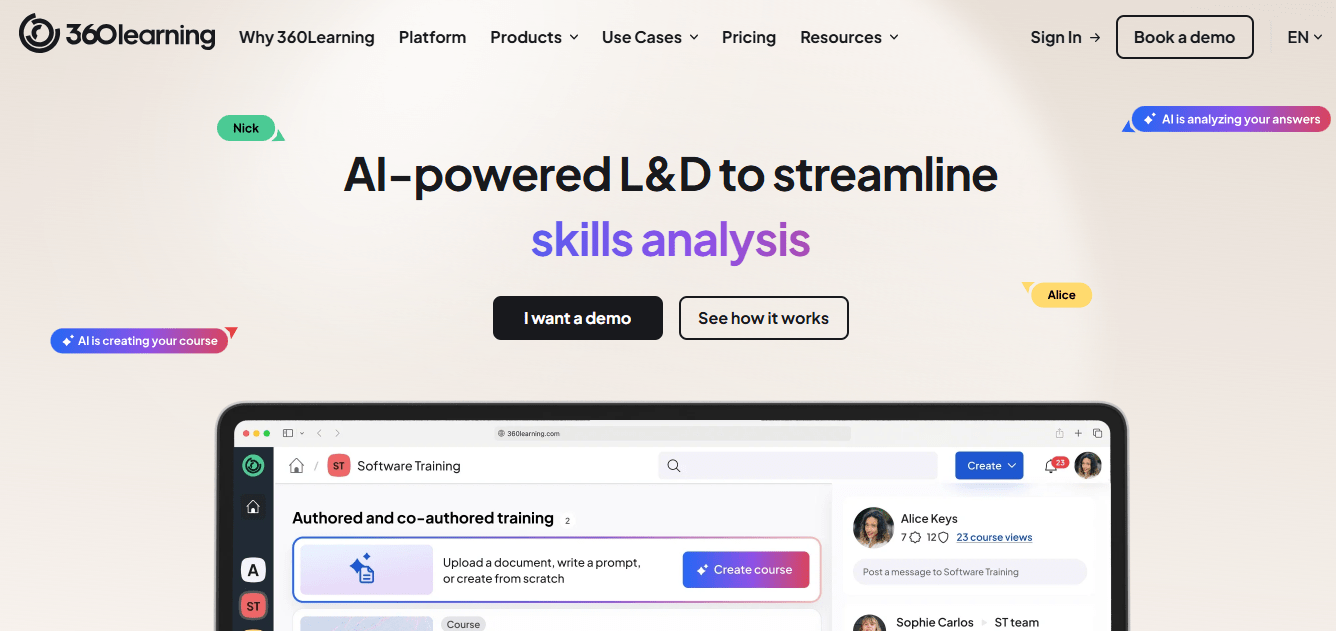
The collaborative angle extends to feedback loops built into course creation, so content improves based on learner input instead of sitting static for a year. I also appreciated that pricing is public, refreshingly so compared to most of this list, starting at a per-user rate that scales with your team.
I would point this toward companies that want training built by the people doing the work, not toward organizations wanting one tightly controlled instructional design process run through a single approval chain.
Pros:
- Peer-driven course creation without needing dedicated instructional designers
- Built-in feedback loops that improve courses over time
- Published, per-user pricing rather than a black-box quote
- Strong ease-of-use ratings from admins and contributors alike
- Good fit for fast-growing teams building institutional knowledge quickly
Cons:
- Less suited to organizations wanting centralized, tightly controlled content
- Advanced compliance and reporting features are lighter than enterprise-tier tools
Pricing: Starts around $8 per user per month, with custom pricing for larger teams.
8. Litmos – Best for Quick Deployment and Sales Enablement Training
Litmos, now under SAP, leans into speed and a large off-the-shelf content library, over 2,000 courses on the Platinum tier I tested, which makes it a fast option for sales enablement and general skills training rather than deep compliance work. The video assessments with AI-driven feedback stood out to me as something Bridge does not offer at all.
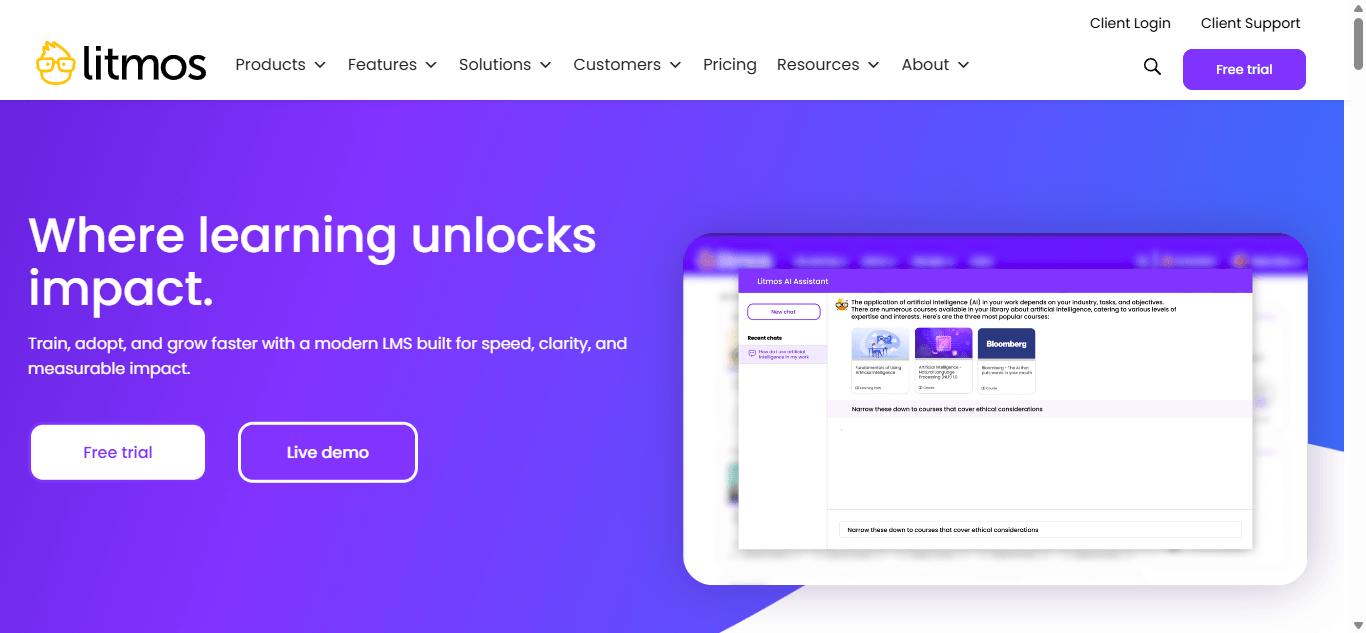
Deployment was genuinely quick in my trial, and white-labeling plus a custom domain made it easy to present as our own branded academy. Pricing scales down at volume, which helps larger sales teams, but I noticed support quality showed up unevenly across reviews, praised by some, criticized sharply by others for slow resolution.
If your priority is getting a large, dispersed sales or service team trained fast with minimal setup, I would say Litmos does that well. If compliance depth is the goal, I would look elsewhere on this list.
Pros:
- Large content library, over 2,000 courses on higher tiers
- Fast deployment with minimal admin overhead
- Video assessments with AI-driven feedback
- White-labeling and custom domain support
- Per-user pricing drops meaningfully at higher volume
Cons:
- Customer support quality is inconsistent across reviews
- Compliance and regulatory tracking features are lighter than dedicated compliance platforms
Pricing: Contact vendor for pricing; commonly cited around $6 to $15 per user per month, depending on volume.
9. Continu – Best for Modern Learning Culture at Growing Companies
Continu positions itself as the LMS that does not need its own training program to use, and in my experience, that held up: it consistently ranks among the highest for usability on both G2 and Capterra. Clients like Slack and Instacart use it to centralize learning without burying admins in configuration.
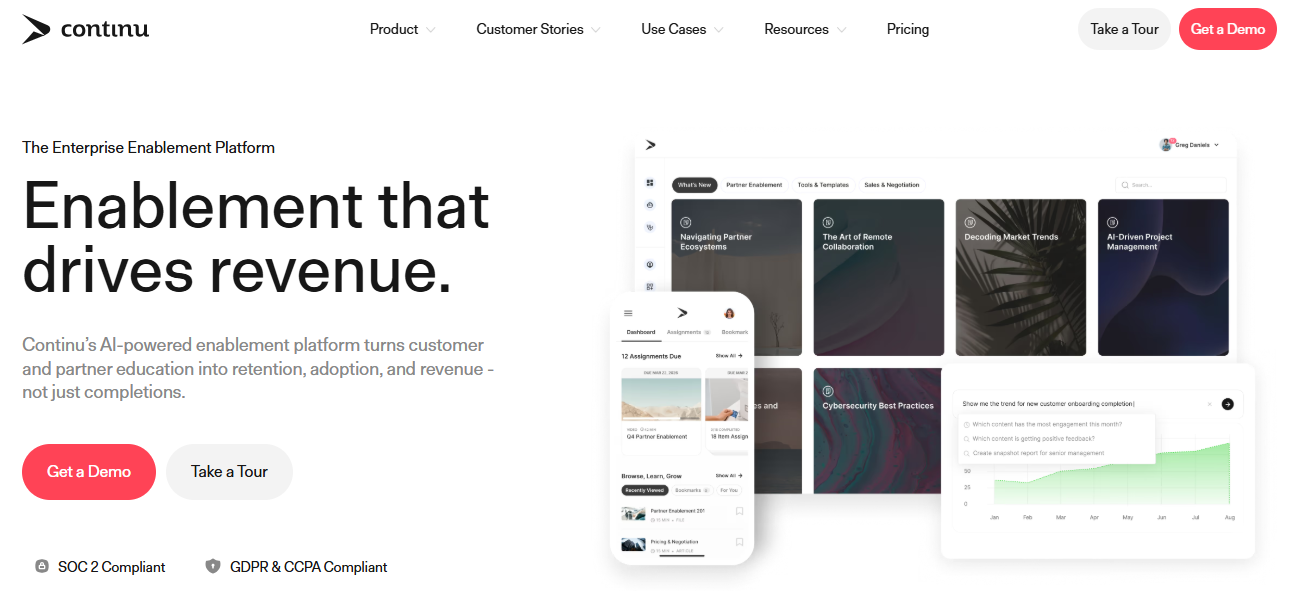
Implementation was fast when I looked into it, commonly cited around two months against Cornerstone’s seven, and the interface leans modern rather than institutional, closer to a workplace app than a filing system. That matters if part of your frustration with Bridge is less about missing features and more about a platform that feels like a chore to open every day.
I would point this at mid-size to enterprise companies focused on culture and engagement as much as compliance checkboxes. If deep regulatory reporting is your primary need, it is not the strongest match here, though it still tracks basic completions fine.
Pros:
- Consistently top-ranked for usability among admins and learners
- Fast implementation compared to larger enterprise platforms
- Modern, engagement-focused learner interface
- Strong integrations with everyday tools like Slack and Google Workspace
- High customer satisfaction scores across review platforms
Cons:
- Pricing is not published and starts at a 250-seat minimum
- Deep regulatory compliance tracking is lighter than Cornerstone-level platforms
Pricing: Custom quote only; plans generally start around 250 user seats per year.
10. eduMe – Best for Mobile-First Frontline and Deskless Training
None of the other nine tools on this list was built for people who do not sit at a desk, and that is the gap I found eduMe filling. Uber, Marriott, and Gopuff use it to get training in front of drivers, hospitality staff, and gig workers with one tap, no app download or lengthy login required.
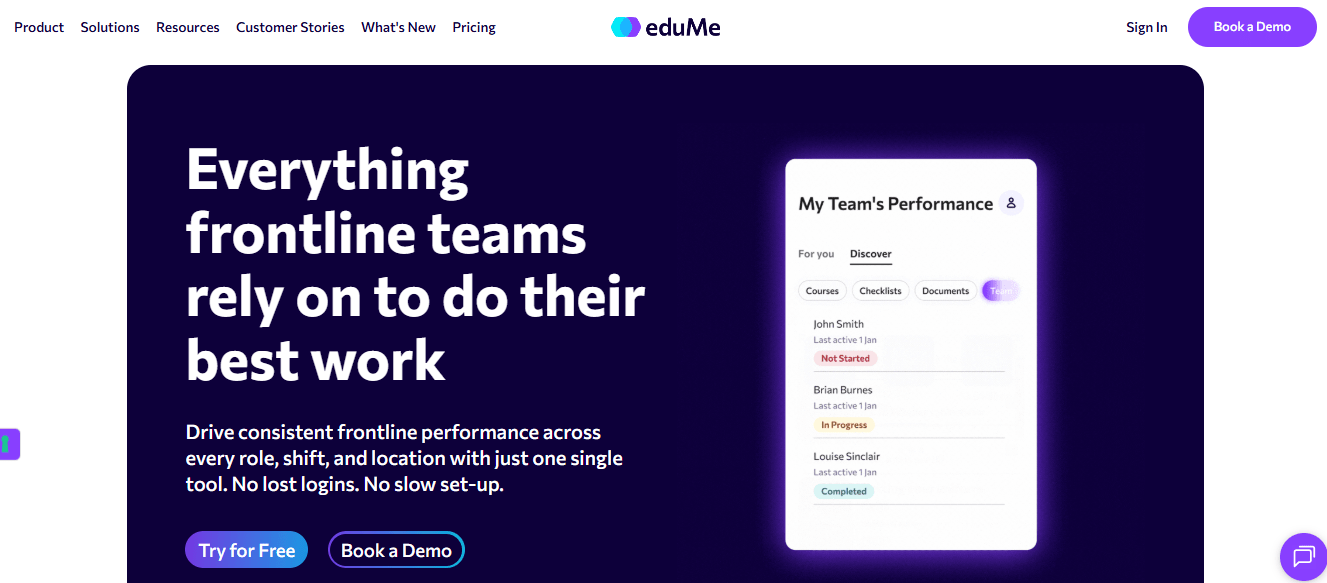
Content lives in short, mobile-first bursts rather than the long-form courses Bridge and most traditional LMS platforms default to, and when I tested it, that format genuinely fit frontline reality: nobody is sitting through a 40-minute module between deliveries. Integrations with tools like Workday and Fountain meant training slotted into workflows that frontline teams already use.
I would not recommend this if your training is mostly desk-based, multi-hour compliance modules. But for distributed, high-turnover, deskless teams, it solves a real problem I do not think Bridge was ever built to address.
Pros:
- Purpose-built for mobile, deskless, and frontline workforces
- One-tap access with no app download required
- Integrates directly into tools like Workday and Fountain
- Short, mobile-first content format suited to busy shifts
- Strong reported impact on safety and turnover metrics
Cons:
- Not designed for long-form, desk-based compliance courses
- Pricing is not published and requires a custom quote
Pricing: Custom quote only; contact vendor for pricing based on workforce size.
Top Picks Among the Bridge LMS Alternatives
If you read nothing else on this page, start with these three picks among the Bridge LMS alternatives above; each already appears in the comparison table and covers a genuinely different reason people leave Bridge.
ProProfs Training Maker
This is where I would start if compliance is what pushed you to look at Bridge LMS alternatives in the first place. Automated reminders, certificate expiration, and audit-ready reporting come standard, and pricing stays transparent as you scale past a single office.
TalentLMS
I would point you here if you just want training live this week without a sales call. Published pricing, a genuine free tier, and same-day setup make it one of the best Bridge LMS alternatives for speed alone.
eduMe
This is my pick if your workforce is not sitting at a desk. Nothing else here was purpose-built for one-tap, mobile-first training across drivers, retail staff, and shift workers.
How I Evaluated These Bridge LMS Alternatives
I did not rank these ten alternatives to Bridge LMS on feature checklists alone. Here is what actually went into it:
- User reviews and ratings from Capterra and G2, weighted more heavily where a platform has a meaningful volume of recent reviews rather than a handful of vendor-solicited ones
- Compliance-specific capability, since that is the single biggest gap driving people toward Bridge LMS competitors and getbridge alternatives alike: automated reminders and certificate tracking, audit trails, and regulatory mapping where relevant
- Mobile and frontline fit, given how many teams need training to reach people who never sit at a desk
- Ease of use for both admins building courses and learners taking them, since a powerful platform nobody wants to open solves nothing
- Customer support quality, based on patterns across verified reviews rather than a single vendor testimonial
- Value for money, measured against the total cost of ownership rather than the headline per-user rate alone
- Real-world fit, matching each platform to the specific use case it actually serves best, rather than pretending one tool wins every category
Which Bridge Alternative Actually Fits Your Training Problem
There is no single winner among these alternatives to Bridge LMS, because there is no single reason people leave Bridge. If reporting and compliance are the wall you hit, ProProfs Training Maker or Cornerstone will fix it, just at very different price points and company sizes. If it is the course builder that feels too basic, Docebo and 360Learning address it from opposite directions: one with AI authoring, the other with peer-built content. If your training program has never actually reached your frontline workforce, stop trying to force a desk-based platform to do it and look at eduMe instead.
Whatever you pick, I would not sign anything multi-year without first running a real pilot on your own content and compliance requirements. Every vendor demo looks great with sample data; similarly, it is worth reading a related comparison of Moodle alternatives before assuming open-source is the cheaper road.
Frequently Asked Questions
What are the best Bridge LMS alternatives for compliance training?
ProProfs Training Maker and Cornerstone OnDemand are strong options for compliance training. Both support automated reminders, completion tracking, certificates, and audit-ready records. ProProfs works well for growing teams, while Cornerstone is better suited to complex global compliance programs.
Is there a free alternative to Bridge LMS?
Yes. ProProfs Training Maker offers a free plan for up to 10 learners, making it useful for small teams testing an LMS. TalentLMS also has a free tier, so businesses can evaluate core training features before choosing a paid plan.
What are the main Bridge LMS competitors for enterprise teams?
Docebo, Cornerstone OnDemand, and Absorb LMS are major Bridge LMS competitors for enterprises. They support large learner populations, multiple audiences, advanced reporting, integrations, and global training programs, making them suitable for organizations that need more complex learning administration.
Is GetBridge the same as Bridge LMS?
Yes. GetBridge refers to the same learning platform now known as Bridge. The product has gone through naming and ownership changes over time, so searches for GetBridge alternatives generally refer to competitors or replacements for the current Bridge LMS platform.
What should I look for in alternatives to Bridge LMS?
Start with the problem you need to solve, such as stronger compliance controls, better mobile access, easier course creation, or separate learner portals. Also compare reporting, integrations, implementation effort, scalability, and pricing transparency before choosing a Bridge LMS alternative.
Do any Bridge LMS alternatives work well for frontline or deskless workers?
Yes. eduMe is designed specifically for frontline and deskless teams, including retail staff, drivers, and shift workers. It focuses on short, mobile-first training that employees can access quickly without navigating a traditional LMS or relying on desktop access.
Let ProProfs AI create your training course

 We'd love your feedback!
What did you like & how can we make it even better?
 Thanks for your feedback!
 Ask Your Question
Have a question? Get expert help to make your decision easier.