I’ve been on the buying side of enough multi-location rollouts to know what “multi location training platform” actually means when someone finally types it into Google. It rarely means they want new software. It means training has quietly become a liability: one region runs its own version of onboarding, nobody can prove who completed what when an inspector asks, and “is the new location ready to open” gets answered with a guess instead of a report.
Most teams get here through a shared drive, not a decision. Folders multiply, a manager in one city trains differently than a manager in another, and the gap doesn’t show up until it’s expensive. If that sounds familiar, you’ve already done the hard part, which is noticing. This list is for what comes next: ten real training platforms for multiple locations, what each one is actually good at, and where each one quietly runs out of road.
This guide is for:
- HR leaders standardizing onboarding across a growing number of sites
- L&D professionals building compliance and skills programs for distributed teams
- Franchise and multi-unit operations leads who need proof, not promises
- Training managers replacing a “Frankenstein” stack of Zoom, PDFs, and spreadsheets
What Is a Multi-Location Training Platform?
That is the textbook version. In practice, what you are actually buying is a way to avoid finding out about a training gap during an audit rather than before one. The good ones give a regional manager their own slice of the account without giving them the keys to everything. The mediocre ones just let you tag a user with a location name and call it done, which is not really an LMS for multiple locations so much as a single-tenant LMS wearing a location filter.
Platforms built specifically for extended enterprise training handle this differently, and that difference is most of what this list is actually evaluating.
The 10 Best Multi-Location Training Platforms for Employees in 2026
I am not ranking these purely on star ratings, because a 4.9 with twenty-two reviews and a 4.6 with three thousand reviews are not telling you the same kind of story. I pulled every rating below directly from Capterra and G2 listings, cross-checked against pricing pages, and weighted the write-up toward what actually matters for running training across multiple locations: gating, per-location pricing logic, admin structure, and whether the AI features save real time or just look good in a demo.
| Tool | Best For | Capterra | Starting Price |
|---|---|---|---|
| ProProfs Training Maker | Overall multi-location training platform | 4.8/5 | From $1.99/user/mo |
| TalentLMS | Branch-based structure, small networks | 4.7/5 | Free – ~$149/mo |
| Trainual | SOP documentation, role-based onboarding | Limited data | $249–$419+/mo |
| Connecteam | Deskless teams, scheduling + training | 4.7/5 | Free – $99/mo |
| LearnUpon | Separate portals: staff, partners, customers | 4.6/5 | $15K–$25K+/yr |
| Docebo | AI-driven training, large mixed audiences | 4.4/5 | From ~$25K/yr TCO |
| Absorb LMS | Enterprise franchise networks, AI matching | 4.5/5 | Quote-based |
| LearningZen | True per-location franchise pricing | Thin | From $399/mo |
| Blend-ed | Certification-based training companies | Thin | Quote-based |
| Operandio | Audits + training in one system | 4.9/5 | Quote-based |
1. ProProfs Training Maker: Best for a One Multi-Location Training Platform for Easy Course Building
ProProfs Training Maker is the multi-location training platform I’d recommend first to most mid-market operators, and for good reason: it’s built to give a small or growing multi-site business the branded, location-level structure that’s normally locked behind an enterprise quote.
What I like most, and what I’d lead with if I were pitching this internally, is the AI Course Builder. You type a prompt, or point it at an existing SOP or PDF, and it generates a structured course with chapters, content, and quizzes in minutes. It’s a real time-saver when you’re trying to get twelve new locations trained before a launch date, and you don’t have an instructional design team standing behind you. You can try it here:

Let ProProfs AI create your training course
The 500+ ready-made expert courses are also worth a mention if you’re setting up a new location from scratch. Topics like sexual harassment prevention, workplace safety, and communication skills are already built, so you’re not writing a policy module from scratch for site number thirty the week before it opens. Use one as-is or customize it against your own policies.
Where ProProfs pulls ahead of the pricier names on this list is reporting granularity at the group level. Completions, quiz scores, time spent, and exactly where a learner drops off are all visible per location, in real time, and you can pull an audit-ready compliance trail without waiting on a quote-based vendor’s professional services team. It also supports gamification, branched scenarios, flashcards, and SCORM import, so training content you already built elsewhere doesn’t need to be rebuilt.
The pricing itself is refreshingly boring: it’s public, which shouldn’t feel like a selling point until you’ve spent an afternoon on the phone with three of the enterprise vendors further down this list.
Pros
- Nested groups and branded sub-portals per location, department, or client, without an enterprise-tier price tag
- AI Course Builder generates a full course structure, including quizzes, from existing documents or a topic
- Transparent per-user pricing starting under two dollars, plus a genuinely usable free plan
- SCORM-compatible course import and 70+ language support, useful for onboarding a genuinely multi-region workforce
- Reviewers consistently cite fast setup and responsive support, which is where a lot of competitors lose points
Cons
- No dark mode for low-light environments
- No offline or on-premise deployment; cloud-only
Pricing: $1.99 per user per month for Essentials, $3.99 for Business, and $4.98 for Business Complete Elite, with a free plan (capped at 10 learners) and a free trial on paid tiers.
2. TalentLMS: Best For Branch-Based Structure on a Budget
TalentLMS built its name on the “Branches” feature, which lets you isolate user groups, courses, and even branding by location, business unit, or franchisee under a single umbrella account.
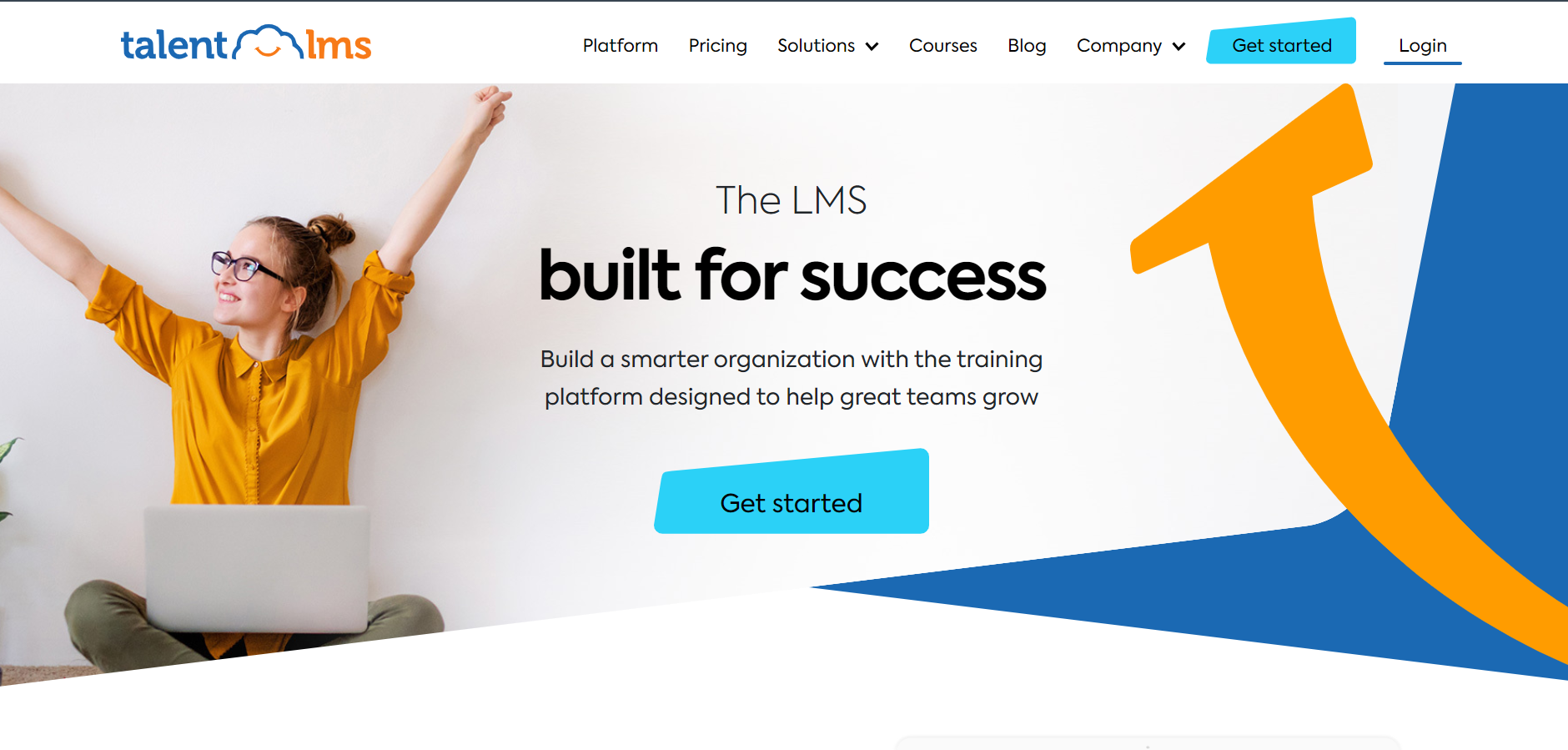
It is one of the more recognizable names in this category for good reason: onboarding is quick, the interface does not require a training department to interpret, and gamification (points, badges, leaderboards) shows up as a genuine engagement driver in reviews, not just a marketing bullet.
For a network of ten to fifty locations that wants clean separation without an implementation project, it is a sensible starting point. Where I would slow down is the fine print. More than one reviewer has flagged that recent pricing changes came bundled with a reduction in what Branches actually includes, which is exactly the feature multi-location buyers are there for.
Read the current plan details closely instead of assuming the Branches feature still does everything it used to.
Pros
- Branches feature gives real location or franchisee-level isolation of users, courses, and branding
- Fast, self-serve setup; a free plan exists for very small teams
- Strong automation for course assignment, reminders, and gamified engagement
Cons
- Reviewers report recent price increases paired with reduced Branches functionality on lower tiers
- Advanced reporting and customization feel basic once you outgrow a simple structure
- Multi-location features concentrate on higher-priced plans, so the entry price is misleading for your actual use case
Pricing: A free plan covers very small teams; paid plans commonly start around $149 per month for a Basic tier, scaling with active users and branches.
3. Trainual: Best For Documenting SOPs Before You Scale
Trainual solves a different problem than most of this list: getting what is currently living in one manager’s head onto paper, or screen, in a format a new hire can actually follow.
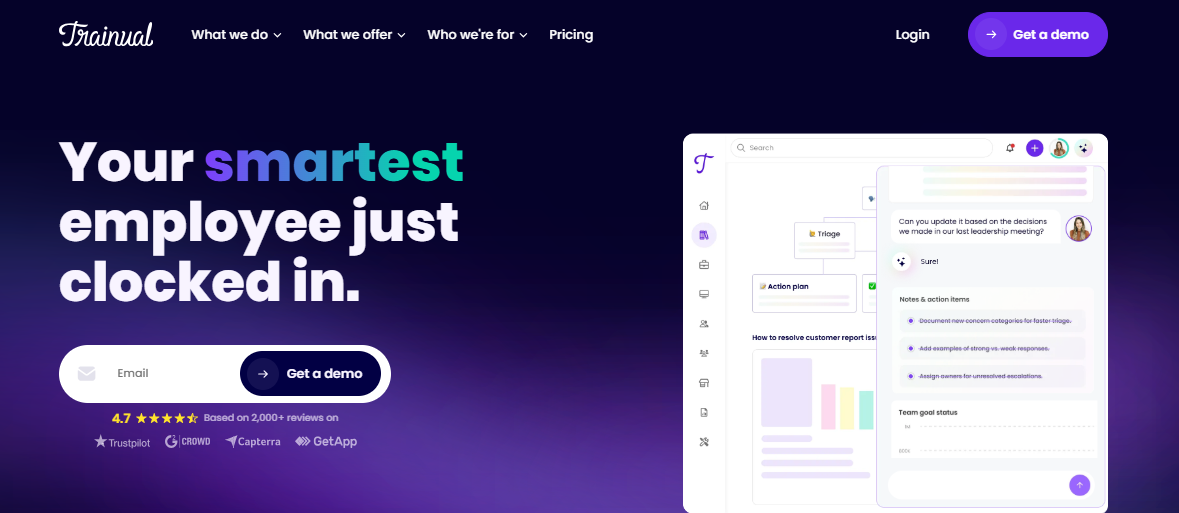
Its role-based training paths and AI Assist for drafting content make it genuinely fast to turn tribal knowledge into structured, searchable SOPs, and reviewers consistently praise how intuitive the interface is for non-technical teams. I would not call it a multi-site training platform in the way a franchise operator means that phrase, though.
It was built for teams of five to two hundred fifty people, and it prices by headcount band rather than by location, which means costs climb every time you hire, whether or not your actual training volume changed.
There is no built-in audit trail for site-level compliance, no location launch gating, and reviewers specifically mention hitting a ceiling once they are coordinating dozens of franchisees rather than one office.
Pros
- Fast to document processes and SOPs in a format employees actually read
- AI Assist speeds up content drafting and internal search
- High G2 satisfaction scores across ease of use and setup
Cons
- Headcount-based pricing climbs every time you add staff, not when training needs actually grow
- No location launch management, gating, or audit workflows built for multi-unit operations
- No free trial, and reviewers say the mobile experience lags noticeably behind desktop
Pricing: Tiered by headcount, roughly $249 per month for 1 to 25 employees, $279 for 26 to 50, and $419 for 51 to 100, billed annually, with custom pricing above that.
4. Connecteam: Best For Frontline Teams Who Need Scheduling and Training Together
Connecteam is not primarily a training platform, and I want to be upfront about that before you fall in love with the price.
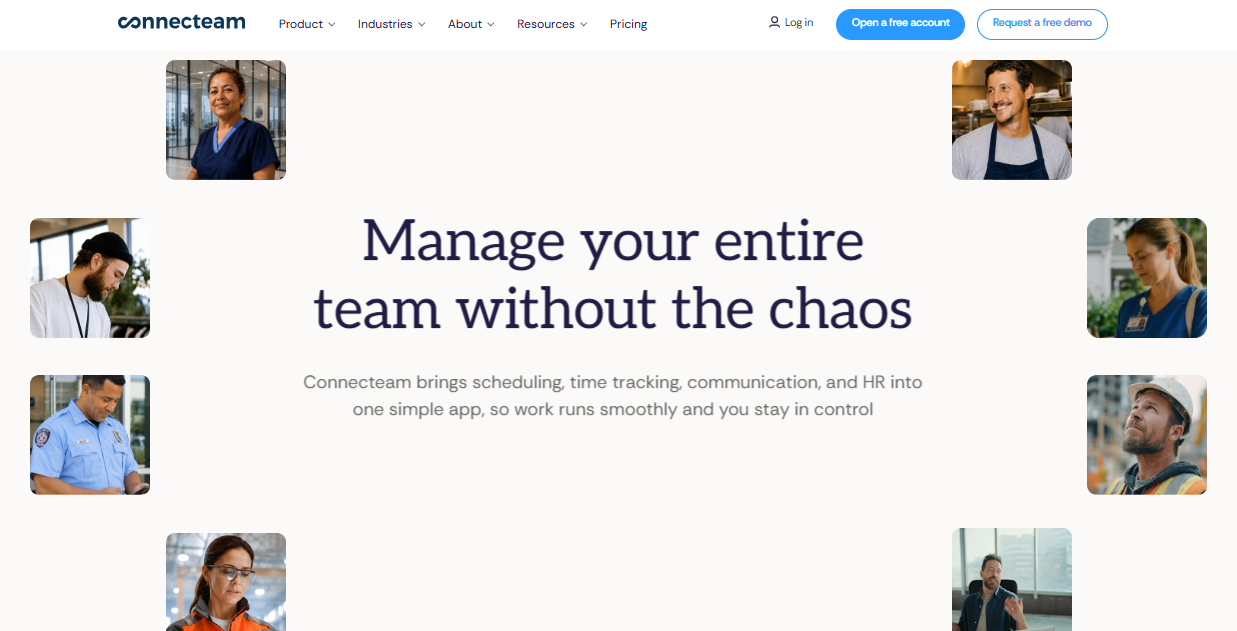
It is a mobile-first workforce app built for deskless teams in retail, restaurants, cleaning, and healthcare staffing, and training is one module inside a much bigger toolkit that also covers scheduling, GPS time tracking, and team chat.
For a multi-location business where the real daily pain is “I cannot get my ten locations to communicate,” Connecteam solves that problem better than any dedicated LMS on this list. The course builder itself is straightforward rather than sophisticated: quizzes, videos, and progress tracking, delivered through an app your frontline staff already open every shift to see their schedule. That habit-forming distribution is genuinely valuable.
Just know you are buying a workforce app with training attached, not a training platform with workforce features attached.
Pros
- Training lives inside the same app staff already use daily for scheduling and time tracking, which drives real completion rates
- Multi-location management, geofencing, and admin controls included on paid tiers
- Free plan for teams under 10 people; low entry price for paid tiers
Cons
- Course builder is basic compared to dedicated LMS platforms; no advanced assessment or certification depth
- Training is a secondary module, not the core product, so roadmap priority goes elsewhere
- Costs rise quickly once you need multiple feature “hubs” across a growing headcount
Pricing: Basic starts at $29/month for 30 users, Advanced at $49/month, Expert at $99/month, plus a free plan for teams under 10, with a 14-day trial.
5. LearnUpon: Best For Training Employees, Partners, and Customers Separately
LearnUpon’s whole pitch rests on multi-portal delivery: separate branded learning environments for employees, channel partners, and paying customers, all managed from one back end.

For a multi-location business that also resells, franchises, or supports external partners, that separation is worth real money, because it means a franchisee’s portal does not need to look, or behave, like your internal compliance training.
Reviewers consistently praise how quickly non-technical admins pick it up, and the reporting depth across portals is a genuine differentiator once you are past a handful of locations. The catch is the business model. LearnUpon does not publish pricing, sells exclusively through an annual sales conversation, and portals themselves are a line item, meaning your quote climbs every time you add an audience.
For organizations training a few hundred to a few thousand people across multiple audiences, that math works. For a ten-location regional chain, it usually does not.
Pros
- True multi-portal architecture separates employees, partners, and customers cleanly
- Reviewers highlight fast onboarding and a genuinely intuitive admin interface
- Deep native integrations, including Salesforce, HubSpot, and BambooHR
Cons
- No published pricing; every deal requires a sales call and annual contract
- Typical first-year spend lands between $15,000 and $50,000, out of reach for smaller multi-location operators
- Additional portals and advanced reporting add to cost quickly
Pricing: Quote-based only. Third-party buyer data puts most contracts between $15,000 and $50,000 per year depending on learner count and number of portals.
6. Docebo: Best For AI-Heavy Training Across Large, Mixed Audiences
Docebo is the multi-location LMS other vendors get compared against when the conversation turns to AI. Its Shape tool converts existing documents into structured micro-courses, and reviewers describe real time savings from it, not just marketing language.
For a large multi-location employer training thousands of people across internal staff, customers, and partners at once, that AI depth plus strong reporting genuinely earns its enterprise reputation. The honest complication is cost and complexity.
Total cost of ownership commonly starts around $25,000 a year before add-ons, several advanced capabilities are priced separately, and reviewers describe a real learning curve for admins setting up the platform for the first time.
Customer support scores are also inconsistent across review sites, which is worth asking pointed questions about during a sales cycle rather than assuming it will be fine because the platform itself is strong.
Pros
- Shape AI turns existing documents into structured courses quickly, a genuine time saver at scale
- Strong reporting and skills-mapping for large, mixed-audience organizations
- High G2 and Capterra satisfaction from its core enterprise L&D audience
Cons
- Total cost of ownership commonly starts near $25,000/year, with add-ons priced separately
- Admin learning curve is steep; legacy screens and API work intimidate non-technical teams
- Customer support quality is inconsistently rated across review platforms
Pricing: Quote-based only, with total cost of ownership commonly starting around $25,000/year before optional add-ons.
7. Absorb LMS: Best For Franchise Networks Scaling Past a Few Hundred Locations
Absorb LMS is the multi-location LMS for a business that has already outgrown “simple.” It is aimed at enterprise organizations running training across internal teams, franchisees, and distributors at once, and its AI engine focuses specifically on closing knowledge gaps by role before they turn into operational problems on the floor.
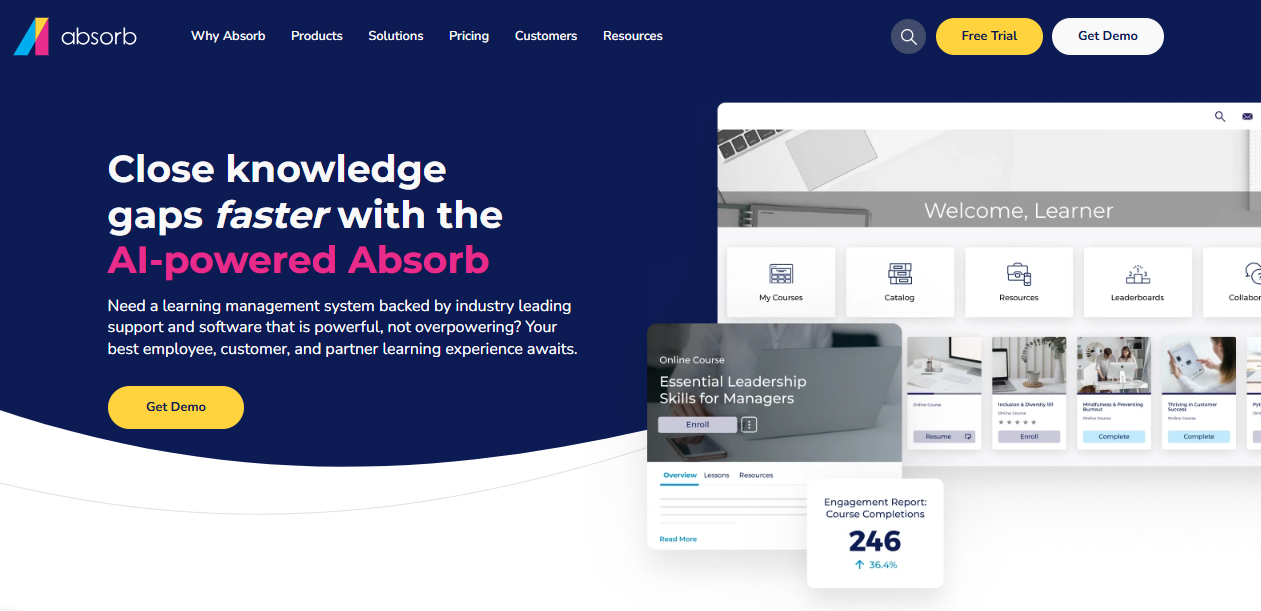
Reviewers, including plenty from mid-market and enterprise segments, consistently praise the interface and call out customer support as a genuine strength rather than a weak spot, which is not something every enterprise LMS on this list can say.
Where it makes sense is scale: organizations with two hundred to ten thousand-plus employees managing compliance and onboarding across many sites, the exact profile that outgrows a lighter multi-site LMS.
Where it does not is a smaller multi-location operator, because pricing is entirely quote-based, add-ons for social learning and advanced analytics stack onto the base price, and there is no self-serve path to even see a starting number.
Pros
- Purpose-built for franchise and distributor training at real enterprise scale
- AI-driven course recommendations and knowledge-gap detection by role
- Consistently strong customer support scores, which is rare at this price tier
Cons
- Entirely quote-based; no public pricing to benchmark against before a sales call
- Add-on model for social learning and analytics can push the effective price up considerably
- Overkill, and priced accordingly, for operators under roughly 200 employees
Pricing: Quote-based only, positioned for organizations with 200 to 10,000+ employees; expect add-ons for analytics and social learning to sit outside the base quote.
8. LearningZen: Best For Franchises That Want True Per-Location Pricing
LearningZen was built specifically around a problem the brief for this article called out directly: per-seat pricing punishes franchisees for adding learners.
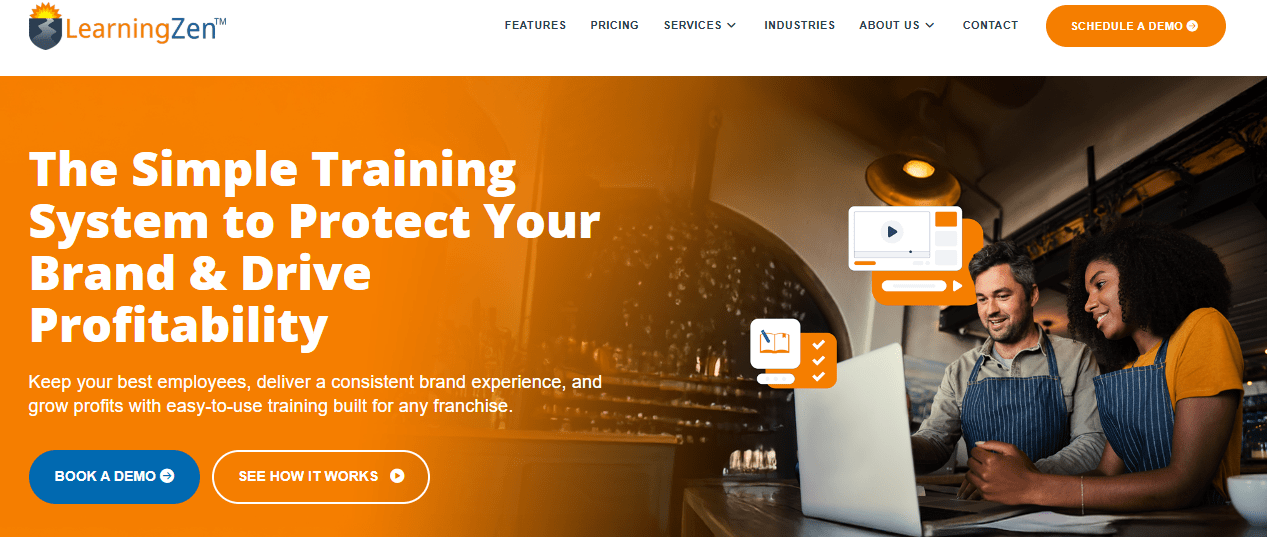
LearningZen instead prices by location for franchise models, which means a franchisee is not penalized every time they hire a new front-line employee, and it has spent more than a decade working specifically with the International Franchise Association community across restaurants, service businesses, and fitness studios.
Support is the standout in every review I read, described consistently as responsive and white-glove.
The tradeoff is scope and proof. LearningZen is training-only, with no audits, task management, or location-launch workflow layered on top, and its public review base is small enough, around four Capterra reviews at the time of writing, that you are mostly evaluating it on vendor claims and a sales call rather than a deep pool of independent feedback.
Pros
- Genuine per-location pricing model built specifically for franchise economics
- Deep, decade-plus specialization in franchise and multi-unit training
- Reviewers consistently single out customer support as excellent
Cons
- Very thin independent review base; hard to validate claims beyond the vendor’s own case studies
- Training-only scope, with no audits, corrective actions, or location-launch gating
- Customization and mobile experience are both described as limited in available reviews
Pricing: Tiered plans reported from $399/month (Bronze) up to $999/month (Platinum), billed annually, plus custom pricing for larger networks.
9. Blend-ed: Best For Certification-Based Training Businesses, Not Internal Employee Training
Blend-ed is a slight left turn on this list, and I am including it because the brief for this piece specifically called out AI course creation and public certificate verification, and Blend-ed does both better than most training-focused tools I looked at.
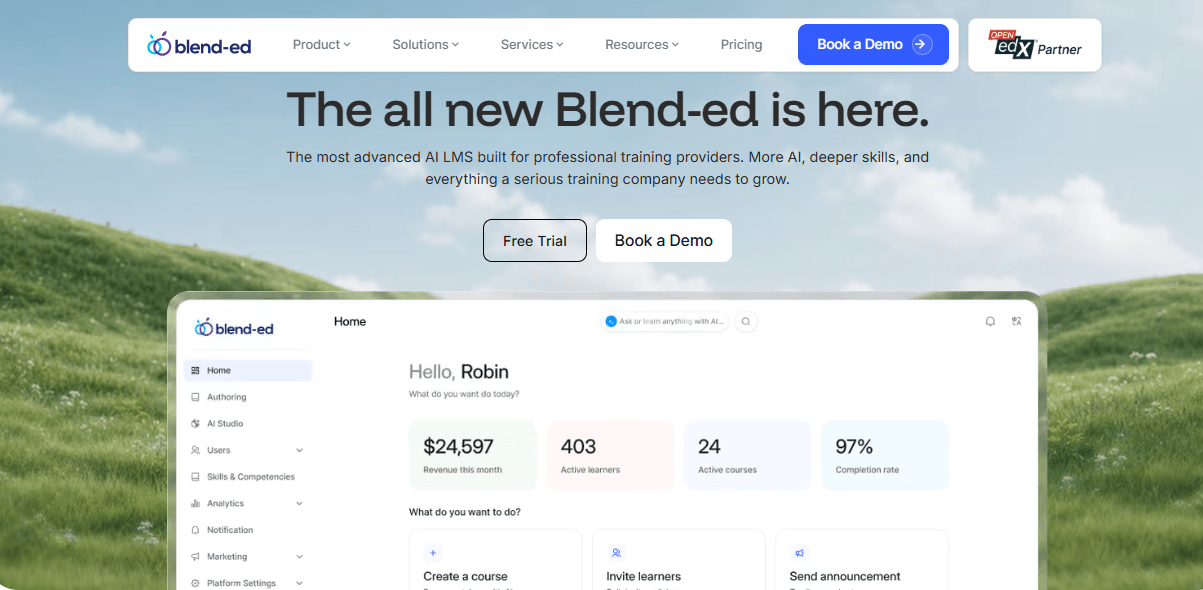
It is an AI-native platform built on Open edX for training companies and professional academies running cohorts, certifications, and multi-organization programs, with an AI Course Creator that builds structured content from existing material and auto-generated certificates that carry verification links.
If you are a multi-location business selling or issuing accredited training to outside organizations rather than just training your own staff across sites, this is a genuinely different category of tool than the rest of this list.
If you just need internal employee training across your own locations, it is more platform than you need, and the review base is still thin enough that most of what you will find is vendor-published case studies rather than a deep well of independent feedback.
Pros
- AI Course Creator and AI Tutor build and support structured, certification-grade programs quickly
- Verifiable certificates with public verification links, useful for regulated or accredited training
- Multi-organization support for managing several client groups or franchise academies at once
Cons
- Built for training companies and academies, not straightforward internal employee training across locations
- Very thin independent review base on both Capterra and G2 at the time of writing
- Pricing is entirely quote-based with no public rate card
Pricing: Two tiers, Core and Enterprise, both quote-based; sold as a platform subscription rather than strictly per user.
10. Operandio: Best For Franchises That Need Audits and Training in One System
Operandio is the one tool on this list that is not really an LMS at all, and that is precisely why multi-unit restaurant and hospitality operators keep bringing it up.
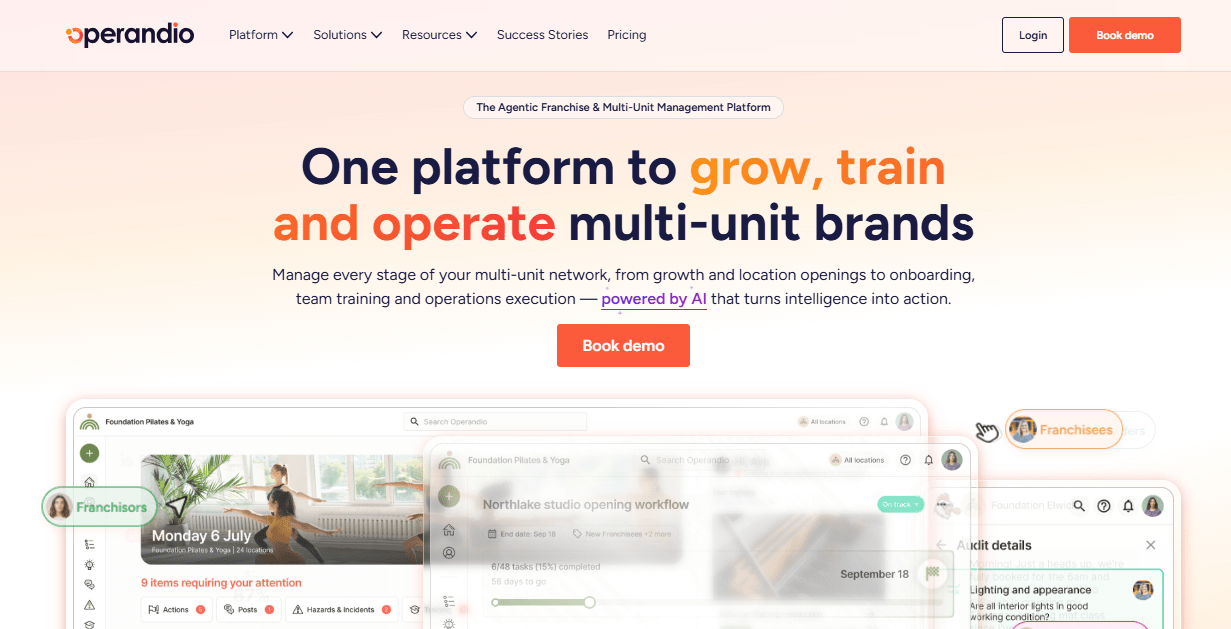
It is an operations and compliance platform built around digital checklists, food safety monitoring, brand audits, and training, all connected so head office can see execution, not just course completion, across every site.
For a franchise where the real risk is a location skipping a checklist rather than skipping a course, that connection between training and daily execution matters more than a deeper quiz engine would. Reviewers specifically call out communication, task management, and ease of use as strengths.
I would flag two things honestly: the public review base is small, some of it vendor-referred, so treat the rating as directional rather than statistically solid, and pricing is entirely custom, which makes it hard to comparison-shop before a sales conversation.
Pros
- Connects training directly to daily execution: checklists, audits, and corrective actions by location
- Purpose-built for multi-unit restaurant and hospitality operations, not adapted from a generic LMS
- Strong reviewer sentiment on communication, task management, and ease of use
Cons
- Small, partly vendor-referred review base limits independent validation
- Entirely custom pricing with no public numbers to benchmark
- Less depth as a pure training or quiz engine than dedicated LMS platforms on this list
Pricing: Quote-based only, sold in Business and Enterprise tiers with pricing tailored to location count and modules used.
My Top 3 Training Platforms for Multiple Locations
Picking a platform is easier once you know which job you’re actually hiring it for. Here’s where I’d point three different teams, based on what I keep seeing go wrong when multi-location businesses choose based on a single star rating.
ProProfs Training Maker is where I’d send most multi-location businesses first. The AI Course Builder, nested location groups, and pricing that doesn’t require a sales call remove the three biggest obstacles I see multi-site teams hit when they outgrow a shared drive.
Operandio is where I’d send a franchise operator whose real risk is a skipped checklist, not a skipped course. When training needs to connect directly to daily execution, audits, and corrective actions at each site, this is built for that job specifically.
LearnUpon is where I’d send an organization training employees, partners, and paying customers as three genuinely separate audiences at real scale. The multi-portal architecture earns its enterprise price tag once you’re past a handful of locations.
How I Evaluated These Multi-Site Training Platforms
Picking tools for a list like this isn’t something I take lightly, especially when one of them is the platform I write about for a living. I followed the same criteria I’d use for any list, adapted for what actually matters when training has to work the same way at site one and site forty-seven.
- User Reviews and Ratings: Every score in the comparison table came directly from each platform’s Capterra and G2 listing, not a vendor’s marketing page, and I weighted patterns across many reviews over a single outlier.
- Essential Features and Functionality: For a multi-location use case specifically, I looked at whether a platform actually separates locations, franchisees, or client groups with their own admins and reporting, rather than just tagging a user with a location name. I weighed real AI capabilities, like course generation from existing documents, against tools where “AI” is a checkbox on a features page, and checked genuine platform depth like SSO, integrations, and mobile support.
- Ease of Use: A platform only your L&D team can operate defeats the purpose at the location level. I gave real weight to how quickly a non-technical regional manager could set up a group, assign training, and pull a completion report without opening a support ticket.
- Customer Support: Multi-location rollouts hit setup snags by definition: new admins, new integrations, new edge cases at every site. I looked at how reviewers described response times and setup help, not just whether a support page exists.
- Value for Money: I evaluated pricing at the tier a real multi-location business would actually land on, not the cheapest teaser plan, and flagged wherever a pricing model, per headcount, per location, or quote-only, works against how these businesses actually grow.
- Real-World Fit Across Locations: Star ratings alone don’t tell you whether a platform holds up at location forty-seven. Wherever reviewers specifically mentioned multi-site, franchise, or multi-unit use, positive or negative, I weighted that feedback more heavily than a generic review from a single-location buyer.
Do You Need a Course Platform or a Franchise Operations Layer?
Before you shortlist anything, answer this honestly, because it changes which half of this list matters to you. If your problem is that training content is inconsistent, a manager in one region teaches things differently from a manager in another, and you mostly need everyone to look at the same course, you need a multi-site training platform. Straightforward. Most of the tools below solve that.
If your problem is bigger than that, and it usually is once you cross fifteen or twenty locations, you need something closer to a franchise operations layer: a system that gates a new site from opening until required modules are complete, ties training to daily checklists and audits, and gives head office one dashboard instead of forty-seven separate ones. A training platform for multiple locations that only tracks course completion will not catch a site that finishes the course but is not actually following the checklist. That is a different kind of gap, and it is the one that shows up in an inspection, not a training report.
Here is the honest math on build versus buy: most multi-location businesses can get roughly 90 percent of what they need from an existing multi-location training software platform, no custom development required. The remaining 10 percent, usually something specific to how your franchise agreements or regional compliance rules work, is better handled with a thin custom layer on top of an LMS’s API than by trying to force a generic platform to do something it was never built for. Figure out which category you are actually shopping in before you sit through ten demos that all look impressive.
The Real Test Isn’t the Demo, It’s Location Forty-Seven
Every platform on this list looks capable in a sales demo. The gap shows up later, at the location nobody thought hard about when the contract got signed, the one with a manager who has never used an LMS before and a launch date that is not moving. That is the actual test of a multi location training platform: not whether it works for your flagship site with your best people, but whether it still works when you are onboarding location forty-seven at nine in the morning with no time to call support.
Pick based on that scenario, not the demo one. Whichever tool you land on, get one working location fully live, gated, and reported on before you roll it out to the next twenty. The tools on this list can absorb that pace. Your rollout plan is usually the part that cannot.
Frequently Asked Questions
What is the best multi-location training platform for small franchise networks?
For franchises under fifty locations, ProProfs Training Maker and TalentLMS both offer branded, location-based groups without an enterprise contract. LearningZen is worth a look specifically for its per-location pricing model if you are franchise-only.
Is multi-location training software the same thing as a franchise management system?
No. Multi-location training software, like the tools on this list, focuses on courses, quizzes, and completion tracking across sites. A franchise management system typically covers royalties, development, and legal agreements, with training as just one smaller piece of a much larger platform.
How much does multi-location training software typically cost?
Pricing ranges widely. Per-user platforms like ProProfs Training Maker start under $5/user/month, while enterprise LMS for multiple locations like Docebo or Absorb LMS commonly starts around $25,000/year in total cost of ownership.
4. What is the difference between a multi-site LMS and a franchise operations platform?
A multi-site LMS focuses on courses, quizzes, and completion tracking. A franchise operations platform, like Operandio, connects that training to daily execution: checklists, audits, and corrective actions at each location.
Is a training platform for multiple locations worth it for a five-location business?
Usually, yes, once managers start training inconsistently or you cannot prove who completed required training. A lightweight training platform for multiple locations, like ProProfs Training Maker's free or entry tier, solves that before you are big enough to justify an enterprise multi-site LMS.
Do multi-location training platforms support different languages per site?
Many do. ProProfs Training Maker, for example, supports English, Spanish, and more than 70 other interface languages, which matters for training platforms for multiple locations spanning different regions or countries.
Can I give each location its own branding and admin in a multi-site training platform?
Yes, on most platforms built for this. ProProfs Training Maker, TalentLMS, and LearnUpon all support separate branded environments with location-level admins who see only their own group's data.
What should I look for in an LMS for multiple locations before signing a contract?
Confirm the pricing model scales the way your business actually grows (per location versus per headcount), check whether admin roles genuinely separate location data, and ask directly how AI features perform on your own content, not a demo script.
Is a workforce app like Connecteam a good substitute for a dedicated multi-location LMS?
It depends on your primary pain point. If scheduling and communication across locations is the bigger problem, Connecteam's bundled training module may be enough. If assessment depth and certification matter more, a dedicated LMS will serve you better long term.
How long does it take to roll out a multi-location training platform across all sites?
Most teams get one location fully live, tested, and reported on within two to four weeks, then roll out to remaining sites in batches rather than all at once, which catches configuration issues before they multiply across the network.
Let ProProfs AI create your training course

 We'd love your feedback!
What did you like & how can we make it even better?
 Thanks for your feedback!
 Ask Your Question
Have a question? Get expert help to make your decision easier.