The best LMS for higher education in 2026 depends on what problem you’re actually solving. Here’s the moment that tells you everything about how your institution actually buys software.
Somewhere in a committee room, someone is comparing feature checklists for the best LMS for higher education, while three buildings over, an adjunct instructor is manually re-entering grades because the gradebook doesn’t talk to the registrar’s system. Both things are happening at the same time, on the same campus, about the same purchase.
I’ve sat through enough procurement cycles to know the gap between what gets pitched and what actually gets used is where most of the budget quietly leaks. A good LMS for higher education isn’t the one with the longest feature list. It’s the one your faculty will stop complaining about by October.
That’s the list I built here.
This guide is for:
- Higher education administrators comparing platforms ahead of a budget cycle
- Instructional designers building or migrating online and hybrid courses
- IT leaders responsible for SIS, SSO, and LTI integrations across campus systems
- Faculty development and staff training leads evaluating tools outside the academic classroom
What Is an LMS for Higher Education?
That’s the textbook version. The version that matters more: the best LMS for higher education is judged less on its course-building tools and more on how invisible it manages to be. Faculty don’t want to think about the LMS. They want it to hold their content, take attendance, and stay out of the way.
Where it gets interesting is the acronym stack around it: SIS integration, SSO, LTI compliance. None of that is optional anymore, and I’ll get into why shortly.
10 Best LMS Platforms for Colleges and Higher Education in 2026
Choosing the best LMS for colleges and universities isn’t just about comparing features. It’s about finding a platform that fits your institution’s teaching model, whether you’re a large four-year university, a community college running dual enrollment, or a department managing compliance and staff training separately from academic delivery. The right higher education LMS integrates with existing campus systems and supports both faculty productivity and student success without requiring a full IT team to maintain it.
Here’s how the top learning management systems (LMS) for higher education compare side by side, including Capterra ratings, before the full reviews below.
| Tool | Best For | Starting Price | Deployment Type | Capterra Rating |
| ProProfs Training Maker | Staff, faculty, and compliance training in higher education | Free plan available; paid from $1.99/learner/month | Cloud-based | 4.8/5 |
| Canvas by Instructure | Large-scale academic course delivery | Custom pricing | Cloud-based and self-hosted options | 4.6/5 |
| Blackboard Learn (Anthology) | Complex grading structures and plagiarism detection | Custom pricing | Cloud-based | 4.1/5 |
| Moodle | Open-source flexibility and cost control | Free, self-hosted; hosted plans from around $130/year | Cloud-based or self-hosted | 4.3/5 |
| D2L Brightspace | Adaptive learning and predictive analytics | Custom pricing | Cloud-based | 4.3/5 |
| Schoology Learning (PowerSchool) | Institutions spanning K–12 and higher education | Custom pricing | Cloud-based | 4.4/5 |
| Google Classroom | Lightweight course management for small colleges | Free for core use | Cloud-based | 4.6/5 |
| TalentLMS | Continuing education and extension programs | Free plan available; paid from $149/month | Cloud-based | 4.7/5 |
| iSpring Learn | Rapid course authoring and offline mobile access | From around $3.58/user/month | Cloud-based | 4.7/5 |
| Absorb LMS | Corporate-style compliance training for university staff | Custom pricing | Cloud-based | 4.5/5 |
1. ProProfs Training Maker – Best for Staff, Faculty, and Compliance Training in Higher Education
I’ll say this up front: ProProfs Training Maker isn’t trying to replace Canvas or Blackboard as your academic course delivery system, and it shouldn’t be evaluated as such. Where it earns its place on this list is the side of the institution that procurement conversations usually forget: staff onboarding, Title IX and OSHA compliance, research safety certifications, and faculty development that has nothing to do with a syllabus.
The AI course builder turns a single prompt into a structured course, which is what a genuinely AI-powered LMS for higher education should do for a training team of three people covering an entire university system.
Rather than manually building every lesson, you can start with a simple prompt like this: Create a new faculty orientation course covering campus policies, LMS usage, grading guidelines, student communication, and academic integrity.

Let ProProfs AI create your training course
SSO and LDAP integration keep it inside your existing identity stack, a real concern in any conversation about LMS integration for higher education. Compliance windows, auto-renewing certifications, and audit-ready reporting cover the parts a spreadsheet can’t.
Pros:
- AI course creation from a single prompt, useful for lean training teams
- 500+ ready-to-use compliance and skills courses, with AI handling the customization, rather than building from scratch
- SSO, LDAP, and HRIS sync keep staff training inside existing campus identity systems
- White-labeling puts the training portal under your institution’s own branding
- Audit-ready reporting with timestamped completions for accreditation and compliance reviews
- 70+ language support for multilingual staff and international faculty populations
Cons:
- No dark mode for low-light environments
- No offline or on-premise deployment; cloud-only
Pricing: Free plan for up to 10 learners. Paid plans start at $1.99/learner/month (Essentials), with Business at $3.99/learner/month and Business Complete Elite at $4.98/learner/month.
2. Canvas by Instructure – Best for Large-Scale Academic Course Delivery
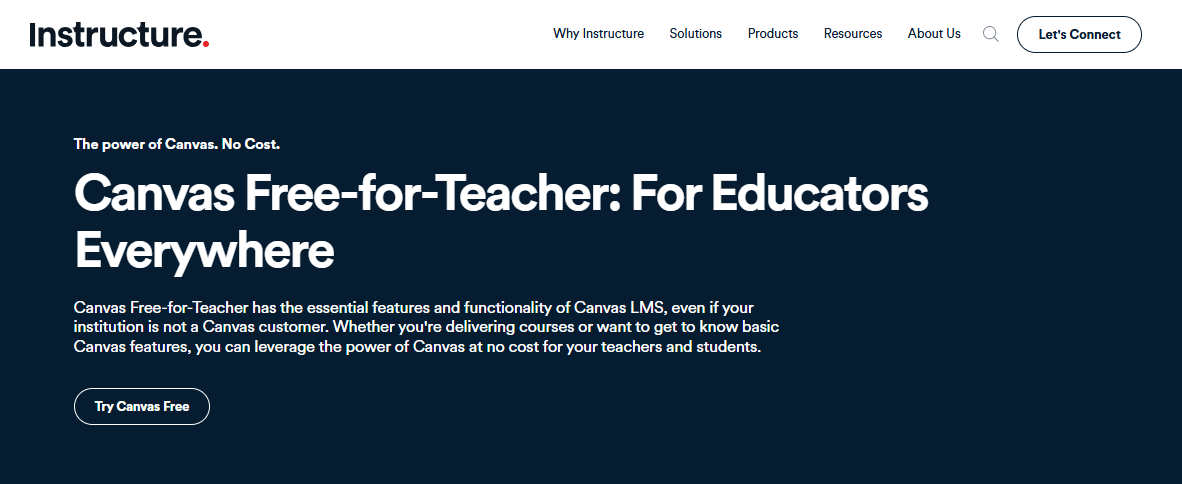
Canvas is the platform I’d expect most readers already have opinions about, since it’s become the default answer whenever someone asks about the best LMS for higher education at scale. Instructure built it around a clean, modern interface, and that shows up in the numbers: strong marks for ease of use across thousands of student and faculty reviews.
The real strength is the ecosystem. Nine hundred-plus partners and 500+ LTI-compatible integrations mean Canvas plugs into nearly anything your institution already runs, from plagiarism detection to publisher content, which matters enormously for LMS integration for higher education at a multi-system university. SpeedGrader speeds up the part that faculty complain about most: grading volume.
Where it gets messier is pricing. Institutions don’t get a public number, and reviewers consistently flag notification overload and a real learning curve once you go past basic course setup.
Pros:
- Modern, intuitive interface that consistently scores well with faculty and students
- 900+ partner integrations and 500+ LTI-compatible tools
- SpeedGrader significantly cuts down grading time for large course loads
- Strong mobile app for on-the-go access to courses and grades
- SCORM support for migrating existing course content
- Backed by Instructure’s scale, serving 4,000+ institutions worldwide
Cons:
- No public pricing; institutions must negotiate custom contracts
- Notification system can overwhelm users if not configured carefully
- Advanced customization requires a real learning curve
Pricing: Custom, quote-based. Real-world estimates run from roughly $10,000 to $50,000+ per year for smaller institutions, scaling into six figures for large universities.
3. Blackboard Learn (Anthology) – Best for Complex Grading Structures and Plagiarism Detection
Blackboard is the LMS most traditional universities grew up on, and it still shows up whenever the conversation turns to legacy-heavy academic requirements. It was designed for exactly the kind of complexity that newer, lighter tools avoid: multi-level grading rubrics, deep plagiarism detection, and accreditation-ready reporting.
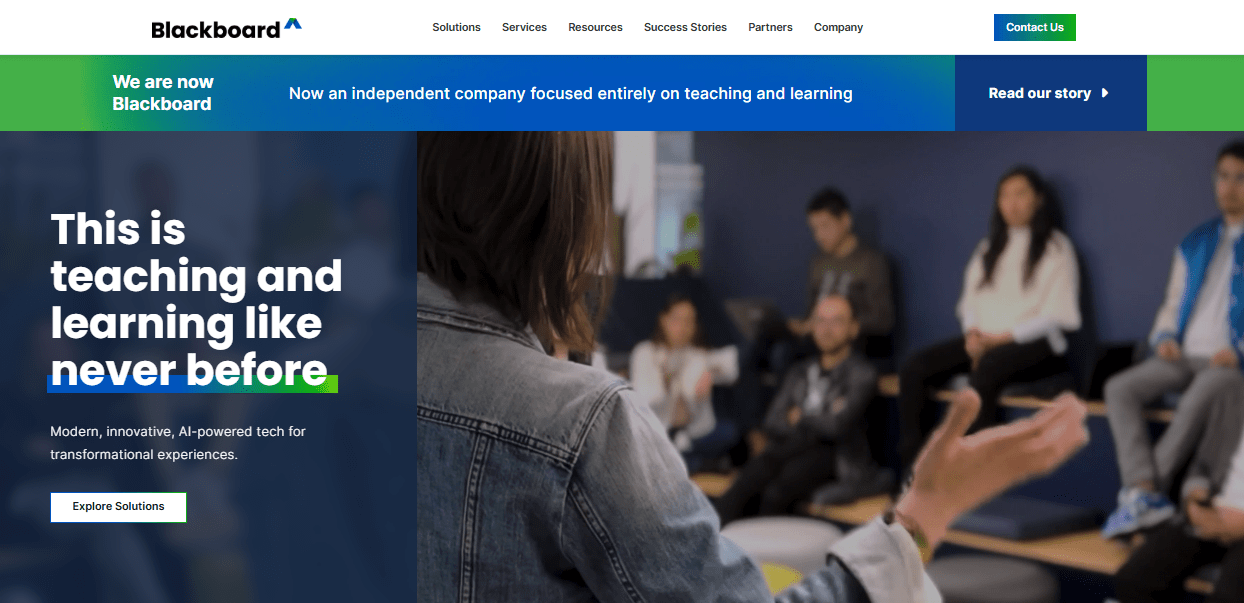
That depth is also the complaint I hear most. Reviewers rate ease of use noticeably lower than Canvas or Moodle, and “contact a rep” pricing means budget conversations start blind. Anthology’s broader EdTech ecosystem is a genuine advantage if your institution already runs its SIS or CRM tools, since it reduces the LMS integration for higher education headache of stitching together separate vendors.
I’d point this one at institutions with established, complex academic structures, not at anyone trying to move fast.
Pros:
- Deep support for complex, multi-level grading rubrics
- Built-in plagiarism detection tools
- Integrates with the wider Anthology EdTech ecosystem, including SIS and CRM
- Mature accessibility and accreditation reporting features
- Long institutional track record at scale
- Mobile app for grading and course access
Cons:
- Ease of use consistently rated lower than competitors
- Custom, opaque pricing that starts high
- Steeper learning curve for new administrators and faculty
Pricing: Starts around $9,500/year, though real institutional contracts commonly run well past $100,000/year depending on enrollment and modules.
4. Moodle – Best for Open-Source Flexibility and Cost Control
Moodle is the one people bring up the moment budget becomes the actual constraint, and I get why. The core software is free and open-source, which sounds like the obvious answer to every higher ed budget conversation until you actually account for what running it requires.
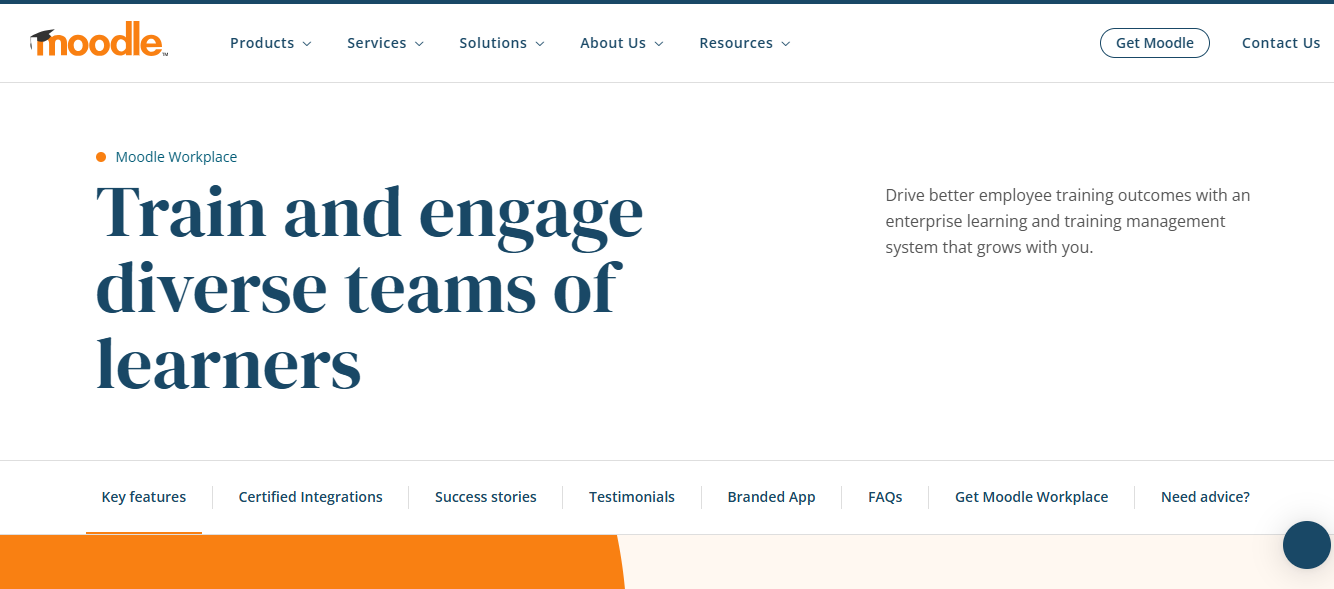
The flexibility is real: you can customize nearly anything, and a large plugin ecosystem covers gaps in the core product. But free software still needs servers, security patching, and someone who understands it, and institutions report anywhere from 4 to 14 hours a week of IT maintenance once you’re past a pilot. That’s not a knock on Moodle so much as a reminder that AI-powered LMS for higher education marketing rarely mentions the maintenance line item sitting underneath it.
For smaller colleges with in-house technical staff, it remains a legitimately strong option.
Pros:
- Free, open-source core with full control over hosting and customization
- Large global plugin and theme ecosystem
- Strong community support and documentation
- No per-seat licensing fees for the core platform
- Flexible enough to match almost any institutional workflow
- Widely adopted, so hiring admins with Moodle experience is easier than niche tools
Cons:
- Requires real IT capacity; the true cost is infrastructure and staff time, not software fees
- Interface feels dated next to Canvas or Brightspace without theming work
Pricing: Core software is free. Hosted plans start around $130/year, though total cost depends heavily on infrastructure, plugins, and IT hours.
5. D2L Brightspace – Best for Adaptive Learning and Predictive Analytics
Brightspace is the platform I’d point toward if an institution’s real problem is visibility, meaning they can’t tell which students are quietly falling behind until it’s too late. D2L built its analytics layer around exactly that: predictive risk indicators that flag disengagement before a midterm confirms it.
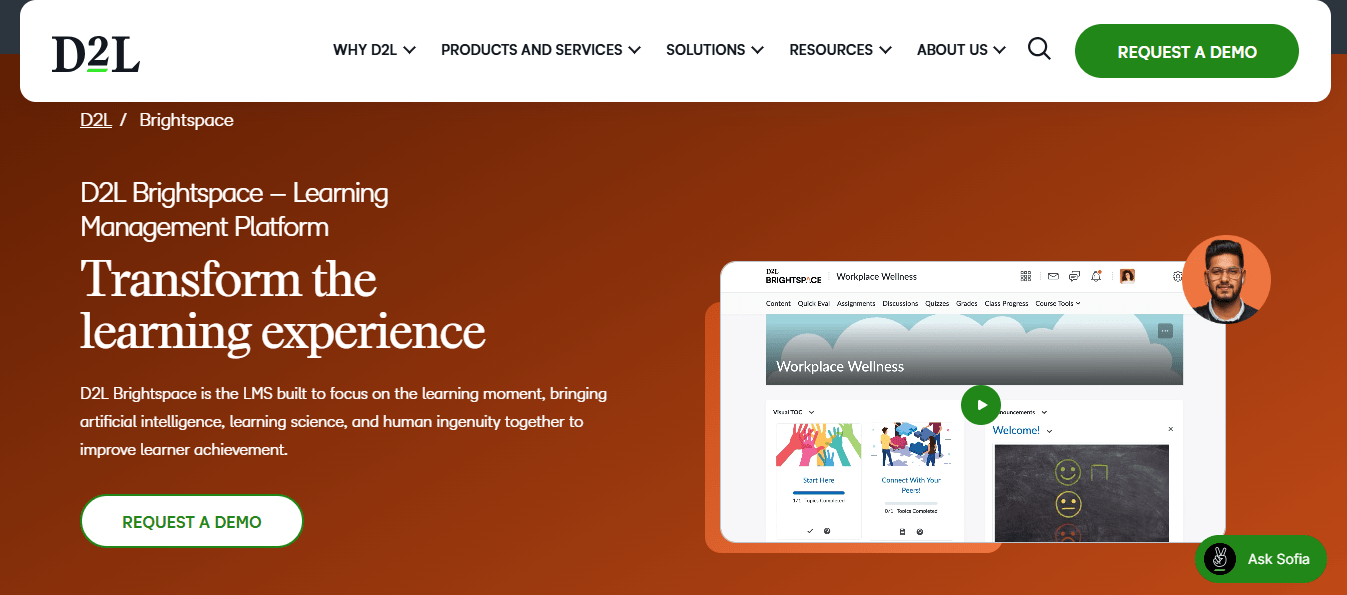
The adaptive learning tools adjust content paths based on individual performance, a genuinely different pitch than most tools on this top LMS for higher education list, since most are still built around a fixed, linear course structure. Reviewers who’ve made the jump from Blackboard tend to say the same thing: it’s an upgrade, but the RFP and contracting process is notoriously opaque about add-on costs.
Pricing is fully custom, and reviewers specifically warn that D2L doesn’t volunteer pricing information for extras during procurement.
Pros:
- Predictive analytics flag at-risk students before performance visibly drops
- Adaptive learning paths personalize content based on individual progress
- Strong accessibility tooling, including screen reader support and alt-text enforcement
- HTML embed support for building OER content directly in the platform
- Positive reputation among institutions migrating away from Blackboard
- Responsive support noted for training staff through transitions
Cons:
- Fully custom pricing with a reputation for hidden add-on costs during RFPs
- No free version, and a real learning curve reported by new administrators
Pricing: Custom, quote-based. Enterprise contracts commonly range from $30,000 to $500,000+ per year depending on institution size and modules.
6. Schoology Learning (PowerSchool) – Best for Institutions Spanning K-12 and Higher Ed
Schoology, now under PowerSchool’s Unified Classroom umbrella, makes the most sense for institutions that aren’t purely higher ed: community colleges running dual-enrollment programs, teacher-prep universities partnered with local districts, that kind of overlap. It’s built to feel consistent whether the learner is a high school junior taking a dual-credit course or a first-year undergraduate.
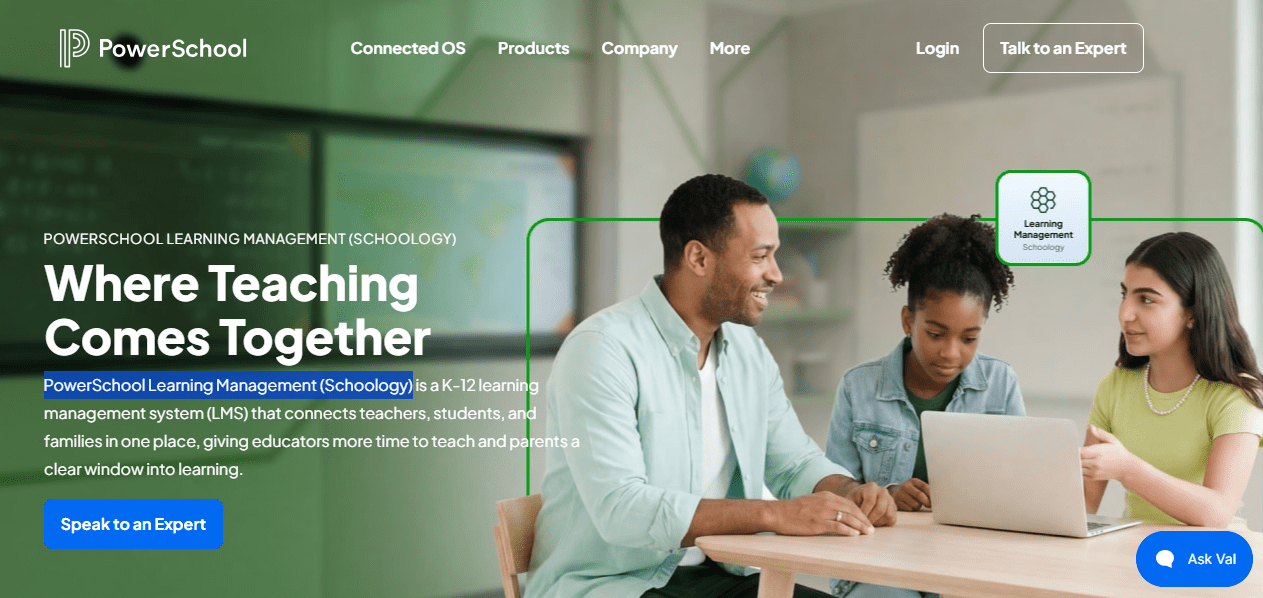
Digital rubrics and integrated data collection make grading and outcomes reporting less painful, and the PowerSchool ecosystem connects cleanly if your institution already runs their SIS. That’s a real answer to the LMS integration for higher education question, provided you’re already inside their ecosystem. Outside of it, the value proposition gets less obvious.
Reviewers consistently mention a steeper-than-expected learning curve for staff coming from a simpler tool.
Pros:
- Strong fit for institutions bridging K-12 and higher-ed programs
- Digital rubrics simplify grading and outcomes documentation
- Deep integration with the broader PowerSchool ecosystem
- Solid file sharing and collaboration tools
- Established at over 60,000 schools and universities
- Reasonable mobile experience for students and instructors
Cons:
- Learning curve is steeper than reviewers expect going in
- Pricing is fully custom and not published anywhere
Pricing: Custom; contact vendor for a quote based on enrollment and modules needed.
7. Google Classroom – Best for Lightweight Course Management at Small Colleges
Google Classroom keeps showing up on best LMS for higher education comparisons for one blunt reason: it’s free, and it’s already inside the Google Workspace most campuses are running anyway. For small colleges, community programs, and departments that need basic assignment distribution without a procurement cycle, that’s a genuinely compelling case.
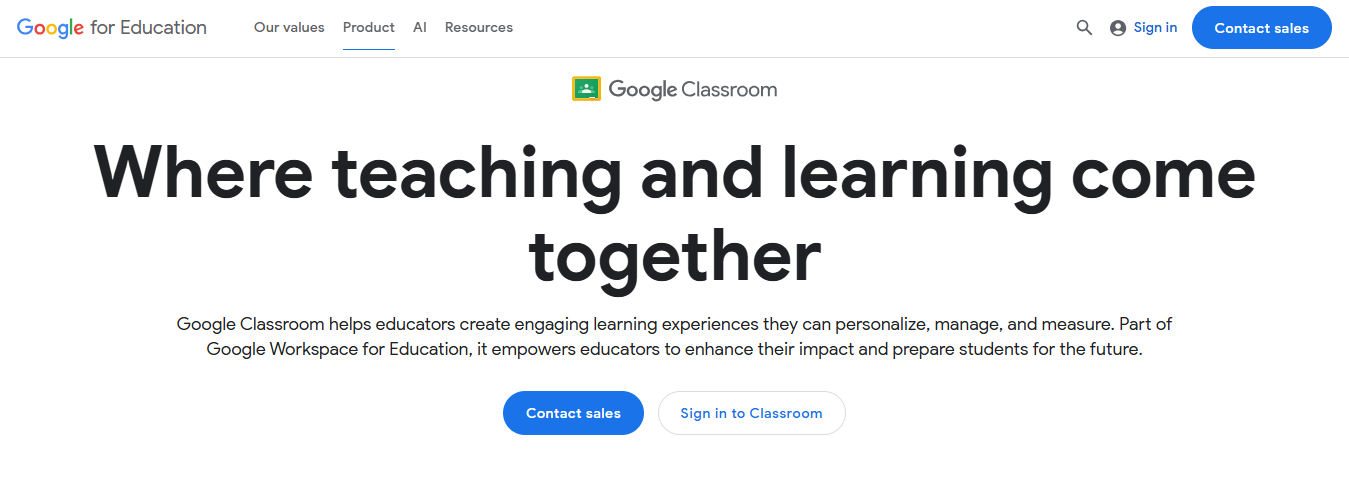
The tradeoff is exactly what you’d expect from a lightweight tool wearing an LMS label. There’s no dedicated gradebook depth, no SIS integration, no accreditation-grade reporting. It’s closer to a well-organized shared drive with due dates than a true academic system of record.
I’d recommend it for departments piloting a hybrid course or running short, informal training, not for an institution’s primary system.
Pros:
- Completely free with no per-user licensing cost
- Seamless integration with Docs, Drive, and Meet
- Minimal learning curve; most users are productive within minutes
- Frequent updates, including newer Gemini AI features for content support
- Reliable, familiar interface for students already using Google tools
- Simple assignment distribution and basic feedback tools
Cons:
- No robust gradebook, SIS integration, or accreditation reporting
- Not designed to scale as a primary academic system of record
- Limited customization and branding options
Pricing: Free for core use. Google Workspace for Education add-ons for storage and admin controls are priced separately per institution.
8. TalentLMS – Best for Continuing Education and Extension Programs
TalentLMS earns its spot among the top learning management systems (LMS) for higher education for a specific, often-overlooked slice of the institution: continuing education departments and extension programs running short, revenue-generating courses outside the traditional degree structure. It’s built for fast setup, not a four-year academic calendar.
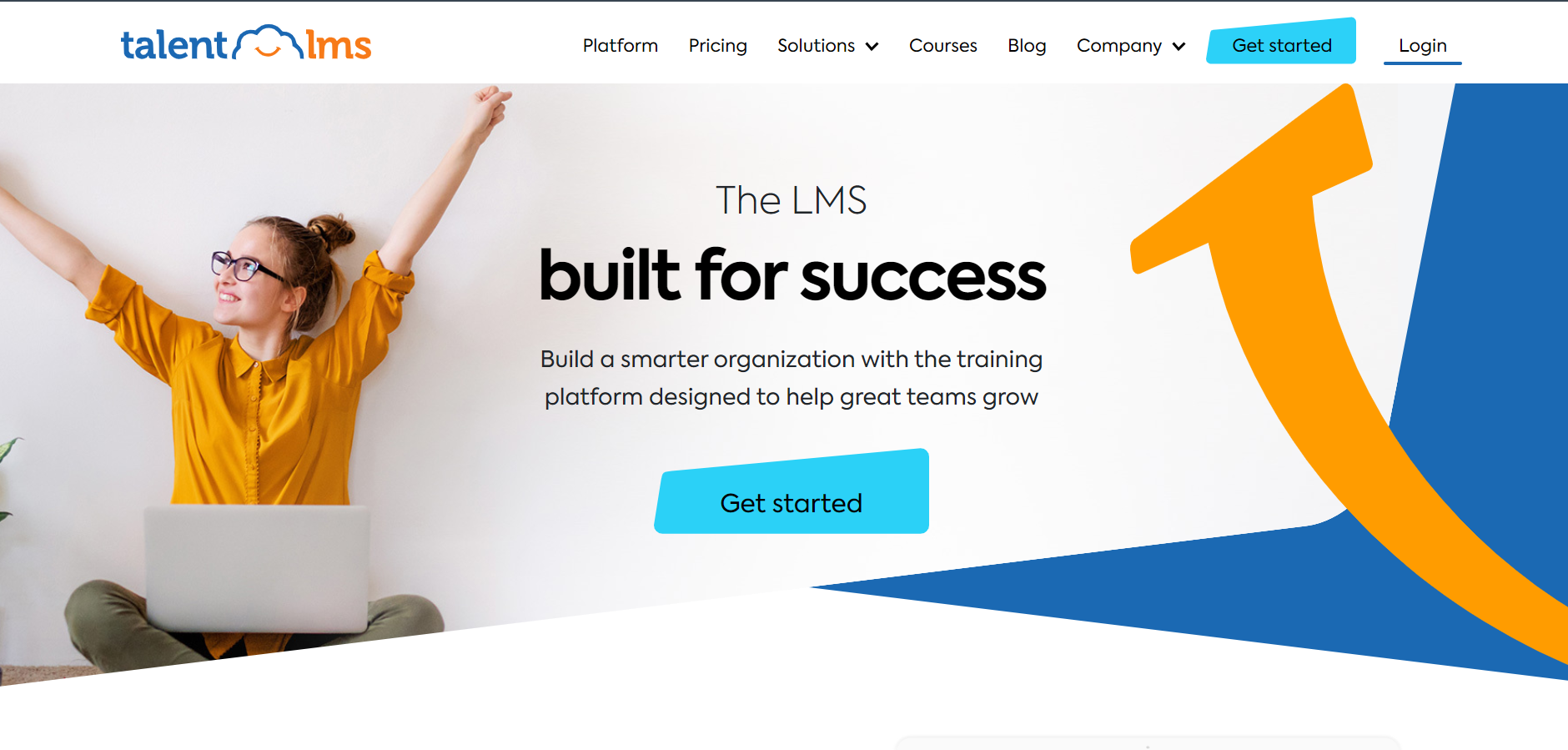
The interface is genuinely easy for non-technical staff to manage, which matters when your CE department is two people running dozens of course launches a year. Gamification and a straightforward course builder keep completion rates reasonable for programs with no compliance mandate forcing anyone through.
It won’t replace your academic LMS, and it’s not trying to. Reviewers consistently praise the price-to-value ratio for exactly this kind of standalone use case.
Pros:
- Fast, intuitive course builder with minimal setup time
- Gamification, including badges and leaderboards, helps voluntary-completion programs
- Transparent, published pricing you can budget against immediately
- Free tier available for very small programs
- Strong customer support ratings across reviews
- Serves 70,000+ organizations, so the platform is well battle-tested
Cons:
- Not designed for full academic course delivery or SIS-level integration
- Feature depth thins out at higher enterprise tiers compared to dedicated academic platforms
Pricing: Starts at $149/month (flat rate), with a limited free tier for small programs.
9. iSpring Learn – Best for Rapid Course Authoring and Offline Mobile Access
iSpring Learn solves a specific but real problem: instructional designers who need to turn existing PowerPoint decks and instructor-led materials into SCORM-ready courses quickly, without a steep authoring learning curve. For faculty development offices building internal training rather than credit-bearing courses, speed matters more than it sounds like it should.
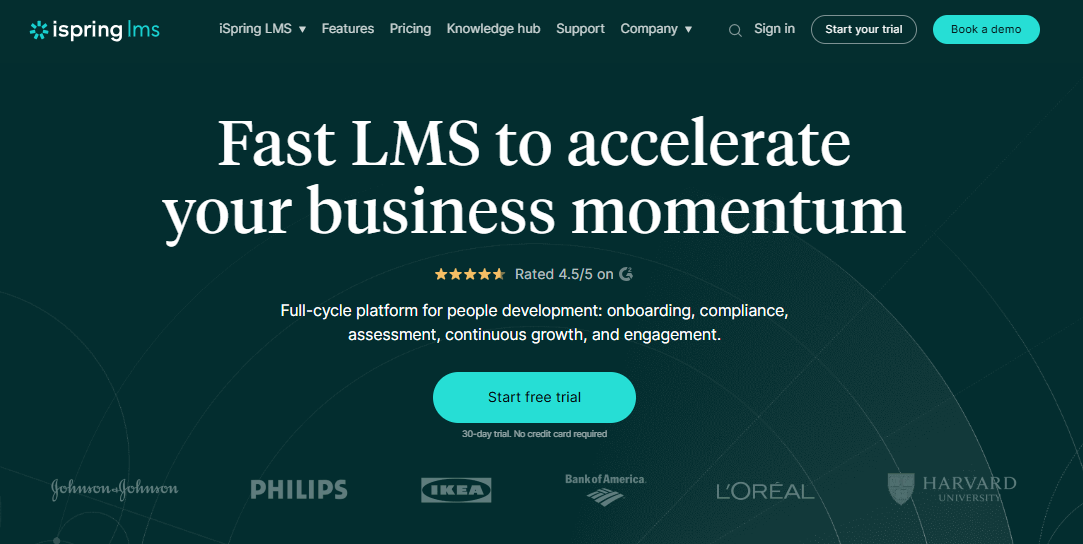
Offline mobile access is the standout feature reviewers keep bringing up, useful for field-based programs, clinical placements, or any training scenario where a stable campus Wi-Fi connection can’t be assumed. Customer support ratings are some of the highest of any tool on this top LMS for higher education list.
It’s a lighter tool than Canvas or Brightspace, and it knows it. That’s a feature, not an accident, if your actual use case is fast authoring over comprehensive academic delivery.
Pros:
- Converts existing PowerPoint and instructor-led content into SCORM courses quickly
- Offline mobile access for field-based or low-connectivity training scenarios
- Consistently high marks for customer support responsiveness
- Low learning curve for non-technical course authors
- Competitively priced relative to dedicated academic LMS platforms
- AI assistant support for faster course content creation
Cons:
- Reporting limitations; some exports only show a learner’s last quiz attempt, not full history
- Not built for complex academic grading or SIS-level integration
Pricing: Starts around $3.58/user/month, with tiered plans scaling by user volume.
10. Absorb LMS – Best for Corporate-Style Compliance Training Within University Staff Departments
Absorb rounds out this list for the same reason ProProfs Training Maker does: not every training need on a campus is academic. University HR departments running employee onboarding, safety certifications, and non-academic staff development often reach for a corporate-style LMS rather than forcing that content into an academic platform never designed for it.
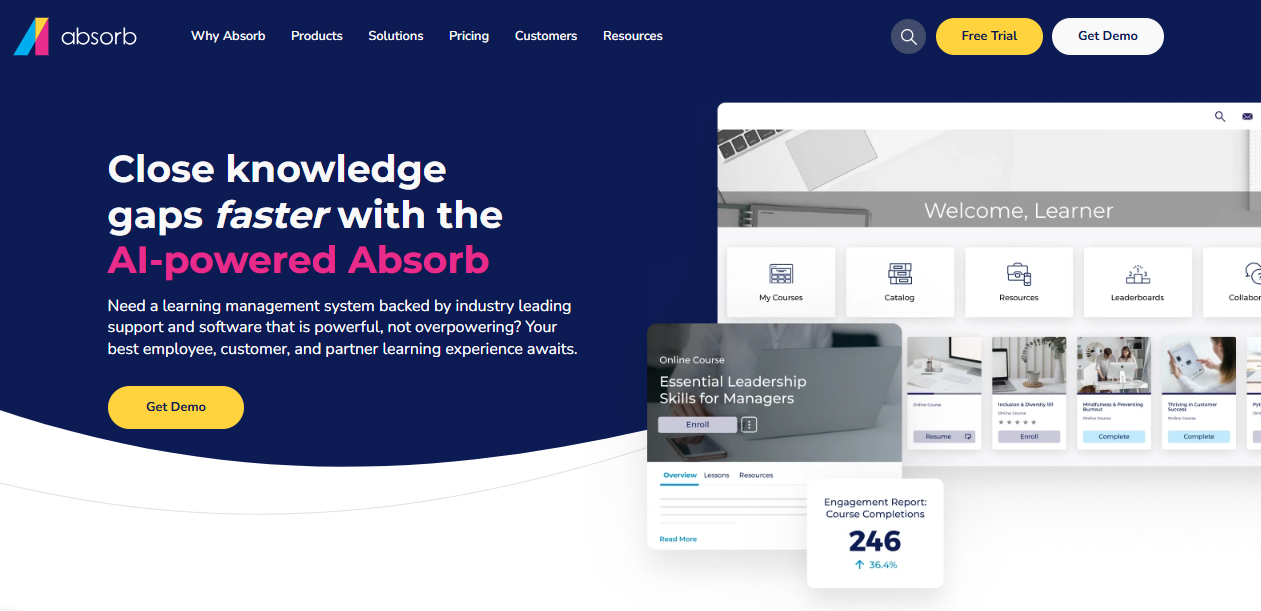
Absorb’s strength is polish. The interface and reporting feel more like enterprise corporate software than a classroom tool, which is exactly the point for HR and compliance teams who need audit trails, not discussion boards. Reviewers consistently praise ease of use and customer service.
Pricing isn’t published, which is a recurring theme across most of the platforms on this best LMS for higher education list once you move past the free or low-cost tier.
Pros:
- Enterprise-grade compliance reporting and audit trails
- Clean, modern interface rated highly for ease of use
- Strong customer service ratings across reviews
- Usage-based pricing model that scales with actual training volume
- Established reputation in corporate and institutional compliance training
- Solid integration options for HRIS and identity systems
Cons:
- Pricing isn’t published; requires a sales conversation to get a quote
- Not designed for academic course delivery, grading, or SIS integration
Pricing: Custom, usage-based. Contact the vendor for a quote.
Which Are My Top 3 Picks for Higher Education?
If I had to narrow this whole list down to three of the top learning management systems (LMS) for higher education, here’s where I’d land, and why.
ProProfs Training Maker is my first call for the piece of higher ed that procurement conversations consistently forget: staff onboarding, compliance, and faculty development outside the classroom. ProProfs Training Maker pairs AI course creation with the SSO and reporting infrastructure a university IT team actually needs, at a price point that doesn’t require a six-figure line item. Start here if compliance and staff training are the gaps in your current setup.
Canvas is where I’d point any institution whose core problem is academic course delivery at real scale. The integration ecosystem and faculty familiarity make it the safest default answer for most traditional four-year institutions seeking the best LMS.
Moodle earns third place among institutions with genuine in-house technical capacity and a real budget constraint. If you can staff the maintenance, the flexibility and zero licensing cost make it hard to beat on total value.
Between these three, you’re covering the academic delivery question, the budget-constrained question, and the staff training question that most searches for the top LMS for higher education never separate out in the first place.
How Did I Evaluate These Higher Education LMS Platforms? (Methodology)
I didn’t take vendor feature pages at face value. To identify the top learning management systems (LMS) for higher education worth shortlisting, I weighted the factors that actually determine whether faculty adopt a platform or quietly route around it.
Academic and administrative fit: Does the platform handle actual grading complexity, or is it built for something else entirely?
LMS integration for higher education: How cleanly does it connect to SIS, SSO, and LTI-compliant third-party tools? A platform that can’t talk to the registrar creates more manual work than it saves.
AI-powered features: I looked specifically at whether AI-powered LMS for higher education claims translate into real-time savings, course generation, grading assistance, adaptive paths, or just marketing language.
Ease of use: Ratings and reviews from actual faculty and administrators, not just admin-facing demo polish.
True cost: Sticker price plus what reviewers report about implementation, IT hours, and hidden add-on fees.
Pricing transparency: Whether an institution can get a real number without three sales calls.
I also pulled directly from G2 and Capterra reviews, prioritizing comments from higher education administrators, instructional designers, and IT staff over generic five-star praise.
What Should You Know Before Choosing an LMS for Higher Education?
After going through dozens of these platforms, a handful of patterns kept repeating. The institutions that ended up happy made these calls early. The ones that didn’t usually skipped one of them.
Should Faculty Have a Vote in the LMS Selection Process?
Most edtech is built and sold to the committee that signs the check, not to the faculty member or student who actually logs in every day. I’ve seen this play out the same way more than once: a platform wins the RFP on the basis of feature checklist completeness, then spends its first year fielding complaints from the people who never got a vote.
If you’re evaluating the best LMS for higher education for your institution, put someone from the actual user side, faculty, an instructional designer, a student rep, on the buying committee before the shortlist gets finalized, not after.
What Does an LMS for Higher Education Actually Cost?
Canvas and Blackboard both hide their actual pricing behind a sales call, and Moodle’s free software still requires someone to maintain it. Real institutional costs reported by buyers: Canvas landing anywhere from $10,000 to $50,000+ a year for smaller schools, Blackboard often clearing six figures once you’re past the entry tier, Moodle needing 4 to 14 hours a week of IT time on top of hosting.
Before signing anything, ask for the true cost: implementation, training, migration, and ongoing IT hours, not just the number on the quote.
One Platform Rarely Does Everything Well
The instinct to find a single LMS for higher education that handles academic delivery, staff compliance, in-app guidance, and community engagement all at once is understandable, and in my experience, usually a mistake. A core academic LMS paired with a focused tool for staff and compliance training tends to outperform a single platform that tries to do both.
That’s part of why this list treats academic delivery and staff training as separate jobs rather than a single search.
Training and Support Matter as Much as the Software
Higher education has a famously conservative adoption culture, and for good reason: faculty are busy, and a clunky rollout burns trust fast. The best LMS for higher education on paper becomes useless in practice without real onboarding support for both faculty and administrative staff.
Budget for training time the same way you budget for licensing. Skipping it is the single most common reason I’ve seen a good platform get blamed for a bad rollout.
Stop Comparing Feature Lists. Start Comparing Actual Workdays.
The best LMS for higher education isn’t the one that wins the demo. It’s the one your registrar’s office stops emailing IT about by the second month, the one faculty forget they’re even using because it just works.
Start by separating your actual problem: is this about academic course delivery, or about the staff and compliance training side that most searches for top LMS for higher education quietly skip? Those are different purchases with different answers, and conflating them is how institutions end up with an expensive tool that solves the wrong half of the problem.
If the gap in your current setup is staff onboarding, compliance certifications, or faculty development outside the classroom, ProProfs Training Maker offers a free plan worth testing before any larger commitment.
Frequently Asked Questions
What is the best LMS for higher education?
There's no single answer; it depends on the job. Canvas leads for academic course delivery at scale, Moodle for budget-conscious institutions with IT capacity, and ProProfs Training Maker for staff onboarding and compliance training outside the classroom.
What should I look for in an LMS for higher education?
Prioritize SIS and SSO integration, transparent total cost rather than sticker price alone, genuine AI-powered features instead of marketing language, and proven ease of use from actual faculty reviews, not vendor demos.
Is Canvas or Blackboard better for higher education?
Canvas generally scores higher on ease of use, mobile experience, and faculty satisfaction. Blackboard suits institutions needing deep, complex grading rubrics and mature plagiarism detection. Both carry custom, often opaque pricing that requires a direct sales conversation.
How much does an LMS for higher education actually cost?
It varies widely. Moodle hosting starts near $130/year but needs IT hours. Canvas can run $10,000 to $50,000+/year. Blackboard often exceeds $100,000/year. Brightspace ranges from $30,000 to $500,000+/year depending on scale.
What does LMS integration for higher education actually involve?
It refers to how well a platform connects to your SIS, SSO, and LTI-compliant third-party tools, plagiarism checkers, publisher content, video platforms, so data flows automatically instead of requiring manual re-entry between systems.
Do I need a separate tool for staff and compliance training?
Often, yes. Academic platforms like Canvas or Blackboard aren't built for HR-style compliance tracking. Many institutions pair their academic LMS with a focused platform, like ProProfs Training Maker, for staff onboarding and certifications.
What does "AI-powered LMS for higher education" actually mean?
Genuine AI-powered LMS for higher education features include AI course generation from a prompt, adaptive learning paths that adjust to student performance, and AI grading assistance, not just a chatbot bolted onto an existing interface.
Are Google Classroom or TalentLMS among the top LMS for higher education picks for smaller colleges?
For small colleges and informal course distribution, yes; both are affordable and easy to deploy fast. Neither replaces the SIS integration, gradebook depth, and accreditation reporting a full academic system of record needs.
Let ProProfs AI create your training course

 We'd love your feedback!
What did you like & how can we make it even better?
 Thanks for your feedback!
 Ask Your Question
Have a question? Get expert help to make your decision easier.