The best thing about Paylocity Learning is also the reason people leave it. It lives inside Paylocity, so employee data is already there, and nobody logs into another system. It also means the module inherits the limits of an add-on: basic assignment, a thin catalog, no easy logins for contractors, and support that users call hit or miss.
I will say this plainly. A built-in tool that is good enough for compliance can be too little for growth. That is the point where Paylocity LMS alternatives stop being optional, and the question becomes how much single-system convenience you are willing to trade for a better LMS.
The ten below range from standalone platforms to ones that connect to your HR data.
Top 10 Paylocity LMS Alternatives Compared
Convenience and capability pull in opposite directions here, and the right trade depends on what your training has to do. That is why the best Paylocity LMS alternatives for a company drowning in compliance look nothing like the best pick for one training contractors and customers. Here is the fast version: Capterra ratings, current pricing, and the two columns that map to the loudest complaints, how transparent the pricing is and who each platform fits.
| Tool | Best For | Capterra | Pricing | Pricing Transparency | Typical Fit |
|---|---|---|---|---|---|
| ProProfs Training Maker | Course creation for employee training & compliance | 4.8 | Free (10 learners); paid from $1.99/learner/mo | Published, with a free plan | Growing to larger teams |
| SkyPrep | Keeping Paylocity employee data synced | 4.8 | Quote-based | Quote only | Mid-sized onboarding and compliance |
| TalentLMS | Fast setup, transparent pricing | 4.7 | Free plan; $149–$579/mo | Published, with a free plan | Growing small to mid-sized teams |
| Absorb LMS | Compliance-heavy, growing programs | 4.5 | Custom quote | Quote only | Mid-size to large |
| iSpring Learn | Responsive support, predictable pricing | 4.7 | $3.97–$6.91/user/mo | Published, per user | Small to mid-sized teams |
| Docebo | Enterprise AI-powered learning | 4.4 | Custom quote (~$25K+/yr) | Quote only | Large organizations |
| 360Learning | Expert-built, collaborative courses | 4.7 | From ~$8/user/mo | Published for smaller teams | Teams capturing expertise |
| LearnUpon | Training contractors, customers, partners | 4.7 | Custom quote | Quote only | Mid-sized, multi-audience |
| Litmos | Large ready-made library, quick launch | 4.2 | ~$6–$15/user/mo cited | Quote only | Sales and general training |
| Continu | Modern usability at growing companies | 4.8 | Custom quote (250+ seats/yr) | Quote only | Mid-size and larger |
1. ProProfs Training Maker – Best for Easy Course Creation for Employee Training, Compliance & Skill Assessment
If you already run payroll in Paylocity, the question I would ask is what the module costs you in growth. ProProfs Training Maker is built as a full training platform rather than an add-on, so courses, assessments, and certificates are the product, not a tab beside payroll.
The AI course creator drafts a structured course with chapters and quizzes on a topic, so a new training no longer waits for a design team.

Let ProProfs AI create your training course
Separately, 500+ expert-built, ready-to-use courses cover common compliance and skills topics, which fixes the empty-catalog problem. Audit-ready reporting tracks completions, scores, and certifications, 70+ language support covers multi-location teams, and gamification lifts completion.
It is a standalone platform, so confirm how your HR data will reach it before you commit. Among Paylocity LMS alternatives, this is the one I would pick for teams that want to build and provide training, not just host it.
Pros:
- AI course creator that drafts a full structured course from a topic description
- 500+ expert-built, ready-to-use courses to pull from when needed
- Audit-ready reporting and certification tracking built in, not a separate add-on
- 70+ language support for multi-location or distributed teams
- Built-in gamification (badges, leaderboards, points) that lifts completion rates
Cons:
- No on-premise or self-hosted deployment option
- Light and dark mode theming is not yet available for the learner interface
Pricing: Free for up to 10 learners; paid plans start at $1.99 per learner per month.
2. SkyPrep – Best for Keeping Paylocity Employee Data Synced
SkyPrep is the one alternative here with a documented Paylocity integration, which matters if you want to keep a single source of employee data. It pulls employee records from Paylocity to create and update learner profiles, and it deactivates users who leave, so nobody re-keys headcount changes by hand.
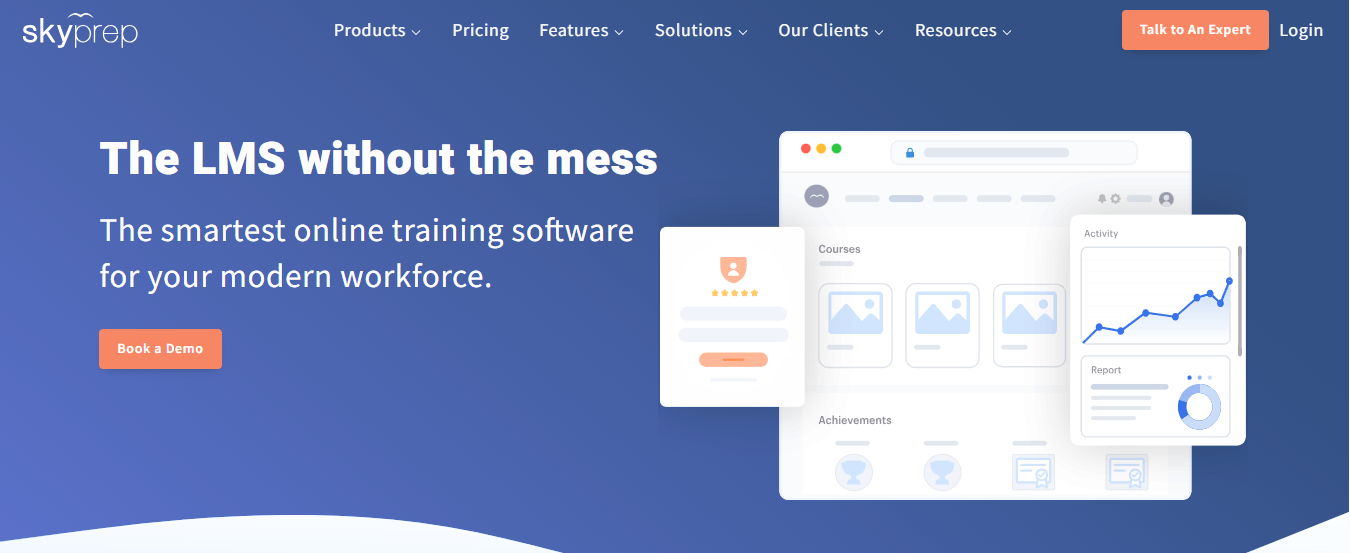
As an LMS, it covers course authoring, quizzes and assessments, learning paths, certificates, and progress tracking. Recent additions, such as per-module feedback and automated role assignments, cut the tedious assignment work that Paylocity users describe. Support is a consistent highlight in user feedback. Pricing is quote-based, and some users mention admin complexity and reporting quirks that take time to learn.
I would shortlist it first for a Paylocity shop that wants a real LMS without losing employee-data sync, then ask for a pilot built on your own records so you see the sync working before you sign.
Pros:
- Documented Paylocity integration that creates, updates, and deactivates learners
- Course authoring, quizzes, assessments, and learning paths in one platform
- Certificates and progress tracking for compliance records
- Automated role assignments that reduce manual enrollment work
- Support that users consistently praise
Cons:
- Pricing is quote-based, with no published plans
- Users mention admin complexity and some reporting quirks
Pricing: Quote-based; contact SkyPrep for pricing.
3. TalentLMS – Best for Fast Setup and Transparent Pricing
TalentLMS is the pragmatic step up from a built-in module. Pricing is published and based on how many people log in each month, so you pay for active learners rather than every name on the roster, and a free plan lets you test before spending anything.
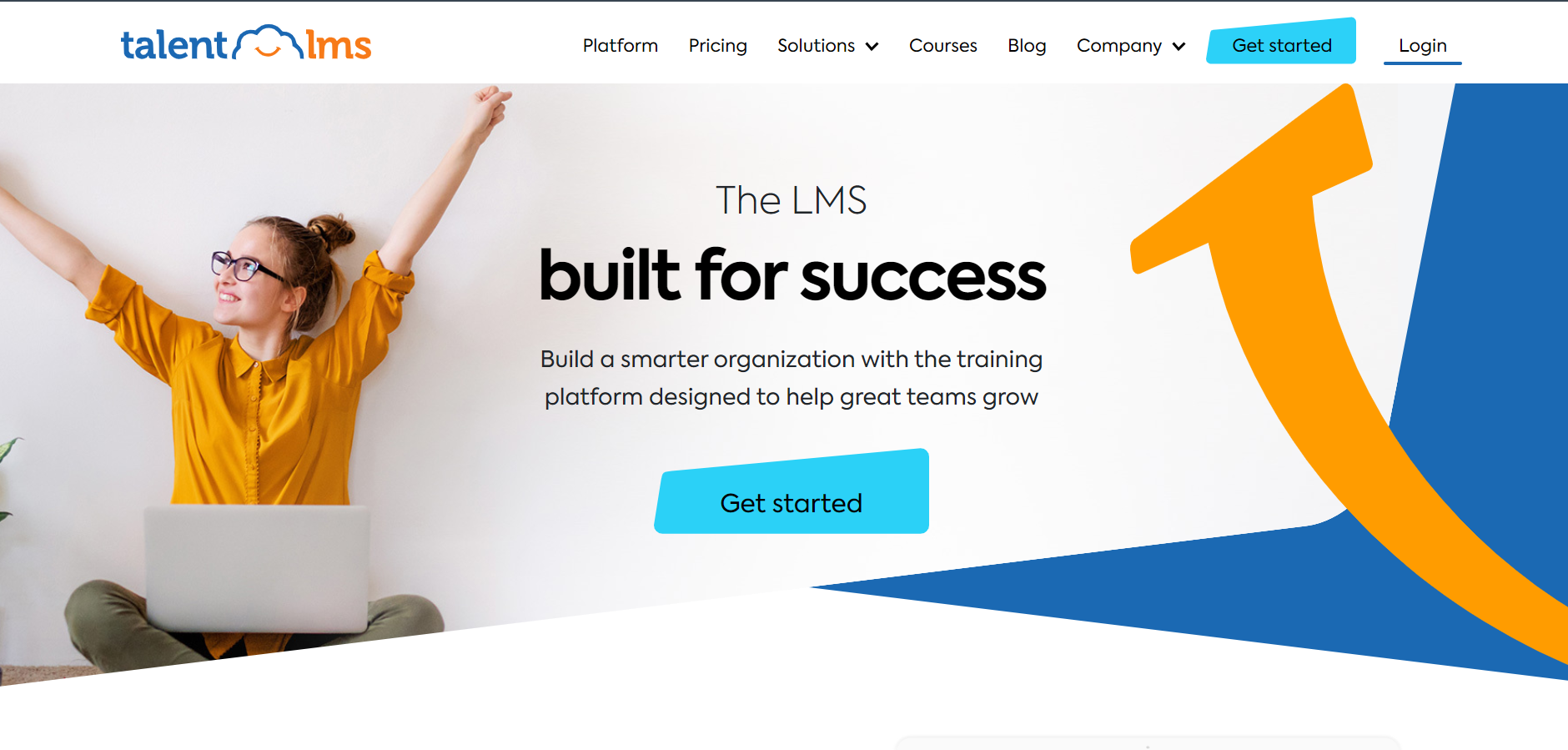
Assignment is flexible, with courses and learning paths you can send to groups instead of everyone or no one. The optional TalentLibrary add-on gives access to 1,000+ ready-made courses, which answers the empty-catalog complaint, and you can load your own content and certificates beside it. Integrations include Zapier for lighter HR sync, so check what your Paylocity setup needs.
Reporting covers completions and certifications well enough for most compliance needs. I would pick it for a growing company that wants speed, clear pricing, and room to add content later without renegotiating a contract. Setup is quick enough that a pilot costs weeks of effort, not a procurement cycle.
Pros:
- Pricing based on monthly active users, with no sales call required
- Genuine free plan for testing before committing
- Courses and learning paths that can be assigned to groups
- Optional TalentLibrary add-on with 1,000+ ready-made courses
- 30+ integrations including Zoom and Microsoft Teams
Cons:
- The ready-made library is a paid add-on, not part of the base plan
- HR system sync is lighter than on enterprise platforms
Pricing: Free plan available; Core starts at $149 per month for up to 100 users, scaling to $579 per month for 1,000 users.
4. Absorb LMS – Best for Compliance-Heavy Programs That Keep Growing
Absorb suits companies where compliance is the main event and volume is large enough that manual assignment becomes a job. Automated enrollment rules and bulk operations remove the click-heavy workflow that Paylocity admins complain about, and the learner interface is polished enough that adoption rarely needs a campaign.
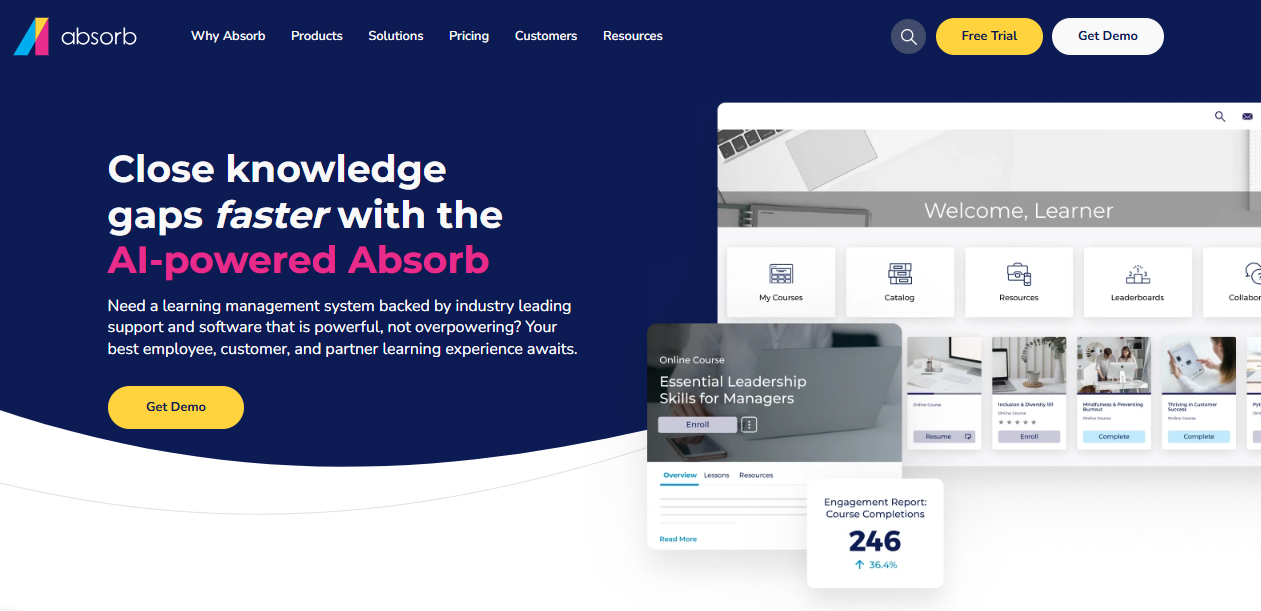
Absorb Intelligence recommends courses and flags learners who are falling behind, which gives managers something to act on beyond a completion list, and tells you who needs a nudge before a compliance deadline turns into a scramble. HRIS connectors are available for major platforms, so confirm that Paylocity data can reach it. Pricing is not published, and social learning, authoring, and advanced analytics sit behind add-ons.
It is built for mid-size to large organizations. I would pick it when you need compliance depth, expect headcount to keep growing, and can budget for a quote-based contract rather than a published price.
Pros:
- Automated enrollment rules and bulk operations
- AI-powered course recommendations and at-risk learner flagging
- Modern learner interface that drives adoption
- Strong customer support consistently praised
- Scales from mid-size to large deployments
Cons:
- Pricing is not published and requires a custom quote
- Add-on model means the base price rarely reflects final cost
Pricing: Custom quote only; contact the vendor for pricing based on active learner count.
5. iSpring Learn – Best for Responsive Support and Predictable Per-User Pricing
Support is the thing I would test hardest, because Paylocity users describe a hit-or-miss experience and a learning module that often gets no dedicated implementation help. iSpring Learn consistently earns praise for responsive support and a setup that stays closer to same-day than a multi-month rollout. Predictable support beats a clever feature when a deadline is close.
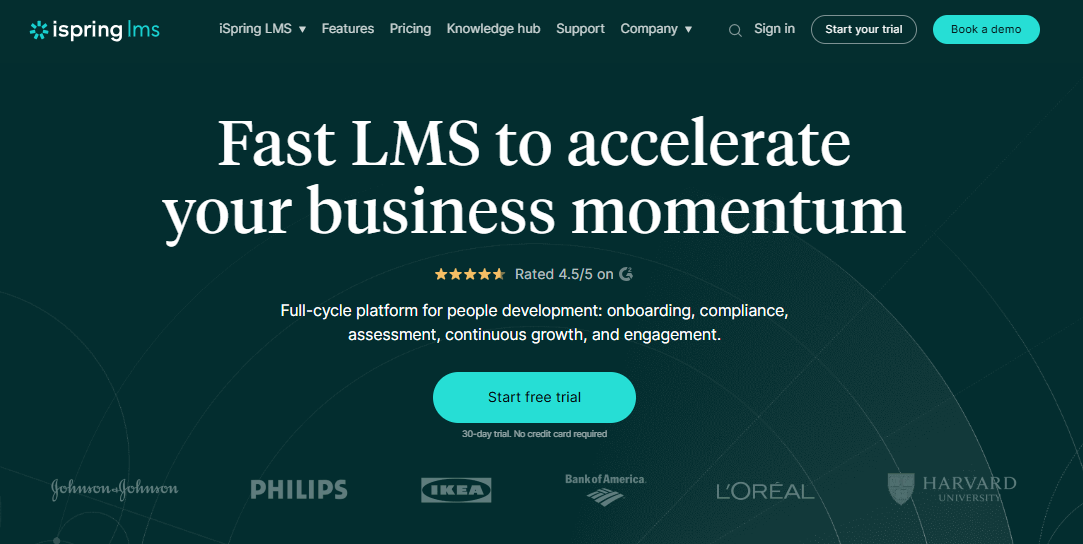
It is a plain, dependable LMS for structured onboarding and compliance training, with per-user pricing that drops as headcount grows. Integrations include tools like Zoom, Salesforce, and BambooHR, plus an open API for custom connections, so ask how it would pull in your Paylocity employee data before you assume it will.
There is no free plan, so testing means committing to a paid tier, and it is a training platform rather than a content marketplace. I would pick it for a team that values predictability and a vendor who actually answers the phone.
Pros:
- Built for structured onboarding and compliance training
- Per-user pricing that drops meaningfully at higher headcounts
- Consistently praised, responsive customer support
- Fast setup without heavy IT involvement
- Open API for custom integrations
Cons:
- Not a ready-made course library
- No free plan, so testing means committing to a paid tier
Pricing: Starts around $6.91 per user per month at 100 users, dropping to about $3.97 at 500 users.
6. Docebo – Best for Enterprise AI-Powered Learning With HR System Depth
Docebo is the heavyweight option for companies whose training is outgrowing a built-in module. It is an AI-powered learning platform that connects to HR and talent systems, with integrations spanning Workday, SuccessFactors, ADP, and BambooHR, and its Shape tool can turn existing documentation into course drafts.
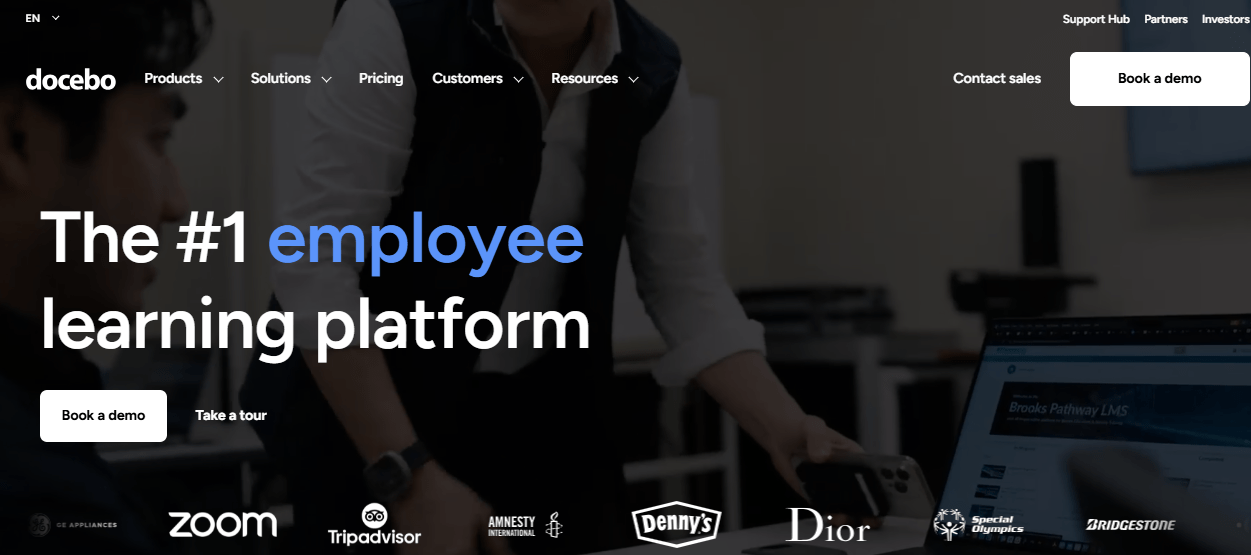
Reporting goes well beyond the basic compliance tracking Paylocity users describe, and it supports employees, partners, and customers, which solves the external-learner gap, though that breadth only pays off if you use it. The cost is real. Pricing is quote-only, commonly reported around $25,000 a year before add-ons, and setup takes dedicated admin effort that a lean HR team may not have spare.
For a larger organization with a team to run it, it earns the price. For a mid-market company with simple needs, it is more platform than the problem requires, so ask for a pilot scoped to one audience first.
Pros:
- Deep, customizable reporting beyond completion rates
- AI-powered content creation (Shape) that speeds up course drafting
- Strong multi-audience support for employees, partners, and customers
- Broad HR and app integrations
- Active roadmap with frequent AI feature releases
Cons:
- Pricing is quote-based and expensive at scale
- Steep admin learning curve during initial configuration
Pricing: Custom quote only; total cost of ownership commonly starts around $25,000 per year before add-ons.
7. 360Learning – Best for Expert-Built Courses and Collaborative Authoring
Paylocity’s module does not teach what only your people know, and neither does a generic library. 360Learning is built around that gap: subject matter experts co-author courses directly on the platform, and learner feedback flows back into the content, so a procedure change does not wait in a queue.
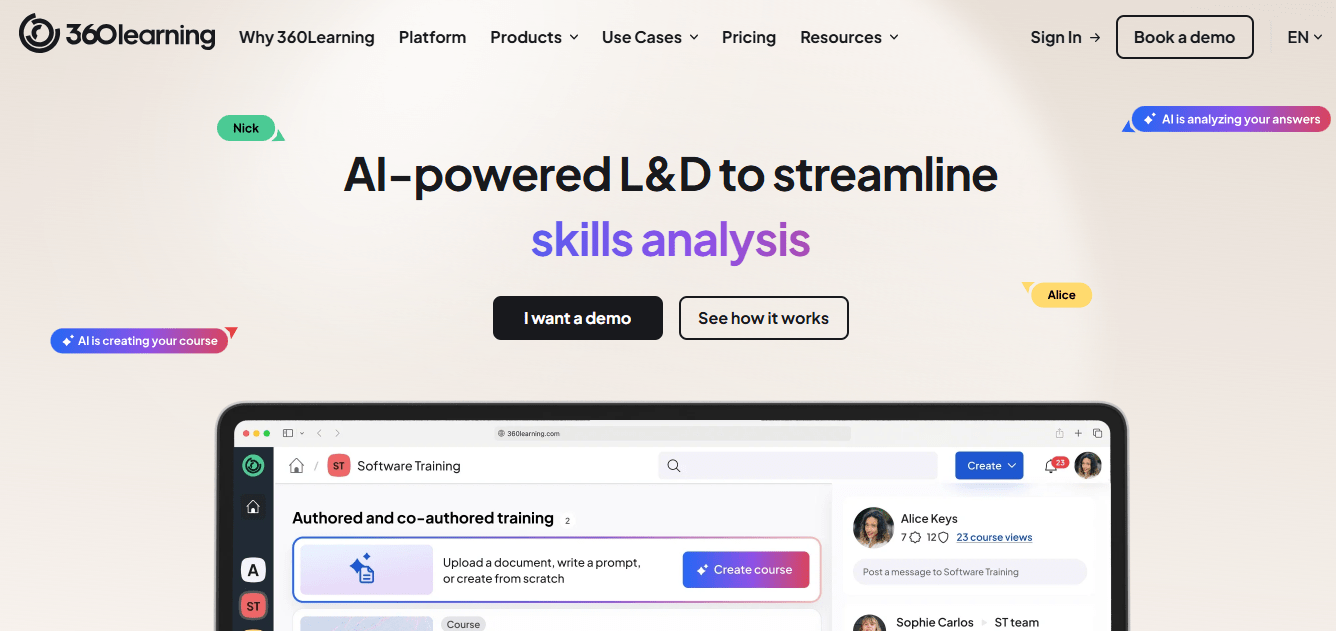
Pricing is more transparent than most enterprise platforms, with public per-user rates for smaller teams and custom quotes for larger ones. Admins and contributors tend to find it easy to use, which matters because experts who find a tool clumsy simply stop contributing and the idea quietly fades. Content stays current without a design backlog.
It is lighter on advanced compliance reporting and has no off-the-shelf catalog, so I would not pick it for a compliance-first program. I would choose it when capturing expertise from veteran employees is the gap, and confirm how HR data reaches it before signing.
Pros:
- Subject matter experts co-author courses without design bottlenecks
- Built-in feedback loops that improve courses over time
- Published per-user pricing for smaller teams
- Easy to use for admins and contributors alike
- Well suited to capturing institutional knowledge
Cons:
- Advanced compliance and reporting features are lighter than enterprise suites
- Not a ready-made library, so content depends on your own experts
Pricing: Starts around $8 per user per month, with custom pricing for larger teams.
8. LearnUpon – Best for Training Contractors, Customers, and Partners
Users report that Paylocity’s module does not work for contractors or customers because external logins are not practical. LearnUpon is built for exactly that. Separate branded portals let you train employees, customers, and partners in one account, each with its own content, branding, and permissions, so a customer never sees internal onboarding material, which keeps customer-facing training clean and your internal material private.

Automation handles enrollment and reminder busywork, multilingual support suits distributed audiences, and users consistently point to responsive customer support. Integrations include HR and CRM tools such as BambooHR and Salesforce. Customization and advanced analytics lag pricier enterprise tools, and pricing is a custom quote rather than a published rate.
I would choose it for a mid-sized company that trains more than its own payroll list, such as franchisees, contractors, or customers, and I would confirm the HR data path before signing.
Pros:
- Separate branded portals for employees, customers, and partners
- Strong, consistently praised customer support
- Automation for enrollment and reminder workflows
- Multilingual support suited to distributed audiences
- Adaptive personalization tools for individual learners
Cons:
- Pricing is not published and requires contacting sales
- Customization and analytics depth lag top-tier enterprise platforms
Pricing: Custom quote only; contact the vendor for pricing based on user count and portal needs.
9. Litmos – Best for a Large Ready-Made Library and Quick Deployment
The empty catalog is a common Paylocity complaint, and Litmos tackles it with a large off-the-shelf library, over 2,000 courses on its higher tier, which gives a small HR team something to assign on day one instead of building from scratch. It is now under SAP, deployment is quick, and white-labeling plus a custom domain make it easy to present as your own branded academy rather than a third-party tool.
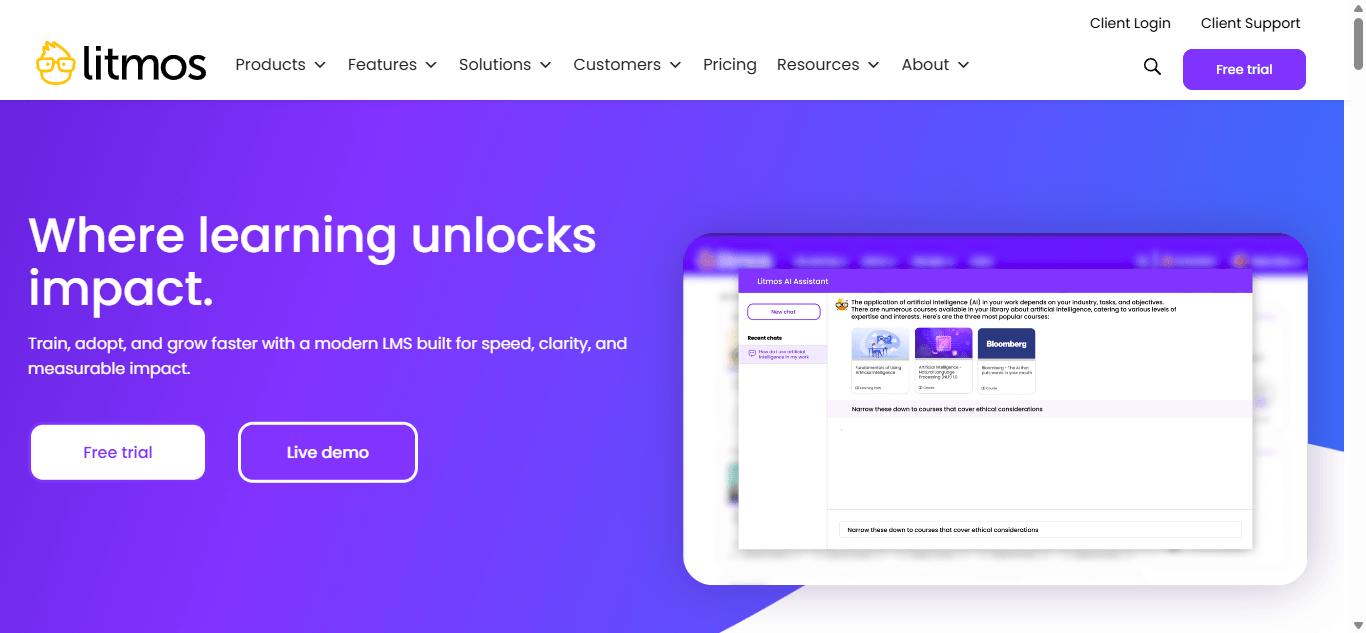
Video assessments with AI-driven feedback add something basic quizzes cannot, which suits customer-facing and sales training especially well. Support experiences are uneven, with some users praising it and others reporting slow resolution, so ask for references from a company your size before you sign anything.
Compliance tracking is lighter than on dedicated compliance platforms, so I would choose Litmos when ready-made content and speed matter more than deep regulatory reporting, and keep a stricter system for audit-critical courses.
Pros:
- Large content library, over 2,000 courses on higher tiers
- Fast deployment with minimal admin overhead
- Video assessments with AI-driven feedback
- White-labeling and custom domain support
- Per-user pricing that drops at higher volume
Cons:
- Customer support quality is inconsistent
- Compliance and regulatory tracking is lighter than on dedicated compliance platforms
Pricing: Contact the vendor for pricing; commonly cited around $6 to $15 per user per month depending on volume.
10. Continu – Best for Modern Usability at Growing Companies
Continu positions itself as an LMS that does not need its own training program to use, and the usability reputation backs that up. The interface is modern rather than institutional, which helps adoption among managers who have learned to avoid clunky, multi-tab admin screens.
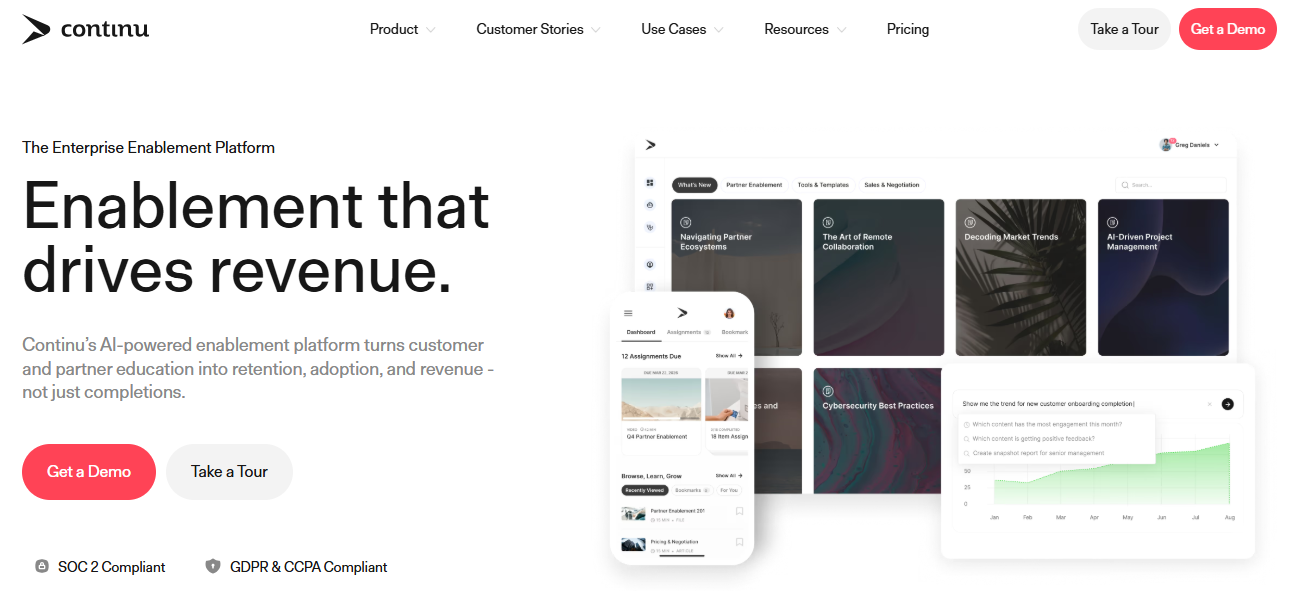
Implementation is commonly cited around two months, which is a realistic planning number rather than a promise of same-day setup, and integrations cover everyday tools like Slack and Google Workspace, so reminders can land where people already work. Plans generally start around 250 seats and pricing is a custom quote, so it suits mid-size and larger companies better than a very small one.
Deep regulatory compliance tracking is lighter than on enterprise compliance platforms, though basic completions track fine. I would choose it for a growing company that cares about engagement and wants one learning home beyond payroll, and confirm the HR data connection early.
Pros:
- Consistently strong usability for admins and learners
- Modern, engagement-focused learner interface
- Integrations with everyday tools like Slack and Google Workspace
- Implementation commonly cited around two months
- Suited to mid-size and larger companies
Cons:
- Pricing is not published and starts around a 250-seat level
- Deep regulatory compliance tracking is lighter than on enterprise platforms
Pricing: Custom quote only; plans generally start around 250 user seats per year.
My Top Picks Among the Paylocity LMS Alternatives
If you read nothing else, start here. Among all the Paylocity LMS alternatives above, these three cover the three real jobs people hire a replacement for: building and proving training, keeping HR data synced, and getting going fast at a clear price. Whether you searched for Paylocity LMS competitors, Paylocity learning alternatives, or just a module that does more, one of them fits.
1. ProProfs Training Maker
My pick if the goal is to build training and prove it worked rather than just host it. Course creation runs on your terms, with the AI course creator and 500+ expert-built courses getting you to a first version fast and certificates tied to passed assessments. Reporting shows who finished and how they scored, and the empty-catalog problem disappears from day one.
2. SkyPrep
My pick if keeping Paylocity employee data in sync is non-negotiable. It has a documented integration that creates, updates, and deactivates learners straight from Paylocity, so headcount changes do not need to be entered twice. Ask for a pilot on your own records, since quote-based pricing and some admin complexity are the tradeoffs.
3. TalentLMS
My pick if speed and clear pricing matter most. You pay for people who actually log in, a free plan makes a pilot low-risk, and the optional TalentLibrary add-on fills the empty catalog. Check what your Paylocity setup needs for HR sync, because lighter connectors are the tradeoff.
How I Evaluated These Paylocity LMS Alternatives
I did not rank these ten alternatives to Paylocity LMS on feature lists alone. Here is what shaped the order:
- User reviews and ratings from Capterra, weighted toward platforms with a meaningful volume of recent reviews
- HR data sync, meaning whether employee records can flow in from Paylocity through a documented integration, an HRIS connector, or an API, since losing the single-system benefit is the main fear behind every search for Paylocity LMS competitors
- Assignment flexibility, including groups, roles, and bulk enrollment instead of everyone or individuals only
- Content and standards, including ready-made libraries, SCORM support, and how easily you can build your own
- External learner support, meaning whether contractors, customers, and partners can get logins
- Reporting depth, including reporting and tracking that goes beyond completion lists
- Support, implementation effort, and total cost, because an opaque add-on with a non-refundable implementation fee is exactly what people are trying to leave when they search for Paylocity learning alternatives
Keep the Data Sync Without Keeping the Ceiling
Nobody wants to re-key a headcount change twice.
Paylocity’s module does a few things well, and they are worth naming: employee data is already there, and compliance tracking sits inside one system. If your needs stay at that level, staying put is a fair decision. The moment you need flexible assignment, a real catalog, external learners, or deeper reporting, the built-in module becomes a constraint. Among all these Paylocity LMS alternatives, none wins every category, so decide what you are optimizing: sync, compliance depth, external training, or speed.
Before you switch to any of these Paylocity training alternatives, pilot with one team, export your completion records and content first, and budget a realistic timeline for data cleanup. If you also need compliance training records that survive an audit, test that the platform produces them without a spreadsheet beside it. Anyone weighing alternatives to Paylocity LMS should ask each vendor to demonstrate the HR data path on your own records.
Frequently Asked Questions
What are the best Paylocity LMS alternatives for compliance training?
ProProfs Training Maker, Absorb LMS, and iSpring Learn are strong choices for compliance, with audit-ready reporting and certification tracking that go beyond a basic completion list. Pilot each with your real courses and records before deciding.
Which Paylocity learning alternatives sync with employee data?
SkyPrep has a documented Paylocity integration that creates, updates, and deactivates learner profiles. Others, including TalentLMS, Docebo, and iSpring Learn, connect through HRIS connectors, Zapier, or APIs, so ask each vendor to confirm the Paylocity path.
Who are the main Paylocity LMS competitors for external training?
LearnUpon is built for external audiences, with separate branded portals for customers, partners, and contractors. Docebo also supports employees, partners, and customers. Paylocity's module is reported to struggle with external logins, which is why this matters.
What should I look for in alternatives to Paylocity LMS?
Start with the gap: assignment flexibility, content catalog, external learners, or reporting depth. Then compare HR data sync, support quality, implementation effort, and total cost, including any non-refundable setup fees, before you compare feature lists.
Which Paylocity training alternatives include a ready-made course library?
Among Paylocity training alternatives, TalentLMS offers an optional TalentLibrary add-on with 1,000+ courses, Litmos lists 2,000+ courses on its higher tier, and ProProfs Training Maker includes 500+ expert-built courses, so you are not starting with an empty catalog.
Is it hard to migrate away from Paylocity Learning?
Plan for exporting records and content, a realistic timeline, and data cleanup. Run a pilot with one team first, confirm how employee data will sync, and keep completion history until the new platform reports it correctly.
Let ProProfs AI create your training course

 We'd love your feedback!
What did you like & how can we make it even better?
 Thanks for your feedback!
 Ask Your Question
Have a question? Get expert help to make your decision easier.