If your HIPAA refresher training is overdue, built on a slide deck nobody reads, or documented in a folder you would not want an OCR investigator to open, this guide gets you from that situation to a running, documented, defensible program. You will leave with a clear path: build a custom course with AI in under an hour, or deploy a ready-made course today. Either way, you will know exactly how to document it so it holds up.
This guide is for:
- Compliance officers and HR managers who need HIPAA refresher training done and documented
- Training administrators who want a faster path than building from scratch
- Team leads at clinics, hospitals, and healthcare-adjacent businesses keeping staff current on HIPAA
Before we begin, here’s a short video to understand what HIPAA compliance is and why it matters.
What HIPAA Actually Requires (and Why Your Current Cycle May Have a Gap)
Most organizations run an annual HIPAA refresher and consider themselves covered. The law is more specific than that, and the gap between “we did annual training” and “we are actually compliant” is where corrective action plans come from.
HIPAA does not mandate annual training. The Privacy Rule requires two things: train every new hire within a reasonable period of joining, and retrain any workforce member whose role is affected by a material change in policy or procedure. The Security Rule adds a third requirement that most organizations underestimate – an ongoing security awareness program, meaning regular reinforcement between formal sessions, not one annual module.
Annual refresher training became the industry standard because the triggers for required retraining happen often enough that annual cycles are the most defensible practice. But the cycle does not protect you if a trigger fires and you miss it. These are the events that make retraining mandatory regardless of when you last ran your annual program:
- A policy or procedure changes in a way that affects how someone does their job
- New technology is implemented, especially anything touching PHI
- A risk assessment surfaces a knowledge gap
- An OCR corrective action plan requires retraining
- An employee receives a sanction where retraining is the prescribed remedy
If any of those happened in your organization in the last twelve months and retraining did not follow, you have a documentation gap right now. The section on building your paper trail below covers how to close it.
What OCR Enforcement Actually Looks Like in Practice
HIPAA enforcement is not theoretical. The Office for Civil Rights (OCR) investigates complaints, audits organizations, and publishes enforcement outcomes publicly.
A few examples show how quickly gaps in training and documentation turn into real consequences:
- $200,000 penalty for delayed patient access
Oregon Health & Science University was fined after failing to provide timely access to medical records. This was not a breach. It was a process failure tied directly to staff awareness and execution of patient rights. - Multi-million dollar penalties tied to compliance gaps
Recent OCR enforcement trends show penalties reaching into the millions, often linked to missing risk analysis, weak safeguards, or inadequate workforce training. These cases almost always include corrective action plans with ongoing federal oversight.
What makes this relevant to training is how penalties are structured.
According to HIPAA enforcement guidelines, civil monetary penalties can range from $145 to $2,190,294 per violation, depending on the level of negligence. In more serious cases, criminal penalties can also apply, including fines and potential imprisonment.
Beyond the financial impact, most enforcement outcomes require organizations to:
- Retrain their workforce
- Update policies and procedures
- Implement stronger safeguards
- Operate under a corrective action plan, often for multiple years
Settlements are the most common resolution path, and they typically combine a financial penalty with mandatory compliance improvements.
This is where refresher training becomes more than a checkbox. If your program cannot clearly show:
- what was taught
- who completed it
- how well they understood it
You are not just missing best practice. You are missing the documentation OCR will ask for first.
The Gap That Actually Causes Violations: What Your HIPAA Refresher Needs to Cover
Before you build or deploy anything, your training content needs to map to real failure modes, not a generic HIPAA topic list. These are the six areas where violations actually originate, along with the training needed for each one.
1. Preventing Accidental Disclosure: The 18 PHI Identifiers
Most data leaks in healthcare happen in conversation, not through system breaches. Staff share details they do not realize qualify as PHI – dates of service, geographic data, incidental identifiers – because nobody made the 18 identifiers concrete for them. Training here needs to show real examples from daily workflows, not a list of categories to memorize.
2. The Minimum Necessary Standard in Daily Decisions
This is the source of most day-to-day violations. A billing specialist pulling a full clinical chart to answer a payer question is a violation, whether they knew it or not. Training needs to give staff a usable decision rule for their specific role, not a definition of the standard.
3. Handling Patient Access Requests Without Generating Complaints
Patients have legal rights to access, amend, and receive an accounting of their records within defined timeframes. Staff who do not know your organization’s actual intake-to-response process generate OCR complaints that are entirely avoidable. Generic training on patient rights does not fix this. Training on your specific process does.
4. Breach Recognition and Your Escalation Path
“Tell your supervisor” is not a breach response procedure. Staff need to know what a reportable breach looks like, who specifically to contact – Privacy Officer, Security Officer – and how fast. If your training does not name those roles and timeframes, it is not closing the gap it needs to close.
5. Cybersecurity Habits That Prevent the Majority of Technical Breaches
Phishing recognition, password practices, auto-lock on workstations, and lost device procedures. These behaviors prevent most technical breaches, which is why the Security Rule’s ongoing awareness requirement exists. One annual reminder does not sustain these habits. Regular reinforcement does.
6. Sanctions: The Consequences Staff Need to Understand
Staff who understand the real consequences – progressive discipline, termination, OCR-imposed penalties – treat compliance as something that matters rather than something that is checked annually. This section should be specific and factual, not a threat. The specificity is what makes it land.
Role-Specific Training: Why the Same Violations Keep Happening
If everyone gets the same course, the same violations keep happening. A nurse handling patient records hourly and an IT administrator managing server access have entirely different exposure points. The six topics above apply to every role. The scenarios, examples, and safeguard discussions need to reflect what each group actually does.
| Role | Training Focus |
|---|---|
| Clinical staff | PHI access in EHR systems, verbal disclosure in care settings, minimum necessary in real clinical scenarios |
| Administrative and billing | Release of information, authorization forms, claims handling, third-party payer rules |
| IT and technical staff | Encryption requirements, access controls, audit logging, incident response, workstation security |
| Leadership and compliance officers | Risk assessment obligations, sanction policy, corrective action plan process |
| Business associates | BAA scope, breach notification duties, safeguards specific to their service |
Path 1: Build a Role-Specific Course in Under an Hour With ProProfs AI
If you need a course tailored to your organization’s policies, systems, and specific workforce, ProProfs Training Maker works as a complete AI LMS that helps you build and launch training without the usual delays. Instead of spending weeks creating content from scratch, you can rely on its AI-powered content generation to speed things up.
The AI course builder in ProProfs Training Maker lets you create structured, role-specific courses in a single sitting. From generating course outlines to developing full lessons, quizzes, and assessments, the platform simplifies every step of AI course creation.
Here is how to do it in under an hour:
Step 1: Open the AI Course Builder
Log in to ProProfs Training Maker, select “Create a Course,” and choose the AI-powered option.
Step 2: Write a Prompt That Does the Heavy Lifting
Vague prompts produce generic output, you will spend more time editing than if you had started from scratch. Include three things in your prompt: the audience, the specific topics, and the format. For example:
“Create a HIPAA refresher training course for clinical nursing staff covering PHI handling, breach recognition, and cybersecurity basics, with scenario-based quiz questions structured in 15-minute modules.”
The more specific the prompt, the less editing the output needs.

Let ProProfs AI create your training course
Step 3: Replace Generic Language With Your Actual Procedures
The AI generates a full course outline with lessons and draft content. This is your foundation, not your finished product. Go through it and replace any generic language with your organization’s specific procedures – your breach escalation contacts, your sanction policy language, your actual systems. A course that describes HIPAA generally is not the same as a course that tells your staff what to do in the situations they actually face.
Step 4: Build Assessments That Test Judgment, Not Memory
Set a passing threshold – 70-80% is standard for compliance training. Then weight your questions toward scenarios rather than recall. The distinction matters: “What does PHI stand for?” tests memory. “A colleague asks to pull a patient’s full chart to answer a billing question – what do you do?” tests the judgment your staff needs in the moment. Self-attestation does not hold up in an audit. Assessment scores do.
Step 5: Brand, Assign, and Set Deadlines
Upload your logo, set brand colors, attach policy documents, assign the course, and set a completion deadline so it runs as an internal program.
Turn on automatic certificate generation. Each certificate includes the learner’s name, completion date, and course title, giving you instant, user-level proof for audits.
Step 6: Turn on Automated Reminders and Reporting
This is the step that matters most when an auditor asks for documentation. Automated reminders mean you are not manually chasing completions. The reporting dashboard gives your compliance officer real-time visibility into who has completed assessments, who has passed them, and where the gaps are. This is what replaces the folder of sign-in sheets.
How This Compares to Other HIPAA Training Approaches
Most organizations are not choosing between “training” and “no training.” They are choosing between different ways of delivering it. The difference is in speed, consistency, and how well it holds up during an audit.
Here is how the common approaches compare:
| Approach | What It Looks Like in Practice | Where It Breaks | Where It Works |
|---|---|---|---|
| In-person training sessions | Compliance officer or external trainer runs sessions once or twice a year | Hard to scale, inconsistent delivery, weak documentation unless tracked manually | Works for small teams or one-time onboarding |
| PowerPoint-based training | Slide decks shared over email or presented in meetings | Low engagement, no assessment data, difficult to prove comprehension in audits | Quick to set up but weak for compliance defense |
| Generic LMS platforms | Upload slides or videos into a learning system and assign courses | Still requires manual content creation, often not role-specific, limited automation for compliance tracking | Better tracking than manual methods but still slow to build |
| ProProfs AI LMS (Training Maker) | AI-powered content generation + ready-made courses + automated tracking in one system | Requires initial setup and customization to match your policies | Fastest path to role-specific training with built-in documentation and audit-ready reporting |
What usually makes the difference is not the format, but whether your program is:
- Role-specific instead of generic
- Backed by assessments instead of self-attestation
- Fully documented in one place instead of scattered across folders
That is exactly what the next two paths are designed to solve.
Get Free Employee Training Software — All Features, Forever.
We've helped 567 companies train 200,000+ employees. Create courses in under a minute with our AI LMS or use 200+ ready-made courses on compliance, harassment, DEI, onboarding, and more!
Path 2: Deploy a Ready-Made Course Today
If the refresher is overdue and you need it running today, not next week, ProProfs has a library of pre-built HIPAA courses you can deploy immediately. Each course meets HIPAA requirements, covers the core Privacy and Security Rule content, and can be customized with your branding, policy documents, and assessment questions so it reads as an internal program rather than an off-the-shelf product.
The question is not which course is best in the abstract. Which one matches your situation right now?
You need a broad annual refresher for all staff: Start with the HIPAA Compliance Course. It covers both Privacy and Security Rules and gives every department a consistent compliance baseline. It is the right foundation for organizations that want uniform knowledge across roles before layering in role-specific content.
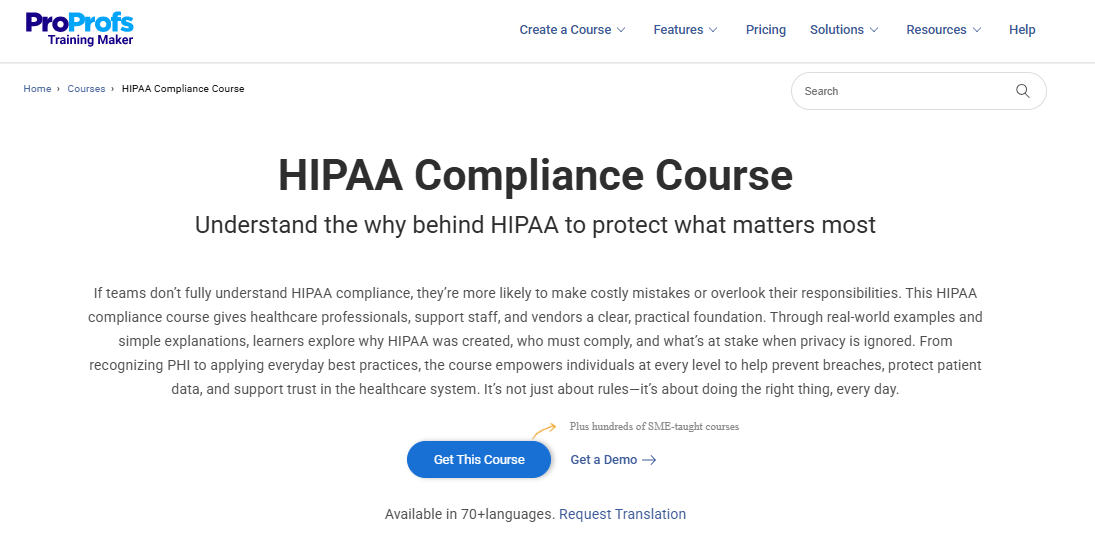
Your staff handles patient data regularly, and PHI misuse is your main risk: The HIPAA Privacy Rule Training is built for this. It works through what is permissible and what is not when using and sharing patient information – the judgment calls that cause most day-to-day violations.
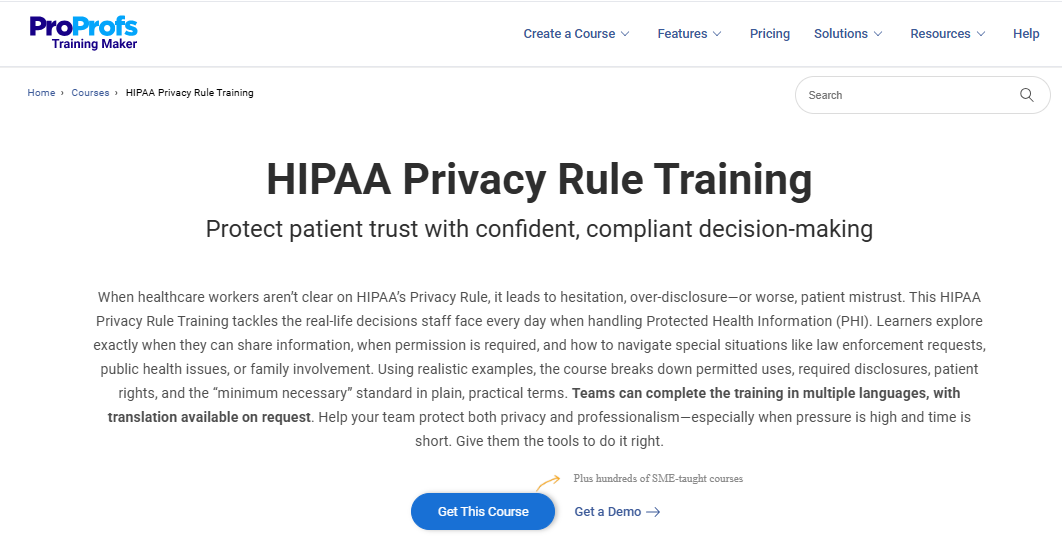
Staff do not clearly recognize what counts as PHI: The Protected Health Information (PHI) Training covers all 18 identifiers with real-world workflow examples. It works well as a standalone module and closes the low-awareness gap quickly.
You are onboarding new staff or resetting a compliance program: The 5 HIPAA Rules Training walks through all five HIPAA rules in a logical sequence. It gives staff the full framework rather than isolated rules, which is what makes compliance feel coherent rather than arbitrary.
Staff handles patient rights requests, and that is where your complaints originate: The HIPAA Patient Rights Training covers access, amendment, and accounting of disclosures – the interactions where delays and miscommunication generate OCR complaints most often.
Your exposure is digital – social media, phishing, remote access: The Social Media, Cybersecurity, and HIPAA Training connects compliance requirements to current digital risks. It is relevant for all staff and essential for anyone with public-facing or online roles.
Your IT team needs compliance mapped to technical implementation: The Security Rule for ePHI Protection Training covers encryption, access controls, audit logs, and risk management. It bridges the gap between policy and what IT staff actually configure and maintain.
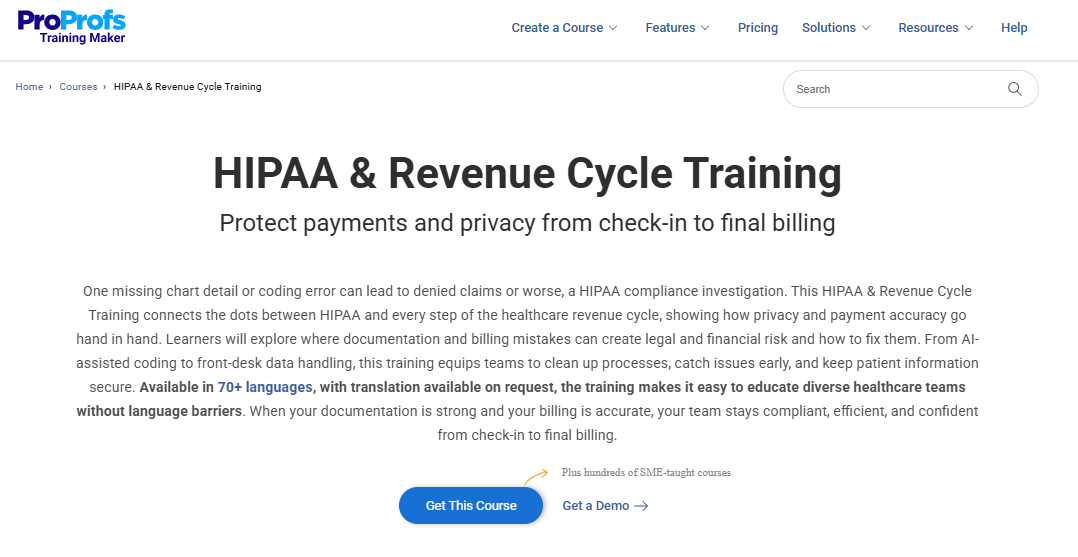
Billing and administrative teams are your compliance weak point: The HIPAA and Revenue Cycle Training covers how HIPAA applies to claims processing, authorizations, and payer interactions – the workflows where billing teams create compliance exposure without realizing it.
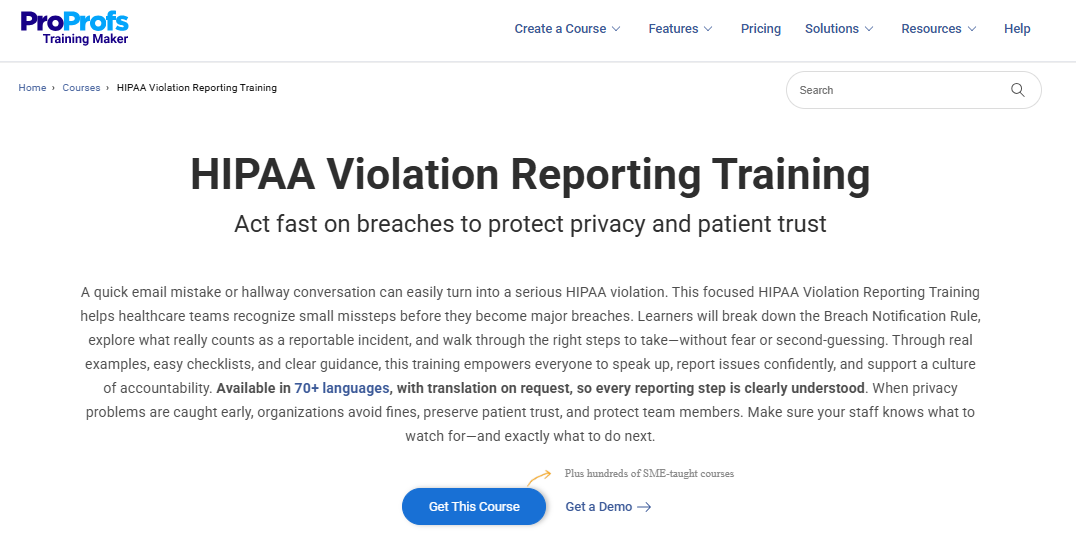
You had an incident and need to build a reporting culture: The HIPAA Violation Reporting Training covers what constitutes a violation, how to report it internally, and what happens next. It builds a culture where staff surfaces problems early rather than hoping nobody notices.
How to Make Training Stick Without Forcing a 90-Minute Session
The reason HIPAA training gets clicked through without retention is not the topic. It is the format. These four changes consistently improve both completion rates and the behavior the training is supposed to produce.
1. Break It Into 15-Minute Modules
Healthcare staff do not have uninterrupted 90-minute windows. Training broken into 15-minute modules, completable between shifts, outperforms single long sessions on both completion and retention. More practically: a session staff can actually finish is more valuable than a comprehensive one they abandon at the halfway point.
2. Test Judgment, Not Definitions
Scenario-based questions outperform definition recall because they test what staff will actually do, not what they can recite back. Build assessments around situations your staff genuinely encounter – ambiguous PHI, unexpected access requests, device incidents – not around terminology.
3. Use Examples From Your Organization
Generic scenarios from fictional hospitals feel like homework. An anonymized version of something that actually happened at your organization is immediately credible. Staff recognize the situation, which is what makes the lesson transfer to real decisions.
4. Send Short Reminders Between Formal Sessions
One annual course does not satisfy the Security Rule’s ongoing awareness requirement. A short monthly update – a new phishing example, a recent OCR enforcement action, a policy reminder – keeps compliance on the radar and builds the documentation trail that security awareness training was continuous, not annual.
How to Automate Your Compliance Paper Trail?
When an auditor or investigator asks for documentation, you need to produce it immediately, from one place, without calling three department managers. For every person who completes training, your log needs to show:
- Full name
- Date training was completed
- Course title or description
- Assessment score or pass/fail result
ProProfs captures this automatically. Completion data, assessment scores, and timestamps are logged per user automatically and are available in the reporting dashboard the moment a session ends.
The One-Click Audit Bundle: When OCR comes asking, you need three documents: the course outline showing what was taught, the completion report showing who took it and when, and the assessment data showing they understood it. ProProfs exports all three. If you are on a different system, build this three-document structure manually and assign your Privacy Officer as the owner, not individual department managers who may not be there when you need the records.
One structural gap worth naming explicitly: Privacy Rule training and Security Rule awareness training are not the same requirement. Privacy Rule training is event-triggered – new hires, policy changes, and sanctions. Security Rule awareness training is supposed to be continuous – reminders between formal sessions, not one annual module. If your documentation shows only one annual training event with nothing recorded in between, you may have a Security Rule gap that only becomes visible when something goes wrong.
Getting This Done Is Simpler Than It Feels Right Now
The organizations that struggle with HIPAA refresher training are not struggling because the subject is complicated. They are struggling because training was built once and never updated, documentation is scattered across inboxes and shared drives nobody maintains, and everyone gets the same generic course regardless of what they actually do.
None of that requires a major project to fix. A role-mapped curriculum, 15-minute modules, assessment-backed completion records, and automated reminders cover what OCR is actually looking for. Build it with AI in under an hour, or deploy a pre-built course this afternoon. Either way, the fundamentals are the same: the right content for each role, tested comprehension, and documentation in one place you can actually produce when it matters.
Get Free Employee Training Software — All Features, Forever.
We've helped 567 companies train 200,000+ employees. Create courses in under a minute with our AI LMS or use 200+ ready-made courses on compliance, harassment, DEI, onboarding, and more!
Frequently Asked Questions
Is HIPAA Refresher Training Legally Required Every Year?
Not in explicit terms – the Privacy and Security Rules do not set an annual mandate. The triggers for required retraining happen often enough in most organizations that annual refresher training has become the most defensible standard. If none of those triggers occur in a given year, annual training is still the recommended practice.
How Long Should HIPAA Refresher Training Be?
There is no mandated length. A focused 30-45 minute course with a short assessment covers most staff refresher needs. Role-specific or post-incident retraining may need more depth. What matters is that content is role-appropriate, comprehension is tested, and completion is documented.
Can Online Self-Paced Training Satisfy HIPAA Requirements?
Yes, fully. HIPAA places no restrictions on format. Online training satisfies the requirement as long as the content is appropriate to the person’s role, includes a comprehension assessment, and is documented in your training log.
Do Business Associates Need HIPAA Refresher Training?
Yes. Business associates are bound by their BAA and the HIPAA Security Rule’s training obligations. What that requires depends on what PHI they handle and what the BAA covers, but the obligation exists and should be confirmed as part of your vendor oversight process.
What Is the Difference Between Privacy Rule Training and Security Rule Training?
Privacy Rule training covers how PHI can be used and disclosed, patient rights, and organizational policies. Security Rule training covers protecting ePHI – technical safeguards, cybersecurity awareness, and incident response. Both are required. The Security Rule implies ongoing awareness rather than a single annual event, which is why periodic security reminders between formal training sessions are not optional.
What Happens if a Staff Member Fails to Complete HIPAA Refresher Training?
Non-completion is an audit vulnerability. If a breach involves an untrained employee, that gap can be cited as a contributing violation and increase the penalty. Most sanction policies prescribe escalating consequences for training non-compliance, from a written warning to termination for repeated failures.
How often should HIPAA training be updated?
HIPAA training should be updated whenever there is a material change in policies, procedures, technology, or risk exposure. While many organizations follow an annual update cycle, that alone is not sufficient if changes occur in between. The most defensible approach is to update training as soon as a trigger event occurs and reinforce it through periodic refreshers, especially for security awareness.
What are the penalties for not completing HIPAA training?
Failure to complete HIPAA training creates a direct compliance risk. If a violation involves an untrained employee, it can be cited as a contributing factor and increase financial penalties. Organizations may face civil monetary penalties, corrective action plans, and increased regulatory scrutiny. Internally, most sanction policies treat non-completion as a compliance violation, with consequences ranging from written warnings to termination for repeated non-compliance.
Let ProProfs AI create your training course

 We'd love your feedback!
What did you like & how can we make it even better?
 Thanks for your feedback!
 Ask Your Question
Have a question? Get expert help to make your decision easier.