I’ve sat through enough vendor demos to know exactly what sends someone hunting for WorkRamp alternatives. It’s rarely the platform crashing. It’s a Tuesday afternoon spent trying to export a report before a compliance deadline, or a sales call where “custom pricing” turns into a number nobody budgeted for.
I’ve implemented or evaluated most of the serious contenders in this space by now, WorkRamp included. So this isn’t a scraped feature list dressed up as a comparison. It’s the working shortlist I hand to training managers who corner me and ask, point-blank, what to actually switch to.
Below: 10 real WorkRamp alternatives, ranked with actual Capterra ratings, current pricing, and the one job each tool does better than the rest. The comparison table is right below this paragraph if you’re short on time. I wouldn’t judge you for skipping ahead.
The 10 Best WorkRamp Alternatives, Reviewed
Before the full review, here’s how all 10 WorkRamp alternatives on this list stack up side by side on the numbers that actually decide these things: rating, pricing, and whether there’s a free plan worth test-driving before you talk to sales.
| Tool | Best For | Capterra Rating | Free Plan? | Starting Price |
| ProProfs Training Maker | AI Course Creation & Compliance Training | 4.8 / 5 | Yes (10 learners) | $1.99/learner/mo |
| Docebo | Enterprise AI-Driven Learning at Scale | 4.4 / 5 | No | Custom, ~$25K+/yr |
| Absorb LMS | AI-Powered Learner Engagement | 4.5 / 5 | No | Custom quote |
| TalentLMS | Fast Setup on a Small Team’s Budget | 4.7 / 5 | Yes | $149/mo (Core) |
| 360Learning | Peer-Sourced, Collaborative Courses | 4.7 / 5 | Trial only | $8/user/mo |
| LearnUpon | Training Employees, Customers & Partners | 4.7 / 5 | No | Custom quote |
| iSpring Learn | Turning Slides Into Courses Fast | 4.7 / 5 | No | ~$3.58/user/mo |
| Adobe Learning Manager | Enterprise Compliance & Social Learning | 4.3 / 5 | Trial only | Custom quote |
| Cornerstone Learning | Large Enterprises on the Cornerstone Suite | 4.3 / 5 | No | Custom quote |
| Auzmor Learn | AI Mentorship-Driven Skill Development | 5.0 / 5* | No | $29/user/mo |
1. ProProfs Training Maker – World’s Easiest LMS & Course Builder for Employee Training, Compliance & Skill Assessment
ProProfs Training Maker is a cloud-based, AI-powered LMS that I keep coming back to when a WorkRamp alternative needs to launch quickly, without a six-week implementation project.
The fastest path to a course here is a prompt: type what you want to teach, and the AI course creator assembles a full training program, structure, quizzes, and all. You can try it yourself below. Type something like “Create a workplace harassment prevention course for a 150-person retail team” and watch the outline build itself.

Let ProProfs AI create your training course
If you’d rather start with something proven, there are 500+ expert-built, ready-to-use courses covering the topics that come up constantly in employee training: onboarding, harassment prevention, safety basics, and the compliance essentials most industries need on file somewhere.
What makes this work as a genuine WorkRamp alternative, rather than a lighter clone, is the combination of customization and tracking. You can white-label the learning environment, build role-based learning paths, and pull reports built with an audit in mind, not just a dashboard that looks nice in a screenshot.
The 70+ language support is a real advantage if your workforce spans more than one country, and gamification (badges, leaderboards, points) helps keep completion rates up when training isn’t mandatory-feeling enough to enforce itself.
Pros:
- AI course creation cuts build time from days to minutes for most standard training
- 200+ ready-to-use courses on onboarding, compliance, harassment prevention, and safety
- Robust quiz and assessment tools with settings built to resist cheating
- Full white-labeling and brand customization, with AI handling content edits on request, for a consistent, on-brand training experience
- Real-time analytics with completion tracking and audit-ready reporting
- 70+ language support for distributed or global teams
- Integrates with HR, CRM, and SSO tools; supports SCORM for importing existing content
Cons:
- Cloud-only, no on-premise or self-hosted option
- No dark mode, a small thing, but one reviewer mentions it for low-light use
Pricing: Free forever (up to 10 learners). Paid plans start at $1.99 per active learner/month.
2. Docebo – Best for AI-Driven Enterprise Learning at Scale
Docebo earns its enterprise reputation, and its enterprise price tag right alongside it. It’s the tool I’d point large, multi-region organizations toward, the ones training thousands of employees across time zones with genuinely complex reporting needs.
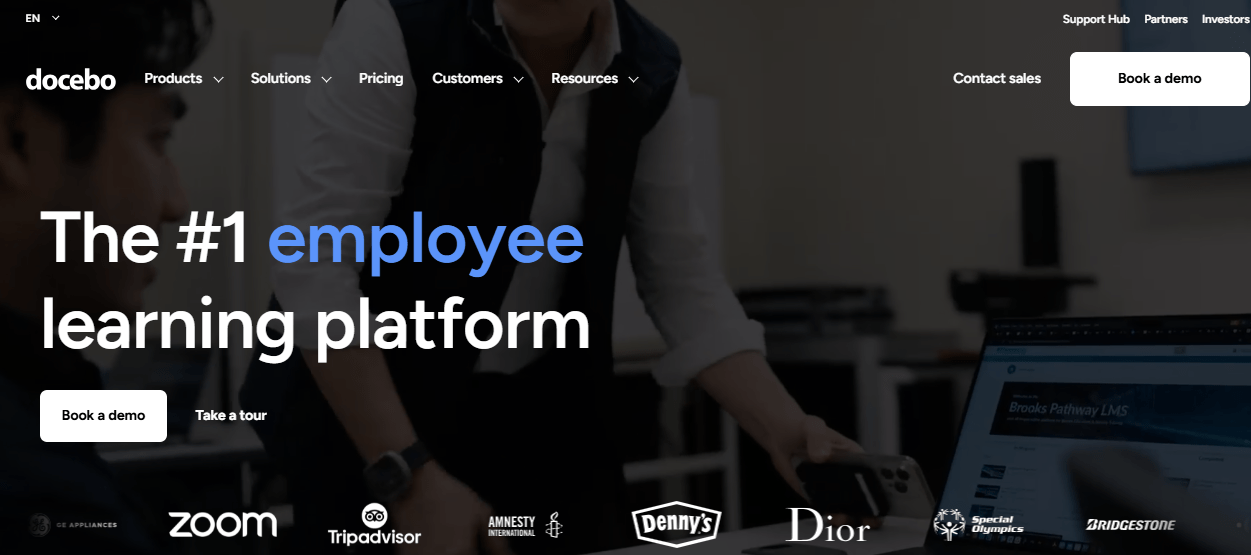
The AI engine, built on Docebo’s acquisition of Edugo.AI, automates a lot of the content curation work that used to eat an L&D team’s entire week. Content creation, curation, and delivery can be automated and adapted to individual learner profiles at scale, which matters once you’re managing training for a workforce too large for manual curation to keep up.
SCORM and AICC compatibility means existing content migrates cleanly, and integration with professional authoring tools like Elucidat and Lectora gives instructional designers real flexibility to build rather than just assemble.
The tradeoff is real. Docebo doesn’t publish pricing, and realistic entry points sit around $25,000 to $40,000 a year once you add the modules most teams end up needing. Support quality also gets mixed reviews depending on who you ask; Capterra numbers look noticeably better than what shows up on some other review sites, which is worth digging into before you sign anything. If your training program is simple, Docebo is overkill. If it’s genuinely complex, it might be exactly what you need.
Pros:
- AI-driven content curation and personalized learning paths at enterprise scale
- SCORM and AICC compliant, so existing content migrates cleanly
- Integration with professional authoring tools including Elucidat and Lectora
- Strong integration ecosystem for large, multi-system organizations
- Continuously expanding AI capabilities for content creation and curation
- Enterprise-grade scalability for large, global training programs
- Detailed reporting built for compliance-heavy industries
Cons:
- Custom quote pricing starting around $25,000+/year, firmly enterprise territory
- Support quality reviews vary noticeably across review platforms
- Manager-level dashboards for tracking overdue training are a known weak spot
Pricing: Custom quote; realistic budgets start around $25,000/year.
3. Absorb LMS – Best for AI-Powered Learner Engagement
Absorb is the one I’d hand to a mid-size company that wants an LMS that feels a little smarter than a glorified filing cabinet.
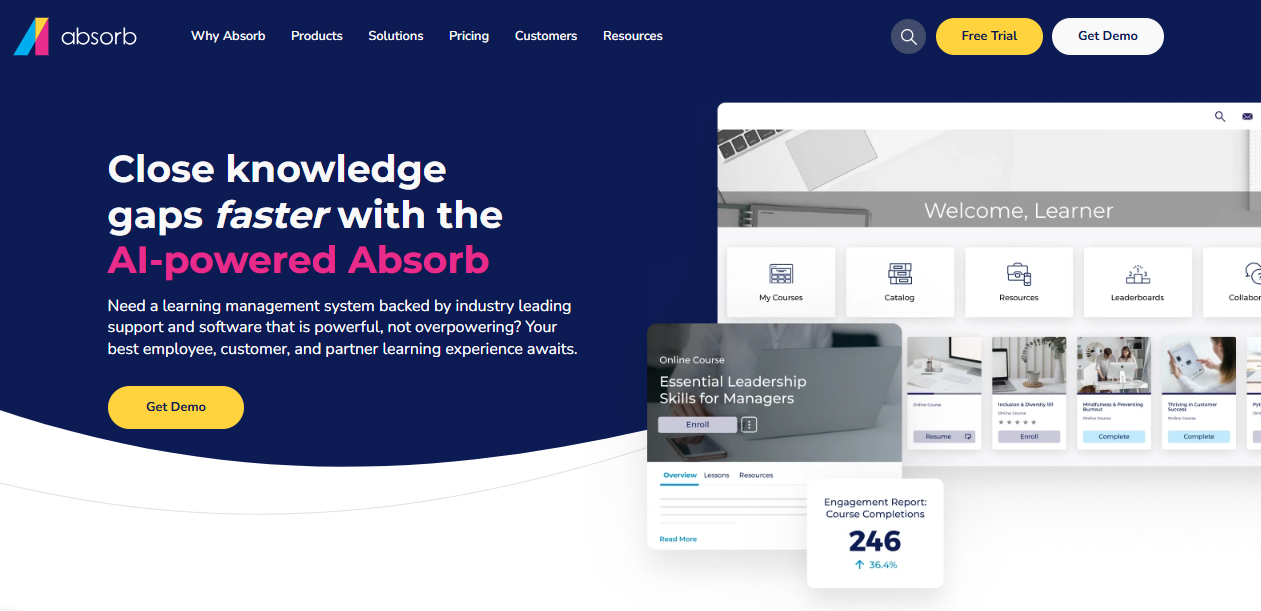
Absorb Intelligence, its AI layer, recommends courses, predicts who’s likely to finish on time, and flags learners at risk of falling behind before a manager has to notice manually. The learner interface is clean enough that adoption tends to happen without a big training-the-trainers push, which is not a small thing when half the battle with any LMS is getting people to actually log in.
Admin automation is where it quietly saves time: bulk operations, automated enrollment rules, and reporting that doesn’t require a data analyst to interpret.
Where it gets pricier is the add-on model. Social learning, advanced authoring, and deeper analytics all cost extra, and that adds up fast if you need more than the base package offers. Pricing also isn’t published anywhere, so budgeting means a sales call before you know the real number.
Pros:
- Absorb Intelligence AI recommends courses and flags at-risk learners automatically
- Modern learner interface that drives adoption without heavy onboarding effort
- Strong admin automation: bulk operations, automated enrollment rules
- High marks for customer support and account management
- Solid reporting out of the box without needing a separate add-on for the basics
- Scales comfortably for mid-size to large organizations
- Can handle employee, customer, and partner training from one platform if needed
Cons:
- Add-on pricing for social learning, authoring, and analytics adds up quickly
- No published pricing; every quote is custom
- Enrollment steps can feel like more clicks than necessary for end users
Pricing: Custom quote (contact vendor).
4. TalentLMS – Best for Fast Setup on a Small Team’s Budget
TalentLMS is the alternative I recommend when someone says, “we just need something simple that we can turn on this week.”
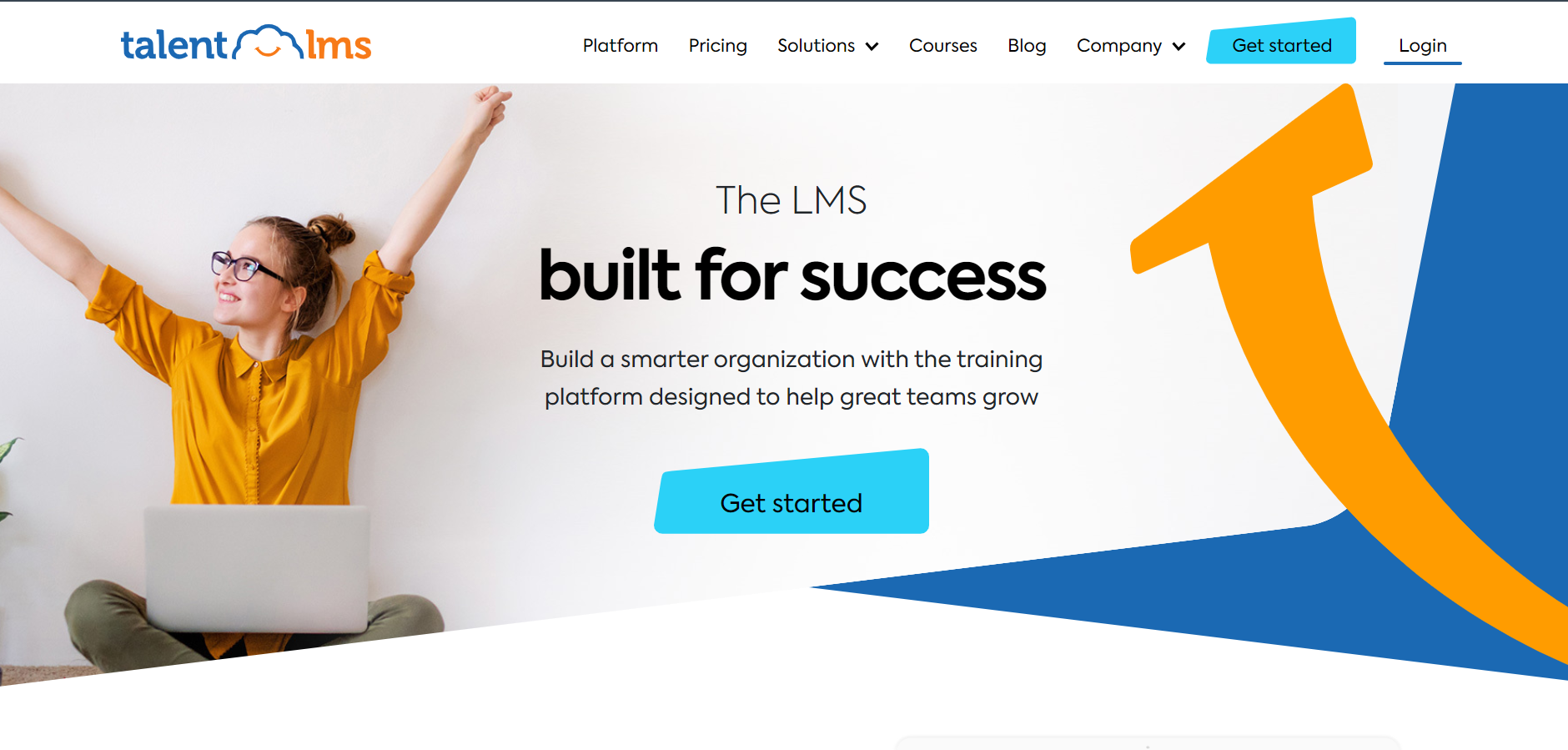
Published pricing, a rarity on this list, a genuinely fast setup, and a free tier make it an easy first LMS for smaller teams that have outgrown a folder of PDFs and a shared drive. Most teams are live within days, and non-technical instructors tend to get comfortable on day one.
It integrates with more than 30 third-party tools, including BambooHR, Zoom, and Zapier, which covers most of what a small or mid-size HR team actually needs without custom development.
It won’t flex the way Docebo or Cornerstone will for a 5,000-person global rollout, and some reviewers note that customization and advanced reporting cap out faster than they’d like once you’re past the entry tiers. For what it is, though, it’s hard to beat on straightforward value.
Pros:
- Published, transparent pricing with a free tier and free trial
- Fast setup; most teams are live within days, not weeks
- Over 30 integrations including BambooHR, Zoom, and Zapier
- Consistently high ease-of-use ratings from smaller teams
- Automated course assignment and reminders reduce manual admin follow-up
- Strong mobile experience for distributed or frontline teams
- Responsive customer support even on lower-tier plans
Cons:
- Advanced reporting and customization feel limited at scale
- Higher tiers get expensive fast once you cross the included user count
- Native authoring options are basic compared to dedicated content tools
Pricing: $149/month (Core, up to 100 users); Grow $299/month; Pro $579/month; Enterprise custom.
5. 360Learning – Best for Peer-Sourced, Collaborative Course Creation
360Learning takes a genuinely different approach: instead of a central L&D team building every course, it’s built for subject-matter experts across the company to create and co-author training themselves.
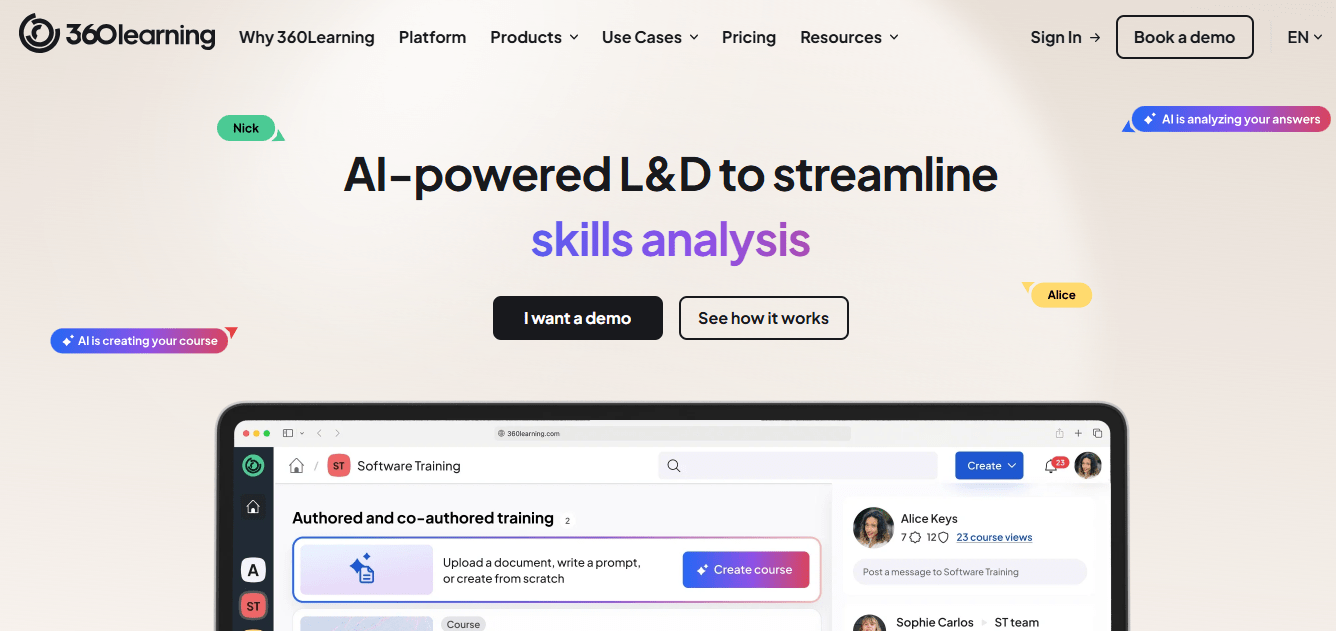
AI helps shape that raw material into something structured, so the expert doesn’t need instructional design experience to produce a usable course. For companies where the real expertise is scattered across engineering, sales, and ops rather than sitting in one training department, this matters more than it sounds like it should.
Learner engagement features lean into that same collaborative philosophy: in-context discussion on lessons, upvoted feedback, and a genuine peer-learning feel that’s rare in this category.
It’s rated well, and the entry price is public, which I appreciate on principle. Pricing does jump once you need enterprise identity controls or advanced governance, so budget for that if you’re a larger org, and a few reviewers mention occasional technical glitches alongside slower support responses at busier times.
Pros:
- Collaborative course creation lets subject-matter experts build training directly
- AI-assisted course structuring and content review
- Public starting price with a free trial
- Strong learner engagement features, including in-context discussion on lessons
- Rated a top AI LMS by eLearning Industry, for whatever that ranking is worth
- Used by large, recognizable companies at real scale
- Faster time-to-course when expertise lives outside the training department
Cons:
- Pricing moves to custom contracts fast once you need enterprise security controls
- Some reviewers note occasional technical glitches and slower support response
- Peer-authored courses can be inconsistent in quality without editorial oversight
Pricing: Starts at $8/user/month (Team plan); Enterprise is custom quote.
6. LearnUpon – Best for Training Employees, Customers, and Partners From One Platform
LearnUpon’s whole pitch is training more than one audience without running three separate systems.

Employees, customers, and partners each get their own portal, their own branding, their own reporting, on one platform. If you’re a company that needs to handle internal onboarding and external customer training at the same time, that consolidation alone can justify the switch.
Support consistently gets some of the best marks I’ve seen in this entire category, and dynamic group rules mean enrollment adjusts automatically as teams and roles change, without someone manually re-assigning courses every time there’s a reorg.
It’s not the cheapest option here, and pricing isn’t published anywhere I could find, so budgeting means a sales conversation before you get a real number. Native authoring tools are also fairly basic if you were hoping to build rich, interactive content directly inside the platform.
Pros:
- Multi-portal setup for employees, customers, and partners from one system
- Consistently top-rated customer support and onboarding experience
- Dynamic group rules automate enrollment as teams change
- Native Salesforce integration for CRM-linked training data
- Strong marks across small, mid-size, and enterprise segments alike
- Clean, uncluttered admin interface that doesn’t require heavy training to use
- Reliable uptime and platform stability based on long-term user reviews
Cons:
- No published pricing; budgeting requires a sales conversation
- Native authoring tools are relatively basic compared to dedicated authoring suites
- Smaller marketplace of native integrations than category leaders like Docebo
Pricing: Custom quote (contact vendor).
7. iSpring Learn – Best for Turning Existing Slides Into Courses Fast
iSpring Learn is the pragmatic choice for a team that already has a pile of PowerPoint decks and instructor-led material sitting around unused.
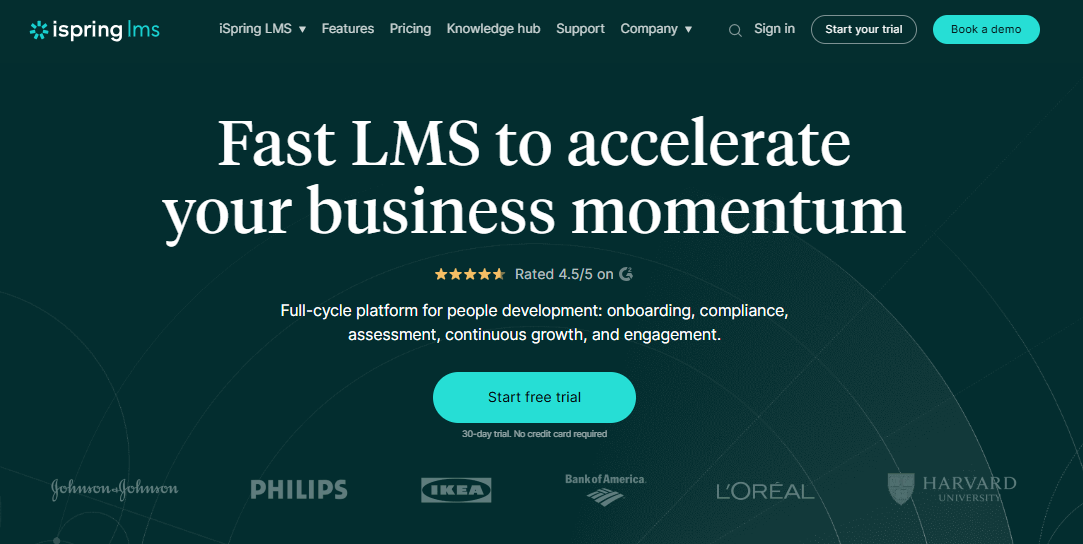
Its authoring tools turn that existing content into SCORM-ready courses fast, without much of a learning curve for the person building it. On-the-job training checklists and a built-in knowledge base give it a practical edge for teams documenting SOPs alongside formal courses.
It’s also one of the few tools on this list with genuinely low, published starting pricing, which makes it an easy yes for budget-conscious teams that still want something more structured than a shared drive.
Reporting has a real limitation worth knowing about: some reports only show a learner’s last quiz attempt, not their full attempt history, which is a headache if you need to prove someone struggled before they passed. It’s also less suited to organizations that need heavy AI-driven personalization; the AI here helps with content creation, not learner-level recommendations.
Pros:
- Fast conversion of existing PowerPoint and instructor-led content into SCORM courses
- Published, low starting price
- On-the-job training checklists and a built-in knowledge base for SOPs
- Strong customer service ratings, frequently the highest-rated area in reviews
- Mobile and offline access for distributed or field-based teams
- Straightforward interface with a genuinely short learning curve for admins
- Reliable for standardizing training built from existing slide decks
Cons:
- Some quiz reports show only the last attempt, not full attempt history
- Less suited to organizations that need heavy AI-driven personalization
- Advanced customization options are limited compared to enterprise-tier competitors
Pricing: Starting around $3.58/user/month.
8. Adobe Learning Manager – Best for Enterprise Compliance and Social Learning
Adobe Learning Manager is the choice for a large, security-conscious organization that already lives inside the Adobe ecosystem or needs GDPR, SOC 2, and FedRAMP boxes checked without a fight.
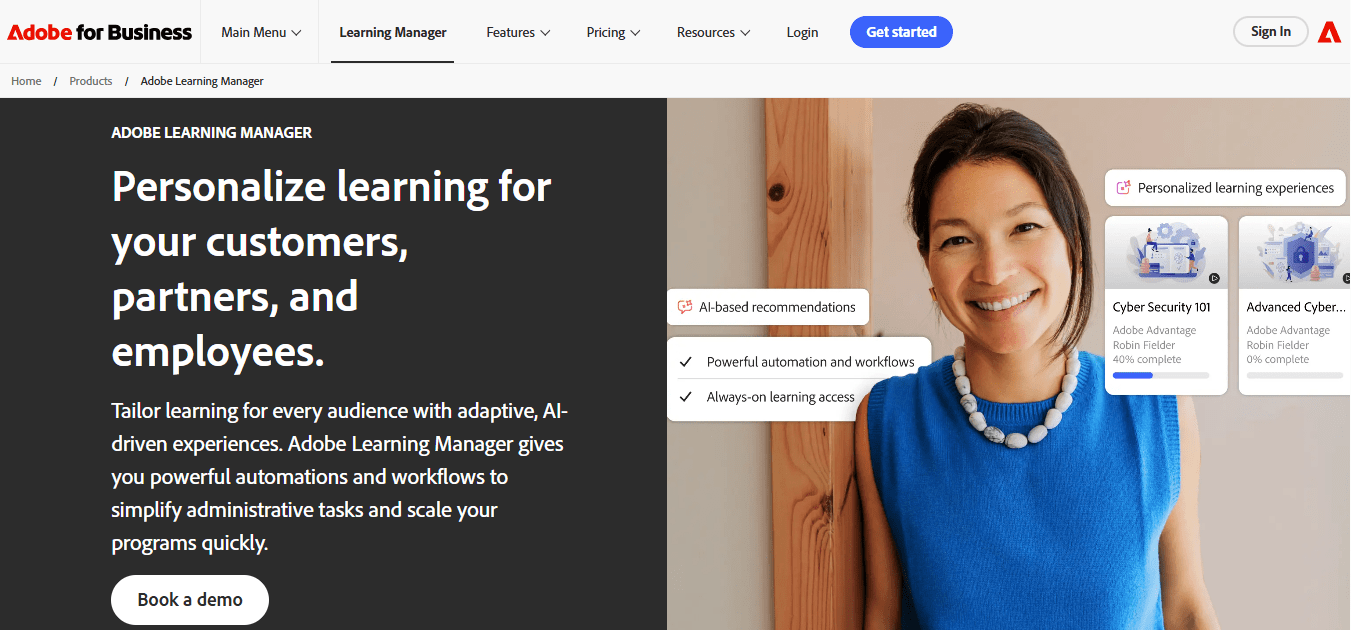
Its AI personalization engine adapts learning paths per employee, and the analytics are detailed enough to satisfy a compliance officer who wants more than a completion percentage. Deep integration with the broader Adobe Experience Cloud is a genuine advantage if your organization already runs on Adobe tools elsewhere.
It handles hybrid and social learning well too, with collaborative features like badges and peer feedback that keep training from feeling entirely solitary.
The setup is not light. Reviewers consistently mention needing a dedicated administrator, and out-of-the-box branding customization trails what some competitors offer. If your team doesn’t have bandwidth for a real implementation project, this isn’t the tool for a quiet Tuesday launch.
Pros:
- AI-powered personalization adapting learning paths to individual employees
- GDPR, SOC 2 Type 2, and FedRAMP compliant, useful for regulated industries
- Deep integration with the broader Adobe Experience Cloud
- Detailed analytics for measuring program impact
- Strong collaborative and social learning features, including peer feedback
- Automated learning plans that reduce administrative overhead
- Modern, responsive interface across devices
Cons:
- Requires meaningful administrator investment to configure and maintain
- Limited out-of-the-box branding customization compared to competitors
- Technical issues and bugs reported by users, especially during initial setup
Pricing: Custom quote (typically priced per 100 monthly active users).
9. Cornerstone Learning – Best for Large Enterprises Already on the Cornerstone Suite
Cornerstone is the name that comes up when a company already runs its broader HR and talent management through the Cornerstone suite and wants learning to live in the same place.
It handles complex, structured programs well, and its immersive XR simulation option is a genuine differentiator for industries training on real-world, high-stakes scenarios where a slide deck just doesn’t cut it.
Reporting and analytics run deep, and the partner ecosystem is established enough that most integration needs have already been solved by someone else before you get there.
It’s also the tool people describe as “cumbersome” more often than any other name on this list. More than one reviewer mentioned switching away specifically because the admin experience felt disorganized, and pricing is entirely sales-led with no public tiers at all. If you’re not already inside the Cornerstone ecosystem for other HR functions, I’d want a very specific reason before choosing it as a standalone LMS.
Pros:
- Deep integration with Cornerstone’s broader talent management suite
- Immersive XR simulation options for high-stakes, real-world training scenarios
- Extensive reporting and analytics capabilities
- Established enterprise-grade partner ecosystem
- Strong fit for organizations managing training, performance, and recruiting together
- Handles large, complex, multi-region training structures well
- Long track record with enterprise-scale deployments
Cons:
- Admin experience frequently described as cumbersome and difficult to navigate
- Sales-led pricing with no public tiers at all
- Steeper learning curve for administrators than most tools on this list
Pricing: Custom quote (sales-led; no public pricing).
10. Auzmor Learn – Best for AI Mentorship-Driven Skill Development
Auzmor Learn is the newer name on this list, and it leans hardest into AI mentorship matching, pairing employees with mentors based on skill gaps and career trajectory.
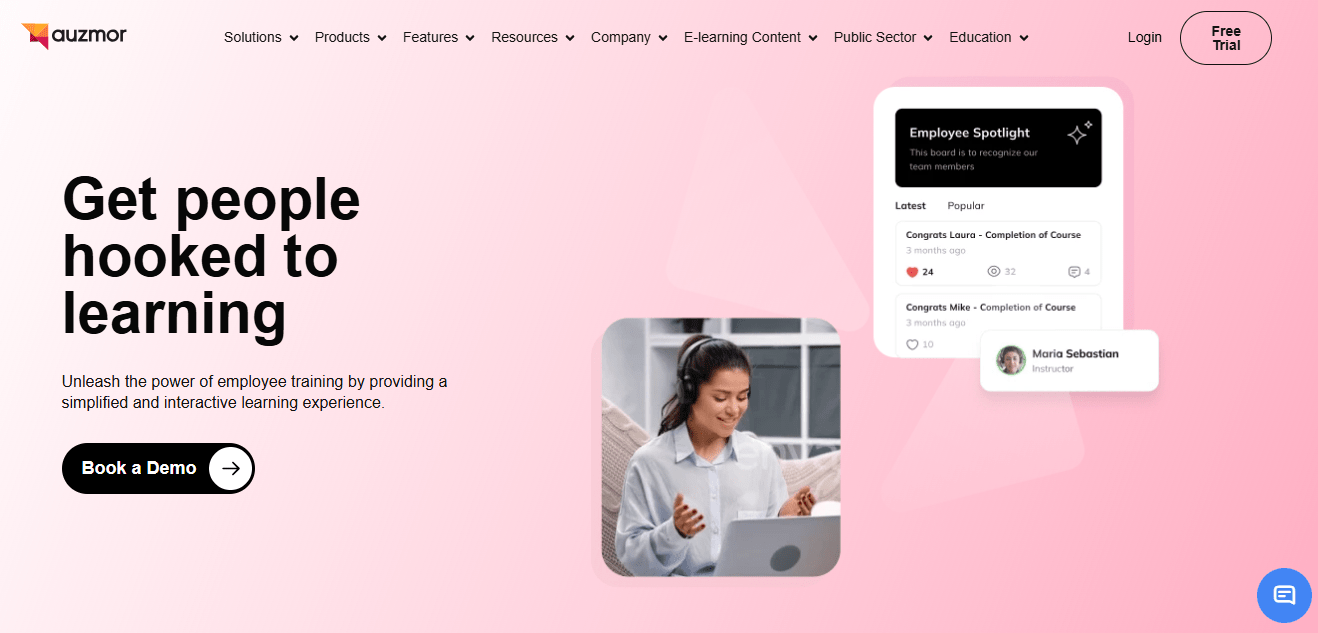
That sits alongside the more expected AI-powered course authoring and adaptive learning paths, plus smart rules that automate training assignment based on real-time employee data rather than a static enrollment list someone forgets to update.
For a company trying to build a real internal mobility program, not just check a compliance box, that mentorship angle is a genuinely different pitch than most of the tools above.
Its review volume is thinner than the bigger names here, so the rating carries less statistical weight than Docebo’s or Absorb’s few hundred reviews. Early feedback is strong on ease of use and customer support, for whatever that’s worth at this sample size, and it’s best suited to organizations with 100 or more employees rather than very small teams.
Pros:
- AI mentorship matching tied to skill gaps and career development goals
- AI-powered automated course authoring and adaptive learning paths
- Smart rules automate training assignment based on real-time employee data
- Strong early marks for ease of use and customer support
- Built-in event management for scheduling and tracking live sessions
- Predictive analytics dashboard for optimizing learning strategy over time
- Combines LMS and LXP functionality in a single platform
Cons:
- Small review sample size compared to more established competitors
- Less proven at very large enterprise scale
- Best suited to organizations with 100+ employees; overkill for very small teams
Pricing: Starting around $29/user/month.
If I Had to Pick Just Three
Narrowing a list like this down feels a little dishonest because the right answer genuinely depends on your situation. But if someone corners me at a conference and demands three names, here’s where I land.
Best overall: ProProfs Training Maker is my first call for most teams. It’s fast to launch, the AI course builder does real work instead of being a marketing bullet point, and the pricing doesn’t punish you for being a 50-person company instead of a 5,000-person one. For onboarding and compliance training specifically, I haven’t found a faster path from zero to a live course.
Best for scattered expertise: 360Learning is where I’d point a company whose real know-how is spread across departments rather than centralized in one training team. The collaborative authoring model solves a problem most other tools on this list don’t even try to address.
Best for AI without the enterprise price tag: Absorb LMS is my pick for a mid-size company that wants AI doing real work in the background, course recommendations, at-risk learner flags, without the enterprise price tag or implementation project that Docebo or Adobe Learning Manager would require.
How I Evaluated These WorkRamp LMS Competitors
I didn’t build this list off vendor homepages. Every rating above comes directly from Capterra and G2, cross-checked against each other, because a tool that looks great on one platform sometimes tells a different story on the other. Docebo’s support ratings are a good example of that gap.
Beyond the star rating, I weighted a few things specifically: how much of each tool’s “AI” is actually functional versus a slide in a sales deck, how fast a non-technical admin could realistically get a course live, and whether pricing was published or hidden behind a “contact us” form, because opacity there usually means the real number is bigger than you’d guess.
Ease of use mattered more than raw feature count. A tool with 40 features nobody opens isn’t better than one with 15 that a training manager actually uses every week.
The Best WorkRamp Alternative Is the One Your Team Actually Opens
Every tool on this list can technically deliver training. That was never really the question. The real question is whether your team opens it, finishes it, and whether you can prove they did when someone asks.
If you’re evaluating alternatives to WorkRamp LMS because of pricing opacity, weak reporting, or a platform that feels heavier than your training program actually needs, start with whichever tool here solves your specific complaint, not the one with the longest feature list.
For most teams comparing WorkRamp alternatives right now, ProProfs Training Maker is the one I’d try first. It’s free to start, the AI course builder is genuinely fast, and you’ll know within a week whether it fits, not after a six-month enterprise rollout.
Frequently Asked Questions
What are the best WorkRamp alternatives for employee training?
ProProfs Training Maker, TalentLMS, and 360Learning are the strongest WorkRamp alternatives for most employee training programs in 2026, based on Capterra ratings, AI course creation features, and pricing transparency. The right pick depends on team size, budget, and how much AI-assisted course building actually matters to your workflow.
Is there a free alternative to WorkRamp?
Yes. ProProfs Training Maker offers a free plan for up to 10 learners, and TalentLMS and 360Learning both offer free trials. WorkRamp itself does not publish free-tier pricing, so these are realistic starting points if budget is the main driver behind your search.
Which WorkRamp competitor is best for compliance training?
ProProfs Training Maker and Adobe Learning Manager both handle compliance training well, with audit-ready completion tracking and certification features. ProProfs is the faster, more affordable path for most teams; Adobe Learning Manager suits large, regulated enterprises that already need GDPR or FedRAMP compliance.
How much do WorkRamp alternatives cost compared to WorkRamp?
WorkRamp starts around $25 to $35 per user/month, with custom enterprise pricing above that. Alternatives vary widely: ProProfs Training Maker starts at $1.99 per learner/month, TalentLMS at $149/month flat rate, and enterprise options like Docebo start near $25,000/year.
What should I look for in a WorkRamp LMS alternative?
Prioritize transparent pricing, genuine AI features rather than marketing language, ease of setup for non-technical admins, and reporting built for compliance audits, not just dashboards. Test how quickly a real employee could build and launch a course before committing to any platform.
Can I migrate existing training content from WorkRamp to another LMS?
Most WorkRamp alternatives, including ProProfs Training Maker, TalentLMS, and iSpring Learn, support SCORM, so existing course content typically migrates without rebuilding from scratch. Video, quizzes, and PDFs usually still need manual re-upload regardless of which platform you choose.
Which WorkRamp alternative has the best AI features?
ProProfs Training Maker's AI course builder generates a full course from a text prompt, Absorb LMS's AI recommends courses and flags at-risk learners, and Docebo automates content curation at enterprise scale. Which one is “best” depends on whether you need course creation help or learner analytics.
Let ProProfs AI create your training course

 We'd love your feedback!
What did you like & how can we make it even better?
 Thanks for your feedback!
 Ask Your Question
Have a question? Get expert help to make your decision easier.