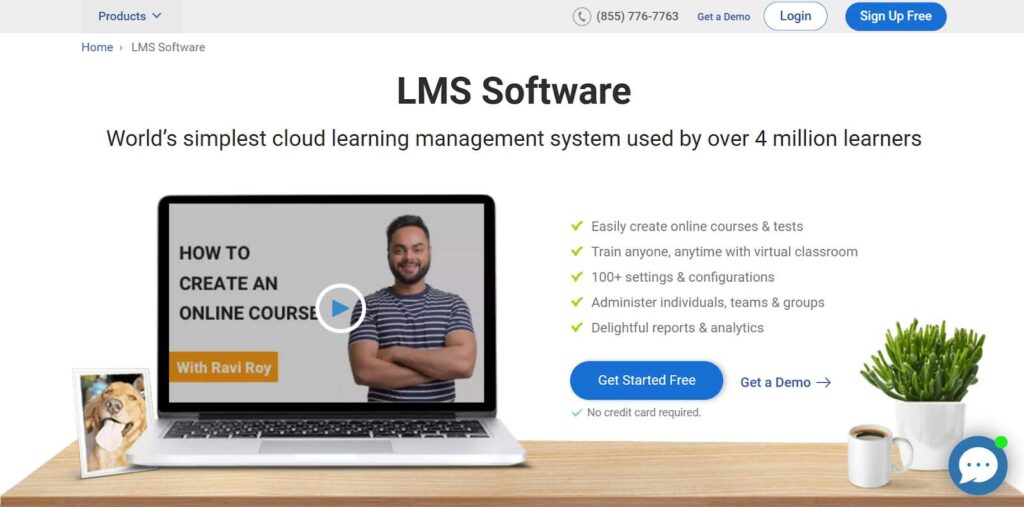
Three questions tell you whether a team has outgrown Whale. Do the monthly AI credits last until the next billing date? Can you show an auditor an individual’s training record? Can you lock one manual without handing out edit access to all of them?
If the answer to all three is yes, stay put, because Whale is fast, pleasant, and well supported. If any answer is no, Whale training software alternatives are worth a serious look, and the ten below are chosen for exactly those gaps.
I would rather see a team pick the right tool in one pilot than fight the wrong one for a year.
Top 10 Whale Training Software Alternatives Compared
Capture speed, training proof, and predictable pricing rarely all land in the same product. That is why the best Whale training alternatives for a fast-growing office team look nothing like the best pick for a regulated site that needs auditable records.
Here is the fast version: Capterra ratings, current pricing, and the two columns that map to the loudest complaints, how predictable the cost is, and how formal the training records get.
| Tool | Best For | Capterra | Pricing | Pricing Predictability | Formal Training Records |
|---|---|---|---|---|---|
| ProProfs Training Maker | Course creation for employee training & compliance | 4.8 | Free (10 learners); paid from $1.99/learner/mo | Published, with a free plan | Individual records, certificates, SCORM/Tin Can |
| Trainual | Structured playbooks with accountability | 4.8 | Not published; ~$249/mo reported (10 seats) | Quote-led; implementation fee reported | Quizzes, e-signatures, SCORM storage on Premium |
| Process Street | Live process runs with audit evidence | 4.7 | Quote-based; Startup ~$100/mo reported | Quote-only; steep tier jump | Run records; not an LMS |
| Scribe | Fast visual capture | 4.8 | Free plan; Pro Team from ~$13/seat/mo | Free plan; per-seat paid tiers | None; guides only |
| ScreenSteps | Complex procedures in the moment | 4.8 | Flat-rate; free trial; quote | Quote-based | Knowledge delivery, not an LMS |
| Document360 | Searchable knowledge base | 4.7 | Quote-based; not listed publicly | Quote-only | None; knowledge base only |
| TalentLMS | Formal training, published pricing | 4.7 | Free plan; $149–$579/mo | Published, with a free plan | Courses, certificates, reports |
| SkyPrep | Role-based onboarding and compliance | 4.8 | Quote-based | Quote-only | Courses, quizzes, certificates |
| iSpring Learn | Plain, standards-friendly LMS | 4.7 | $3.97–$6.91/user/mo | Published, per user | Courses, assessments, reports |
| 360Learning | Experts build the training | 4.7 | From ~$8/user/mo | Published for smaller teams | Expert-built courses; lighter compliance |
1. ProProfs Training Maker – Best for Easy Course Creation for Employee Training, Compliance & Skill Assessment
ProProfs Training Maker is the option I look at when a team likes Whale’s capture-and-assign idea but needs the training side to carry audit weight. Knowledge access is not the same as proof, and individual records, certificates, and standards-based reporting are exactly where Whale users say it runs thin.
The AI course creator turns an uploaded document, deck, or recording into a structured course with chapters and quizzes, so a captured procedure becomes assignable training.

Let ProProfs AI create your training course
Separately, 500+ expert-built, ready-to-use courses cover common compliance and skills topics. Reports by individual, team, or location show who finished and how they scored; certificates mark a pass; courses run in 70+ languages; and gamification keeps completion from sagging.
It does not capture screens or run live checklists, so I would pair it with a capture or workflow tool. Among Whale training software alternatives, it is the one built for proving the training stuck.
Pros:
- Turns captured procedures, decks, and documents into complete courses with the AI course creator, so SOPs become assignable training
- Gives you 500+ expert-built courses to assign immediately for compliance and common skills
- Proves understanding with quizzes in 15+ question types, minimum-score rules, certificates, and reports by individual, team, or location
- Keeps learners moving with points, badges, and leaderboards instead of reminders alone
- Fits standards-based setups with SCORM and Tin Can support, plus HR, CRM, and SSO integrations
Cons:
- No downloadable or on-premise version, since everything runs in the cloud
- No dark mode yet for learners working in low light
Pricing: Free for up to 10 learners; paid plans start at $1.99 per learner per month.
2. Trainual – Best for Structured Playbooks With Training Accountability
Trainual is the closest peer to Whale, and it leans harder into accountability. Procedures live in playbooks with owners, and training sequences with built-in tests move a new hire from reading a process to being checked on it. A library of 400+ SOP templates means a team rarely starts from a blank page.
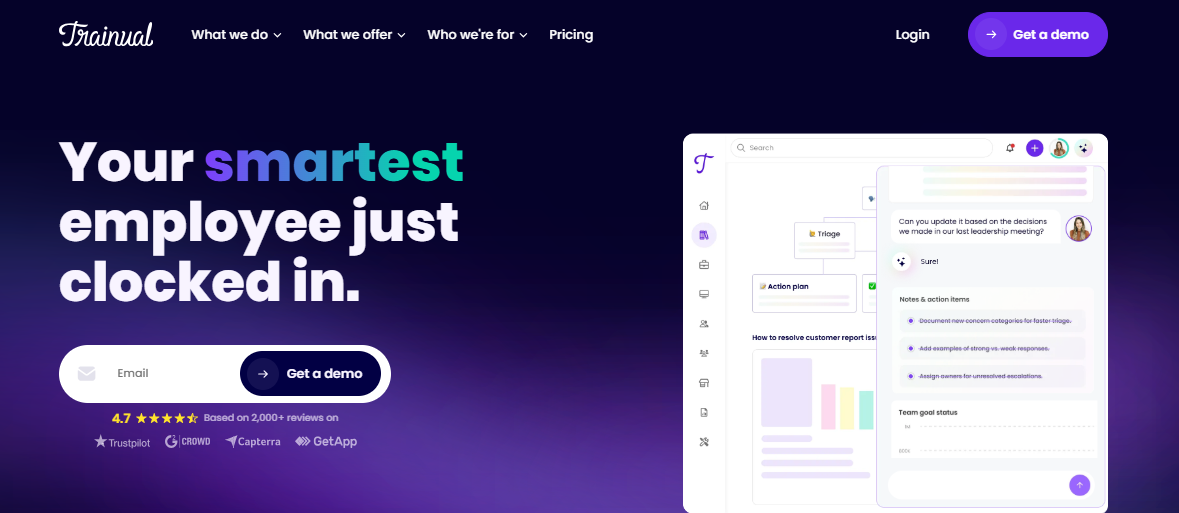
Higher tiers add e-signature acknowledgments, SSO, custom branding, multilingual documentation, and SCORM storage, which answer several permission and governance gaps people raise about lighter tools. The friction is cost clarity. Pricing is not published; third-party sources report a Core plan around $249 a month for 10 seats, extra seats add a few dollars each, and plans with onboarding support carry a one-time implementation fee.
I would pick it for a company that wants documentation and training in one governed hub and can live with a sales-led price. For live task runs or approvals with evidence, it will still feel like a documentation tool.
Pros:
- 400+ SOP templates to start from
- Tests built into automated training sequences
- E-signature acknowledgements on higher tiers
- Custom branding, SSO, and SCORM storage on Premium
- Strong fit for onboarding and role-based training
Cons:
- Pricing is not published and runs through a demo
- Implementation fee on plans with onboarding support
Pricing: Not published; third-party sources report Core from about $249 per month for 10 seats.
3. Process Street – Best for Live Process Runs With Audit Evidence
The documentation-versus-execution gap is the one Whale users name when training stops being the problem. Process Street turns a procedure into a checklist that gets assigned, tracked, and completed, with approvals and recurring tasks, so you can see which steps were done, by whom, and which are overdue before an audit asks.
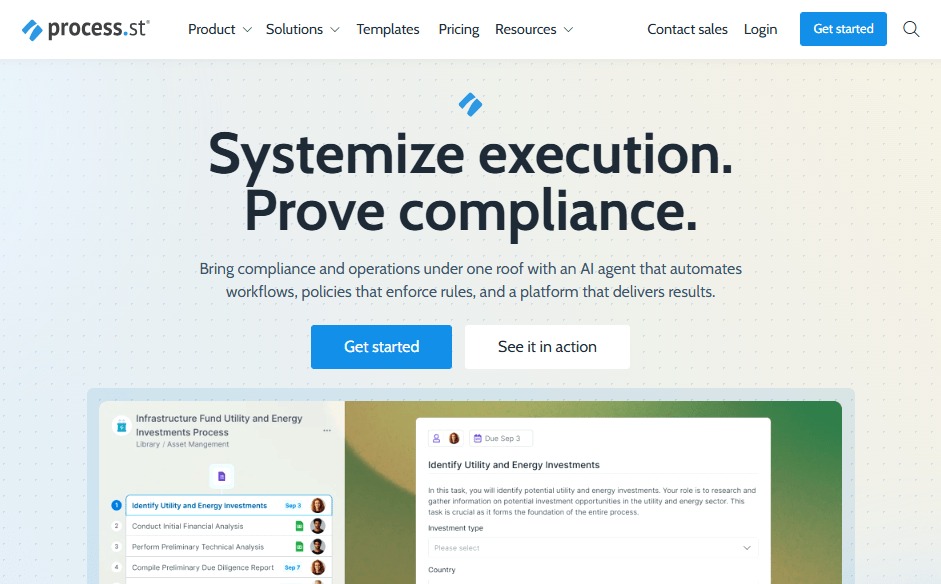
Automations are included on every plan, and its AI helps draft procedures. The tradeoff is price clarity. Public pricing is no longer listed, the Startup tier is commonly reported around $100 a month and capped at 5 users and a small number of automation actions, and the step to the next tier is steep, so model your headcount before you start.
I would choose it for an operations or compliance team that needs proof of execution more than a learning hub. It will not give you quizzes or certificates, so pair it with a training platform when learning must be verified.
Pros:
- Tracked runs showing who completed each step and what is overdue
- Native automations included on every plan
- Approvals and recurring checklists for repeatable work
- AI assistance for drafting procedures
- Strong fit for compliance-heavy and audit-exposed teams
Cons:
- Pricing is quote-based, with a steep jump after the entry tier
- Entry plan limits users and automation actions
Pricing: Quote-based; the Startup tier is commonly reported around $100 per month for 5 users.
4. Scribe – Best for Fast Visual Capture on a Free Plan
If your favorite part of Whale is the capture, Scribe is the cleanest way to get that speed on its own. Run it while you click through a task and it generates a step-by-step guide with screenshots and instructions, so a five-minute process becomes a shareable procedure without hand-built screenshots.
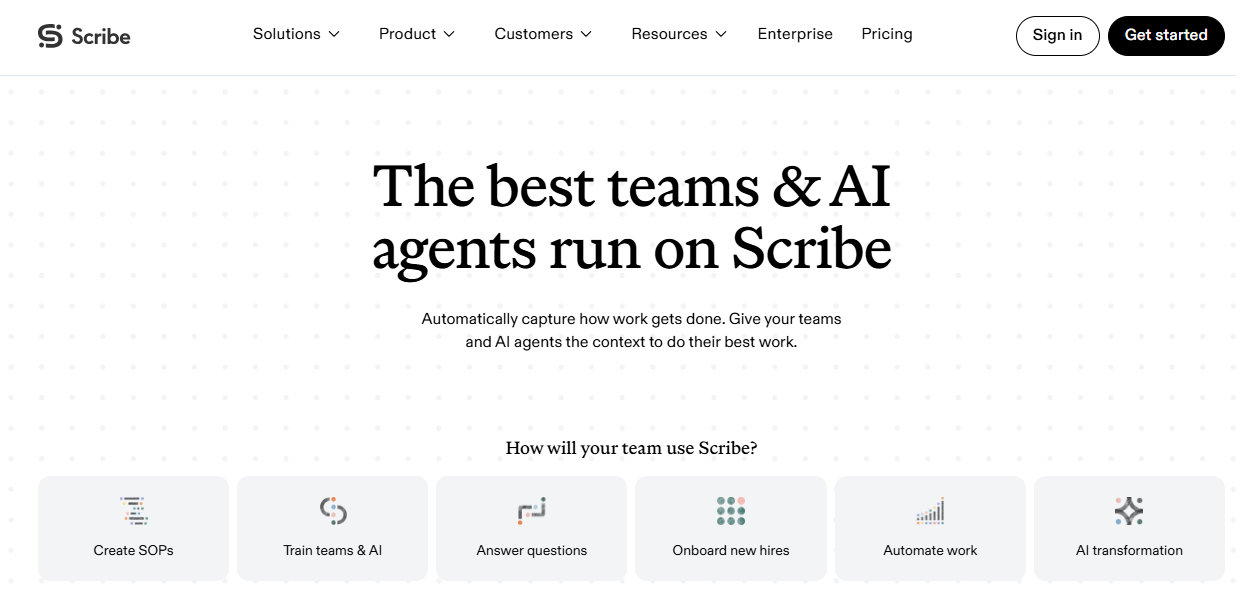
The free plan covers browser capture with unlimited guides and link sharing. Paid plans add editing, branding, and sensitive-data redaction, and the team plan adds approval workflows and analytics. Plan on editing some of the AI-written text. Desktop recording needs a paid license, guides cap at a set number of steps, and the team plan has a five-seat minimum.
I would use it beside a library or LMS rather than instead of one. It captures the how, but it does not assign training, check understanding, or keep records, so treat it as the fastest feeder for whatever system holds your procedures.
Pros:
- Generates step-by-step guides with screenshots while you work
- Free plan with unlimited guides and link sharing
- Branding and sensitive-data redaction on paid plans
- Approval workflows and analytics on the team plan
- Cuts the time it takes to document a process
Cons:
- Captures procedures but does not train or track completion
- Desktop recording requires a paid plan, and the team plan has a seat minimum
Pricing: Free plan available; Pro Team from about $13 per seat per month on annual billing.
5. ScreenSteps – Best for Complex Procedures Delivered in the Moment
ScreenSteps is built around a different promise: document an internal procedure once, manage it in a knowledge base, and put it in front of an employee at the exact moment they need an answer. For complicated or regulated work, where the right step matters more than a general overview, that in-the-moment delivery is the point.
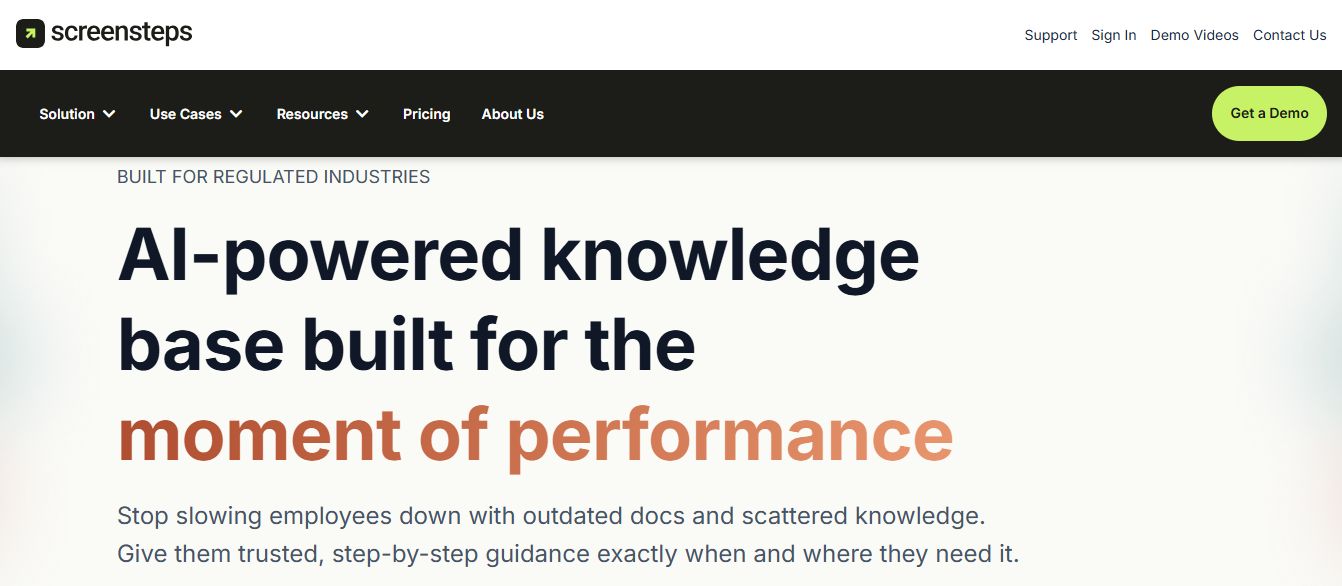
It offers a flat-rate pricing model with a free trial, and its vendor provides knowledge coaching to help teams structure their content, which is useful when the first library is the hard part. It is a knowledge platform first, so formal courses, quizzes, and certificate tracking are not where it spends its effort.
I would shortlist it for teams with intricate procedures and a support or operations function that answers the same questions daily. If proof of learning is your gap, add a training platform; if findability is the gap, this belongs near the top of your list.
Pros:
- Documents procedures and delivers them in the moment of need
- Online knowledge base for managing procedures centrally
- Flat-rate pricing with a free trial
- Knowledge coaching to help structure the first library
- Built for complex and regulated procedures
Cons:
- Knowledge-first, with lighter formal training and certification tools
- Pricing is quote-based rather than published
Pricing: Flat-rate pricing with a free trial; contact ScreenSteps for a quote.
6. Document360 – Best for a Searchable Knowledge Base With Version Control
If the real need is a knowledge base people can actually search, Document360 gives you that without pretending to be a training platform. It supports public, private, or mixed knowledge bases, a clean block editor, version control with rollback, internal commenting, and AI-driven search, which suits teams that keep dozens of manuals and need edits to be traceable.
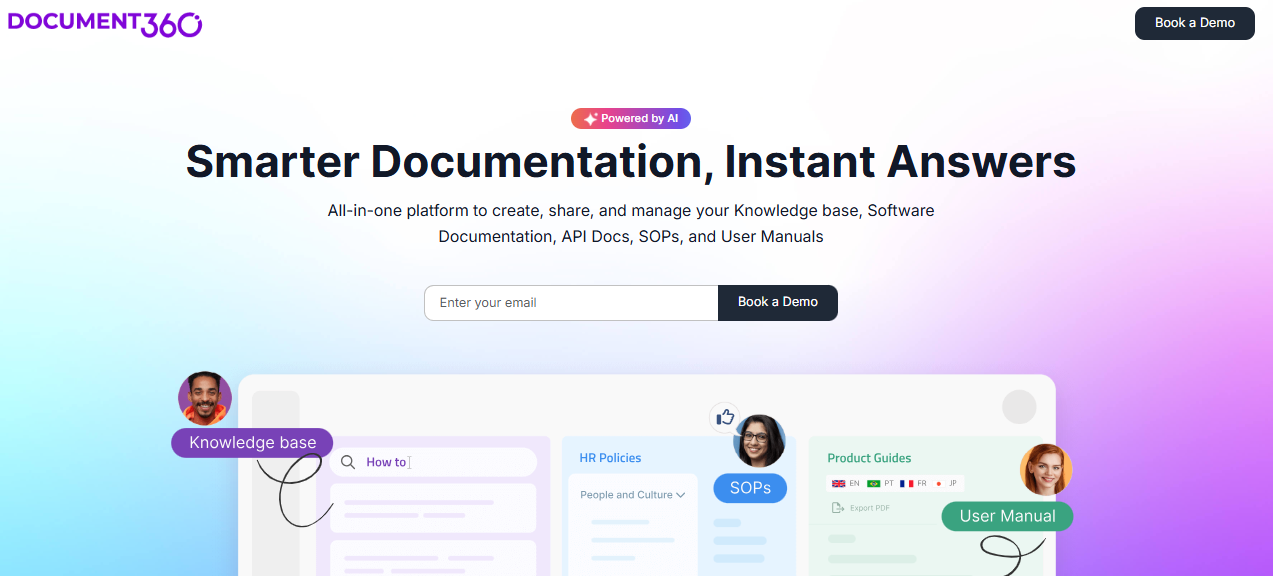
Pricing needs a conversation. The public pricing page no longer lists dollar figures, older plans were far cheaper than the current ones according to some users, and extra collaborators can add cost depending on the plan. It does not offer quizzes, assignments, or completion records, so it solves the knowledge half of the job only.
I would pick it when the pain is in the findability and governance of documents, not whether people learned them. Pair it with a training tool such as one of the platforms above if you also need assignments and proof.
Pros:
- Public, private, or mixed knowledge bases
- Version control with rollback and internal commenting
- AI-driven search across your documentation
- Custom domain and branding options
- Strong fit for large manual and policy libraries
Cons:
- No quizzes, assignments, or training records
- Pricing is quote-based and no longer listed publicly
Pricing: Quote-based; plans are no longer priced publicly.
7. TalentLMS – Best for Formal Training With Published Pricing
TalentLMS is the straightforward answer when Whale’s training layer feels light. Courses and learning paths can be assigned to groups, certificates mark completion, and reports show who finished, and it handles standards-based content such as SCORM, which matters if you ever import eLearning from another source or vendor.
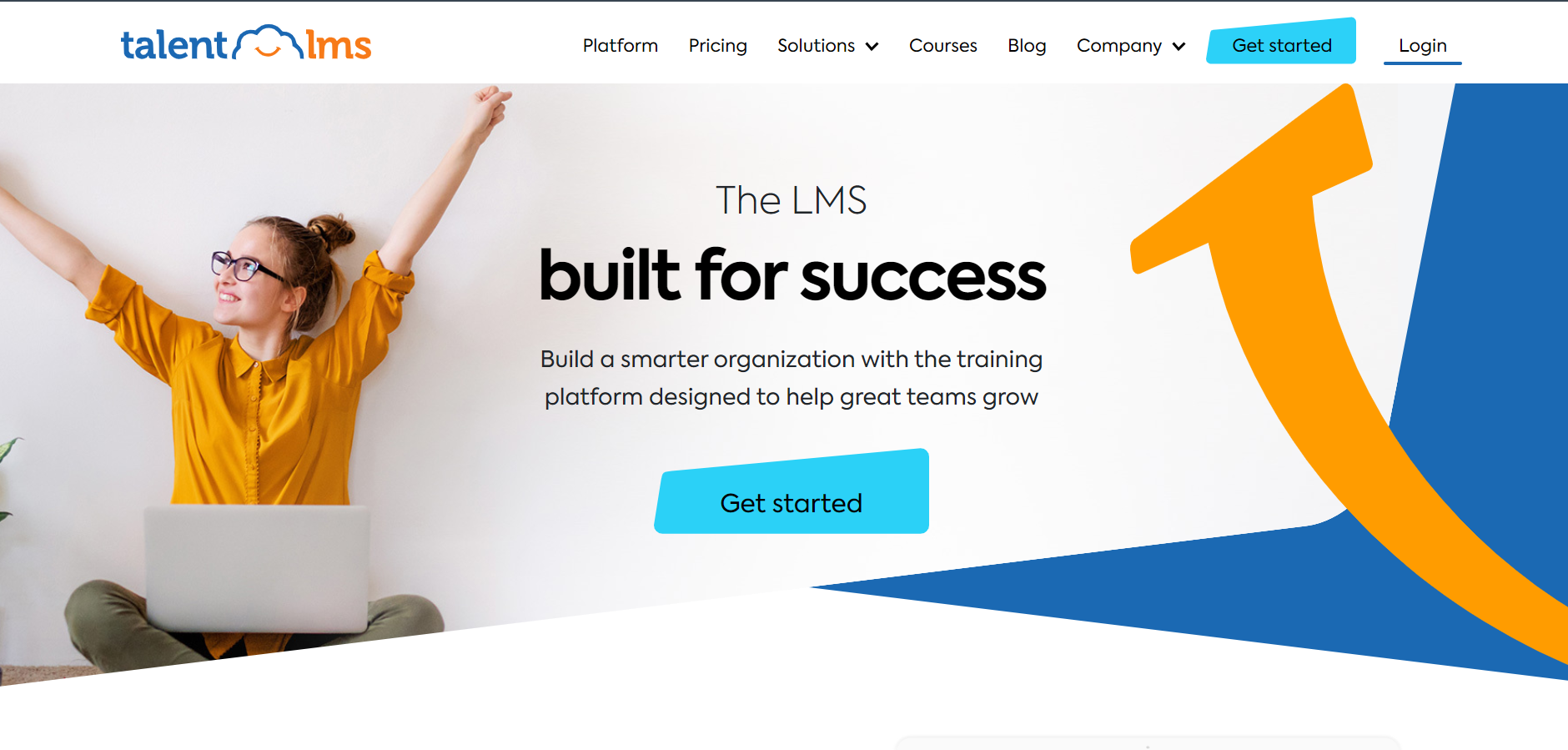
Pricing is published and follows how many people log in each month, so idle accounts do not cost you, and a free plan lets you test with a real procedure. The optional TalentLibrary add-on brings 1,000+ ready-made courses, and 30+ integrations include Zapier for lighter connections to the tools you already run.
Reviewers consistently find it easy to administer. It will not capture a screen or document a procedure for you, so it works best beside a documentation tool. I would pick it for a team whose gap is formal training and records, and who want a price that does not depend on AI credits.
Pros:
- Pricing based on monthly active users, with no sales call required
- Genuine free plan for testing with real procedures
- Courses, learning paths, and certificates for onboarding
- Optional TalentLibrary add-on with 1,000+ ready-made courses
- 30+ integrations, including Zapier
Cons:
- No procedure capture or documentation tools
- The ready-made library is a paid add-on
Pricing: Free plan available; Core starts at $149 per month for up to 100 users, scaling to $579 per month for 1,000 users.
8. SkyPrep – Best for Role-Based Onboarding and Compliance Training
SkyPrep suits managers who want training to follow the role, not a spreadsheet. Automated role assignments send people the right courses for who they are, and per-module feedback shows where learners get stuck, which gives you more than a completion checkbox when you review how a program is landing.
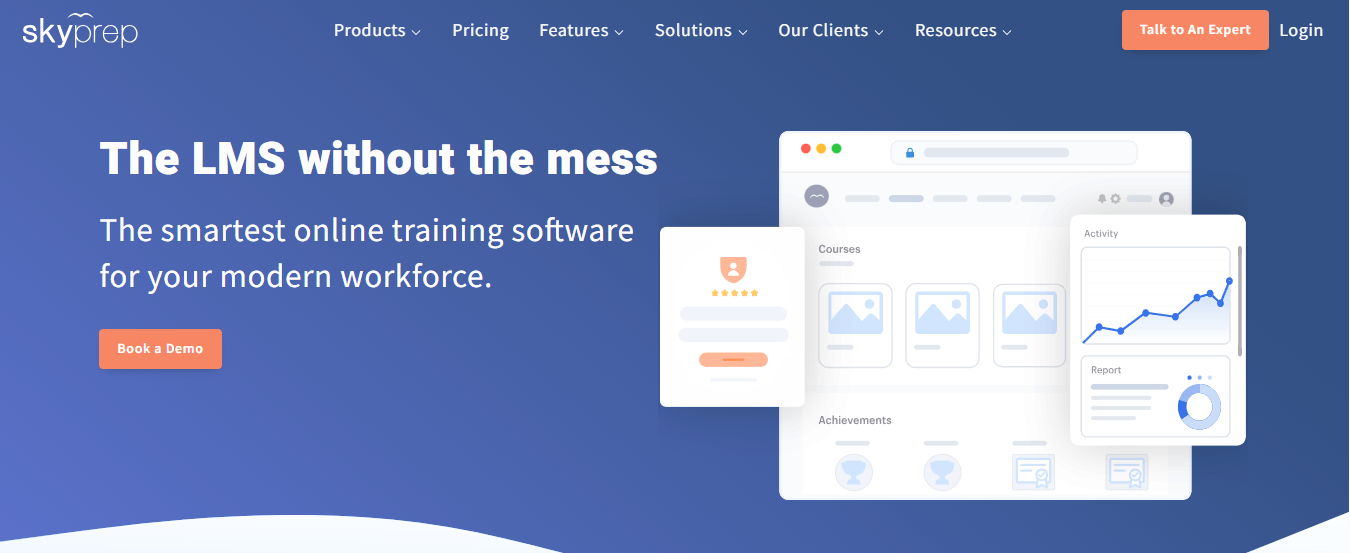
It covers course authoring, quizzes and assessments, learning paths, certificates, and progress tracking in one platform, so it can run onboarding and compliance programs end to end. Support is a consistent highlight in user feedback. Pricing is quote-based, and some users mention admin complexity and reporting quirks that take time to learn.
I would shortlist it for a mid-sized company that already has procedures written and wants real automation around who learns what and when. It is a training platform rather than a documentation tool, so it will not capture procedures or deliver them inside the flow of work.
Pros:
- Automated role assignments that reduce manual enrollment
- Course authoring, quizzes, assessments, and learning paths together
- Certificates and progress tracking for compliance records
- Per-module feedback that shows where learners struggle
- Support that users consistently praise
Cons:
- Pricing is quote-based, with no published plans
- Users mention admin complexity and some reporting quirks
Pricing: Quote-based; contact SkyPrep for pricing.
9. iSpring Learn – Best for a Plain, Standards-Friendly LMS With Responsive Support
iSpring Learn is the sensible choice when you want formal training on your procedures without a long project. It is a plain, dependable LMS for structured onboarding and compliance, and setup stays closer to a same-day range than a multi-month rollout.
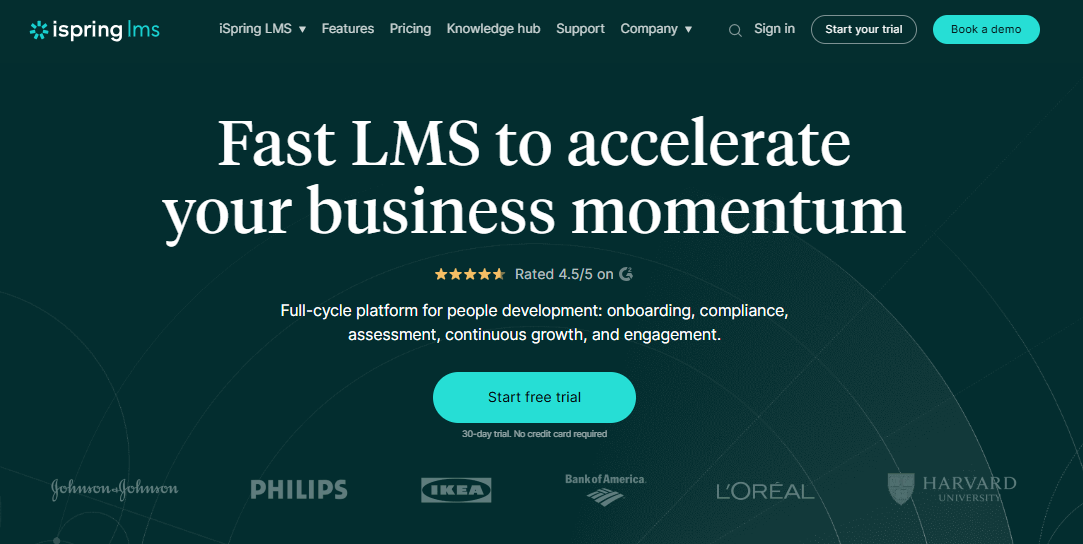
Pricing is per user and drops as headcount grows, which answers the concern about costs that climb with usage. Users consistently praise responsive support. Integrations include tools like Zoom, Salesforce, and BambooHR, plus an open API for custom connections, so a link back to your documentation tool is realistic with some technical help.
There is no free plan, and it is a training platform rather than a documentation tool, so it will not hold your SOPs or capture them. I would pick it for a team that values predictable pricing and a vendor who answers, and that adds structured training on top of documents it already has.
Pros:
- Built for structured onboarding and compliance training
- Per-user pricing that drops meaningfully at higher headcounts
- Consistently praised, responsive customer support
- Fast setup without heavy IT involvement
- Open API for custom integrations
Cons:
- Not a documentation or procedure-capture tool
- No free plan, so testing means committing to a paid tier
Pricing: Starts around $6.91 per user per month at 100 users, dropping to about $3.97 at 500 users.
10. 360Learning – Best for Letting Experts Build the Training Themselves
The knowledge behind your procedures usually lives in a few experienced people, and 360Learning is built to pull it out. Subject matter experts co-author courses directly on the platform, and learner feedback flows back into the material, so a changed procedure gets fixed without waiting on a design queue.
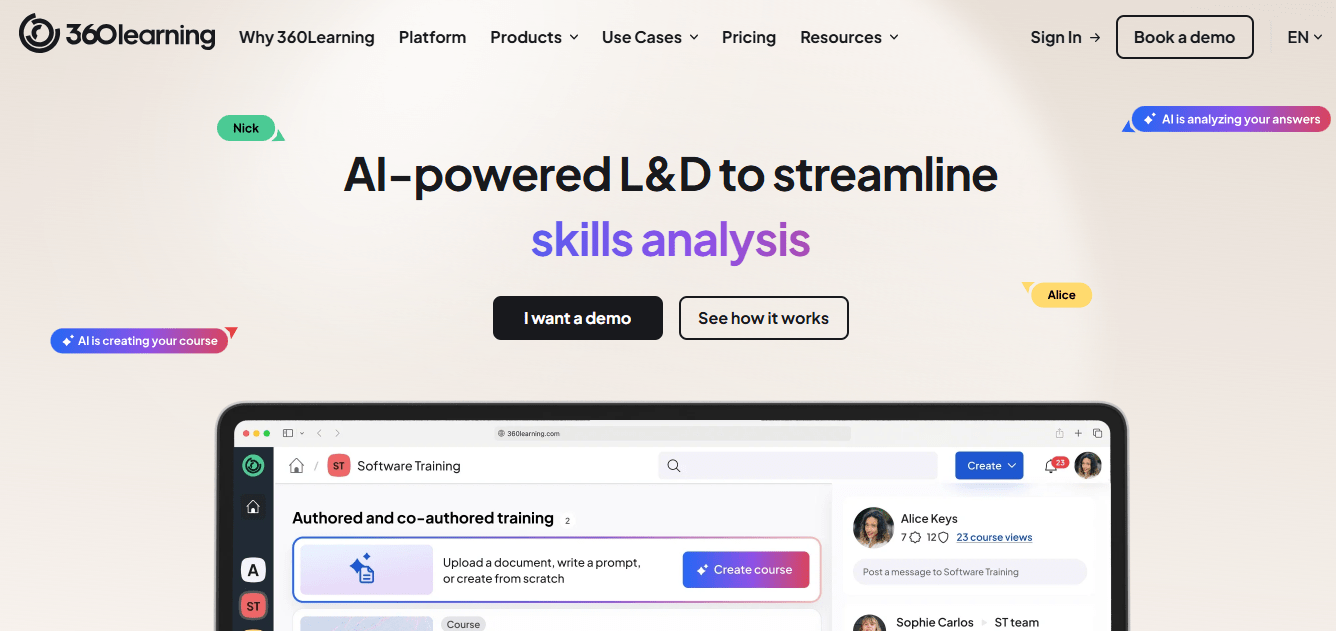
Public per-user rates make pricing easier to read than at most enterprise platforms, with custom quotes for larger teams. Admins and contributors tend to find it easy to use, which matters, because an expert who finds the editor clumsy will stop contributing and the program quietly stalls.
It is lighter on advanced compliance reporting and has no off-the-shelf catalog of its own, and it does not capture screens. I would choose it when getting expertise out of veteran employees is the gap, and keep a documentation or capture tool beside it for the procedures themselves.
Pros:
- Subject matter experts co-author courses without design bottlenecks
- Built-in feedback loops that improve courses over time
- Published per-user pricing for smaller teams
- Easy to use for admins and contributors alike
- Well suited to capturing institutional knowledge
Cons:
- Advanced compliance and reporting features are lighter than enterprise suites
- Not a ready-made library, so content depends on your own experts
Pricing: Starts around $8 per user per month, with custom pricing for larger teams.
My Top Picks Among the Whale Training Software Alternatives
If you read nothing else, start here. Among all the Whale training software alternatives above, these three cover the three jobs people actually switch for: providing training stuck, keeping documentation, and training in one governed hub, and capturing procedures fast. Whether you searched for Whale training competitors or usewhale alternatives, one of them fits, and each is among the best Whale training alternatives for its job.
1. ProProfs Training Maker
My pick if the gap is proof, not documentation. Turn the procedures you have already captured into a course, add quizzes so a pass means something, and let gamification keep people finishing. Individual records and certificates give you what an auditor asks for, and you can pair them with any capture tool you like.
2. Trainual
My pick if you want the closest thing to Whale with more governance. Playbooks, training sequences with tests, and e-signature acknowledgments keep documentation and accountability together. Expect a sales-led price and an implementation fee on some plans, so ask for the full first-year cost before you compare.
3. Scribe
My pick if capture speed is what you like and the credit meter is what you do not. The free plan costs nothing to test, and a recorded task becomes a guide with screenshots in minutes. It does not train anyone or keep records, so treat it as the way to feed another system.
How I Evaluated These Whale Training Software Alternatives
I did not rank these ten alternatives to Whale training based solely on feature lists. Here is what shaped the order:
- User reviews and ratings from Capterra, weighted toward platforms with a meaningful volume of recent reviews
- Pricing predictability, including usage caps, tier jumps, seat minimums, and implementation fees, since surprise costs are the main reason teams search for Whale training competitors
- Formal training records, meaning individual completion data, certificates, and standards such as SCORM and Tin Can, that auditors and regulated teams expect
- Permissions and customization, meaning how finely you can control who edits what, who can only view, and how closely you can match your brand
- Capture and creation speed, including AI drafting, screen capture, and the ready-made templates that stop teams from starting from a blank page
- Execution proof, meaning whether a tool shows that a procedure was followed and not just read
- Real-world fit, matching each tool to whether you are documenting, training, capturing, or running processes
Test the Credits, the Records, and the Permissions
A demo shows the happy path; a pilot shows the invoice.
Whale remains a strong fit for AI-assisted capture and training, especially when credits last and recordkeeping needs are modest. Switch when cost predictability, formal records, permissions, or execution proof becomes a problem. If verifying learning is your priority, ProProfs Training Maker offers quizzes, certificates, and individual training records. Otherwise, choose the tool that solves your biggest gap rather than chasing features you will never use.
Before migrating, export your procedures, pilot one process, and measure AI usage over a full cycle. Review the types of employee training programs to clarify your needs, and ask vendors to demonstrate a complete training record using your own sample data.
Frequently Asked Questions
What are the best Whale training alternatives for compliance?
Among Whale training software alternatives, ProProfs Training Maker, TalentLMS, and SkyPrep suit formal compliance training with certificates and individual records, while Process Street adds proof that procedures were actually followed. Pilot each with one mandatory course before deciding.
Do Whale training software alternatives also cap AI usage?
Often in some form. Most AI documentation and course tools meter generation by plan, so ask each vendor how many generations your volume needs, check what happens at the limit, and pilot with real work.
Who are the main Whale training competitors for SOP capture?
Scribe is the fastest pure capture tool, ScreenSteps delivers complex procedures in the moment of need, and Trainual pairs SOPs with training sequences. Which fits depends on whether capture, delivery, or accountability is your gap.
What should I look for in alternatives to Whale training?
Start with the gap: cost predictability, formal training records, permissions, or proof of execution. Then compare usage caps, seat minimums, implementation fees, and how much of the structure your own team has to build, using real data.
Are there free usewhale alternatives?
Yes. Scribe has a free plan for capturing guides and TalentLMS has a free plan for training. ProProfs Training Maker is free for up to 10 learners, so a small pilot costs nothing to run.
Which Whale alternative offers deeper permissions and branding?
ProProfs Training Maker supports roles, permissions, and custom branding, and Trainual's Premium tier adds custom branding and SSO. Confirm exactly how each handles partial edit rights, and ask for a live demonstration of locking a single manual, before you commit.
Let ProProfs AI create your training course

 We'd love your feedback!
What did you like & how can we make it even better?
 Thanks for your feedback!
 Ask Your Question
Have a question? Get expert help to make your decision easier.