Nobody searches for Continu alternatives because the demo went badly. In the demo, Continu looks like the LMS everyone wishes they had: modern, tidy, and easy enough for a manager to work out on their own. The interface is genuinely good, and support is responsive, so I get why teams buy it, and I would not tell anyone who is happy with it to leave.
Month three is a different conversation. The quote that never had a number in it becomes an implementation fee, a finished course shows as overdue, and the report you wanted arrives as an Excel export. That is when I would compare Continu competitors on price, tracking, and reach before the next renewal. The ten below each fix one of those problems, and I say where they do not. I would rather you find that out in a pilot than in a renewal meeting.
Top 10 Continu Alternatives Compared
Pricing, tracking, and reach are three separate complaints, and each points to a different replacement. That is why the best Continu alternatives for a company that mainly wants a clear price look nothing like the best pick for one that trains customers and partners as well
Here is the fast version: Capterra ratings, current pricing, and the two columns that map to the loudest complaints, how visible the pricing is, and who each platform can train.
| Tool | Best For | Capterra | Pricing | Pricing Visibility | External Audiences |
|---|---|---|---|---|---|
| ProProfs Training Maker | Course creation for employee training & compliance | 4.8 | Free (10 learners); paid from $1.99/learner/mo | Published, with a free plan | Yes, plus selling courses |
| TalentLMS | Published pricing, self-serve setup | 4.7 | Free plan; $149–$579/mo | Published, with a free plan | Yes, including selling courses |
| 360Learning | Expert-led, collaborative learning | 4.7 | From ~$8/user/mo | Published for smaller teams | Mainly internal training |
| WorkRamp | Employee and customer education together | 4.5 | Custom quote | Quote only | Separate customer learning product |
| LearnUpon | Branded portals for every audience | 4.7 | Custom quote | Quote only | Branded portals per audience |
| Docebo | AI-first enterprise, deep reporting | 4.4 | Custom quote (~$25K+/yr) | Quote only | Employees, partners, customers |
| Absorb LMS | Bulk assignment, automated enrollment | 4.5 | Custom quote | Quote only; add-ons | Enterprise audiences; confirm scope |
| Thinkific | Customer education with built-in selling | 4.4 | $40–$164/mo (annual) | Published monthly plans | Customer education and paid courses |
| SkyPrep | Role-based onboarding, responsive support | 4.8 | Quote-based | Quote only | Mainly employee training |
| Moodle | Budget control, open-source flexibility | 4.3 | Free (self-hosted); hosting varies | Free software | Yes, with plugins and setup effort |
1. ProProfs Training Maker – Best for Easy Course Creation for Employee Training, Compliance & Skill Assessment
ProProfs Training Maker is the option I would price first, because the number is published, and a free plan lets me test with real learners. A quote that needs three calls, plus an implementation fee, is the part of Continu buyers say they cannot budget around.
The AI course creator builds a course with chapters and quizzes from a topic or an uploaded file, so the first version skips an implementation project.

Let ProProfs AI create your training course
You also get access to 500+ expert-designed, ready-to-use courses covering essential compliance requirements and workplace skills. Conversational AI for Reports lets you ask questions of your results instead of exporting them, live sessions run through the virtual classroom, and a Discussion Forum adds page-level conversation inside a course. Courses run in 70+ languages, and gamification lifts completion.
It does not record Zoom attendance on its own, and it lacks an enterprise suite’s multi-tenant depth. Among Continu alternatives, I would test it first when budget clarity matters.
Pros:
- Turns a topic or an uploaded file into a complete course with the AI course creator, so content is ready without an implementation project
- Gives you 500+ expert-built courses to assign straight away for compliance and common skills
- Keeps results visible with reports by individual, team, or location, plus Conversational AI for Reports
- Makes assessments more reliable with 15+ question types, minimum-score rules, and certificates for everyone who passes
- Connects to your existing stack through HR, CRM, and SSO integrations, plus SCORM and Tin Can support
Cons:
- Cloud-only, so there is no downloadable or on-premise version
- The learner interface has no dark mode yet
Pricing: Free for up to 10 learners; paid plans start at $1.99 per learner per month.
2. TalentLMS – Best for Published Pricing and Self-Serve Setup
TalentLMS answers the budgeting complaint by showing its prices. Plans follow how many people log in each month, so you pay for active learners rather than every name on the roster, and a free plan lets you run a real pilot before a sales conversation ever happens, with no implementation fee attached to the first step.
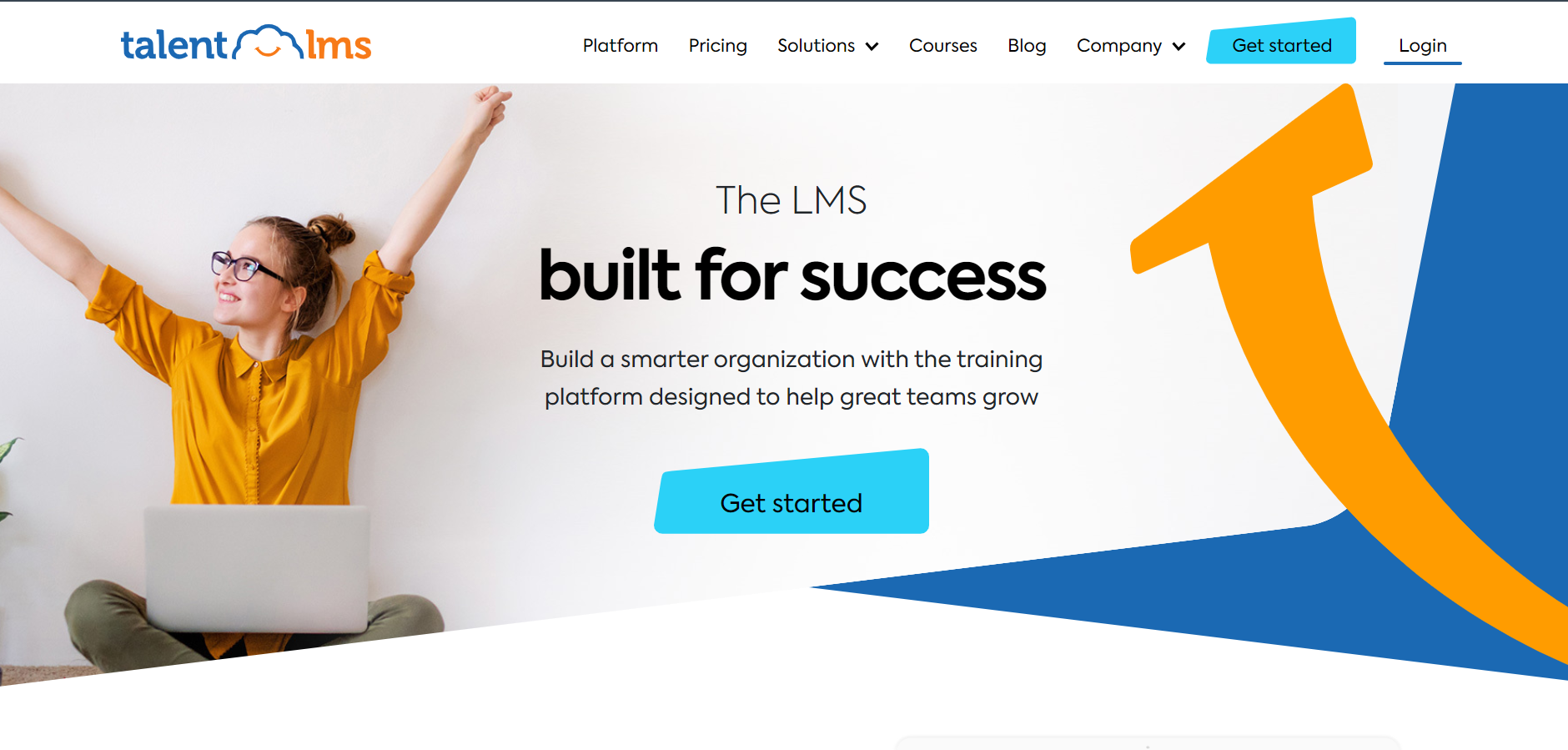
Courses, learning paths, and certificates cover the everyday training load, and you can sell courses or train outside audiences from the same account. The optional TalentLibrary add-on brings 1,000+ ready-made courses, and 30+ integrations include Zapier for lighter connections to the HR and CRM tools you already use.
Reviewers consistently find it easy to administer. It is lighter than enterprise platforms on deep customization and advanced analytics, and it lacks a native community layer. I would pick it for a growing business that wants to be live in weeks and wants to know the bill before it starts.
Pros:
- Pricing based on monthly active users, with no sales call required
- Genuine free plan for testing before committing
- Courses, learning paths, and certificates in one account
- Optional TalentLibrary add-on with 1,000+ ready-made courses
- 30+ integrations including Zoom and Zapier
Cons:
- Customization and analytics are lighter than on enterprise platforms
- The ready-made library is a paid add-on
Pricing: Free plan available; Core starts at $149 per month for up to 100 users, scaling to $579 per month for 1,000 users.
3. 360Learning – Best for Expert-Led and Collaborative Learning
If the gap you feel is collaboration, 360Learning is built around it. Subject matter experts co-author courses directly on the platform, and learner feedback flows back into the content, so a changed process gets fixed by the person who knows it instead of waiting in a content queue.
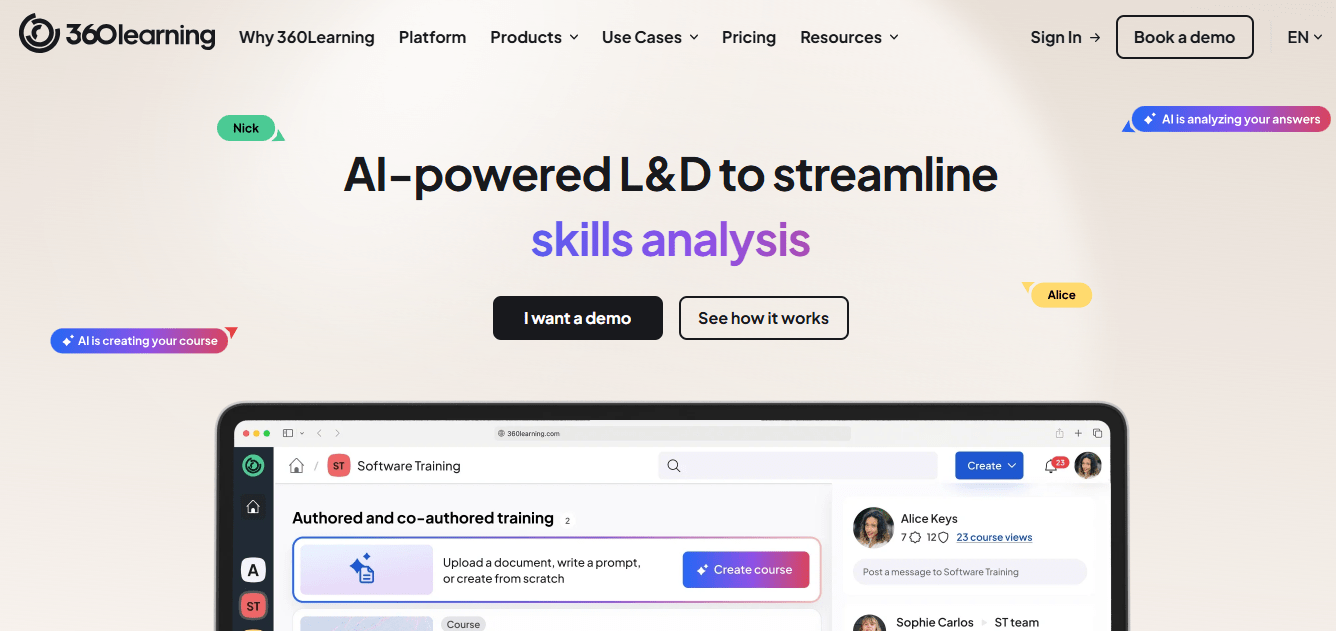
Pricing is more transparent than most enterprise platforms, with public per-user rates for smaller teams and custom quotes for larger ones, which speaks to the opacity complaint. Admins and contributors tend to find it easy to use, which matters because experts who find an editor clumsy simply stop contributing and the program quietly stalls.
It is lighter on advanced compliance reporting and has no off-the-shelf catalog of its own. I would choose it when the aim is peer and expert-led learning inside your company, and keep a content library or a compliance-grade tool beside it for mandatory topics.
Pros:
- Subject matter experts co-author courses without design bottlenecks
- Built-in feedback loops that improve courses over time
- Published per-user pricing for smaller teams
- Easy to use for admins and contributors alike
- Well suited to peer and expert-led learning
Cons:
- Advanced compliance and reporting features are lighter than enterprise suites
- Not a ready-made library, so content depends on your own experts
Pricing: Starts around $8 per user per month, with custom pricing for larger teams.
4. WorkRamp – Best for Employee Training and Customer Education Together
WorkRamp is built for companies that train two audiences and do not want two systems. It sells separate employee and customer learning products, covering onboarding, certification, and customer education portals, and its native content creation tools mean courses can be built without exporting from a separate authoring app.
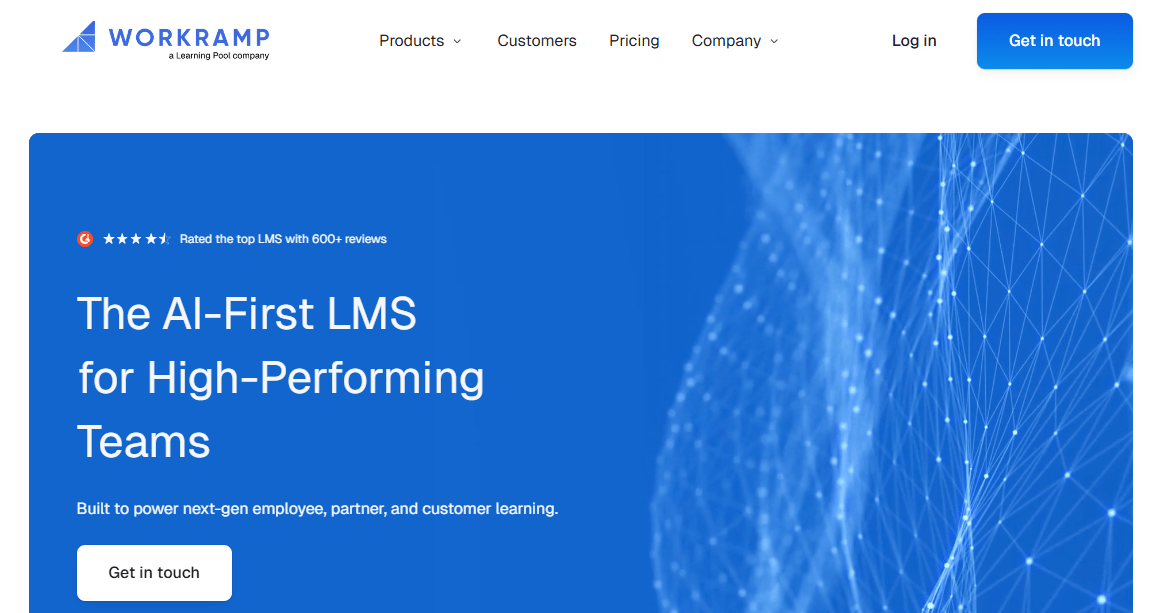
Its AI features, an employee development module, SCORM content support, and integrations such as single sign-on and Slack cover most of the gaps buyers list. The trade-off is familiar: pricing is custom, there are no public rates, and reviewers note that it can feel costly for smaller businesses and early-stage startups.
I would shortlist it for a revenue or enablement team that cares as much about customers learning the product as employees learning the job. If you only train staff and want a published price, a simpler platform will serve you better, and either way ask for a clear first-year number.
Pros:
- Separate employee and customer learning products
- Native content creation tools for building courses in-platform
- AI features and an employee development module
- SCORM content support, SSO, and Slack integrations
- Strong fit for onboarding, certification, and sales enablement
Cons:
- Pricing is custom with no public rates
- Can feel costly for smaller businesses and early-stage startups
Pricing: Custom quote only; contact the vendor for pricing by use case and team size.
5. LearnUpon – Best for Branded Portals for Every Audience
LearnUpon is the practical answer to reaching several audiences without mixing their content. Separate branded portals let employees, customers, and partners each get their own courses, branding, and permissions from one account, which answers the complaint about thin white-label options and external academies.

Automation takes care of enrollment and reminder busywork, multilingual support suits distributed audiences, and users consistently point to responsive support. Integrations include HR and CRM tools such as BambooHR and Salesforce. Customization and advanced analytics lag pricier enterprise tools, and pricing is a custom quote, so it does not fix the opacity problem.
I would choose it for a mid-sized company with a customer or partner academy that needs its own look and its own rules, and I would ask for a first-year total before comparing it with a published price. Pilot one portal first, with real branding and permissions, so you see how well the separation works.
Pros:
- Separate branded portals for employees, customers, and partners
- Strong, consistently praised customer support
- Automation for enrollment and reminder workflows
- Multilingual support suited to distributed audiences
- HR and CRM integrations including BambooHR and Salesforce
Cons:
- Pricing is not published and requires contacting sales
- Customization and analytics depth lag top-tier enterprise platforms
Pricing: Custom quote only; contact the vendor for pricing based on user count and portal needs.
6. Docebo – Best for AI-First Enterprise Learning and Deep Reporting
Docebo sits at the other end of the market from a simple LMS. It is an AI-powered platform serving employees, partners, and customers, and its Shape tool turns existing documentation into course drafts, which answers the wish for stronger AI without waiting for the next pricing tier to unlock it.
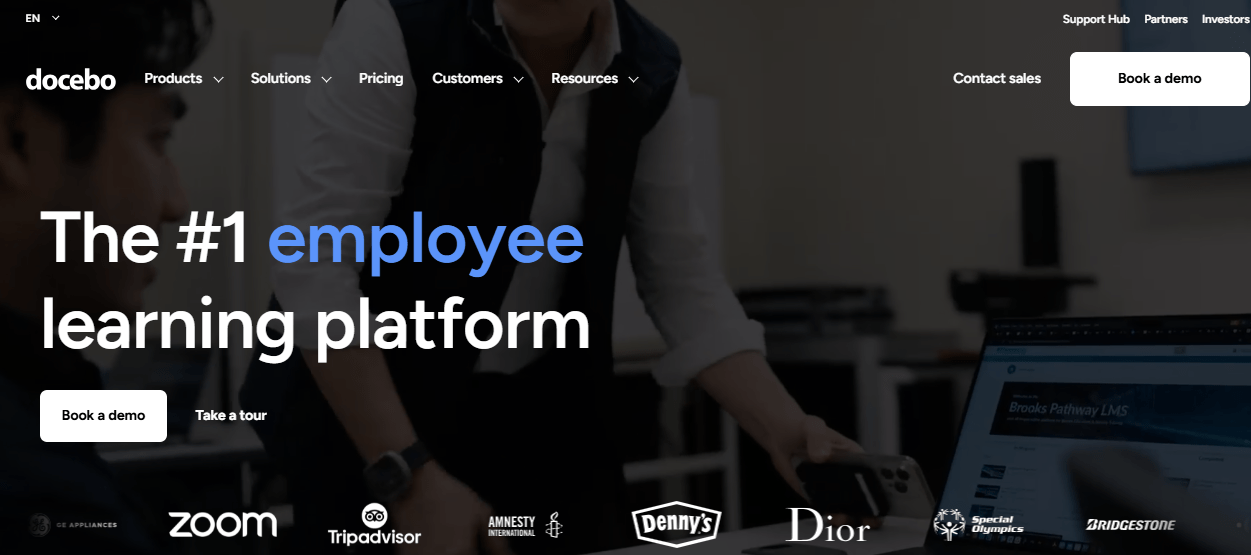
Reporting goes well beyond completion counts, which speaks to the complaint about Excel exports and thin dashboards. The cost is real. Pricing is quote-only, commonly reported around $25,000 a year before add-ons, and setup takes dedicated admin effort that a lean team may not have spare, so it solves one transparency problem by adding another.
For a larger company with a team to run it, the price makes sense. For a business with simple needs, it is more platform than the problem requires, and I would ask for a pilot scoped to one audience before signing anything multi-year.
Pros:
- Deep, customizable reporting beyond completion rates
- AI-powered content creation (Shape) that speeds up course drafting
- Strong multi-audience support for employees, partners, and customers
- Flexible learning paths built around roles and progress
- Active roadmap with frequent AI feature releases
Cons:
- Pricing is quote-based and expensive at scale
- Steep admin learning curve during initial configuration
Pricing: Custom quote only; total cost of ownership commonly starts around $25,000 per year before add-ons.
7. Absorb LMS – Best for Bulk Assignment and Automated Enrollment
Bulk user and assignment management is a complaint that comes up with Continu, and Absorb goes straight at it. Automated enrollment rules and bulk operations assign people to training by criteria instead of by hand, and the learner interface is polished enough that adoption rarely needs a campaign of its own.
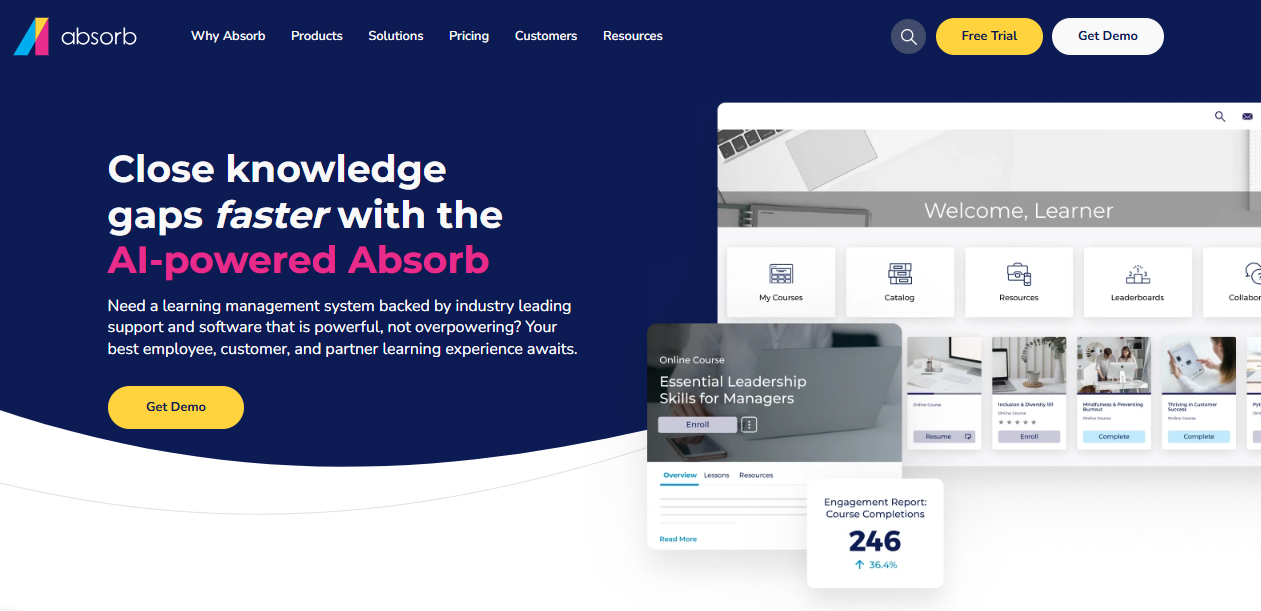
Absorb Intelligence recommends courses and flags learners who are falling behind, which gives managers something to act on before a deadline. It is a mature platform used heavily for compliance, so reporting leans toward audit needs. Pricing is not published, and social learning, authoring, and advanced analytics sit behind add-ons, so scope the real cost first.
It is built for mid-size to large organizations. I would pick it when your assignment volume is real, headcount keeps growing, and you can budget for a quote-based contract rather than a posted price, and run a pilot with your real assignment rules.
Pros:
- Automated enrollment rules and bulk operations
- AI-powered course recommendations and at-risk learner flagging
- Modern learner interface that drives adoption
- Strong customer support consistently praised
- Scales from mid-size to large deployments
Cons:
- Pricing is not published and requires a custom quote
- Add-on model means the base price rarely reflects final cost
Pricing: Custom quote only; contact the vendor for pricing based on active learner count.
8. Thinkific – Best for Customer Education With Built-In Selling
Thinkific suits a business whose real second audience is customers who should pay for training. A storefront and checkout come with the platform, transaction fees stay at 0% on paid plans, and graded assignments, quizzes, and structured learning paths make the course more than a recorded lesson, which fills a gap on the monetization side.
The builder is approachable for a team without developers, and prices are posted for every plan. The 2026 price increase and the end of the free plan are real costs, and a branded mobile app is not included below the enterprise tier, so learners use it in a browser.
It is a publishing platform first. Employee compliance tracking, multi-audience governance, and deep reporting are lighter than at an enterprise LMS, so I would choose it for customer or partner education, and keep a dedicated tool for internal compliance programs.
Pros:
- 0% platform transaction fees on every paid plan
- Storefront and checkout for selling courses directly
- Graded assignments and quizzes that add accountability
- Structured learning paths for sequenced programs
- Published pricing for every plan
Cons:
- No permanent free plan, only a 14-day trial
- Lighter compliance tracking and reporting than enterprise platforms
Pricing: Basic starts at $40 per month on annual billing, scaling to $164 per month for Grow.
9. SkyPrep – Best for Role-Based Onboarding With Responsive Support
SkyPrep suits managers who want training to follow the role instead of a spreadsheet. Automated role assignments send people the right courses for who they are, and per-module feedback shows where learners get stuck, which gives you more than a completion checkbox when something does not look right.
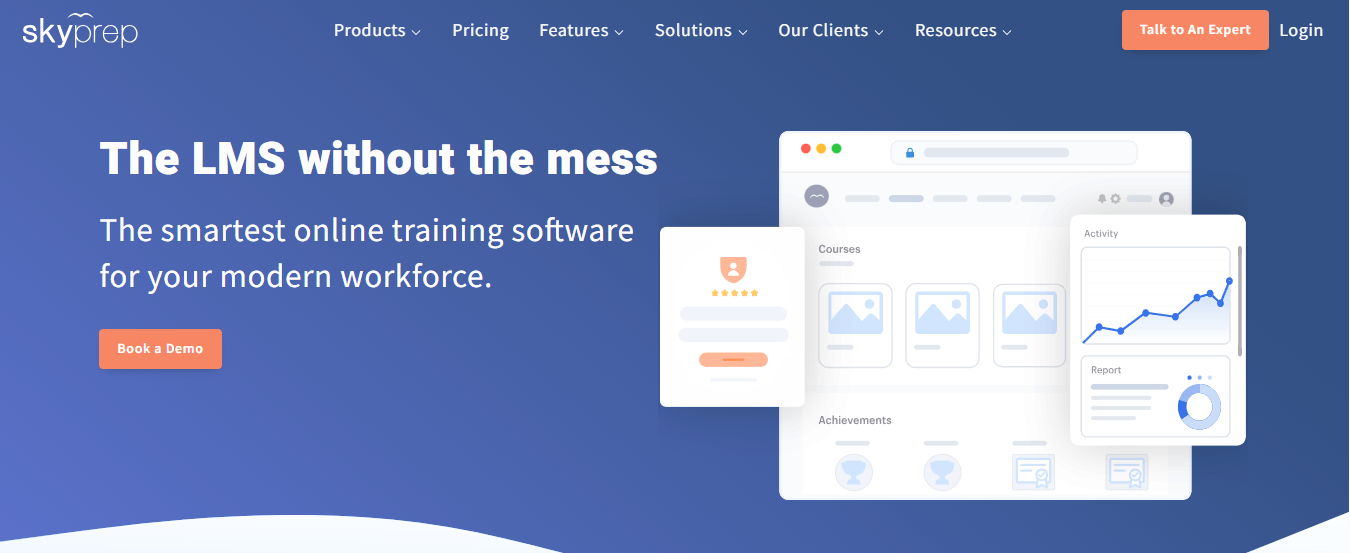
It covers course authoring, quizzes and assessments, learning paths, certificates, and progress tracking in one platform, so it can run onboarding and compliance programs end to end. Support is a consistent highlight in user feedback, which counts when your administrators are not full-time LMS specialists. Pricing is quote-based, and some users mention admin complexity and reporting quirks.
I would shortlist it for a mid-sized company that has onboarding to run and wants a responsive vendor, and I would ask for a pilot using your own roles so you see the assignment logic and tracking behave before you sign.
Pros:
- Automated role assignments that reduce manual enrollment
- Course authoring, quizzes, assessments, and learning paths together
- Certificates and progress tracking for compliance records
- Per-module feedback that shows where learners struggle
- Support that users consistently praise
Cons:
- Pricing is quote-based, with no published plans
- Users mention admin complexity and some reporting quirks
Pricing: Quote-based; contact SkyPrep for pricing.
10. Moodle – Best for Budget Control and Open-Source Flexibility
Moodle removes the pricing question at the root: the software is free, so there is no quote, no implementation percentage, and no renewal negotiation. A large plugin ecosystem covers reporting, enrollment, and integrations, and you control the branding and layout, which answers the complaint about limited customization.
The trade is effort. Self-hosting needs real technical staff and ongoing maintenance, the interface feels dated beside commercial platforms, and plugin quality varies. Hosted plans through partners are available if you would rather not run servers, though the cost then depends on the provider.
I would choose it for a business with technical people in-house who want control over data, design, and cost. If you want something running this week without a developer, a commercial platform will save you time, and hosting, backups, and upgrades should be budgeted as real costs, with a named technical owner from day one.
Pros:
- Free, open-source software with no license or implementation percentage
- Large plugin ecosystem for reporting, enrollment, and integrations
- Full control over branding, layout, data, and hosting
- Strong track record in education and government
- Large community providing support and development
Cons:
- Self-hosting requires technical staff and ongoing maintenance
- Interface feels dated compared with commercial platforms
Pricing: Free and open-source to self-host; hosted plans through Moodle partners vary by provider.
My Top Picks Among the Continu Alternatives
If you read nothing else, start here. Among all the Continu alternatives above, these three cover the three jobs people actually switch for: a price they can see, collaboration led by experts, and training for customers as well as staff. Whether you searched for Continu competitors or Continu LMS alternatives, one of them fits.
1. ProProfs Training Maker
My pick if the quote is the problem. The price is published, a free plan lets you test with real learners, and the AI course creator and 500+ expert-built courses get you to a first course without an implementation project. Ask to see your own results in the reports before you decide, since that is where most switchers get surprised.
2. 360Learning
My pick if you want learning to be led by your own experts. Co-authoring on the platform keeps content current, learner feedback loops improve courses over time, and per-user pricing for smaller teams is published. Keep a compliance-grade tool beside it, since advanced compliance reporting is lighter.
3. WorkRamp
My pick if customers need training as much as employees. Separate employee and customer products, native content creation, and SCORM support cover both audiences in one vendor. Expect custom pricing and ask for a full first-year number, because smaller businesses often find it costly.
How I Evaluated These Continu Alternatives
I did not rank these ten alternatives to Continu on feature lists alone. Here is what shaped the order:
- User reviews and ratings from Capterra, weighted toward platforms with a meaningful volume of recent reviews
- Pricing visibility and total cost, including implementation fees, tier gating, and contract length, since opaque quote-only pricing is the most common reason people look at Continu competitors
- Tracking and SCORM reliability, meaning whether completions, overdue flags, and certificates behave when a course is updated or finished early
- Reporting depth, including dashboards and answers that do not require an Excel export
- Live and blended delivery, including virtual instructor-led training and community features that Continu reviewers call limited
- Multi-audience support for employees, customers, and partners, and how far branding can be pushed
- Real-world fit, matching each platform to whether you need a clear price, collaboration, or external academies
Stay for the Interface, Leave for the Invoice
The people who stay on Continu usually stay for the same reason they bought it.
Continu is still a strong fit for teams that want a modern, easy interface, responsive support, and solid integrations with tools like Slack, Zoom, and HR systems, and that do not need deep customization or public pricing. Leave when the failing piece is the invoice, the tracking, the reporting, or the reach. Among these Continu alternatives, none wins every category, so decide which complaint applies to you before you book demos.
When you compare Continu LMS alternatives, ask each vendor to run your own SCORM file through a completion test, show a sample advanced report, spell out which AI features sit in which tier, and price one to three years, including implementation. If compliance is the main driver, look closely at how compliance training records are produced and exported. Anyone weighing alternatives to Continu should ask for that first-year number in writing. I would run that same test on ProProfs Training Maker too, since its pricing is published and a free plan lets you try it before any contract exists.
Frequently Asked Questions
What are the best Continu alternatives for transparent pricing?
TalentLMS, ProProfs Training Maker, Thinkific, and 360Learning publish prices for at least some plans, and Moodle is free to self-host. Compare total cost including implementation, support, and add-ons, and get the first-year figure in writing, before choosing.
Which Continu LMS alternatives handle SCORM and completion tracking well?
No platform is immune, so test your own SCORM file, including an updated version, and check completion and overdue flags with a real learner account before you sign. ProProfs Training Maker, TalentLMS, and WorkRamp all support SCORM content.
Who are the main Continu competitors for employee and customer training?
WorkRamp and LearnUpon are built for training employees and customers together, Docebo covers employees, partners, and customers, and Thinkific suits customer education that you sell. Each prices by quote or by plan, so confirm your audience mix first.
What should I look for in alternatives to Continu?
Start with the complaint: pricing, tracking, reporting, or reach. Then compare implementation fees, AI tier gating, report depth, and live-session support before you compare long feature lists, and ask for a pilot on your own data.
Is there a Continu alternative with a free plan?
Yes. TalentLMS has a free plan, ProProfs Training Maker is free for up to 10 learners, and Moodle is free to self-host. Free plans suit pilots, so check limits, caps, and support before you scale.
Which Continu alternatives help with implementation and content setup?
ProProfs Training Maker offers custom course development if you would rather not build everything yourself, while TalentLMS and SkyPrep are known for ease of setup and responsive support, so ask each vendor what onboarding is included.
Let ProProfs AI create your training course

 We'd love your feedback!
What did you like & how can we make it even better?
 Thanks for your feedback!
 Ask Your Question
Have a question? Get expert help to make your decision easier.