Most searches for Blackboard Learn alternatives begin with a complaint that never reached the person who signs the contract. It arrives as a faculty member who cannot find the next ungraded submission, a student who missed an assignment because it never surfaced, or a support ticket that sat unanswered through finals week. By the time I hear about it, the pattern is already clear.
Blackboard still does plenty right, and I do not think an LMS decision should rest on a rant. Gradebook friction, a mobile app that loops on login, a steep learning curve, and a price that grows with every module are worth checking against your own course content, not a forum thread.
The 10 below each take on at least one of them, and I say where they do not. I would rather you find that out in a pilot than in a crisis.
Top 10 Blackboard Learn Alternatives Compared
An LMS can fail faculty on grading, students on navigation, and IT on cost, and no single platform fixes all three equally. That is why the best Blackboard alternatives for a university with heavy grading loads look nothing like the best pick for a small college that wants one system for everything.
Here is the fast version: Capterra ratings, current pricing, and the two columns that map to the loudest complaints, how pricing works, and how learners access courses on a phone.
| Tool | Best For | Capterra | Pricing | Pricing Model | Mobile Experience |
|---|---|---|---|---|---|
| ProProfs Training Maker | Staff, faculty, and non-credit training | 4.8 | Free (10 learners); paid from $1.99/learner/mo | Published per learner; free plan | Mobile-friendly delivery |
| Canvas | Cleaner navigation, faster grading | 4.6 | Custom quote; free-for-teacher account | Quote only | Student and teacher mobile apps |
| Moodle | Cost control, deep customization | 4.3 | Free (self-hosted); hosting varies | Free software | Official Moodle mobile app |
| Brightspace by D2L | Analytics, accessibility, support | 4.3 | Custom quote | Quote only | Confirm app options with vendor |
| Schoology | K-12 grading depth, parent communication | 4.4 | Custom quote | Quote only | Confirm app options with vendor |
| Classe365 | SIS and LMS for small institutions | 4.8 | $50/mo (up to 100 students) to $500/mo (to 1,000) | Published by student count; free trial | Confirm app options with vendor |
| Microsoft Teams for Education | Microsoft 365 campuses | 4.5 | Often included; from $4/user/mo standalone | Included with M365 Education; standalone priced | Mobile apps through Microsoft Teams |
| TalentLMS | Staff training, non-credit programs | 4.7 | Free plan; $149–$579/mo | Published, by active users | Mobile access for learners |
| Docebo | Continuing education, partner training | 4.4 | Custom quote (~$25K+/yr) | Quote only | Mobile-first, offline access |
| Absorb LMS | Mandatory staff training at volume | 4.5 | Custom quote | Quote only; add-ons | Confirm app options with vendor |
1. ProProfs Training Maker – Best for Easy Course Creation for Employee Training, Compliance & Skill Assessment
ProProfs Training Maker is not a replacement for a credit-bearing campus LMS, and I would say so up front, because the two jobs are different. It earns its place when the part of Blackboard that hurts is training for staff and faculty, including compliance courses such as sexual harassment training, or short non-credit certificates that never needed a semester gradebook.
The AI course creator turns a topic or an uploaded file into a structured course with chapters and quizzes.

Let ProProfs AI create your training course
Separately, 500+ expert-built courses cover common compliance and skills topics. Reports by individual, team, or location show who finished; certificates mark a pass; courses run in 70+ languages; and gamification boosts completion. Delivery works cleanly on mobile.
It does not replace a credit gradebook or SIS rostering, so a degree program still needs a campus LMS beside it. For professional development, among Blackboard Learn alternatives it is the one I would pilot first.
Pros:
- Turns a topic or an uploaded file into a complete course with the AI course creator, so staff training does not wait on a design office
- Gives you 500+ expert-built courses to assign for compliance and common skills
- Keeps results visible with reports by individual, team, or location, plus certificates for everyone who passes
- Connects to your wider stack through HR, CRM, and SSO integrations, plus SCORM and Tin Can support
- Builds assessments with flexible question types, minimum-score rules, and anti-cheating settings
Cons:
- No on-premise or downloadable setup, since everything runs in the cloud
- No dark mode yet for learners in low-light settings
Pricing: Free for up to 10 learners; paid plans start at $1.99 per learner per month.
2. Canvas – Best for Cleaner Navigation and Faster Grading
Canvas is the destination most Blackboard departures name first, and the reasons are the daily ones: cleaner navigation, a grading workflow built around SpeedGrader, and a mobile experience that students tend to speak well of. A free-for-teacher account also lets individual instructors try it before an institution commits to anything.
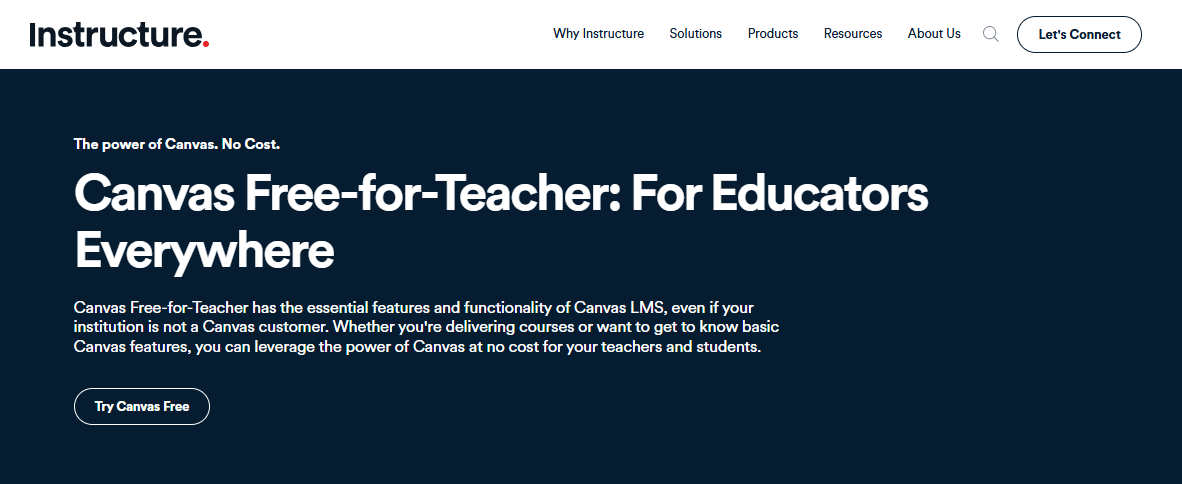
Pricing is a custom quote through Instructure, so total cost of ownership needs a written estimate that includes implementation, training, and support. Migration is the other cost people underestimate: content rarely imports cleanly, and faculty used to Blackboard still need time to find their footing in a new gradebook.
I would pilot it with two or three courses that carry heavy grading loads, since grading speed is the fastest way to find out whether faculty will thank you. Ask for the migration plan and the support terms in writing before you sign, and ask how long migration support lasts after launch.
Pros:
- SpeedGrader workflow built for fast, organized grading
- Cleaner navigation than the complaints about Blackboard describe
- Student and teacher mobile apps with favorable reception
- Free-for-teacher account for low-risk trials
- Large integration ecosystem through LTI tools
Cons:
- Pricing is a custom quote with no published rates
- Migration means rebuilding some content and retraining faculty
Pricing: Custom quote through Instructure; a free-for-teacher account is available.
3. Moodle – Best for Cost Control and Deep Customization
Moodle answers the cost and customization complaints at once. The software is free and open-source, so licensing disappears from the budget, and a large plugin ecosystem covers assessment tools, reporting, and integrations that Blackboard users say feel limited. That matters most for institutions whose Blackboard renewal grows faster than their enrollment.
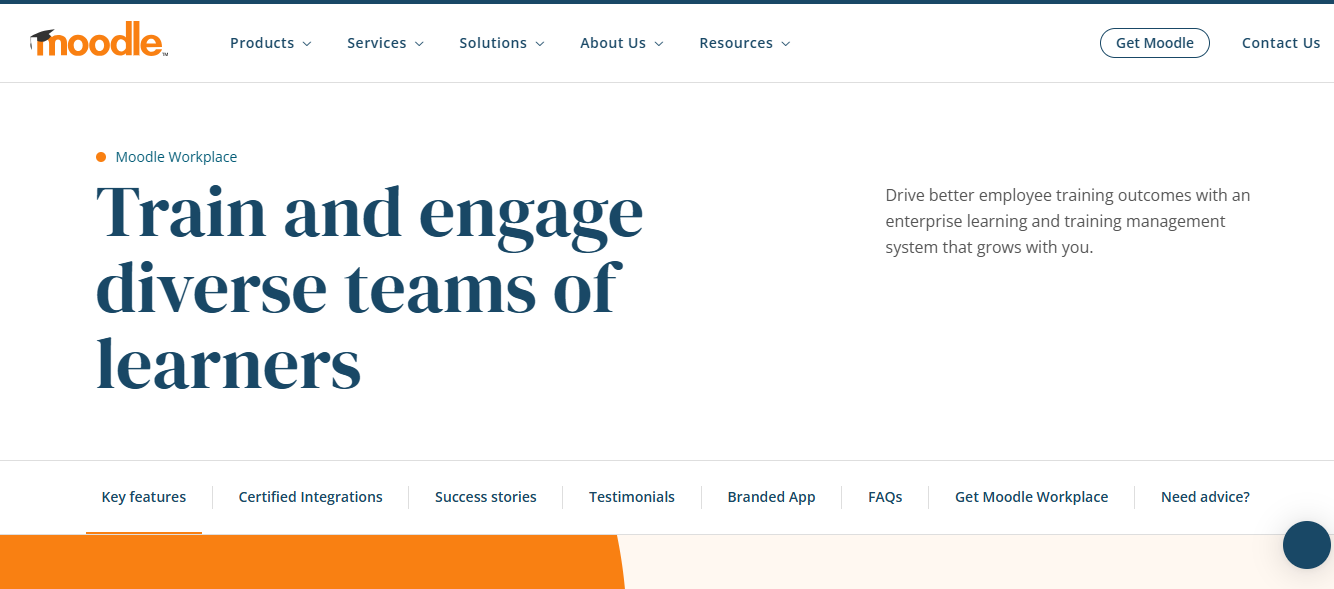
The effort moves to your own staff. Self-hosting needs technical people and ongoing maintenance, the interface feels dated beside commercial platforms, and plugin quality varies. Hosted plans through Moodle partners exist if you would rather not run servers, though the cost then depends on the provider.
I would choose it for an institution with strong in-house IT that wants control of its data and its roadmap. Budget real hours for upgrades and plugin vetting, and price them like any other line item, because that is where the savings can quietly disappear, and name a technical owner from day one.
Pros:
- Free, open-source software with no license fees
- Large plugin ecosystem for assessments, reporting, and integrations
- Full control over data, hosting, and design
- Strong track record in education and government
- Large community providing support and development
Cons:
- Self-hosting requires technical staff and ongoing maintenance
- Interface feels dated, and plugin quality varies
Pricing: Free and open-source to self-host; hosted plans through Moodle partners vary by provider.
4. Brightspace by D2L – Best for Analytics, Accessibility, and Support
Brightspace is the option I would put in front of a committee worried about support and vendor stability. Its reputation rests on a modern experience, strong accessibility tools, and predictive analytics that flag students who are falling behind, and it serves both K-12 districts and higher education. Support is the thing reviewers mention most often when they describe why they chose it.
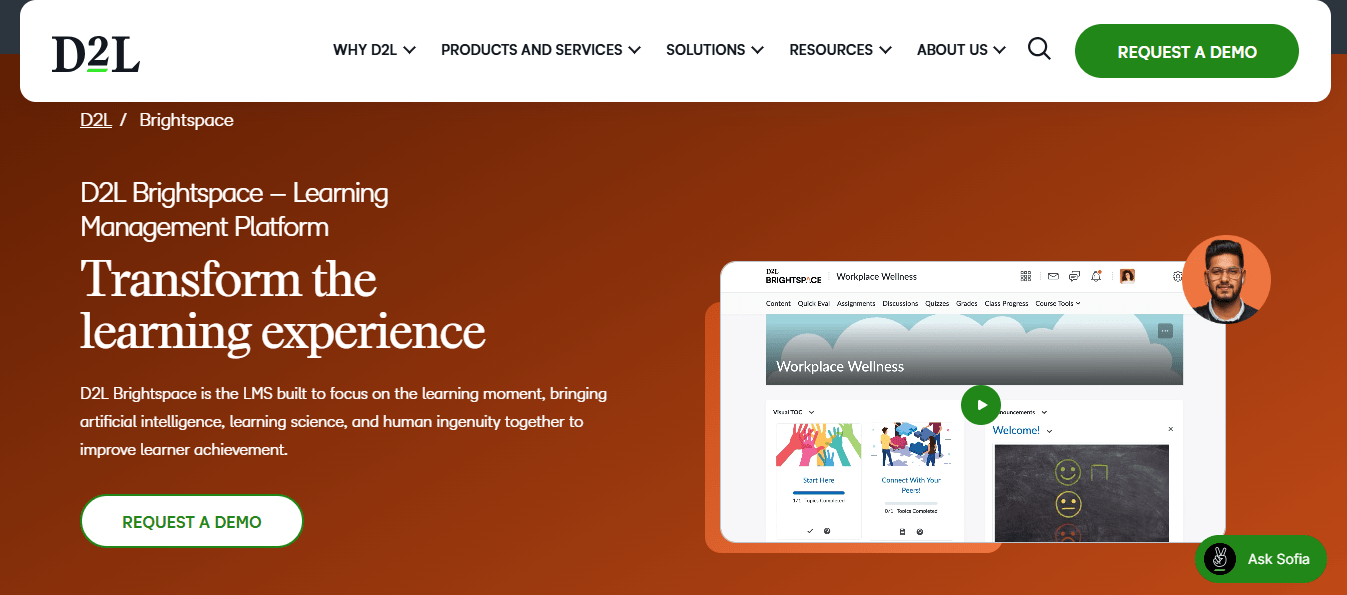
Adaptive learning paths and flexible course design give faculty more control over the sequence than a rigid course shell. Pricing is not published, so a sales conversation and a written total-cost estimate are part of the process, and the implementation timeline needs the same scrutiny as any enterprise platform.
I would choose it for an institution that values analytics and support above everything else. Ask for references from a school of similar size, and have your accessibility office test it with real course content before you decide.
Pros:
- Predictive analytics that flag students falling behind early
- Adaptive learning paths based on individual performance
- Strong accessibility features built into the core platform
- Flexible course design for complex, structured programs
- Established track record in K-12 districts and higher education
Cons:
- Pricing is not published and requires a sales conversation
- Implementation needs dedicated planning and administrative time
Pricing: Custom quote only; contact D2L for institutional pricing.
5. Schoology – Best for K-12 Grading Depth and Parent Communication
Schoology is built for the daily work of K-12: weighted grading categories, rubric-based assessment, attendance tracking, and a social-feed interface that students tend to find more engaging than a static course page. It addresses grading friction without asking a district to run open-source software.
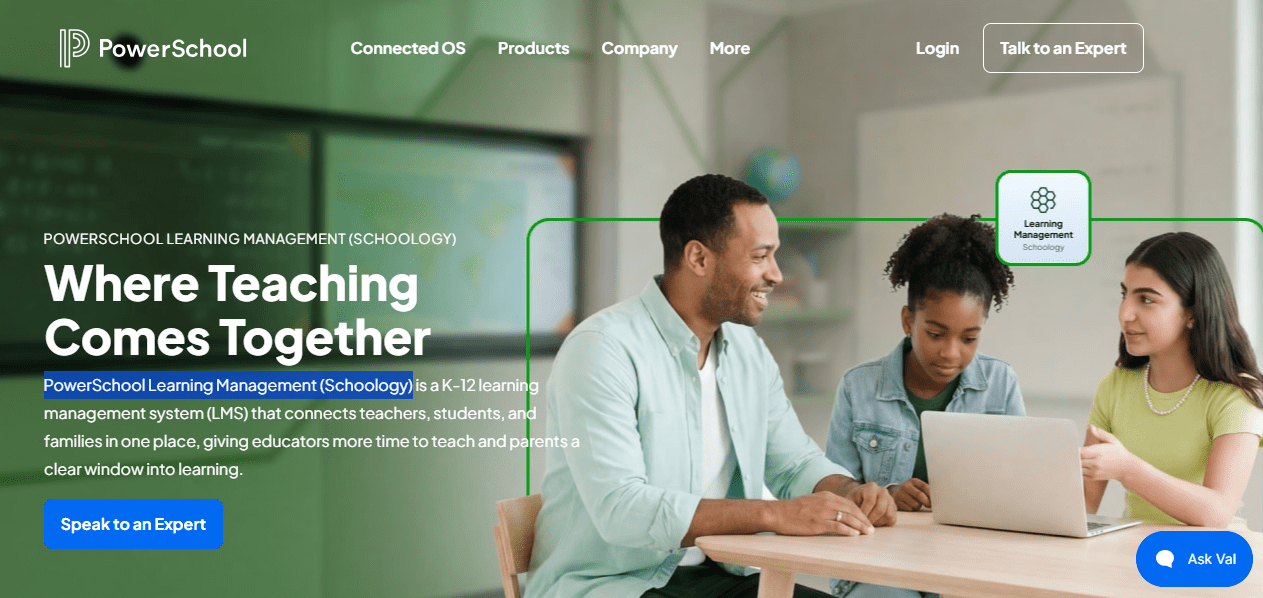
Parent communication features go beyond a weekly digest, and integrations with common student information systems keep rosters in sync. Pricing is not published, and districts typically go through a sales conversation rather than a self-serve signup, which smaller schools sometimes find slow after the simplicity of lighter tools.
I would choose it for a district that wants gradebook depth and family visibility in one place. It is aimed at schools more than universities, so a research institution should test it against its own assessment needs first. Ask how its gradebook handles your actual weighting scheme before you assume it matches.
Pros:
- Weighted grading categories and rubric-based assessment
- Attendance tracking built in
- Social-feed interface that supports student engagement
- Parent communication features beyond weekly summaries
- Integrations with common student information systems
Cons:
- Pricing is not published and requires a sales conversation
- Aimed at K-12 more than at universities
Pricing: Custom quote only; contact Schoology for district or school pricing.
6. Classe365 – Best for Small Institutions That Want an SIS and an LMS Together
Classe365 is a different kind of answer: instead of replacing only the LMS, it combines a student information system, an LMS, and a CRM for schools, colleges, universities, and academies. For a smaller institution, one system for admissions, records, and courses can cut the number of tools that have to talk to each other.
Pricing is published by student count, from a plan for up to 100 students through tiers up to 1,000, and a free trial is available, which is rare in this category and makes budgeting simple. Institutions above that range need to contact sales, and a flat tier will not suit a very large university.
I would pilot it at a small college or academy that is tired of stitching together an SIS, an LMS, and an admissions tool. Ask how much of your current workflow it covers before you assume it will, and test admissions and records on real data.
Pros:
- Student information system, LMS, and CRM in one platform
- Admissions management for schools and colleges
- Pricing published by student count
- Free trial available
- Built for schools, colleges, universities, and academies
Cons:
- Flat tiers stop at 1,000 students, with sales contact beyond that
- Smaller footprint than the largest campus LMS platforms
Pricing: Flat rate by enrollment: $50 per month for up to 100 students, rising to $500 per month for 501 to 1,000 students; contact sales beyond that.
7. Microsoft Teams for Education – Best for Microsoft 365 Campuses
Microsoft Teams for Education makes the most sense when your institution already lives in Microsoft 365. Assignments, OneNote class notebooks, and Office integration all work the way staff and students already work, and video meetings are part of the same tool, so there is one fewer system to log into.
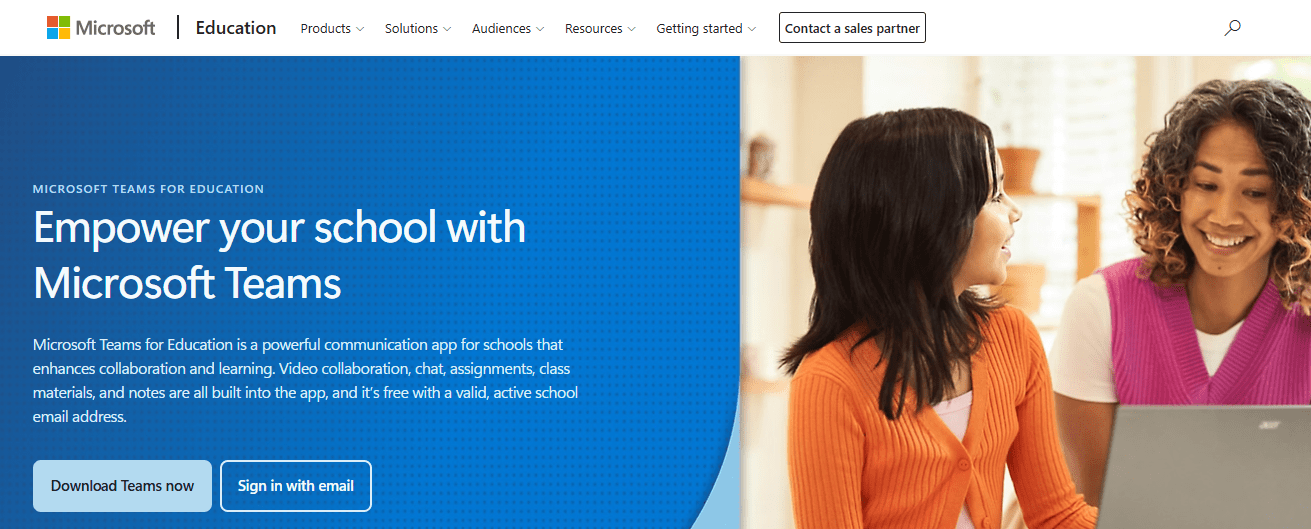
Licensing is often included with Microsoft 365 Education plans, which keeps the direct cost low for many schools. The tradeoff is weight: reviewers and teachers describe it as heavier and less child-friendly than a dedicated LMS, particularly for younger students, and grading and course structure are lighter than at purpose-built platforms.
I would choose it for a campus that wants to stay inside Microsoft and has simple course needs. Test the assignment and grading flow with your actual faculty before deciding it can carry a full curriculum. Ask how it handles late work and gradebook export.
Pros:
- Native fit for institutions already on Microsoft 365
- OneNote class notebooks and Office app integration
- Often included under Microsoft 365 Education licensing
- Video meetings and collaboration in the same tool
- Familiar interface for staff already using Teams
Cons:
- Feels heavier and less child-friendly than a dedicated LMS
- Grading and course structure are lighter than purpose-built platforms
Pricing: Often included with Microsoft 365 Education licensing; standalone plans start around $4 per user per month.
8. TalentLMS – Best for Staff Training and Non-Credit Programs With Published Pricing
TalentLMS suits the parts of a campus that never needed a semester gradebook: staff onboarding, faculty development, compliance courses, and non-credit programs. Pricing is published and follows how many people log in each month, so you pay for active learners, and a free plan lets a department run a real pilot.
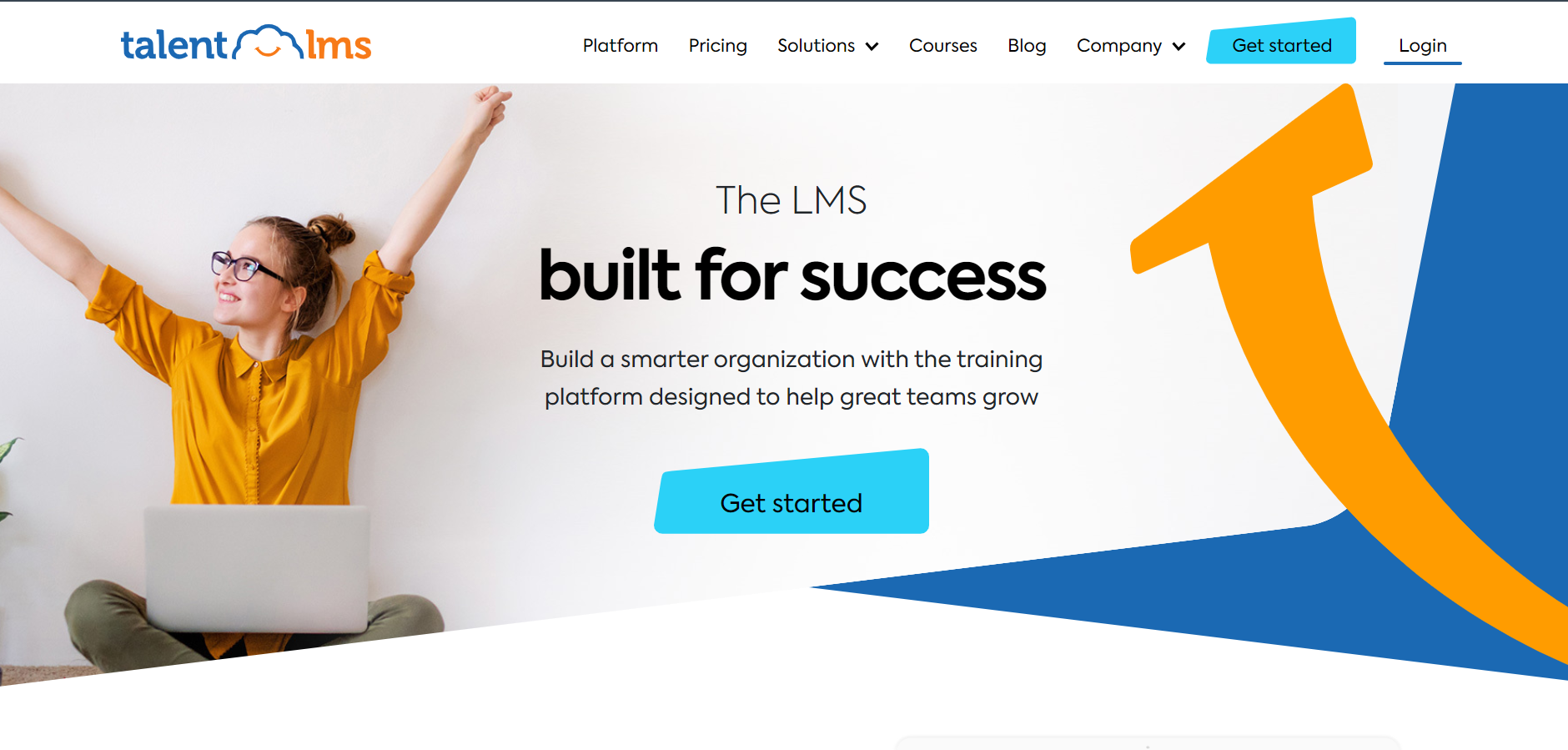
Courses, learning paths, and certificates cover everyday training, and you can sell courses or train outside audiences from the same account. The optional TalentLibrary add-on brings 1,000+ ready-made courses, and 30+ integrations include Zapier for lighter connections to HR and student tools. Reviewers consistently find it easy to administer.
It is lighter than a campus LMS on gradebook depth and student information integration, so I would pick it for professional and continuing education, not for credit courses. A department can be live in weeks, and the free plan makes a pilot easy. Check certificate formats against your record-keeping needs.
Pros:
- Pricing based on monthly active users, with no sales call required
- Genuine free plan for testing before committing
- Courses, learning paths, and certificates in one account
- Optional TalentLibrary add-on with 1,000+ ready-made courses
- 30+ integrations including Zoom and Zapier
Cons:
- Lighter gradebook and student information integration than a campus LMS
- The ready-made library is a paid add-on
Pricing: Free plan available; Core starts at $149 per month for up to 100 users, scaling to $579 per month for 1,000 users.
9. Docebo – Best for Enterprise-Style Continuing Education and Partner Training
Docebo is the heavyweight option for institutions with a continuing education arm, corporate partnerships, or large professional programs alongside their degrees. It is an AI-powered platform serving employees, partners, and customers, and its Shape tool turns existing documentation into course drafts.
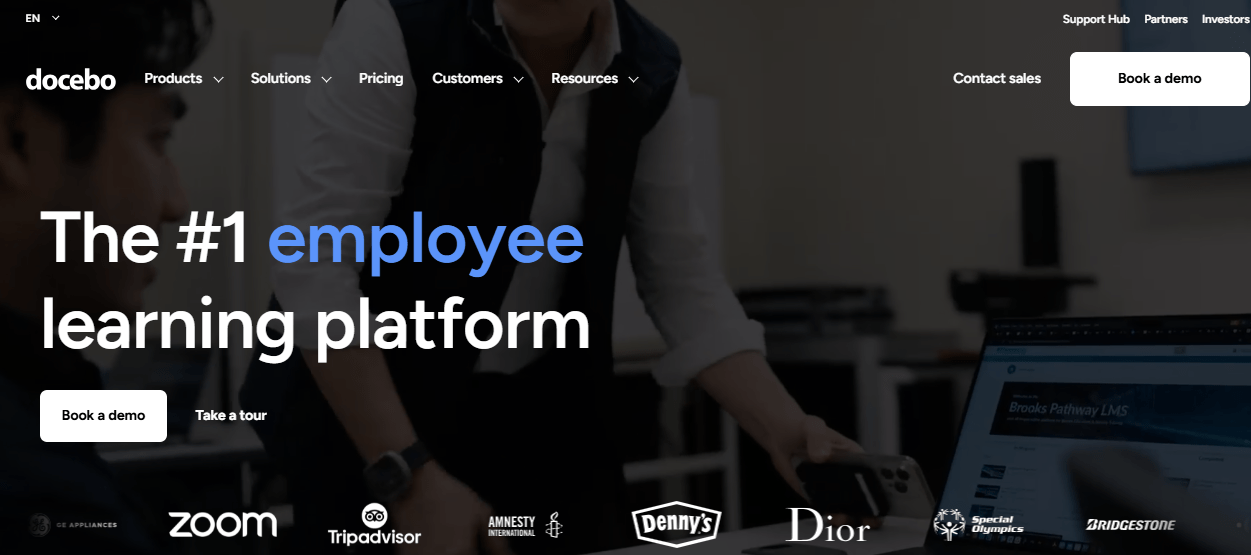
Reporting goes well beyond completions, which speaks to the weak reporting that Blackboard users describe, and a mobile-first learner experience with offline access addresses the app frustration. The cost is real. Pricing is quote-only, commonly reported around $25,000 a year before add-ons, and setup takes dedicated admin effort.
It is not built around a credit gradebook, so I would choose it for professional programs, not for the core academic catalog. For a smaller unit, it is more platform than the problem requires, and a pilot scoped to one audience is the sensible first step, with references from an institution that has a similar continuing-education arm.
Pros:
- Deep, customizable reporting beyond completion rates
- AI-powered content creation (Shape) that speeds up course drafting
- Strong multi-audience support for employees, partners, and customers
- Mobile-first learner experience with offline access
- Active roadmap with frequent AI feature releases
Cons:
- Pricing is quote-based and expensive at scale
- Steep admin learning curve during initial configuration
Pricing: Custom quote only; total cost of ownership commonly starts around $25,000 per year before add-ons.
10. Absorb LMS – Best for Mandatory Staff Training at Volume
Absorb suits the compliance side of a campus: mandatory staff training, safety courses, and onboarding for large numbers of employees across departments. Automated enrollment rules and bulk operations assign people to training by criteria instead of by hand, and the learner interface is polished enough that adoption rarely needs a campaign of its own.
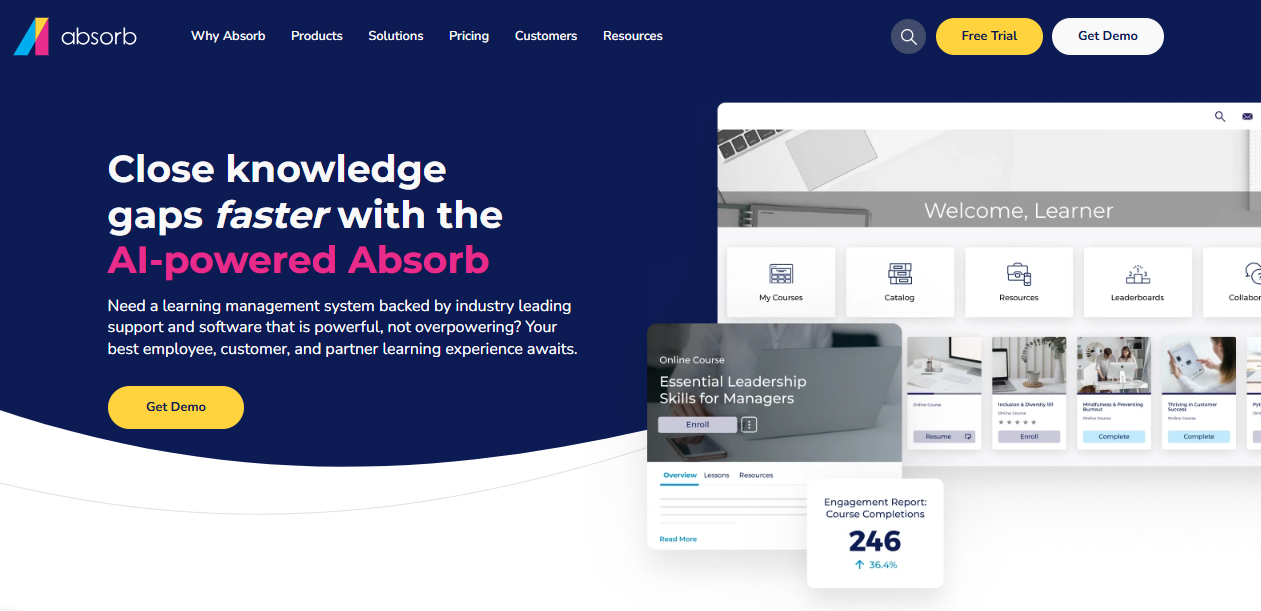
Absorb Intelligence recommends courses and flags learners who are falling behind, which gives training coordinators something to act on before a deadline. Reporting leans toward audit needs. Pricing is not published, and social learning, authoring, and advanced analytics sit behind add-ons, so scope the real cost first.
It is built for mid-size to large organizations and is aimed at employee training, not credit courses. I would pick it for a large institution with substantial mandatory training and a budget for a quote-based contract. Ask who owns configuration after launch, because that role decides how well it works.
Pros:
- Automated enrollment rules and bulk operations
- AI-powered course recommendations and at-risk learner flagging
- Modern learner interface that drives adoption
- Strong customer support consistently praised
- Scales from mid-size to large deployments
Cons:
- Pricing is not published and requires a custom quote
- Aimed at employee training more than credit-bearing courses
Pricing: Custom quote only; contact the vendor for pricing based on active learner count.
My Top Picks Among the Blackboard Learn Alternatives
If you read nothing else, start here. Among all the Blackboard Learn alternatives above, these three cover the three jobs people actually switch for: faster grading and cleaner navigation, lower cost with more control, and a simple home for staff and continuing-education training. Whether you searched for Blackboard competitors or Blackboard alternatives, one of them fits, and each ranks among the best Blackboard alternatives for its job.
1. ProProfs Training Maker
My pick if the part of the job that hurts is staff, faculty, and non-credit training. Courses are fast to build, certificates and reports come with them, and a free plan lets a department pilot with real learners. It does not replace a credit gradebook, so pair it with whichever campus LMS you choose.
2. Canvas
My pick if grading speed and navigation are the daily complaints. SpeedGrader, cleaner navigation, and well-received mobile apps address the friction faculty and students describe most often. Get the migration plan and total-cost estimate in writing, because pricing is a custom quote.
3. Moodle
My pick if cost and control matter most and you have the IT staff to match. The software is free, the plugin ecosystem is large, and you own your data. Price the maintenance hours honestly, since that is where open-source savings can disappear.
How I Evaluated These Blackboard Learn Alternatives
I did not rank these ten alternatives to Blackboard on feature lists alone. Here is what shaped the order:
- User reviews and ratings from Capterra, weighted toward platforms with a meaningful volume of recent reviews
- Gradebook and grading workflow, including speed, filtering, rubrics, and how reliably submissions and grades are kept, since these are the loudest complaints driving people toward Blackboard competitors
- Navigation and learning curve, meaning how quickly faculty and students become productive without extra training
- Mobile reliability, including app stability, login behavior, and parity with the web version
- Assessment flexibility, including question types, question banks, and accessibility support
- Total cost of ownership, including licensing, implementation, training, and support, and where hidden costs tend to appear
- Vendor stability and migration, meaning the product’s direction, export tooling, and how easily courses move across, which is where many Blackboard alternatives differ most
Test the Gradebook Before You Test the Sales Deck
Every LMS looks fine until the last week of the semester.
Blackboard remains a reasonable choice for institutions that have already adapted to it, and opinions on Ultra are genuinely mixed: some faculty come to prefer the modernized interface, while many long-time users find the gradebook and content workflows worse than classic. Leave when the failing piece is grading, navigation, mobile reliability, or cost. Among all these Blackboard Learn alternatives, none wins every category, so decide which complaint is yours before you start demos.
Pilot with your own heaviest courses, check the live status pages and recent faculty forums, and get migration and export terms in writing. For staff, faculty development, and continuing-education courses that do not need a credit gradebook, I would also pilot ProProfs Training Maker beside whichever campus LMS you choose, since a free plan lets you start with real learners. Anyone weighing alternatives to Blackboard should ask each vendor to show the gradebook working on a real course.
Frequently Asked Questions
What are the best Blackboard alternatives for faculty who grade a lot?
Canvas is the usual first pick for its SpeedGrader workflow, Moodle offers flexibility, and Brightspace adds analytics. Pilot two or three of your heaviest-grading courses with real faculty before you decide, since grading speed shows up fast.
Which Blackboard Learn alternatives have published pricing?
Among Blackboard Learn alternatives, Classe365 publishes tiers by student count, TalentLMS publishes plans with a free plan, ProProfs Training Maker publishes per-learner pricing, and Moodle is free software. Canvas, Brightspace, and Schoology are quote-based, so request estimates in writing.
Who are the main Blackboard competitors in higher education?
Canvas, Moodle, and Brightspace are the main Blackboard competitors for universities, Schoology is built mainly for K-12, and Classe365 fits smaller institutions that want an SIS and LMS together. Ask each vendor for references from an institution your size.
What should I look for in alternatives to Blackboard?
Start with grading speed and navigation, then compare mobile reliability, total cost including training and support, vendor stability, and how cleanly courses and learner records move across before you compare feature lists, and pilot one course end to end.
Is Blackboard Ultra better than the original Blackboard Learn?
Opinions are mixed. Some faculty prefer the modernized interface after adjusting, while many long-time users call the gradebook and content workflows worse than classic. Pilot with your own courses and real students before deciding either way.
Can a training platform replace Blackboard for non-credit courses?
Yes, for staff training, faculty development, compliance, and short certificates. ProProfs Training Maker and TalentLMS suit that work, while degree programs still need a campus LMS with a gradebook and SIS rostering. Check certificate and record needs first.
Let ProProfs AI create your training course

 We'd love your feedback!
What did you like & how can we make it even better?
 Thanks for your feedback!
 Ask Your Question
Have a question? Get expert help to make your decision easier.