Headsets are the easy part. What stalls immersive training is everything wrapped around them: charging carts, shared-device hygiene, content that goes stale in six months, and a pilot nobody owns once the innovation team moves on.
Estimates floating around the industry say roughly 70% of enterprise VR pilots never fully deploy, and I believe it, because that list reads like a hardware project with a training budget attached. Strivr is now steering toward smart glasses and AI guidance, which swaps one set of logistics for another.
So a shortlist of Strivr alternatives is not a retreat from immersive learning. It is a fair question about how much infrastructure your team actually wants to own, and weighing alternatives to Strivr is how most teams answer it. Some of the ten below keep the headset. Most do not.
What Is Strivr?
Which Strivr someone means depends on when they last checked.
That pivot is the part I would pressure-test before renewing or signing. The VR side is proven, but hardware-heavy, and the smart-glasses side is early, with little published outcome data so far. Neither is a bad bet, but neither is the easy default it once was, which is why shortlists of Strivr competitors now include options that skip the headset entirely.
Top 10 Strivr Alternatives Compared
Every one of these answers a different version of one question: do you need immersion, or do you need what immersion was supposed to deliver? That is why the best Strivr alternatives for a skilled-trades team look nothing like the best pick for a retail chain. Here is the fast version: Capterra ratings, current pricing, and the two columns that decide most of these deals, hardware required and training format.
| Tool | Best For | Capterra | Pricing | Hardware Required | Training Format |
|---|---|---|---|---|---|
| ProProfs Training Maker | Course creation for employee training & compliance | 4.8 | Free (10 learners); paid from $1.99/learner/mo | None, any browser or phone | Courses, quizzes, certifications |
| Interplay Learning | Hands-on VR & 3D simulation, skilled trades | 4.2 | From ~$25/mo listed; enterprise custom | Optional VR headset | VR and 3D simulations |
| Axonify | Daily microlearning & AI coaching, frontline | 4.7 | Custom quote | None, phone or kiosk | Daily microlearning |
| eduMe | Mobile-first training, deskless workers | 4.7 | Custom quote | None, phone | Short mobile lessons |
| Connecteam | Training inside a frontline work app | 4.6 | Free plan; from $29/mo (first 30 users) | None, phone | Courses plus checklists |
| TalentLMS | Fast setup, transparent pricing | 4.7 | Free plan; $149–$579/mo | None, browser | Courses and assessments |
| Docebo | Enterprise AI-powered learning at scale | 4.4 | Custom quote (~$25K+/yr) | None, browser | Courses, AI recommendations |
| 360Learning | Expert-built, collaborative courses | 4.7 | From ~$8/user/mo | None, browser | Collaborative courses |
| iSpring Learn | Onboarding & compliance, low overhead | 4.7 | $3.97–$6.91/user/mo | None, browser | Courses and assessments |
| Coursebox | AI-generated courses from a prompt | 4.7 | From $40/mo | None, browser | AI-drafted courses |
1. ProProfs Training Maker – Best for Easy Course Creation for Employee Training, Compliance & Skill Assessment
The first question I ask about any immersive rollout is who owns the hardware on day 200. ProProfs Training Maker sidesteps it: courses run in a browser or on a phone, so there is no charging cart, no hygiene policy, and no device fleet for IT to learn.
The AI course creator drafts a structured course with chapters and quizzes on a topic, so a content update takes an afternoon instead of a vendor change order.

Let ProProfs AI create your training course
Separately, 500+ expert-built, ready-to-use courses cover common compliance and skills topics. Audit-ready reporting tracks completions, scores, and certifications by learner, 70+ language support covers multi-site teams, and built-in gamification keeps completion from sagging.
It will not drop anyone into a simulated hazard. If that is the job, the headset-based options below fit better. For everything else among Strivr alternatives, I would spend on course quality rather than device logistics.
Pros:
- AI course creator that drafts a full, structured course from a topic description
- 500+ expert-built, ready-to-use courses to pull from when needed
- Audit-ready reporting and certification tracking built in, not a separate add-on
- Built-in gamification (badges, leaderboards, points) that lifts completion rates
- 70+ language support for multi-site or global teams
Cons:
- No on-premise or self-hosted deployment option
- Light and dark mode theming is not yet available for the learner interface
Pricing: Free for up to 10 learners; paid plans start at $1.99 per learner per month.
2. Interplay Learning – Best for Hands-On VR and 3D Simulation in the Skilled Trades
If your Strivr use case is hands-on practice for physical work, Interplay is the closest substitute I found with a real review base behind it. It is built for the skilled trades, with 3D simulations and some VR activities covering HVAC, electrical, plumbing, and facility maintenance.
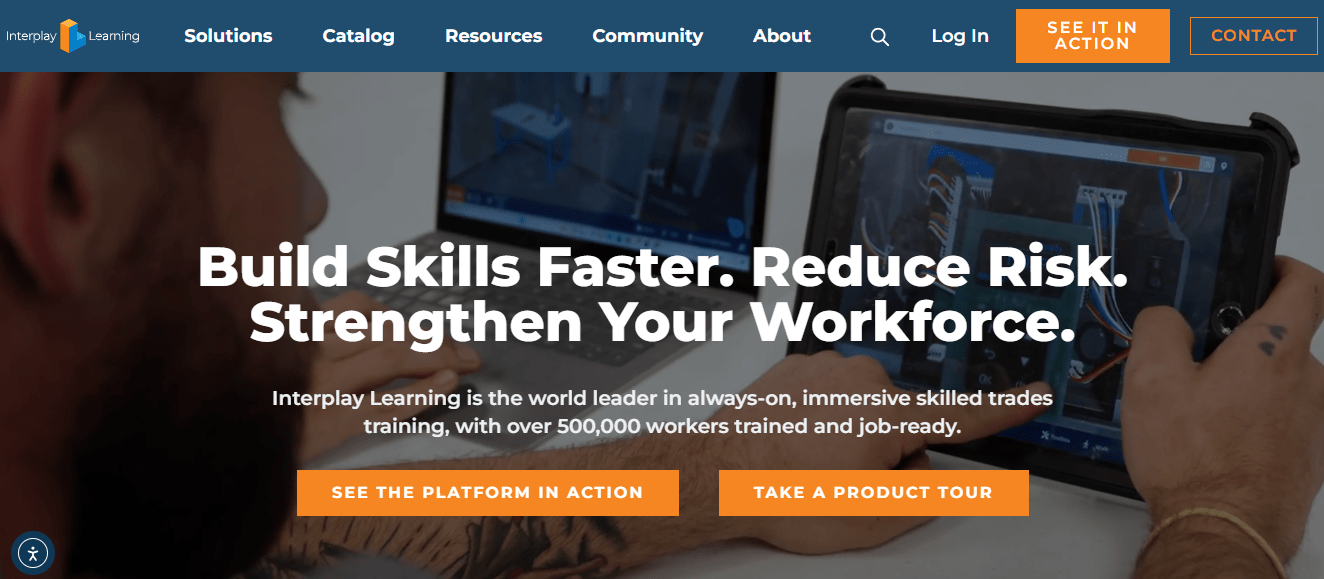
The library runs past 100 hours of scenario-based exercises across different equipment types, and assessments, certificates, and CEU eligibility sit inside the same platform. Reviewers describe it as easy to use, though a few report video and 3D content crashing on tablets, which is worth testing on your actual devices before committing.
The scope is the catch. Content is trades-specific, so general onboarding or compliance topics still need another tool. For technician training, it asks for far less hardware than a full headset program.
Pros:
- Trades-specific library covering HVAC, electrical, plumbing, and facility maintenance
- 100+ hours of scenario-based exercises across different equipment types
- 3D simulations that run on most devices, with VR available for some activities
- Skills assessments, certificates of completion, and CEU eligibility built in
- Admin dashboard with analytics on learner progress
Cons:
- Content is built for skilled trades, so general corporate topics need another tool
- Reviewers report occasional crashes with video and 3D content on tablets
Pricing: Listed from around $25 per month on public directories; enterprise pricing is a custom quote.
3. Axonify – Best for Daily Microlearning and AI Coaching for Frontline Teams
Strivr’s best-known reference customer is Walmart, and Axonify reportedly counts Walmart among its own deployments, which tells me both are built for very large frontline populations. The approach is the opposite of a one-off simulation: short daily microlearning sessions designed around retention, with an AI coach marketed for answering questions mid-shift.
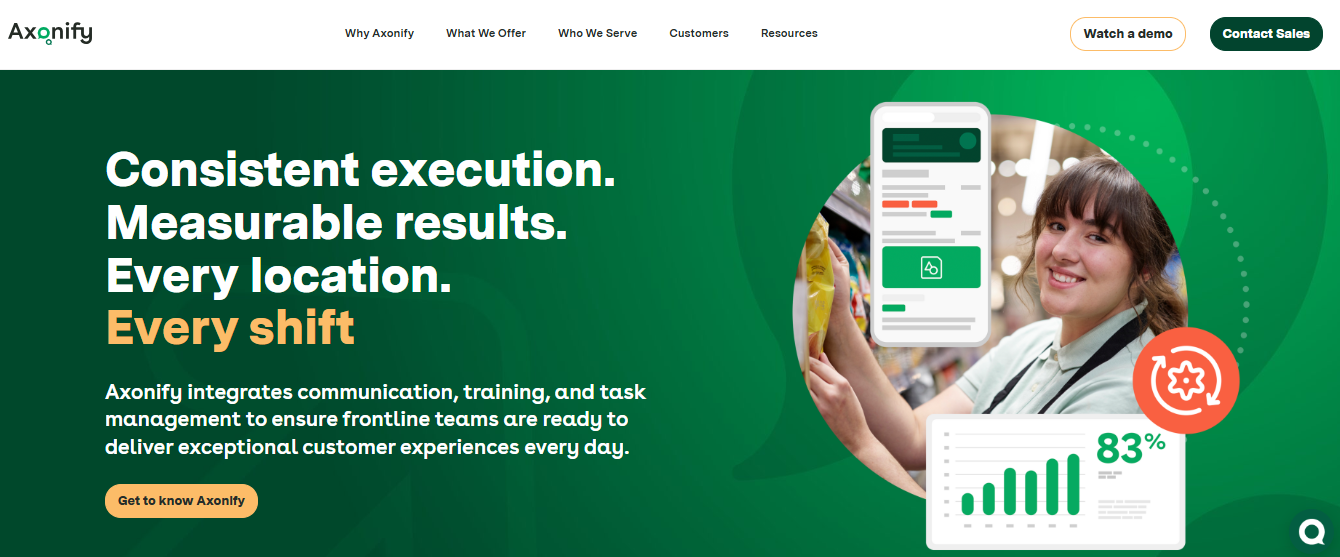
Reviewers on Capterra consistently praise the engagement and the gamification, and that matters, because the failure I worry about most in frontline training is participation falling off after launch. The tradeoff is setup. Some reviewers describe admin complexity and a steeper onboarding than they expected, and pricing is a custom quote.
I would shortlist Axonify if your real problem is knowledge fading between training and the floor, not a lack of practice scenarios. That distinction decides more purchases than any feature does.
Pros:
- Short daily microlearning built around retention rather than one-off courses
- Gamification that reviewers credit with high frontline participation
- AI coaching for on-shift questions, marketed in 60+ languages
- Guided task execution alongside learning, closer to in-the-flow support
- Reported deployments at large retailers, including Walmart
Cons:
- Pricing is custom and quote-only
- Reviewers mention admin complexity and a steeper setup than expected
Pricing: Custom quote only; contact the vendor for per-user pricing.
4. eduMe – Best for Mobile-First Training for Deskless Workers
eduMe is what I look at when the honest answer to where this training happens is a phone, in between tasks. Lessons arrive as short mobile bursts, and because delivery can sit inside tools workers already use, nobody has to download another app or remember another login.
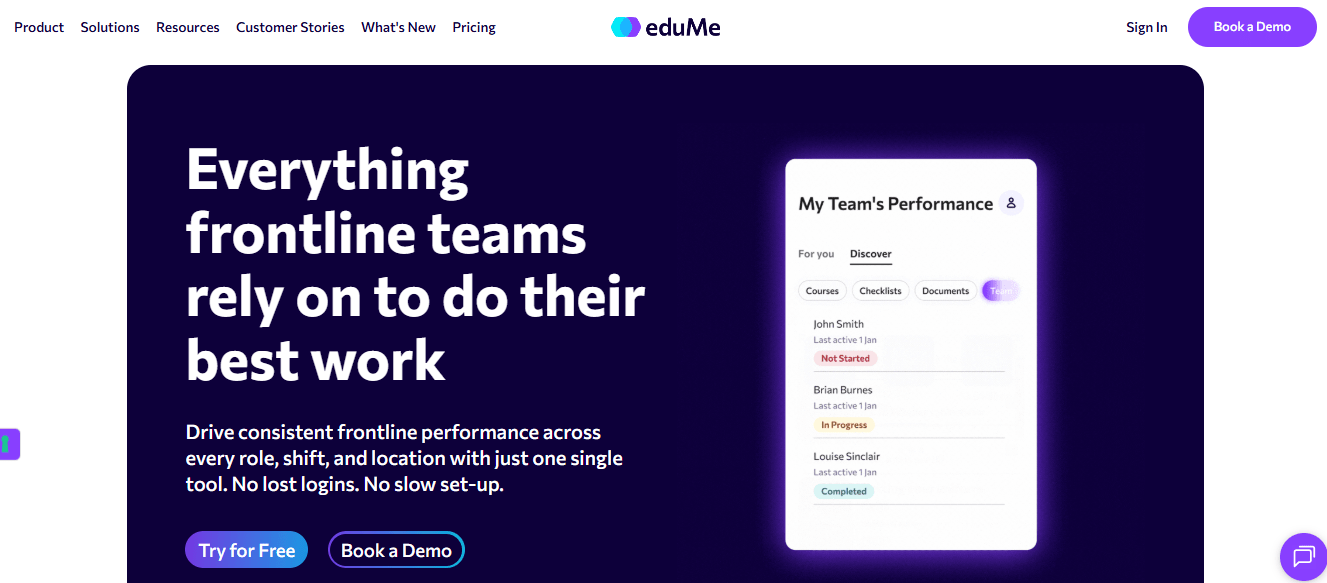
That format matches how frontline training actually gets consumed. A 40-minute module is a hard sell to someone mid-shift, and a three-minute lesson is not. Integrations with systems like Workday and Fountain help connect training to hiring and onboarding flows, and the vendor cites customers such as Uber, Marriott, and Gopuff.
It is not built for long, desk-based compliance courses, and pricing is quote-based. Its Capterra review base is also small, so I would lean on a pilot rather than the rating.
Pros:
- Purpose-built for mobile, deskless, and frontline workforces
- Delivery inside existing work apps, with no separate download or login
- Integrates with tools like Workday and Fountain
- Short, mobile-first lessons suited to busy shifts
- Vendor-cited customers include Uber, Marriott, and Gopuff
Cons:
- Not designed for long-form, desk-based compliance courses
- Pricing is quote-based, and the Capterra review sample is small
Pricing: Custom quote only; contact the vendor for pricing based on workforce size.
5. Connecteam – Best for Training Inside the App Frontline Teams Already Use
Connecteam attacks a different half of Strivr’s pitch: support during the work rather than practice before it. It is a frontline app that bundles scheduling, communication, checklists, and training in one place, so a procedure, a quiz, and the shift roster live where workers already look.
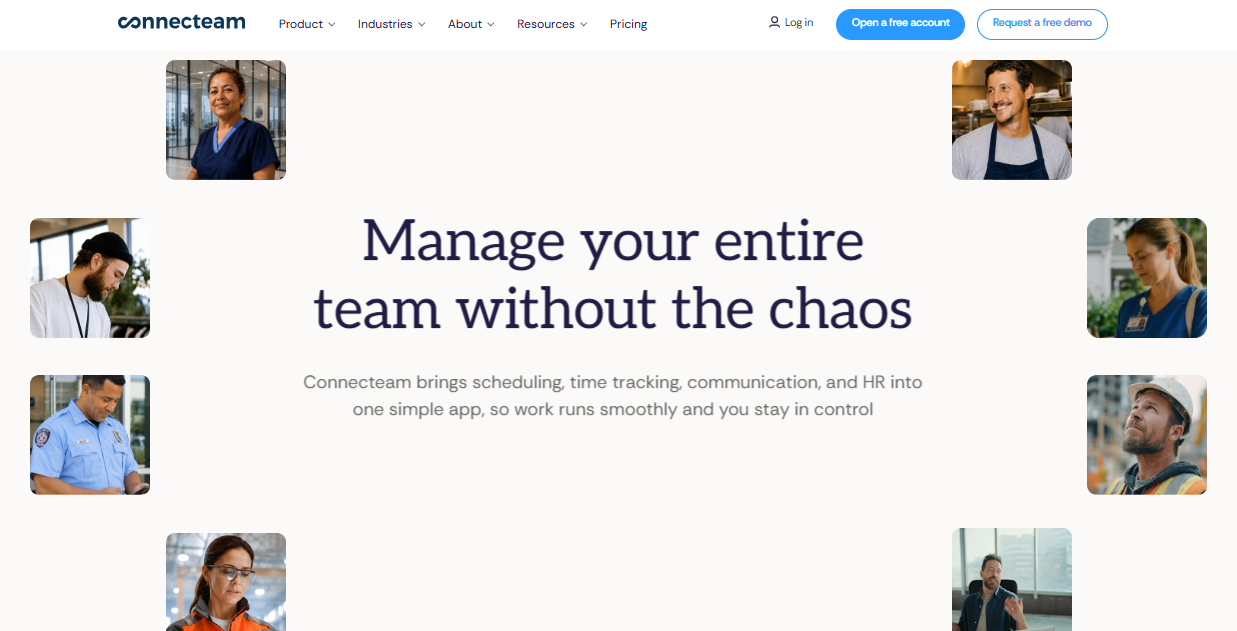
The review base is the largest on this list, with more than 5,000 Capterra reviews, and a free plan is available. Training is one piece of a wider workforce platform, so check which hub and plan include the features you need before you assume it covers everything.
Reviewers flag basic analytics and per-user costs once you pass the starter block of 30 users. If you want simulation or deep learning analytics, look elsewhere on this list. If you want training to show up in the same place as the shift schedule, this is a sensible fit.
Pros:
- Training, scheduling, and communication in one frontline app
- Largest verified review base of any tool on this list
- Free plan available for small groups to test
- Checklists, forms, and tasks that put procedures in front of workers on shift
- Simple enough for non-technical frontline managers to administer
Cons:
- Analytics are basic compared with dedicated learning platforms
- Per-user add-on costs apply after the first 30 users
Pricing: Free plan available; paid plans start at $29 per month for the first 30 users on annual billing.
6. TalentLMS – Best for Fast Setup and Transparent Pricing
TalentLMS is the pragmatic answer when the question is whether you need immersive training at all or just a dependable way to assign, deliver, and track what you already have. Published pricing, a free plan, and quick setup mean a pilot costs a few weeks of effort, not a procurement cycle.
It covers the fundamentals well: unlimited courses on lower tiers, 30+ integrations, and certifications and reporting for compliance tracking. Where it stops is immersion. There is no VR or simulation layer, so scenarios have to be built from video, slides, and assessments you create yourself.
I would pick it for a team that is measured on completion and compliance records, and treat anything more immersive as an add-on later, once the basics are running without anyone chasing them.
Pros:
- Published pricing with no sales call required
- Free plan available for testing before committing
- 30+ integrations including Zoom, BambooHR, and Microsoft Teams
- Unlimited courses even on lower-priced tiers
- High marks for ease of use across admins and learners
Cons:
- No VR or simulation layer
- Limited social or collaborative learning features
Pricing: Free plan available; Core starts at $149 per month for up to 100 users, scaling to $579 per month for 1,000 users.
7. Docebo – Best for Enterprise AI-Powered Learning at Scale
Docebo is where I would look if the training stack is the real project and immersive content is one stream inside it. It is an AI-powered learning platform built for employees, partners, and customers, and its Shape tool can turn existing documentation into a course draft, which matters when the pain is content going stale.
Reporting goes well beyond completion rates, which speaks to the measurement gap that dogs most immersive pilots. The cost is real, though. Pricing is quote-only, commonly reported around $25,000 a year before add-ons, and the admin setup takes dedicated effort.
For a large L&D team that wants different content types pulled into one reporting view, with a dedicated admin to run it, it earns the price. For anyone with a narrower need, it is more platform than the problem requires.
Pros:
- Deep, customizable reporting beyond completion rates
- AI-powered content creation (Shape) that speeds up course drafting
- Strong multi-audience support for employees, partners, and customers
- Mobile-first learner experience with offline access
- Active roadmap with frequent AI feature releases
Cons:
- Pricing is quote-based and expensive at scale
- Steep admin learning curve during initial configuration
Pricing: Custom quote only; total cost of ownership commonly starts around $25,000 per year before add-ons.
8. 360Learning – Best for Expert-Built Courses and Collaborative Authoring
One of the quieter costs in frontline training is expertise that never leaves one person’s head. 360Learning is built around that problem: subject matter experts co-author courses directly on the platform, and learner feedback flows back into the content, so a procedure change does not wait in an instructional design queue.
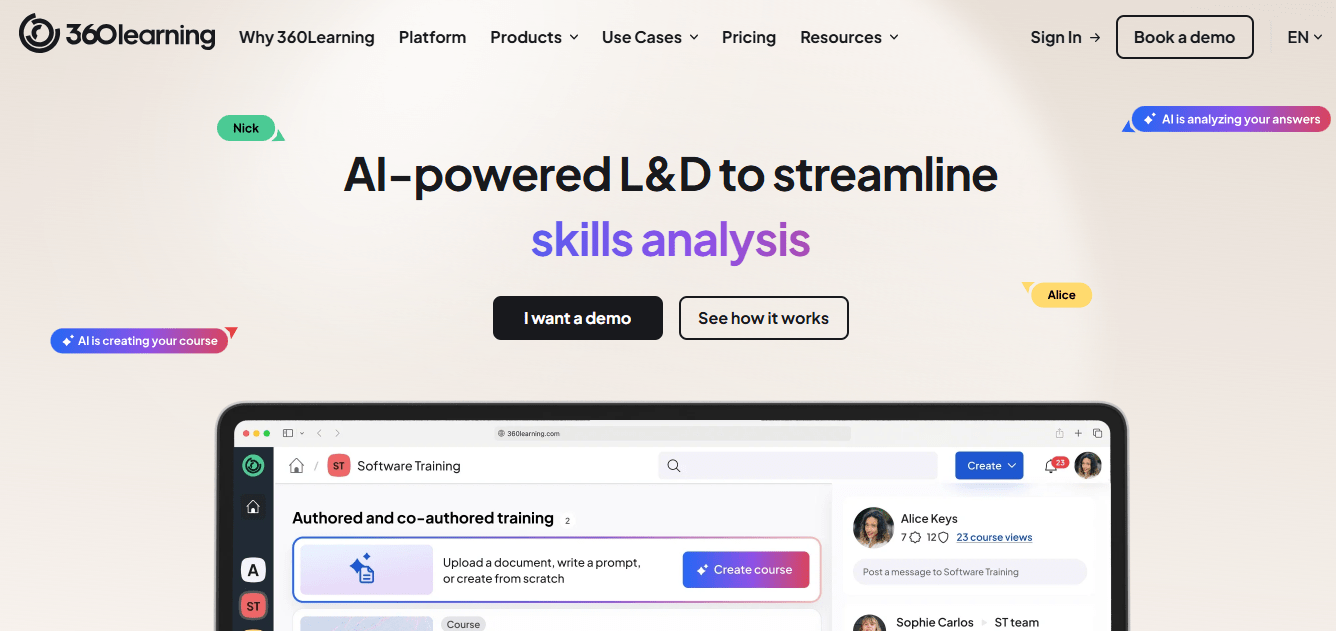
Pricing is more transparent than most enterprise platforms here, with public per-user rates for smaller teams and custom quotes for larger ones. Reviewers rate ease of use highly, for admins and contributors alike, which matters because experts who find a tool clumsy simply stop contributing.
It is lighter on advanced compliance reporting than enterprise suites, and it has no simulation layer. I would choose it when knowledge capture from veteran workers is the gap, more than practice or hardware.
Pros:
- Subject matter experts co-author courses without instructional design bottlenecks
- Built-in feedback loops that improve courses over time
- Published per-user pricing for smaller teams
- Strong ease-of-use ratings from admins and contributors
- Well suited to capturing institutional knowledge before it walks out the door
Cons:
- Advanced compliance and reporting features are lighter than enterprise suites
- No simulation or immersive layer
Pricing: Starts around $8 per user per month, with custom pricing for larger teams.
9. iSpring Learn – Best for Structured Onboarding and Compliance Without IT Overhead
iSpring Learn is a plain, dependable LMS for teams that want structured onboarding and compliance training running without an IT project. I treat that as a feature, since so many immersive pilots stall on ownership and integration rather than content quality.
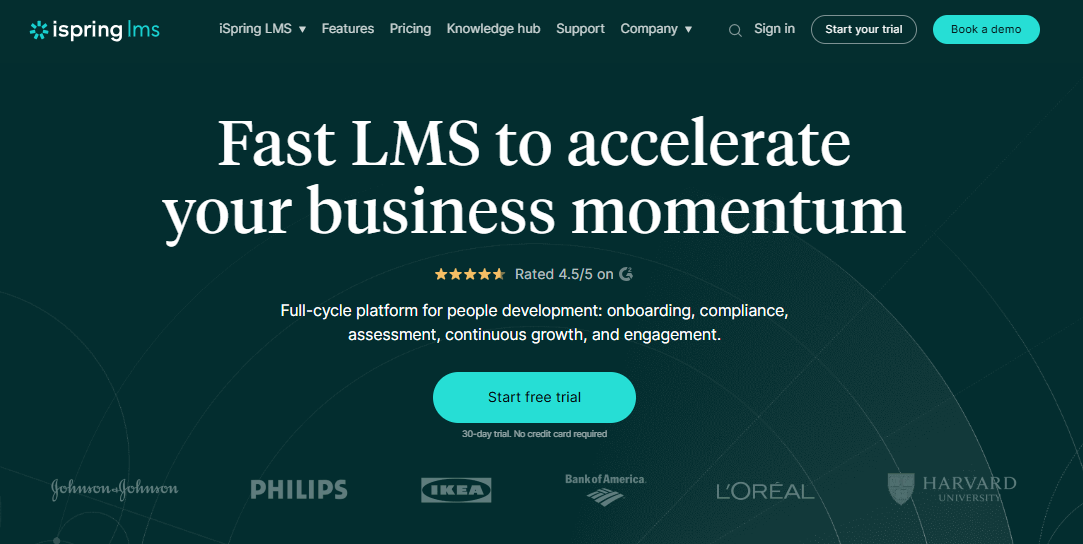
Pricing is per user and drops with volume, and reviewers consistently single out responsive support, a real contrast with the ticket-and-wait experience that shows up in reviews of larger platforms. Setup stays closer to a same-day range than a multi-month rollout, which matters when the sponsor who approved the pilot has a short attention span and a quarterly review coming.
It is a corporate-training tool, not an immersive one, and there is no free plan. If your real constraint is budget and ownership rather than simulation, it keeps the commitment small.
Pros:
- Built for structured onboarding and compliance training
- Per-user pricing that drops meaningfully at higher headcounts
- Consistently praised, responsive customer support
- Fast setup without heavy IT involvement
- Strong ratings across a sizable base of Capterra reviews
Cons:
- Not an immersive or simulation platform
- No free plan, so testing means committing to a paid tier
Pricing: Starts around $6.91 per user per month at 100 users, dropping to about $3.97 at 500 users.
10. Coursebox – Best for AI-Generated Courses From a Document or Prompt
Stale content is one of the most common reasons VR programs lose momentum, and Coursebox attacks it directly. Upload a document or describe a topic and the AI drafts a complete course with quizzes, which you then refine in a drag-and-drop editor instead of rebuilding from scratch.
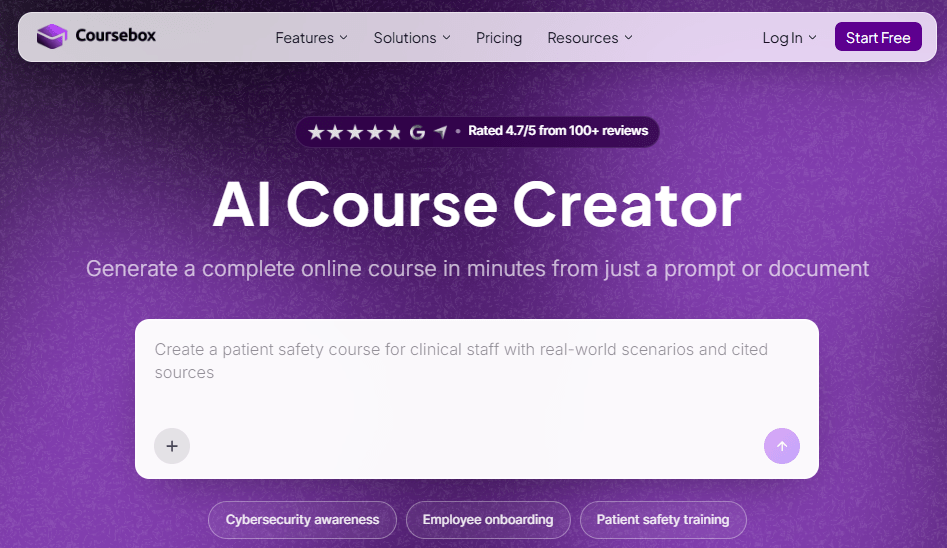
Reviewers praise the speed and ease of use, and speed is the point here: a first draft in minutes beats a polished one that arrives after the procedure has already changed. Design and branding controls are more limited than in a dedicated authoring tool, and a few report generation slowing under heavy batch use, so test it with your real volume.
I would pair it with a platform that handles delivery and tracking, or use its optional branded LMS, when the priority is refreshing training faster than the SOPs change.
Pros:
- AI drafts a complete course, quizzes included, from a document or prompt
- Drag-and-drop editor for refining AI-generated drafts
- Optional custom-branded LMS with the same AI built in
- Fast turnaround compared with manual course building
- Strong ease-of-use and satisfaction ratings across reviews
Cons:
- Branding and design customization are more limited than dedicated authoring tools
- Generation speed reported as inconsistent during heavy use
Pricing: Starts at $40 per month.
My Top Picks Among the Strivr Alternatives
If you read nothing else, start here. Among all the Strivr alternatives above, these three cover the three jobs people actually hire this kind of software for: simulated practice, daily reinforcement, and training without the hardware.
1. ProProfs Training Maker
My pick if the hardware, not the training idea, is what is breaking your program. Course creation runs in a browser or on a phone; the AI course creator and 500+ expert-built courses keep content current without a build queue, and audit-ready reporting gives you records beyond completion. It does not simulate hazards, so pair it with a simulation tool only where the job truly demands one.
2. Interplay Learning
My pick if the work is physical and practice is the point. It is the one option here built around hands-on simulation for skilled trades, with 3D training that runs on most devices and VR available for some activities. Check the catalog against your actual equipment before committing, because the library is trades-specific.
3. Axonify
My pick if the real problem is knowledge fading between training and the floor. Short daily sessions and in-shift AI coaching suit very large frontline populations, and reviewer feedback on engagement is strong. Budget for a longer setup and a quote-based price, since both come up in reviews.
How I Evaluated These Strivr Alternatives
I did not rank these ten alternatives to Strivr on feature checklists alone. Here is what shaped the order:
- User reviews and ratings from Capterra, weighted toward platforms with a meaningful volume of recent reviews, and flagged where the sample is small
- Hardware and fleet overhead, since charging, hygiene, and device management are where immersive programs tend to stall, and where most alternatives to Strivr differ the most
- Total cost of ownership, including headsets, content development, and licensing, not just the subscription line
- Evidence of outcomes beyond completion, meaning reporting depth and learning management, that can show behavior change
- Content lifecycle, meaning how quickly a procedure change becomes updated training
- Support and onboarding quality, based on patterns across verified reviews rather than one testimonial
- Real-world fit, matching each platform to whether you need simulation, in-shift support, or dependable delivery
Buy the Outcome, Not the Hardware
The pilots who fail rarely fail because of the idea. They fail on ownership.
Before you compare Strivr alternatives on features, decide what outcome you are actually buying: practice for rare physical tasks, daily reinforcement on the floor, or dependable training and compliance records. Interplay answers the first, Axonify and eduMe the second, and platforms such as ProProfs Training Maker, TalentLMS, and iSpring Learn the third. Baseline one metric before any pilot, whether that is error rate, ramp time, or incident count, and ask each vendor how they would prove it moved.
If you also need compliance training records that withstand an audit, check that the platform produces them without a spreadsheet beside them. That one test removes more options than any demo does.
Frequently Asked Questions
What are the best Strivr alternatives for frontline training?
It depends on the job. Axonify and eduMe suit short, daily frontline learning, Interplay Learning fits hands-on skilled-trades simulation, and ProProfs Training Maker covers course creation and compliance tracking without any headset to buy or manage.
Is there a Strivr alternative that does not need headsets?
Yes. Axonify, eduMe, TalentLMS, and ProProfs Training Maker all run on phones, tablets, or browsers, so there are no headsets to buy, charge, clean, or manage on a shared fleet, which is exactly where many immersive programs stall.
Who are the main Strivr competitors in VR training?
Among the Strivr competitors on this list, Interplay Learning is the clearest VR and 3D simulation option for skilled trades. Most of the other tools here skip headsets and focus on microlearning, frontline delivery, or broader learning management instead.
What should I look for in alternatives to Strivr?
Start with the outcome: practice for rare tasks, daily reinforcement, or compliance records. Then compare hardware overhead, total cost beyond licensing, and whether reporting proves behavior change, not just completion, before you get into feature lists.
How much does VR training cost compared with other options?
Headsets alone commonly run $500 to $800 or more each at scale, before content development and licensing. Browser and phone-based platforms avoid that line entirely, which is why total cost of ownership often decides these comparisons.
Which Strivr alternative is best for compliance and certification tracking?
ProProfs Training Maker includes audit-ready reporting and certification tracking as standard, with 70+ language support for multi-site teams. iSpring Learn and TalentLMS are also solid options for structured compliance programs that need clean completion records.
Let ProProfs AI create your training course

 We'd love your feedback!
What did you like & how can we make it even better?
 Thanks for your feedback!
 Ask Your Question
Have a question? Get expert help to make your decision easier.