I renewed an Articulate 360 seat for three years running, mostly out of habit, right up until the AI Teams plan hit $1,749 per author, and I actually sat down to count how much of the suite I used beyond Rise’s rapid builder. That renewal-season math, not any single missing feature, is usually what prompts training teams to look for Articulate 360 alternatives.
Articulate still does the core job well: Storyline handles genuinely complex branching, Rise gets a responsive course out fast, and the ecosystem of templates and community resources runs deep.
But between the rigid annual pricing, content you lose edit access to the moment you cancel, and Rise.com’s LMS retiring at the end of 2026, plenty of teams are deciding the renewal isn’t worth it anymore. Here are ten platforms that fix a specific piece of what Articulate leaves you stuck with.
Top Articulate 360 Alternatives Compared
Every one of these fixes a different piece of what makes Articulate frustrating, so the best Articulate 360 alternatives for a solo freelance designer look nothing like the best pick for an enterprise team that needs real-time collaboration. If you have compared Articulate 360 competitors before, this version reflects the current 2026 pricing.
Here is the fast version: Capterra ratings, current pricing, and two things that matter more than a feature checklist, pricing model, and collaboration support.
| Tool | Best For | Capterra | Pricing | Pricing Model | Real-Time Collaboration |
|---|---|---|---|---|---|
| ProProfs Training Maker | Course creation for employee training & compliance | 4.8 | Free (10 learners); paid from $1.99/learner/mo | Per-learner subscription | No, sequential editing |
| iSpring Suite | Fast PowerPoint-to-course conversion | 4.6 | $470–$970/author/yr | Annual per-author license | No, sequential editing |
| Adobe Captivate | Software simulations Articulate lacks | 4.4 | From $33.90/mo | Monthly subscription | No, sequential editing |
| Easygenerator | Skipping Storyline’s learning curve | 4.8 | $116–$582/mo | Monthly subscription | Yes, on Team plan |
| Lectora | Accessibility-first course design | 4.4 | $1,398/author/yr | Annual per-author license | No, sequential editing |
| dominKnow ONE | Real-time collaborative authoring | 4.7 | $1,997–$2,497/author/yr | Annual per-author license | Yes, true real-time |
| Gomo | Multi-language responsive output | 4.5 | From $1,035/yr | Per-feature annual | Limited |
| H5P | Free, open-source interactive content | 4.8 | Free (self-hosted); ~$230/author/yr hosted | Free or hosted subscription | Limited |
| Coursebox | AI-generated courses from a prompt | 4.7 | From $40/mo | Monthly subscription | Limited |
| TalentLMS | Delivery & tracking, not authoring | 4.7 | Free plan; $149–$579/mo | Monthly subscription | No, delivery-only tool |
1. ProProfs Training Maker – Best for Easy Course Creation for Employee Training, Compliance & Skill Assessment
I looked at ProProfs Training Maker after renewing an Articulate 360 seat. I barely used past Rise’s rapid builder, and paying $1,749 a year for features I never touched stopped making sense.
ProProfs Training Maker charges per learner rather than per author, so the cost reflects how many people you are training, not how many are allowed to build content.
The AI course creator handles the heavy lifting that Storyline’s trigger system usually demands. I describe a topic, and it drafts a full, structured course with chapters and quizzes ready to edit.

Let ProProfs AI create your training course
Separately, 500+ expert-built, ready-to-use courses are available to pull from when I do not need to start from scratch. Audit-ready reporting, 70+ language support, and built-in gamification, badges, leaderboards, and points all come standard rather than living behind a separate add-on.
It is the better fit once cost-per-author and reporting depth matter more than Storyline-level branching. If your team genuinely needs complex simulations, the authoring-first tools further down this list stay closer to what Articulate already does.
Pros:
- AI course creator that drafts a full structured course from a topic description
- 500+ expert-built, ready-to-use courses to pull from when needed
- Audit-ready reporting and compliance tracking built in, not a separate add-on
- Built-in gamification (badges, leaderboards, points) that lifts completion rates
- 70+ language support for global or distributed teams
Cons:
- No on-premise or self-hosted deployment option
- Light and dark mode theming is not yet available for the learner interface
Pricing: Free for up to 10 learners; paid plans start at $1.99 per learner per month.
2. iSpring Suite – Best for Fast PowerPoint-to-Course Conversion
iSpring Suite is where most of the Articulate refugees I know land first, mostly because the PowerPoint-native workflow feels familiar immediately, with no separate Storyline interface to learn from scratch. A single-author license also runs roughly half of Articulate’s Personal plan, which matters once renewal season stings.
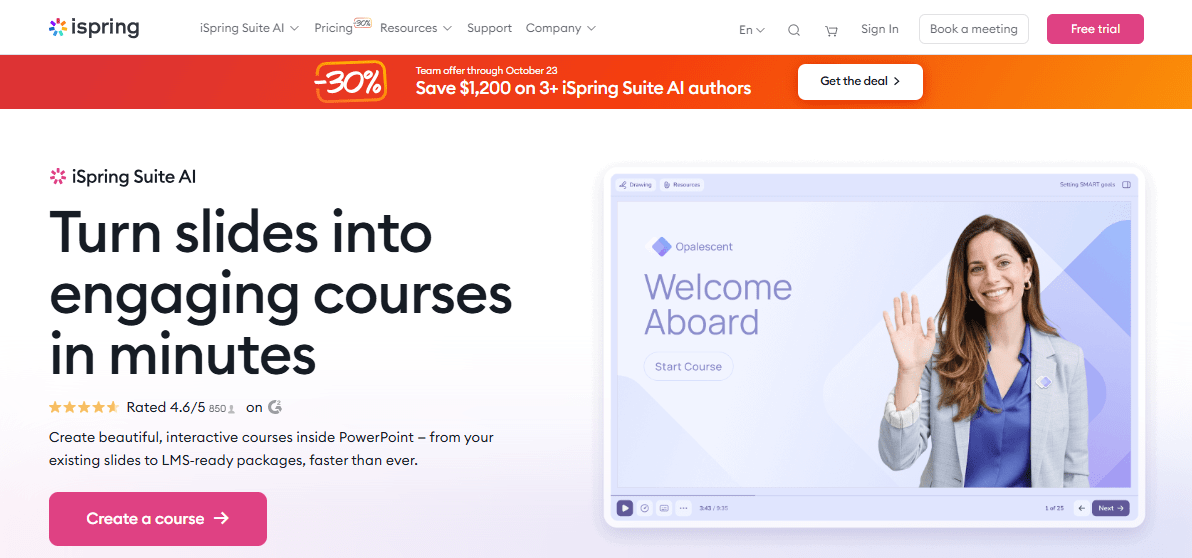
Reviewers consistently praise the speed of getting a course from slide deck to SCORM package, and support responsiveness beats what many describe with Articulate’s ticket queue. The tradeoff is real: iSpring still needs a Windows machine with full desktop PowerPoint, and branching depth stays well short of what Storyline’s trigger-and-variable system can do.
If Rise’s templated look and Storyline’s price were your two complaints, iSpring fixes the cost side immediately, though Mac users trade one platform limitation for another.
Pros:
- Roughly half the cost of Articulate’s Personal plan per author
- Fast, familiar PowerPoint-to-course conversion workflow
- Strong SCORM, xAPI, and cmi5 export reliability
- Responsive support consistently praised over Articulate’s ticket queue
- Large library of ready-made templates and interactions
Cons:
- Still requires a Windows machine with full desktop PowerPoint
- Branching and variable logic stay simpler than Storyline’s system
Pricing: Starts around $470 per author per year, scaling to roughly $970 per author per year for higher tiers.
3. Adobe Captivate – Best for Software Simulations Articulate Doesn’t Attempt
Adobe Captivate covers a gap Articulate never really tried to close: capturing an actual software workflow and turning it into an interactive simulation, screen by screen. That use case shows up constantly in onboarding and systems training, and neither Storyline nor Rise builds simulations this way natively, so teams often end up buying a second tool just for this.
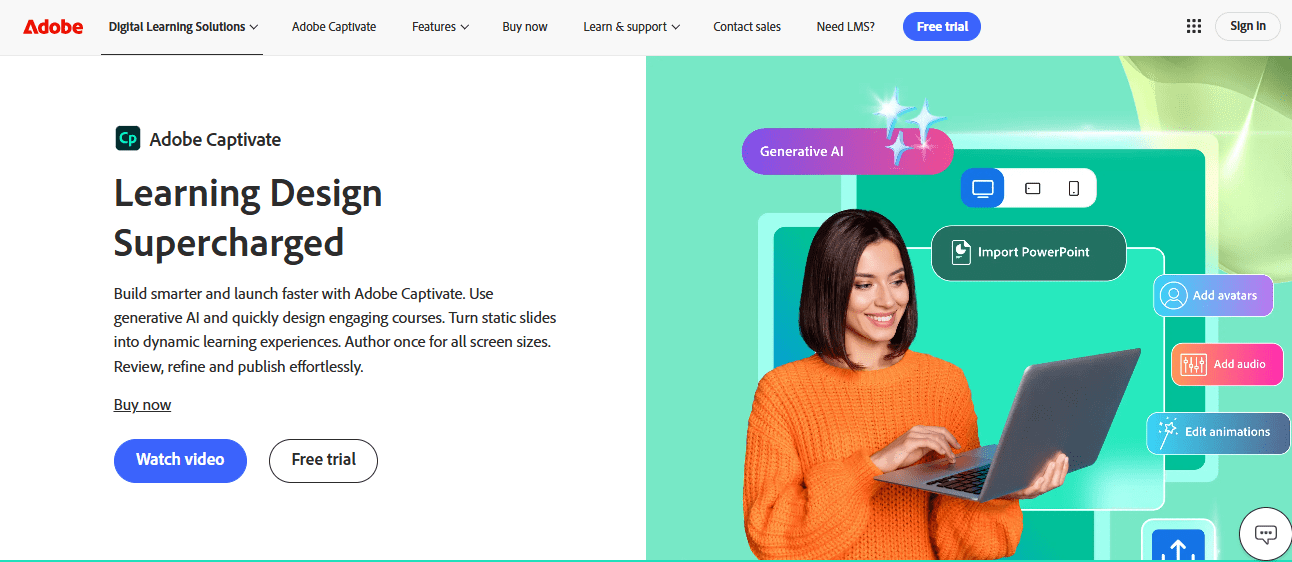
Pricing undercuts Articulate significantly at $33.90 a month, no per-author annual license required. Reviewers do flag a dated interface and inconsistent publishing across LMS platforms, and customer support scores lower than Articulate’s in side-by-side comparisons.
If software simulations are the actual training need Articulate cannot cover, Captivate fills that gap directly, at a real cost savings over a 360 seat.
Pros:
- Software simulation capture Articulate’s suite does not attempt
- Genuinely responsive, device-aware course output
- Significantly lower starting price than Articulate 360
- Virtual reality and 360-degree image support for immersive training
- Backed by Adobe’s broader creative and enterprise ecosystem
Cons:
- Interface feels dated and publishing can be inconsistent across LMS platforms
- Customer support response times score lower than Articulate’s in reviews
Pricing: Starts at $33.90 per month, billed as a flat monthly rate.
4. Easygenerator – Best for Skipping Storyline’s Learning Curve Entirely
Easygenerator solves the complaint I hear most from subject matter experts asked to use Articulate: Storyline’s trigger-and-variable system takes real time to learn, and Rise’s output looks templated the moment a client has seen a few other Rise courses. Easygenerator’s AI assistant asks questions and builds course structure from the answers instead.
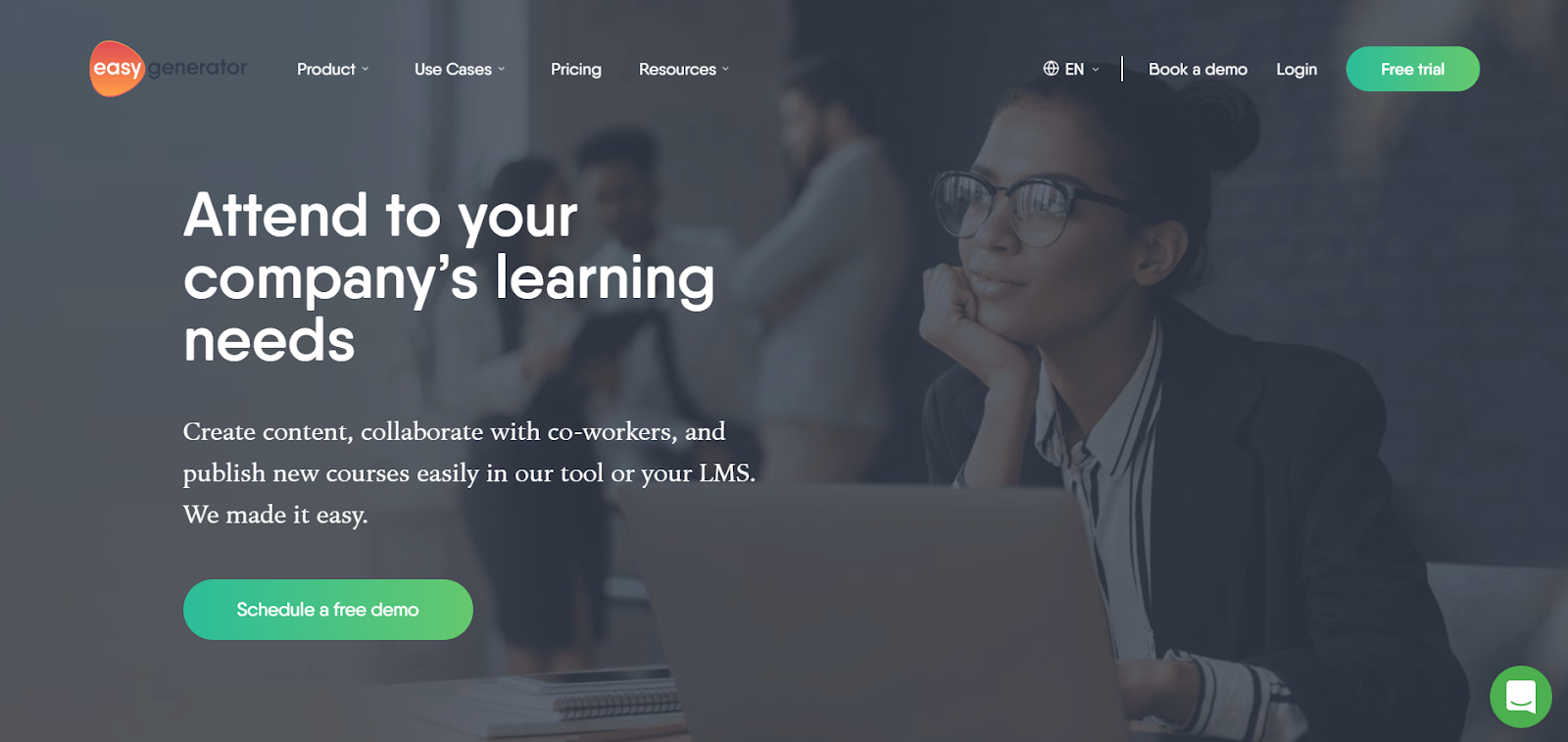
Reviewers consistently rate it higher than Articulate on ease of use, and 36-language support matches what most teams need without an add-on. The tradeoff is real: branching and complex interactivity stay far simpler than what Storyline allows, so genuinely advanced scenario-based training still needs a dedicated authoring tool.
If your team includes non-designers who found Storyline intimidating, Easygenerator removes that barrier at a fraction of Articulate’s cost.
Pros:
- AI-guided course structure that does not require Storyline-level training
- Consistently higher ease-of-use ratings than Articulate across reviews
- 36-language support included from the entry Pro plan
- Real-time collaboration on the Team plan, unlike Articulate’s sequential review process
- Meaningfully lower cost than a comparable Articulate 360 seat
Cons:
- Branching and complex interactivity are far simpler than Storyline’s system
- Learner and course limits on the entry Pro plan push teams to upgrade quickly
Pricing: Pro starts at $116 per month, scaling to $582 per month for Team.
5. Lectora – Best for Accessibility-First Course Design
Lectora built its reputation on WCAG compliance in a way Articulate’s suite treats as more of an afterthought, which matters directly if your organization has genuine accessibility requirements for government, healthcare, or education contracts. The Gold Suite bundles online and desktop authoring with a review tool similar to Articulate’s Review 360.
Pricing sits below Articulate’s Teams plan at $1,398 per author per year, though reviewers still describe a real learning curve and note the interface covers roughly three-quarters of what Storyline and Captivate combined can do. Support and functionality both score reasonably well despite the smaller user base.
If accessibility compliance is a genuine requirement rather than a nice-to-have, Lectora treats it as a first-class feature rather than a checkbox Articulate leaves to you.
Pros:
- Strong, built-in WCAG accessibility compliance features
- Works with any LMS rather than favoring a specific delivery path
- Slightly lower cost than Articulate’s Teams or AI plans
- Automated versioning and detailed branching options
- Bundle includes both online and desktop authoring plus a review tool
Cons:
- Feature set covers less ground than Storyline and Captivate combined
- Smaller user community than Articulate’s, so fewer third-party resources
Pricing: Gold Suite starts at $1,398 per author per year.
6. dominKnow ONE – Best for Real-Time Collaborative Authoring
dominKnow ONE solves the collaboration complaint that comes up constantly with Articulate: Review 360 handles feedback, but authoring itself stays sequential, one person editing at a time. dominKnow’s cloud-native editor lets multiple authors work the same project simultaneously, closer to a shared-document experience than Articulate’s file-passing workflow.
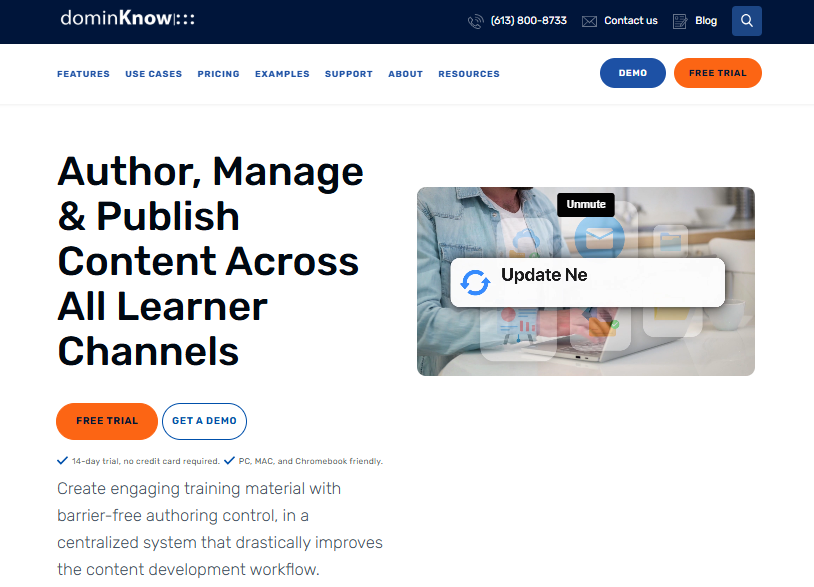
Pricing runs higher than Articulate’s Personal plan, and reviewers note ease of use lags behind the value and support scores, since the collaborative model asks more of new users upfront. Once teams adjust, satisfaction and likelihood-to-recommend scores run notably high.
If multiple instructional designers genuinely need to build inside the same project at once, dominKnow closes a gap Articulate’s suite was not built to solve.
Pros:
- True real-time collaborative authoring, not sequential file review
- Single-source content model reduces duplicate work across projects
- Strong value-for-money and support ratings from reviewers
- Cloud-native, so no desktop software or file version conflicts
- Well-suited to distributed teams working across time zones
Cons:
- Higher starting price than Articulate’s Personal plan
- Steeper initial learning curve for the collaborative workflow itself
Pricing: Business starts at $1,997 per author per year, scaling to $2,497 per author per year for Business Plus.
7. Gomo – Best for Multi-Language Responsive Course Output
Gomo answers the localization and responsive design complaint directly: courses adapt automatically across devices, and multi-language output is a core feature rather than something bolted on after the fact the way Rise’s templates can feel. Gomo Delivery also pushes content to an LMS, website, or standalone link with one click.
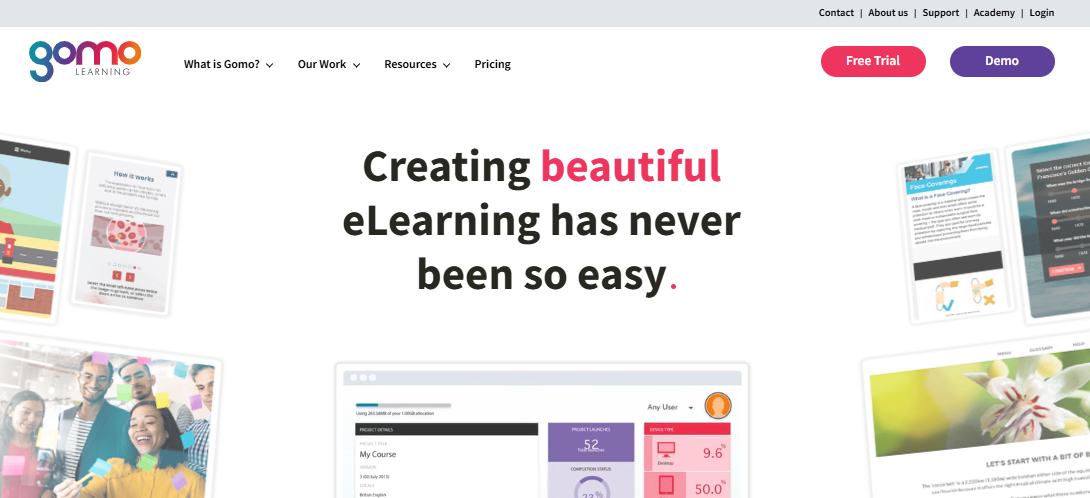
Reviewers rate ease of use well, though value for money and feature depth score lower than more established competitors, and the review sample stays thin. Pricing runs per-feature rather than a flat per-author rate, so the actual cost depends on which capabilities your team needs.
If responsive, multi-language output is the specific problem Rise’s templated look never quite solved for you, Gomo is worth a genuine look.
Pros:
- Multi-device responsive output built in as a core capability
- Multi-language course support without a separate localization add-on
- One-click delivery to an LMS, website, or standalone link
- Full xAPI analytics included standard
- Strong ease-of-use ratings from reviewers
Cons:
- Value for money and feature depth score lower than established competitors
- Small review sample size makes broader satisfaction harder to judge
Pricing: Starts around $1,035 per year on a per-feature pricing model.
8. H5P – Best for Free, Open-Source Interactive Content
H5P answers the cost complaint about Articulate as directly as anything on this list: the core authoring tool is free and open-source, with interactive video, branching scenarios, and quizzes available at no license fee at all. Integration with Moodle and other open LMS platforms is close to seamless.
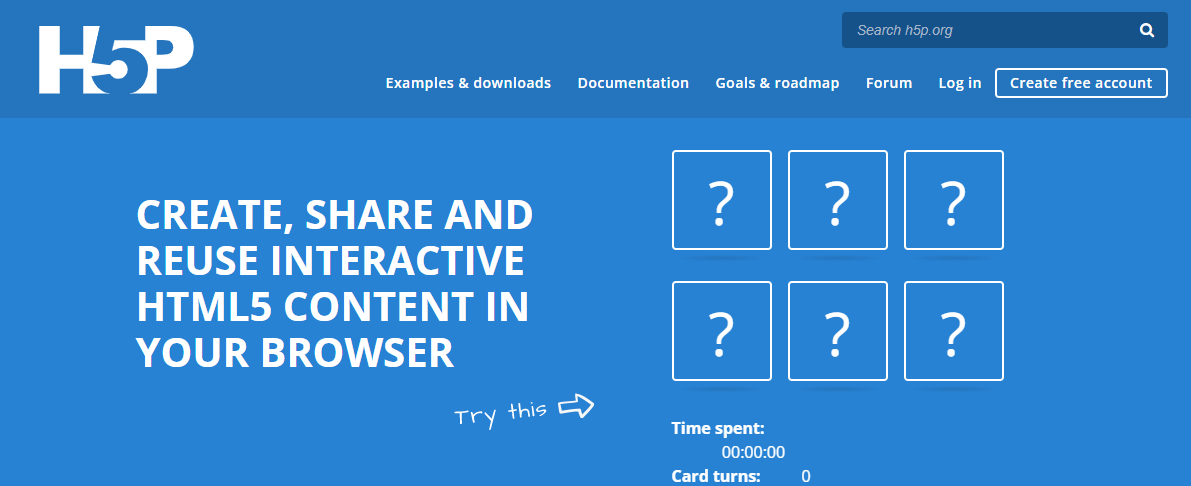
The tradeoff shows up in polish and support depth. Reporting and analytics stay considerably thinner than Articulate’s tracking, and self-hosting requires comfort with WordPress or Moodle plugin management rather than a vendor-supported desktop install. Hosted plans through H5P.com add cost back in exchange for support.
If Articulate’s annual license is simply out of budget and you already run an open-source LMS, H5P removes the licensing cost entirely, with real tradeoffs in tracking depth.
Pros:
- Core tool is free and open-source, no license fee at all
- Strong interactive video and branching scenario support
- Near-seamless integration with Moodle and other open LMS platforms
- Active community continually adding new content types
- No vendor lock-in since content is portable and open format
Cons:
- Reporting and analytics are considerably thinner than Articulate’s tracking
- Self-hosting requires WordPress or Moodle plugin management skills
Pricing: Free and open-source to self-host; hosted plans through H5P.com start around $230 per author per year.
9. Coursebox – Best for AI-Generated Courses From a Document or Prompt
Coursebox pushes the AI-assisted approach further than Easygenerator does: upload a document or describe a topic, and it drafts a complete course, videos, quizzes, and interactive elements included, without touching Storyline’s trigger system at all. A drag-and-drop editor lets you refine the AI draft rather than build from a blank timeline.
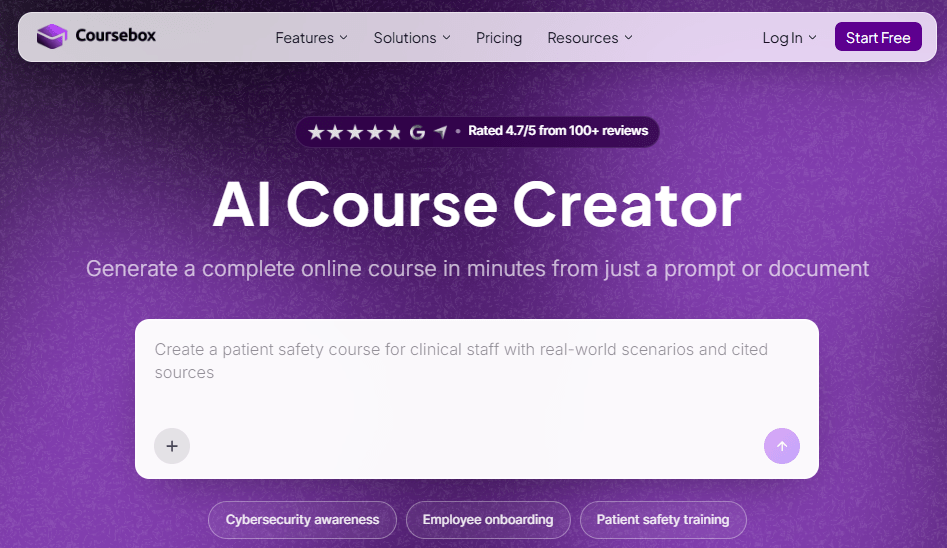
Reviewers consistently praise the speed and ease of use, though branding and design customization stay more limited than a dedicated authoring tool, and generation speed has been flagged as inconsistent during heavy batch use. Cost climbs once you move past the free plan, though it still undercuts an Articulate seat considerably.
If speed to a first draft matters more than Storyline-level customization, Coursebox gets you there faster than any PowerPoint-adjacent workflow could.
Pros:
- AI drafts a complete course, quizzes included, from a document or prompt
- Drag-and-drop editor for refining AI-generated drafts
- Optional custom-branded LMS with the same AI course creator built in
- Meaningfully lower cost than a comparable Articulate 360 seat
- Strong ease-of-use and satisfaction ratings across reviews
Cons:
- Branding and design customization more limited than dedicated authoring tools
- Generation speed and server stability reported as inconsistent during heavy use
Pricing: Starts at $40 per month, billed per feature.
10. TalentLMS – Best for Delivery and Tracking, Not Authoring
TalentLMS solves a problem Articulate’s suite leaves entirely to you: once a SCORM package is built, something still has to host it, assign it, and track completion. I had a course live and assigned to learners the same afternoon, with pricing published on the website instead of a quote request.
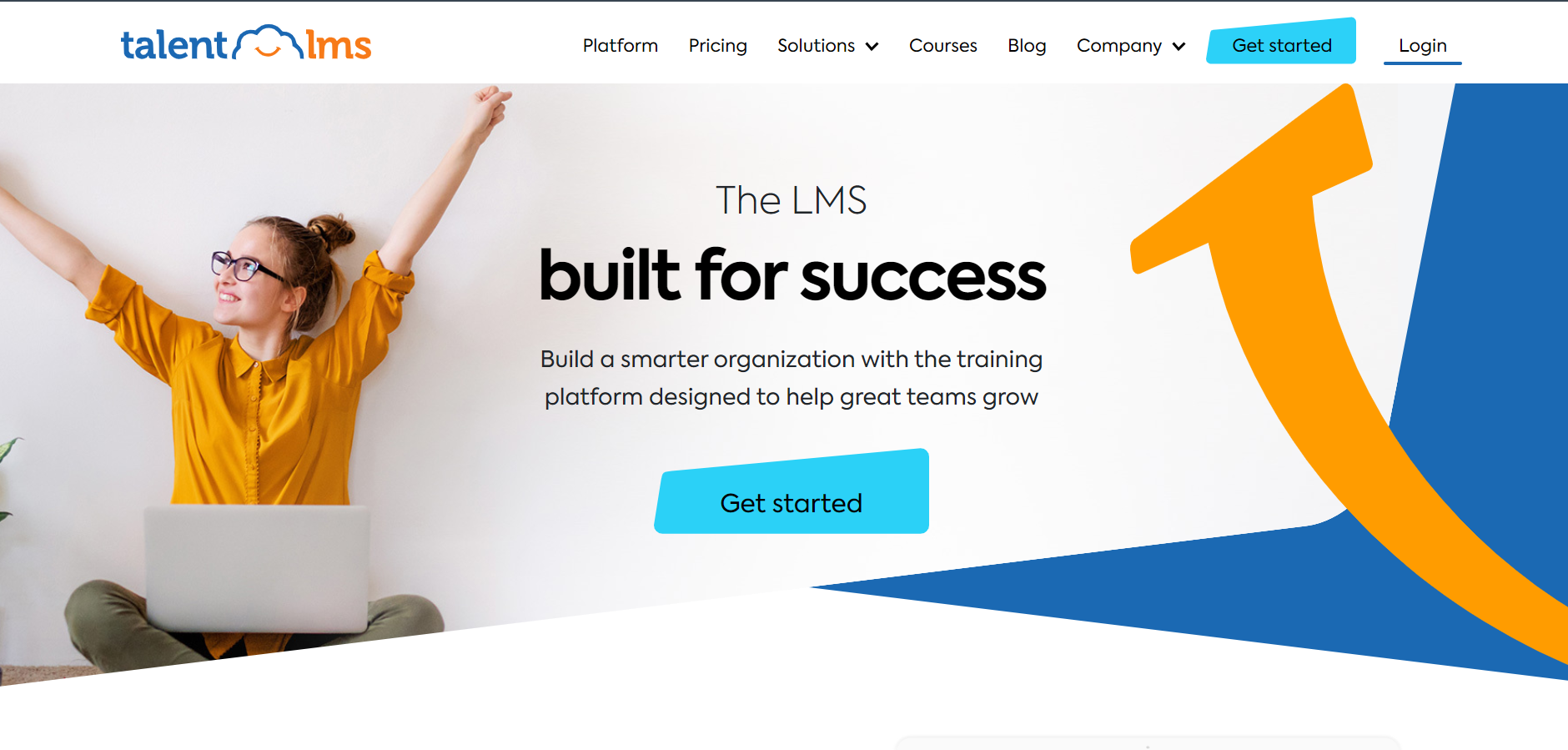
It handles fundamentals well: unlimited courses on lower tiers, a genuine free plan, and 30-plus integrations most training teams already use. There is no authoring tool here at all, so you would still need Articulate, iSpring, or something similar to actually build the content first.
If delivery and tracking are the actual gap, not course creation, TalentLMS gets content live fast once Articulate or another tool has already built it.
Pros:
- Live and assigning learners within hours, pricing published upfront
- Genuine free plan available for testing before committing
- 30+ integrations including Zoom, BambooHR, and Microsoft Teams
- Unlimited courses even on lower-priced tiers
- High marks for ease of use across admins and learners
Cons:
- No authoring tool at all, so content still needs to be built elsewhere
- Less depth for complex certification programs than dedicated authoring platforms
Pricing: Free plan available; Core starts at $149 per month for up to 100 users, scaling to $579 per month for 1,000 users.
My Picks Among the Articulate 360 Alternatives
If you read nothing else, start here. Among all the Articulate 360 alternatives above, these three cover the three real reasons people actually leave Articulate: cost, complexity, and budget, whether you searched for the full phrase or just Articulate alternatives.
ProProfs Training Maker
My pick if cost-per-author and reporting depth matter more than Storyline-level branching. It handles course creation for employee training, compliance, and skill assessment with per-learner pricing instead of Articulate’s per-author license. The AI course creator, audit-ready reporting, and 70+ language support come standard, and pricing stays transparent as your team scales past a single author.
iSpring Suite
My pick if the PowerPoint-native workflow is what you actually miss and Storyline’s price is the real complaint. A single-author license runs roughly half of Articulate’s Personal plan, and the conversion workflow feels immediately familiar. It still needs a Windows machine with full desktop PowerPoint, so Mac-based teams trade one platform limitation for another.
H5P
My pick if Articulate’s annual license is simply out of budget and you already run an open-source LMS. The core tool is free, with no license fee sitting between you and publishing interactive content. Reporting stays thinner than Articulate’s tracking, but for teams that just need the cost gone, that tradeoff is usually worth it.
How I Evaluated These Articulate 360 Alternatives
I did not rank these ten alternatives to Articulate 360 on feature checklists alone. Here is what actually shaped it:
- User reviews and ratings from Capterra, weighted more heavily where a platform has a meaningful volume of recent reviews rather than a handful of vendor-solicited ones
- Pricing model and total cost, since rigid annual per-author licensing is the single biggest complaint driving people toward Articulate 360 competitors
- Content ownership and lock-in risk, given how often canceling an Articulate seat means losing edit access to existing courses
- Collaboration support, from Articulate’s sequential Review 360 workflow through genuinely real-time multi-author editing
- Learning curve, since Storyline’s trigger-and-variable system rewards investment but frustrates teams wanting fast results
- Publishing reliability, based on patterns across verified reviews about SCORM and xAPI export issues
- Real-world fit, matching each platform to the specific gap driving the search rather than treating best as one-size-fits-all
Which Articulate 360 Alternative Actually Fixes Your Specific Problem
There is no single best Articulate 360 alternative because there is no single reason people leave Articulate. Every list of alternatives to Articulate 360 has to make this same tradeoff explicit: if cost and per-author licensing are the wall you hit, ProProfs Training Maker or iSpring Suite solve that from different angles, one built for employee training, one for fast PowerPoint conversion. If the ceiling is collaboration, dominKnow ONE fixes the sequential review problem Articulate never solved. If budget is the real constraint, H5P removes the license fee entirely.
Before you commit to any Articulate 360 alternatives on this list, export your existing Storyline and Rise content while your license is still active, since canceling typically locks you out of edits even when courses keep playing elsewhere. Check whether your organization genuinely needs Storyline-level branching or whether a simpler, cheaper tool actually covers your real training volume.
Frequently Asked Questions
What are the best Articulate 360 alternatives for instructional designers?
Among these Articulate 360 alternatives, ProProfs Training Maker, iSpring Suite, and Easygenerator stand out most. ProProfs removes per-author licensing with employee-training pricing, iSpring offers familiar PowerPoint conversion at roughly half the cost, and Easygenerator speeds up creation for non-designers.
Is there a free alternative to Articulate 360?
Yes. H5P is free and open-source for self-hosted use, and ProProfs Training Maker is free for up to 10 learners, both without Articulate's rigid annual per-author licensing commitment or the content lock-in that comes with canceling a seat.
What are the main Articulate 360 competitors for enterprise collaboration?
dominKnow ONE is the closest of these Articulate 360 competitors built specifically for real-time collaborative authoring, letting multiple instructional designers work the same project at once instead of Articulate's more sequential, file-passing review process.
What should I look for in alternatives to Articulate 360?
Match the fix to your actual gap: pricing model, content ownership after canceling, collaboration needs, or branching depth. Total cost of ownership matters more than the sticker price, since add-ons like Reach Pro accumulate quickly.
Are there articulate alternatives built for accessibility-heavy training?
Yes. Lectora is built specifically around WCAG accessibility compliance, which matters directly for government, healthcare, or education contracts where Articulate's suite treats accessibility as more of an afterthought than a core requirement.
Which Articulate 360 alternative is best for employee training and compliance?
ProProfs Training Maker is built specifically for employee training and compliance tracking, with audit-ready reporting standard rather than requiring a separate add-on the way Articulate's Reach module does for the same level of detail.
Let ProProfs AI create your training course

 We'd love your feedback!
What did you like & how can we make it even better?
 Thanks for your feedback!
 Ask Your Question
Have a question? Get expert help to make your decision easier.