If you’re looking at Learning Pool alternatives, something specific probably broke down. Maybe your reporting got unwieldy as you scaled. Maybe your admins are spending more time figuring out the backend than actually running programs. Maybe the platform worked fine at 300 learners and now feels like it’s lagging at 1,500.
Whatever the trigger, this list is built for people who already know Learning Pool and are trying to figure out what comes next. Not for someone casually comparing LMS options. For someone who’s been in the system, hit a real wall, and needs to make a decision.
This guide is for:
- Training administrators and L&D professionals actively evaluating a Learning Pool replacement
- HR managers who need cleaner compliance tracking and audit trails
- Operations leads managing training across multiple locations or roles
- Anyone who’s been through more than one “let’s see if the platform can do this” call with their vendor
I’ve worked with enough of these platforms to have opinions. I’ll share them.
What Is Learning Pool?
Learning Pool isn’t a bad platform. I want to be clear about that. The learner-facing experience is generally decent, support is responsive, and the compliance infrastructure has real depth. Where it tends to create friction is almost entirely on the admin side: reports that require juggling multiple views to get a complete picture, a backend that takes meaningful time to learn, and customizations that sometimes require going back to the vendor.
For organizations that have grown past basic compliance delivery and need more flexibility, faster iteration, or a more modern experience layer, those friction points compound quickly. That’s usually what brings people here.
10 Best Alternatives to Learning Pool
Here’s a quick snapshot before the full breakdown:
| Tool | Best For | Capterra Rating | Pricing | Reporting Depth | Ease of Admin |
| ProProfs Training Maker | AI-powered training with compliance tracking | 4.8/5 | Free forever for up to 10 learners; Paid plans start at 1.99/learner/month | Real-time dashboards | Very high |
| TalentLMS | SMBs needing quick deployment | 4.7/5 | From $69/month | Standard | High |
| Docebo | Enterprise LXP with AI features | 4.3/5 | Custom pricing | Advanced | Moderate |
| Absorb LMS | Scalable enterprise training | 4.5/5 | Custom pricing | Strong | High |
| Cornerstone OnDemand | Large enterprise talent suites | 4.1/5 | Custom pricing | Advanced | Low-Moderate |
| iSpring Learn | Teams using PowerPoint-heavy content | 4.6/5 | From $2.99/user/month | Moderate | High |
| 360Learning | Collaborative peer-to-peer learning | 4.6/5 | From $8/user/month | Moderate | High |
| Litmos | Compliance-heavy corporate teams | 4.2/5 | Custom pricing | Moderate | Moderate |
| Moodle | Open-source, customizable | 4.3/5 | Free (self-hosted) | Customizable | Low |
| LearnUpon | Partner and customer training | 4.7/5 | Custom pricing | Strong | High |
1. ProProfs Training Maker – Best for AI-Powered Training Development and Scalable Employee Training
ProProfs Training Maker is a cloud-based, AI-powered LMS that I’ve found genuinely useful for corporate training, compliance, and employee development.
What sets it apart for me is how fast you can actually build something. You type a prompt, and the AI generates a complete training program. You can try it out here:

Let ProProfs AI create your training course
If you’d rather not start from scratch, there are 500+ expert-built, editable courses on topics like sexual harassment prevention, leadership, workplace safety, and onboarding. I’ve seen teams go from “we need a course on this” to “course is live” in a single afternoon, which is not something I can say about most platforms.
You can build lessons using videos, presentations, handouts, and interactive questions. Features like gamification, flashcards, and branched scenarios keep learners from just clicking through without engaging.
The platform supports 70+ languages and works on mobile, which matters if you’re running training across distributed or global teams. What I rely on most is the reporting layer. Completions, performance, and drop-off points are visible in real time, and the audit trails are clean enough that I’m not cobbling together three separate exports to answer a compliance question.
Pros:
- AI course creation saves significant build time
- 500+ pre-built courses ready for immediate deployment
- Real-time reports, clean audit trails, and certification tracking
- Supports 70+ languages for global or distributed teams
- Free plan available; paid plans are per active learner, which is genuinely fair pricing
Cons:
- No on-premise or downloadable setup
- No dark mode
Pricing: Free plan available for growing businesses. Paid plans start at $1.99/active learner/month; Business plan at $3.99/active learner/month.
2. TalentLMS – Best for Small Teams That Need Fast Deployment
I’ve recommended TalentLMS to smaller teams more than a few times, and the reason is straightforward: it’s one of the fastest platforms to actually get running. Setup takes hours, not weeks.
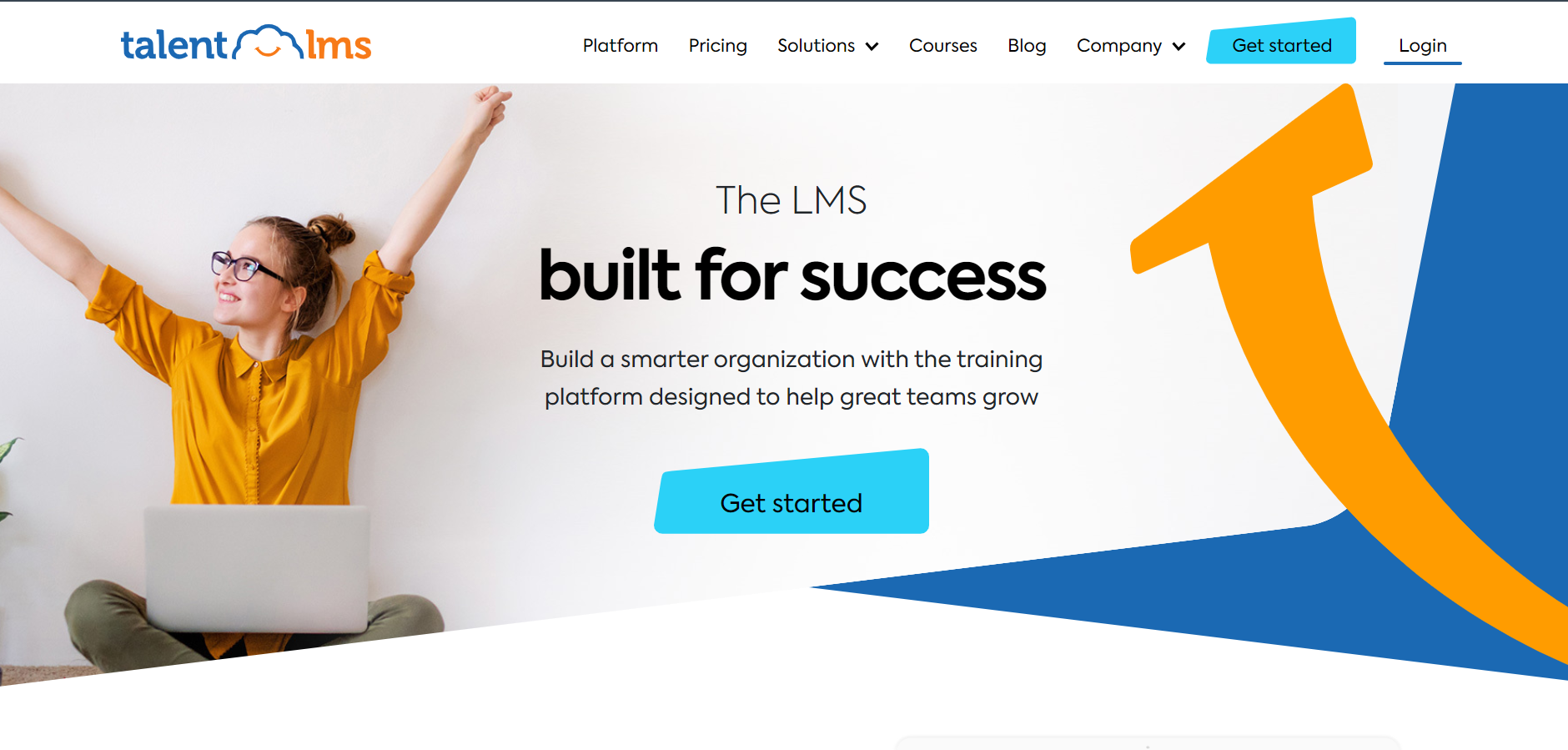
The interface is clean enough that admins don’t need a training session just to build their first course, and the drag-and-drop course builder handles SCORM without fuss. In my experience, it’s a solid workhorse for organizations under a few hundred learners who need something reliable without a lot of overhead.
Where I’ve seen it run into trouble is at scale. The reporting is functional but not deep. If you’re managing compliance programs where you need granular completion data by department, role, or location, you’ll probably find yourself working around the platform more than through it.
Gamification and the content marketplace are useful additions, though. Costs can also climb faster than expected once you move past entry-level tiers, which is worth factoring in if you’re projecting growth. That said, for the right use case, it’s genuinely easy to live with.
Pros:
- One of the fastest platforms to deploy from scratch
- Clean interface that non-technical admins can manage confidently
- Built-in gamification and access to a content marketplace
- Solid SCORM and xAPI support
Cons:
- Reporting lacks depth for compliance-heavy or complex use cases
- Per-user pricing can escalate quickly as headcount grows
Pricing: Starts at $69/month for up to 40 users.
3. Docebo – Best for Enterprise Teams Wanting LXP Capabilities
Docebo has become one of the more serious enterprise options over the last few years, and I think the AI-driven content recommendations are the real differentiator here. The platform surfaces relevant learning to users based on behavior and role, which is closer to how a good manager would assign development than how most LMS platforms work.
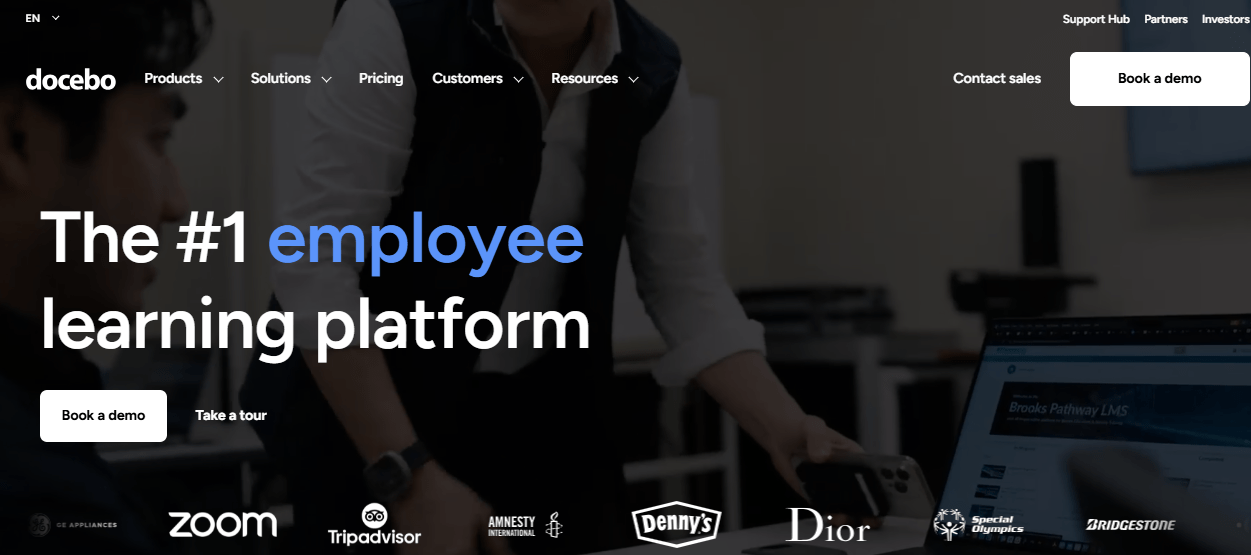
The integration ecosystem is also extensive, covering Salesforce, Workday, and most major HRIS tools without requiring custom development.
What I’d tell someone honestly before they start the Docebo process: it is not a lightweight implementation. The configuration is meaningful, and you’ll want dedicated admin time and likely vendor support to get it set up the way you actually want it. I’ve also found the pricing conversation requires a full sales cycle before you understand what you’re looking at.
For large organizations with a mature L&D function and real LXP ambitions, that investment makes sense. For a 300-person company that mostly needs compliance tracking and onboarding, probably not.
Pros:
- Strong AI-powered content recommendations and learning intelligence
- Extensive integrations with Salesforce, Workday, and major HRIS platforms
- Scalable for large enterprise deployments with complex learner populations
Cons:
- Custom pricing with no published tiers; requires a full sales conversation
- Implementation complexity is real and should not be underestimated
Pricing: Custom; contact for a demo and quote.
4. Absorb LMS – Best for Mid-to-Large Organizations With Complex Learning Needs
Absorb is the platform I’d recommend for organizations that have outgrown simpler tools and need something with real depth, but aren’t ready to deal with the full weight of a Cornerstone implementation. The admin experience is cleaner than most enterprise competitors, which sounds like a small thing until you’re the person who has to manage it daily.
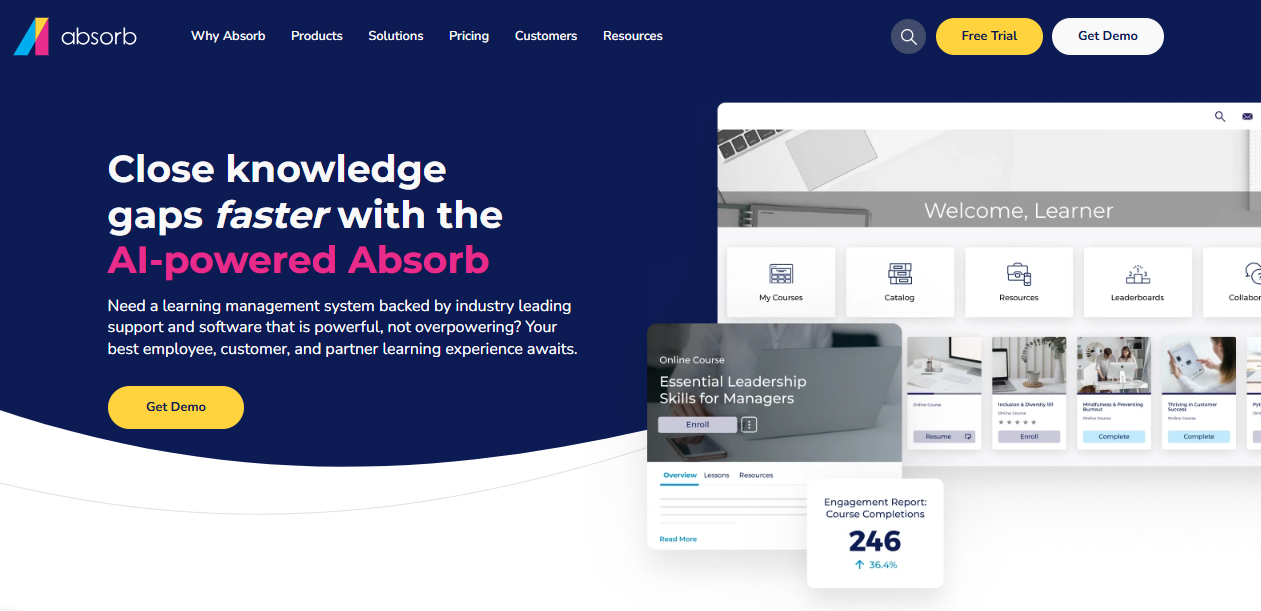
Reporting is flexible enough to be genuinely useful for compliance tracking, and the ecommerce module is one of the better ones if you’re selling training externally or billing by department.
I’ve seen Absorb work particularly well for organizations running blended learning, where you’re mixing self-paced digital content with scheduled sessions or instructor-led components. The platform handles that without requiring workarounds.
One honest note: pricing requires a conversation, there’s no self-serve trial, and implementation support isn’t optional if you want the setup done right. That’s not a dealbreaker, but budget for it.
Pros:
- Admin interface that holds up under daily use at scale
- Flexible reporting and analytics that cover most compliance requirements
- Strong ecommerce and external training delivery capabilities
- Handles blended learning well without significant configuration effort
Cons:
- Pricing is entirely custom with no public starting point
- Not cost-effective for very small teams
Pricing: Custom pricing; contact for a quote.
5. Cornerstone OnDemand – Best for Large Enterprises Managing Talent and Learning Together
Cornerstone is a different category of product, and I think it’s worth being direct about that. It’s less an LMS and more a talent management suite that happens to include learning. If your organization is trying to connect training to performance reviews, succession planning, and skills frameworks in a unified system, Cornerstone has the infrastructure to do that.
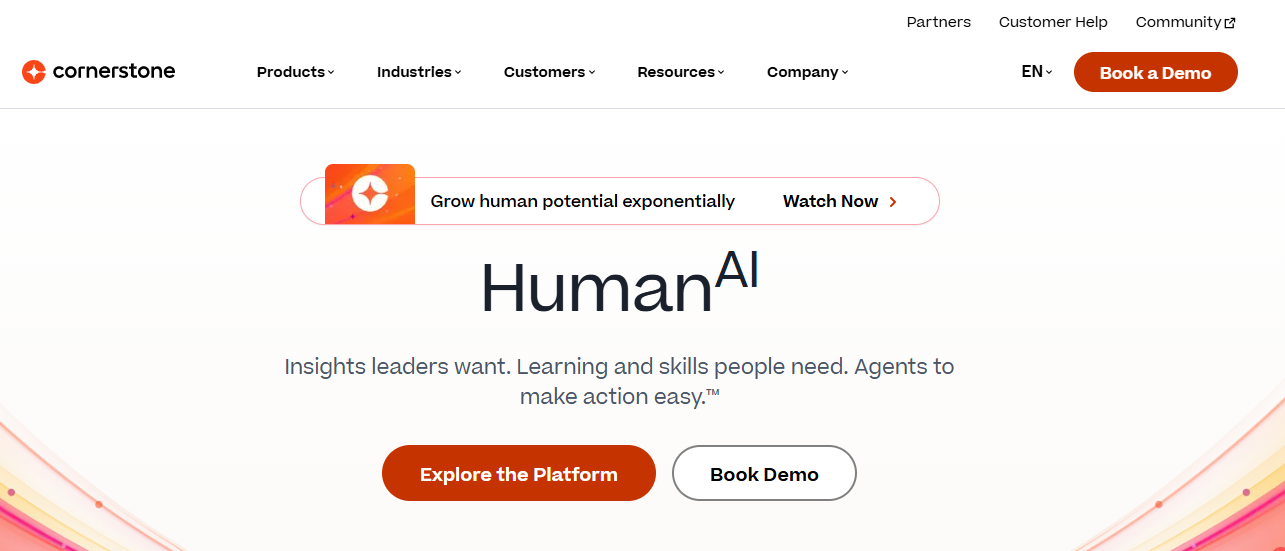
I’ve seen it used well in large organizations where L&D sits inside a broader HR strategy and everything needs to talk to each other.
The tradeoff is real though. The admin complexity is significant. New users take time to train, and the system generally requires dedicated admin resources to maintain.
For a team that wants to move fast or that doesn’t have technical bandwidth, Cornerstone is a mismatch. Smaller organizations will likely find it overwhelming and expensive for what they actually need. But if you’re enterprise-scale and the talent-learning integration genuinely matters to your business? It’s worth the conversation.
Pros:
- Deep integration between learning, performance management, and succession planning
- Strong skills taxonomy and competency mapping across the entire organization
- Enterprise-grade compliance infrastructure and audit support
Cons:
- Steep admin learning curve that requires dedicated resources
- Implementation is a significant time and cost investment
Pricing: Custom; enterprise pricing only.
6. iSpring Learn – Best for Teams With Heavy PowerPoint-Based Content
If your training content starts as a PowerPoint deck, iSpring removes a lot of friction. The iSpring Suite authoring tool converts presentations into interactive eLearning quickly, and iSpring Learn handles the delivery, tracking, and reporting side cleanly.
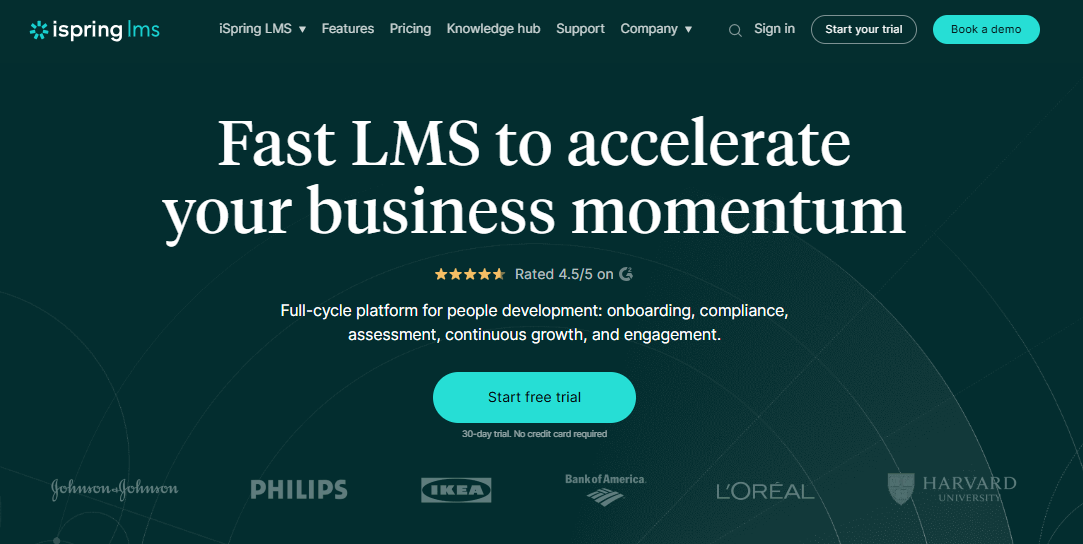
I’ve recommended it to teams who are transitioning from slide-based training and need a real LMS, but don’t want to rebuild all their content from scratch to get there. It’s an honest solution for that specific situation.
What I’d be transparent about: iSpring isn’t the platform I’d choose if you’re building a complex learning program from the ground up. The reporting is moderate compared to the enterprise options on this list, and it’s not as well-suited for large-scale or multi-audience deployments.
But for a team that lives in PowerPoint and wants to add tracking, completion data, and mobile access without a full platform overhaul, it does the job without making life complicated.
Pros:
- Seamless conversion of PowerPoint presentations into interactive eLearning
- Simple admin experience that non-technical managers can handle independently
- Good mobile experience without additional configuration
Cons:
- Less suited for large-scale programs or complex multi-audience structures
- Reporting depth falls short of enterprise-grade alternatives
Pricing: Starts at $2.99/user/month.
7. 360Learning – Best for Organizations Prioritizing Peer-Led and Collaborative Learning
360Learning operates on a different assumption than most LMS platforms: that the people inside your organization who know things are your best training resource, and your job is to make it easy for them to share.
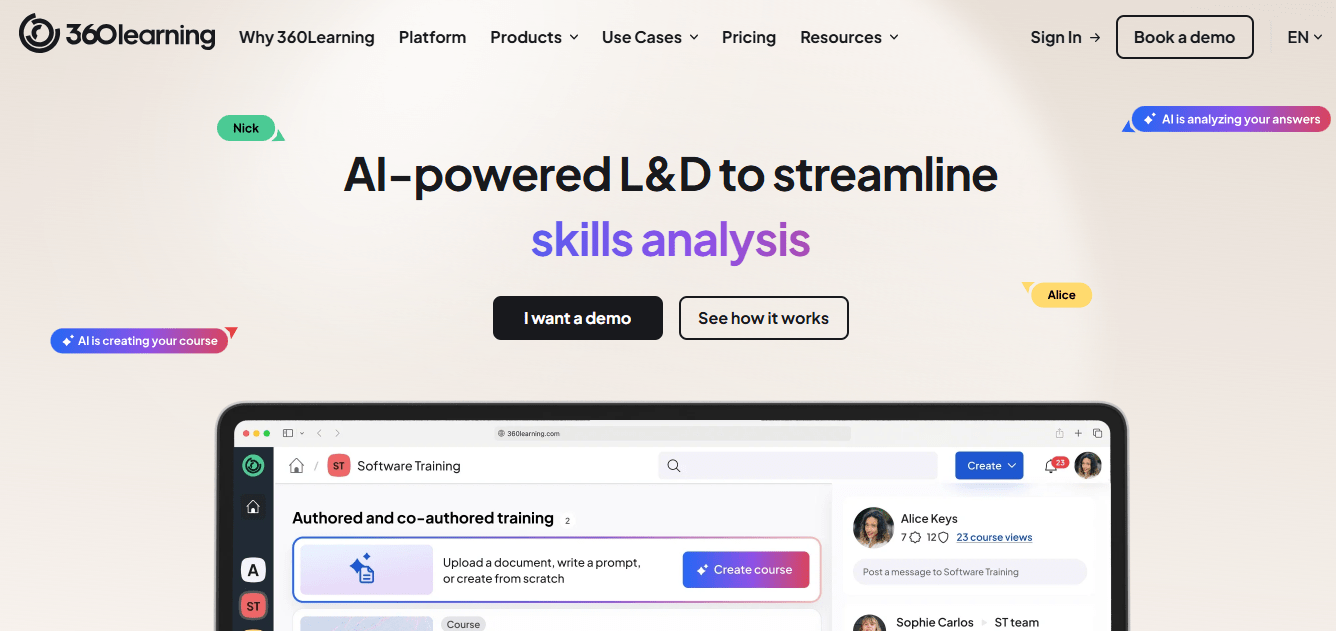
In practice, this means subject matter experts can build and publish courses without going through a central L&D team, learners can comment and collaborate on content, and the platform surfaces what’s actually being used and what isn’t. I find this model genuinely interesting, especially for fast-moving organizations where knowledge changes faster than a central team can document it.
The honest caveat: this isn’t the right architecture for compliance-heavy environments where you need strict completion tracking and controlled content.
The collaborative model introduces governance complexity. And if your culture doesn’t already support peer-driven knowledge sharing, the platform won’t create that culture for you. But for skills development, product training, and internal knowledge management, it’s one of the more differentiated platforms on this list. The Salesforce and Workday integrations also hold up well.
Pros:
- Collaborative course creation by internal subject matter experts at real pace
- Strong learner engagement through discussion and social features
- Solid integrations with Salesforce, Workday, and major HR tools
Cons:
- Not the right fit for compliance-heavy programs that require strict content control
- Peer-generated content requires a governance structure to stay clean over time
Pricing: Starts at $8/user/month (billed annually).
8. Litmos – Best for Compliance-Focused Corporate Training at Scale
Litmos is now part of SAP, and it shows in the profile of organizations that use it: regulated industries, corporate compliance programs, and companies that need to report training completion reliably and consistently.
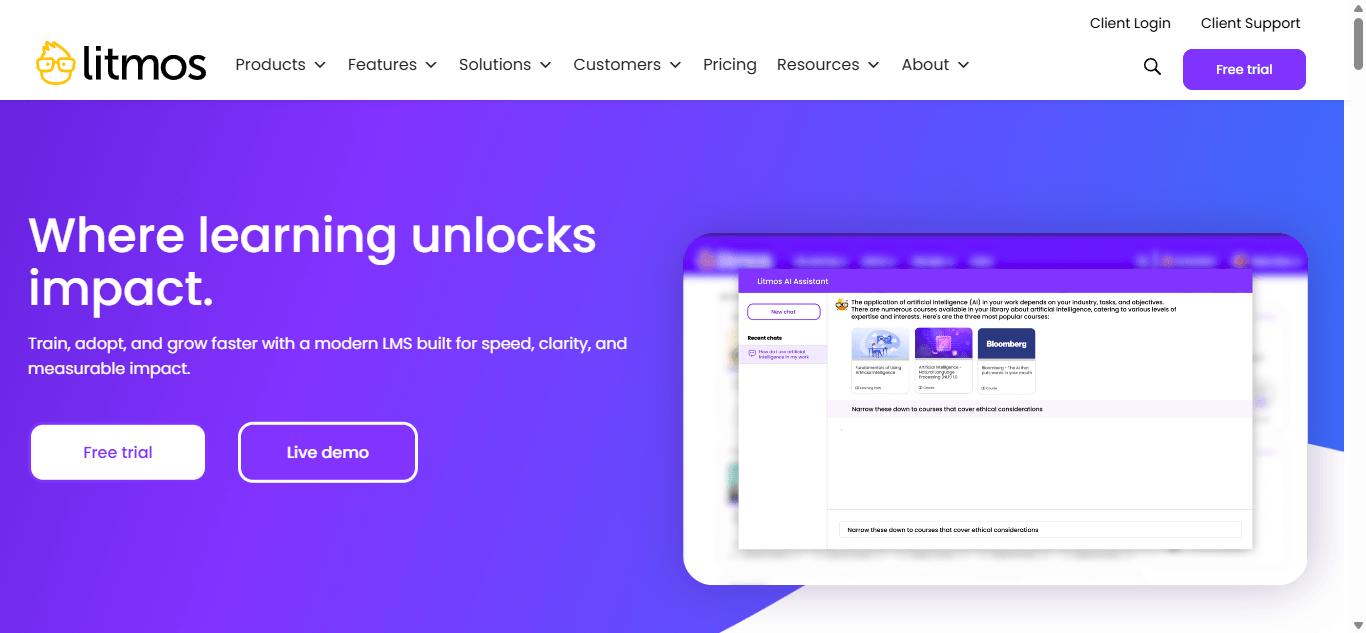
The content library covers HR compliance, safety, and leadership topics well, and the admin setup is reasonably approachable compared to other enterprise tools I’ve worked with. For organizations whose primary use case is delivering compliance training to a large workforce and being able to prove it, Litmos covers the requirements.
What I’d flag: the interface has a dated feel in places, and deep customization usually requires professional services involvement. I’ve heard from admins who’ve found the user experience less polished than they expected for an enterprise platform. That said, the SAP integration is a genuine advantage for organizations already in that ecosystem.
If compliance is the core requirement and you’re not looking for a modern LXP experience layer, Litmos is a legitimate option. Just go in with realistic expectations about the UI.
Pros:
- Extensive compliance content library covering HR, safety, and leadership
- Reasonable admin experience for the enterprise tier
- SAP integration is a real advantage for organizations in that ecosystem
Cons:
- Interface feels dated in parts compared to modern platform expectations
- Meaningful customization typically requires professional services
Pricing: Custom; requires a demo to get pricing details.
9. Moodle – Best for Organizations That Need Full Control and Have Technical Resources
Moodle is the most customizable platform on this list by a significant margin, and also the one that requires the most from your team. I’ve seen it used brilliantly by organizations with a developer on staff or a dedicated LMS administrator who is comfortable in the backend.
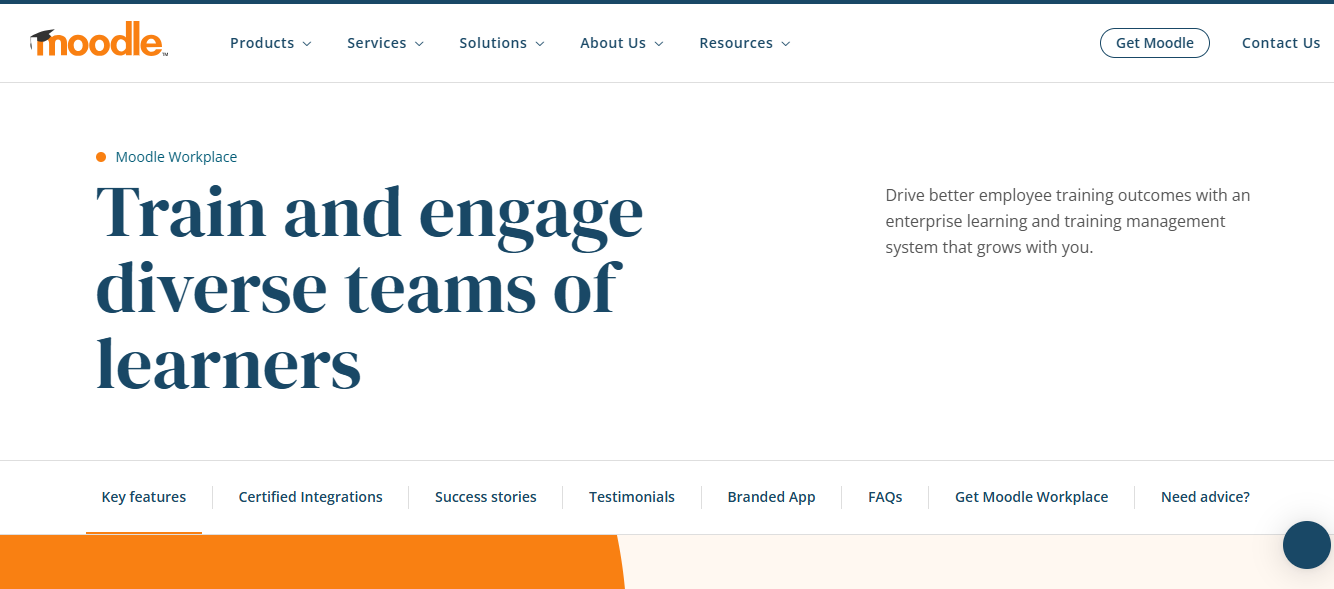
In those cases, it can be shaped into almost exactly what you need, and the lack of licensing costs makes it genuinely attractive. The plugin ecosystem is extensive, and full data control with on-premise deployment is real.
What I’ve also seen is Moodle turn into a maintenance project that consumes more time than the training it’s supposed to deliver. If you don’t have technical resources, that outcome is very predictable.
The user experience depends almost entirely on how well the system is configured, which means a poorly resourced implementation produces a platform that learners don’t enjoy using. I don’t say that to dismiss Moodle. It’s legitimately powerful. But the total cost of ownership includes the people who manage it, and that’s where the math often surprises organizations.
Pros:
- Highly customizable with a large plugin ecosystem and no licensing costs
- Full data control and genuine on-premise deployment option
- Large global community and extensive documentation
Cons:
- Requires real technical resources to configure and maintain well
- Learner experience quality depends entirely on implementation quality
Pricing: Free for self-hosting; Moodle cloud-hosted plans start at $110/year.
10. LearnUpon – Best for Organizations Running Training for Multiple Audiences
LearnUpon handles multi-portal architecture better than most platforms I’ve used, and that’s its clearest differentiator.

If you’re delivering training to employees, partners, and customers from a single platform and need those audiences to have distinct experiences, distinct branding, and distinct reporting, LearnUpon makes that manageable.
The admin experience is clean, support is consistently well-reviewed, and the reporting covers most organizational requirements without feeling like you’re fighting the system to get basic answers.
What I’d note honestly: LearnUpon doesn’t have the advanced LXP or AI capabilities that Docebo or 360Learning offer.
If personalized learning recommendations or collaborative content creation is important to your strategy, this platform won’t get you there. But for organizations that need a reliable, multi-audience LMS with a clean admin experience and good support, it’s a strong option. The pricing conversation requires a call, which is a recurring frustration with enterprise platforms, but the product itself is solid.
Pros:
- Multi-portal architecture that handles distinct learner audiences cleanly
- Clear admin interface that holds up under regular use
- Consistently strong customer support reputation
Cons:
- Limited advanced LXP or AI personalization features
- Custom pricing with no publicly available tiers
Pricing: Custom; contact for a quote.
How Did I Choose These Learning Pool Alternatives?
I didn’t pick these because they rank well in paid listings or have aggressive affiliate programs. I evaluated them specifically against the friction points that most commonly drive organizations away from Learning Pool, based on user review data and direct platform experience.
What I Weighted Most
- Reporting and analytics came first. Reporting latency and disjointed dashboards appear in Learning Pool reviews more than anything else. I looked for platforms with real-time or near-real-time data, clean compliance audit trails, and dashboards that give you answers without requiring a data export.
- Admin usability was weighted heavily. A sophisticated platform your training manager can’t use independently is not an upgrade. It’s a different problem. I looked at how much technical skill each platform requires for day-to-day management.
- Content flexibility. Learning Pool’s Adapt authoring environment has a meaningful learning curve. Platforms that allow faster content creation or integrate cleanly with content you already have ranked higher in my evaluation.
- Scalability toward LXP features. Several Learning Pool users specifically mention wanting to move toward more personalized, skills-based learning. I included platforms that can grow in that direction without requiring a complete platform replacement in two years.
- Pricing transparency. I noted where platforms make it difficult to estimate cost before a sales call. Not a dealbreaker, but relevant for teams working within defined budget constraints.
My Top 3 Picks
That said, the right pick depends entirely on where your current setup is breaking down, so let me walk you through how I actually evaluated these platforms.
ProProfs Training Maker
For most organizations comparing best alternatives to Learning Pool LMS, ProProfs hits the clearest balance between capability and operational simplicity. The AI course builder and pre-built library solve the content creation problem quickly. The reporting is genuinely clean. And the per-active-learner pricing means you’re not paying for users who logged in once and never came back. If the Learning Pool friction has been admin complexity and reporting gaps, ProProfs removes both without introducing new ones.
Absorb LMS
If you’re mid-to-large and you’ve genuinely outgrown simpler tools, Absorb is the pick that gives you enterprise depth without the Cornerstone-level implementation weight. The admin experience is cleaner than most platforms at this scale. The reporting is flexible. And the blended learning support is real without requiring workarounds.
360Learning
If your knowledge is distributed across your team and you’re tired of L&D being the bottleneck for getting training built and published, 360Learning’s model is legitimately different. Not for compliance-heavy environments. But for skills development and internal knowledge sharing, it’s one of the more interesting platforms available right now.
The Part Nobody Tells You About Switching LMS Platforms
Here’s what I keep noticing: most organizations evaluate Learning Pool LMS alternatives by comparing feature lists, and that’s usually the wrong place to focus.
The real question is workflow.
Before you choose a platform, I’d push you to get specific about three things.
Who will actually manage it, day to day? A platform with a sophisticated admin backend is a liability if your training manager isn’t technical. I’ve seen this play out badly. The platform has all the features you wanted in the demo, and six months later, your admin is submitting support tickets every week just to keep basic programs running.
What does your compliance reporting actually require? If you’re in a regulated industry and need weekly reports your legal or safety team can read directly, that’s a different requirement than a training manager who wants to see general completion rates. The platforms that handle those well are different platforms.
What’s your content actually made of? If most of your training starts as a PowerPoint from a subject matter expert, your authoring requirements are very different from a team building SCORM modules from scratch. Matching platform to content reality matters more than most evaluations account for.
That’s not where I typically see people spending their evaluation time. Most teams underestimate this and then discover it after signing a contract.
What to Get Right Before You Migrate
Switching platforms is not a weekend project. I’ve seen organizations underestimate this consistently. Here’s what I’d build into your plan before you commit to anything.
- Do a content audit first. Know what you’re migrating before you choose a platform. Some content formats don’t transfer cleanly between systems, and discovering that mid-migration is a problem you don’t want.
- Run a parallel pilot. Keep Learning Pool live for a defined group while you onboard 30 to 50 users on the new platform. Catch the real problems before they affect everyone.
- Budget for transition support. Most platforms offer implementation packages. The cost of a rough migration exceeds the package cost. Use them.
- Tell your learners in advance. Learners who log in and find a new system without warning lose trust in the training program fast. That trust is genuinely hard to rebuild.
When Is It Actually Time to Switch?
This is worth being honest about. Not every frustration with Learning Pool is a sign you should switch. Some pain points, specifically reporting latency and the admin learning curve, can be addressed with better configuration or additional platform training.
The clearer signs you’ve actually outgrown it:
- Compliance reporting requires manual workarounds to produce what leadership or regulators need
- Admins are troubleshooting the system more than building training
- Your learners are disengaged, and the platform experience is part of why
- Basic customizations are being quoted back to you at an additional cost
- Your organization is moving toward skills-based or LXP-style learning, and the platform roadmap doesn’t match that direction
If two or more of those are true, you’re probably not overreacting.
You’ve Got Enough to Make a Call
If you’ve made it here, you likely have a clearer sense of direction. My suggestion is to shortlist two platforms based on your specific pain point, run both through a real pilot with your actual admin doing actual work, and let that be the deciding factor.
The platform that your training manager can run independently, without needing IT support twice a week, is the right one. Features matter. Usability in daily practice matters more. That’s not always how the evaluation goes, but it’s usually how the regret happens.
Frequently Asked Questions
What is the best alternative to Learning Pool for small businesses?
ProProfs Training Maker and TalentLMS are both strong options for smaller organizations. ProProfs offers a free plan and per-active-learner pricing that stays manageable at smaller scale. TalentLMS deploys quickly and has a low starting price. Both are significantly easier to manage than Learning Pool at that size.
How does ProProfs Training Maker compare to Learning Pool?
ProProfs is more straightforward to administer, includes AI-powered course creation, and has transparent per-active-learner pricing. Learning Pool is stronger for large enterprise and public sector deployments with complex compliance needs. For most mid-market organizations, ProProfs covers more ground at lower cost and lower admin overhead.
Is Learning Pool good for compliance training?
Yes, Learning Pool has genuine compliance capabilities and audit infrastructure. The frustration tends to come from reporting, which can feel disjointed, and from the admin complexity of managing compliance assignments flexibly. If clean compliance reporting is the core pain point, platforms like ProProfs or Absorb typically give you cleaner output with less friction.
What are the main reasons people switch away from Learning Pool?
The most common reasons are slow or disjointed reporting, a steep admin learning curve, difficulty making platform changes without additional vendor cost, and a desire for more modern LXP features like AI-driven personalization and collaborative learning. Scaling organizations tend to hit multiple of these at once.
Are there free Learning Pool LMS alternatives?
Moodle is free to self-host and highly customizable, though it requires genuine technical resources to run well. ProProfs Training Maker has a free plan suited to smaller teams. Most enterprise-grade alternatives require paid plans or custom pricing.
How long does migrating from Learning Pool to a new LMS take?
For smaller organizations with a straightforward content library, four to six weeks is realistic. Larger organizations with thousands of users and complex content should budget three to six months, including a testing phase and period of parallel operation. Most teams underestimate this.
What should I look for in a Learning Pool alternative?
Three things matter most: whether the reporting matches your actual compliance and performance tracking requirements, how much technical skill your admins need to manage it day to day, and whether the platform can scale with your organization's direction over the next two to three years. Feature lists are less useful than answers to those three questions.
Let ProProfs AI create your training course

 We'd love your feedback!
What did you like & how can we make it even better?
 Thanks for your feedback!
 Ask Your Question
Have a question? Get expert help to make your decision easier.