I’ve been looking at learning management platforms for a while now, and Acorn PLMS comes up more often than you’d expect in evaluations. It’s a solid platform, especially if performance-linked learning is the pitch point.
But it’s also a niche one.
The contact-for-pricing model, slower performance under load, and the reporting limitations reviewers repeatedly flag all point to the same thing: Acorn wasn’t built for every use case. If you’re searching for the best Acorn PLMS alternatives, you already know what’s not working.
This post is built to help you find what will.
This guide is for:
- Training administrators who’ve hit a wall with reporting depth or content scale
- Business decision-makers comparing platforms for mid-to-large teams
- Operations leads looking to consolidate fragmented training workflows
What Is Acorn PLMS?
Acorn positions itself differently from a standard LMS. Most platforms track whether someone finished a module. Acorn tries to capture whether that learning actually changed how someone performs on the job. It does this through capability frameworks, competency mapping, and performance-linked learning paths. That’s a genuinely different idea from what most LMS vendors are selling.
For certain organizations, it’s valuable. For teams that need faster course creation, a larger content library, transparent pricing, or deeper out-of-the-box analytics, it often isn’t enough on its own. That’s where this list comes in.
The 10 Best Acorn PLMS Alternatives
The platforms below cover a range of sizes, budgets, and use cases. I’ve kept each review consistent and honest: what the tool does well, where it falls short, and what you’ll pay.
| Tool | Best For | Capterra Rating | Starting Price |
| ProProfs Training Maker | AI-powered training and compliance | 4.8 | Free: Paid plans start at $1.99/learner/month |
| TalentLMS | Scalable corporate training | 4.7 | $119/month |
| 360Learning | Collaborative peer-driven learning | 4.7 | $8/user/month |
| Docebo | Enterprise multi-audience training | 4.4 | Contact vendor |
| Absorb LMS | Learner experience and engagement | 4.5 | Contact vendor |
| iSpring Learn | Rapid content creation | 4.7 | $3.58/user/month |
| Litmos | Compliance and safety training | 4.2 | Contact vendor |
| LearnWorlds | Blended learning and branded academies | 4.7 | $99/month |
| Canvas LMS | Academic and hybrid corporate use | 4.4 | Contact vendor |
| Cornerstone LMS | Enterprise talent and compliance | 4.3 | Contact vendor |
1. ProProfs Training Maker – Best for Easy AI-Powered Training Development and Scalable Employee Training
ProProfs Training Maker is a cloud-based, AI-powered LMS that I’ve found really helpful for corporate training, compliance, and employee development. What I like most is how fast you can create courses.
You can type a simple prompt, and the AI builds a complete training program for you. You can try it out here:

Let ProProfs AI create your training course
And if you don’t want to start from scratch, you get access to 500+ expert-built, editable courses on topics like sexual harassment prevention, leadership, communication, and workplace safety. It feels like you always have a solid starting point, whether you want something ready-made or want to customize it for your team, with AI handling edits and restructuring on request.
You can build lessons using videos, presentations, handouts, and interactive questions, which makes the learning experience more dynamic. Features like gamification, flashcards, and branched scenarios help keep learners engaged instead of just clicking through slides. Plus, everything works smoothly on mobile, and the platform supports 70+ languages, so your global or remote teams can learn without barriers, including AI-narrated audio for hands-free learning
The analytics are another thing I rely on. You can instantly see completions, performance, and where people are getting stuck. It makes it easier to spot skill gaps and align your training with real performance goals, with AI flagging where engagement is dropping off.
Pros:
- AI course creation from a simple text prompt cuts build time dramatically
- 500+ ready-made courses for compliance, leadership, safety, and more
- Built-in quizzes with anti-cheating controls and flexible question types
- Real-time progress tracking and completion audit trails
- Supports 70+ languages for global teams
- Integrates with HR, CRM, and SSO tools; SCORM-compatible
Cons:
- No on-premise deployment option
- No dark mode for low-light use
Pricing: Free plan available. Paid plans start at $1.99/active learner/month; Business plan at $3.99/active learner/month.
2. TalentLMS – Best for Scalable Corporate Training
I’ve recommended TalentLMS more times than I can count, mostly because it removes the main excuse people have for not getting training off the ground. It’s genuinely fast to set up. Admins who’ve never used an LMS before can get a course live within a day, which isn’t something I can say about half the platforms on this list.
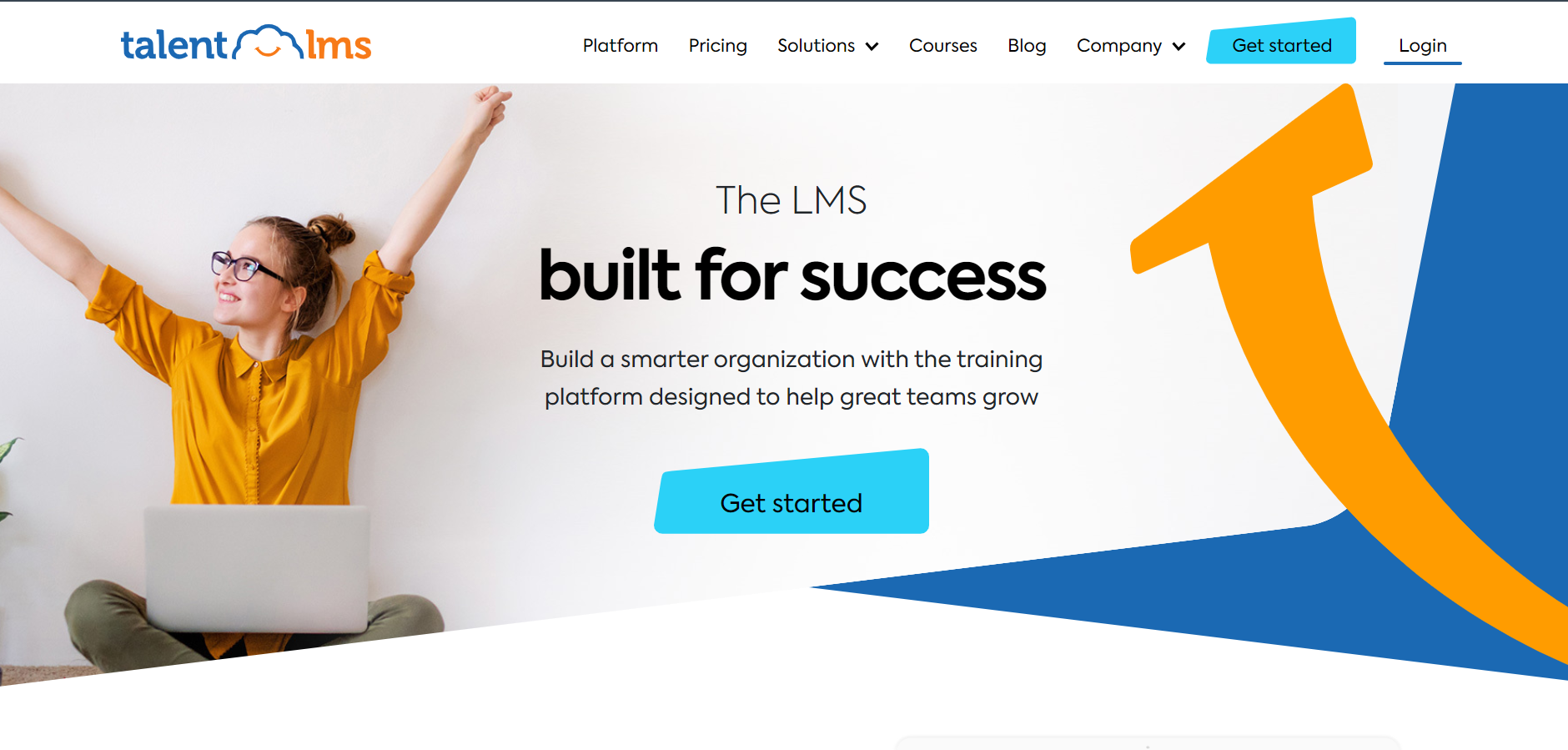
In my experience, that speed matters more than people expect when L&D is competing against every other priority in the business.
The platform handles course management, gamification, and built-in reporting well, and their TalentCraft AI tool has improved course creation considerably over the past year. I keep noticing reviewers on Capterra mention the same frustration, though: anything more complex than surface-level reporting means exporting to Excel.
If your leadership team wants dashboards they can read in a weekly review without someone building a spreadsheet first, that’s worth knowing before you sign. Still, for most teams at the SMB and mid-market level, TalentLMS gives you more than enough to run a serious training program without needing a dedicated LMS administrator.
Pros:
- One of the fastest LMS platforms to set up and deploy for new teams
- Strong gamification with points, badges, levels, and leaderboards
- TalentCraft AI for automated course authoring
- Integrates with Zoom, Salesforce, and other core business tools
Cons:
- Advanced analytics require manual exports rather than live in-platform dashboards
- Customization options become limiting as training programs grow more complex
Pricing: Starts at $119/month. Free plan available with limited features.
3. 360Learning – Best for Collaborative Peer-Driven Learning
What I find interesting about 360Learning is that it starts from a different assumption than every other platform on this list. Most LMS tools assume L&D builds the content and everyone else consumes it. 360Learning is designed around the idea that your best training material already exists inside your organization, inside the people who actually do the work, and the job is to pull it out.
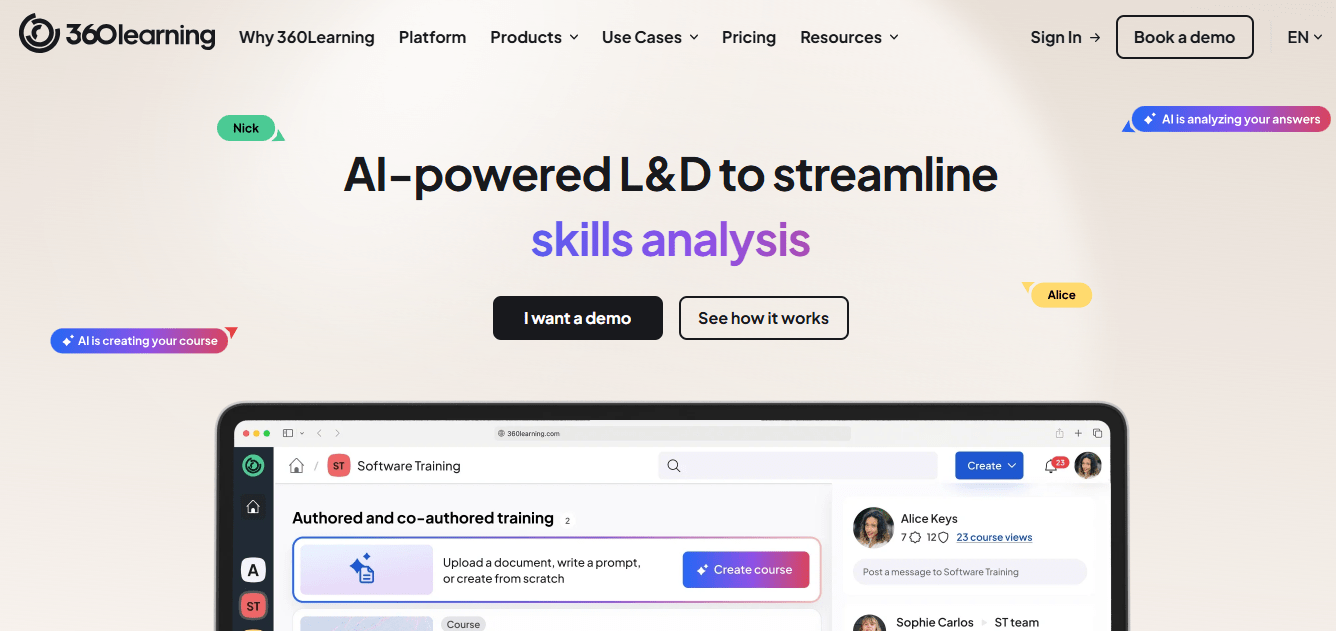
I’ve seen this work particularly well in professional services and fast-growth tech companies where formal training programs can’t keep up with how fast things change. The course creation experience is quick, the learner UX is clean, and the analytics for tracking engagement and outcomes are solid.
Personally, I think the peer-review and collaborative authoring features are genuinely differentiated. What I’d tell anyone evaluating it, though: if you need a deep pre-built content library out of the box, this is not the right fit. And the pricing, which starts at $8/user/month with a 100-user minimum, can feel steep for smaller teams that aren’t yet ready to invest in a collaborative learning culture at scale.
Pros:
- Peer-driven course creation that surfaces internal knowledge without bottlenecking L&D
- Intuitive authoring interface with genuinely fast content turnaround
- Strong analytics for learning outcomes and engagement tracking
- Well-suited to organizations building a continuous learning culture
Cons:
- Limited pre-built content library; your team creates most of the content
- Pricing model with a minimum user threshold is less accessible for smaller teams
Pricing: Starts at $8/user/month (minimum 100 users).
4. Docebo – Best for Enterprise Multi-Audience Training
Docebo is built for organizations with a specific problem: multiple distinct learner audiences that need to be trained from one platform without bleeding into each other. Employees in one instance, customers in another, partners in a third. The extended enterprise architecture handles that cleanly.
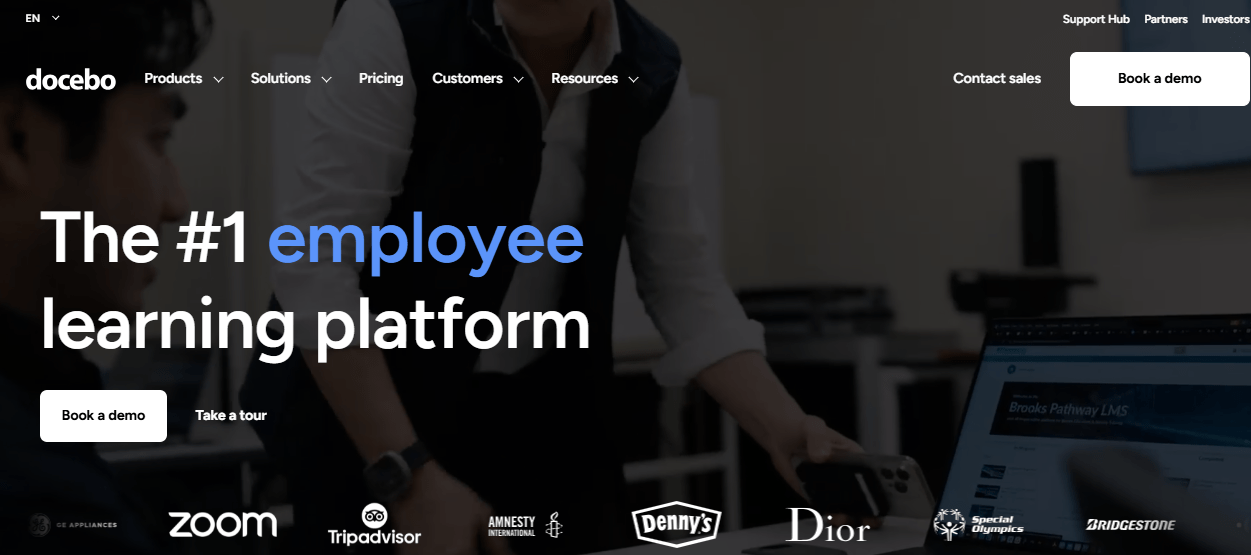
Their Discover, Coach & Share modules extend it beyond a standard LMS into something closer to a full learning ecosystem, and the AI-powered content recommendations are genuinely useful at scale.
What I keep noticing in Docebo implementations, though, is that the complexity tax is real. Admins spend more time configuring this platform than they expect, and the reporting, while powerful in theory, requires considerable setup before it tells you anything useful.
Several reviewers on Capterra specifically mention struggling to build executive-level ROI reports without significant manual work. It’s a platform built for organizations that have dedicated L&D operations staff. If your training team is two or three people wearing multiple hats, that setup overhead will eat your budget in time before you’ve finished onboarding. That said, for large enterprises training at scale across multiple audiences, I don’t think there are many better options.
Pros:
- Extended enterprise architecture supports multiple distinct learner groups simultaneously
- AI content recommendations and personalized learning paths
- Deep integration and API flexibility for complex tech stacks
- Built for large, globally distributed organizations
Cons:
- Steep admin learning curve that takes time to get returns from
- Reporting configuration is substantial before it delivers executive-level insights
Pricing: Contact vendor. Typically enterprise-level, positioned for larger organizations with significant annual contracts.
5. Absorb LMS – Best for Learner Experience and Engagement
Of all the platforms I’ve looked at in this category, Absorb LMS has the best learner-facing experience. Not the most features. Not the most powerful reporting. Just the cleanest, most intuitive interface for the person sitting down to do the training. That sounds minor until you’re dealing with learner completion rates that won’t budge no matter how good the content is.
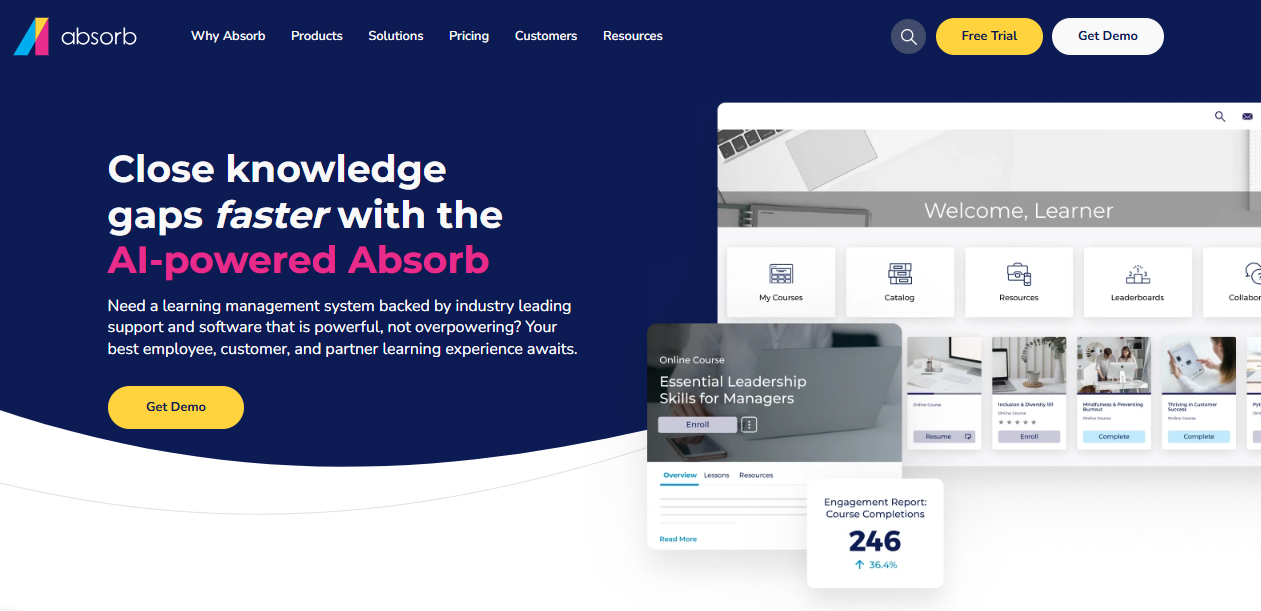
On the admin side, Absorb handles multi-format content well, supports compliance tracking with solid audit trails, and integrates with HRIS tools without much friction. I’ve found it’s particularly well-regarded in organizations with high learner volume and mandatory certification requirements, where the combination of great UX and reliable tracking actually reduces the support burden on administrators.
The tradeoff that catches teams off guard is the usage-based pricing model. It scales with active learners in a way that can surprise you at renewal if your headcount grew. Not a dealbreaker, but worth modeling before you commit.
Pros:
- Best-in-class learner interface that genuinely drives engagement and completion rates
- Strong compliance tracking with completion audit trails
- Multi-format content support including SCORM and xAPI
- Solid HRIS and CRM integrations without complex configuration
Cons:
- Usage-based pricing scales quickly as learner volume grows
- Course authoring tools are lighter than dedicated authoring platforms
Pricing: Contact vendor for custom pricing.
6. iSpring Learn – Best for Rapid Content Creation
Here’s something I genuinely appreciate about iSpring Learn: it meets teams where they actually are. Most training managers I’ve worked with have years of training material sitting in PowerPoint.
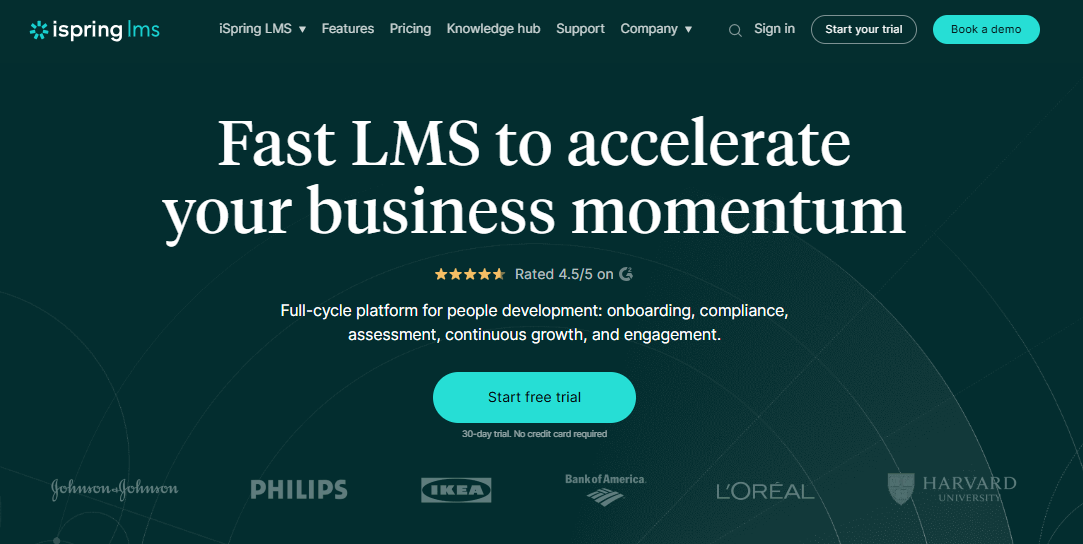
Not because PowerPoint is the best tool. Because it’s what they know, it’s what their subject matter experts send them, and there’s no time to rebuild everything from scratch in a new format. iSpring’s PowerPoint-to-LMS publishing workflow is the fastest content migration path I’ve seen in this category. Build in PowerPoint, publish to iSpring Learn, done.
The platform itself is lightweight and reliable. Setup is fast, mobile works well out of the box, and the per-user pricing is among the most affordable for SMBs on this list. What it isn’t is a full-scale enterprise LMS. Social and collaborative learning tools are basic. Multi-tenant architecture isn’t there.
If your training program is going to outgrow a single team within the next year, you may find yourself evaluating again sooner than expected. For teams that need to move quickly and aren’t building a complex learning ecosystem, though, I keep coming back to iSpring as the most underrated option in the mid-market.
Pros:
- Seamless PowerPoint-to-LMS publishing workflow that works with existing content
- Fast setup and clean admin interface with minimal configuration required
- Good mobile experience out of the box
- Affordable per-user pricing for small to mid-sized teams
Cons:
- Social and collaborative learning tools are limited compared to full-scale platforms
- Not suited for multi-tenant or complex enterprise deployments
Pricing: Starts at $3.58/user/month (billed annually, minimum 100 users).
7. Litmos – Best for Compliance and Safety Training
Litmos has been around long enough to have figured out what it’s actually good at. Manufacturing, healthcare, retail, and financial services are industries where compliance isn’t a checkbox but a legal requirement, and lapses can be costly.
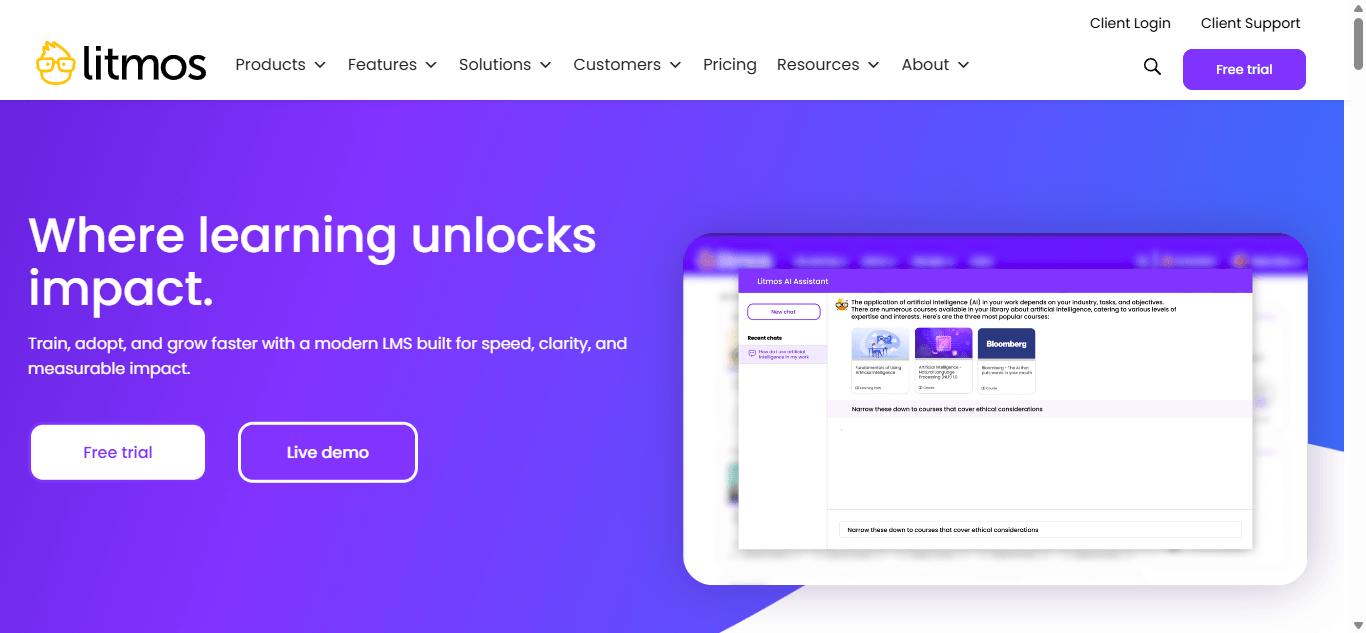
The AI gap analysis feature is worth calling out specifically: it surfaces where employees are falling short on defined competencies, which is useful when you’re managing large workforces with mandatory certification cycles.
I’ll be direct about something, though. The Capterra rating for Litmos sits at 4.2, which is lower than most of the other platforms on this list, and when I read through the reviews, the same two things keep coming up: the admin interface feels dated, and customer support responsiveness is inconsistent.
That matters more in compliance contexts than in others, because when something breaks or a certification cycle doesn’t track correctly, you need a fast resolution. Not a ticket queue. If post-implementation support quality is a deciding factor for your team, I’d pressure-test that during the sales process rather than assuming it’s sorted.
Pros:
- Strong compliance content library and certification tracking for regulated industries
- AI gap analysis to surface competency shortfalls across large workforces
- Solid gamification features and reliable mobile access
- Track record in high-stakes compliance environments
Cons:
- Admin interface is visually dated compared to newer platforms
- Customer support responsiveness is a recurring complaint in user reviews
Pricing: Contact vendor for pricing.
8. LearnWorlds – Best for Blended Learning and Branded Academies
I don’t think LearnWorlds gets enough attention in corporate L&D conversations. Most of the coverage positions it as a course creator tool for solo instructors, which is underselling what it actually does.
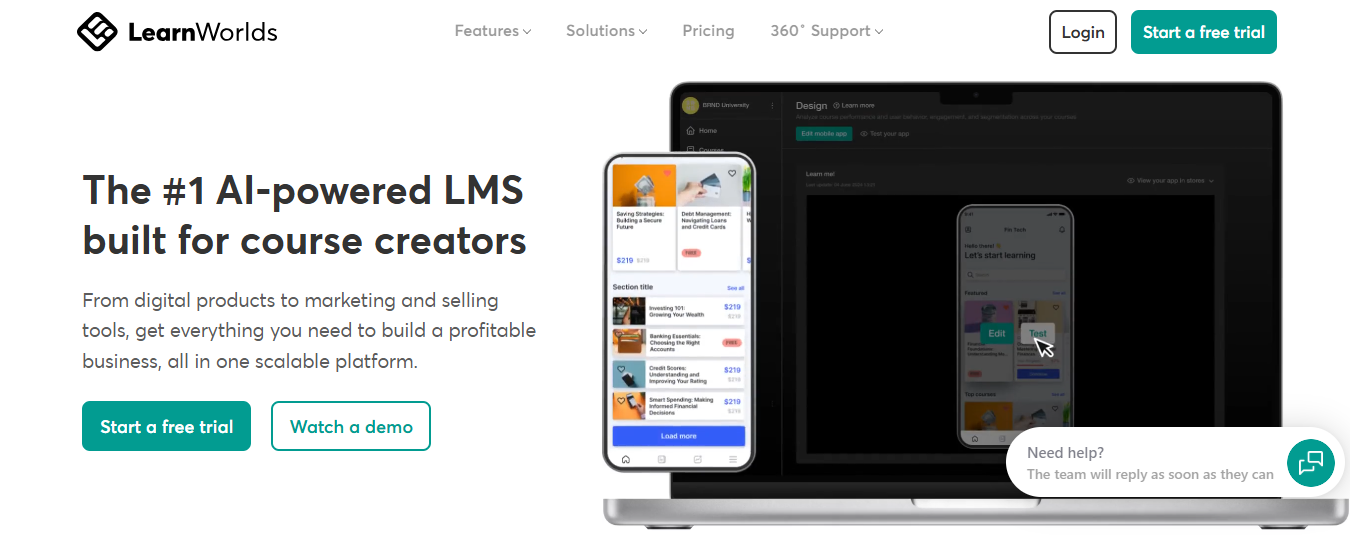
For organizations that want a fully branded learning experience with their own hosted academy, including a custom domain, white-labeled interface, and interactive video that you just don’t get from a standard LMS, LearnWorlds is worth a proper look.
The interactive video feature specifically stands out to me. Layering quizzes, hotspots, and prompts directly into video content is meaningfully different from a passive watch-and-click-next experience, and I’ve seen it improve engagement and retention in customer training contexts in particular. The e-commerce capability is a bonus if you’re running paid programs or certifications for external audiences.
The honest caveat: the pricing tier structure means the features most corporate teams actually need require a higher-tier plan than the headline price suggests. And for large enterprise deployments with complex admin hierarchies, this isn’t the right fit.
Pros:
- Interactive video with embedded questions, hotspots, and prompts
- Strong white-label and branding customization for a fully owned learner experience
- Built-in e-commerce for paid programs or external customer training
- AI assistant for course creation support
Cons:
- Meaningful features for corporate use require higher-tier plans beyond the starting price
- Not designed for large enterprise deployments with complex admin structures
Pricing: Starts at $99/month. Higher tiers required for white-labeling and advanced corporate features.
9. Canvas LMS – Best for Academic and Hybrid Corporate Use
Canvas is the dominant platform in higher education, but it’s found a legitimate corporate foothold among organizations running structured, cohort-based programs rather than self-paced module libraries.
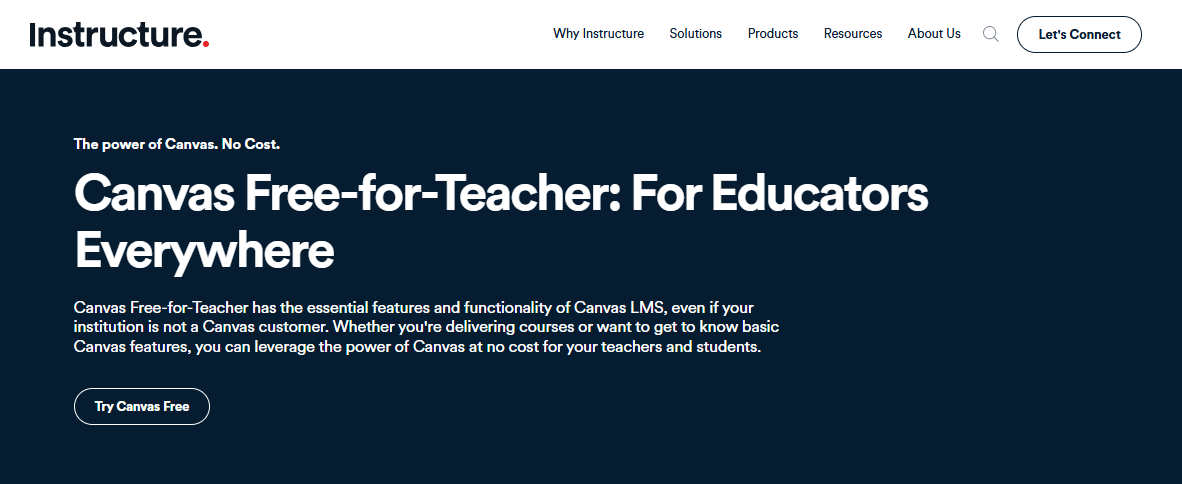
I keep recommending it specifically for teams running certification programs, leadership development cohorts, or any training that’s more structured like a real course than a compliance checklist. The pedagogy is baked in. Deadlines, graded assignments, discussion boards, cohort management. It’s all there in a way that most corporate LMS platforms treat as an afterthought.
What Canvas doesn’t do well, in my experience, is the standard corporate L&D workflow: auto-enrollment triggers, HRIS sync, manager dashboards, or reporting that your VP of HR will actually find useful. The API is flexible enough to build some of that, but that assumes you have technical resources to deploy.
For a team that wants an out-of-the-box corporate LMS, Canvas requires more configuration than it looks like. For a team running structured programs where the learning experience itself is the product, it’s genuinely excellent.
Pros:
- Strong structured course and cohort management built for instructor-led learning
- Robust API for custom integrations and workflow automation
- Automated grading and solid assessment tooling
- Free tier available for limited use cases
Cons:
- Not optimized for standard corporate L&D workflows without significant configuration
- Admin experience has a steeper learning curve than purpose-built corporate platforms
Pricing: Contact vendor. Free-for-teacher plan available.
10. Cornerstone LMS – Best for Enterprise Talent Management
Cornerstone is one of the oldest enterprise talent platforms in this category, and that history shows in two directions. On one hand, it handles the deep requirements of large enterprise L&D well: compliance at scale, succession planning integration, workforce analytics tied to learning data, and multi-language support across global organizations.
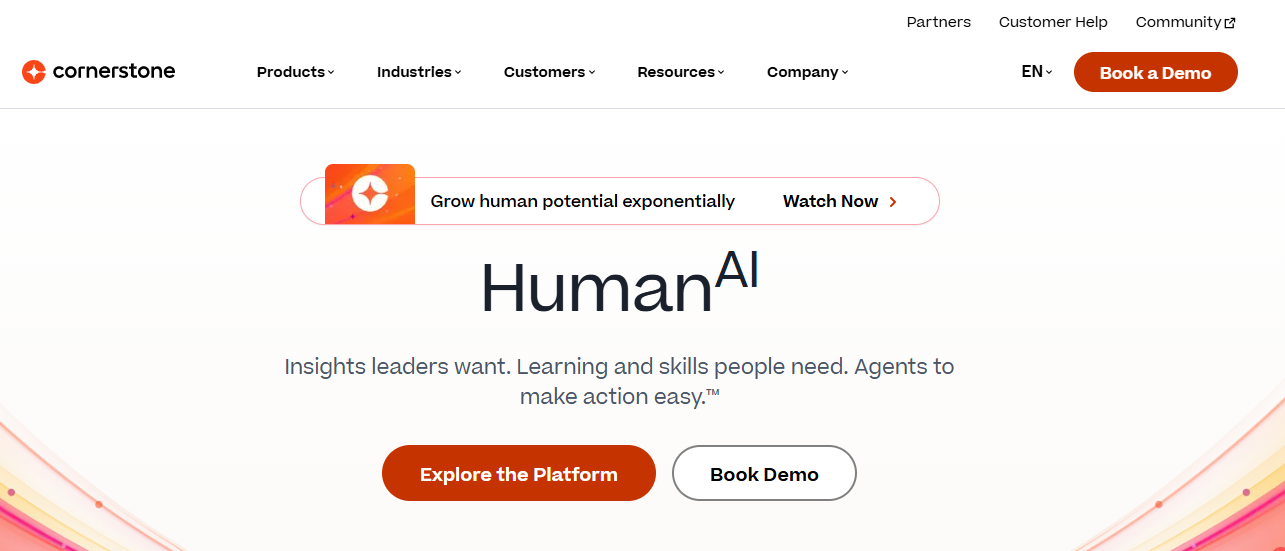
On the other hand, the interface looks and feels like something that hasn’t been meaningfully redesigned in several years, which is a legitimate usability complaint that comes up consistently in reviews.
I typically recommend Cornerstone to organizations that already have a complex HR tech stack and need their LMS to integrate deeply with performance management, succession, and workforce planning rather than run as a standalone tool. If your learning strategy is genuinely tied to talent decisions at the executive level, the depth is there.
If you’re a mid-market team looking for something modern and fast to implement, the total cost of ownership, including implementation services, ongoing administration, and the learning curve, will likely surprise you. Most teams underestimate this part.
Pros:
- Deep integration with HR, performance, and succession planning modules
- Strong compliance and certification tracking at enterprise scale
- Meaningful workforce analytics tied to learning activity
- Suits large globally distributed organizations with complex requirements
Cons:
- High implementation complexity and total cost of ownership
- Interface is behind modern LMS platforms in usability and design
Pricing: Contact vendor. Enterprise pricing with annual contract requirements.
How I Chose These Acorn PLMS Alternatives
Putting together a list of alternatives to Acorn PLMS means being honest about what Acorn actually does well and what it doesn’t. I’ve already covered the gaps in the table above. But the evaluation criteria I used here go beyond pain points.
- Reporting depth. I prioritized platforms with analytics that don’t require exporting to a spreadsheet for basic insights. This is a more common problem than it should be.
- Content library scale. Switching from Acorn often means wanting more ready-made content. I noted which platforms offer substantial native libraries and which expect you to build from scratch.
- Pricing transparency. Acorn’s contact-for-pricing model makes budget comparison difficult. I weighted platforms with published rates, especially for SMB and mid-market buyers who can’t wait three weeks for a sales quote.
- Performance under load. Slow performance at scale is the most-cited Acorn frustration. I looked at how each platform handles large concurrent user volumes.
- Setup and admin overhead. Implementation scope varies enormously here. Some platforms are live in days. Others need months of professional services. I flagged this wherever it’s a real factor.
- Integration depth. HRIS, CRM, and SSO compatibility. I included this where it meaningfully differentiates options.
My Top 3 Acorn PLMS Alternatives
Choosing from a list of ten is its own kind of work, so here are the three I’d shortlist first, depending on the situation.
ProProfs Training Maker is the first pick for any team that needs compliant training to run quickly without a long implementation cycle. The AI course creation, the 500+ ready-made courses, and the transparent per-learner pricing make it the most accessible full-featured option on this list. It’s particularly strong for teams that need compliance coverage fast and want a clean audit trail without configuring a complex platform first.
TalentLMS is where I’d go if scale and course breadth are the primary concerns and the budget needs to be predictable. The platform handles volume well, gamification is genuinely good, and TalentCraft is closing the AI authoring gap faster than most of the category. The reporting limitation is real but workable for most teams that have even one person who can own analytics.
360Learning is the right call if your organization’s knowledge is distributed across your people rather than sitting in a central content library. The collaborative authoring model works particularly well in fast-growth environments where what your senior staff know is more valuable than any off-the-shelf course you could license.
Where Acorn PLMS Falls Short and What the Alternatives Offer Instead
Most alternatives lists skip the honest part: why exactly are you leaving? Because the answer changes, which platform you should actually try. I’ve seen teams switch from Acorn to something that looks good on paper and then realize they just traded one set of limitations for another. So here’s how the common Acorn pain points map to what alternatives actually solve.
| What Acorn Users Complain About | What to Look for Instead | Who Covers It |
| Slow performance with large user volumes | Infrastructure built for scale and concurrent load | Docebo, Absorb LMS, Cornerstone |
| Reporting not deep enough for complex needs | In-platform analytics without requiring Excel exports | 360Learning, TalentLMS, ProProfs Training Maker |
| Small native content library | 500+ pre-built courses or a substantial content marketplace | ProProfs Training Maker, TalentLMS (TalentLibrary) |
| Contact-only pricing, hard to budget | Transparent published per-learner or per-month pricing | ProProfs Training Maker, TalentLMS, iSpring Learn |
| Limited customization in certain UI areas | White-labeling, branded academies, and granular admin controls | LearnWorlds, ProProfs Training Maker, Docebo |
| Overkill or too expensive for small teams | Free plans or entry-level tiers that scale gradually | ProProfs Training Maker, TalentLMS, Canvas |
| Admin enrollment flexibility gaps | Self-enrollment controls, bulk enrollment, automated learning paths | Absorb LMS, TalentLMS, ProProfs Training Maker |
Use this as a diagnostic before you start scheduling demos. If you know exactly which row describes your situation, you can skip half this list and go straight to the tools that actually solve the problem.
What to Think About Before Switching From Acorn PLMS
Most organizations don’t switch LMS platforms because the current tool is terrible. They switch because it stopped growing with them, or because a gap they could work around at 50 users became impossible to ignore at 300. Before committing to any of the best Acorn PLMS alternatives on this list, I’d get clarity on a few things internally first.
What’s actually not working? The answer changes everything. Platform slowdowns under load point toward infrastructure-heavy platforms built for scale. Reporting limitations point toward 360Learning or TalentLMS. Content depth issues point toward ProProfs Training Maker with its 500+ course library. Pricing opacity points toward any platform that publishes rates. Diagnosing the real problem before you schedule demos saves weeks and a lot of goodwill with whoever is waiting for a decision.
How much disruption can you absorb? Implementation scope varies enormously. Canvas and Cornerstone need dedicated project resources and realistic timelines measured in months. ProProfs Training Maker and TalentLMS can be live in days for most teams. That difference is not trivial if your team is already stretched.
Who else needs to sign off? If a CFO or VP of HR has to approve this, the evaluation changes. You’ll need pricing clarity, security documentation, integration specs, and a business case with projected time savings. Some platforms make that easy. Others require weeks of back-and-forth with a vendor before you have enough to write one page.
What happens to your existing content? SCORM and xAPI compatibility is standard across this list, but how easy it actually is to migrate your current modules varies. Ask vendors directly about your specific file formats before assuming a smooth handoff. I’ve seen teams discover mid-migration that “SCORM compliant” still requires manual cleanup on every course. That’s usually a surprise nobody needed.
The Real Question Nobody Asks Until It’s Too Late
Evaluating Acorn PLMS competitors is less about finding the objectively best platform and more about finding the right trade-offs for where your organization is right now. Acorn made specific choices about what to optimize. Every alternative on this list made different ones.
The useful question isn’t which tool has the highest Capterra rating. It’s which limitations you can live with and which ones are actively costing you. If your team is spending hours on manual reporting, watching learners disengage because the content experience is passive, or running into performance walls every time a new cohort comes online, you already know what’s broken. The right alternative closes that specific gap, not all possible gaps.
Start with the top three picks. Schedule one demo that covers your actual scenario rather than a generic product walkthrough. Make the vendor prove their answer in your context, not in a slide deck about their roadmap.
Frequently Asked Questions
What is the best alternative to Acorn PLMS?
It depends on what's not working. For compliance training and transparent pricing, ProProfs Training Maker. For collaborative learning and internal knowledge sharing, 360Learning. For enterprise scale across multiple audiences, Docebo. There's no single best option across every use case.
Why do people switch from Acorn PLMS?
The most common reasons from user reviews include slow platform performance under heavy load, limited reporting depth, a smaller native content library, contact-only pricing that makes budget comparison difficult, and limited admin control in some enrollment and UI areas.
Is Acorn PLMS good for small businesses?
Acorn can feel like overkill or cost-prohibitive for smaller teams. ProProfs Training Maker and TalentLMS both offer free plans or low per-learner pricing that scale more predictably for organizations under 200 people.
Which Acorn PLMS alternatives have transparent pricing?
ProProfs Training Maker starts at $1.99/active learner/month. TalentLMS starts at $119/month. iSpring Learn starts at $3.58/user/month. 360Learning starts at $8/user/month. These are the most pricing-transparent options among Acorn PLMS competitors.
Do these alternatives support SCORM?
Yes, every platform on this list supports SCORM. Most also support xAPI (Tin Can), which allows more detailed tracking of learning activity beyond simple completions.
Which Acorn PLMS alternative has the largest content library?
ProProfs Training Maker offers 500+ pre-built courses across compliance, leadership, workplace safety, and employee development. TalentLMS's TalentLibrary is also substantial. Docebo and Absorb integrate cleanly with third-party content providers like LinkedIn Learning.
How long does it take to implement a new LMS after switching from Acorn?
Significantly depends on the platform. ProProfs Training Maker and TalentLMS can be deployed in days for most teams. Docebo, Cornerstone, and Canvas typically take weeks to months depending on complexity and how much existing content needs to be migrated.
Let ProProfs AI create your training course

 We'd love your feedback!
What did you like & how can we make it even better?
 Thanks for your feedback!
 Ask Your Question
Have a question? Get expert help to make your decision easier.