
Every eLearning developer eventually ships a package that passes in SCORM Cloud and then fails in the client’s LMS. That gap between the promise of simple SCORM authoring tools and what happens in a real LMS is where most of the frustration lives: completion that does not report, resume data that vanishes, and version quirks between 1.2 and 2004.
I read most complaints as one of three problems: a template ceiling on custom interactions, tools that hide the deeper SCORM API, or exports that quietly depend on the vendor.
The tools below handle those differently, and I say plainly what each costs you. I would test any shortlisted SCORM-compliant authoring tool by publishing a real course to SCORM Cloud and your actual LMS before you commit, and by timing how long a small fix takes to republish.
Top 10 SCORM Authoring Tools Compared
Interactivity, export reliability, and cost are three different priorities, and no tool wins all three. That is why the best SCORM authoring tools for a team that builds branching simulations look nothing like the best pick for subject matter experts who need a course by Friday.
None of these SCORM-compliant authoring tools removes the need to test in your own LMS, so here is the fast version: Capterra ratings, current pricing, and the two columns that map to the loudest complaints, which standards each tool exports and how deep its interactivity goes.
| Tool | Best For | Capterra | Pricing | SCORM and xAPI Support | Interactivity Depth |
|---|---|---|---|---|---|
| ProProfs Training Maker | Authoring plus delivery and reporting | 4.8 | Free (10 learners); paid from $1.99/learner/mo | SCORM 1.2 and 2004 import and export; xAPI | Courses, quizzes, scenarios; no timeline editor |
| Articulate 360 | Complex interactivity, branching | 4.7 | ~$1,499–$1,749/yr per user | SCORM 1.2, 2004, xAPI, cmi5 | Deep: triggers, states, variables |
| iSpring Suite | PowerPoint to SCORM | 4.7 | ~$770/yr per user | SCORM 1.2, 2004, xAPI, cmi5 | PowerPoint-based interactions |
| Adobe Captivate | Simulations and VR | 4.4 | ~$33.99/mo | SCORM 1.2, 2004, xAPI | Deep: simulations, VR/AR |
| Elucidat | Enterprise-scale authoring, localization | 4.6 | From ~$1,650/user/yr | SCORM 1.2, 2004, xAPI | Template-led; no custom branching |
| Easygenerator | SME self-authoring | 4.8 | ~$116–$582/mo per author | SCORM 1.2, 2004, xAPI | Linear, template-driven |
| dominKnow ONE | Multi-mode enterprise authoring | 4.7 | ~$997–$1,497/yr per user | SCORM 1.2, 2004, xAPI | Responsive, interactive, document modes |
| Lectora Online | Accessibility (WCAG 2.1 AA) | 4.4 | Custom (~$1,299/yr cited) | SCORM 1.2, 2004, xAPI, AICC | Variables, triggers, conditional actions |
| Coursebox | Script-to-SCORM speed | 4.7 | Free tier; paid from ~$33/mo | SCORM 1.2, xAPI (paid plans) | Structurally simple, AI tutor |
| H5P | Free, open-source interactive content | 4.8 | Free; H5P.com from ~$55/mo | xAPI native; no native SCORM when self-hosted | 50+ interactive content types |
1. ProProfs Training Maker – Best for Easy Course Creation for Employee Training, Compliance & Skill Assessment
ProProfs Training Maker is where I would look if you want a SCORM compliant authoring tool that also delivers and tracks the course, so there is one fewer package to debug. You build in the browser, configure what to track, and export a 1.2 or 2004 .zip, or skip packaging and deliver inside the platform.
Describe a hazard communication refresher with a scenario quiz, and the AI course creator drafts the lessons and questions for you to edit.

Let ProProfs AI create your training course
The 500+ expert-built, ready-to-use courses give you editable starting points for OSHA, HIPAA, harassment prevention, and leadership, so compliance modules do not start from scratch.
It does not offer a Storyline-style timeline with variables and triggers. With a free plan for up to 10 learners, it is also one of the few free SCORM authoring tools that host and report on what they export, which helps with compliance work.
Pros:
- Exports SCORM 1.2 and 2004 packages from courses built in the browser, with completion, score, and time tracking configured
- Uploads existing SCORM packages and supports xAPI, so legacy libraries keep working
- Drafts lessons and quiz questions from a plain description with the AI course creator
- Gives you 500+ expert-built courses to edit rather than rebuild
- Delivers and reports in one place, so you can skip packaging when learners are inside the platform
Cons:
- No downloadable authoring app, since the platform is cloud-only
- No dark mode yet for the learner interface
Pricing: Free for up to 10 learners; paid plans start at $1.99 per active learner per month.
2. Articulate 360 – Best for Complex Interactivity and Branching Scenarios
Articulate 360 is the industry default because it ships two authoring tools that cover almost every format. Storyline remains the reference for complex branching and interactive simulations, with a timeline editor that gives pixel-level control over triggers, states, and variables, while Rise 360 builds responsive, mobile-first microlearning in a fraction of the time.
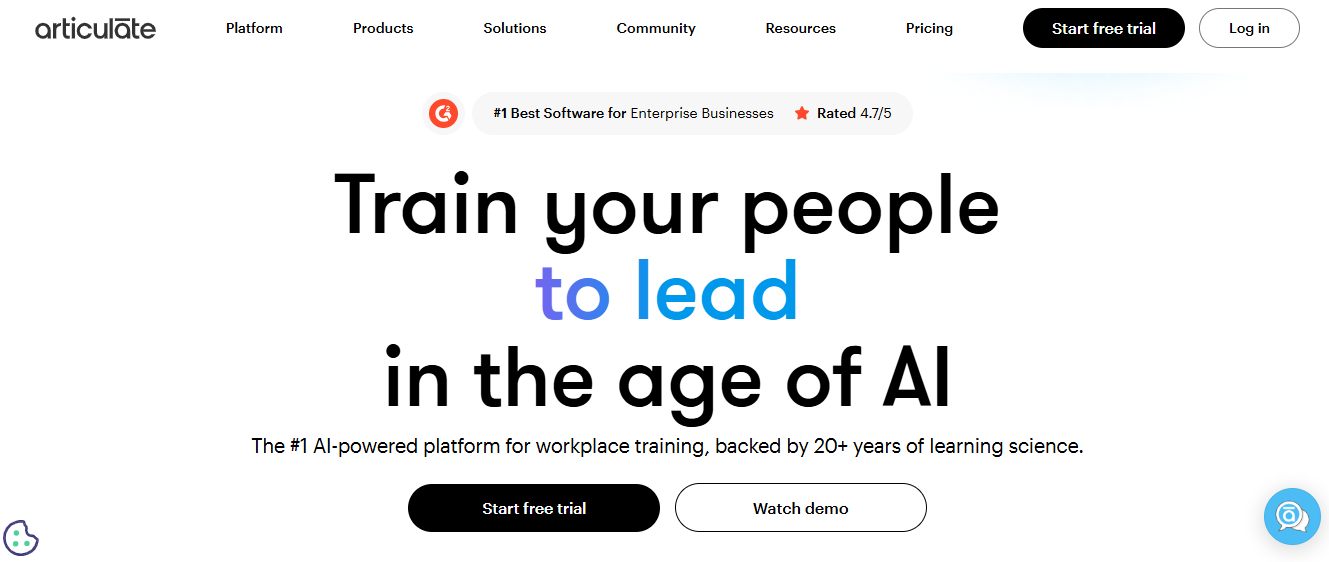
Publishing covers SCORM 1.2, SCORM 2004, xAPI, and cmi5, which is the broadest standards list in this group.
The drawbacks are the ones developers raise most: price, with Teams plans at about $1,499 a year per user and $1,749 for the AI tier, no free tier, Storyline’s Windows-first workflow, and instability once large files grow. I would choose it when complex interactions justify the cost, your team has the Windows setup, and I would keep source files backed up because publishing from them is the only way to update a package.
Pros:
- Storyline’s timeline, triggers, states, and variables for deep interactions
- Rise 360 for fast, responsive microlearning
- Publishing to SCORM 1.2, SCORM 2004, xAPI, and cmi5
- AI outline builder and generative suggestions
- Large community of templates and tutorials
Cons:
- Highest price in this group, with no free tier or monthly billing
- Storyline is Windows-first and can become unstable with large files
Pricing: About $1,499 per user per year (Teams) and $1,749 per user per year (AI Teams).
3. iSpring Suite – Best for Converting PowerPoint Into SCORM
iSpring Suite removes tool-switching for teams that already live in PowerPoint. It installs as an add-on, turning every .pptx into a SCORM course with quizzes, interactions, and narration, and it gets non-technical experts from slides to a course fast.
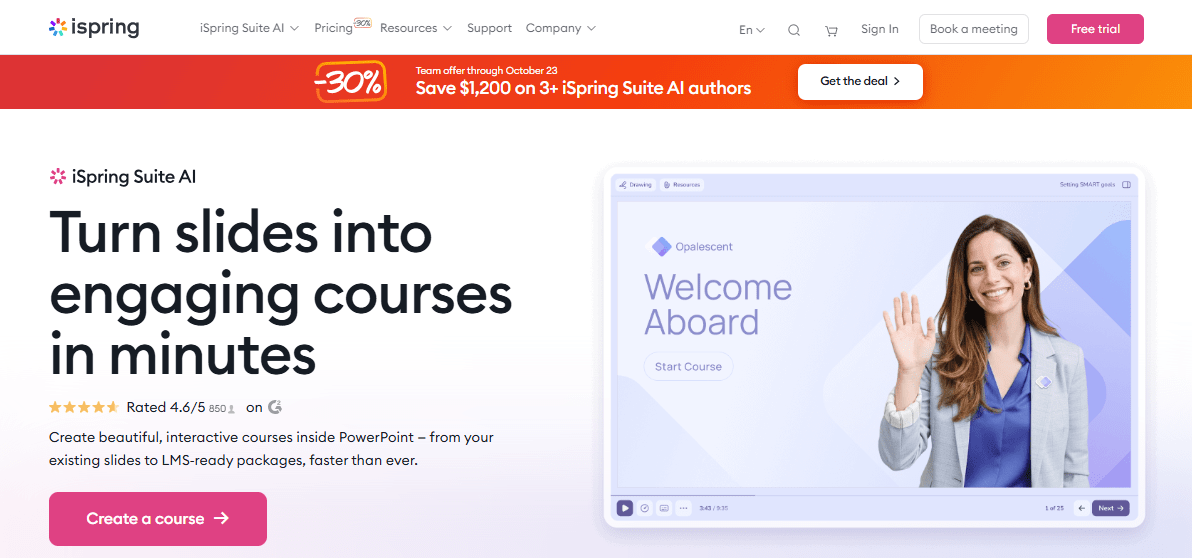
Newer versions add AI text-to-speech narration and smart translation for localization. Output formats cover SCORM 1.2, SCORM 2004, xAPI, and cmi5, so it fits most LMS requirements, and an optional plan bundles an LMS for delivery.
The PowerPoint integration is also its ceiling. It cannot match Storyline’s interactivity or the real-time collaboration of cloud platforms, and the workflow is tied to PowerPoint and Windows, which creates friction for Mac-heavy or non-slide teams. Pricing is about $770 a year per user. I would pick it for a team that wants fast, reliable SCORM from existing decks without a long ramp-up, and I would check your Mac needs first.
Pros:
- PowerPoint add-on that turns slides into SCORM courses
- Quizzes, interactions, and narration without leaving PowerPoint
- AI text-to-speech and smart translation
- Output to SCORM 1.2, SCORM 2004, xAPI, and cmi5
- Fast ramp-up for non-technical authors
Cons:
- Interactivity and collaboration are limited compared with other tools
- Tied to a PowerPoint and Windows workflow
Pricing: About $770 per user per year for Suite; a Max plan bundles an LMS.
4. Adobe Captivate – Best for Software Simulations and VR
Adobe Captivate is one of the few authoring tools that handles software walkthroughs and VR or AR simulations natively, which makes it the practical choice when training has to show a system, not describe it. Advanced quiz types, responsive content, and AI-powered captioning round out the set.
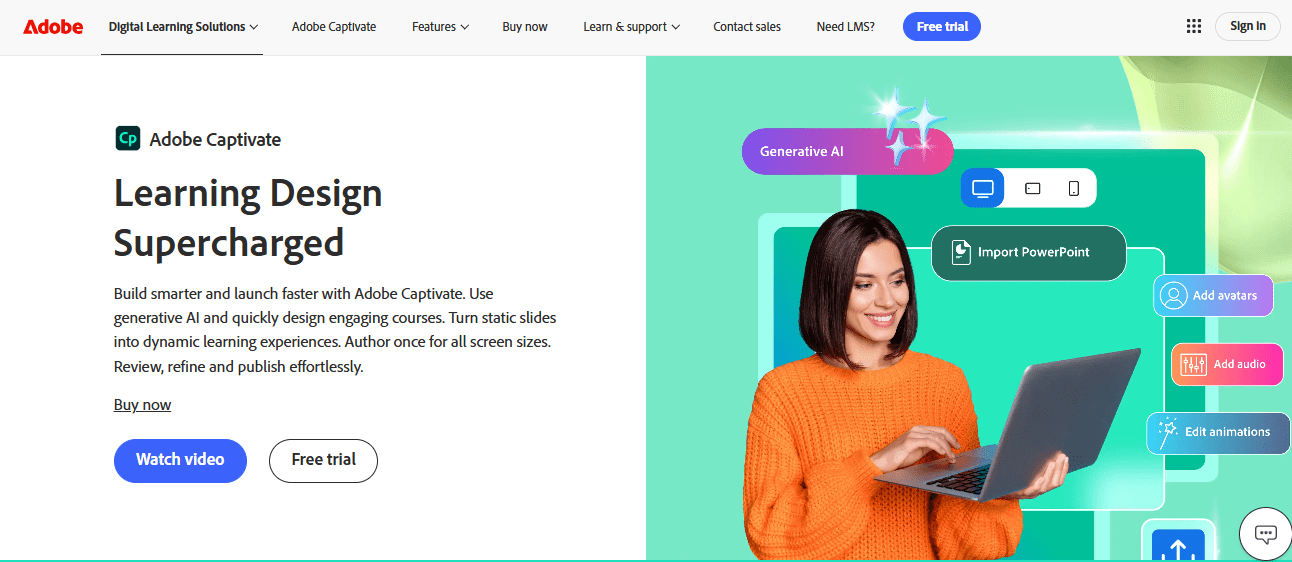
It supports SCORM 1.2, SCORM 2004, and xAPI, and at about $33.99 a month through Creative Cloud it is cheap compared with Articulate if you already pay for Adobe.
The cost shows up in time. The timeline editor has a steep learning curve, 4K rendering is slow, Mac stability can be inconsistent on large projects, and the interface feels dated beside cloud-native tools. I would choose it for teams already in the Adobe ecosystem that need simulations or VR, and I would skip it if the goal is clean SCORM courses quickly. Test a large project on your actual machines before you commit.
Pros:
- Native software simulations and VR or AR output
- Advanced quiz types and responsive content
- AI-powered captioning
- SCORM 1.2, SCORM 2004, and xAPI publishing
- Low monthly price through Creative Cloud
Cons:
- Steep learning curve and slow rendering on large projects
- Inconsistent Mac stability and a dated interface
Pricing: About $33.99 per month through Creative Cloud.
5. Elucidat – Best for Enterprise-Scale Rapid Authoring and Localization
Elucidat is built for teams that produce and localize large volumes of courses. A template library and guided authoring workflow let subject matter experts, not only instructional designers, create compliant courses, and the vendor reports courses built several times faster than with desktop tools.
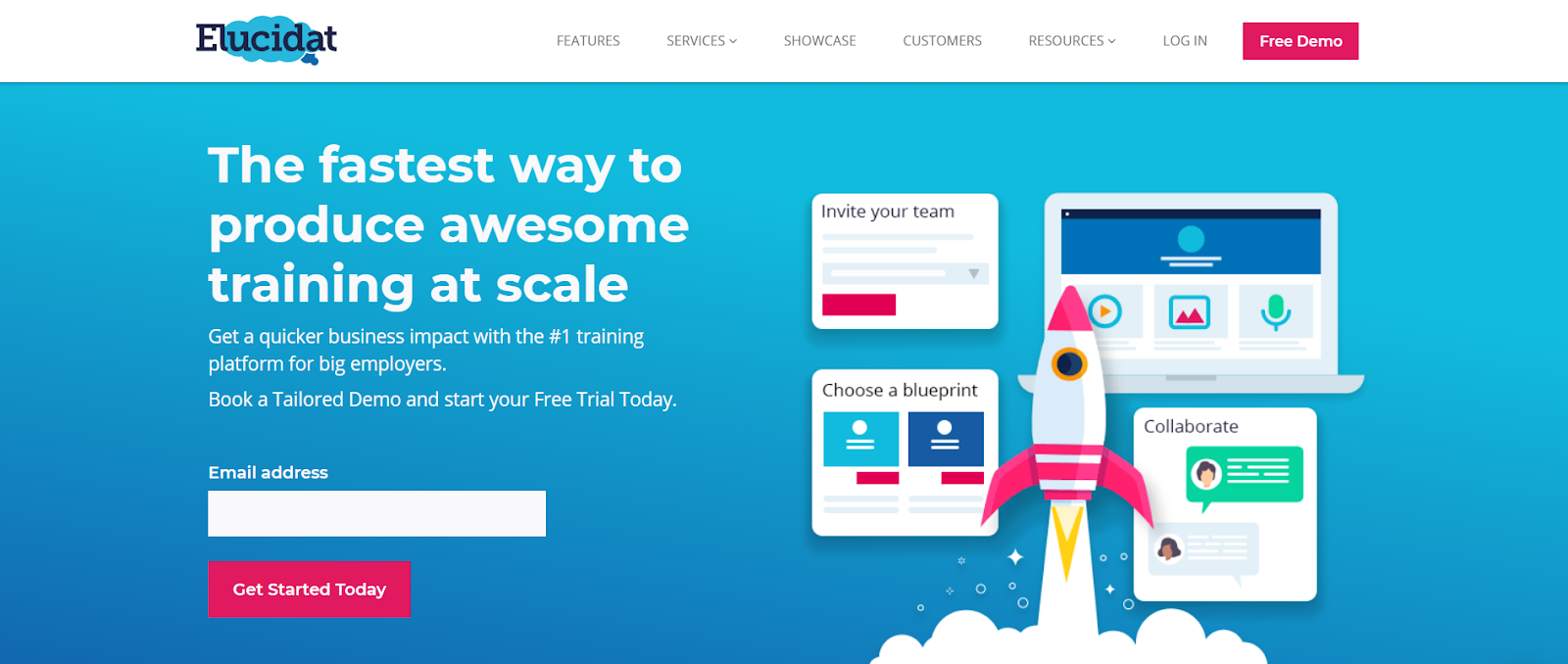
AI shortcuts handle draft content, automated translation, and quiz creation, and parent-child course linking helps enterprises manage localized versions of the same training across many countries. Real-time multi-author editing and review workflows suit teams that co-create. It publishes SCORM 1.2, SCORM 2004, and xAPI.
It trades interactivity for speed and scale: you cannot build Storyline-level branching or custom simulations. Pricing starts around $1,650 per user per year on the Growth plan, with Team and Enterprise quotes on request. I would choose it for high-volume compliance and onboarding programs that need localization, and I would not choose it for complex soft-skills simulations.
Pros:
- Template library and guided authoring for SME-built courses
- Parent-child course linking for localized versions
- AI drafts, auto-translation, and quiz creation
- Real-time multi-author editing and review workflows
- SCORM 1.2, SCORM 2004, and xAPI publishing
Cons:
- Cannot build Storyline-level branching or custom simulations
- Pricing starts around $1,650 per user per year
Pricing: Starts around $1,650 per user per year (Growth plan); Team and Enterprise on request.
6. Easygenerator – Best for Subject Matter Experts Who Self-Author
Easygenerator is the tool you hand to a subject matter expert who has never heard of SCORM and needs a course published by Friday. The drag-and-drop editor needs essentially no training, and the interface is deliberately simple, which lowers the barrier to entry even though it limits what power users can build.
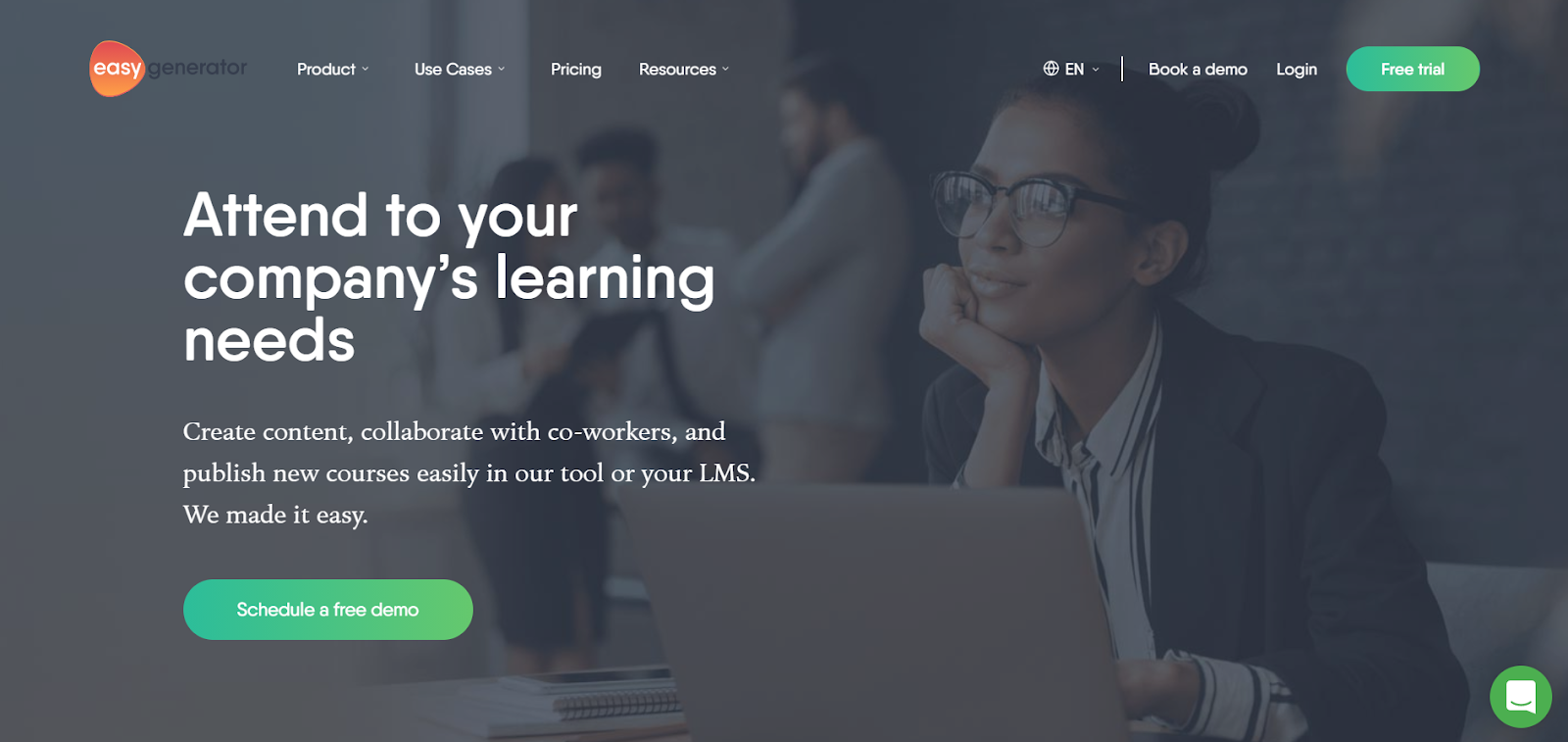
The model flips the usual bottleneck: let the SME build the first draft, then have the instructional designer refine it, with a built-in review and approval workflow supporting that handoff. It publishes SCORM 1.2, SCORM 2004, and xAPI.
It does not support advanced interactions, branching, or simulations, and course formats are linear and template-driven. That suits high volumes of straightforward knowledge transfer, such as product training, process documentation, and policy updates. Pricing is about $116 a month per author on Pro and $582 on Team. I would choose it when SME bottlenecks, not interactivity, are the problem.
Pros:
- Drag-and-drop editor with almost no learning curve
- Review and approval workflow for SME-to-designer handoff
- SCORM 1.2, SCORM 2004, and xAPI publishing
- Fast production of linear knowledge-transfer content
- Cloud-based, with no installation
Cons:
- No advanced interactions, branching, or simulations
- Course formats are linear and template-driven
Pricing: About $116 per month per author (Pro) and $582 per month per author (Team); enterprise on request.
7. dominKnow ONE – Best for Multi-Mode Enterprise Authoring
dominKnow ONE bundles three authoring modes, responsive, interactive, and document-based, into one cloud platform with a shared asset library. For enterprise teams running several authoring workflows, that consolidation removes the need to license separate tools.
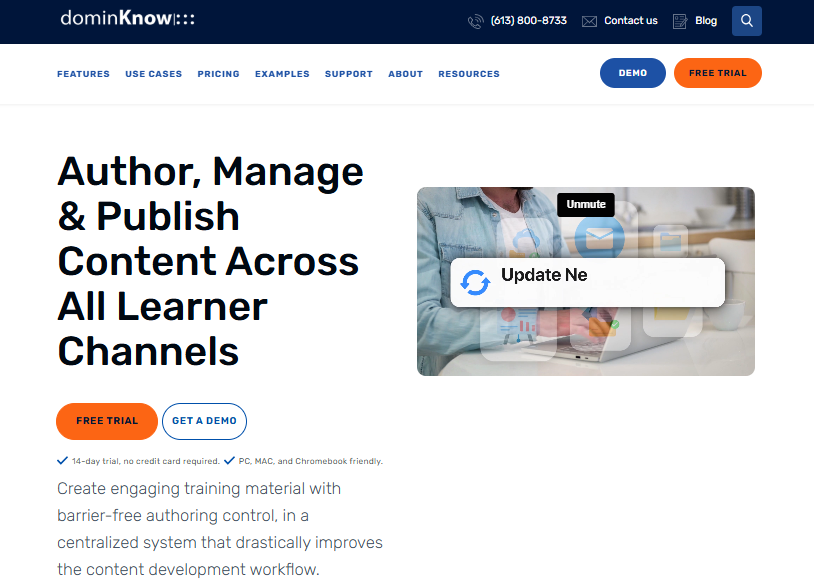
The shared asset library is the real differentiator. If your team reuses templates, brand assets, characters, and media across hundreds of courses, a centralized repository with version control saves duplicate work, and multi-author editing supports team production. It publishes SCORM 1.2, SCORM 2004, and xAPI.
The catch is community size. dominKnow has a smaller user base than Articulate or Adobe, so there are fewer third-party tutorials, templates, and forum answers when you hit a wall. Pricing is about $997 a year per user on the Individual plan and $1,497 on Team. I would choose it for an enterprise team that needs several authoring modes and centralized asset control, and I would trial the support responsiveness before signing.
Pros:
- Responsive, interactive, and document-based modes in one platform
- Shared asset library with version control
- Multi-author editing for team production
- SCORM 1.2, SCORM 2004, and xAPI publishing
- Cloud platform with no desktop dependency
Cons:
- Smaller community means fewer tutorials and templates
- Per-user pricing adds up for large teams
Pricing: About $997 per user per year (Individual) and $1,497 per user per year (Team).
8. Lectora Online – Best for Accessibility and WCAG 2.1 AA Output
Lectora has shipped eLearning authoring software since 1999, and that history shows in its accessibility record. It is one of the few tools that produces WCAG 2.1 AA-compliant output by default, which makes it a clear fit for government agencies, healthcare organizations, and enterprises with strict accessibility mandates.
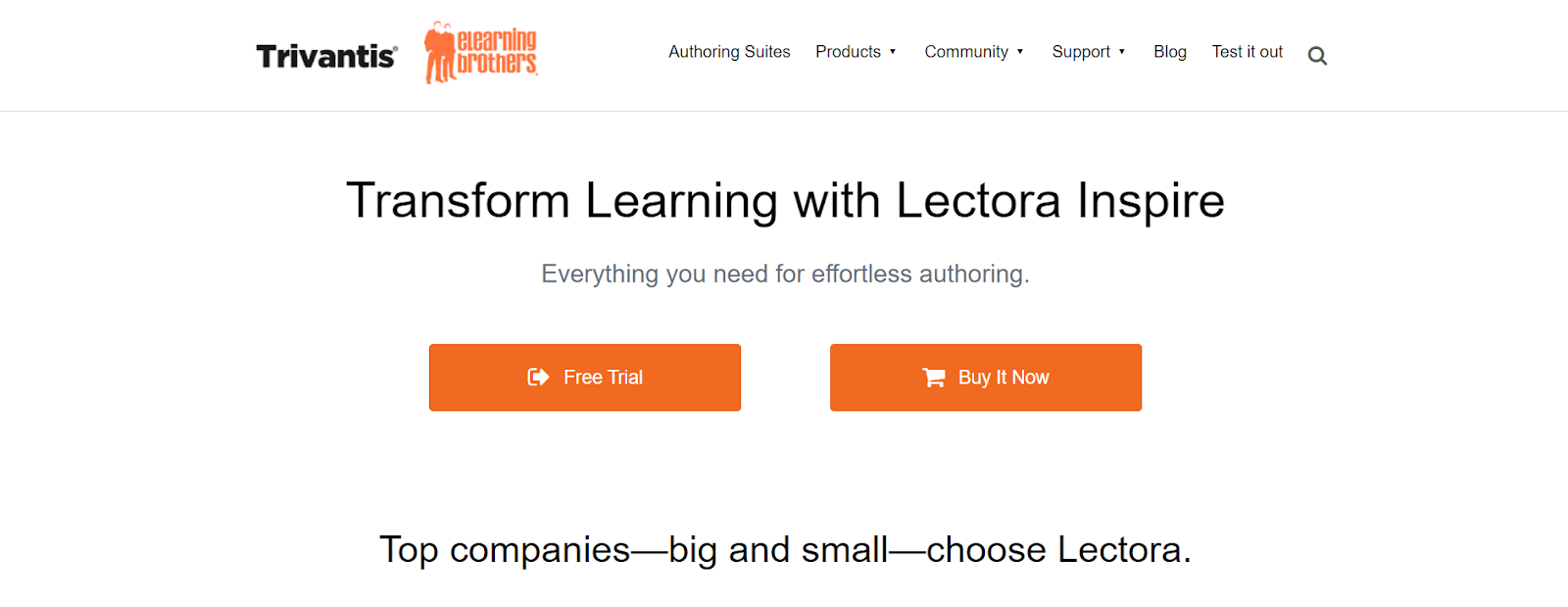
The desktop version offers Storyline-level interactivity with variables, triggers, and conditional actions, and the cloud version adds collaboration and browser-based editing. It publishes SCORM 1.2, SCORM 2004, xAPI, and AICC.
The interface feels its age, and newer tools are simply faster to work in. Pricing is custom through sales, with older listings citing about $1,299 a year. If accessibility is non-negotiable, Lectora belongs on your shortlist, because WCAG support in many other tools is thinner than it looks. I would choose it for regulated accessibility requirements, and I would test publishing speed on a real course before committing.
Pros:
- WCAG 2.1 AA-compliant output by default
- Variables, triggers, and conditional actions in the desktop version
- Cloud version with collaboration and browser-based editing
- SCORM 1.2, SCORM 2004, xAPI, and AICC publishing
- Long track record since 1999
Cons:
- The interface feels dated and slower than newer tools
- Pricing is custom and not published
Pricing: Custom quote; older listings cite about $1,299 per year.
9. Coursebox – Best for Script-to-SCORM Speed
Coursebox takes an AI-first approach focused on speed to SCORM. Upload a script, PDF, or video and it generates a structured course with an AI tutor trained on the content, and users report going from script to a published SCORM package in minutes.
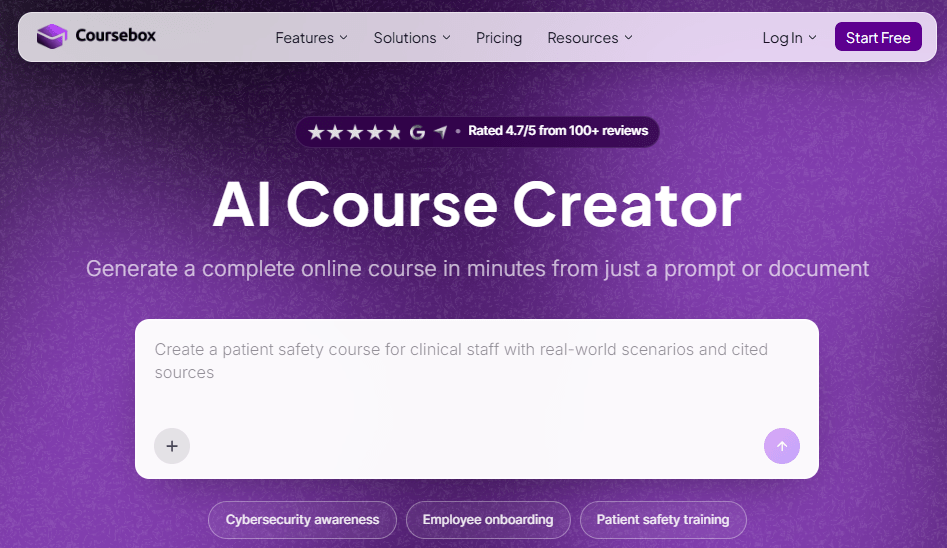
The AI tutor creates a chatbot learners can query about the material. The platform includes learner analytics and a white-label option for resellers, and it publishes SCORM 1.2 and xAPI.
The limit is depth: courses are structurally simple, with text, video, quizzes, and the AI tutor. SCORM export sits on paid plans, so the free tier is for testing. Paid plans start around $33 a month. I would choose it for solo creators, small training companies, and teams that want existing content turned into SCORM fast, and I would pair it with a deeper tool if you need drag-and-drop interactions or simulations.
Pros:
- AI generates courses from scripts, PDFs, and videos
- AI tutor chatbot trained on the course content
- Learner analytics and a white-label option
- SCORM 1.2 and xAPI publishing on paid plans
- Free tier for testing
Cons:
- Courses are structurally simple, with no complex interactions
- SCORM export requires a paid plan
Pricing: Free tier available; paid plans start around $33 per month.
10. H5P – Best for Free, Open-Source Interactive Content
H5P is the open-source option on this list, and for budget-constrained teams it is among the most capable free choices. It supports 50+ interactive content types, including flashcards, branching scenarios, interactive video, and course presentations, and it integrates with Moodle, WordPress, Drupal, and Canvas.
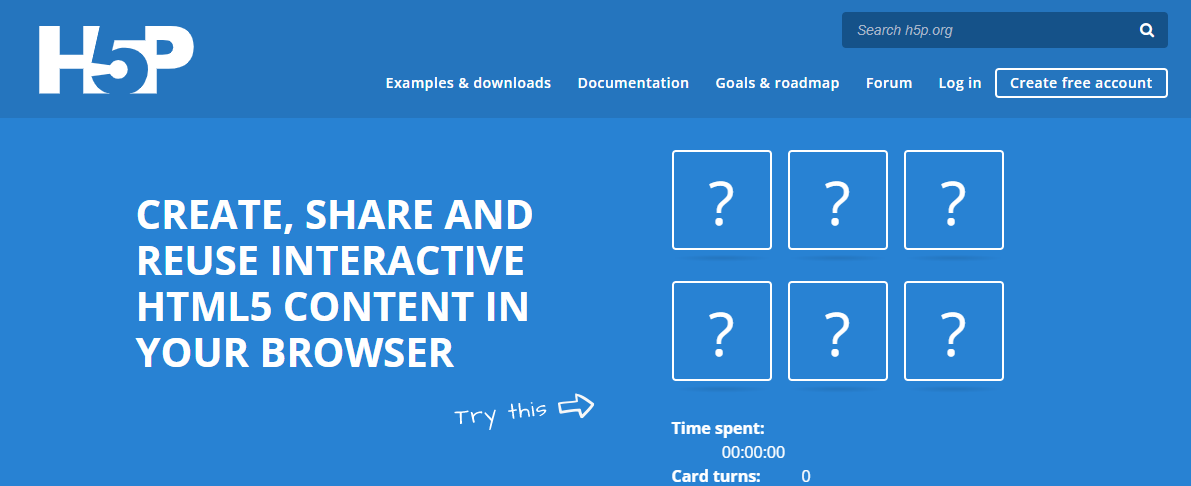
The community is large and active, and new content types arrive regularly, which suits nonprofits, universities, and small teams that cannot justify four-figure licenses.
The tradeoffs are real. The self-hosted version has no native SCORM export, so you need the paid H5P.com service or a workaround such as converting content with a desktop tool. There is no built-in collaboration, no analytics dashboard, and no support team. H5P.com adds managed features from about $55 a month. I would choose it for simple interactive content in an LMS that supports H5P directly, and I would verify any SCORM export on your target LMS before relying on it.
Pros:
- Free, open-source framework
- 50+ interactive content types
- Integrations with Moodle, WordPress, Drupal, and Canvas
- Large, active community
- Native xAPI support
Cons:
- No native SCORM export on the self-hosted version
- No built-in collaboration, analytics, or support team
Pricing: Free and open-source; H5P.com managed plans start around $55 per month.
My Top 3 Picks Among the SCORM Authoring Tools
If you read nothing else, start here. Among all the SCORM authoring tools above, these three cover the three jobs people actually switch for: fewer packages to debug, deep interactivity, and fast SCORM from the decks you already have.
1. ProProfs Training Maker
My pick if you want a SCORM compliant authoring tool that also delivers and reports, with a free plan to test it. You can export SCORM 1.2 or 2004, upload existing packages, and skip packaging when learners are inside the platform. It has no Storyline-style timeline, so check that against your interaction needs.
2. Articulate 360
My pick among the best SCORM authoring tools if complex branching and simulations justify the price. Storyline’s variables and triggers and Rise 360’s speed cover almost every format, and the standards list is the broadest here. Budget for the cost and back up your source files.
3. iSpring Suite
My pick if your starting point is PowerPoint. It turns existing decks into SCORM courses with quizzes and narration in a fraction of the time, with output to SCORM 1.2, 2004, xAPI, and cmi5. Check Mac needs and interactivity limits before you commit.
How I Evaluated These SCORM Authoring Tools
I did not rank these tools on feature lists alone. Here is what shaped the order:
- User reviews and ratings from Capterra, weighted toward tools with a meaningful volume of recent reviews, since any list of the best SCORM authoring tools is only as good as the reviews behind it
- Export reliability, meaning whether SCORM compliant authoring tools publish clean SCORM 1.2 and 2004 packages that play in a real LMS, and how it behaves with completion and resume data
- Interactivity depth, including branching, variables, simulations, and where each tool’s template ceiling sits
- Portability, meaning whether a SCORM compliant authoring tool exports a self-contained package or depends on vendor servers and subscriptions
- Maintenance, meaning how easily you can fix a typo, update content, or localize without rebuilding
- Cost and platform, including per-seat pricing, free options, Mac support, and collaboration, plus where free SCORM authoring tools run out of road
- Fit, matching each tool to simple compliance, complex scenarios, SME authoring, or accessibility mandates, alongside the broader eLearning authoring tools options
Test the Package, Not the Demo
A SCORM package is only finished when it plays in the LMS that has to host it.
Good enough in 2026 means a clean export, a documented SCORM version, tracking that reports completion and score, and source files you can still open next year. Among all these SCORM authoring tools, none wins every category, and even the best SCORM authoring tools will not fix a package nobody tested, so decide which complaint is yours before you buy seats.
Publish one real course to SCORM Cloud and to your actual LMS, confirm whether you need SCORM 1.2 or 2004, and check that the package is self-contained and not a launcher pointing at vendor servers. When you compare SCORM compliant authoring tools, time a small update from edit to republish, because that is the cost you will pay most often.
For teams that also want delivery and reporting, I would run a pilot with ProProfs Training Maker as well, since the free plan lets you test it without a purchase order. Free SCORM authoring tools suit simple content, but anyone choosing a SCORM compliant authoring tool for compliance work should test tracking first.
Frequently Asked Questions
What are the best SCORM authoring tools?
Among SCORM compliant authoring tools, Articulate 360, iSpring Suite, Adobe Captivate, Elucidat, and Easygenerator are the best SCORM authoring tools for most teams, and ProProfs Training Maker suits those who want delivery and reporting too. Pick by interactivity and budget.
Are there free SCORM authoring tools?
Yes. Adapt Learning and eXeLearning are open-source and export SCORM, Lumi converts H5P content to SCORM, and ProProfs Training Maker has a free plan for up to 10 learners. Free SCORM authoring tools usually trade away collaboration and support.
What should a SCORM compliant authoring tool export?
A SCORM compliant authoring tool should export a self-contained SCORM 1.2 or 2004 .zip that plays in any LMS, with completion and score tracking you can configure. Avoid exports that depend on vendor servers, which limits portability.
Which SCORM compliant authoring tools support xAPI and cmi5?
Articulate 360 and iSpring Suite publish SCORM, xAPI, and cmi5. ProProfs Training Maker supports SCORM 1.2 and 2004 plus xAPI, and Elucidat, Easygenerator, and dominKnow publish SCORM and xAPI. Check your LMS before relying on cmi5.
Should I export SCORM 1.2 or SCORM 2004?
Use SCORM 1.2 if your LMS only supports it, since it is the most widely accepted. SCORM 2004 offers richer sequencing but varies more between LMSs, so confirm your LMS's version support and test before publishing.
Why does my SCORM package work in SCORM Cloud but fail in my LMS?
LMSs implement SCORM differently: version mismatches, manifest problems, completion or resume data handling, and browser changes can all break a package. Test in SCORM Cloud and your actual LMS, and keep source files so you can republish.
Let ProProfs AI create your training course

 We'd love your feedback!
What did you like & how can we make it even better?
 Thanks for your feedback!
 Ask Your Question
Have a question? Get expert help to make your decision easier.