There are two ways to buy training: rent someone else’s library, or build your own. LinkedIn Learning is the first kind, and it does that job well enough that most companies never question it.
The questions start later, when completion rates sag, a certificate appears because a video played in another tab, and a support ticket comes back with boilerplate.
At that point, LinkedIn Learning alternatives are not a taste preference. They are a decision about whether you want a bigger library, a better one, or the ability to put your own training in front of people. I treat those as three different purchases, and the ten below cover all three.
Top 10 LinkedIn Learning Alternatives Compared
Renting and building are different budgets, so they should not be compared on the same line. That is why the best LinkedIn Learning alternatives for an engineering group look nothing like the best pick for an operations team with its own procedures. Here is the fast version: Capterra ratings, current pricing, and the two columns that map to the loudest complaints, where the content comes from, and how much hands-on practice is built in.
| Tool | Best For | Capterra | Pricing | Content Source | Hands-On Practice |
|---|---|---|---|---|---|
| ProProfs Training Maker | Course creation for employee training & compliance | 4.8 | Free (10 learners); paid from $1.99/learner/mo | Your own, plus 500+ expert-built courses | Quizzes and skill assessments |
| Udemy Business | Broad on-demand library for teams | 4.5 | Custom quote; free trial | Rented marketplace library | Varies by course |
| Coursera for Business | University credentials & structured programs | 4.5 | Per-user quote; free trial | Rented university and company library | Guided projects, assessments |
| Pluralsight Skills | Technical depth with assessments | 4.6 | Team plans from $579/user/yr | Rented tech library | Skill and role assessments |
| KodeKloud | Hands-on DevOps and cloud labs | 4.8 | Free version; Business from ~$28/user/mo | Rented IT specialist library | Hands-on labs |
| TalentLMS | Owning content, optional ready-made library | 4.7 | Free plan; $149–$579/mo | Your own, plus optional TalentLibrary | Assignments and quizzes |
| 360Learning | Expert-built, collaborative courses | 4.7 | From ~$8/user/mo | Your own, authored by experts | Learner feedback loops |
| Docebo | Enterprise AI-powered learning at scale | 4.4 | Custom quote (~$25K+/yr) | Your own, with AI-assisted drafting | Assessments, deep reporting |
| iSpring Learn | Onboarding & compliance, responsive support | 4.7 | $3.97–$6.91/user/mo | Your own content | Quizzes and assessments |
| Coursebox | AI-drafted courses from documents | 4.7 | From $40/mo | Your own, AI-drafted | Quizzes built with the course |
1. ProProfs Training Maker – Best for Easy Course Creation for Employee Training, Compliance & Skill Assessment
A library tells me what people watched. I would rather know what they can do, which is why I look for platforms where I control both the content and the proof. ProProfs Training Maker is built for that, so your own procedures, policies, and product knowledge become the curriculum.
The AI course creator drafts a structured course with chapters and quizzes from a topic, so a first version skips the design queue.

Let ProProfs AI create your training course
Separately, 500+ expert-built, ready-to-use courses cover common compliance and skills topics when you would rather assign than build. Certificates follow a passed assessment, not a played video. Audit-ready reporting shows who finished and how they scored, 70+ language support covers distributed teams, and gamification keeps completion from sagging.
It is not a rented catalog of generic titles. If broad soft-skills browsing is the goal, the libraries below fit better; among LinkedIn Learning alternatives, this is the one for leaders who want control.
Pros:
- AI course creator that drafts a full structured course from a topic description
- 500+ expert-built, ready-to-use courses to pull from when needed
- Audit-ready reporting and certification tracking built in, not a separate add-on
- Built-in gamification (badges, leaderboards, points) that lifts completion rates
- 70+ language support for global or distributed teams
Cons:
- No on-premise or self-hosted deployment option
- Light and dark mode theming is not yet available for the learner interface
Pricing: Free for up to 10 learners; paid plans start at $1.99 per learner per month.
2. Udemy Business – Best for a Broad On-Demand Library at a Different Price
Udemy Business is the closest like-for-like swap if what you need is a big library without the LinkedIn name attached. Capterra reviewers rate it highly across the board, with ease of use at 4.7 and features at 4.6, and the catalog leans practical, with technical and business skills covered in volume.
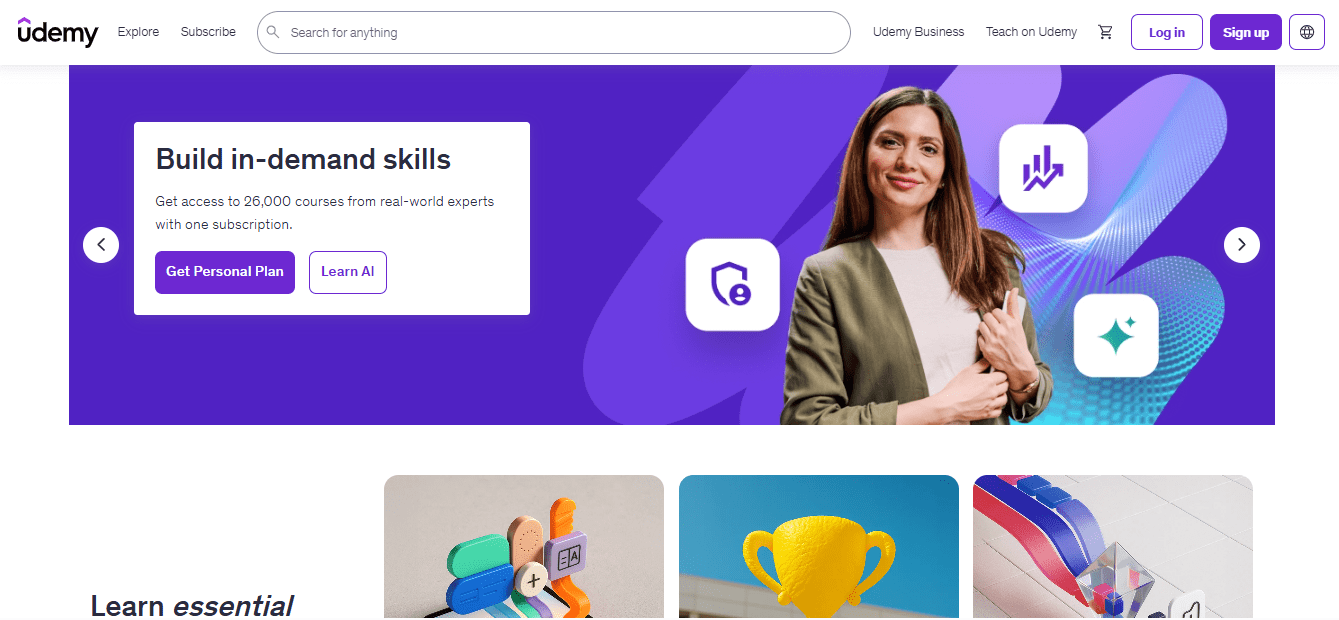
Quality is the catch, and I would not skip past it. Reviewers say you still have to lean on ratings to find the strong courses, which is the same browsing burden people complain about elsewhere. One reviewer also noted that pricing feels high for smaller organisations, even though it reads as affordable for large teams.
I would pilot it with one team, track completion for a quarter, and expand only if the numbers justify the seats. A big catalog is only an asset if people finish what they start, and that is a number you can measure before you commit the whole company.
Pros:
- Large on-demand catalog across technical, business, and creative topics
- Strong Capterra scores for ease of use and features
- Free trial available before you commit
- Team administration and analytics for managed rollouts
- Easy to pilot with a single team before scaling
Cons:
- Course quality still varies, so ratings need screening
- Reviewers note pricing can feel high for smaller organisations
Pricing: Custom quote; a free trial is available.
3. Coursera for Business – Best for University Credentials and Structured Programs
Coursera for Business changes the question from what people watched to what they earned. Programs come from universities and companies, so a Professional Certificate or Specialization reads as a credential, not a completion badge.
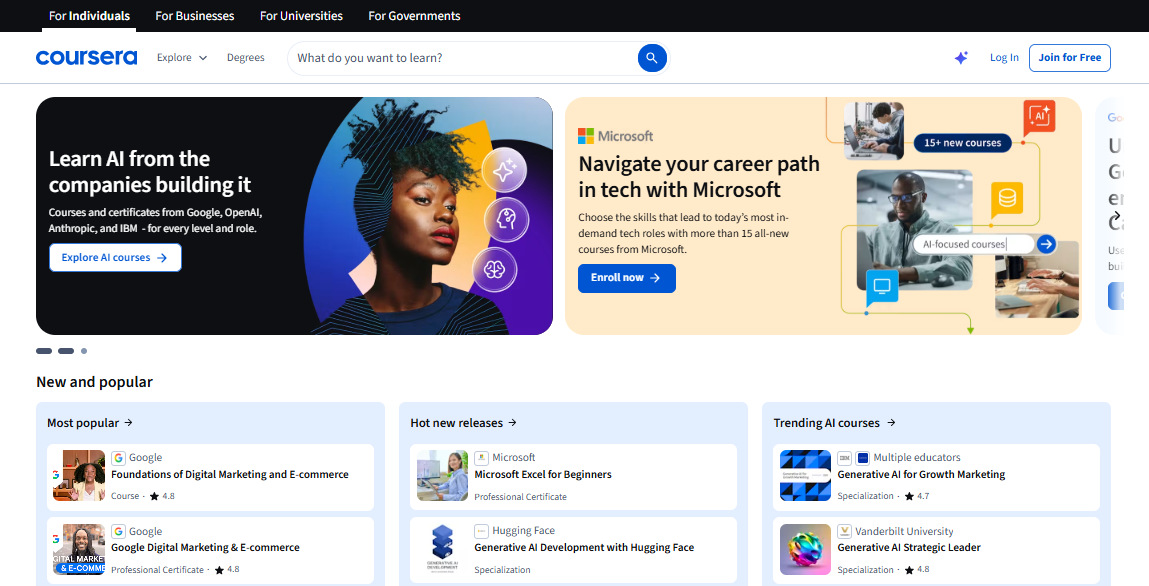
For roles where employees need recognized proof, that distinction matters, and it speaks to the complaint that some employers treat watch-and-pass certificates lightly. A credential that survives a skeptical read is worth more than a library nobody opens.
Capterra shows 4.5 across just 18 reviews, so I would treat it as a signal, not a verdict, and run a trial before committing. Pricing is per user and quote-based. Public reviews also flag outdated materials in some courses, so spot-check recency in the specific topics you care about before assigning them.
I would use it for structured upskilling programs with defined end points and a clear business reason, not for just-in-time how-to lookups where a short video would do.
Pros:
- Programs and certificates from universities and companies
- Professional Certificates and Specializations with defined end points
- Guided projects available for applied practice
- Free trial available before you commit
- Per-user model that scales by team
Cons:
- Capterra rating rests on only 18 reviews
- Some courses draw complaints about outdated materials
Pricing: Per-user and quote-based; a free trial is available.
4. Pluralsight Skills – Best for Technical Depth With Built-In Assessments
LinkedIn Learning’s technical courses draw the complaint that they are light for advanced learners, and Pluralsight Skills is the usual answer. It focuses on software, data, and cloud, and skill assessments show where each person actually stands before anyone is assigned a path, which beats guessing and saves seat-months on content people already know.
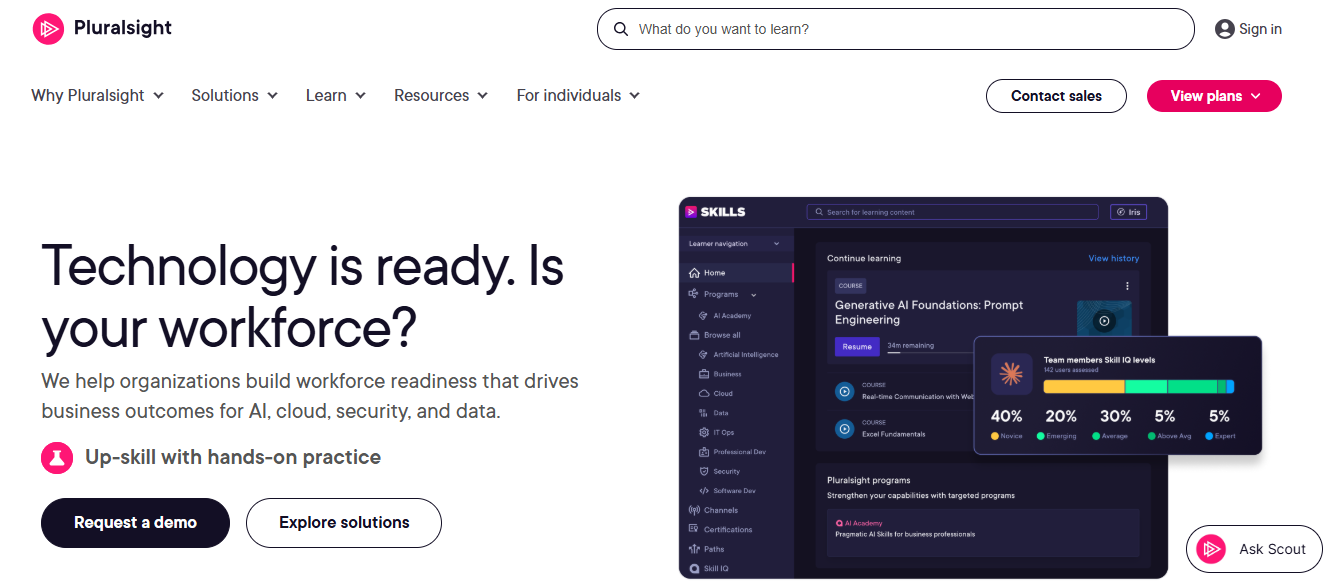
Team plans are published on Capterra, which makes budgeting simpler than a quote chase and lets you model the cost before anyone books a demo. Reviewers like the interface and the gamified approach to progress. The catalog is technical by design, so it will not cover leadership, communication, or the broader soft-skills needs that a general library handles.
I would pair it with a general library or your own content, and assign it to engineering and IT teams where the depth pays for itself. For everyone else on the payroll, the catalog is simply the wrong shape.
Pros:
- Skill and role assessments that show gaps before a path is assigned
- Depth on software, data, and cloud topics
- Published team pricing on Capterra
- Gamified progress that reviewers mention favorably
- Free trials available for evaluating fit
Cons:
- Catalog is technical, with little for leadership or soft skills
- Annual per-user pricing adds up across a large workforce
Pricing: Team plans list at $579 per user per year for Professional and $779 per user per year for Enterprise.
5. KodeKloud – Best for Hands-On Labs in DevOps and Cloud
Of everything on this list, KodeKloud goes at the watching-is-not-learning problem most directly. It is built around hands-on labs for DevOps, Kubernetes, and cloud skills, so people practice in real environments instead of finishing videos and hoping it stuck. For technical teams that is the difference between a certificate and a capability, and reviewers describe the labs as realistic and engaging.
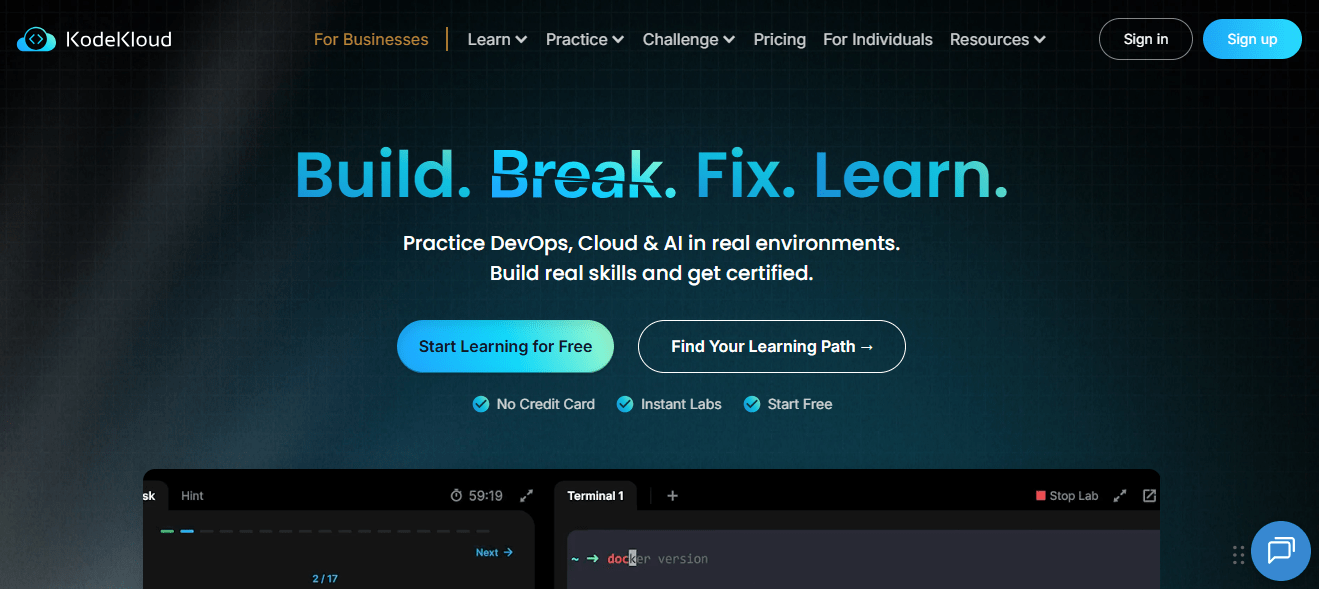
Capterra reviewers rate it 4.8 across 320 reviews and single out the labs again and again. The tradeoffs are worth knowing. One reviewer says the theory content can be thin for people who want deeper understanding, another notes some labs open slowly, and pricing shows up in the cons.
It is a specialist, so it will not replace a general library. For an IT or platform engineering group, though, it replaces the guesswork about whether training changed anything, because the lab either works or it does not.
Pros:
- Hands-on labs that put learners in real environments
- Focused depth on DevOps, Kubernetes, and cloud skills
- Courses and certificates aimed at IT professionals
- Per-user business plan for managed rollouts
- Free version available for a low-risk test
Cons:
- Specialist scope covers IT and cloud, not general business skills
- Reviewers note thin theory content and occasionally slow labs
Pricing: Free version available; Business plan from about $28 per user per month on Capterra’s listing.
6. TalentLMS – Best for Owning Your Content With a Ready-Made Library Option
TalentLMS answers a different question: who owns the learning experience? You do. Courses, learning paths, and certificates live in your own account, with reporting on who finished and when, which is the visibility the passive-watching complaint says is missing from a rented library.
It does not leave you with an empty shelf, either. The optional TalentLibrary add-on gives access to 1,000+ ready-made courses, so you can rent some content and still load your own. Pricing is published, a free plan lets a team test before spending, and 30+ integrations connect it to tools most companies already run.
Reviewers consistently rate ease of use highly across nearly 600 Capterra reviews. I would pick it for a company that wants a dependable system of record first and a content strategy second, and then grow the second part at its own pace. The free plan makes a first pilot a low-risk decision.
Pros:
- Courses, paths, and certificates in an account you control
- Optional TalentLibrary add-on with 1,000+ ready-made courses
- Published pricing with no sales call required
- Genuine free plan for testing before committing
- 30+ integrations including Zoom and Microsoft Teams
Cons:
- The ready-made library is a paid add-on, not part of the base plan
- Limited social or collaborative learning features
Pricing: Free plan available; Core starts at $149 per month for up to 100 users, scaling to $579 per month for 1,000 users.
7. 360Learning – Best for Expert-Built Courses and Collaborative Authoring
The knowledge a business actually runs on does not live in a generic course library. It lives in the people who do the work. 360Learning is built around that: subject matter experts co-author courses directly on the platform, and learner feedback flows back into the content, so a procedure change does not wait in a design queue.
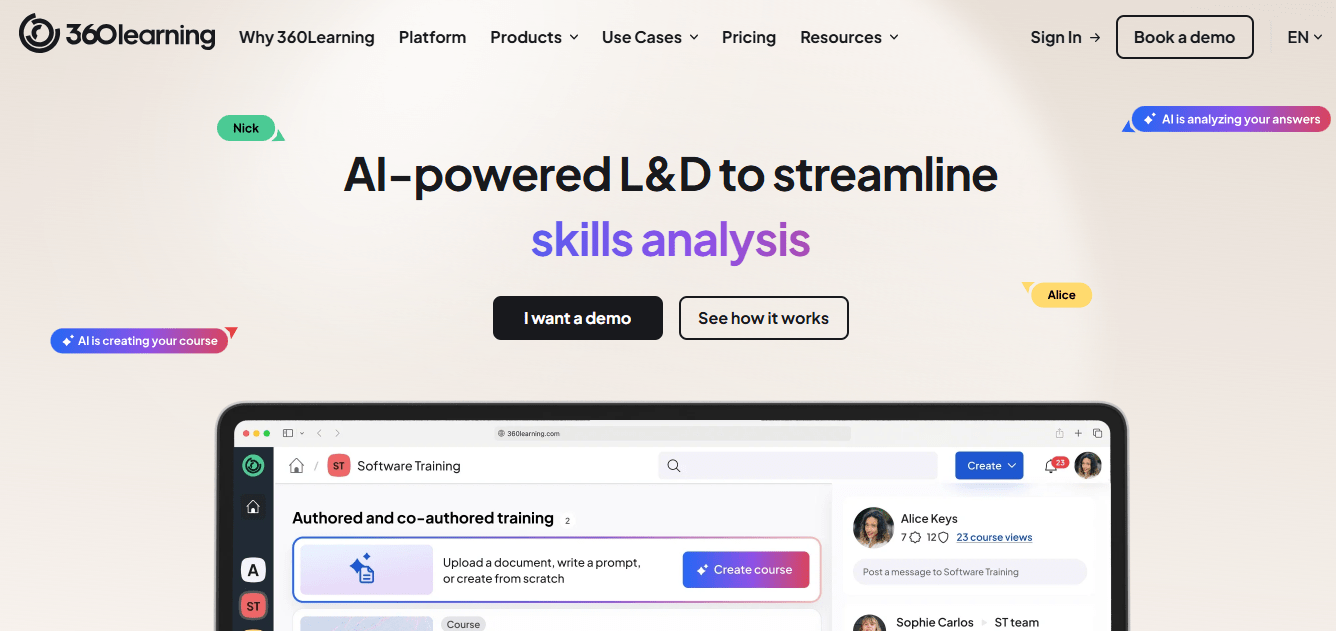
Pricing is more transparent than most enterprise platforms, with public per-user rates for smaller teams and custom quotes for larger ones. Reviewers rate ease of use highly for admins and contributors alike, which matters because experts who find a tool clumsy simply stop contributing and the whole idea quietly dies.
It is lighter on advanced compliance reporting than enterprise suites. I would choose it when capturing expertise is the goal, and I would keep a general library alongside it for broad skills that your own people are not the right source for.
Pros:
- Subject matter experts co-author courses without design bottlenecks
- Built-in feedback loops that improve courses over time
- Published per-user pricing for smaller teams
- Strong ease-of-use ratings from admins and contributors
- Well suited to capturing institutional knowledge before it walks out
Cons:
- Advanced compliance and reporting features are lighter than enterprise suites
- Not a ready-made library, so content depends on your own experts
Pricing: Starts around $8 per user per month, with custom pricing for larger teams.
8. Docebo – Best for Enterprise AI-Powered Learning at Scale
Docebo is for the leader whose problem is not the library but the system around it. It is an AI-powered learning platform built for employees, partners, and customers, and its Shape tool can turn existing documentation into a course draft, which helps when the real backlog is content nobody has time to build.
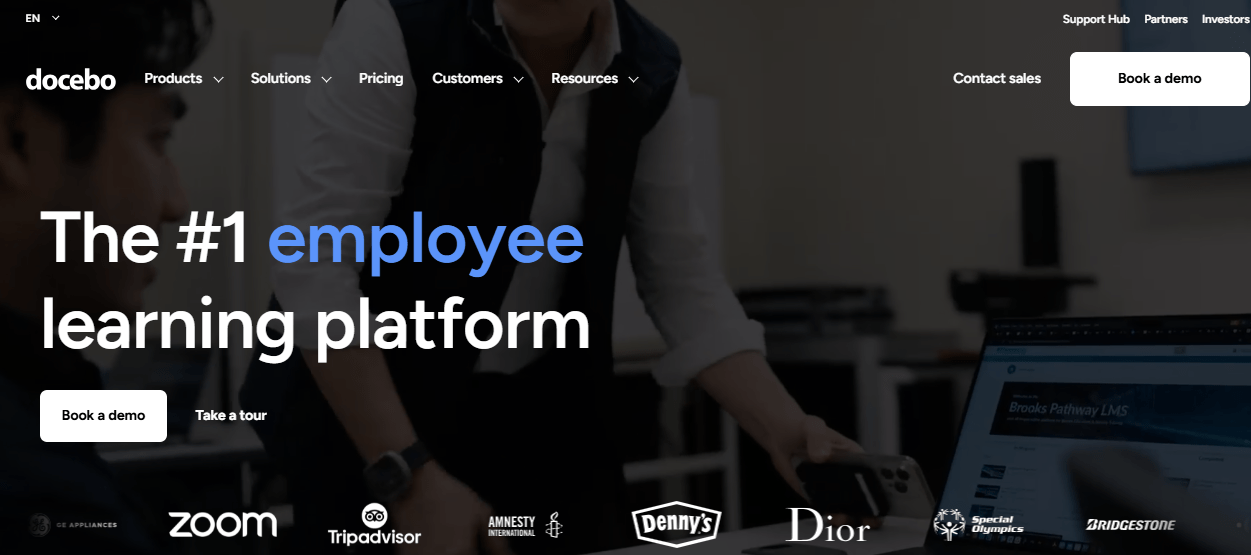
Reporting goes well beyond completion rates, which speaks to the complaint that people finish courses and nobody can show what changed. The cost is real, though. Pricing is quote-only, commonly reported around $25,000 a year before add-ons, and setup takes dedicated admin effort that a small team may not have spare.
For a large organization with several audiences and a team to run it, it earns the price. For anyone with a narrower need, it is more platform than the problem requires, and the money is better spent elsewhere on this list.
Pros:
- Deep, customizable reporting beyond completion rates
- AI-powered content creation (Shape) that speeds up course drafting
- Strong multi-audience support for employees, partners, and customers
- Mobile-first learner experience with offline access
- Active roadmap with frequent AI feature releases
Cons:
- Pricing is quote-based and expensive at scale
- Steep admin learning curve during initial configuration
Pricing: Custom quote only; total cost of ownership commonly starts around $25,000 per year before add-ons.
9. iSpring Learn – Best for Responsive Support and Predictable Per-User Pricing
Support is where I look first, because a platform nobody can get help with becomes shelfware, and that matters more than any feature on a comparison sheet. iSpring Learn consistently earns praise for responsive support on Capterra, which is a real contrast with the automated, boilerplate-reply complaints reviewers raise about support at larger libraries, LinkedIn Learning included.
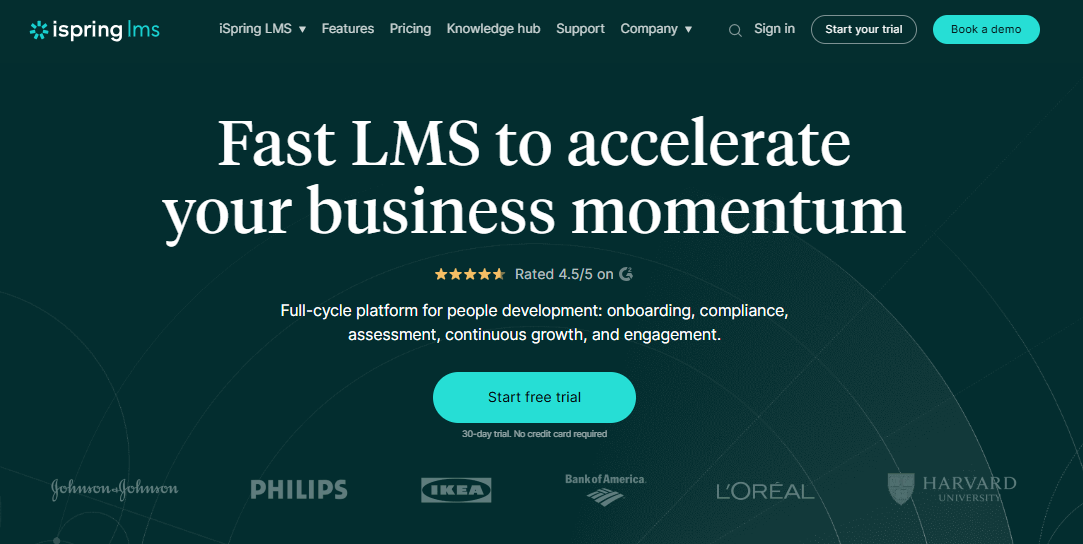
It is a plain, dependable LMS for structured onboarding and compliance training, with per-user pricing that drops as headcount grows. Setup stays closer to a same-day range than a multi-month rollout, so a pilot does not need an IT project or a steering committee before anyone can try it.
It is a corporate-training tool, and there is no free plan, so testing means committing to a paid tier. I would pick it when predictability and a vendor who actually answers matter more than breadth of content. A quiet, reliable rollout beats an ambitious one that stalls.
Pros:
- Built for structured onboarding and compliance training
- Per-user pricing that drops meaningfully at higher headcounts
- Consistently praised, responsive customer support
- Fast setup without heavy IT involvement
- Strong ratings across a sizable base of Capterra reviews
Cons:
- Not a ready-made course library
- No free plan, so testing means committing to a paid tier
Pricing: Starts around $6.91 per user per month at 100 users, dropping to about $3.97 at 500 users.
10. Coursebox – Best for Turning Documents Into AI-Drafted Courses
When the content backlog is the bottleneck, Coursebox is worth a look. Upload a document or describe a topic and the AI drafts a full course with quizzes, which your people then refine in a drag-and-drop editor instead of building from a blank page. That turns an existing SOP or policy into training far faster than building it by hand.
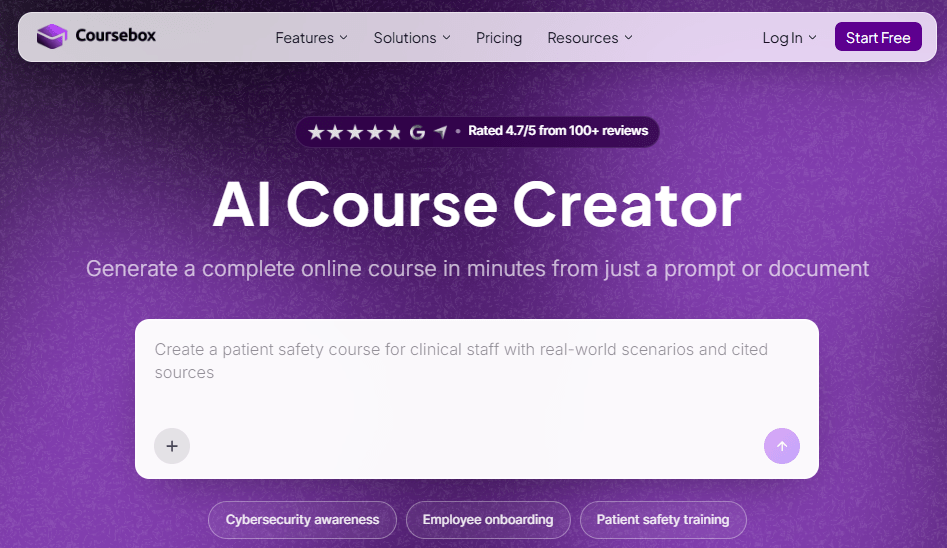
Reviewers praise the speed and ease of use. Design and branding controls are more limited than on dedicated authoring tools, and a few report slowdowns under heavy use, so test it with your real volume. An optional branded LMS means delivery does not need a second vendor.
I would treat the AI draft as a strong outline that a subject expert still reviews before publishing. That review step is where the quality comes from, and skipping it is how a fast tool produces a mediocre course.
Pros:
- AI drafts a complete course, quizzes included, from a document or prompt
- Drag-and-drop editor for refining AI-generated drafts
- Optional custom-branded LMS with the same AI built in
- Fast turnaround compared with building every lesson by hand
- Strong ease-of-use and satisfaction ratings across reviews
Cons:
- Branding and design customization are more limited than dedicated authoring tools
- Generation speed reported as inconsistent during heavy use
Pricing: Starts at $40 per month.
My Top Picks Among the LinkedIn Learning Alternatives
If you read nothing else, start here. Among all the LinkedIn Learning alternatives above, these three cover the three real jobs people hire a replacement for: control over content, a broader rented library, and hands-on depth. Whether you searched for LinkedIn Learning competitors or just a better way to prove learning happened, one of them fits.
1. ProProfs Training Maker
My pick if the goal is control over what your people learn and proof that it worked. Course creation runs on your terms, with the AI course creator and 500+ expert-built courses getting you to a first version fast and certificates tied to passed assessments. Reporting shows who finished and how they scored, which answers the question a viewing history never can.
2. Udemy Business
My pick if you want the closest swap for a broad, rented library. Capterra reviewers rate ease of use at 4.7, the catalog covers technical and business skills in volume, and a free trial makes a one-team pilot easy. Screen courses by rating and recency, because quality still varies from one instructor to the next.
3. KodeKloud
My pick if the complaint is that watching is not learning and your people work in IT or cloud. The hands-on labs make practice the core of the experience, and reviewers praise them consistently across 320 Capterra reviews. It is a specialist tool, so pair it with a general library or your own content for everyone outside engineering.
How I Evaluated These LinkedIn Learning Alternatives
I did not rank these ten alternatives to LinkedIn Learning on feature lists alone. Here is what shaped the order:
- User reviews and ratings from Capterra, weighted toward platforms with a meaningful volume of recent reviews, and flagged where the sample is small or covers a business listing
- Whether learning is passive or applied, since watching-is-not-learning is the single biggest complaint driving people toward LinkedIn Learning competitors
- Content currency, meaning how quickly material is refreshed and how easily you can update your own
- Control and proof, including reporting that proves outcomes and certificates tied to assessed skill rather than finished videos
- Support quality, based on patterns across verified reviews rather than a single testimonial
- Cost per seat at realistic headcount, including free trials and published pricing
- Real-world fit, matching each platform to whether you are renting a library or building your own curriculum
Rent the Library or Build the Curriculum
Most of these ten answer one question before they answer any other.
There is no single LinkedIn Learning alternative that wins every category, so decide what you are buying first. If the problem is breadth, Udemy Business and Coursera for Business replace the library. If it is depth, Pluralsight Skills and KodeKloud go where general courses stop. If it is control and proof, ProProfs Training Maker, TalentLMS, 360Learning, Docebo, iSpring Learn, and Coursebox put your content and your records in your hands.
Whichever way you lean among LinkedIn Learning alternatives, pilot with one team, baseline completion and one job metric before you start, and check how certificates are earned. If you also need compliance training records that survive an audit, test that the platform produces them without a spreadsheet beside it. Anyone comparing alternatives to LinkedIn Learning should ask each vendor how they would prove that something changed.
Frequently Asked Questions
What are the best LinkedIn Learning alternatives for employee training?
It depends on the gap. Udemy Business and Coursera for Business replace the library, Pluralsight Skills and KodeKloud add technical depth, and ProProfs Training Maker, TalentLMS, and 360Learning let you build and track your own training.
Is there a LinkedIn Learning alternative with hands-on practice?
Yes. KodeKloud is built around hands-on labs for DevOps and cloud, Coursera for Business offers guided projects, and ProProfs Training Maker pairs courses with quizzes and skill assessments so you can see what learners can actually do.
Who are the main LinkedIn Learning competitors for large libraries?
Among LinkedIn Learning alternatives for large libraries, Udemy Business, Coursera for Business, and Pluralsight Skills are the closest competitors, with different strengths: breadth, university credentials, and technical depth. All three charge per user, so pilot first.
What should I look for in alternatives to LinkedIn Learning?
Start with the gap: breadth, depth, or control. Then compare how certificates are earned, how recent the content is, how much support you get, and what reporting proves beyond completion, before you compare the price per seat.
Are LinkedIn Learning certificates worth much to employers?
They show effort more than assessed skill, since many come from finishing videos, and some employers treat them lightly. They do stay on a profile after cancellation. For stronger proof, use assessed credentials or passed assessments in your own courses.
Which LinkedIn Learning alternative is best for compliance training?
ProProfs Training Maker includes audit-ready reporting and certification tracking as standard, with 70+ language support for distributed teams. TalentLMS and iSpring Learn are also solid options for structured compliance programs that need clean completion records.
Let ProProfs AI create your training course

 We'd love your feedback!
What did you like & how can we make it even better?
 Thanks for your feedback!
 Ask Your Question
Have a question? Get expert help to make your decision easier.