Day one is a seven-day free trial. Day eight is a charge you did not expect. Day twelve is when a chatbot cannot find your account, and day fourteen is the end of the refund window for an annual plan.
Learners describe that sequence across Reddit, BBB, and Trustpilot, and it has little to do with whether the courses are good. Many are. But when billing, slow peer grading, and certificates that employers shrug at pile up, Coursera alternatives become a practical question: where can I get structured learning without the friction?
I would sort the 10 below by which of those problems you actually hit, because each one solves a different piece of it.
Top 10 Coursera Alternatives Compared
The complaint decides the replacement, and the complaints are not all the same. That is why the best Coursera alternatives for a learner who fears auto-renewal look nothing like the best pick for a company training a team. Here is the fast version: Capterra ratings, current pricing, and the two columns that map to the loudest complaints, billing model, and how learning gets assessed.
| Tool | Best For | Capterra | Pricing | Billing Model | How Learning Is Assessed |
|---|---|---|---|---|---|
| ProProfs Training Maker | Course creation for employee training & compliance | 4.8 | Free (10 learners); paid from $1.99/learner/mo | Per-learner subscription; free plan | Quizzes and skill assessments, scored in-platform |
| Udemy | Pay once per course, lifetime access | 4.5 | Per course, frequent sales | Per course (Business plan per user) | Varies by course |
| edX | Accredited university credentials | 4.8 | Contact for pricing; per-course tracks | Per-course verified tracks | Set by the university partner |
| LinkedIn Learning | Professional skills tied to your profile | 4.6 | Custom for teams; individual via LinkedIn | Subscription | Minimal quizzes, few projects |
| Pluralsight Skills | Technical skills with built-in assessments | 4.6 | From $26/mo or $275/yr | Monthly or annual subscription | Skill and role assessments |
| KodeKloud | Hands-on DevOps and cloud labs | 4.8 | Free version; Business from ~$28/user/mo | Per-user plans; free version | Hands-on labs |
| TalentLMS | Team training with predictable pricing | 4.7 | Free plan; $149–$579/mo | Monthly, by active users | Assignments and quizzes |
| 360Learning | Expert-built, collaborative courses | 4.7 | From ~$8/user/mo | Per-user plans | Quizzes, learner feedback loops |
| Docebo | Enterprise AI-powered learning at scale | 4.4 | Custom quote (~$25K+/yr) | Annual custom contract | Assessments, deep reporting |
| Thinkific | Educators publishing their own courses | 4.4 | $40–$164/mo (annual) | Creator subscription, 0% fees | Graded assignments and quizzes |
1. ProProfs Training Maker – Best for Easy Course Creation for Employee Training, Compliance & Skill Assessment
When a course has to prove learning, I would rather not leave the grading to strangers. ProProfs Training Maker keeps assessment inside the platform, so quizzes and skill assessments are scored automatically and a certificate follows a pass, not a deadline, which removes the guesswork about whether anyone actually learned anything.
The AI course creator drafts a structured course with chapters and quizzes from a topic, so your own material becomes a course without a design team.

Let ProProfs AI create your training course
Separately, 500+ expert-built, ready-to-use courses cover common compliance and skills topics when you would rather assign than build. Audit-ready reporting shows who finished and how they scored, 70+ language support covers distributed learners, and gamification keeps completion from sagging.
It is not a catalog of university programs, so look elsewhere on this list for degree credit. For training you control, among Coursera alternatives, this is the one I would build on.
Pros:
- AI course creator that drafts a full structured course from a topic description
- 500+ expert-built, ready-to-use courses to pull from when needed
- Audit-ready reporting and certification tracking built in, not a separate add-on
- Built-in gamification (badges, leaderboards, points) that lifts completion rates
- 70+ language support for global or distributed learners
Cons:
- No on-premise or self-hosted deployment option
- Light and dark mode theming is not yet available for the learner interface
Pricing: Free for up to 10 learners; paid plans start at $1.99 per learner per month.
2. Udemy – Best for Paying Once per Course With Lifetime Access
Udemy is the cleanest answer to the billing complaint that dominates Coursera discussions. You buy a course once, you keep access, and there is no seven-day trial quietly turning into a charge. Sales come often enough that waiting a few days usually beats paying list price.
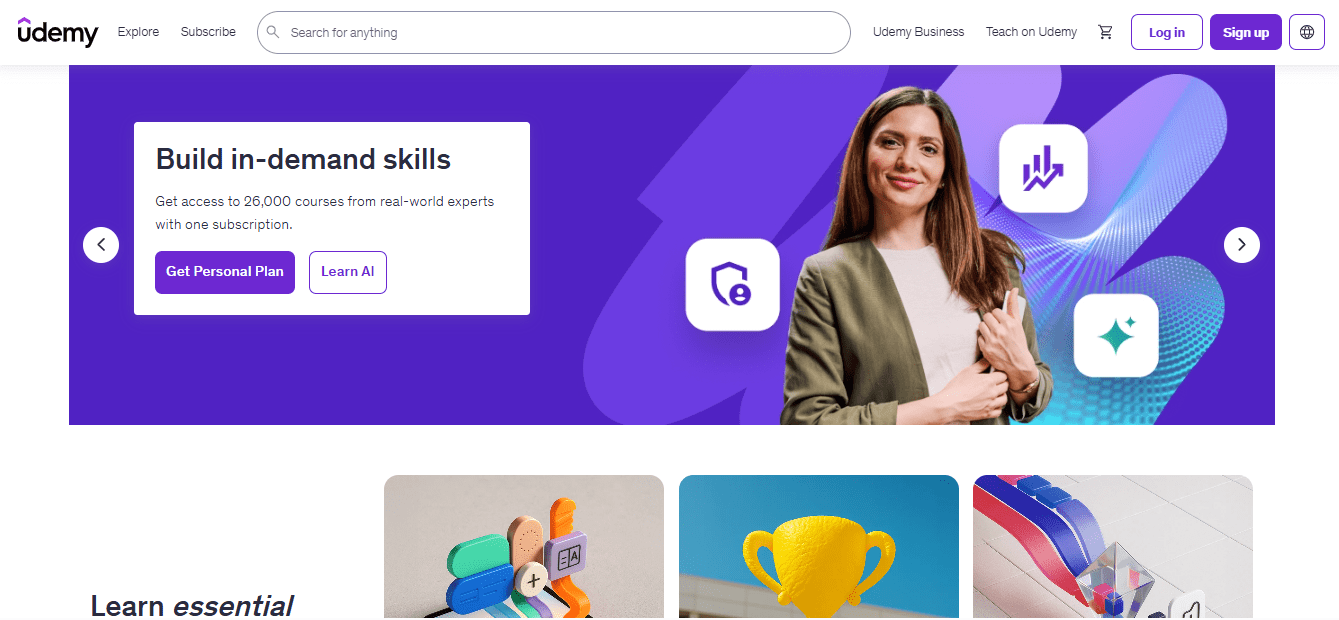
The tradeoff is curation. Udemy is an open marketplace, so I treat course ratings, recent comments, and the preview lesson as a screening step before paying. Certificates reflect completion rather than a proctored credential, and depth varies widely from one instructor to the next. A Business plan exists for teams, with pricing per user and quoted by sales.
Use it for practical skills you will apply quickly, where a long program would be overkill. For something a hiring manager will read as a credential, look at edX instead, and keep Udemy for the lessons that simply need to be useful.
Pros:
- Pay once per course with lifetime access, so nothing renews
- Frequent sales that cut individual course prices
- Very large catalog across technical, business, and creative topics
- Preview lessons and instructor reviews help screen quality before you buy
- Business plan for teams that want a managed library
Cons:
- Open publishing means course quality varies by instructor
- Certificates reflect completion rather than an assessed credential
Pricing: Pay per course, with prices varying and frequent sales; the Business plan is a custom quote.
3. edX – Best for Accredited University Credentials
edX is where I send learners who want a credential that survives a skeptical read. Courses come from accredited universities and major companies, and the gatekeeping matters: not just anybody can publish there, which cuts the quality lottery that open marketplaces carry.
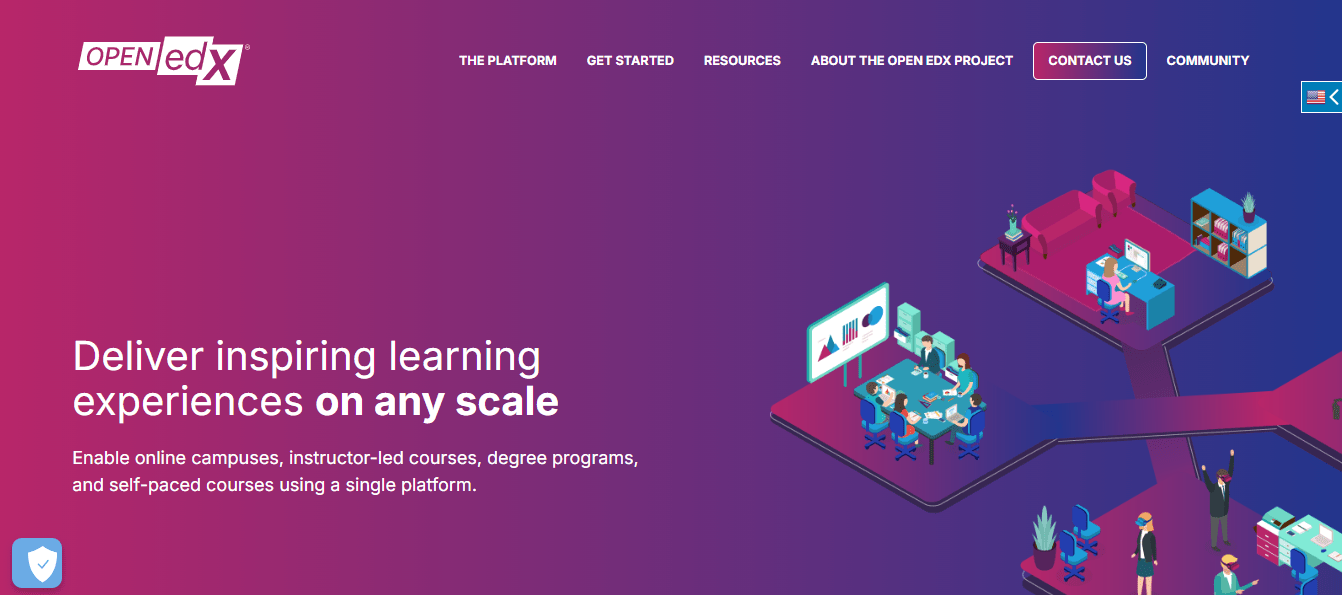
The emphasis is academic, with verified tracks and MicroMasters-style programs rather than weekend hobby classes. Cost is the usual complaint, since verified tracks are commonly priced per course and a full program adds up quickly. Some older courses carry dated lectures or broken resources, so check recency before you enroll and do not assume every title was refreshed together.
Like Coursera, it is not the place for quick, hobby-level learning. For career switching with something to show for it, it is a strong alternative, and the per-course model means there is no subscription to forget. Plan the commitment before you start, because a full program rewards patience more than a quick weekend push.
Pros:
- Courses from accredited universities and major companies
- Verified certificates with more academic weight than a completion badge
- Per-course verified tracks, so you pay for what you take
- Strong fit for career switchers who need a credential
- Business option with analytics for tracking team progress
Cons:
- Per-course costs add up across a full program
- Some older courses have outdated materials or broken resources
Pricing: Contact edX for pricing; verified tracks are commonly cited between $50 and $300 per course.
4. LinkedIn Learning – Best for Professional Skills Tied to Your Profile
LinkedIn Learning suits the learner whose goal is professional skills inside the account employers already look at. Business, software, and leadership courses are short and polished, and completed courses can be added to a profile with little effort. The polish is real, and for a quick refresher on a tool or a leadership concept it saves time.
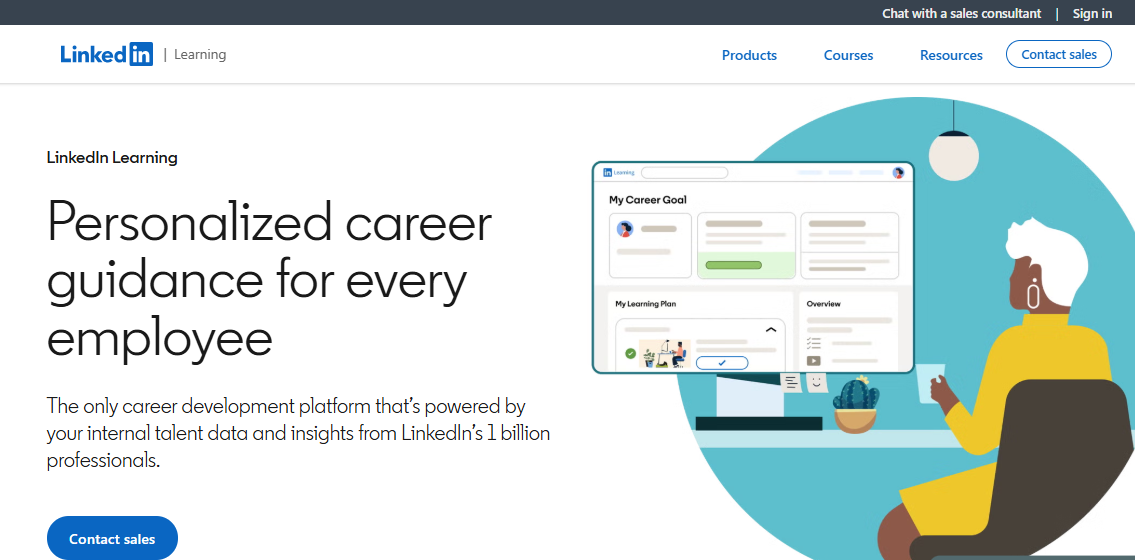
Its weak spot is the same one learners raise about Coursera: passive watching. Assessments are minimal, real projects are rare, and users report certificates arriving whether or not anything stuck. Some also report app crashes and unreliable offline downloads, so test the mobile experience before rolling it out to a group that learns on the move.
Pricing for teams is a quote, and individuals buy through LinkedIn’s own plans. I would use it as a supplement for soft skills and tool refreshers, not as the backbone of a program that has to prove learning happened.
Pros:
- Completed courses can sit on your LinkedIn profile
- Short, polished courses on business, software, and leadership skills
- Learning paths that sequence skills instead of one-off classes
- Library covers soft skills and tool refreshers broadly
- Team plans with admin controls for organizations
Cons:
- Assessments are minimal, and hands-on projects are rare
- Users report app crashes and unreliable offline downloads
Pricing: Custom quote for teams; individual access is sold through LinkedIn’s own plans.
5. Pluralsight Skills – Best for Technical Skills With Built-In Assessments
Coursera’s peer-graded work frustrates learners who just want to know where they stand. Pluralsight Skills answers that with skill and role assessments, which show gaps up front and cut the time spent re-learning things already known. That matters when the learners are busy professionals who would rather test out than sit through a beginner module.
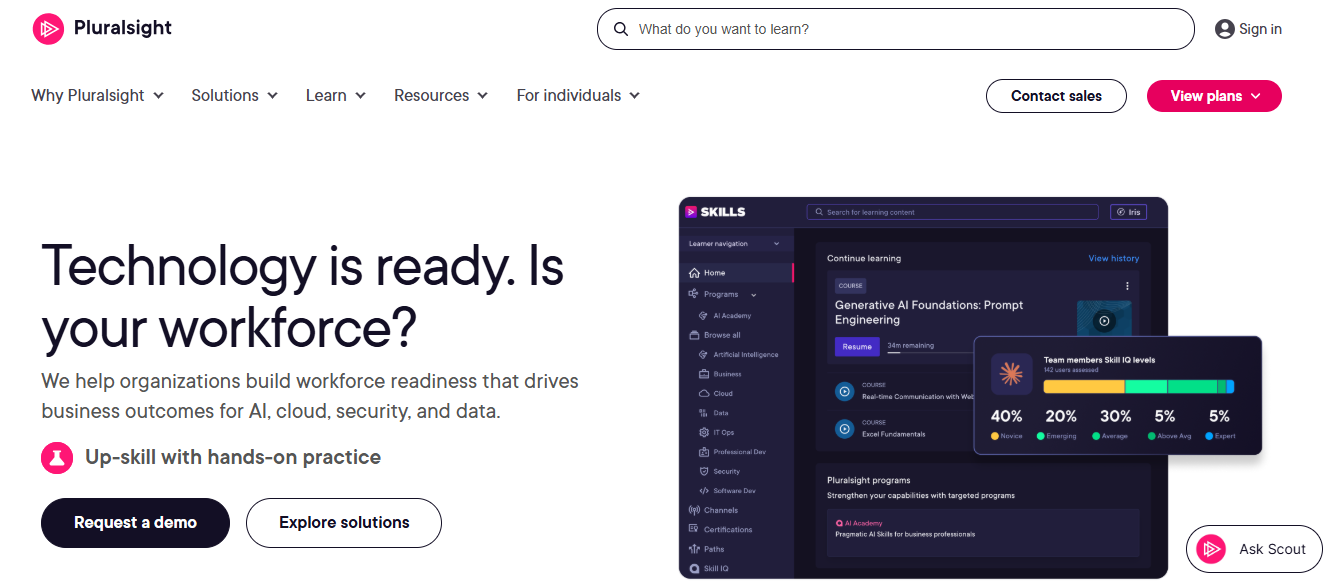
The focus is technical, covering software, data, and cloud, so it will not stretch to leadership or communication skills. Published pricing helps with budgeting, and free trials are available for testing fit. It is still a subscription, so set the cancel date the day a trial starts, and check the account once the trial window closes.
For engineers and analysts, the depth justifies it. A short assessment first is a cheap way to find out. For anyone outside tech, the catalog is the wrong shape, and a general library or your own content will serve better.
Pros:
- Skill and role assessments that show gaps before a path is chosen
- Depth on software, data, and cloud topics
- Published pricing for personal and team plans
- Free trials available for evaluating fit
- Gamified progress that keeps learners moving
Cons:
- Catalog is technical, with little for leadership or soft skills
- Still a subscription, so renewals need watching
Pricing: Personal plans start at $26 per month or $275 per year; team plans list at $579 per user per year for Professional and $779 for Enterprise.
6. KodeKloud – Best for Hands-On Labs in DevOps and Cloud
The lab complaints on Coursera, files that will not upload and graded work that rejects correct answers, push technical learners toward platforms where practice is the point. KodeKloud is built around hands-on labs for DevOps, Kubernetes, and cloud skills, so learners work in real environments instead of waiting on a grader.
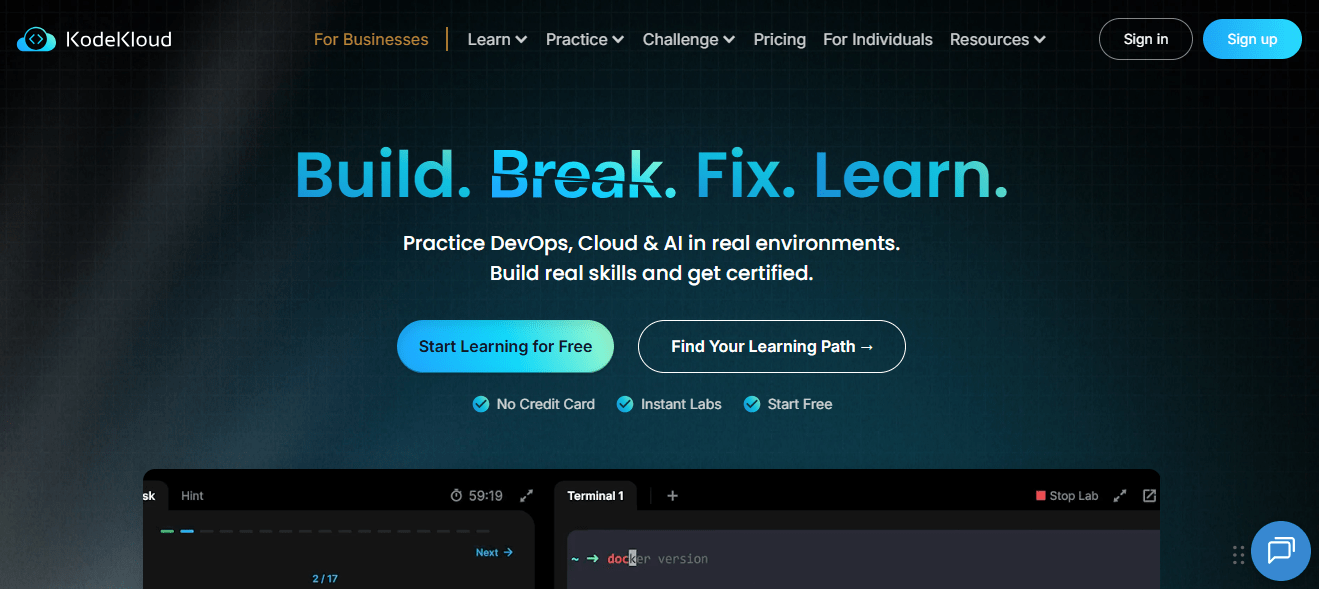
Users single out the labs and the practical, real-world scenarios as the reason the material sticks, and the courses and certificates are aimed at IT professionals. The tradeoffs are narrow scope and depth: theory content can run thin for people wanting deeper background, and some labs open slowly, which is worth knowing before you schedule a group session around them.
It is a specialist, not a general library. I would pair it with broader courses for context, and use it where the real test of learning is whether the thing actually works.
Pros:
- Hands-on labs that put learners in real environments
- Focused depth on DevOps, Kubernetes, and cloud skills
- Courses and certificates aimed at IT professionals
- Per-user business plan for managed rollouts
- Free version available for a low-risk test
Cons:
- Specialist scope covers IT and cloud, not general topics
- Thin theory content and occasionally slow labs
Pricing: Free version available; Business plan from about $28 per user per month on its listing.
7. TalentLMS – Best for Running Training for a Team With Predictable Pricing
For anyone running training for a team rather than learning alone, TalentLMS changes the economics. Pricing is published and based on how many people log in each month, so you are not paying for dormant seats, and a free plan lets you test before spending, which beats finding out after the invoice arrives.
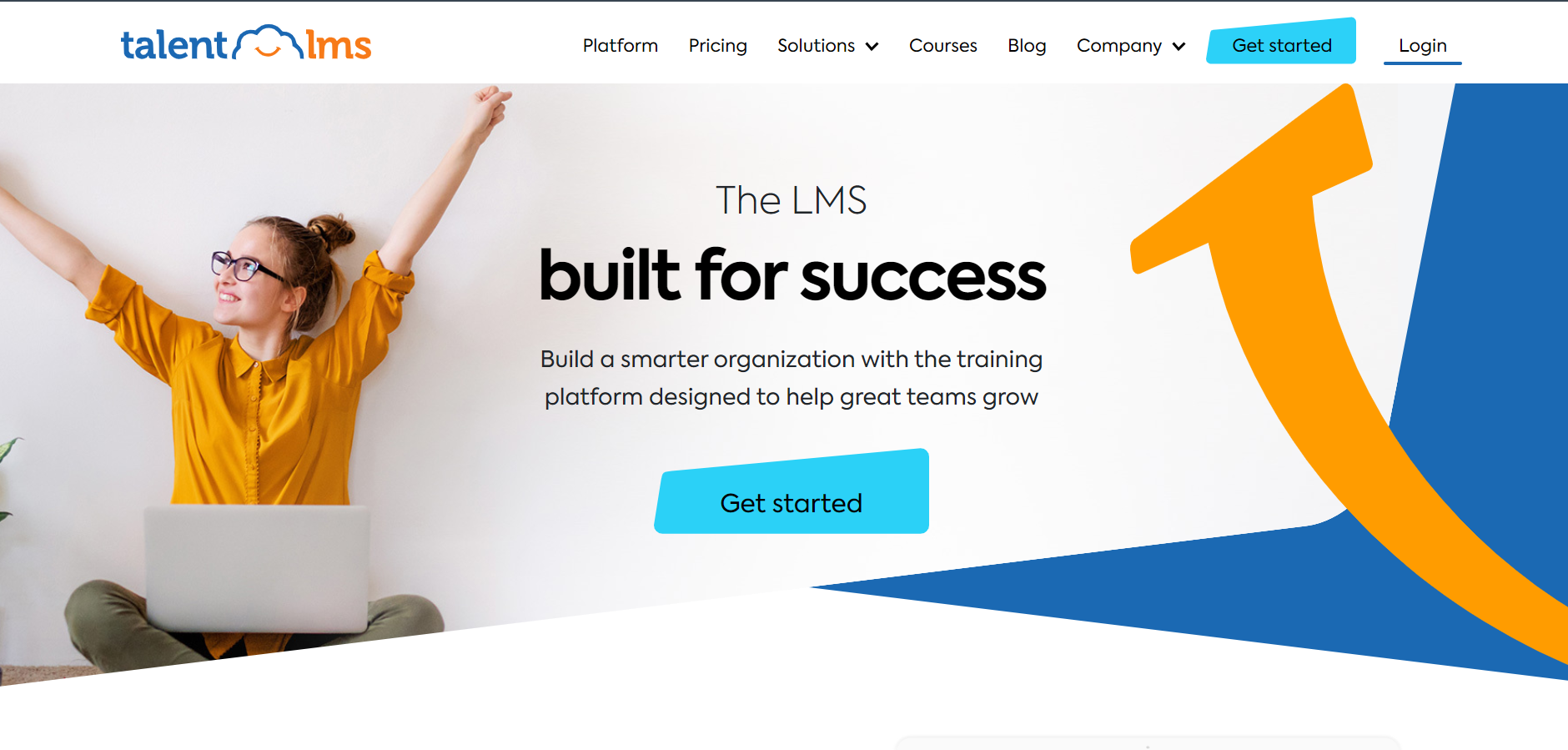
You own the content, learning paths, and certificates, with reporting on who finished and when. If you would rather rent some material, the optional TalentLibrary add-on gives access to 1,000+ ready-made courses. Thirty-plus integrations connect it to tools most organizations already run, which keeps rollout simple.
It will not give you university credentials, so it complements a Coursera-style program rather than replacing one. I would pick it when a dependable record of who learned what matters more than the name on the certificate. It also scales down gracefully, so a small pilot does not lock you into a large commitment.
Pros:
- Pricing based on monthly active users, with no sales call required
- Genuine free plan for testing before committing
- Courses, paths, and certificates in an account you control
- Optional TalentLibrary add-on with 1,000+ ready-made courses
- 30+ integrations including Zoom and Microsoft Teams
Cons:
- The ready-made library is a paid add-on, not part of the base plan
- No university-backed credentials
Pricing: Free plan available; Core starts at $149 per month for up to 100 users, scaling to $579 per month for 1,000 users.
8. 360Learning – Best for Expert-Built Courses and Collaborative Authoring
Coursera’s catalog teaches general skills well. It cannot teach the things only your own people know. 360Learning is built around that gap: subject matter experts co-author courses directly on the platform, and learner feedback flows back into the content, so a change in procedure does not wait in a queue.
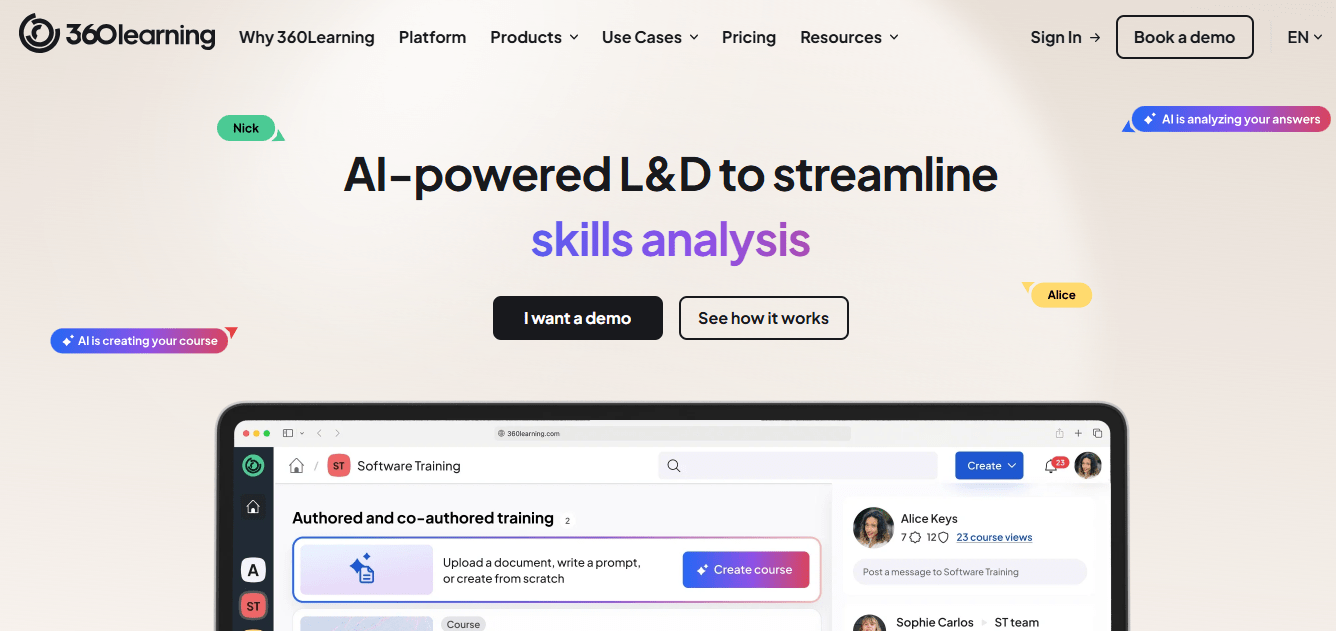
Pricing is more transparent than most enterprise platforms, with public per-user rates for smaller teams and custom quotes for larger ones. Admins and contributors tend to find it easy to use, which matters because experts who find a tool clumsy simply stop contributing and the whole idea quietly fades.
It is lighter on advanced compliance reporting than enterprise suites and has no ready-made university library. I would choose it when capturing internal expertise is the goal, alongside a broader catalog for the general skills your people are not the right source for. It works best with a champion on each team.
Pros:
- Subject matter experts co-author courses without design bottlenecks
- Built-in feedback loops that improve courses over time
- Published per-user pricing for smaller teams
- Easy to use for admins and contributors alike
- Well suited to capturing institutional knowledge
Cons:
- Advanced compliance and reporting features are lighter than enterprise suites
- Not a ready-made library, so the content depends on your own experts
Pricing: Starts around $8 per user per month, with custom pricing for larger teams.
9. Docebo – Best for Enterprise AI-Powered Learning at Scale
Docebo is for the organization whose problem is the system around the courses, not the catalog. It is an AI-powered learning platform built for employees, partners, and customers, and its Shape tool can turn existing documentation into a course draft, which helps when the backlog is content that nobody has time to build.
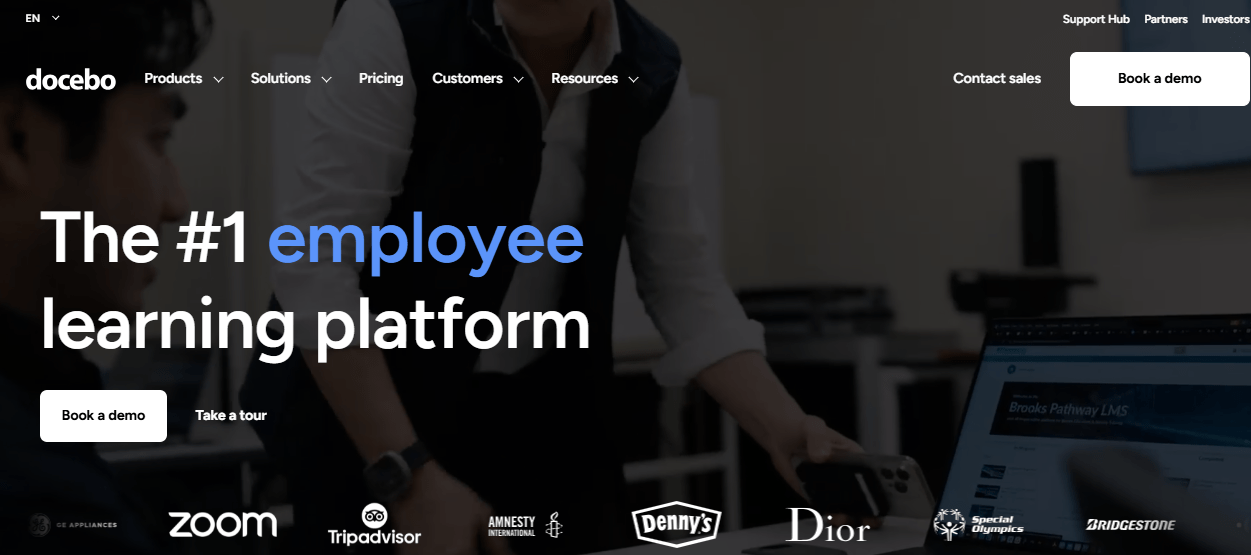
Reporting goes well beyond completion, which speaks to the question Coursera certificates rarely answer: what actually changed. The cost is real. Pricing is quote-only, commonly reported around $25,000 a year before add-ons, and setup takes dedicated admin effort that a small team may not have spare.
For a large organization with several audiences and a team to run it, it earns the price. For a narrower need, it is more platform than the problem requires, and the money is better spent elsewhere on this list. Ask for a pilot scoped to one audience before signing anything multi-year.
Pros:
- Deep, customizable reporting beyond completion rates
- AI-powered content creation (Shape) that speeds up course drafting
- Strong multi-audience support for employees, partners, and customers
- Mobile-first learner experience with offline access
- Active roadmap with frequent AI feature releases
Cons:
- Pricing is quote-based and expensive at scale
- Steep admin learning curve during initial configuration
Pricing: Custom quote only; total cost of ownership commonly starts around $25,000 per year before add-ons.
10. Thinkific – Best for Educators Publishing Their Own Graded Courses
For educators who would rather publish than subscribe, Thinkific puts the course in your hands. Graded assignments, quizzes, and structured learning paths let you design assessment the way you want, without depending on peer reviewers who may never show up.
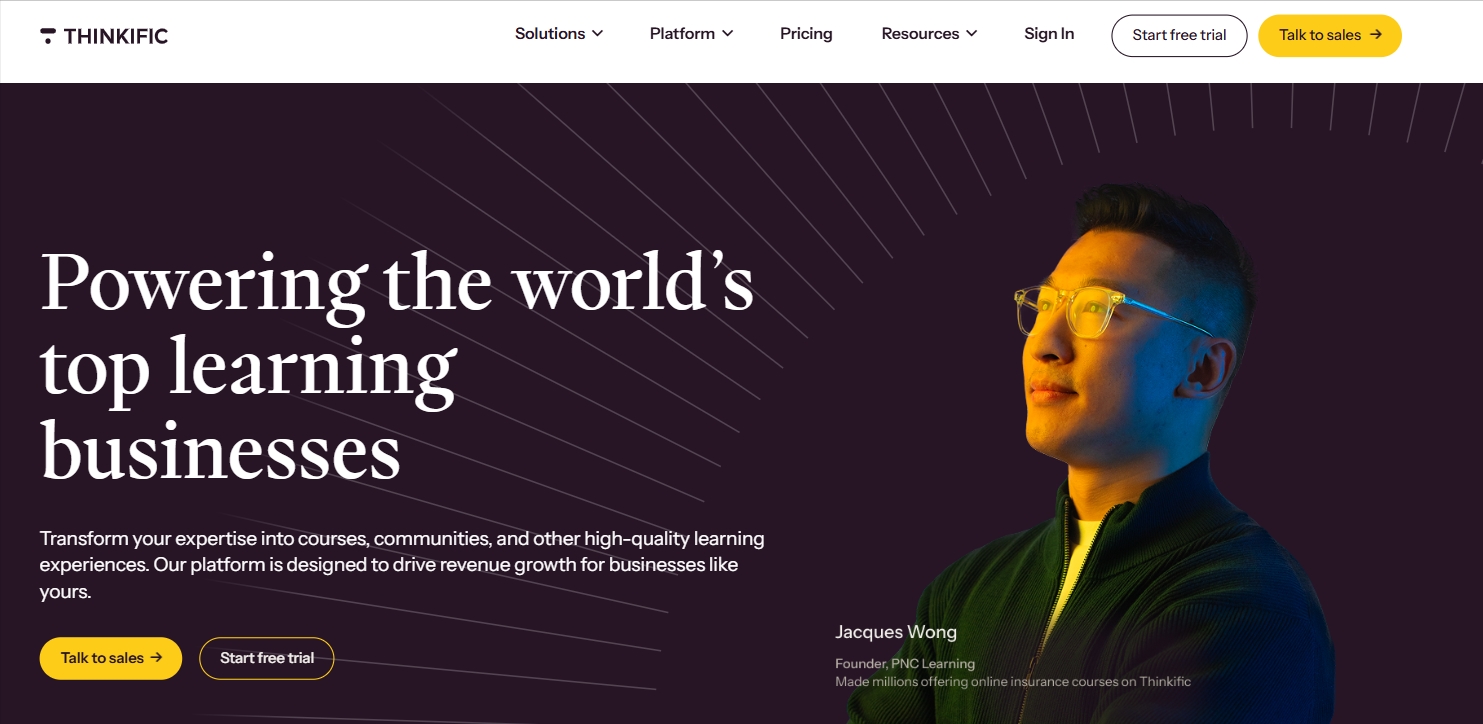
Transaction fees stay at 0% on paid plans, so revenue is yours apart from card processing. The 2026 price increase and the end of the free plan are real costs, and a branded mobile app is not included below the enterprise tier, so students use it in a browser rather than an app. None of that changes the core appeal for an educator who wants control.
I would choose it when the goal is teaching your own curriculum with accountability built in, not browsing someone else’s catalog. It is a publishing platform first, so it adds no ready-made library of its own, and you bring the expertise.
Pros:
- Graded assignments and quizzes that add accountability
- Structured learning paths for sequenced curricula
- 0% platform transaction fees on every paid plan
- Automatic certificates and coupons on the entry plan
- Approachable builder for non-technical creators
Cons:
- No permanent free plan, only a 14-day trial
- Branded mobile app is not included below the enterprise tier
Pricing: Basic starts at $40 per month on annual billing, scaling to $164 per month for Grow.
My Top 3 Picks Among the Coursera Alternatives
If you read nothing else, start here. Among all the Coursera alternatives above, these three cover the three real jobs people hire a replacement for: training you control, billing without surprises, and a credential that holds up. Whether you searched for Coursera competitors or just a calmer way to learn, one of them fits.
1. ProProfs Training Maker
My pick if you want an assessment, you control instead of peer grading, you cannot. Course creation runs on your terms, with the AI course creator and 500+ expert-built courses getting you to a first version fast and certificates tied to passed assessments. Reporting shows who finished and how they scored, which answers the question a completion badge never does.
2. Udemy
My pick if surprise charges are your main fear. You pay once per course and keep access, and frequent sales keep the price reasonable. Screen courses by rating and recency first, because open publishing means quality still varies from one instructor to the next.
3. edX
My pick if you need a credential that survives a skeptical read. Accredited universities and major companies sit behind the courses, and the per-course model means there is no subscription to forget. Total the cost of a full program before you start, because verified tracks add up.
How I Evaluated These Coursera Alternatives
I did not rank these ten alternatives to Coursera on feature lists alone. Here is what shaped the order:
- User reviews and ratings from Capterra, weighted toward platforms with a meaningful volume of recent reviews
- Billing model and cancellation friction, since surprise charges are the single biggest complaint driving people toward Coursera competitors
- How learning is assessed, meaning peer review, automated grading, labs, or assessments and reporting, you control
- Certificate value, meaning whether a credential comes from an assessed pass and a recognized institution
- Support quality and how easily a real person can be reached
- Fit for business use, which is where Coursera for Business alternatives differ most from consumer platforms
- Real-world fit, matching each platform to whether you are learning alone, teaching, or training a team
Read the Cancellation Page Before the Course Page
Every complaint in the research starts after the checkout button.
Coursera still works for what it does best: structured paths from trusted universities and companies, especially when a Plus plan goes on sale and you finish what you start. The trouble is rarely the content. It is billing that renews quietly, support that routes through a bot, and certificates that carry less weight with employers than the marketing suggests.
Among Coursera alternatives, none wins every category, so match the platform to your complaint. If surprise charges are the fear, Udemy removes the renewal. If you need a credential that a hiring manager recognizes, edX is the closest swap. If you are training a team, ProProfs Training Maker, TalentLMS, and 360Learning put content and records in your hands. Before paying anything, read the trial and refund terms, set a cancel date, and check your bank statement after the trial window closes. Anyone weighing alternatives to Coursera for a company should also test whether compliance training records come out clean without a spreadsheet beside them.
Frequently Asked Questions
What are the best Coursera alternatives for avoiding surprise charges?
Udemy sells courses individually with lifetime access, so nothing renews, and edX uses per-course verified tracks. Whichever you choose, read the trial and refund terms first and check your bank statement after the trial window.
Is there a Coursera alternative with better assessment than peer grading?
Yes. Pluralsight Skills uses skill assessments, KodeKloud relies on hands-on labs, and ProProfs Training Maker scores quizzes and skill assessments on the platform, so there is no waiting days or weeks for strangers to review your work.
Which Coursera for Business alternatives work for employee training?
Among Coursera for Business alternatives, ProProfs Training Maker, TalentLMS, and 360Learning let you build and track your own training, while Udemy and LinkedIn Learning rent you a ready-made library with per-user pricing, so pilot one team first.
Who are the main Coursera competitors for university credentials?
edX is the closest of the Coursera competitors for university-backed credentials, with accredited institutions behind its courses. Verified tracks are priced per course, so total the cost of the full program before you enroll and check course recency.
What should I look for in alternatives to Coursera?
Match the fix to your complaint: billing model for surprise charges, assessment method for grading frustration, and certificate source for career value. Check the refund window and how support is reached before you pay for anything.
Are Coursera certificates worth it compared with alternatives?
Often not on their own. Users report employers weigh projects and proctored industry certifications more, so pair any certificate with real work. Courses that end in a passed assessment give you something easier to defend in an interview.
Let ProProfs AI create your training course

 We'd love your feedback!
What did you like & how can we make it even better?
 Thanks for your feedback!
 Ask Your Question
Have a question? Get expert help to make your decision easier.