I can usually tell within the first few minutes of talking to a school or training team whether they need Google Classroom alternatives or just need to use Classroom better.
The tell is always a stack of spreadsheets sitting next to it: one for attendance Classroom never tracked, one for who actually finished onboarding, one for anything a parent needs to know that a weekly digest email never quite covers. None of that means Classroom does its actual job badly. It means the job people are asking it to do stopped matching what it was built for a while ago.
Here’s a rundown of ten platforms, each built to close one specific piece of that gap instead of leaving you to patch it together yourself.
Top Google Classroom Alternatives Compared
Every one of these fixes a different piece of what makes Classroom frustrating, so the best Google Classroom alternatives for an elementary teacher look nothing like the best pick for a corporate training team. Here is the fast version: Capterra ratings, current pricing, and two things that matter more than a feature checklist, gradebook and SIS depth, and parent or guardian communication tools.
| Tool | Best For | Capterra | Pricing | Gradebook / SIS Depth | Parent/Guardian Tools |
|---|---|---|---|---|---|
| ProProfs Training Maker | Course creation for employee training & compliance | 4.8 | Free (10 learners); paid from $1.99/learner/mo | Certification tracking, not K-12 SIS | Not applicable, business-focused |
| Canvas | Full LMS depth without outgrowing it | 4.6 | Custom quote | Weighted grading, SIS integration | Basic, via LMS notifications |
| Moodle | Open-source control & data privacy | 4.3 | Free (self-hosted); hosted plans vary | Plugin-dependent, varies widely | Plugin-dependent, varies widely |
| Schoology | K-12 gradebook depth & engagement | 4.4 | Custom quote | Weighted grading, attendance tracking | Stronger than Classroom’s summaries |
| Microsoft Teams for Education | Microsoft 365 schools | 4.5 | Often included; from $4/user/mo standalone | Basic, via OneNote & Office | Limited, not a core focus |
| Seesaw | Elementary portfolios & family ties | 4.7 | Free (teacher); school pricing on request | Not a full gradebook | Strong, real-time portfolios |
| ClassDojo | Parent & guardian communication | 4.7 | Free (teacher); contact for school pricing | Not a gradebook tool | Strongest on this list, 35+ languages |
| Blackboard Learn | Large-scale institutional deployment | 4.1 | From $9,500/yr (business) | Deep, enterprise-grade reporting | Basic, via LMS notifications |
| TalentLMS | Corporate training, not classrooms | 4.7 | Free plan; $149–$579/mo | Certification tracking, not K-12 SIS | Not applicable, business-focused |
| Brightspace by D2L | Analytics-driven course management | 4.2 | Custom quote | Predictive analytics, adaptive paths | Basic, via LMS notifications |
1. ProProfs Training Maker – Best for Easy Course Creation for Employee Training, Compliance & Skill Assessment
I tried stretching Google Classroom to cover new-hire onboarding for a client’s training team, and it fell apart at exactly the seam you would expect: no attendance tracking, no certification records, and no way to prove someone finished compliance training beyond a checkbox. Google Classroom was built for classrooms, not corporate training, and ProProfs Training Maker is built for that gap.
The AI course creator handles what would otherwise be hours of manual setup. I describe a topic and it drafts a full structured course with chapters and quizzes ready to edit.

Let ProProfs AI create your training course
Separately, 500+ expert-built, ready-to-use courses are available to pull from when I do not need to start from scratch. Audit-ready reporting, 70+ language support, and built-in gamification, badges, leaderboards, points, all come standard.
It is the better fit once you are training employees or contractors rather than managing a classroom. If you need a free, simple tool for a school setting, some of the education-focused platforms further down this list will match your use case more directly.
Pros:
- AI course creator that drafts a full structured course from a topic description
- 500+ expert-built, ready-to-use courses to pull from when needed
- Audit-ready reporting and certification tracking built in, not a workaround
- 70+ language support for global or distributed teams
- Built-in gamification (badges, leaderboards, points) that lifts completion rates
Cons:
- No on-premise or self-hosted deployment option
- Light and dark mode theming is not yet available for the learner interface
Pricing: Free for up to 10 learners; paid plans start at $1.99 per learner per month.
2. Canvas – Best for Full LMS Depth Without Outgrowing It
Canvas is where most of the districts and schools I have talked to land once Classroom’s basic gradebook and lack of SIS features finally become a dealbreaker.
Weighted grading categories, standards-based grading, and genuine multi-year progress tracking all exist here, which stops the spreadsheet workaround that Classroom quietly forces on administrators.
Reviewers consistently rate it among the highest of any LMS on this list, and the learning curve, while real, pays off once teachers get past the first semester. Migration from Classroom is not one-click, though; content usually needs rebuilding rather than a clean import, which every switcher I know underestimates going in.
If Classroom’s structural ceiling, no SIS, weak gradebook, no transcripts, is the actual wall you hit, Canvas removes it entirely, at the cost of a real onboarding investment.
Pros:
- Weighted grading, standards-based grading, and multi-year progress tracking
- Consistently among the highest-rated LMS platforms by volume of reviews
- Strong SIS integration options for attendance and enrollment data
- Deep third-party app and LTI integration ecosystem
- Mobile app rated meaningfully higher than Classroom’s for stability
Cons:
- Real learning curve compared to Classroom’s simplicity
- Migration from Classroom requires rebuilding content, not a clean import
Pricing: Custom quote based on district or institution size; contact Instructure for pricing.
3. Moodle – Best for Open-Source Control and Data Privacy
Moodle answers the privacy and data-ownership complaint I hear constantly about Classroom: the institution hosts and controls the data instead of Google. For districts or organizations with genuine FERPA, GDPR, or institutional-ownership concerns, that difference is not a nice-to-have, it is the actual requirement driving the search.
Being open-source and self-hosted means real technical overhead, though, and reviewers consistently note the interface feels dated next to Canvas or Schoology. What you get in exchange is complete customization and zero per-seat licensing fees if you have the technical staff to run it.
If institutional control over data is the real driver behind leaving Classroom, Moodle delivers that directly, with the tradeoff of needing someone comfortable managing the hosting yourself.
Pros:
- Complete data ownership and control, no third-party hosting dependency
- No per-seat licensing fees for the core open-source platform
- Extensive plugin ecosystem for nearly any customization need
- Strong track record in higher education and government institutions
- Large, active community contributing ongoing development and support
Cons:
- Interface feels dated compared to Canvas or Schoology
- Self-hosting requires real technical staff and ongoing maintenance
Pricing: Free and open-source to self-host; hosted plans through Moodle partners vary by provider.
4. Schoology – Best for K-12 Gradebook Depth and Social-Style Engagement
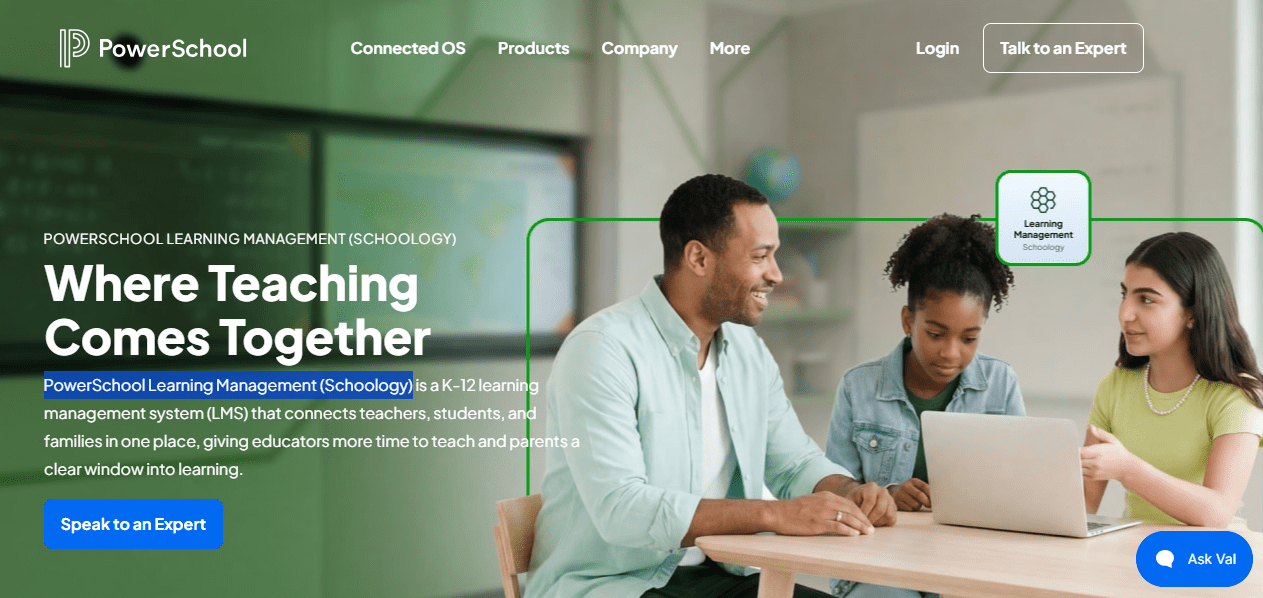
Schoology solves the gradebook complaint directly: weighted categories, rubric-based grading, and a social-feed-style interface that students actually seem to engage with more than Classroom’s flatter stream. Attendance tracking and deeper analytics live here too, closing gaps that push administrators toward spreadsheets in Classroom.
Pricing is not published, and districts typically go through a sales conversation rather than a self-serve signup, which some smaller schools find frustrating compared to Classroom’s zero-friction setup. Reviewers do rate the platform solidly, particularly for the combination of academic and social features in one place.
If gradebook depth and student engagement are the specific gaps Classroom left open, Schoology closes both without requiring a full district-wide LMS migration project.
Pros:
- Weighted grading categories and rubric-based assessment tools
- Attendance tracking built in, unlike Classroom’s absence of this feature
- Social-feed-style interface that reviewers say improves student engagement
- Strong parent communication features beyond Classroom’s weekly summaries
- Solid integration options with common SIS platforms
Cons:
- Pricing is not published; requires a sales conversation for districts
- Setup and onboarding take more time than Classroom’s near-instant signup
Pricing: Custom quote only; contact Schoology for district or school pricing.
5. Microsoft Teams for Education – Best for Microsoft 365 Schools
Microsoft Teams for Education solves a problem that has nothing to do with features and everything to do with ecosystem: if your school already runs on Microsoft 365 instead of Google Workspace, Classroom simply was not built with you in mind. Assignments, OneNote class notebooks, and Office integration all work the way Google’s tools work for Google schools.
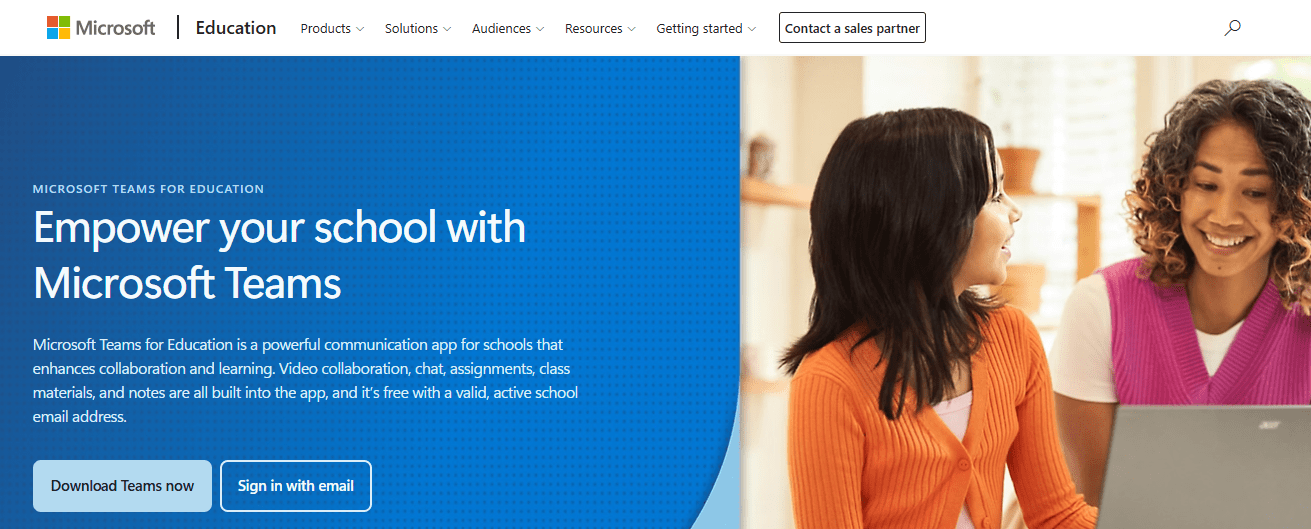
The broader Teams platform carries a strong review base, though education-specific feedback is more mixed, particularly from teachers used to Classroom’s simplicity who find Teams comparatively heavy for younger students. Included licensing through Microsoft 365 Education keeps the direct cost low or free for many schools.
If your institution is Microsoft-based rather than Google-based, this removes the ecosystem mismatch entirely, though younger students may need more guidance getting comfortable with it.
Pros:
- Native fit for schools already running Microsoft 365 rather than Google Workspace
- OneNote class notebooks and Office app integration built in
- Often included at no extra cost under Microsoft 365 Education licensing
- Strong video conferencing and collaboration tools beyond basic assignments
- Familiar interface for staff already using Teams for daily communication
Cons:
- Feels heavier and less child-friendly than Classroom for younger students
- Education-specific feedback is more mixed than Classroom’s for simplicity
Pricing: Often included with Microsoft 365 Education licensing; standalone plans start around $4 per user per month.
6. Seesaw – Best for Elementary Portfolios and Family Communication
Seesaw answers a gap Classroom never really addressed well for younger grades: a genuine student portfolio, photos, videos, and work samples that families can actually see, not just a weekly email summary. For K-5 teachers, that visibility into a young learner’s actual work matters more than gradebook depth.
Reviewers consistently praise how naturally young students use it independently, sometimes before they can type fluently, using voice notes and drawings instead. It is not trying to be a full LMS, and stretching it toward secondary-level coursework or complex grading will hit limits fast.
If your Classroom frustration is specifically about elementary engagement and weak family visibility, Seesaw closes that gap directly, though it stays a portfolio tool rather than a full course management system.
Pros:
- Genuine student portfolios with photos, video, and voice notes
- Strong real-time family communication beyond weekly email summaries
- Young students can use it independently before typing fluently
- Free plan available for individual teachers to start immediately
- Consistently high ease-of-use ratings from both teachers and families
Cons:
- Not built for secondary-level coursework or complex grading needs
- Limited depth compared to a full LMS as students progress past elementary
Pricing: Free plan available for individual teachers; school and district pricing available on request.
7. ClassDojo – Best for Parent and Guardian Communication
ClassDojo goes directly at the weakest part of Classroom’s toolkit: real parent and guardian engagement. Real-time updates, automatic translation into more than 35 languages, and a points-based behavior system give families actual visibility into a school day, not a once-a-week digest.
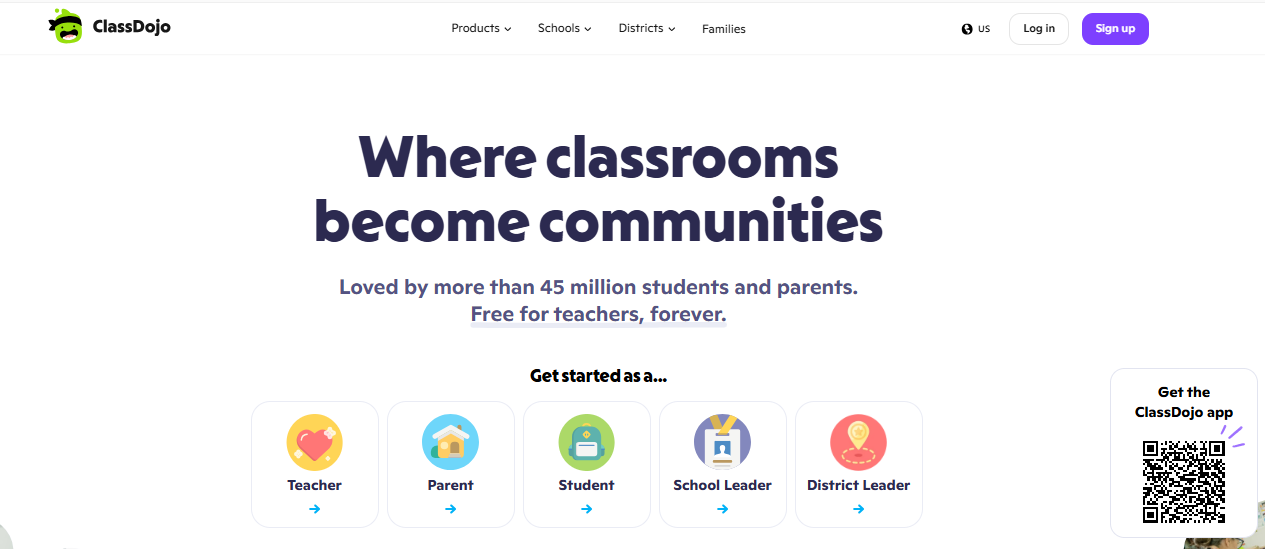
It carries the largest review base of any platform on this list by a wide margin, and reviewers consistently praise daily progress visibility, though a few describe notification volume as overwhelming once several teachers and classes are active at once. It leans toward classroom management and family communication rather than gradebook or coursework depth.
If weak parent communication was your specific complaint about Classroom, ClassDojo solves it more directly than almost anything else on this list.
Pros:
- Automatic translation into 35-plus languages for family communication
- Points-based behavior and engagement system built in
- Largest verified review base of any platform on this list
- Free for teachers, with school-level features available separately
- Strong daily progress visibility that reviewers consistently highlight
Cons:
- Notification volume can feel overwhelming across multiple classes
- Not built for gradebook depth or complex coursework management
Pricing: Free for teachers; contact ClassDojo for school or district pricing.
8. Blackboard Learn – Best for Large-Scale Institutional Deployment
Blackboard Learn is built for an entirely different scale than Classroom: large districts, universities, and enterprise training programs that need governance, security, and reporting depth Classroom was never designed to provide. Recent Ultra-experience updates modernized an interface that reviewers long criticized as dated.
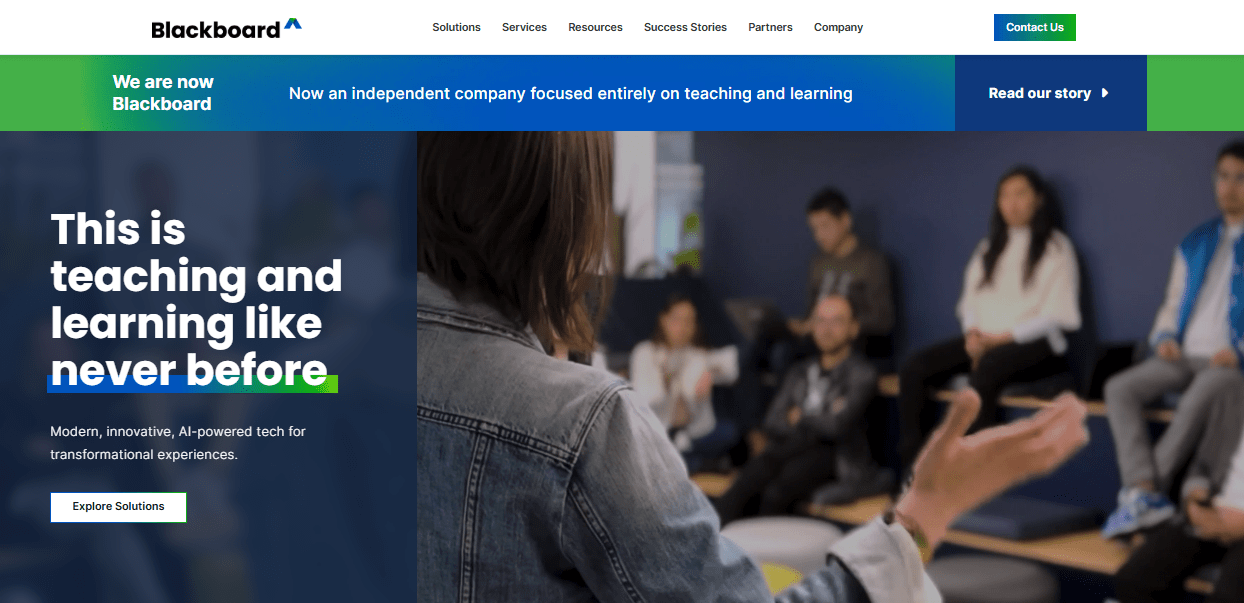
Pricing reflects that scale too, starting around $9,500 a year for business deployments and running considerably higher for large institutions once modules and integrations are added. Reviewers remain split on the interface, some calling Ultra a real improvement, others still comparing it unfavorably to Canvas.
If you are a large institution that needs enterprise-grade governance and reporting, not a single classroom teacher, Blackboard operates at the scale Classroom was never meant to reach.
Pros:
- Built for large-scale institutional governance and security requirements
- Recent Ultra interface modernization addresses long-standing complaints
- Deep reporting and compliance features for regulated institutions
- Established track record across higher education and enterprise training
- Strong integration options with SIS and identity management systems
Cons:
- Starting price around $9,500 a year puts it out of reach for small schools
- Reviewers remain split on whether Ultra fully closes the UX gap with Canvas
Pricing: Starts around $9,500 per year for business deployments; institutional pricing varies by scale.
9. TalentLMS – Best for Corporate Training Teams, Not Classrooms
TalentLMS solves the same core problem as ProProfs from a different angle: Classroom was built for classrooms, and corporate training teams need certification tracking, structured onboarding paths, and reporting Classroom never attempted. I had a course live and assigned to learners the same afternoon, with pricing published on the website instead of a quote request.
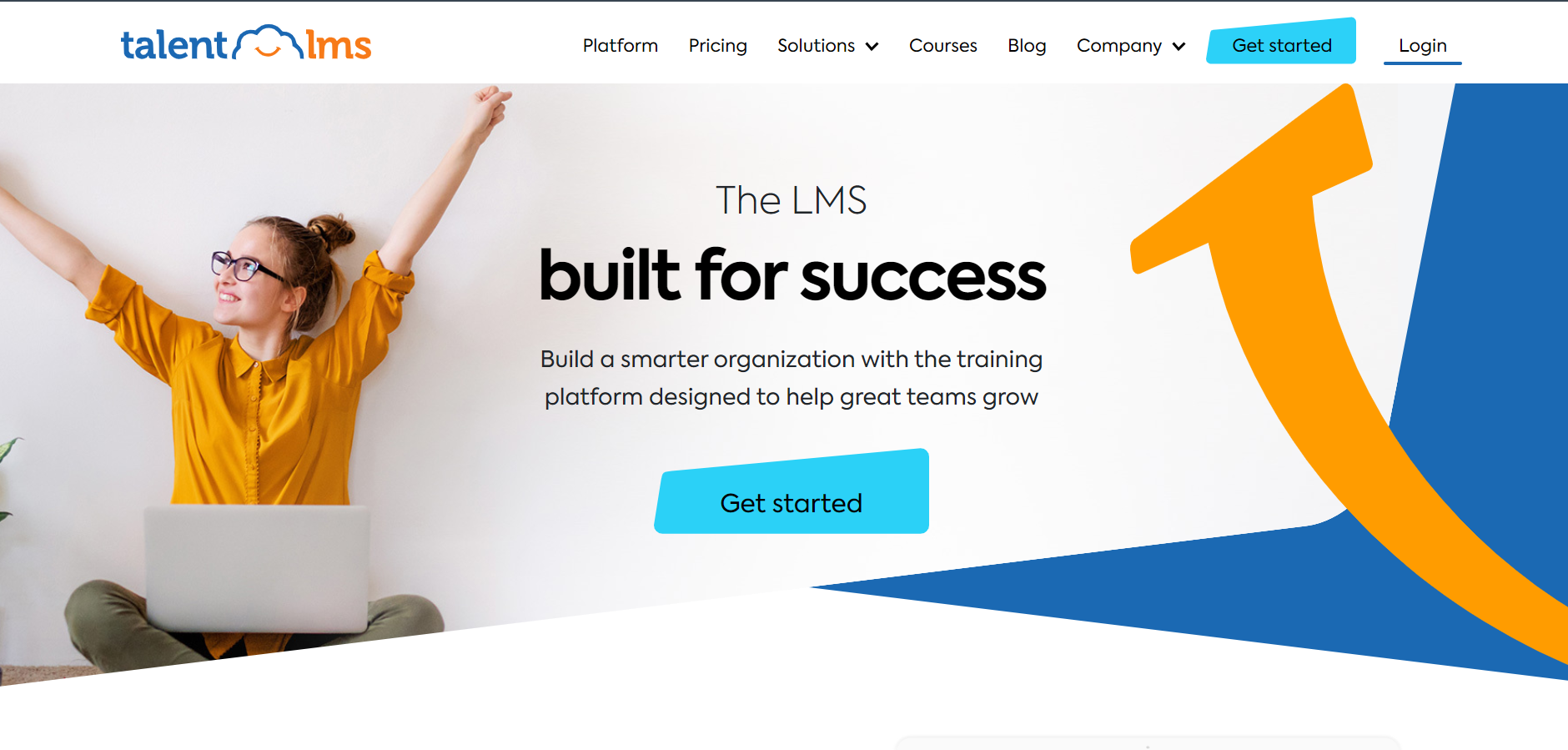
It handles fundamentals well: unlimited courses on lower tiers, a genuine free plan, and 30-plus integrations most training teams already use. Where it shows seams is depth for K-12-style gradebook needs or student portfolios, which is not really what it is built for anyway.
If you are training employees or clients rather than managing a classroom, TalentLMS gets a program live fast with the reporting depth Classroom cannot provide.
Pros:
- Live and assigning learners within hours, pricing published upfront
- Genuine free plan available for testing before committing
- 30+ integrations including Zoom, BambooHR, and Microsoft Teams
- Certification tracking and structured onboarding paths built in
- High marks for ease of use across admins and learners
Cons:
- Not built for K-12-style gradebook needs or student portfolios
- Less depth for younger-student engagement features than education-specific tools
Pricing: Free plan available; Core starts at $149 per month for up to 100 users, scaling to $579 per month for 1,000 users.
10. Brightspace by D2L – Best for Analytics-Driven Course Management
Brightspace by D2L leans into analytics in a way Classroom never attempted: predictive insights into which students are falling behind, engagement dashboards, and reporting depth built for institutions that need to demonstrate learning outcomes, not just assign work. That data depth is a common reason larger schools and universities move away from Classroom.
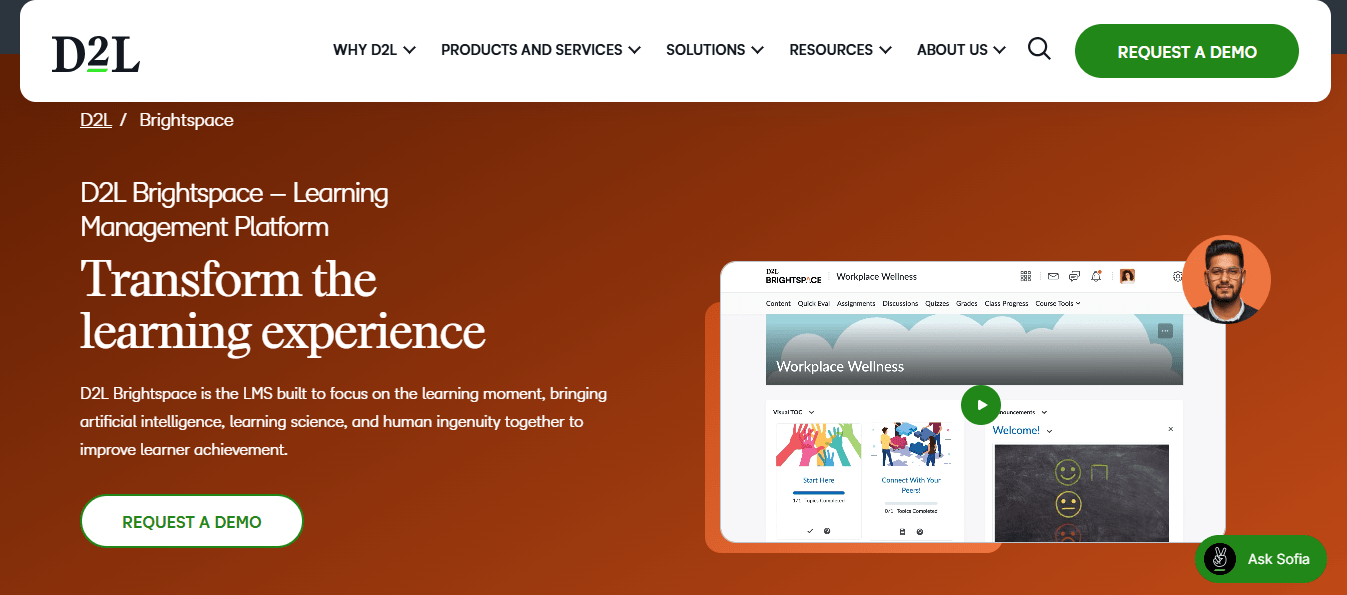
Reviewers rate it solidly, particularly for course design flexibility and adaptive learning paths, though the review base stays smaller than Canvas or Moodle. Pricing is not published, following the same custom-quote pattern as most full-scale LMS platforms on this list.
If learning analytics and adaptive course paths are what Classroom left you guessing about, Brightspace closes that gap directly, at the cost of a real implementation project.
Pros:
- Predictive analytics that flag students falling behind early
- Adaptive learning paths based on individual student performance
- Strong course design flexibility for complex, structured programs
- Solid accessibility features built into the core platform
- Established track record in higher education and K-12 districts
Cons:
- Pricing is not published; requires a sales conversation
- Smaller review base than Canvas or Moodle, so fewer data points to judge by
Pricing: Custom quote only; contact D2L for institutional pricing.
My Picks Among the Google Classroom Alternatives
If you read nothing else, start here. Among all the Google Classroom alternatives above, these three cover the three real reasons people actually leave Classroom: business training needs, structural LMS gaps, and weak parent communication.
1. ProProfs Training Maker
My pick if you are training employees or clients rather than running a classroom, which is exactly what the search term Google Classroom alternatives for business is looking for. It handles course creation for onboarding, compliance, and skill assessment with certification tracking, which Google Classroom never attempted. The AI course creator, audit-ready reporting, and 70+ language support come standard, and pricing stays transparent as your team scales past a single course.
2. Canvas
My pick if the structural ceiling, no SIS, weak gradebook, no transcripts, is the actual wall you hit. Weighted grading, standards-based assessment, and multi-year progress tracking all exist here, closing the exact gaps that push administrators toward spreadsheets. Migration takes real effort since content needs rebuilding rather than importing cleanly, but for a school or district serious about outgrowing Classroom, that investment usually pays off.
3. ClassDojo
My pick if weak parent and guardian communication is your specific complaint about Google Classroom. Real-time updates, automatic translation into 35-plus languages, and a points-based engagement system give families actual visibility a weekly email summary never could. It is not a gradebook replacement, but for family communication specifically, nothing else on this list goes as deep.
How I Evaluated These Google Classroom Alternatives
I did not rank these ten alternatives to Google Classroom on feature checklists alone. Here is what actually shaped it:
- User reviews and ratings from Capterra, weighted more heavily where a platform has a meaningful volume of recent reviews rather than a handful of vendor-solicited ones
- Gradebook and SIS depth, since the lack of attendance tracking, transcripts, and multi-year records is the structural complaint driving people toward Google Classroom competitors
- Parent and guardian communication tools, given how often weak family visibility comes up as a reason to switch
- Migration and export friction, since Google Takeout content rarely imports cleanly into a new platform
- Ecosystem fit, matching Microsoft 365 schools, privacy-conscious institutions, and corporate training teams to the platform actually built for them
- Ease of use for both administrators and the specific age group or audience being served
- Real-world fit, matching each platform to the specific gap driving the search rather than treating best as one-size-fits-all
Which Google Classroom Alternative Actually Fits Your Situation
There is no single best Google Classroom alternative because there is no single audience searching for one. If you are a K-12 district that has outgrown Classroom’s gradebook and needs real SIS depth, Canvas or Schoology close that gap. If you are a tutor, homeschool parent, or elementary teacher who needs stronger family visibility, Seesaw or ClassDojo answer that directly. Among Google Classroom alternatives for business, a training team that was never Google Classroom’s intended audience in the first place fits ProProfs Training Maker or TalentLMS properly instead.
Before you commit to any alternatives to Google Classroom on this list, run a small pilot rather than migrating an entire school or department at once. Content usually needs rebuilding rather than importing cleanly through Google Takeout, and the real question worth asking is whether you are maintaining four or more spreadsheets to work around Google Classroom’s gaps already, since that is usually the clearest sign you have outgrown it.
Frequently Asked Questions
What are the best Google Classroom alternatives for schools?
Canvas and Schoology stand out for K-12 use, both offering gradebook depth and SIS integration that Classroom lacks. Moodle is the strongest choice if data privacy and institutional ownership matter more than ease of setup.
Are there Google Classroom alternatives for business training teams?
Yes. Among Google Classroom alternatives for business, ProProfs Training Maker and TalentLMS are both built for employee training rather than K-12 classrooms, with certification tracking, structured onboarding, and reporting depth that Classroom was never designed to provide.
What are the main Google Classroom competitors for parent communication?
ClassDojo is the closest of the Google Classroom competitors built specifically around parent and guardian engagement, with real-time updates and translation into 35-plus languages, well beyond Classroom's weekly email summaries for families.
What should I look for in alternatives to Google Classroom?
Match the fix to your actual gap: gradebook and SIS depth, parent communication, ecosystem fit for Microsoft 365 or privacy needs, or corporate training features. Migration difficulty matters more than the feature list, since most content needs rebuilding.
Is there a free alternative to Google Classroom?
Yes. Seesaw and ClassDojo both offer free plans for individual teachers, and ProProfs Training Maker is free for up to 10 learners, though school and district-level features on most platforms require contacting sales directly.
Which Google Classroom alternative is best for elementary classrooms?
Seesaw is built specifically for younger grades, with student portfolios and family communication tools that work before students can type fluently, an age group Classroom's interface was not really designed around.
Let ProProfs AI create your training course

 We'd love your feedback!
What did you like & how can we make it even better?
 Thanks for your feedback!
 Ask Your Question
Have a question? Get expert help to make your decision easier.