Somewhere in your building right now, a certification is quietly expiring.
Maybe it’s a forklift renewal nobody flagged. Maybe it’s a hazmat refresher that fell through the cracks when the person who tracked it left in March. I have watched an auditor ask for training records that turned out to not really exist, just a folder of half-updated spreadsheets and a promise that “we’re getting to it.” That silence has a very specific sound.
That is usually the exact moment someone starts looking for real EHS training software instead of trusting the spreadsheet for one more quarter. Most people typing “EHS safety training software” into a search bar at 11 p.m. are not browsing. They’re reacting to something that already went wrong.
I have spent a lot of hours evaluating these platforms, for my own program and for people who ask me what I would actually buy with my own budget. The gap between a tool that looks compliant in a sales demo and one that survives a real audit is specific, and it is measurable. This list is built around that gap.
This guide is for:
- EHS managers standardizing training across multiple sites, shifts, or contractor crews
- Safety officers who need audit-ready records, not just completion checkmarks
- Compliance teams juggling OSHA, EPA, and industry-specific certification requirements
- HR and operations leads who inherited “the safety training problem” with no dedicated software budget
What Is EHS Training Software?
That sounds obvious until you’re three days out from an inspection and can’t actually answer it.
The category overlaps with broader EHS management software training, but the two aren’t identical. A full EHS platform tracks incidents, audits, and inspections alongside training. EHS training software is specifically about the learning and compliance-record side of that equation. Some tools on this list do both well. A couple do training and only training, on purpose, and that focus shows up in how deep the course libraries run.
If what you actually need is EHS software training for a single function, getting new hires certified and documented, don’t let a vendor upsell you into a full incident-and-audit platform you’ll never fully use.
10 Best EHS Training Software Platforms in 2026 (Compared)
Before the full reviews, here’s how these EHS training software platforms stack up on Capterra, along with what I’d actually use each one for.
| Tool | Best For | Capterra Rating |
|---|---|---|
| ProProfs Training Maker | World’s Easiest LMS & Course Builder for Employee Training, Compliance & Skill Assessment | 4.8/5 |
| HSI | Combined safety course library and EHS workflows | 4.6/5 |
| Vector Solutions | Industry-specific OSHA, EPA, and DOT compliance training | 4.6/5 |
| Novara Flex (formerly KPA) | Ops-heavy industries needing training plus consulting | 4.8/5 |
| SafetyCulture | Mobile-first inspections paired with field training | 4.6/5 |
| VelocityEHS | AI-automated credential and certification tracking | 4.4/5 |
| EHS Insight | Offline mobile training for remote and field teams | 4.4/5 |
| Benchmark Gensuite EHS | Multi-site enterprise governance and training records | 4.3/5 |
| MedTrainer | Healthcare-specific OSHA and HIPAA compliance training | 4.3/5 |
| Intelex EHS Software | Enterprise EHS training tied to quality management | 4.2/5 |
1. ProProfs Training Maker – World’s Easiest LMS & Course Builder for Employee Training, Compliance & Skill Assessment
I’m putting ProProfs Training Maker first for a reason that has nothing to do with sentiment and everything to do with speed.
If you need EHS training software running this quarter, not after a six-week implementation call, the AI course creation here gets you from a blank screen to a working compliance course in about the time it takes to type a sentence. Describe what you need, say a forklift refresher or a chemical handling module, and the AI drafts a structure you edit, rather than one you build from scratch. You can try it here:

Let ProProfs AI create your training course
What makes this usable as actual EHS management software training, not just a course player, is what sits underneath: 500+ ready-to-use, expert-built compliance and skills courses, quizzes with anti-cheating settings for certification accuracy, and real-time completion reports you can pull before an inspector asks, not after. The 70+ language support matters more than people expect once your crew includes contractors or non-native English speakers on a job site.
It isn’t built to replace incident tracking or SDS management the way a full EHS platform is, and its course library leans general compliance and skills rather than deep, construction-specific OSHA content. For pure training delivery and recordkeeping, that tradeoff is one I’m fine making.
Pros:
- AI course creation turns a prompt into a structured course, cutting build time for teams without a dedicated instructional designer
- 500+ expert-built, ready-to-use courses covering compliance, safety, and skills topics
- Real-time completion and compliance tracking reports, plus automated renewal reminders
- Quiz and assessment tools with anti-cheating settings for certification accuracy
- 70+ language support for multilingual or contractor-heavy workforces
- Integrates with HR and SSO tools, supports SCORM for existing content
Cons:
- No dark mode for low-light environments
- No offline or on-premise deployment; cloud-only
Pricing: Free forever for up to 10 learners. Paid plans start at $1.99 per active learner/month.
Create a Course in 10 Minutes
2. HSI – Best for a Combined Safety Course Library and EHS Workflows
HSI earns its spot through sheer library depth. Over 5,000 accredited courses, covering EHS, emergency care, and professional skills, sit inside one platform, which matters if you’re tired of sourcing content from three different vendors to cover one training matrix.
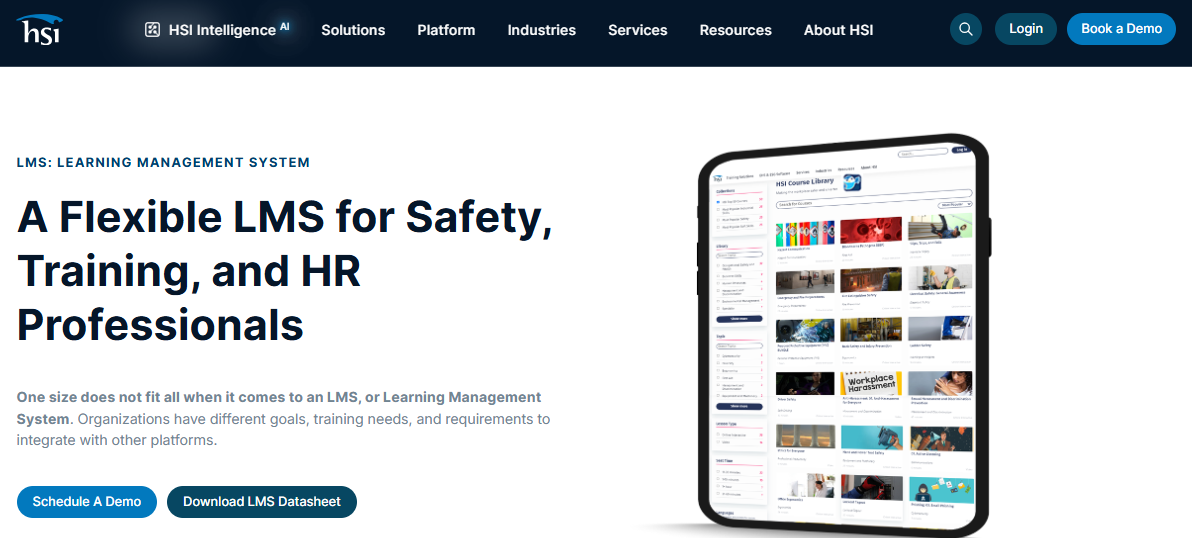
The part I actually find useful is HSI Intelligence, HSI’s AI layer. It does AI-enhanced search across that entire course catalog, so admins aren’t scrolling through hundreds of titles to find the right module, and it includes generative AI document creation for building safety policies and process documents from a starting template instead of a blank page. HSI Advisor, a free assessment tool, recommends courses based on your actual workplace situation rather than making you guess.
Where it gets complicated is that HSI’s training platform, its EHS management modules, and its Donesafe compliance product are somewhat separate systems under one brand, and pricing reflects that fragmentation. If you’re comparing EHS management software training platforms by library size alone, HSI is genuinely hard to beat, but you’ll want a demo to understand exactly what you’re buying before you sign.
Pros:
- 5,000+ accredited courses spanning EHS, emergency care, and professional development
- HSI Intelligence adds AI-powered course search and generative AI document creation
- HSI Advisor gives free, tailored course recommendations based on workplace risk factors
- Combines LMS functionality with EHS management modules in one platform
Cons:
- Training, EHS management, and Donesafe compliance run as somewhat separate products under one brand, which can get confusing to configure
- Full eLearning platform pricing is quoted by bid rather than published
Pricing: Safety training starts around $4,000/year for roughly 75 employees and 10 courses. Full eLearning platform pricing is custom.
3. Vector Solutions – Best for Industry-Specific OSHA, EPA, and DOT Compliance Training
Vector Solutions, which absorbed Convergence Training, is the one I’d point to for genuinely industry-specific content rather than generic safety modules with a different logo slapped on. Fire and EMS departments, construction crews, manufacturing plants, and utilities each get course libraries built around their actual regulatory exposure: OSHA 1910, NFPA standards, DOT requirements, the specifics that matter when an auditor asks about your particular operation.
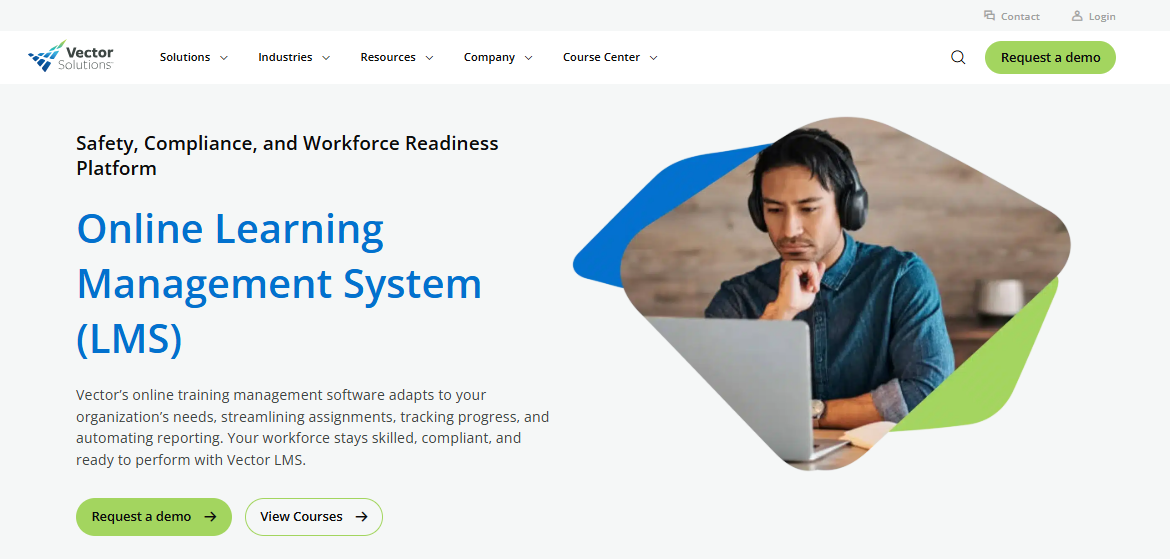
The newer AI Safety Training Recommendation Engine is worth knowing about. It connects Vector’s EHS incident module to its LMS, so the moment an incident gets logged, the system automatically recommends the corrective training tied to that specific failure, instead of a supervisor remembering to assign it three weeks later.
Reviewers consistently flag the admin side as more cumbersome than it needs to be, especially for anyone new to LMS administration. Give yourself real onboarding time before you expect to move fast in this one.
Pros:
- Deep, industry-specific course libraries for fire/EMS, construction, manufacturing, and utilities
- AI Safety Training Recommendation Engine auto-assigns corrective training from incident data
- SCORM and AICC compliant, with certification expiry tracking and automated reporting
- Mobile learning support for distributed and field-based crews
Cons:
- Admin interface has a real learning curve; several reviewers describe it as cumbersome at first
- Pricing is entirely quote-based with no published starting rate
Pricing: Custom quote, scaling with user count and course library depth.
4. Novara Flex (formerly KPA EHS Software) – Best for Ops-Heavy Industries Needing Training Plus Consulting
Novara Flex is what KPA’s EHS software became after a January 2026 corporate split separated the automotive compliance business from the industrial safety software side. If you already know it as KPA Flex, that’s the same platform under new ownership.
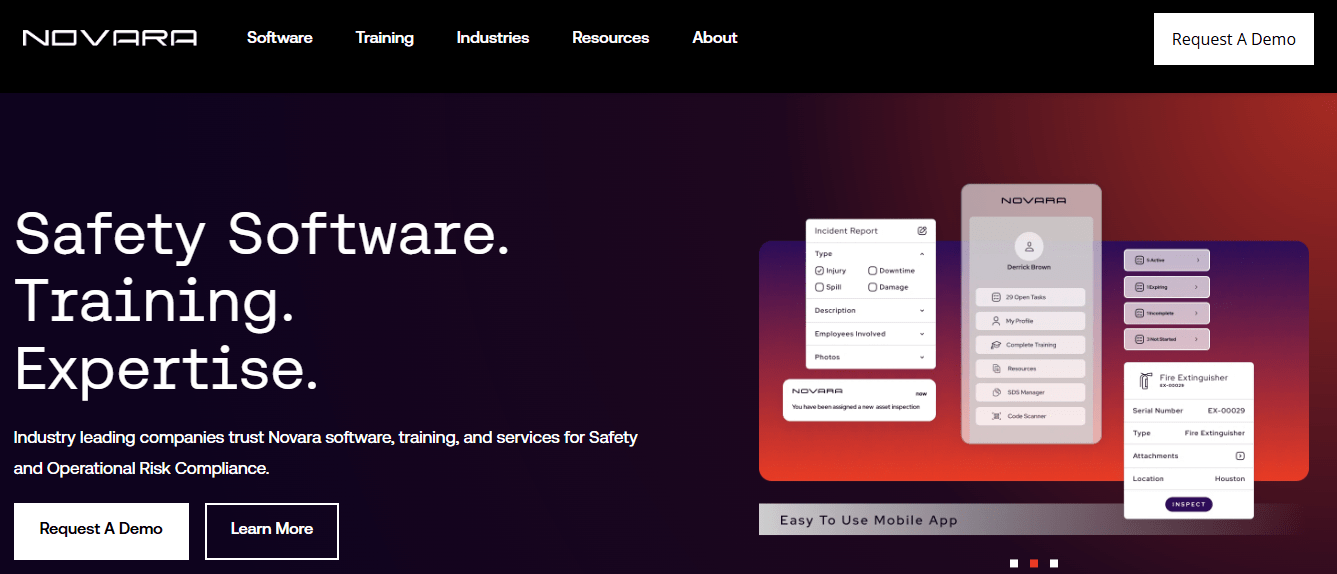
The mobile-first design is genuinely built for field use, GPS tagging, camera capture, and offline storage that syncs once you’re back in range, which construction and oil and gas teams rely on daily. What sold me on including it here is the consulting layer behind the software. You’re not just buying a training module, you’re buying access to EHS consultants who’ve clearly done this work before, which shows up in customer service ratings.
The quiz function inside the training module is genuinely limited, multiple choice only, no short answer or scenario branching, and add-on training modules can carry a real cost premium. Novara has said AI capabilities are on the roadmap, but at this writing they aren’t yet in production.
Pros:
- Mobile-first field tools with GPS, camera, and true offline data capture
- Strong consulting and customer support layer behind the software itself
- Highly configurable form builder for inspections, incidents, and training records
- 4.8/5 customer service rating on Capterra
Cons:
- Training quizzes are limited to multiple choice; no short-answer or scenario-based assessment
- AI features are announced but not yet live as of this writing
- Additional training modules can carry a steep add-on cost
Pricing: Custom, priced per user. No public rate card.
5. SafetyCulture – Best for Mobile-First Inspections Paired With Field Training
SafetyCulture built its reputation on inspections and checklists, and the training piece grew out of that same mobile-first foundation rather than being bolted on as an afterthought. For teams already running SafetyCulture for audits, adding training inside the same app means one login instead of two systems that never quite talk to each other.
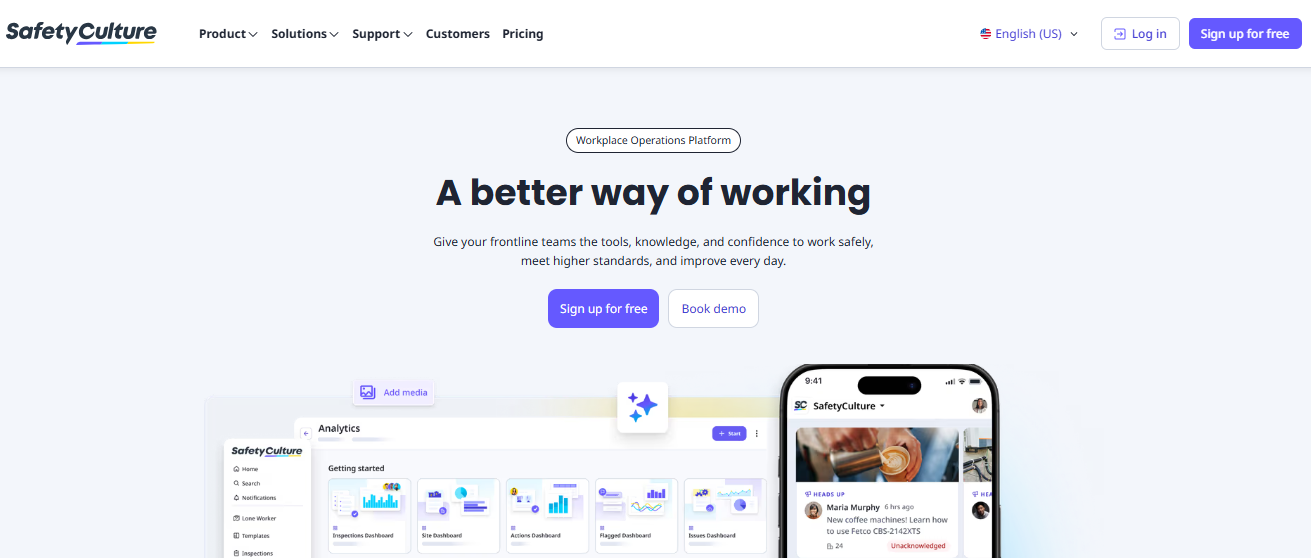
The AI course builder is the standout feature here. Describe a topic, and it generates a customizable course draft in seconds, complete with text-to-speech narration and multilingual support baked in, which is a real advantage for dispersed, multi-language crews. Offline functionality means inspections and training both work in areas with no signal, syncing automatically once connectivity returns.
The training templates, while functional, don’t offer the creative flexibility of a purpose-built EHS safety training software platform. If instructional design depth matters more to you than inspection integration, that’s worth weighing.
Pros:
- AI course builder generates draft training content from a simple prompt
- True offline functionality for both inspections and training in low-connectivity sites
- Text-to-speech and multilingual support built into training modules
- Free plan for teams up to 10 users; transparent published pricing
Cons:
- Training templates offer less creative customization than dedicated course-authoring platforms
- Training functionality is secondary to the platform’s inspection and audit core
Pricing: Free for teams up to 10. Premium plan is $24/user/month billed annually, or $29/month billed monthly. Enterprise pricing is custom.
6. VelocityEHS – Best for AI-Automated Credential and Certification Tracking
VelocityEHS is trusted by a third of the Fortune Global 1000, and the reason shows up specifically in credential management. VelocityAI, its AI tool, automatically reviews certificates of insurance, OSHA logs, and safety credentials, flags expired qualifications before they become a liability, and can block unqualified workers from site access entirely. For anyone who has ever discovered a lapsed certification after the fact, automation is the difference between a near-miss and an incident report.
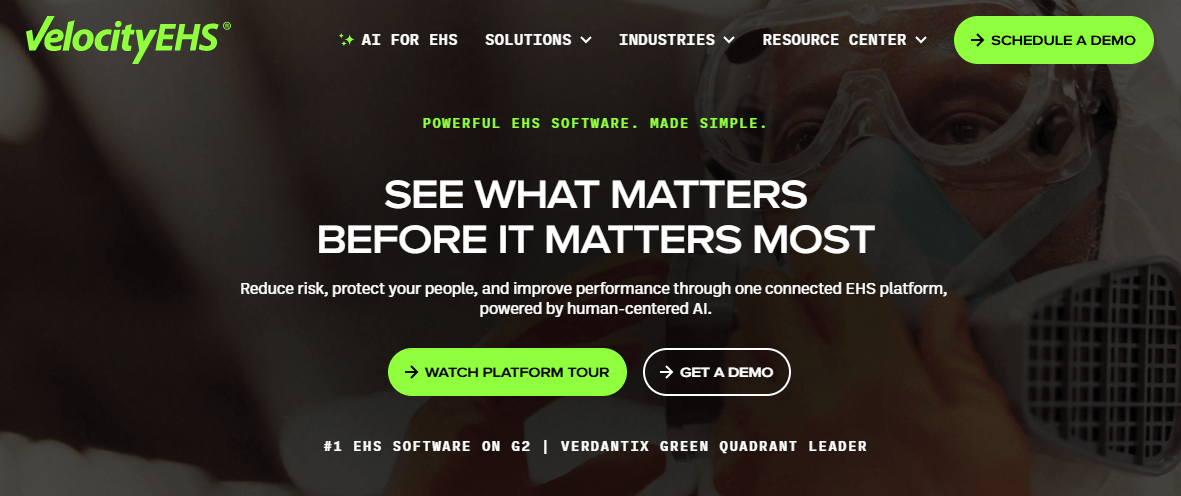
The Accelerate Platform bundles training and learning alongside incident management, industrial hygiene, ergonomics, and chemical management, so training records live next to the operational data that actually explains why someone needed that training in the first place.
New users consistently describe an early learning curve given how many modules ship together. Budget real onboarding time, and expect to lean on VelocityEHS’s training resources during the first few months.
Pros:
- VelocityAI automates certificate and credential review, flagging expirations before they lapse
- Training and learning module ties directly into incident, chemical, and ergonomics data
- Trusted at enterprise scale, with a third of the Fortune Global 1000 as customers
- Broad platform coverage across the full EHS training management software spectrum
Cons:
- Steep initial learning curve reported consistently across reviews
- Pricing is not published; expect a sales-led quote process
Pricing: Custom, not published by the vendor.
7. EHS Insight – Best for Offline Mobile Training in Remote or Field Locations
EHS Insight’s whole pitch is usability at mid-market speed, and the AI layer backs that up with genuinely practical tools: a Field Suggestion Copilot, SIF precursor detection for catching serious-injury risk patterns before they escalate, and an AI report chatbot that answers questions about your own compliance data instead of making you build another dashboard.
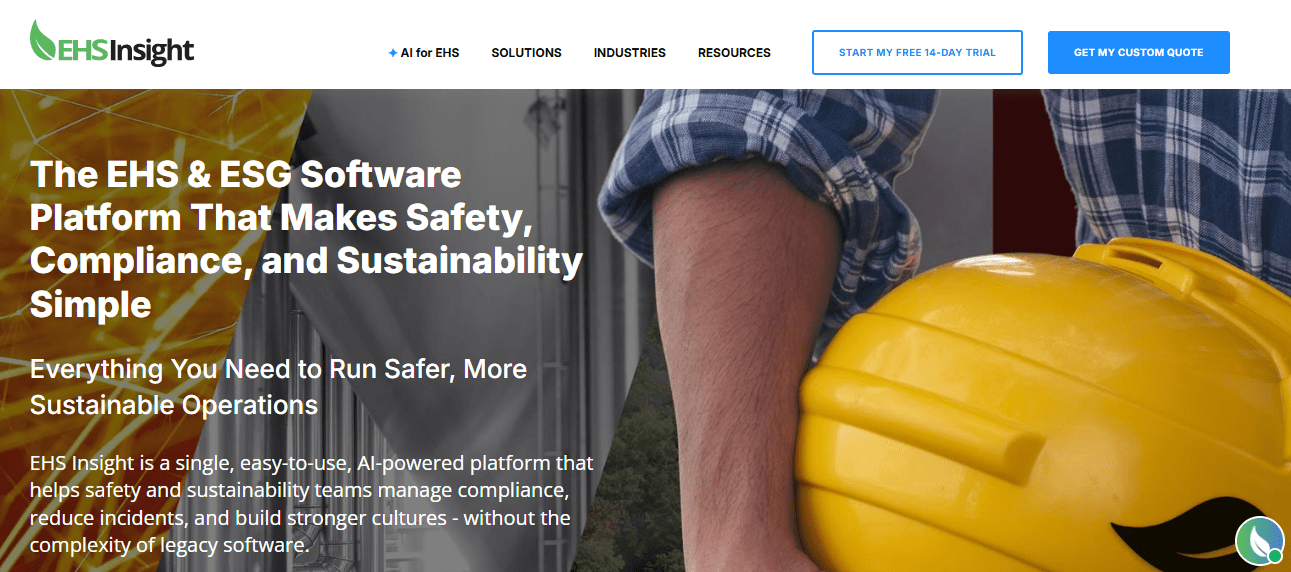
The offline mobile app is a real differentiator, not a marketing claim. Field teams capture training completions, inspections, and incident data with zero connectivity, and everything syncs once they’re back online. The built-in training modules run 30 to 45 minutes and cover most OSHA and ANSI baseline awareness requirements, which is enough for general compliance but not a substitute for role-specific technical training.
The training matrix is fixed at a 3-by-4 grid with no way to add custom dimensions, which some larger, more complex operations will outgrow.
Pros:
- AI tools including Field Suggestion Copilot, SIF precursor detection, and an AI report chatbot
- True offline mobile functionality for training, inspections, and audits
- Modular pricing that scales with organization size rather than flat enterprise quotes
- Rated a 2026 Leader by both Capterra and Software Advice
Cons:
- Built-in training matrix is limited to a fixed grid with no custom dimensions
- Training modules cover baseline awareness more than deep technical certification
Pricing: Modular pricing starts around $5,000/year, scaling by employee count and module selection.
8. Benchmark Gensuite EHS – Best for Multi-Site Enterprise Governance and Training Records
Benchmark Gensuite is honest about what it is: an enterprise EHS governance platform with training records folded in, not a dedicated course-authoring tool. If your priority is centralizing compliance obligations, incident data, and training completion across dozens or hundreds of sites, that’s exactly the job it’s built for.
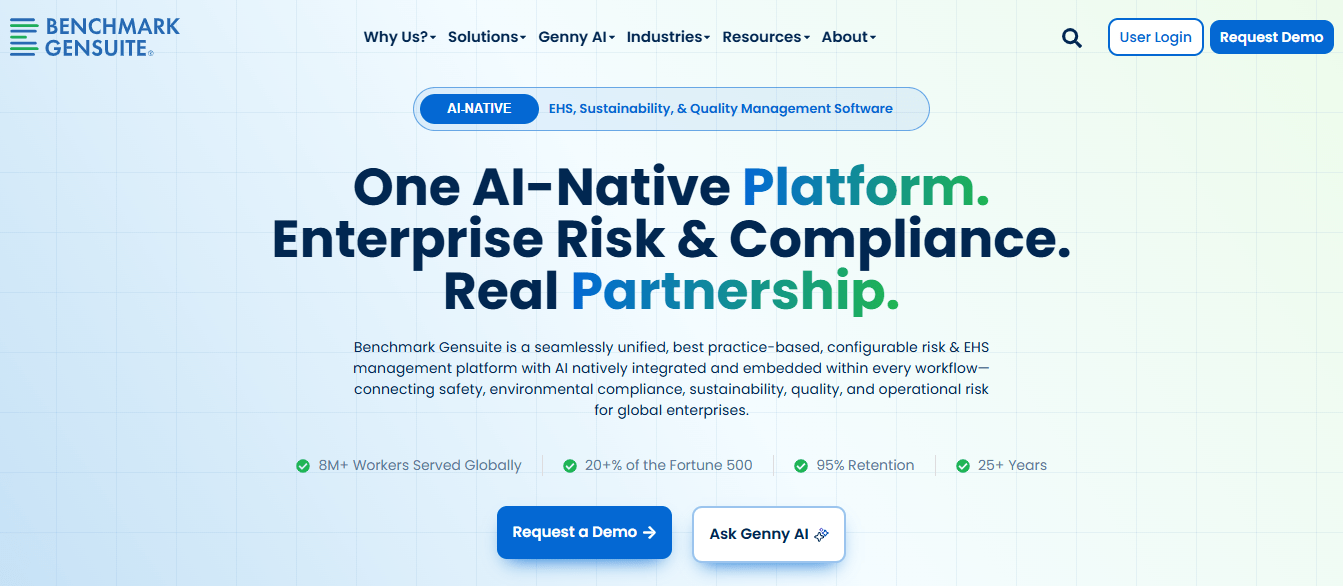
Genny AI, its native AI layer, flags emerging risk patterns based on historical incident data at no extra cost, which is a genuine strength for organizations juggling multi-jurisdictional regulatory obligations. The modular pricing structure, no per-user fees, pay only for the modules you select, is more customer-friendly than most enterprise EHS pricing I’ve seen.
The tradeoff is real: this isn’t a standalone LMS, and reviewers describe the interface as harder to navigate than purpose-built training platforms. If you need a deep course library alongside your compliance records, you’ll likely still need a second tool.
Pros:
- Genny AI delivers predictive risk alerts natively, at no additional cost
- Modular, no-per-user pricing lets you pay only for what you use
- Strong multi-site governance with real-time dashboards and trend analysis
- Integrates with Tableau and Power BI for enterprise reporting
Cons:
- Not a dedicated LMS; training functionality is tied to compliance recordkeeping, not course authoring
- Interface and configuration complexity draw consistent criticism in reviews
Pricing: Custom, modular by feature selection. Overall cost trends toward the higher end of the category.
9. MedTrainer – Best for Healthcare-Specific OSHA and HIPAA Compliance Training
MedTrainer is the one tool on this list I would not recommend outside of healthcare, and that specificity is exactly the point. Nearly 1,000 healthcare-specific courses meet CMS, HIPAA, HRSA, and OSHA requirements out of the box, which saves clinics and practices from adapting generic safety content to a regulatory environment it was never built for.
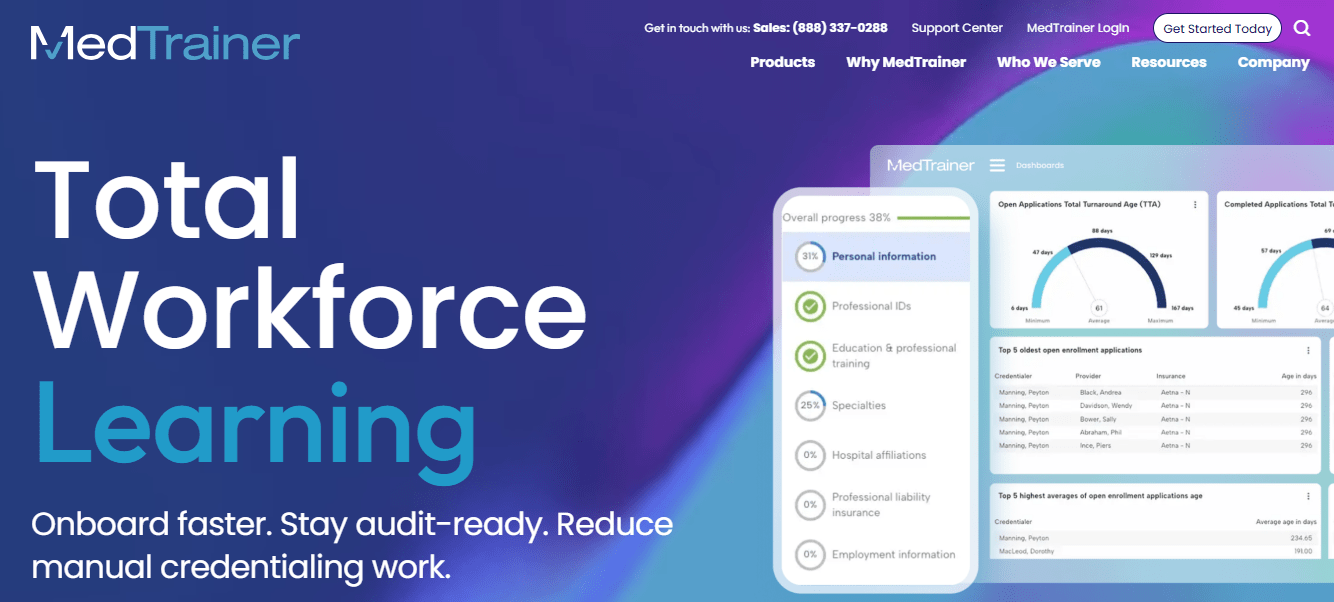
The AI features are aimed at credentialing rather than course delivery: AI-powered document intake classifies and extracts data from provider documents automatically, and automated NPDB queries handle real-time provider history verification without a separate system. For practices juggling both compliance training and provider credentialing, having both in one platform is a genuine time saver.
A couple of reviewers flagged confusion around the platform’s dual due-date and expiration-date system for courses, worth clarifying during your demo so it doesn’t trip up your team later.
Pros:
- Nearly 1,000 healthcare-specific courses covering CMS, HIPAA, HRSA, and OSHA requirements
- AI-powered document intake and automated NPDB queries streamline credentialing
- Combines training, credentialing, and policy management with e-signatures in one platform
- Fast implementation timeline, typically weeks rather than months
Cons:
- Built specifically for healthcare; not a fit for general industrial or construction EHS training
- Dual due-date and expiration-date system on courses confuses some new admins
Pricing: Three tiers, Select, Premier, and Signature, priced by licensed user count. No public starting price.
10. Intelex EHS Software – Best for Enterprise EHS Training Tied to Quality Management
Intelex has been in this market for over 30 years, and it shows in the depth of configuration available, training tied directly into a broader system covering quality, risk, environmental, and sustainability programs, all in one place. Verdantix has ranked it a Leader in EHS software every year since that report began, and it holds the number one spot for safety and mobile functionality in that same ranking.
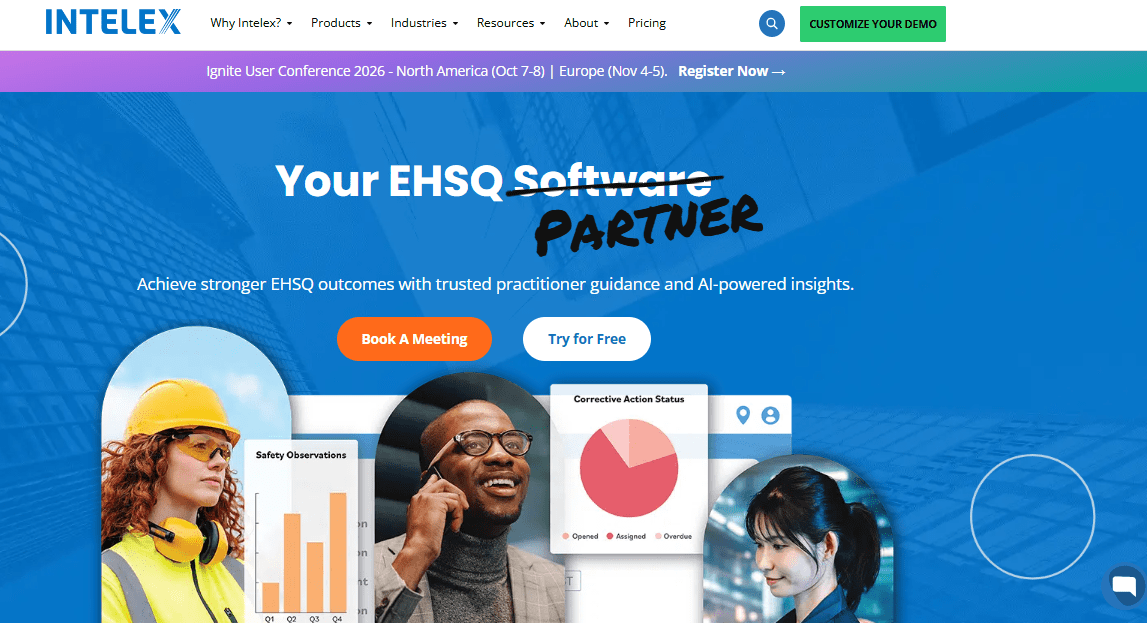
The AI angle here is data visualization and reporting rather than course creation. Once training and compliance data are logged, Intelex’s AI-powered dashboards help surface trends across incidents, audits, and training completion that would otherwise take an analyst hours to compile manually.
The honest tradeoff is usability. G2 reviewers cite “not user-friendly” and interface issues as the platform’s most common complaints, and enterprise implementations, with configuration and support included, commonly run well into six figures annually.
Pros:
- 30+ years of EHS domain depth, ranked a Verdantix Leader every year since 2015
- AI-powered data visualization surfaces trends across training, audits, and incidents
- Deep configurability for organizations running quality, risk, and sustainability programs together
- Top-rated mobile functionality per Verdantix rankings
Cons:
- Consistently cited as not user-friendly, with real interface and support-response complaints in reviews
- Enterprise pricing and implementation costs run high, often into six figures annually
Pricing: Enterprise, custom quote. Full implementations commonly range from the low hundreds of thousands annually depending on scope.
Which Are My Top 3 Picks for EHS Training Software?
If I had to narrow this whole list down to three platforms for most teams shopping for EHS training software, here’s where I’d land.
ProProfs Training Maker is my first call for teams that need a working compliance training program running this quarter, not after a lengthy implementation cycle, and don’t want enterprise pricing attached to it. The AI course creation and 200+ pre-built courses make it practical for a five-person shop or a five-hundred-person operation without re-architecting anything.
HSI is where I’d go if the priority is course library depth. When you need thousands of accredited safety and compliance courses without sourcing content from three separate vendors, HSI’s library plus its AI-enhanced search solves that specific problem well.
EHS Insight is the right call for field-heavy, multi-site operations where connectivity is not guaranteed. True offline training and inspection capture, combined with modular pricing that doesn’t punish mid-sized companies, makes it the pick for teams with people actually working outside, not just at a desk.
How Did I Evaluate These EHS Training Software Platforms
I didn’t just skim vendor homepages for this one. To rank the best EHS training software for 2026, I focused on the factors that actually determine whether a platform survives contact with a real audit.
Rating sources: Every Capterra rating cited here was pulled directly from each platform’s current Capterra listing, cross-referenced against G2 where reviews existed, rather than relying on a vendor’s own marketing page.
AI features: I looked specifically at whether AI functionality does something useful, drafting a course, flagging an expired credential, surfacing a risk pattern, versus AI that exists mainly as a feature-list bullet point with no clear function behind it.
Ease of use: I weighed how consistently reviewers described actual day-to-day admin work, not just the sales demo experience, since that gap is where most training programs quietly fail.
Compliance depth: Whether the platform generates audit-ready records automatically or requires manual assembly right before an inspection.
Mobile and field access: Whether training and data capture genuinely work offline for field-based teams, not just on a desk-bound admin dashboard.
Pricing transparency: Whether a real number exists anywhere, or whether every plan requires a sales call to even estimate a budget.
Your Spreadsheet Was Never Going to Survive an Audit Anyway
Every platform on this list solves the same underlying problem in a different way: proving training happened, to the right person, on the date it happened, without you scrambling to reconstruct it from memory and a shared drive.
The right EHS training software for your team depends less on which vendor has the flashiest AI demo and more on how your people actually work. If your workforce sits at desks with reliable connectivity, course library depth and integration options matter most. If your crew is on job sites with spotty signal, offline mobile capability isn’t a nice-to-have, it’s the entire point.
Start with a real pilot, not a sales deck. Pick 15 to 20 learners, run one real training cycle end to end, and see whether the reports it generates would actually hold up if an inspector asked for them tomorrow. That single test tells you more about a piece of EHS software training than any demo call will.
If you want to see how fast a working compliance course comes together, ProProfs Training Maker offers a free plan for up to 10 learners that’s worth testing before you commit to anything bigger.
Frequently Asked Questions
What is the difference between EHS software and EHS training software?
EHS software typically manages incidents, audits, inspections, and compliance obligations broadly. EHS training software focuses specifically on assigning, delivering, and documenting training and certifications. Several platforms on this list, like HSI and VelocityEHS, do both under one roof.
How much does EHS training software cost?
Pricing varies widely. ProProfs Training Maker starts free for up to 10 learners, with paid plans from $1.99 per active learner/month. SafetyCulture starts at $24/user/month. Enterprise platforms like Intelex and Benchmark Gensuite typically require a custom quote running into six figures annually.
Can EHS training software track OSHA compliance automatically?
Yes, most platforms on this list generate compliance reports and certification expiration alerts automatically once training is logged. The depth varies: dedicated safety platforms like Vector Solutions and HSI map directly to OSHA standards, while general LMS platforms require you to configure that mapping yourself.
Is AI reliable for generating safety training content?
Treat AI-generated safety content as a draft, not a final answer. AI can meaningfully speed up course creation, as ProProfs Training Maker and HSI both demonstrate, but a qualified person should still review any safety-critical content before it reaches a learner, since AI can omit or misstate regulatory detail.
Do I need separate software for EHS training and EHS incident management?
Not necessarily. Platforms like VelocityEHS, Intelex, and Benchmark Gensuite combine both in one system. If your primary need is training and certification tracking rather than incident and audit management, a training-focused EHS training software platform like ProProfs Training Maker may be simpler and more cost-effective.
Is there budget-friendly EHS management software training for small teams?
Yes. ProProfs Training Maker is free for up to 10 learners, with paid plans from $1.99 per active learner/month. SafetyCulture also offers a free tier for teams up to 10 users. Both work well as entry-level EHS software training before you need enterprise-scale features.
What should I look for in EHS training management software for a mobile workforce?
Prioritize true offline functionality, not just a responsive mobile website, since field crews often work without signal. EHS Insight, SafetyCulture, and Novara Flex all support offline data capture that syncs once connectivity returns, which matters more than course library size for distributed teams.
Let ProProfs AI create your training course

 We'd love your feedback!
What did you like & how can we make it even better?
 Thanks for your feedback!
 Ask Your Question
Have a question? Get expert help to make your decision easier.