
I’ve tested a lot of free online course platforms over the years, and the honest truth is: most people make this decision wrong. They pick the platform with the prettiest interface or the longest feature list, and three months later, they’re locked into a free plan that caps storage at 1GB, charges commission on every sale, or hides certificates behind a paywall. That’s not free. That’s a trap with a nice landing page.
This guide covers the best free online course creation platforms I’ve actually used or evaluated closely, what they’re genuinely good at, and where they’ll frustrate you. Whether you’re building employee training, selling a course, or just getting started, here’s what you need to know before you commit.
This is for:
- Educators and coaches launching their first course
- L&D teams and trainers are building internal employee training
- Small business owners who need structured onboarding without a big software budget
- Course creators who want to monetize without handing over a cut of every sale
- Anyone who’s been burned by “free” platforms that weren’t really free
What Is a Free Online Course Platform?
The distinction matters more than most articles will tell you. A platform that’s free but takes 10% commission on every sale is a very different product from one that’s genuinely free with no transaction fees. Before you build anything, you need to know which type you’re dealing with, because switching platforms after you’ve built your course library is painful.
What a good free online course creation platform should give you: a course builder, learner management, quizzes or assessments, some form of completion tracking, and ideally, a certificate. Anything less is a demo, not a platform.
The 10 Best Free Online Course Platforms
I’ve reviewed each platform below based on six criteria: ease of use, limitations of the free plan, engagement features, certificate support, monetization options, and how it performs for the specific use case it claims to be best at. The list order reflects overall value, not alphabetical convenience.
Platform Comparison at a Glance:
| Platform | Best Use Case | Free Plan | Certificates | Commission / Cost Model | Capterra Rating |
| ProProfs Training Maker | Easy AI-powered Employee training & LMS | Unlimited courses + storage | Yes | No commission | 4.8/5 |
| Thinkific | Coaches selling courses | 1 course, unlimited students | Yes | No transaction fee on free plan | 4.4/5 |
| Teachable | Course outlines & selling | Yes | Yes | $1 + 10% per transaction on free plan | 4.4/5 |
| Udemy | Marketplace reach | Free to join as instructor | Yes | 63% cut on organic sales; 3% on self-driven sales | 4.5/5 |
| Coursify.me | Single course with built-in selling | 1 course, 25 students | Yes | No commission shown; subscription-based | N/A on Capterra |
| Coassemble | Immersive, interactive learning | Basic features only | Not on free plan | No commission | 4.4/5 |
| Sakai | Self-paced, technical/academic | Full open-source download | Yes | No commission; self-hosted | N/A on Capterra |
| isEazy | Corporate training teams | Basic features, limited storage | Yes | No commission; subscription-based | N/A on Capterra |
| Chamilo | Social & peer learning | Full open-source download | Yes | No commission; self-hosted | N/A on Capterra |
| MyiCourse | Community learning | Limited users | Yes | Revenue share on sales | N/A on Capterra |
1. ProProfs Training Maker – Best for Easy Online Employee Training & LMS
ProProfs Training Maker is something I’ve used extensively, especially for employee training, and it truly simplifies the whole process. Setting up courses is incredibly easy, even if you’re managing a large group of learners.
The AI course builder is one of the fastest I’ve come across in this category. You simply explain your training objective in plain language, and it creates a well-structured course program within minutes. It’s definitely worth trying out:

Let ProProfs AI create your training course
What I love most about the LMS is that its free plan offers unlimited courses and storage, making it perfect for scaling up without worrying about constraints. Plus, automating enrollments and issuing custom certificates adds a professional touch.
The free plan also includes unlimited quizzes and surveys. They enable you to test learners’ knowledge and collect feedback as they go through the training.
Whether for onboarding or ongoing employee development, I’ve found the LMS reliable and cost-effective.
Pros:
- You can easily create courses with a drag-and-drop interface that requires no technical expertise.
- It offers access to customizable quizzes and assessments for knowledge checks, with AI able to edit course content on request.
- The tool supports mobile learning, allowing learners to access content from anywhere.
- It offers excellent customer support and a wide range of training resources.
- It has an AI-powered analytics dashboards surface skill gaps and completion data in real time
- It is a free platform to sell courses online, with the integration of payment gateways and coupons.
Cons:
- A dark user interface option is not yet available
- No dedicated account manager for the free plan, unlike the paid.
Pricing: Free plans for growing teams. The paid plan starts at $1.99/learner/month.
2. Thinkific – Best for Coaches Selling Courses
I’ve used Thinkific quite a lot in the past, and I love it for its versatility in course creation and sales. While I’m not selling courses as a coach, I’ve seen how the platform makes the entire process, from building courses to marketing them, so seamless.
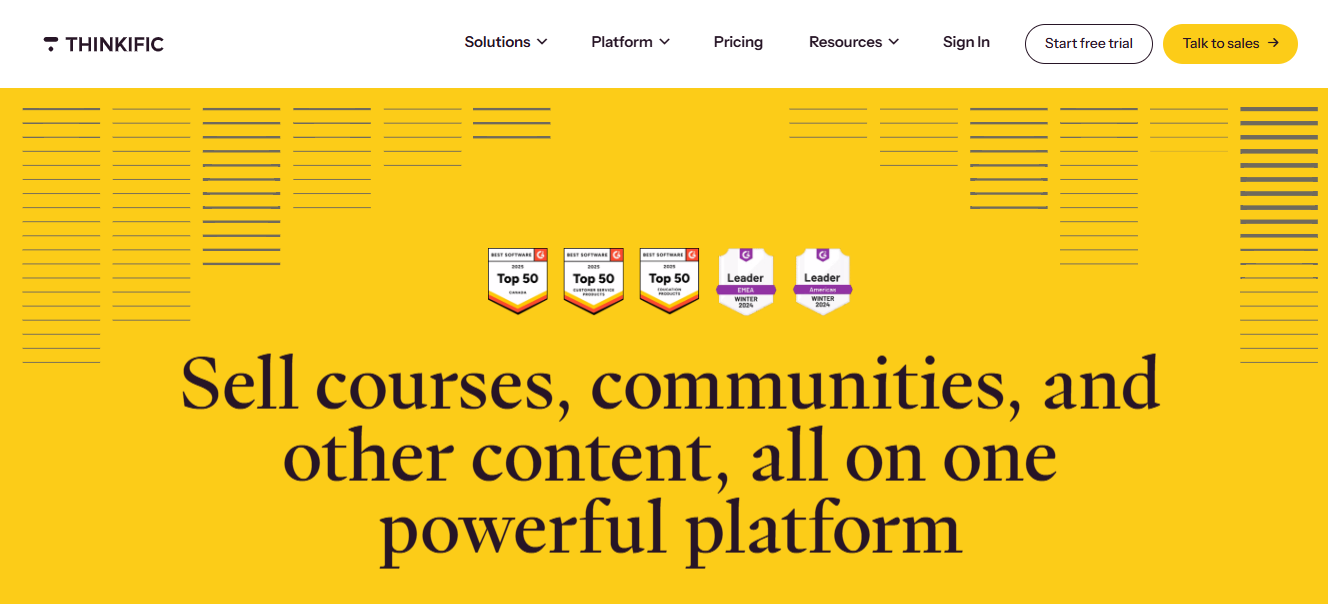
The customization options are particularly impressive; they allow for a full-fledged branded course site without needing deep technical knowledge. I also appreciate how Thinkific handles payments with integrations that make the financial side much easier to manage.
It’s a platform that offers everything you’d need to build, sell, and scale a course-based business, and I’ve found it to be one of the best out there for those purposes.
Pros:
- You can integrate your custom domain, ensuring your course platform aligns with your brand.
- The platform provides detailed tracking and reporting of student progress, helping you gauge the effectiveness of your content.
- Built-in marketing and sales tools such as memberships and coupons allow you to increase revenue directly from the platform.
- You can easily integrate payment gateways like PayPal and Stripe, making the payment process smooth for learners.
- Thinkific gives access to a large and active community of creators for networking and growth.
Cons:
- Some third-party integrations are only accessible on higher-tier plans, limiting your ability to scale with the free version.
- You may find video hosting options limited unless you upgrade to a paid plan.
Pricing: Free plan available with a single course support. Paid plans start at $36/month. Billed annually.
3. Teachable – Best for Generating Course Outlines
Teachable has been a go-to tool for me when organizing content into well-structured courses. One thing I’ve always liked about Teachable is how easy it is to generate course outlines.
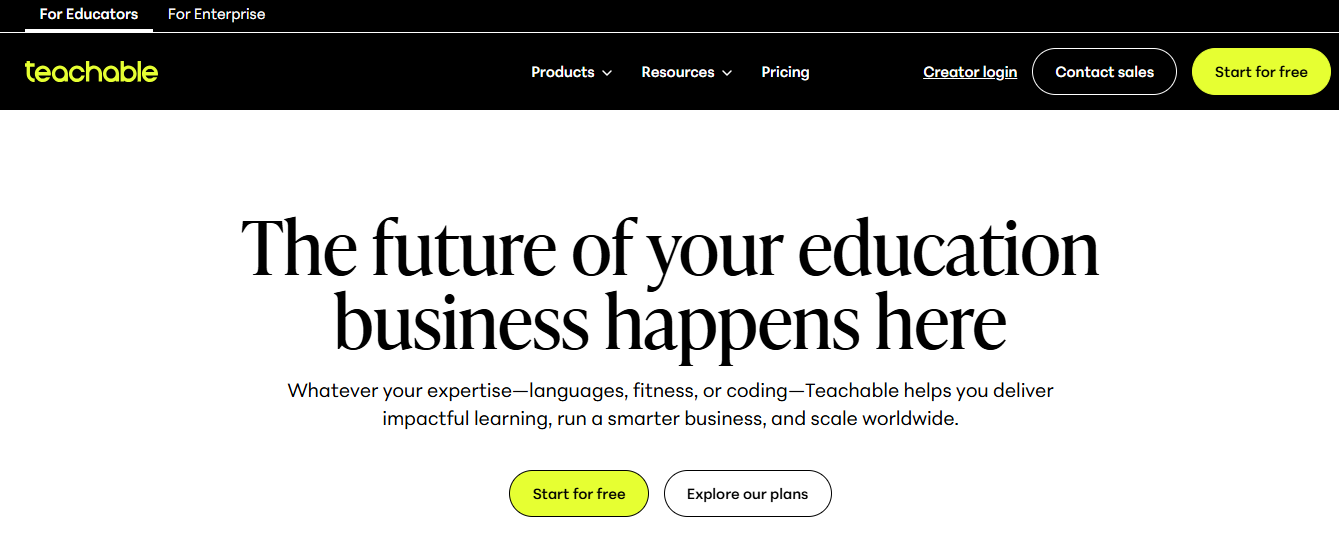
With its intuitive drag-and-drop editor, I’ve been able to build entire course structures without much effort. The platform takes care of administrative tasks, too, like managing enrollments and processing payments, which is a major relief when you’re focusing on content creation.
In my experience, Teachable has been invaluable if you need a platform that helps streamline course building and management.
Pros:
- The platform supports a variety of lesson formats, including video, audio, and text, giving you flexibility in your teaching style.
- Integrated payment processing with support for international transactions ensures that your global students can easily enroll.
- You can offer one-on-one coaching services alongside your courses, creating more revenue streams.
- Teachable allows you to provide students with completion certificates, adding value to their learning experience.
- You will have access to powerful sales page customization options, enabling you to promote your courses more effectively.
Cons:
- Access to advanced marketing tools is restricted to pro-level plans, limiting your promotional efforts.
- Teachable’s community-building features are basic, lacking forums or discussion boards for student interaction.
Pricing: Free plan ($1 + 10% transaction fee) available. Paid plans start at $39/month. Billed annually.
4. Udemy – Best for Reaching a Built-In Learner Audience
Udemy works differently from every other platform on this list. You’re not building your own audience or managing your own site. You’re listing on a marketplace with over 220,000 courses and millions of active learners. That’s a real advantage if you’re starting out without an email list or social following to drive traffic.
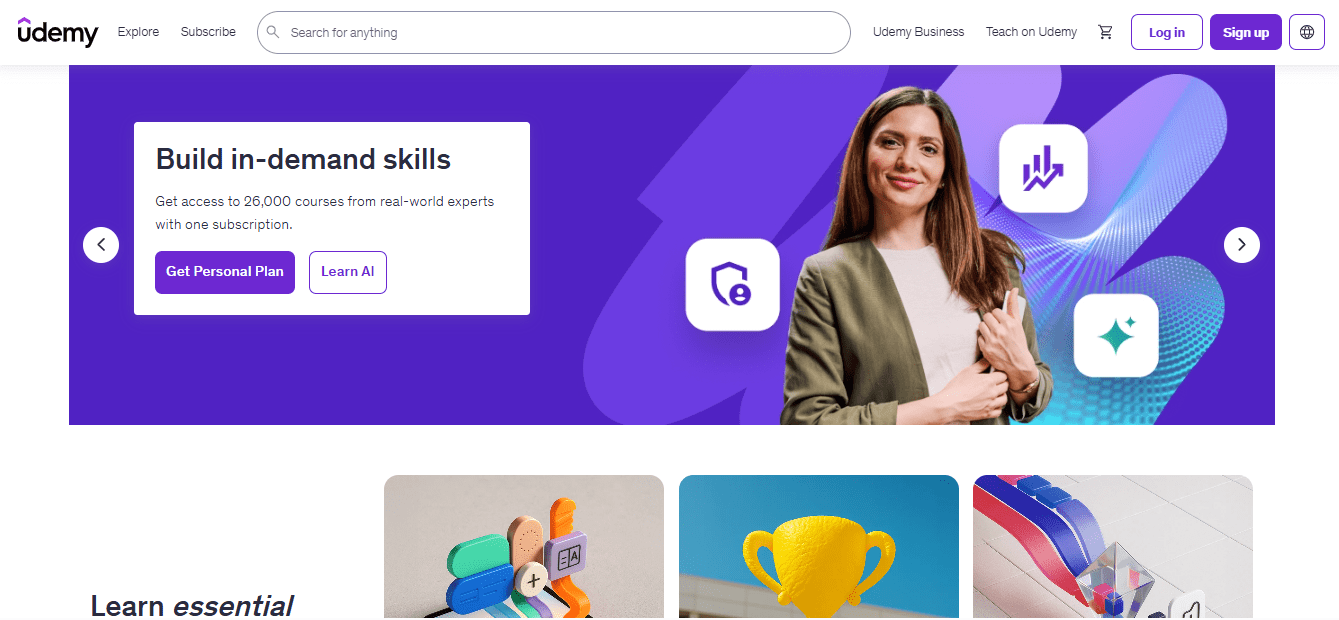
The tradeoff is control. Udemy owns the student relationship, sets its own discount pricing (courses frequently drop to $9.99 during platform promotions), and you can’t export your learner list. What you get in return is distribution you’d otherwise spend months building.
Pros:
- Free to join with no upfront cost; you only pay when you earn.
- Access to a global learner base without handling your own marketing.
- User-friendly course creation interface with built-in resources and tutorials.
- Lifetime learner access post-purchase creates long-term course engagement.
- Promotional tools that can increase enrollment without extra effort on your part.
Cons:
- Udemy takes 63% of organic marketplace sales. On a $9.99 discounted course, you’re earning around $3.70 per student.
- You don’t own the student relationship. No email list, no direct contact.
- Course quality standards require review approval before going live.
Pricing: Free to join as an instructor. Udemy takes 63% of sales made through the marketplace; you keep 97% of sales you drive yourself through your own coupon links.
5. Coursify.me – Best for Creating and Selling Online Courses With Low Entry Cost
Coursify.me is a straightforward platform for building and selling courses without dealing with a complex setup. The e-commerce features are baked in, the interface is clean, and you don’t need technical knowledge to get a course live.
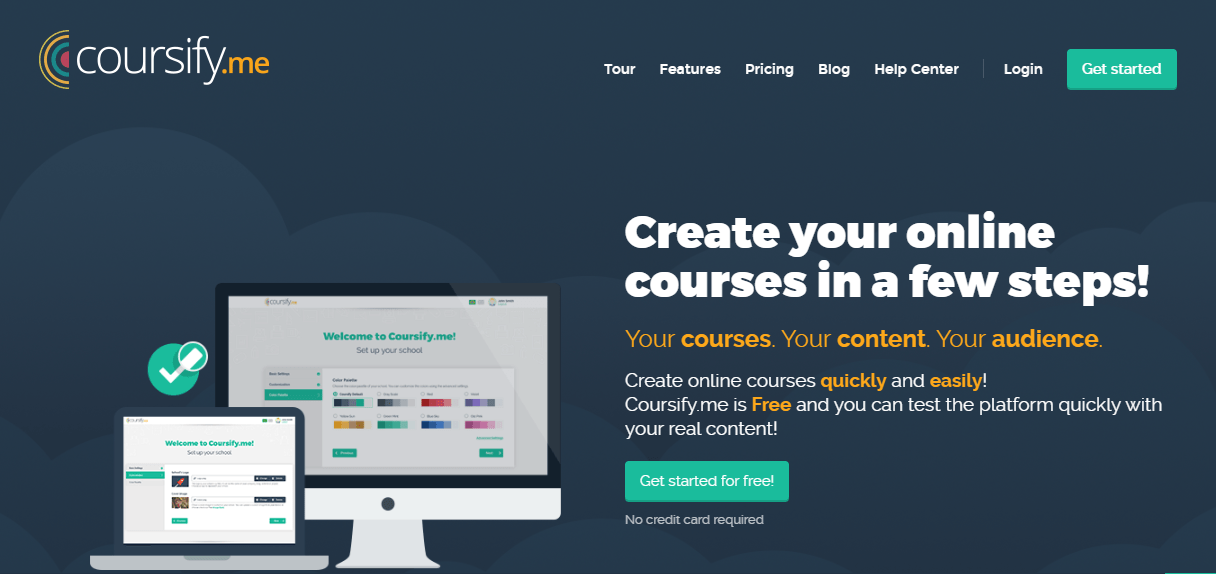
That said, the free plan is more limited than most comparisons suggest. You get one course and up to 25 students, which makes it genuinely useful for testing the platform or validating a single course idea, but not for building a full course library.
Pros:
- Customization options including logos, color schemes, and branding, available even on the free plan.
- SEO-optimized platform structure that helps with discoverability.
- Integrations with Dropbox, YouTube, and Vimeo for importing content.
- Secure payments via PayPal and Stripe with multi-currency support.
- Exams and certificates included across all plans.
Cons:
- The free plan caps you at one course and 25 students. If you need more, you’re on a paid plan quickly.
- File uploads are limited to 300MB per file on the free tier.
Pricing: Free plan available (1 course, 25 students). Starter at $15/month (billed annually) for 5 courses and 500 students. Pro at $39/month for 25 courses and 5,000 students. Business at $79/month for unlimited courses and students.
6. Coassemble – Best for Creating Immersive Learning Experiences
Coassemble has been a standout for me in designing immersive learning experiences. I’ve used it to create courses that feel engaging and interactive, thanks to its flexible design tools.
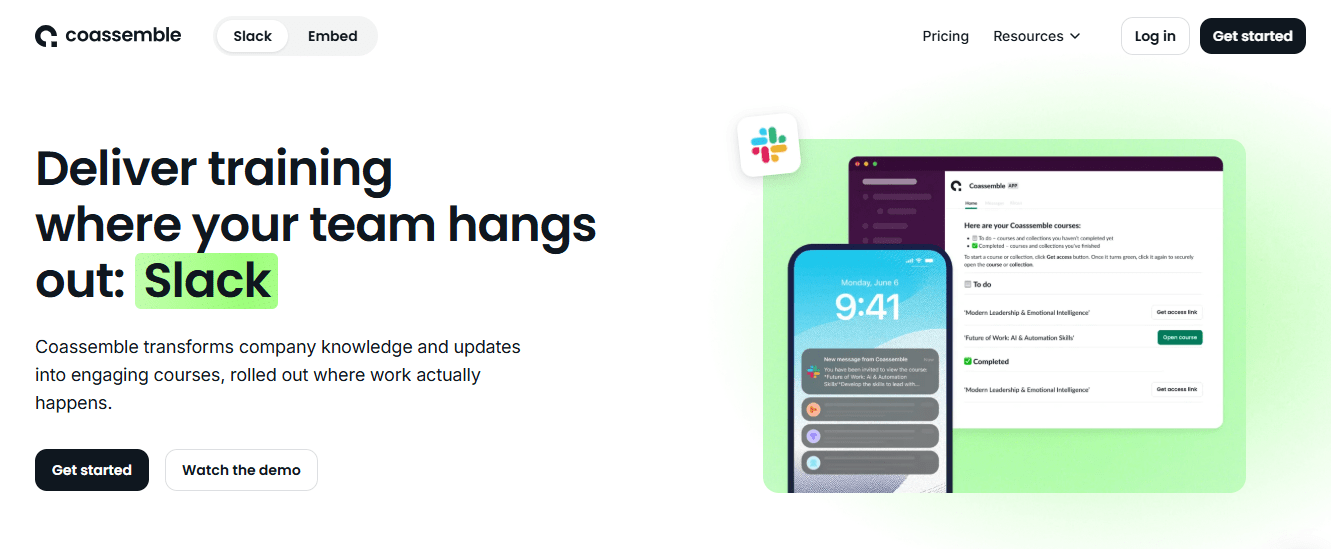
The way you can integrate different types of media, like quizzes, timelines, and gamified content, keeps learners more engaged. I’ve found that this platform is particularly good at holding the attention of users, which is critical for certain types of content.
If you’re looking to make learning interactive and fun, Coassemble offers some of the best tools to create those experiences.
Pros:
- Coassemble’s drag-and-drop course builder makes it easy to create and manage courses without technical skills.
- Its customizable templates allow you to design courses quickly and with minimal effort.
- The platform integrates smoothly with popular tools such as Google Workspace and Slack, facilitating collaboration.
- It offers SCORM compliance that ensures your courses are trackable and meet industry standards.
- You can create unlimited courses and enroll unlimited students on paid plans, providing scalability.
Cons:
- Coassemble does not have built-in e-commerce or marketing tools, which means you’ll need third-party platforms for promotion.
- There is no dedicated mobile app available, which could limit accessibility for learners on the go.
Pricing: Free plan available with basic features. Paid starts at $7.5/creator/month. Billed annually.
7. Sakai – Best for Self-Paced Modules
Sakai has been a great option for creating self-paced courses in my experience. I love how it allows learners to progress through material at their own speed, which is essential when flexibility is needed.
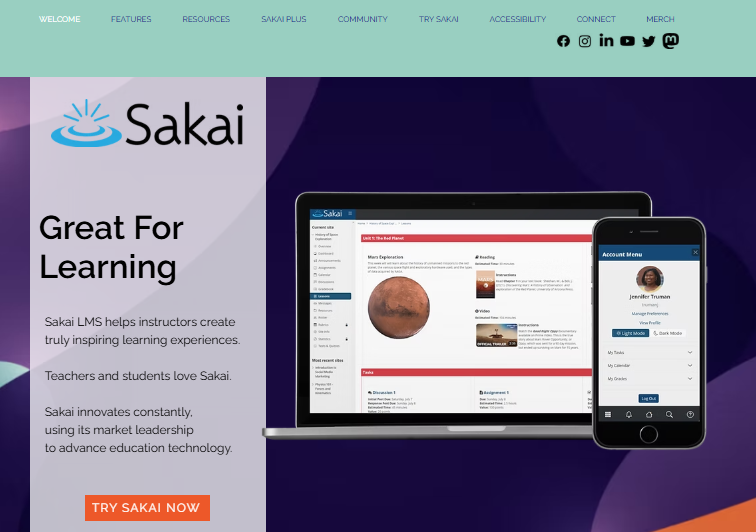
The collaborative tools Sakai offers, like discussion boards and peer review options, help maintain engagement even though students are learning at different paces.
I’ve also found it intuitive to set up modules that encourage independent learning while still offering opportunities for collaboration.
Pros:
- Sakai is completely open-source, providing you with free access and the ability to modify the platform as you wish.
- The platform offers extensive community support, making it easy to find solutions and customize the software.
- Sakai supports collaborative learning features like forums, chats, and file sharing to foster interaction between learners.
- The system is highly customizable for developers and technical users, giving you full control over its functionality.
- The tool includes a wide range of tools, such as assignment management, grade books, and wikis, to enhance the learning experience.
Cons:
- The lack of built-in customer support means that issues may take longer to resolve unless you have in-house expertise.
- Without external add-ons, scalability is limited for larger organizations.
Pricing: Free downloadable plan. Custom pricing for paid plans.
8. isEazy – Best for Corporate Training Teams
isEazy is a great platform for corporate training teams. Its drag-and-drop editor makes creating professional, interactive courses simple, with no technical skills needed. The platform is perfect for teams, offering collaborative tools that allow trainers to work together seamlessly.
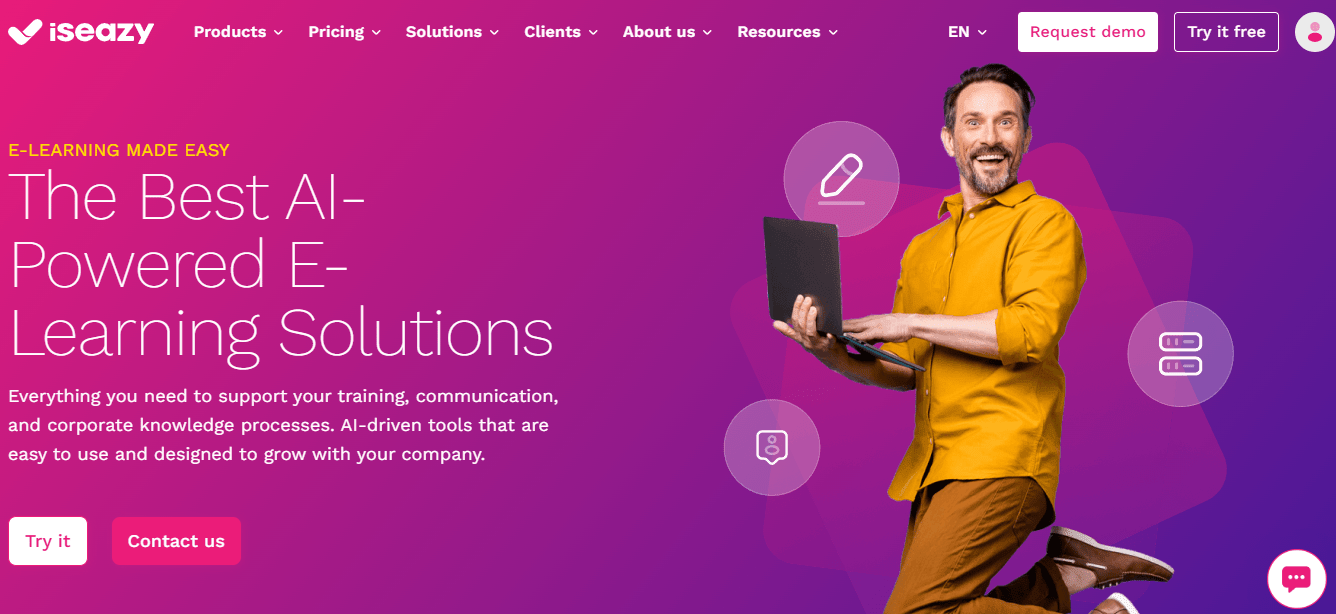
I’ve found the built-in analytics especially useful for tracking employee progress and identifying training gaps. The free version provides most features you’d need, including SCORM-compliance for easy integration with other systems.
Pros:
- The platform’s responsive design ensures that courses automatically adjust to fit any screen size, providing an optimal viewing experience.
- It includes a variety of engagement tools, such as quizzes, videos, and interactive elements.
- It supports the easy import of SCORM files and multimedia content, offering flexibility in designing and structuring courses to suit your needs.
- The platform allows you to create fully branded learning portals for different clients or departments, providing tailored solutions for organizations or agencies.
- The platform offers multilingual support, making it ideal for creating courses aimed at global audiences and allowing for localization.
Cons:
- Customer support is primarily offered through email, which can result in delays when users need quick assistance with urgent issues.
- The template option is restrictive for users who need more freedom in customizing their courses’ appearance and structure.
Pricing: Free plan with basic features and limited storage available. Custom paid plans.
9. Chamilo – Best for Social Learning
Chamilo’s focus on social learning has been something I’ve really enjoyed, especially when facilitating interaction among learners. I’ve found it to be one of the best platforms for encouraging peer-to-peer engagement through its forums and messaging tools.
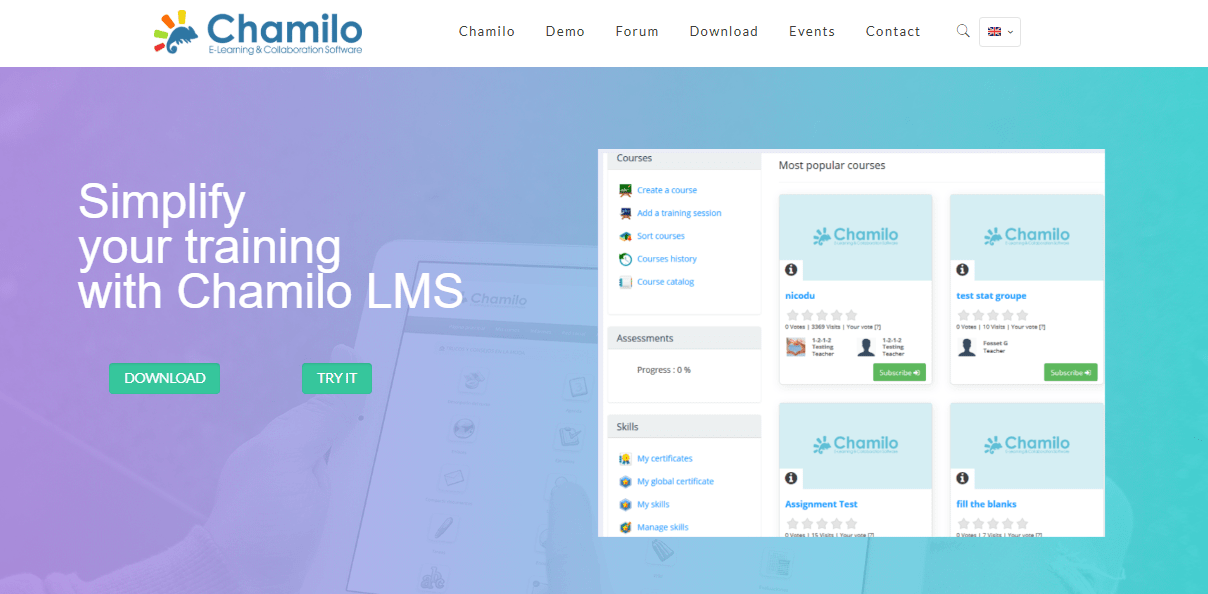
The social aspect really enhances the learning experience, creating an environment where students can learn from each other as much as from the material. Chamilo is also user-friendly, which helps learners connect easily without any major technical barriers.
Pros:
- Chamilo is an open-source LMS, and provides you with all the basic tools without subscription fees.
- Chamilo supports SCORM-compliant content, ensuring that you meet industry standards for training.
- It is well-suited for small to medium businesses and educational institutions looking for a no-cost LMS solution.
- The platform allows you to host the LMS on your own servers, giving you control over data and privacy.
- Chamilo offers multilingual support, which is perfect for reaching a global audience.
Cons:
- The platform has fewer advanced features compared to premium LMS options, limiting some customization.
- Dedicated support is not available unless you use paid services, leaving you reliant on community forums.
Pricing: Free with basic features.
10. MyiCourse – Best for Building an Active Learning Community
MyiCourse is a wonderful tool for creating an active, engaged learning community, and I’ve seen how effective it is at keeping learners involved even after the course ends.
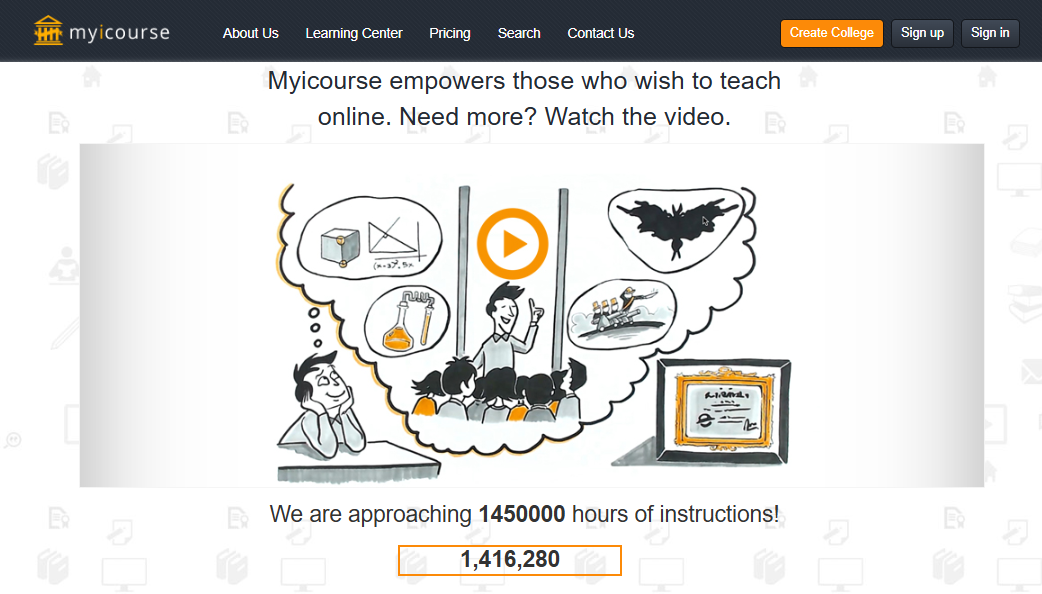
The platform’s community features, like discussion boards and feedback systems, encourage ongoing interaction, which makes it feel less like a static course and more like an evolving learning hub.
This community-driven focus keeps learners invested, and I’ve found that it’s especially effective for long-term engagement.
Pros:
- The platform supports multimedia content such as videos, PDFs, and quizzes, giving you flexibility in course design.
- You can customize course branding with basic tools, helping you create a unique identity for your content.
- Public and private course settings allow for flexible distribution, depending on your audience.
- You can issue simple certificates for course completion, adding value for your students.
- An integrated sales system allows you to monetize your courses with a revenue-sharing model, keeping costs low for you.
Cons:
- It lacks advanced features like gamification and interactive elements, which may limit engagement.
- Reporting and analytics tools are basic, making it hard to track detailed learner performance.
Pricing: Free plan available for limited users. Paid plans start at $50.
My Top 3 Picks for Free Online Course Platforms
Short on time? Here are the three I’d recommend based on what you’re actually trying to do.
ProProfs Training Maker is the one I come back to for internal training and LMS use. Unlimited courses, unlimited storage, real tracking, and certificates on the free plan. If you’re building employee training or need compliance documentation, this is where I’d start.
Coassemble is the right call when engagement is the priority. The learning experiences it produces are genuinely interactive, and that matters when you’re dealing with learners who tend to skip through passive content.
Chamilo is worth considering if peer learning and community discussion are core to how your learners grow. It’s open-source, completely free, and designed around social interaction rather than passive consumption.
How I Chose These Free Online Course Creation Platforms
I didn’t pick these based on marketing pages. Here’s what I actually looked at:
- User feedback: Real ratings and reviews from trusted sources, including what users complained about, not just what they praised.
- Core features and functionality: What each platform actually delivers on the free plan, not what they advertise.
- Ease of use: Whether someone without a technical background can build and launch a real course without hitting walls.
- Customer support: How platforms handle issues, especially on free plans where support is often limited.
- Value for money: Whether the free plan is genuinely usable or just a teaser to force an upgrade.
- Expert insight: Input from L&D professionals and educators who actively use these tools.
What the Community Is Actually Asking (And What Most Guides Skip)
Before finalizing this list, I went through forums and Reddit threads where real learners and course creators were talking about these platforms. A few things came up consistently that you won’t find in most review articles.
The “free certificate” trap is real: The most common complaint across communities like r/OnlineEducation and r/coursera is platforms advertising free courses that then charge you to unlock the certificate at the end. Coursera and edX both do this. The course is free; the credential costs money. If you’re evaluating a platform as a learner or recommending one to your employees, confirm whether certificates are included or paywalled before you commit.
Vendor-backed credentials carry more weight than platform certificates: Learners consistently report that certificates from Google, Microsoft, IBM, and Cisco matter to employers; certificates from unknown platforms often don’t. If career advancement is the goal, the platform’s reputation matters as much as its features.
“Free” with hidden commission isn’t neutral: A platform that takes 8% on every sale isn’t free in any meaningful sense once you’re generating real revenue. Run the math before you build.
Outdated content is a silent problem: In fast-moving fields like tech, cloud, and DevOps, course content goes stale fast. If you’re evaluating free course hosting platforms for professional development, check when courses were last updated. Stale content is worse than no content because it creates false confidence.
How to Choose the Right Free Course Platform for Your Situation
The platform that’s right for you depends on one question more than any other: what does success look like six months from now?
If success means trained employees with documented completion: You need an LMS, not a course builder. Look for audit trails, certificates, and automated enrollment. ProProfs Training Maker covers this on the free plan.
If success means revenue from course sales: You need e-commerce features and zero or low commission. Thinkific and Coursify.me are the options here, with different tradeoffs.
If success means reaching a large audience fast: You need a marketplace, not your own platform. Udemy gets you distribution you’d otherwise spend months building.
If success means high learner engagement: You need interactive tools. Coassemble or isEazy are worth a closer look.
A few practical things to verify before you build anything on a free best course hosting platform:
- Storage limits: Video-heavy courses can hit free plan limits fast. Confirm what happens when you exceed them.
- Commission structure: Understand what percentage goes to the platform on every transaction.
- Data ownership: If you ever leave the platform, can you export your learner data and course content?
- Mobile experience: Your learners will access content on their phones. Test the mobile view before you launch.
- Certificate availability: Confirm certificates are included on the free plan, not gated.
Why Choose Free or Freemium Online Course Platforms?
Free online course platforms are a great choice for several reasons:
1. Zero Financial Investment
Free platforms enable individuals and organizations to create and sell courses without any significant financial investment. This removes financial pressure from startups or businesses looking to minimize costs.
2. Immediate Access to Learning
With free platforms, training can begin immediately. There’s no need for procurement or approval processes often associated with paid services. You don’t have to wait for budget cycles or administrative hurdles.
3. Diverse Content at No Cost
Many free platforms, such as Coursera, edX, and Khan Academy, offer various courses at no cost. This diversity allows organizations to cover a broad spectrum of training needs without paying for specialized content.
4. Risk-Free Experimentation
Since the platforms are free, you can experiment with multiple educational content without worrying about wasted resources. Such flexibility means the ability to try out different programs and see what best fits your audience’s needs without being tied to costly contracts.
5. Learning at Scale
Free online course platforms can accommodate many learners simultaneously at no additional cost. This scalability is significant for organizations looking to train large workforces quickly, such as during company-wide initiatives.
6. Regular Updates Without Subscription Fees
Free platforms regularly update their course materials to reflect current trends, tools, and knowledge without requiring companies to pay for ongoing subscriptions or updates. This ensures that learners receive the latest information and skills relevant to their fields.
7. Access to Industry-Recognized Certifications
Many platforms offer paid certifications that learners can opt for if needed. Companies can benefit from free learning resources and provide employees the option to pursue certification independently, which adds credibility to the training without burdening the company financially.
8. No Long-Term Commitment
There’s no need to sign long-term contracts or subscriptions with free online course platforms. This lack of commitment provides individuals and companies with greater flexibility to adapt their training approach as business needs change. They can easily switch between platforms, courses, or learning strategies at no cost.
9. Community Learning and Peer Interaction
Like paid platforms, free platforms often include discussion forums, peer grading, and community interaction to facilitate collaboration and knowledge sharing. This fosters a sense of community and shared learning experiences, without the company investing in dedicated collaboration tools or services.
How to Build Your First Course Without Overthinking It
The most common trap is trying to build a complete, polished 10-module course before a single learner has seen it. Don’t.
Start with a three-lesson micro-course. Pick something narrow. Teach it completely. Ship it to a small group and watch what they do with it.
Three micro-course ideas that work on any free online course builder:
- A trend list: Pick five emerging changes in your field and explain what each one means for practitioners. Simple to build, genuinely useful, easy to update.
- A focused how-to: Think narrower than you think you need to go. Not “how to improve your posture” but “the three adjustments that fix rounded shoulders at a desk.” Specific beats comprehensive every time.
- A repurposed blog post: If you’ve written something that consistently gets shared or referenced, it already has a proven audience. Turn the main points into a short video series with a quiz at the end.
The micro-course serves two purposes. It gets content in front of learners quickly, and it teaches you more about the platform than any feature comparison ever will. You’ll discover in 30 minutes whether the learner experience actually works, which sections they skip, and whether the certificate feels like something worth earning.
Run the pilot, get the feedback, then build the full version.
The Only Thing That Matters After This List
I’ve watched organizations spend months evaluating platforms and zero time asking what their learners actually need. That’s backward. The best free online course platform is the one your learners complete, not the one with the longest feature list or the highest Capterra rating.
Pick the tool that solves your specific problem. If you need compliance documentation, start with ProProfs. If you’re selling to an audience you already have, start with Thinkific. If you want marketplace distribution without building your own traffic, start with Udemy. Then run a pilot. Watch what happens. Upgrade only when you’ve outgrown what free gives you.
The platforms on this list are genuinely good. But none of them does the thinking for you. That part’s still yours.
Frequently Asked Questions
Which is the best free online course platform with certificates?
ProProfs Training Maker. The free plan includes fully brandable certificates issued automatically on completion. Chamilo and Thinkific also offer certificates at no cost. Always confirm certificate availability before building, since some platforms gate them behind paid tiers.
What is the best free online course builder for beginners?
ProProfs Training Maker, Teachable, and Thinkific are the easiest to get started with. All three use drag-and-drop builders that don't require technical skills. ProProfs has the most complete free plan; Thinkific and Teachable have fewer limits on ease of use but more limits on free features.
Are free online course platforms really free?
Most have a catch. Some cap storage, some charge commission on sales (Teachable at 10%, Coursify at 8%), and some lock certificates behind paid plans. ProProfs Training Maker is the exception: unlimited courses, unlimited storage, zero transaction fees, and certificates on the free plan. Check the terms before you build anything.
Can I sell courses on a free online course platform?
Yes. ProProfs Training Maker, Thinkific, Teachable, and Coursify.me all support course sales. ProProfs and Thinkific charge no transaction fees on their free plans. Teachable charges $1 plus 10% per transaction; Coursify.me takes 8% commission. If you plan to sell at volume, ProProfs or Thinkific will cost you the least.
What is the best free course hosting platform for employee training?
ProProfs Training Maker. It's the only platform on this list designed as a real LMS with audit trails, automated enrollment, and compliance tracking, all available on the free plan. For internal training where you need to prove completion, it's the clear choice.
What should I look for when comparing free online course creation platforms?
At minimum: a working course builder, learner management, quiz or assessment tools, mobile access, and certificates. Beyond that, it depends on your goal. Employee trainers need tracking and audit trails. Course sellers need e-commerce and low commission. Verify storage limits and data export rights before committing to any platform.
Do free certificates from online course platforms carry any weight professionally?
It depends on who issued them. Certificates from vendor-backed programs (Google, Microsoft, IBM) carry real weight with employers. Certificates from lesser-known platforms are more useful for internal documentation, compliance records, and onboarding sign-off than for job applications. For professional credentialing, research the specific employer's expectations.
How do I choose between building my own course site and using a marketplace like Udemy?
Build your own site if owning your learner list and brand matters to you. Thinkific and ProProfs let you do this on the free plan. Use Udemy if you don't have an existing audience and want distribution handled for you. The tradeoff is control: marketplaces drive traffic but own the relationship with your students.
Let ProProfs AI create your training course

 We'd love your feedback!
What did you like & how can we make it even better?
 Thanks for your feedback!
 Ask Your Question
Have a question? Get expert help to make your decision easier.