Every training team I’ve worked with eventually hits the same wall. Someone updates a policy, and now there are four versions of the same course floating around three different folders, and nobody remembers which one is live. That’s usually the moment someone gets sent looking for a learning content management system, often without knowing that’s the term for what they need.
I’ve spent enough years building and rebuilding course libraries to have opinions about which tools actually solve this, and which ones just repackage the same content chaos with a nicer login screen.
This list covers the ten I’d actually recommend in 2026, based on what they do well, where they fall short, and who each one is genuinely built for. Your mileage may vary. It usually does.
What Is a Learning Content Management System (LCMS)?
People confuse this with a plain LMS constantly, and I get why. Most LMS platforms bolted on authoring tools over the years until the line blurred. But the distinction matters the moment you need to update one paragraph in a compliance module and have that change ripple across every course using it, instead of hunting down a dozen separate files.
That’s the whole point of a learning content management system: content lives once, gets reused everywhere, and never quietly goes stale in a folder nobody opens anymore.
List of the Best Learning Content Management Systems
I ran this learning content management system comparison against Capterra ratings, feature depth, and how each platform actually handles content reuse in practice, not just what the marketing page claims. Here’s the shortlist before I get into the details on each one.
| Tool | Best For | Capterra Rating | AI Features |
|---|---|---|---|
| ProProfs Training Maker | AI Course Creation and Compliance Tracking | 4.8 | AI course builder (prompt to course) |
| Absorb LMS | Complex, Multi-Audience Training Programs | 4.5 | AI-assisted content tools |
| Docebo | AI-Driven Enterprise Learning at Scale | 4.4 | AI content authoring (Shape) |
| 360Learning | Collaborative, Peer-Authored Courses | 4.7 | AI course and quiz suggestions |
| LearnUpon | Multi-Audience Training Delivery | 4.7 | Limited native AI authoring |
| Litmos | Off-the-Shelf Course Libraries | 4.2 | AI Assistant and AI Playlists |
| SkyPrep | Lean Teams Without a Dedicated LMS Admin | 4.8 | Minimal built-in AI |
| Tovuti | All-in-One Branded Learning Portals | 4.8 | Native AI course authoring |
| Forma LMS | Open-Source Control and Multi-Tenant Setups | 4.6 | No built-in AI (open source) |
| SC Training | Mobile-First Microlearning | 4.7 | AI-generated lessons and translation |
1. ProProfs Training Maker – Best for Easy Course Creation for Employee Training, Compliance & Skill Assessment
ProProfs Training Maker is the one I default to when a team asks me for a learning content management system that doesn’t require a dedicated instructional designer on staff.
The AI course builder is what sold me first. You describe what you need in a sentence, and it drafts a structured course, complete with content, quiz questions, and a learning flow, in about the time it takes to get coffee. That matters more than it sounds like it should when you’re managing training across five departments with no content team behind you. You can try by typing what course you want to create:

Let ProProfs AI create your training course
Add in 500+ ready-made courses on compliance and workplace topics, SCORM import for content you’ve already built, and support for 70+ languages, and it covers most of what a growing training team needs without forcing a rebuild from scratch.
Where it separates itself from a lot of the AI-forward tools on this list is tracking: completions, quiz scores, and time spent are all visible in real time, and you can pull an audit-ready report when compliance actually asks for proof instead of taking your word for it.
Pros:
- AI course builder turns a text prompt into a structured course with quiz questions in minutes
- Centralized content library keeps reused modules, quizzes, and templates in sync across courses
- 500+ ready-made courses covering compliance, safety, and workplace topics
- Real-time completion and quiz tracking with exportable reports for audits
- Public, transparent pricing instead of a contact-sales wall
Cons:
- No downloadable or on-premise version
- Dark user interface option is not yet available
Pricing: Free for up to 10 learners. Paid plan starts at $1.99/learner/month with a 15-day money-back guarantee. There are no hidden charges.
2. Absorb LMS – Best for Complex, Multi-Audience Training Programs
Absorb LMS is what I point complex organizations toward when one portal needs to serve wildly different audiences, internal staff, external partners, and customers, without the setup turning into three separate systems.
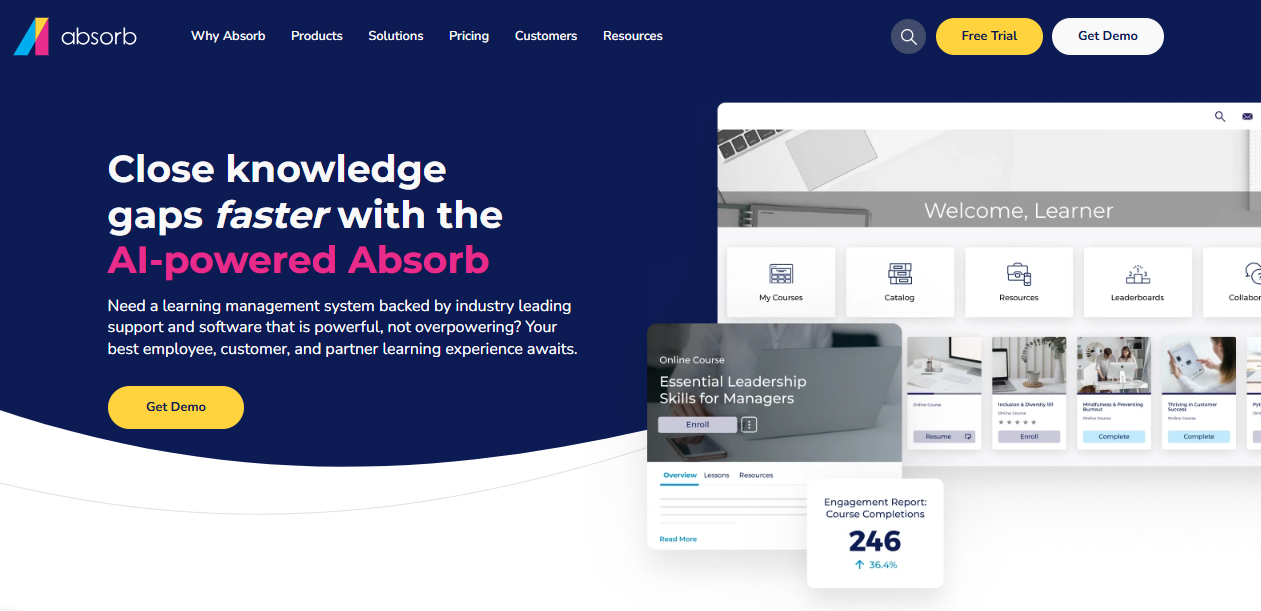
It handles that kind of segmentation well, and reviewers on Capterra consistently praise how intuitive it feels for both administrators and end users, which isn’t something I’d say about every enterprise platform on this list.
The content library is deep enough to support large, multi-brand deployments, and the reporting goes several layers past a generic completion percentage. Where it earns its keep is in how cleanly it reuses content across portals, so a single update doesn’t mean rebuilding the same material six times for six different audiences.
The tradeoff is that a lot of that flexibility only really pays off once you’re already operating at scale.
Pros:
- Handles multiple distinct audiences, staff, partners, and customers without needing separate systems
- AI-assisted tools inside course creation speed up content development
- Deep reporting that goes beyond basic completion percentages
- Strong content library support for large, multi-brand deployments
- Consistently rated highly for ease of use by both admins and learners
Cons:
- Pricing is quote-only and tends to make sense mostly at enterprise scale
- Some reviewers note that imported PowerPoint content, especially embedded video, doesn’t always survive the upload cleanly
Pricing: Custom pricing, quote-based.
3. Docebo – Best for AI-Driven Enterprise Learning at Scale
Docebo is the platform I’d point to first for organizations juggling formal training, informal social learning, and customer education under one enterprise roof.
Its AI content tool, Shape, converts existing documentation into structured micro-courses, which is a genuinely useful shortcut when you’re staring down hundreds of pages of compliance material and no time to manually rebuild it.
Reporting and analytics run deep, and the social learning features let peer-to-peer knowledge sharing carry a real share of the training load instead of everything flowing top-down. It’s built for scale, and that shows in both the pricing and the onboarding curve.
Docebo also introduced consumption-based pricing for some AI features in 2026, which adds a bit of budget unpredictability on top of the base license. Worth planning around if AI generation becomes a daily habit rather than an occasional shortcut.
Pros:
- AI-powered content creation (Shape) turns existing documents into structured courses quickly
- Strong social and informal learning tools alongside formal course delivery
- Deep analytics and reporting dashboards
- Scales well for large, complex organizations with varied training needs
- Solid mobile app support for learning on the go
Cons:
- Customer support quality varies noticeably by account tier, according to a number of reviewers
- The AI credit system introduced in 2026 shifts some AI feature costs to consumption-based pricing, which can make budgeting less predictable
Pricing: Custom pricing, generally landing somewhere between $25,000 and $40,000 a year for mid-size deployments.
4. 360Learning – Best for Collaborative, Peer-Authored Courses
360Learning flips the usual top-down course-building model on its head, and I mean that as a compliment.
Instead of one instructional designer building everything in isolation, subject matter experts across the company can co-author and review courses directly inside the platform, which is genuinely useful when the people who know the material best aren’t the people building it.
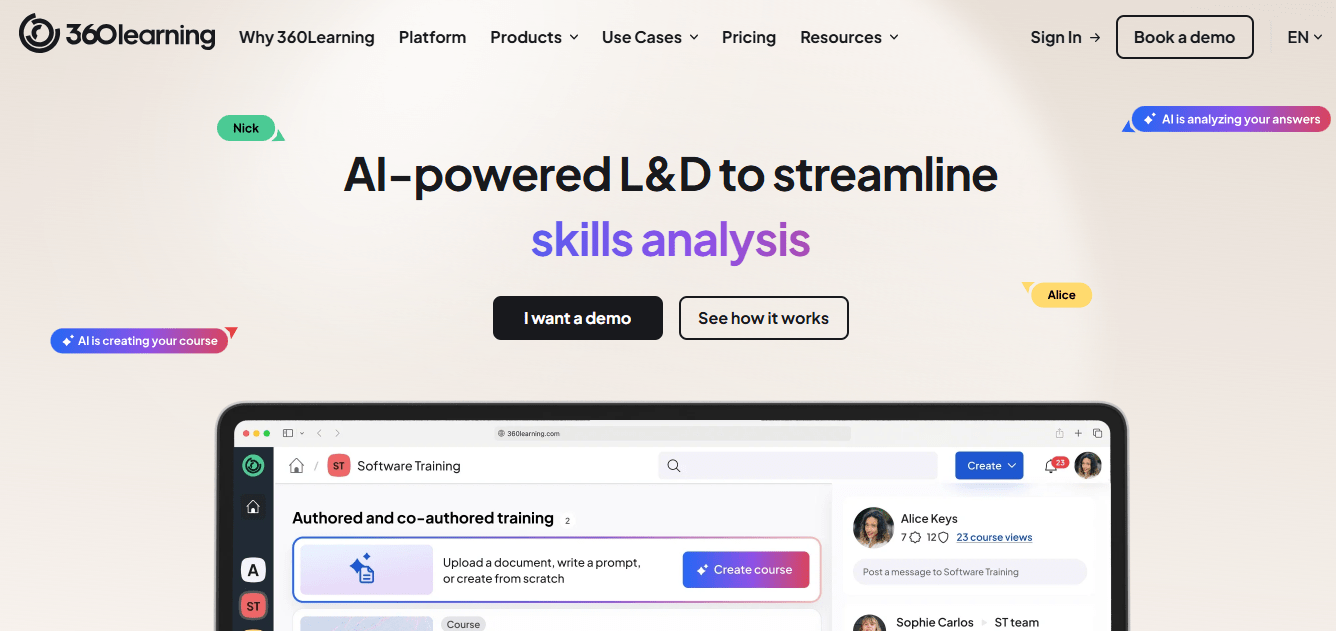
The AI features help generate quiz questions and suggest course structure, which speeds up the part most teams dread. It integrates cleanly with tools like Loom, Genially, and Prezi if your team already lives in those, and multilingual support handles global rollouts reasonably well.
It isn’t built primarily around content reuse and version control the way some other platforms on this list are, so if fragmented content sprawl is your biggest headache, this may not be the fix, even though it solves plenty of other real problems well.
Pros:
- Collaborative authoring lets subject matter experts co-build and review courses directly
- AI-assisted quiz generation and course structuring suggestions
- Strong integrations with content tools like Loom, Genially, and Prezi
- Comprehensive multilingual support for global teams
- High marks from reviewers for ease of use and responsive customer service
Cons:
- Reporting customization has room to improve, according to several long-term users
- Admins and coaches often need extra time to learn the group and session-setup structure
Pricing: Starts at $8 per registered user per month.
5. LearnUpon – Best for Multi-Audience Training Delivery
LearnUpon earns its spot here for how well it handles training multiple distinct audiences, employees, partners, and paying customers, without forcing three separate logins or three separate content libraries.

The permission structure lets you delegate admin work by audience type, so a partner enablement manager isn’t tripping over compliance settings meant for internal staff. Implementation tends to move fast relative to competitors, and the customer service reputation here is hard to overstate; it’s one of the more consistently praised support teams among the tools on this list.
The native content authoring tool is fairly basic, though, mostly text, images, video, and links, with no interactive branching or scenario-building baked in.
If your content strategy leans on richer interactivity, you’ll likely be authoring elsewhere and importing the finished product rather than building natively inside LearnUpon.
Pros:
- Clean separation of employee, partner, and customer training audiences under one platform
- Highly rated, responsive customer support and onboarding
- Fast implementation timelines relative to other enterprise LMS platforms
- Flexible permission and delegation structure for multi-team administration
- Customizable, SEO-friendly storefront for organizations selling courses externally
Cons:
- Native authoring tool is fairly basic, with no interactive or branching content options
- Searching and filtering courses that have multiple versions can be clunky for administrators
Pricing: Custom pricing, quote-based.
6. Litmos – Best for Off-the-Shelf Course Libraries
Litmos makes sense the moment you’d rather license a massive existing course library than build your own from scratch.
Over 80,000 pre-built courses ship with the platform, covering everything from workplace safety to sales skills, which cuts content development time down to almost nothing if the topics match your needs.
The AI Assistant and AI Playlists features help personalize what learners see, and the 100-plus out-of-the-box integrations mean it plays reasonably well with existing HRIS and CRM systems. Where it falls short compared to others here is a lack of native spell-check inside the course editor, which is a small thing until you’ve published a typo to a few thousand employees.
Custom reports also require exporting and manually sharing rather than a built-in sharing link, which feels like an odd gap for a platform this mature.
Pros:
- Massive library of 80,000+ pre-built courses across a wide range of topics
- AI Assistant and AI Playlists for personalized learning paths
- 100+ out-of-the-box integrations with HRIS and CRM tools
- Supports instructor-led and virtual instructor-led training alongside self-paced content
- Backed by SAP’s broader enterprise ecosystem
Cons:
- No built-in spell checker inside the course authoring tool
- Custom reports have to be exported and shared manually rather than linked directly
Pricing: Custom pricing, quote-based.
7. SkyPrep – Best for Lean Teams Without a Dedicated LMS Admin
SkyPrep is the one I’d recommend to a training manager who’s also doing three other jobs and doesn’t have time to babysit a complicated system.
Reviewers consistently point to the customer support here as genuinely exceptional, the kind where someone responds the same day instead of routing you through three tiers of ticketing.
Course creation is straightforward, SCORM content imports cleanly, and the platform handles compliance tracking and automated reminders without much hand-holding required. It’s a solid fit for small to mid-sized teams that need something reliable without a six-week implementation process.
The tradeoff is that some of the advanced reporting and native AI capabilities that bigger platforms on this list offer aren’t really here yet. Past a few hundred learners with complex multi-department content governance, you’ll likely outgrow it eventually, just not on day one.
Pros:
- Genuinely fast, responsive customer support based on repeated reviewer feedback
- Straightforward course creation with clean SCORM import
- Automated compliance tracking and reminders with minimal setup
- Flexible enough to serve varied use cases, from aviation training to customer education
- Fast deployment, often live within days rather than weeks
Cons:
- Advanced reporting customization lags behind larger enterprise platforms on this list
- Native AI content generation is minimal compared to AI-forward competitors
Pricing: Custom pricing, quote-based.
8. Tovuti – Best for All-in-One Branded Learning Portals
Tovuti’s pitch is consolidation: your website, e-commerce, and learning platform running under one branded roof instead of three disconnected tools stitched together with plugins.
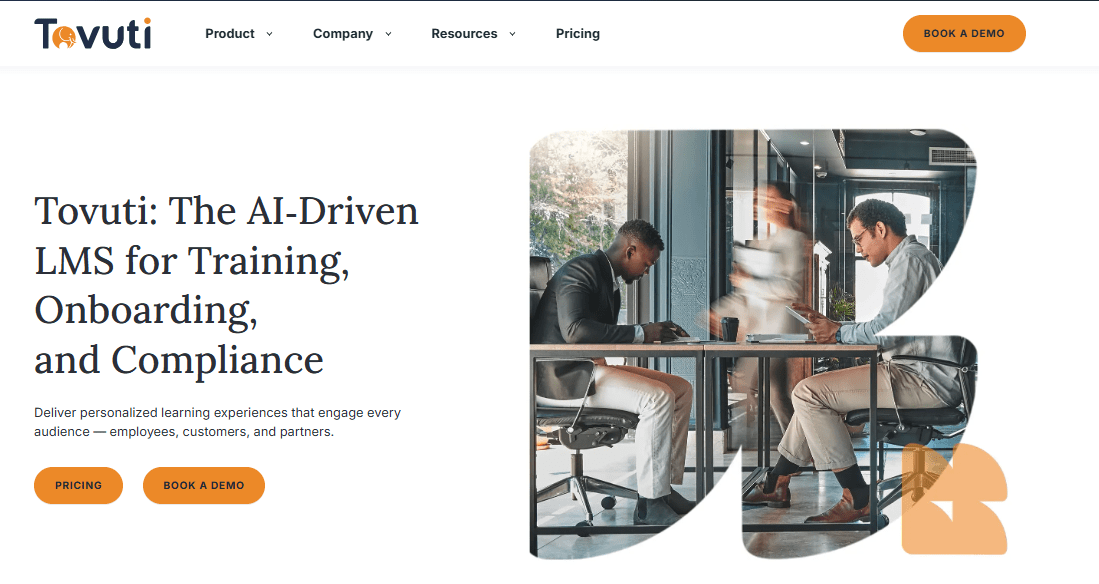
For organizations selling courses directly to a public audience, that matters more than it might sound like on paper.
Reviewers frequently mention how far the customization goes, sometimes further than they actually needed, and the native AI course authoring tool can generate lessons, quizzes, and even narration from an outline or an uploaded document. Interactive features like memory games and 360-degree images add a layer of engagement most competitors don’t bother with.
On the other hand, the content creation workflow has more steps and settings than it probably needs, and the quiz builder’s limited question variety is a complaint I’ve seen echoed across several reviews. Pricing starts around $7,500 annually for smaller deployments, scaling from there.
Pros:
- Combines website, e-commerce, and LMS under one branded platform
- Native AI course authoring generates lessons, quizzes, and narration from outlines or documents
- Unusually deep customization options for branding and learner experience
- Interactive engagement features like memory games and 360-degree images
- Strong fit for organizations monetizing courses to an external audience
Cons:
- Content creation involves more steps and settings than most competitors, with a real learning curve
- Quiz feature offers limited question type variety for a platform this feature-rich elsewhere
Pricing: Quote-based, typically starting around $7,500 per year for smaller deployments.
9. Forma LMS – Best for Open-Source Control and Multi-Tenant Setups
Forma LMS is the option for teams that want to own their data outright and aren’t afraid of a little extra setup work to get there.
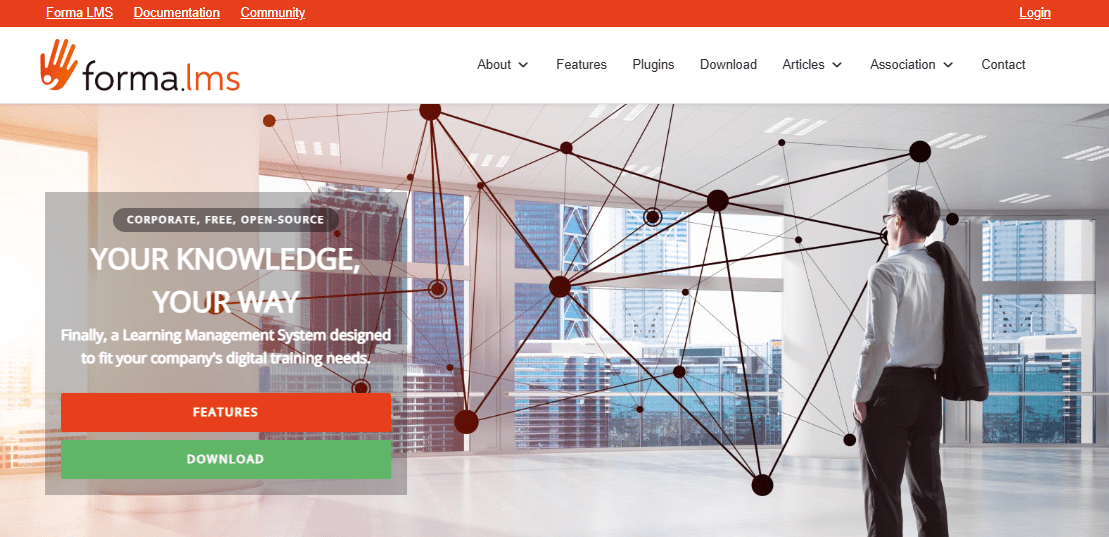
It’s open source, so instead of paying escalating SaaS fees indefinitely, you’re trading some of that budget for control over hosting, customization, and long-term data ownership. Multi-tenancy is genuinely one of its strongest features; managing separate client groups, departments, or franchise locations under one system without licensing restrictions is where it earns its reputation.
It supports the standard SCORM-based content you’d expect, plus solid reporting once configured. The interface takes some getting used to, though, and unlike most other tools here, there’s no native AI course generation, so if that’s what you’re after, look elsewhere on this list.
Support runs through an active user community rather than a dedicated vendor team, which works well for technical teams and less well for everyone else.
Pros:
- Open-source model gives full data ownership and control over hosting
- Strong multi-tenancy support for managing multiple client groups or departments
- No per-seat licensing costs that scale with growth
- Active user community and forum support
- Flexible customization for organizations with development resources
Cons:
- No native AI course generation, unlike most other platforms on this list
- Interface and initial setup require more technical comfort than SaaS competitors
Pricing: Open source. Custom pricing for hosted and paid support plans.
10. SC Training – Best for Mobile-First Microlearning
SC Training, formerly EdApp, is built around the idea that most people aren’t sitting down for a 45-minute course between shifts, they’re glancing at their phone for five minutes. That mobile-first, bite-sized approach makes it a strong fit for frontline and deskless teams in retail, hospitality, and field service, where a traditional desktop LMS never really gets opened.
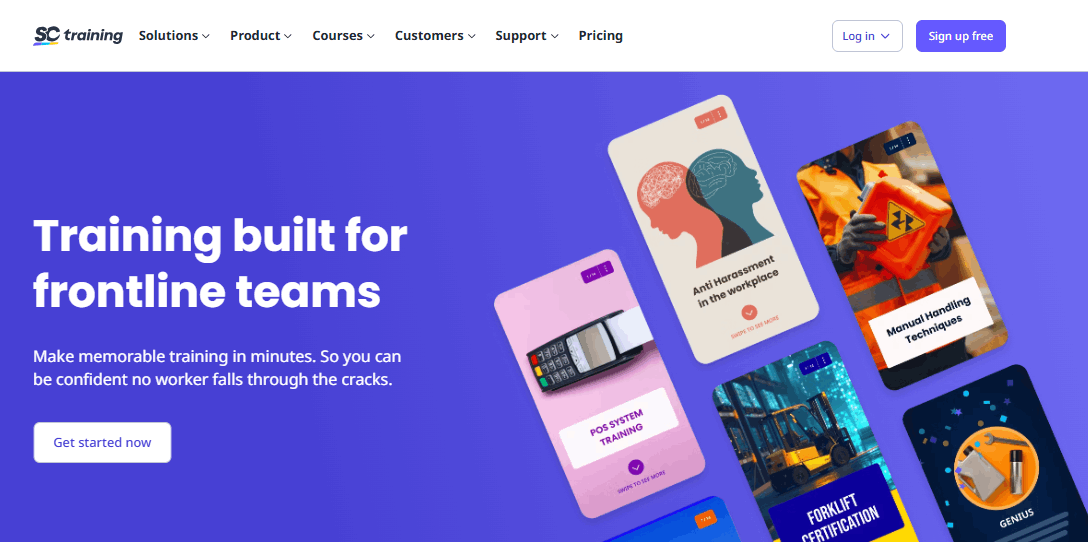
The AI course creation tool builds lessons quickly from a prompt or existing document, and the editable template library covers a wide range of common training topics without much customization work. It’s genuinely easy to use, which shows up consistently in reviews.
Where it’s a weaker fit is anything resembling structured, enterprise-grade content governance, deep skills taxonomies, or multi-level approval workflows. If your program is mostly short, frequent, mobile-first lessons, this is a strong option.
If you’re running a complex compliance program with layered sign-offs, you’ll likely find it a bit light.
Pros:
- Mobile-first design built specifically for frontline and deskless workers
- AI-generated lessons from a simple prompt or uploaded document
- Large library of editable templates for common training topics
- Genuinely easy to use for both course creators and learners
- Built-in gamification and spaced repetition to support retention
Cons:
- Lacks manager approval workflows and multi-level sign-off routing for complex programs
- Reporting and skills-tracking are lighter than what larger enterprise LMS platforms offer
Pricing: Free for up to 10 learners. Premium plans start at $5 per user per month.
My Top 3 Learning Content Management System Picks
Ten options is a lot to hold in your head at once, so here’s where I’d actually point three different kinds of teams shopping for a learning content management system, if they messaged me directly instead of reading the whole list. These aren’t ranked against each other so much as matched to different situations.
1. ProProfs Training Maker
For most training teams reading this, ProProfs Training Maker is where I’d start. It gets you from zero to a functioning course library fastest, the AI course builder actually saves real hours rather than just sounding good in a demo, and the pricing is public enough that you can budget for it without a sales call.
2. Absorb LMS
Absorb is powerful for businesses with complex training needs that offer advanced customization and integrations. I like how it seamlessly handles large content libraries and makes it ideal for growing organizations looking to scale their training programs with minimal hassle.
3. Docebo
For the enterprise reader who needs something that can genuinely absorb complexity, formal courses, informal social learning, customer education, all running through one system, Docebo is my pick. The AI content tools are legitimately useful for converting existing documentation into structured courses, and the analytics go deep enough to satisfy an L&D leader who has to justify budget with real numbers.
How I Evaluated These Tools
The evaluation of learning content management systems in this blog post is based on six key factors to ensure a fair and well-rounded review:
- User Reviews / Ratings: I have collected feedback from real users, including ratings and reviews from trusted sources like G2, Capterra and other reputable source.
- Essential Features & Functionality: The value of a product is determined by its core features and how well it performs its intended functions. So, I have considered this as well.
- Ease of Use: User-friendliness is essential because it reflects how easy it is for all users, regardless of expertise, to use.
- Customer Support: The quality of customer support has been evaluated, from setup to troubleshooting.
- Value for Money: I have considered this factor to ensure my readers get good value for what they pay.
- Personal Experience / Experts’ Opinions: Insights from personal experience, combined with expert opinions, provide a comprehensive understanding of the product.
Ready to Pick the Best Learning Content Management System?
The future of learning is here, and it’s powered by learning content management systems. Whether you’re upskilling your workforce, onboarding new hires, or simply looking to deliver engaging and effective training, an LCMS is your key to success.
When choosing an LCSM, consider factors such as your organization’s size, training goals, budget, and desired level of customization.
So, don’t get left behind with outdated training methods. Explore the options in this list I have shared and find the perfect match for your needs. Unlock the potential of your organization’s learning journey.
Frequently Asked Questions
What is a learning content management system?
A learning content management system is software focused on creating, organizing, and reusing training content at the object level, things like text blocks, videos, and quizzes, rather than just delivering finished courses. It sits underneath your LMS, handling authoring and version control so updates propagate automatically instead of requiring manual rebuilds.
What is the difference between an LCMS and an LMS?
An LCMS focuses on creating, versioning, and reusing content, while an LMS focuses on delivering that content and tracking learner progress. Many platforms today blend both, but the distinction matters most when you need to update content once and have that change apply everywhere it's used.
How do I choose the right learning content management system software?
Start with your bottleneck. If it's content duplication and version chaos, prioritize reuse and centralized libraries. If it's scale across audiences, prioritize integrations and reporting depth. Check Capterra and G2 for recurring complaints, not just star ratings, and trial the AI features before assuming they'll save time.
What should a learning content management system comparison actually look at?
Look past star ratings alone. A real comparison should weigh content reuse and version control, AI feature depth versus AI feature marketing, ease of use for non-technical creators, integration support, and pricing at the tier your team will realistically land on after outgrowing any free plan.
Is training content management different from an LCMS?
Not really. Training content management is the broader practice, organizing, updating, and governing your training materials, while an LCMS is the software category built to handle that practice at scale. Teams without a dedicated LCMS often manage training content management manually across shared drives and outdated folders.
Can I switch learning content management systems without losing my content?
Usually, if your content is SCORM-compliant or exported in a standard format. Most platforms on this list support SCORM import, so existing courses can move over. What you'll likely lose is metadata, tagging, and version history unless the new platform has a dedicated migration process.
Let ProProfs AI create your training course

 We'd love your feedback!
What did you like & how can we make it even better?
 Thanks for your feedback!
 Ask Your Question
Have a question? Get expert help to make your decision easier.