I’ve managed onboarding for teams across three companies, and the honest truth is that most of the chaos isn’t due to bad intentions. It’s because nobody owns the full sequence. HR owns the paperwork. IT owns the access. The hiring manager owns the “culture stuff.” And the new hire sits in the middle, waiting on all three, wondering if anyone actually knows they’re starting today.
The right employee onboarding software doesn’t fix that organizational problem for you. But it does give you a single system of record that forces accountability across all three groups, and that, in my experience, is where most of the value actually lies.
This is the list I’d give someone who asked me directly which platforms are worth looking at and why.
This guide is for:
- HR managers replacing a manual or spreadsheet-based onboarding workflow
- People operations teams standardizing onboarding across multiple locations or departments
- Recruiters who need new hires productive faster without personally tracking every task
- Business owners at growing companies formalizing onboarding for the first time
- L&D leads who need to add structured training to an existing HR tech stack
What Is Employee Onboarding Software?
Most teams don’t realize how broken their onboarding process is until someone quits in the first 90 days and HR goes back to reconstruct what happened. What they find is usually a Google Drive folder, a few email threads, a manager who assumed someone else handled the IT request, and zero documentation that any training was completed.
What I look for in employee onboarding solutions isn’t a feature checklist. It’s whether the platform removes the dependency on any single person’s memory. That’s the standard by which to hold these tools.
The 10+ Best Employee Onboarding Platforms, Reviewed
I’ve tried to be honest here about what each tool is actually good at, not just what it claims to be. A few of these I’ve used directly. Others I’ve evaluated during vendor selection processes or heard about consistently from peers in people ops. I’ll tell you which is which where it matters.
Here’s a table for a quick glance:
| Tool | Best For | Capterra Rating | Starting Price | Training and LMS | E-Signatures | HRIS Integration | Free Plan |
| ProProfs Training Maker | Training-first onboarding with compliance tracking | 4.8 | $1.99/learner/month | Yes | No | Yes (BambooHR, Salesforce) | Yes (up to 10 learners) |
| BambooHR | SMBs building a complete HR foundation | 4.6 | Custom quote | No | Yes | Native HRIS | No |
| factoHR | Self-service onboarding with built-in document and asset tracking | – | Custom quote | Add-on (separate Learning module) | Not publicly confirmed | Native (same HCM platform) | Yes |
| GoCo | Paperless HR onboarding with benefits enrollment | 4.7 | $5/employee/month | No | Yes | Yes | No |
| HR Cloud | Remote teams needing workflow automation | 4.5 | Custom quote | No | Yes | Yes | No |
| iSolved | Mid-size businesses managing payroll and onboarding together | 4.3 | Custom quote | No | Yes | Yes | No |
| WorkBright | Remote I-9 compliance and document collection | 4.5 | Custom quote | No | Yes | Yes | No |
| ClearCompany | Talent management and onboarding in one platform | 4.4 | Custom quote | No | Yes | Yes | No |
| monday.com | Teams wanting flexible, workflow-based onboarding | 4.6 | Free (2 seats); paid from $9/seat/month | Limited | Yes | Yes | Yes |
| EddyHR | Small businesses managing HR without a dedicated team | 4.4 | Custom quote | No | Yes | Yes | No |
| ADP | Large or global teams needing payroll and HR compliance | 4.3 | Custom quote | No | Yes | Yes | No |
| Freshteam | Growing companies wanting ATS and onboarding combined | 4.4 | Custom quote | No | Yes | Yes | No |
| Trakstar Learn | LMS-focused onboarding for content-heavy training programs | 4.3 | Custom quote | Yes | No | Yes | No |
1. ProProfs Training Maker – Editor’s Choice, Best for Training-First Onboarding With Compliance Tracking
What I keep noticing with most employee onboarding software is that training gets treated like an afterthought. The platform handles the paperwork beautifully, routes the tasks correctly, sends the reminders on schedule, and then, when it’s time for actual learning, someone emails a PDF. ProProfs Training Maker is the tool I reach for when that specific gap is the problem.
I’ve used it when onboarding needed to do more than collect signatures and tick compliance boxes. The AI course builder is genuinely useful. I can type a prompt describing what I need, and it generates a course structure I can actually work with rather than a generic outline that requires rebuilding from scratch. For teams without an instructional designer on staff, that matters more than people expect. You can try it here:

Let ProProfs AI create your training course
The ready-made library is substantial. More than 500+ expert-built courses covering workplace safety, harassment prevention, communication skills, and role-specific topics means I’m rarely starting from zero. I can customize what exists rather than creating from nothing, which is where most training initiatives stall.
What I rely on most is the tracking. Real-time completion data, assessment scores, learner progress by individual, and visibility into exactly where people are dropping off or getting stuck. The learning path feature lets me sequence onboarding so new hires aren’t buried in everything on day one. That pacing piece is underrated and most teams underestimate how much it affects completion rates.
The BambooHR and Salesforce integrations work cleanly, and the 70+ language support makes it viable for global or multilingual teams without a separate localization project.
Pros:
- AI course builder cuts content development time significantly, which matters if you don’t have a dedicated instructional design team
- 500-plus ready-made courses mean I can launch compliance onboarding quickly without starting from scratch
- Real-time learner analytics and completion tracking give visibility without manual follow-up
- Learning paths sequence onboarding content so new hires aren’t overwhelmed on day one
- Integrates with BambooHR, Salesforce, and SSO tools; supports SCORM for existing content
Cons:
- No on-premise version; cloud only, which doesn’t work for every organization
- No built-in e-signature or document collection; needs a separate tool for that side of onboarding
Pricing: Free forever plan for up to 10 learners. Paid plans start at $1.99/active learner/month.
2. BambooHR – Editor’s Choice, Best for SMBs Building a Complete HR Foundation
I point teams toward BambooHR when the question isn’t just “how do we onboard people” but “how do we actually run HR without everything living in someone’s inbox.” It’s built for small and mid-size businesses, specifically the 50-to-500 range, where you have enough complexity to need a real system but not enough budget or headcount for an enterprise platform with a six-month implementation.
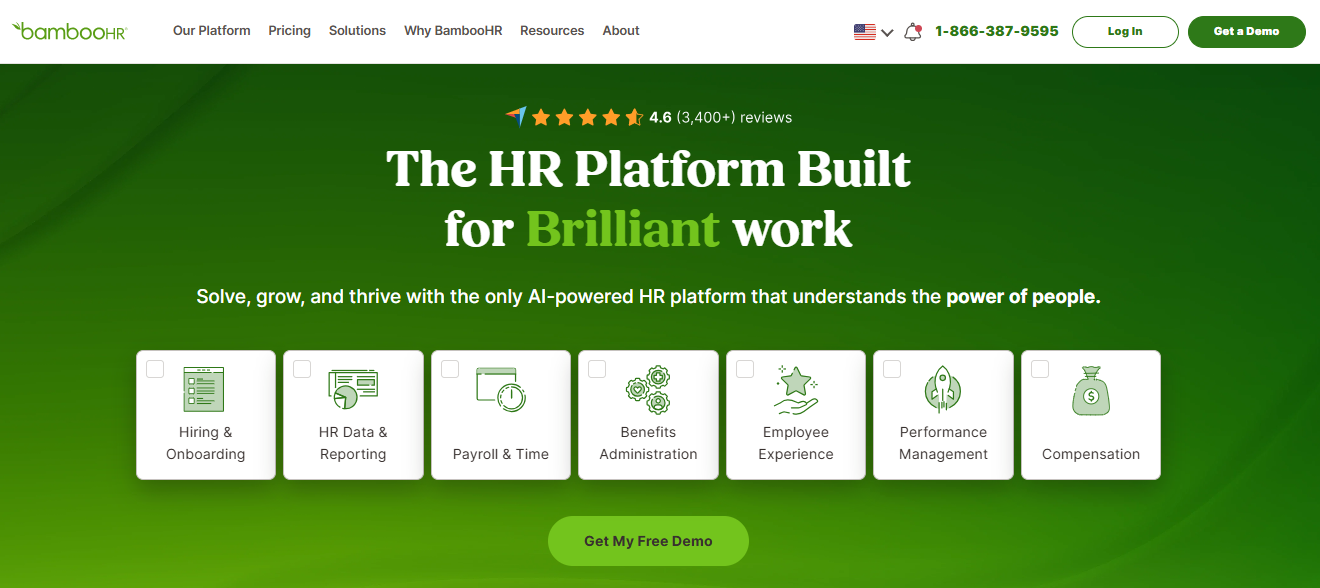
In my experience, BambooHR is where the “one system instead of five” argument actually holds up. Applicant tracking, onboarding paperwork, electronic signatures, benefits enrollment, performance management, and employee records all live in the same place. That sounds obvious, but the practical value shows up when a new hire’s information stops having to be re-entered every time it crosses a departmental boundary.
The onboarding flow itself is clean. New hires get a personalized task checklist, forms auto-populate where the information already exists in the system, and managers get a real-time view of what’s complete and what’s pending. I’ve seen teams cut their HR coordinator time on onboarding by a significant margin just by moving the task routing out of email and into BambooHR’s workflow engine.
The self-service portal is something I think gets undervalued in evaluations. When a new hire can access their own documents, check their time-off balance, and update their personal information without submitting a request to HR, it removes a category of repetitive work that quietly eats hours every week. Not every platform does this well. BambooHR does.
Where it doesn’t compete is on training delivery. There’s no LMS here, no course builder, no assessment engine. If structured learning is a meaningful part of your onboarding requirement, you’ll need a second tool alongside it. The BambooHR LMS integration addresses that gap directly.
4.6 ★
G2 rating (6,800+ reviews)
30K+
Companies using BambooHR
~2 wks
Average time-to-go-live
Pros:
- All-in-one HR platform reduces the tool fragmentation that makes onboarding accountability hard to maintain
- Intuitive interface that non-technical HR teams can manage without a dedicated admin or extensive training
- Self-service portal reduces repetitive HR requests and gives employees direct access to their own records
- Performance management and onboarding connected in one workflow, which supports longer-term development visibility
- Well-documented API and solid integrations with payroll, benefits, and communication tools
Cons:
- Pricing is not transparent; requires a direct quote, and the cost increases meaningfully with headcount
- No native LMS or training delivery capability; structured learning requires a separate platform
Pricing: Contact BambooHR directly for a quote based on company size.
Streamline your HR processes with BambooHR
Get pricing, explore features, and see how BambooHR can simplify onboarding, employee records, and performance management.
3. factoHR – Best for Self-Service Onboarding With Built-In Document and Asset Tracking
Most onboarding delays come down to one thing: a new hire arrives with paperwork incomplete because someone had to chase them for details, documents, or a signature in the days before their start date. factoHR is the platform I point to when the goal is getting a new hire fully processed on paper before day one, without HR manually collecting each piece by hand.
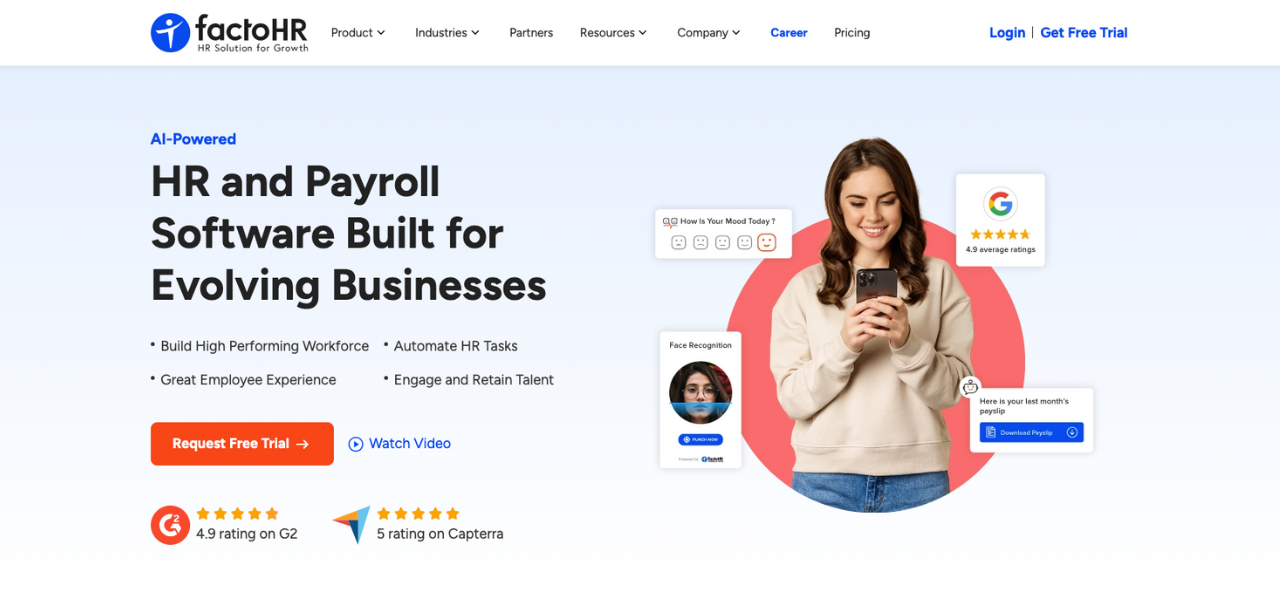
The pre-onboarding portal is where this starts. The new hire gets a self-onboarding link before their first day and submits their own personal details, education history, and required documents directly into the system. HR sets which fields are mandatory versus optional by role, so a factory hire and a manager aren’t filling out an identical form.
Letter generation and document handling sit in the same module. Offer, appointment, and confirmation letters populate from configurable templates instead of being drafted each time individually. Statutory forms get digitised as part of the same flow, so new hires fill them in online rather than on paper. Asset assignment works the same way: HR can log a laptop, ID card, or access card against the new hire as it’s issued, with asset-wise and document-expiry reports pulled directly from the system afterwards.
Policy publishing rounds this out. New hires read and acknowledge company policies digitally as part of onboarding, which gives HR a record of what’s been confirmed without a manual sign-off sheet to track down later.
Two things worth flagging before assuming this fits. The statutory form digitisation is built specifically for Indian compliance requirements (PF, ESI, PT, TDS), so onboarding hires based outside India would need separate document handling for that piece. And while letters and forms are digital, public documentation doesn’t clearly confirm native e-signature capture, so that’s worth checking directly rather than assuming it covers paperless sign-off end to end.
Pros:
- Pre-onboarding portal lets new hires submit their own details and documents before their start date, with fields configurable by role
- Offer, appointment, and confirmation letters are generated from configurable templates instead of being drafted individually
- Asset assignment and tracking are built into the onboarding workflow, with asset-wise and document-expiry reports available directly from the system
- Digital policy publishing with acknowledgement tracking gives HR a record of what each new hire has read and confirmed
- Statutory form digitisation is built specifically for Indian compliance requirements, reducing paper handling for that layer of onboarding
Cons:
- Statutory form digitisation is built around Indian requirements (PF, ESI, PT, TDS); onboarding hires outside India will need separate document handling for those forms
- Not ideal for those who are looking for a standalone onboarding solution
Pricing: Custom, quote-based, tied to employee count. Public listings show different starting figures, so this should be confirmed directly with factoHR before publishing.
4. GoCo – Best for Paperless HR Onboarding With Benefits Enrollment
The specific problem GoCo solves well is the document-heavy side of onboarding, and I mean that narrowly. If your onboarding consistently breaks down at the point of collecting I-9s, W-4s, direct deposit authorizations, and benefits elections, GoCo was designed for exactly that scenario.
I’ve seen what happens when you ask a new hire to print, sign, scan, and email sensitive personal documents before their first day. Some do it. Many don’t. Some email the documents to the wrong address. The security exposure there is real, and it’s one of the more commonly overlooked compliance risks in small company onboarding.
What I find genuinely useful about GoCo is the mobile-first approach to paperwork. New hires can complete everything from their phone before they arrive, which improves completion rates and removes a category of first-morning friction that makes HR look disorganized even when the rest of onboarding is fine. The MagicDocs feature is worth mentioning specifically because it lets HR digitize existing PDF forms without rebuilding them from scratch. That sounds like a small thing until you’re sitting on fifteen years of custom forms that nobody has the time to redesign.
Workflow automation routes tasks sequentially, so when one step is complete, the next one triggers automatically. No manual hand-off required. The benefits enrollment flow is embedded in the same portal, which means new hires aren’t navigating three different systems to get to the same set of decisions.
That said, I want to be clear about what GoCo doesn’t do. There’s no training module, no LMS, no assessment engine. If learning is part of your onboarding requirement, you’re adding a second tool regardless. GoCo is genuinely good at what it does; it just doesn’t pretend to do everything.
Pros:
- Mobile-first paperwork flow lets new hires complete compliance documents before day one, which reduces first-morning chaos meaningfully
- MagicDocs converts existing PDF forms without requiring a rebuild, which matters for teams with legacy document workflows
- Benefits enrollment is embedded in the onboarding portal rather than living in a separate system
- Workflow automation routes tasks sequentially without requiring manual HR intervention at each step
Cons:
- No training delivery or LMS capabilities; structured learning requires a separate platform
- Pricing increases at scale and can become significant for larger teams
Pricing: Starts at $5/employee/month.
5. HR Cloud – Best for Remote Teams Needing Structured Workflow Automation
Remote onboarding fails differently than in-person onboarding. With in-person onboarding, the failure mode is usually visible. Someone notices the new hire is sitting idle. With remote onboarding, a new hire can be completely stuck for two days and nobody knows, because nobody is walking past their desk.
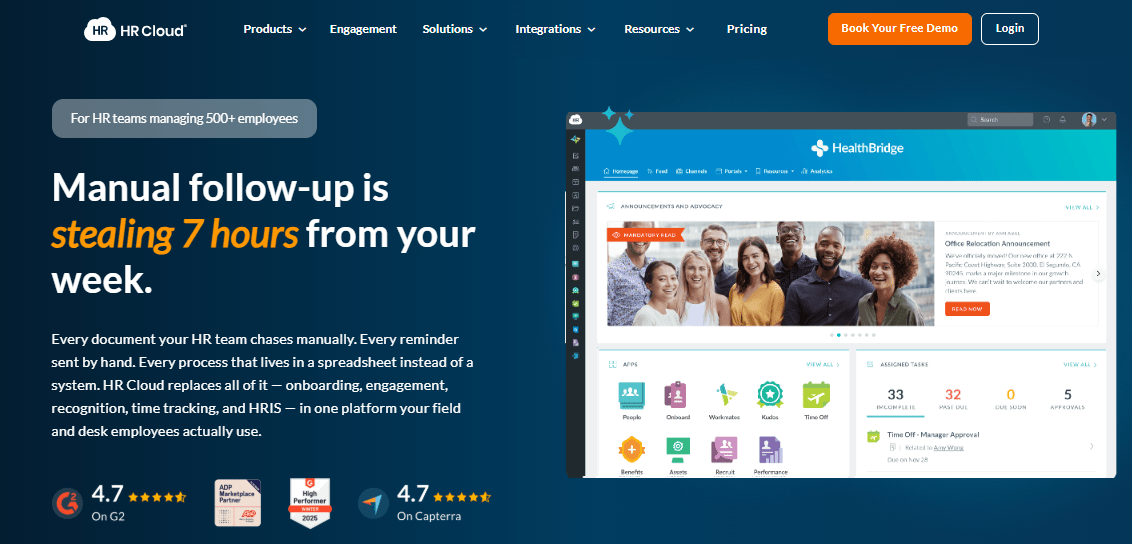
HR Cloud addresses that specific failure mode better than most platforms I’ve evaluated. The automation layer is genuinely deep. Email reminders, task escalations, and sequential workflow routing all run without requiring an HR coordinator to monitor them manually. When something is overdue, the system flags it. I’ve found that alone removes a significant amount of the daily status-checking that otherwise consumes people ops time.
The hierarchical workflow builder is worth understanding before you dismiss it as complexity for its own sake. It lets HR build onboarding sequences that branch based on role, department, or location. That matters more than people realize once you have more than a few different job types to onboard. A standard checklist that treats a warehouse hire and a software engineer identically isn’t a workflow; it’s a liability.
The 360-degree feedback feature is something I think most teams underuse during onboarding. Most platforms wait until the 90-day review to collect any structured input. Collecting it earlier, including from the new hire about the onboarding experience itself, gives HR something actionable while there’s still time to act on it.
E-forms and e-signatures handle the document side cleanly, and the interface is functional, if not particularly modern. I wouldn’t call it the most intuitive platform in this list, but teams that invest in configuration typically get a lot out of it.
Pros:
- Deep automation layer handles reminders, escalations, and task routing without manual HR oversight
- Hierarchical workflow builder supports role-based and department-specific onboarding sequences
- 360-degree feedback built directly into the platform, not bolted on as a separate module
- Strong notification system keeps remote new hires moving through tasks without someone following up manually
Cons:
- Interface feels dated compared to newer platforms and can slow adoption among less technical users
- Pricing requires a direct conversation with their team; not transparent upfront
Pricing: Contact HR Cloud for a custom quote.
6. iSolved – Best for Mid-Size Businesses Managing Payroll and Onboarding Together
The argument for iSolved is straightforward: if payroll errors caused by bad new hire data are a recurring problem at your company, the root cause is usually that HR and payroll are running off separate systems and someone is manually transferring information between them. iSolved closes that gap by putting both in the same platform.
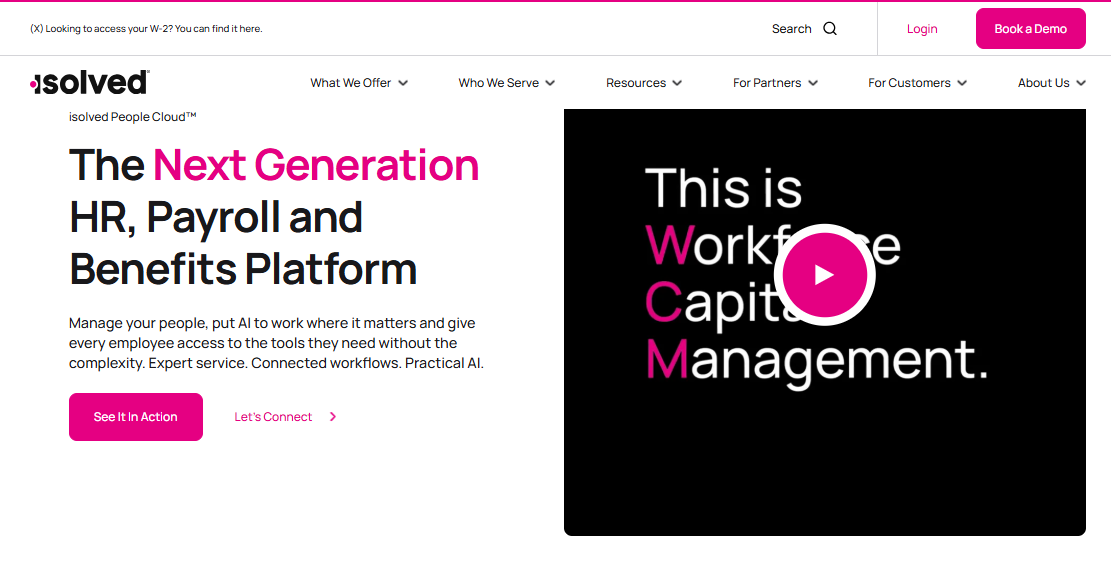
I’ve watched this play out at a company that was processing new hire tax forms in one system and running payroll in another. The error rate was low, but the correction time was significant, and the auditing burden was real. Moving to a unified platform didn’t require anyone to learn a dramatically different process; it just removed the hand-off where mistakes happened.
The mobile portal is clean. New hires can complete onboarding tasks from their phones, and HR gets real-time completion visibility without needing to send follow-up emails. Customizable templates mean different onboarding tracks for different roles, which matters once you’re hiring across multiple departments or locations regularly.
The compliance automation handles tax forms and background check workflows with enough configurability that most standard requirements don’t need custom workarounds. That said, iSolved is a mid-market platform and it shows. It’s not the right fit for a 15-person company, and it’s probably not the right fit for a 5,000-person enterprise either. In the middle, it holds up well.
Pros:
- Unified payroll and onboarding system eliminates the data re-entry that causes errors at the HR-to-payroll hand-off
- Mobile-friendly new hire portal with real-time completion tracking visible to HR without follow-up required
- Customizable onboarding templates support different role and department tracks without rebuilding from scratch
- Compliance automation covers tax form workflows and background check processes for most standard requirements
Cons:
- Interface is functional but not modern; newer platforms offer a more intuitive user experience
- Customer support response times vary and can be a friction point during implementation
Pricing: Contact iSolved for a custom quote.
7. WorkBright – Best for Remote I-9 Compliance and Document Collection
WorkBright solves one problem and solves it well. If you’re hiring people who are never physically in your office, completing a legally compliant I-9 is a genuine operational challenge. The traditional approach requires the new hire to present documents to an authorized representative in person. For remote hires, that means either flying someone out, finding a notary, or hoping the authorized agent process doesn’t fall apart.
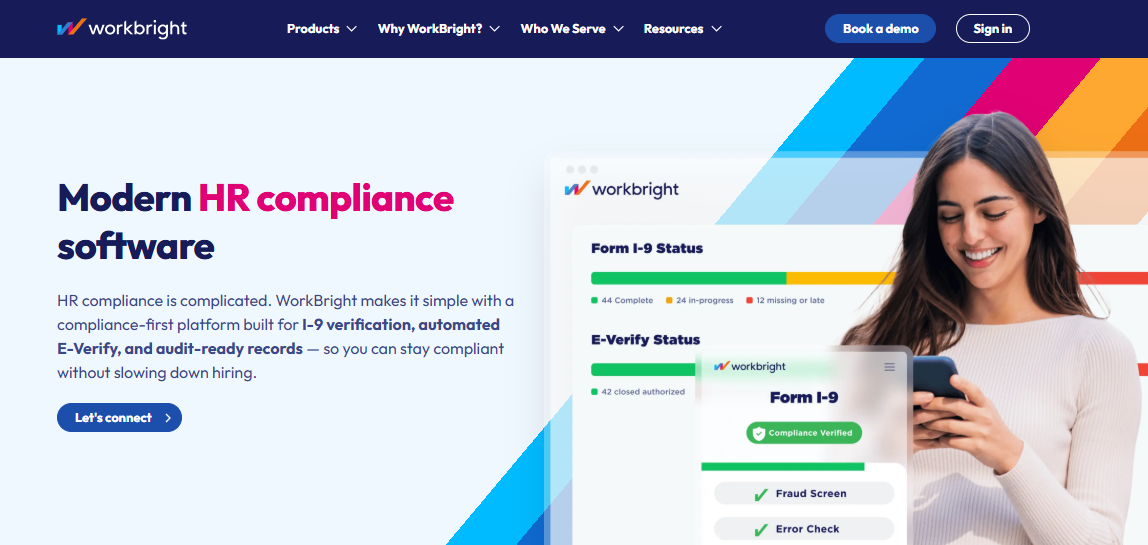
WorkBright built its platform specifically around this problem. Remote I-9 completion is handled digitally, with fingertip signature on mobile, and the integrated E-Verify speeds up work authorization checks without requiring HR to manage a separate system. I’ve seen this be the deciding factor for companies hiring in multiple states where the logistics of in-person I-9 completion were genuinely untenable.
The applicant tracking integration means a candidate can move from “hired” to “onboarding documents complete” without HR re-entering information manually. That hand-off is one of the more commonly broken moments in onboarding, and automating it removes a category of delay that’s hard to explain to a new hire who’s waiting on paperwork to clear before they can start.
What WorkBright doesn’t do is broaden out into full HR management or training delivery. It’s a compliance document platform, not a comprehensive automated employee onboarding software solution. For teams whose primary onboarding pain point is specifically document collection and I-9 compliance, it’s an excellent fit. For teams looking for one platform to run all of onboarding, it needs companions.
Pros:
- Remote I-9 completion built specifically for hires who are never physically on-site
- Fingertip signature on mobile reduces friction for new hires completing documents before their start date
- E-Verify integration handles work authorization checks without a separate system or manual process
- Strong compliance audit trail across multiple locations and states, which matters during any form of government review
Cons:
- Narrow platform focus; not a full HR management or training delivery solution
- Teams needing LMS or performance features will require additional tools alongside it
Pricing: Contact WorkBright for a quote.
8. ClearCompany – Best for Connecting Talent Acquisition Directly to Onboarding
The transition from recruiting to onboarding is where a lot of information gets lost. A candidate is marked as hired in the ATS, and then someone has to manually pull their information out and re-enter it into the HR system, create the onboarding tasks, notify IT, and brief the hiring manager. Each of those steps is a place where something gets forgotten or delayed.
ClearCompany connects those two moments in one platform. When a candidate moves to hired status in the applicant tracking system, the onboarding workflow initiates automatically. No data migration. No manual trigger. In my experience, this is one of the most underappreciated efficiencies in HR software because the failure it prevents is invisible until it produces a bad day-one experience for a new hire.
The new hire portal gives employees a structured pre-start experience with welcome content, task lists, and auto-fill forms that don’t require them to re-enter information they’ve already provided during the recruiting process. That sounds like a small thing; it isn’t. Asking a new hire to retype their address and emergency contact information for the third time signals that your systems don’t talk to each other, and that signals organizational dysfunction before the person has started.
Performance management is connected to onboarding inside ClearCompany, which I think matters more than most evaluations give it credit for. The first 90 days are when performance expectations get set, explicitly or implicitly. Having the onboarding sequence and the early performance framework in the same platform makes it easier to design onboarding that actually connects to outcomes rather than just completing a checklist.
Pros:
- ATS to onboarding automation eliminates the manual hand-off that causes information loss and day-one delays
- New hire portal gives candidates a structured pre-start experience without requiring data re-entry from the recruiting process
- Performance management and onboarding connected in one system, which supports early goal-setting alongside task completion
- DEI survey features built in for teams tracking inclusion metrics across the hiring and onboarding process
Cons:
- Pricing is not publicly available and tends toward the higher end, particularly for smaller teams
- Some users report a steeper learning curve during initial setup and configuration
Pricing: Contact ClearCompany for a custom quote.
9. monday.com – Best for Teams That Need Flexible, Workflow-Based Onboarding
monday.com isn’t built specifically for HR, and in some situations that’s exactly why it works. Standard onboarding platforms assume a relatively linear process: HR does these things, then IT does these things, then the manager does these things. But plenty of onboarding processes don’t work that way. Multiple departments are running parallel tracks, equipment is shipping from a warehouse, training assignments depend on role confirmation that hasn’t happened yet, and someone needs visibility across all of it simultaneously.
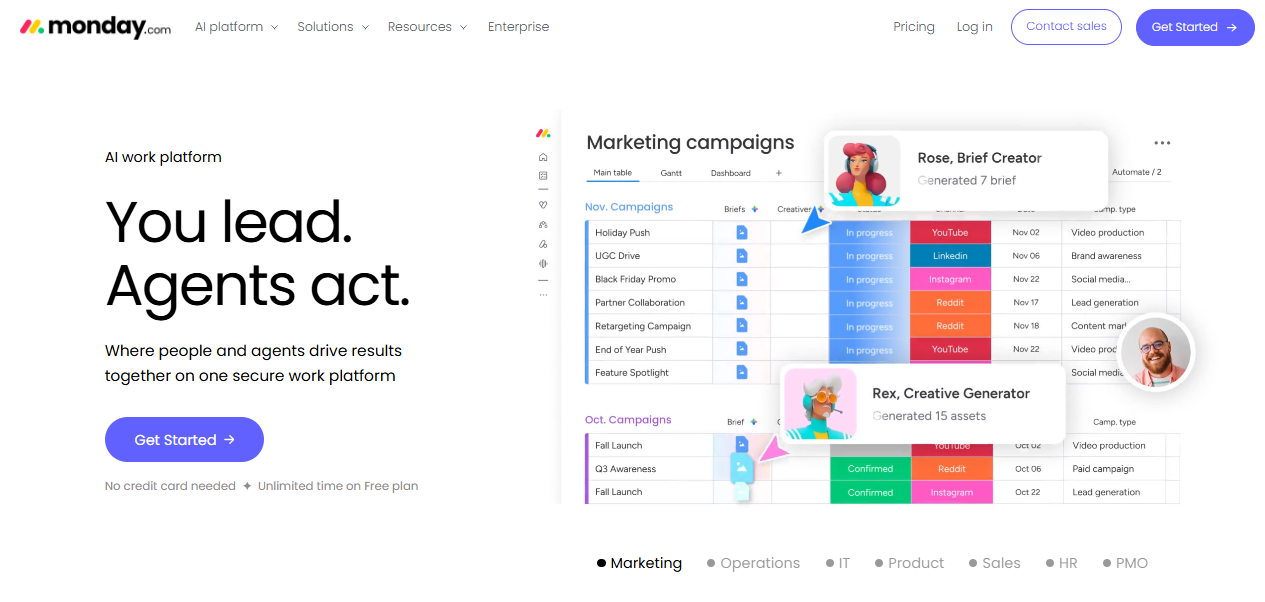
The customizable board structure handles that kind of cross-functional complexity without forcing you into a rigid sequence. I’ve seen people ops teams at mid-size companies build genuinely sophisticated onboarding workflows in monday.com that no purpose-built HR platform could match for flexibility. The trade-off is that you’re building it yourself rather than starting from a compliant HR framework.
Pre-built templates cover standard onboarding task sequences and are good enough to start with for most teams. Real-time status updates give every stakeholder visibility without requiring a status meeting or manual reporting. The integration library is extensive, which means it connects to most HR, payroll, and communication tools a team is already using.
What monday.com lacks natively is the compliance infrastructure that purpose-built onboarding platforms include by default. No e-signature, no built-in I-9 or W-4 workflows, no compliance document management. For teams in regulated industries or those managing contractors across multiple states, those aren’t optional. The free plan is functional but limited to two seats, which means it’s viable for evaluation but not for real onboarding at any scale.
Pros:
- Highly customizable board structure adapts to non-standard onboarding flows that purpose-built platforms can’t accommodate
- Real-time status updates across departments and roles without manual reporting or status meetings
- Extensive integration library connects to most HR, payroll, and communication tools teams already use
- Strong template library for common onboarding sequences that can be customized without starting from scratch
Cons:
- No native e-signature, I-9, or compliance document management; regulated environments will need additional tools
- Free plan capped at two seats; anything beyond evaluation requires a paid subscription
Pricing: Free plan available for two seats. Paid plans start at $9/seat/month.
10. EddyHR – Best for Small Businesses Managing HR Without a Dedicated Team
EddyHR is designed for the situation where the person doing HR is also doing operations, finance, and possibly answering the phones. I don’t say that to be dismissive. A lot of small businesses run exactly this way, and they deserve tools that don’t require a dedicated administrator to maintain.
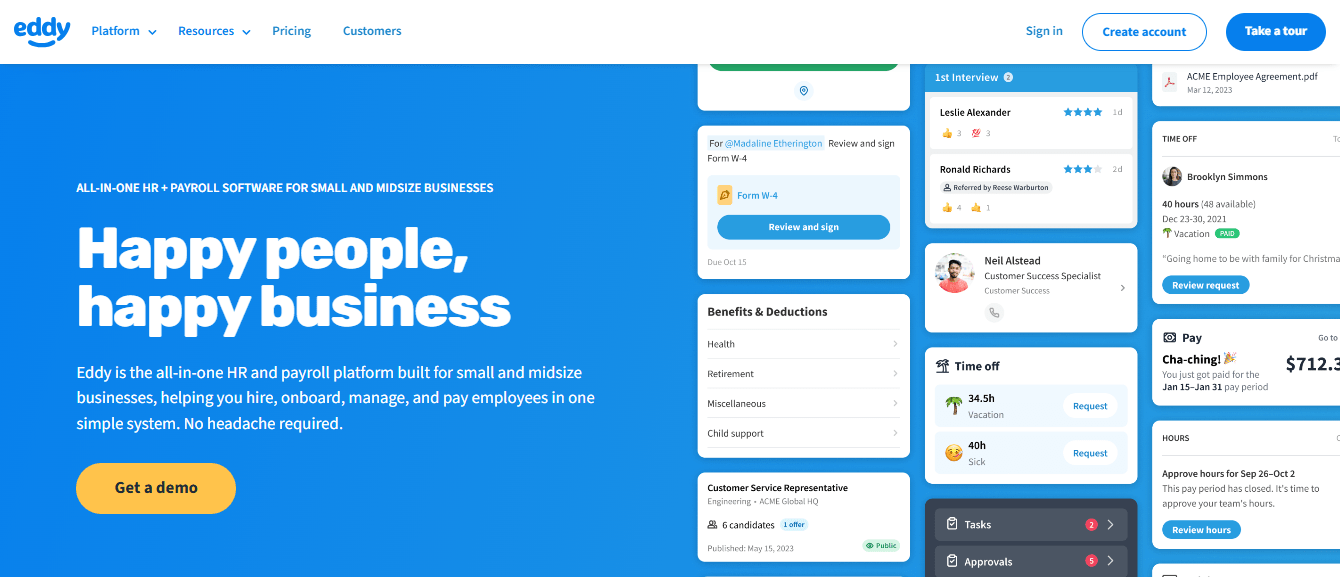
The interface is genuinely simple. A non-HR manager can run an onboarding workflow in EddyHR without reading a manual or sitting through a training session, which is not something I can say about most platforms in this category. The customizable onboarding checklists let you build a consistent process across hires without requiring significant setup investment. In my experience, consistency is the thing small businesses sacrifice first when onboarding is manual, because each manager does it slightly differently and there’s no mechanism to standardize it.
Hiring, onboarding, time tracking, and payroll in one place matters specifically because it removes the hand-off failures that happen when those functions live in separate tools. The QuickBooks, Slack, and Google Workspace integrations keep EddyHR connected to the ecosystem small teams are already using, which reduces the friction of adding a new platform to a workflow that already works in other respects.
Where EddyHR has its limits is scale and complexity. It’s not the right platform for a company with multiple departments running different onboarding tracks, a large volume of concurrent hires, or compliance requirements that need dedicated workflow infrastructure. But for a 20-to-50 person company that needs onboarding to stop living in someone’s head, it handles the job without overcomplicating it.
Pros:
- Simple interface designed for non-specialist users; managers can run onboarding without dedicated HR training or admin support
- Covers hiring, onboarding, payroll, and time tracking in one platform, which removes inter-system hand-off failures
- Customizable checklists enable consistent onboarding across hires without requiring complex configuration
- Strong integrations with QuickBooks, Slack, and Google Workspace keep it connected to what small teams already use
Cons:
- Less robust than enterprise-focused platforms for complex, multi-department, or high-volume onboarding workflows
- Pricing structure requires a direct quote and lacks the transparency that lets teams quickly assess fit
Pricing: Contact EddyHR for a custom quote.
11. ADP – Best for Large or Global Teams Managing Payroll and HR Compliance Together
ADP makes sense at scale. I’d be more specific: it makes sense for organizations where the complexity of payroll across multiple jurisdictions, the regulatory compliance burden, or the volume of concurrent hires has outgrown what a mid-market HR platform can handle. If you’re operating in 10 countries, managing payroll in currencies you don’t use domestically, and navigating labor regulations that change by region, ADP has the infrastructure for it. Not many platforms do.
The global payroll capability across 140 countries is the differentiator that’s genuinely difficult to replicate with smaller platforms. Compliance automation handles regulatory requirements that would otherwise require dedicated legal and HR bandwidth in every jurisdiction. The time and attendance tracking, benefits carrier integrations, and real-time analytics are built for the kind of workforce management complexity that shows up at enterprise scale.
What I’d be cautious about is the implementation commitment. ADP is not a platform you configure in a weekend and roll out on Monday. The setup reflects the complexity it’s designed to handle, and teams that underestimate that investment typically struggle with adoption. It’s also priced and designed at enterprise scale, so the cost structure doesn’t work for smaller organizations looking for straightforward onboarding without the broader workforce management platform around it.
Pros:
- Global payroll capabilities across 140 countries, with a team of professionals managing compliance in each jurisdiction
- Strong regulatory compliance automation for multi-jurisdiction requirements that smaller platforms can’t handle
- Time and attendance tracking integrated directly with HR and payroll data, reducing manual reconciliation
- Trusted at enterprise scale with the infrastructure and support model to match
Cons:
- Implementation complexity is significant; not suitable for small teams or organizations without dedicated HR operations support
- Pricing reflects enterprise-level investment and requires a custom quote; not cost-effective for mid-size teams
Pricing: Contact ADP for a custom quote.
12. Freshteam – Best for Growing Companies Combining ATS and Onboarding in One Tool
Freshteam by Freshworks fits a specific growth-stage situation well. You’re hiring faster than you expected, the recruiting volume is real, and the HR team hasn’t grown to match the pace. What you need is a platform that connects the moment a candidate is hired to the moment they’re onboarded, without that transition requiring a manual hand-off that will eventually fail on a busy week.
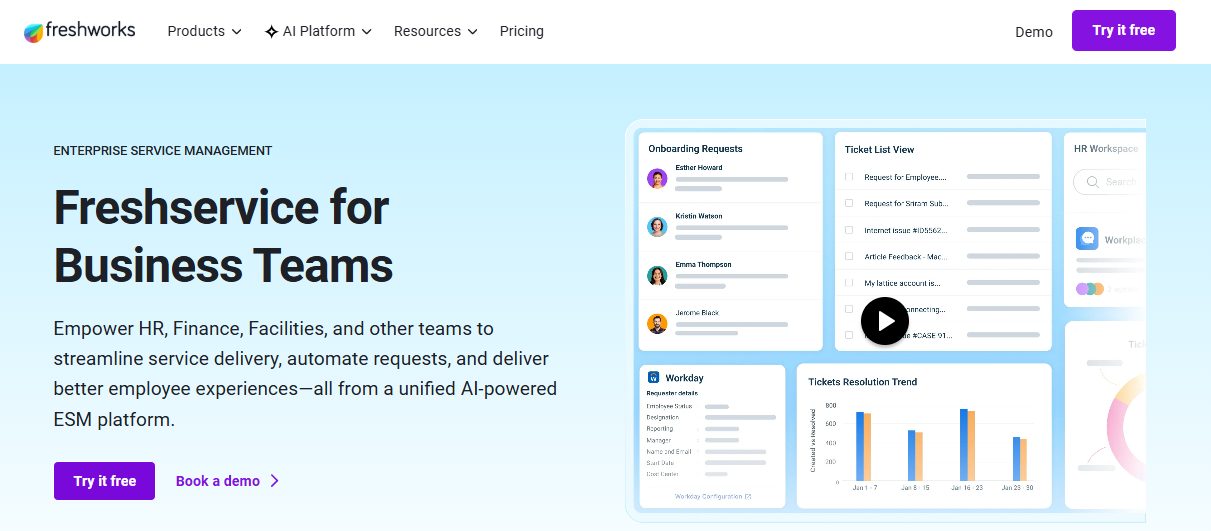
The applicant tracking and onboarding combination in one system is genuinely useful here. Automated email communication, pre-built offer letter templates, and digital signature integration remove the coordination overhead at the point of hire. I’ve found that the first 48 hours after a candidate accepts is where onboarding either starts cleanly or starts badly, and Freshteam’s automation covers that window well.
Custom onboarding checklists and welcome kit features give new hires a structured first experience without requiring significant HR configuration. The mobile-friendly interface works for both HR teams managing multiple hires simultaneously and new hires completing tasks from wherever they are.
The ceiling here is the absence of a meaningful learning and development layer. Freshteam handles the onboarding workflow, but if compliance training, role-specific learning paths, or any assessment requirement is part of what you need, a second platform becomes necessary. For teams in a growth phase where the complexity hasn’t yet exceeded what Freshteam handles, that may not matter yet. For teams where L&D is already part of the HR mandate, it’s a gap to plan for.
Pros:
- ATS and onboarding in one platform removes the manual hand-off that causes information loss between recruiting and HR
- Automated emails and welcome kit delivery reduce the coordination burden during the first 48 hours after a candidate accepts
- Pre-built offer letter and onboarding checklist templates reduce configuration time during high-volume hiring periods
- Mobile-friendly for both HR administrators managing multiple hires and new hires completing tasks remotely
Cons:
- No LMS or structured training delivery capability; compliance and role-specific learning requires a separate platform
- Some advanced workflow and reporting features are only available on higher pricing tiers
Pricing: Contact Freshteam for a custom quote.
13. Trakstar Learn – Best for Content-Heavy Onboarding Programs With LMS Requirements
Trakstar Learn, formerly Mindflash, is the right option when onboarding involves a real training curriculum and not just a task checklist with a few links attached. I’ve worked with organizations where the onboarding program was essentially a six-week learning sequence: compliance modules, product training, role-specific certifications, and skills assessments. A standard onboarding platform doesn’t handle that. An LMS does.
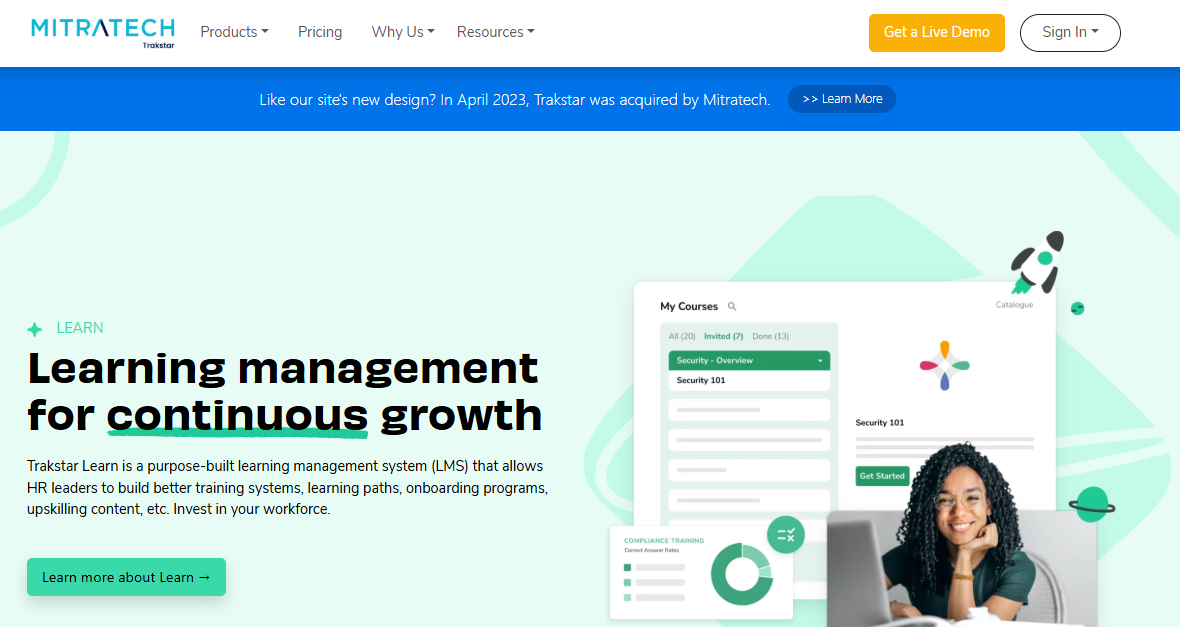
What I find well-designed about Trakstar Learn is that the course creation tools support multiple content formats without forcing you into a single structure. Trainers can build what they need, learners can access it from any device, and the analytics track both completion and comprehension rather than just checkbox status. For organizations where compliance training is a formal requirement and certification records need to be defensible, that distinction between “completed” and “demonstrated understanding” matters.
The enterprise integration capability handles the connectivity requirements for larger organizations without extensive custom development. Course reminder automation reduces the drop-off rates that plague self-paced onboarding programs, particularly for new hires who are juggling content volume alongside the demands of a new role.
Where it doesn’t compete is on the HR workflow side. No e-signature, no document collection, no HRIS-native features. It’s an LMS built for training delivery. Used alongside a platform that handles the HR document and workflow layer, it’s a strong combination. Used alone as the primary onboarding system, it leaves meaningful gaps.
Pros:
- LMS capabilities built for content-heavy onboarding programs with real learning sequences, not just checklist delivery
- Multi-format course creation without forcing a single content structure on instructors or learners
- Mobile-optimized for new hires completing training from any device, including during pre-boarding
- Course reminder automation reduces completion drop-off in self-paced programs
Cons:
- No e-signature or HR document management; the compliance paperwork side of onboarding requires a separate tool
- Pricing requires a custom quote and lacks upfront transparency for teams doing early-stage evaluation
Pricing: Contact Trakstar Learn for a custom quote.
How I Chose These Tools
Most onboarding platform evaluations start with a feature list and end with whoever had the best demo. I’ve made that mistake. What I’ve found is that the right question isn’t “what does this platform do?” It’s “where does our onboarding consistently break, and does this platform fix that specific thing without creating three new problems?”
The filters I applied:
- Visibility without manual chasing: Can HR and managers see what’s complete and what’s stalled without asking anyone? Platforms that require a parallel spreadsheet to stay current aren’t solving the problem.
- Pre-boarding capability: Onboarding that starts on day one is already behind. I looked specifically for tools that support the window between offer acceptance and first morning. That’s where compliance documents, IT requests, and orientation access all need to happen, and most teams handle it the worst.
- Training and compliance in the same place: Collecting a signature and delivering training are two different jobs. A surprising number of platforms handle one and ignore the other. For any role with a compliance requirement, that gap matters.
- Fit for company size and workflow complexity: A platform that works at 30 people often breaks at 300. I tried to be explicit about each tool’s ceiling.
- Integration depth: Onboarding doesn’t happen in isolation. The platform needs to talk to your HRIS, payroll, and, at a minimum, your communication tools. A new silo is not an improvement over the spreadsheet it replaced.
Editor’s Choice: Top 2 Picks for Employee Onboarding Software
I get asked for a recommendation so often that I’ll give one.
1. ProProfs Training Maker – If Training Is a Real Part of Your Onboarding
If new hires need to complete structured learning, compliance courses, or any kind of assessed content during onboarding, ProProfs Training Maker is the most complete option in this list for that specific requirement. I’ve relied on it for compliance onboarding across multilingual teams, and the combination of AI-assisted course creation, a deep ready-made library, and real learner analytics makes it viable even without a dedicated L&D team. The free plan makes piloting it straightforward.
2. BambooHR – If You Need a Full HR Platform, Not Just an Onboarding Tool
For SMBs that want one system handling recruiting, onboarding, performance, and employee records, BambooHR is the platform I’d start with. It’s well-designed for non-specialist HR teams, the interface doesn’t require extensive training to use, and the breadth of features reduces the tool fragmentation that makes onboarding accountability genuinely hard. Pair it with ProProfs Training Maker for the learning layer and you have a complete stack without unnecessary complexity.
The Systems Problem Nobody Talks About Enough
The biggest recurring cause of onboarding failure I’ve seen isn’t a missing feature. It’s the gap between HR and IT.
New hires show up without access. Not because IT forgot. Because nobody triggered the request.
Here’s how it usually goes:
- Hire gets marked in the HRIS
- IT never gets notified
- Manager assumes someone else handled it
- New hire spends day one locked out of everything
I’ve watched this happen at companies using perfectly capable automated employee onboarding software. The portal was polished. The checklist was complete. Didn’t matter.
When evaluating employee onboarding solutions, ask one question before anything else: does a hire status change automatically trigger IT provisioning, or does someone still have to email IT manually?
If it’s the latter, you haven’t solved the problem. You’ve just dressed it up.
What the Good Onboarding Experiences Actually Have in Common
The difference between onboarding that works and onboarding that quietly humiliates everyone involved usually isn’t the platform. It’s whether the team did the work before selecting one. Pre-boarding, role-based sequencing, and giving new hires contextual clarity beyond the required checklist. Those three things separate forgettable onboarding from onboarding people actually remember positively.
No platform automates the contextual layer. Which Slack channels matter, who to ask when something breaks, and how decisions actually get made. The better tools create space for it. Most don’t prioritize it. If I were evaluating platforms today, that flexibility would be on my list.
Frequently Asked Questions
What is employee onboarding software?
Employee onboarding software is a platform that automates and manages new hire integration. It handles document collection, compliance paperwork, training delivery, task assignment, and progress tracking in one system rather than across disconnected tools and inboxes.
What features should I look for in the best employee onboarding software?
Prioritize workflow automation, role-based task sequencing, e-signatures, a self-service portal for new hires, HRIS integration, and completion tracking. Training and assessment features matter if compliance is part of your onboarding requirement, which it usually is.
What are the benefits of using employee onboarding tools?
They reduce manual coordination, create a consistent experience across roles and locations, provide a compliance audit trail, and give HR visibility into progress without requiring follow-up calls. The less obvious benefit is that they remove the dependency on any single person's memory.
Is there any employee onboarding software for free?
Yes. ProProfs Training Maker offers a free forever plan for up to 10 learners. monday.com has a free plan limited to two seats. Most other platforms on this list require a custom quote with no free tier available.
What should be included in employee onboarding?
Pre-start document collection, compliance training, role-specific orientation, team introductions, IT access provisioning, and a structured first-30-day task sequence. The compliance and culture elements both require deliberate design; most onboarding processes handle one and underinvest in the other.
How do I choose the best employee onboarding software for a small business?
Start with your most consistent failure point. For training accountability, use ProProfs Training Maker. For all-in-one HR management, use BambooHR or EddyHR. For document-heavy compliance onboarding, use GoCo. Per-learner or per-employee pricing models are more cost-effective at small scale than flat enterprise rates.
What makes a strong software onboarding process?
Structured pre-boarding before day one, role-based task sequences instead of generic checklists, automated reminders that run without HR intervention, and a compliance audit trail that doesn't require manual data export. Most teams get the compliance side right and underinvest in the contextual layer.
What is the difference between onboarding software and an LMS?
Onboarding software manages the full new hire workflow: documents, task checklists, e-signatures, and HR records. An LMS focuses on training delivery, assessment, and learning progress tracking. Some platforms, like ProProfs Training Maker, combine both in a single system.
Let ProProfs AI create your training course

 We'd love your feedback!
What did you like & how can we make it even better?
 Thanks for your feedback!
 Ask Your Question
Have a question? Get expert help to make your decision easier.