Stay if your training mostly means assigning required courses to new hires and verifying they have completed them. Rippling Learning handles that well, because the enrollment rules run off employee data you already keep there.
Leave if you are building real courses, fighting low completion, or trying to show that any of it changed behavior, because that is where users describe a basic, somewhat dated module, and reporting that takes extra effort. I would not leave over a feeling. I would leave one of those three jobs.
If you are at that point, Rippling Learning alternatives deserve a proper look, and the ten below each do one of those jobs better.
Top 10 Rippling Learning Alternatives Compared
Staying in the suite and stepping out of it are both defensible, and the difference is which job hurts most. That is why the best Rippling Learning alternatives for a company buried in compliance renewals look nothing like the best pick for one struggling with engagement.
Here is the fast version: Capterra ratings, current pricing, and the two columns that map to the loudest complaints, how transparent the pricing is, and how much compliance busywork each platform automates.
| Tool | Best For | Capterra | Pricing | Pricing Transparency | Compliance Automation |
|---|---|---|---|---|---|
| ProProfs Training Maker | Course creation for employee training & compliance | 4.8 | Free (10 learners); paid from $1.99/learner/mo | Published, with a free plan | Auto-assign before expiry; due-date reminders |
| TalentLMS | Simple setup, readable pricing | 4.7 | Free plan; $149–$579/mo | Published, with a free plan | Assignments, certificates, and reporting |
| Absorb LMS | Automated enrollment at scale | 4.5 | Custom quote | Quote only | Enrollment rules, bulk actions |
| iSpring Learn | Fast rollout, responsive support | 4.7 | $3.97–$6.91/user/mo | Published, per user | Onboarding and compliance reporting |
| SkyPrep | Role-based assignment | 4.8 | Quote-based | Quote only | Automated role assignments |
| Docebo | Enterprise reporting, AI content | 4.4 | Custom quote (~$25K+/yr) | Quote only | Deep reporting, flexible learning paths |
| 360Learning | Experts who build the courses | 4.7 | From ~$8/user/mo | Published for smaller teams | Lighter compliance reporting |
| Axonify | Daily microlearning, participation | 4.7 | Custom quote | Quote only | Reinforcement-first, not compliance-first |
| Coursebox | AI-drafted courses from documents | 4.7 | From $40/mo | Published, from $40/mo | Course-creation focus |
| Continu | Modern interface, strong adoption | 4.8 | Custom quote (250+ seats/yr) | Quote only | Basic completions, lighter regulatory depth |
1. ProProfs Training Maker – Best for Easy Course Creation for Employee Training, Compliance & Skill Assessment
The weakest link in most training programs is the weekly chase: who has not started, whose certificate lapses next month. ProProfs Training Maker addresses it with automated actions that assign the next course before a certification expires, plus self-sending due-date reminders.
Building the content is the second expense, and the AI course creator shrinks it: give it a topic or a link, and it returns chapters and quizzes you can edit.

Let ProProfs AI create your training course
Separately, 500+ expert-built, ready-to-use courses are ready to assign when a compliance topic cannot wait for a build. Reports sort results by individual, team, and location, so an audit request becomes an export. Courses run in 70+ languages, and points, badges, and leaderboards give employees a reason to finish.
It does not replace your HR system, so confirm how employee data will flow in first. Among Rippling Learning alternatives, I would pick it when the job is less about busywork and more about productivity.
Pros:
- AI course creator that turns a topic or link into an editable course with quizzes
- 500+ expert-built courses ready to assign for compliance and common skills
- Automated course assignment and due-date reminders that cut manual chasing
- Compliance-ready reports by individual, team, and location for audit requests
- Gamification and leaderboards that give busy employees a reason to finish
Cons:
- Cloud-only, with no on-premise or downloadable version
- No light or dark mode switch for the learner interface yet
Pricing: Free for up to 10 learners; paid plans start at $1.99 per learner per month.
2. TalentLMS – Best for Simple Setup and Pricing You Can Read
TalentLMS is the answer for teams that have found the broader Rippling platform sprawling and just want a training system that behaves like one. Pricing is published and follows how many people log in each month, so you pay for active learners, and a free plan lets you run a pilot before anyone signs anything.
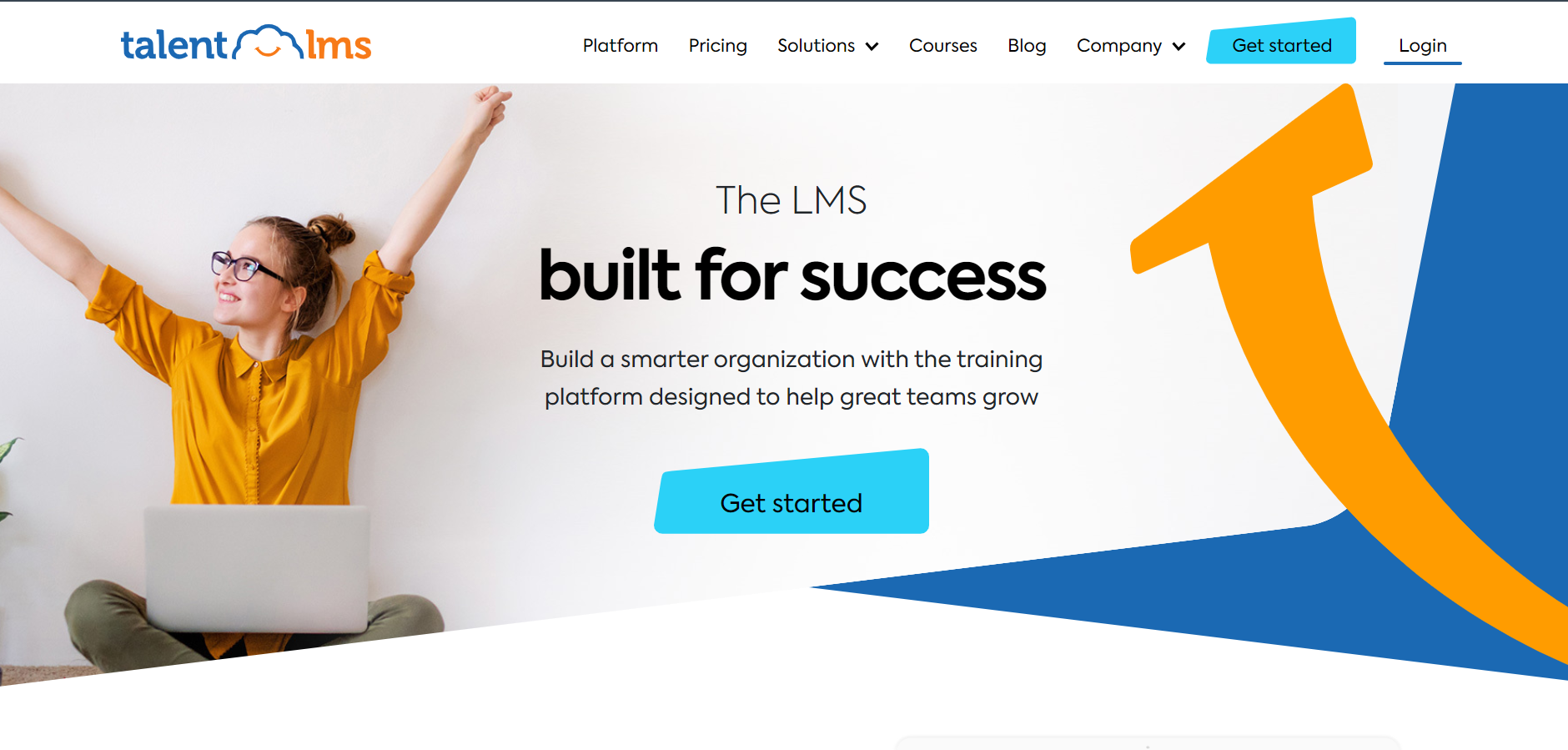
Day-to-day, it covers the basics well: courses and learning paths you can send to groups, certificates, and completion reporting. The optional TalentLibrary add-on brings 1,000+ ready-made courses, since building every module yourself isn’t realistic, and 30+ integrations, including Zapier, for easier HR connections. Check what your setup requires.
Reviewers consistently find it easy to administer. It is not the deepest option for complex automation or advanced analytics. I would choose it for a growing company that wants to be running in weeks and can live with lighter reporting.
Pros:
- Pricing based on monthly active users, with no sales call required
- Genuine free plan for testing before committing
- Courses and paths that can be assigned to groups
- Optional TalentLibrary add-on with 1,000+ ready-made courses
- 30+ integrations, including Zoom and Microsoft Teams
Cons:
- The ready-made library is a paid add-on, not part of the base plan
- Automation and analytics are lighter than on enterprise platforms
Pricing: Free plan available; Core starts at $149 per month for up to 100 users, scaling to $579 per month for 1,000 users.
3. Absorb LMS – Best for Automated Enrollment at Scale
If manual enrolling is the part of Rippling Learning that eats your week, Absorb goes straight at it. Automated enrollment rules and bulk operations assign people to training based on criteria rather than by hand, and the learner interface is polished enough that adoption rarely requires a campaign of its own.
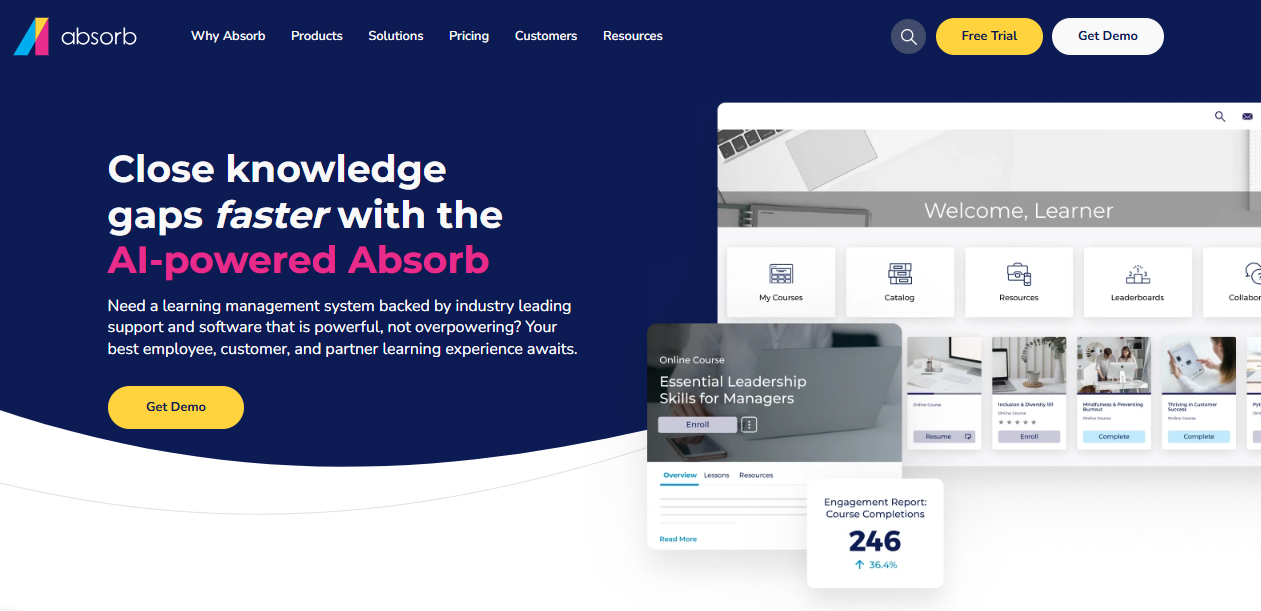
The AI layer, Absorb Intelligence, recommends courses and flags learners who are falling behind, giving managers something to act on before a deadline rather than after. It is a mature platform used heavily for compliance, so the reporting leans toward audit needs. Pricing is not published, and social learning, authoring, and advanced analytics sit behind add-ons.
It is built for mid-size to large organizations. I would pick it when your compliance volume is real, headcount keeps growing, and you can budget for a quote-based contract. For a very small team, it will feel like more system than you need.
Pros:
- Automated enrollment rules and bulk operations
- AI-powered course recommendations and at-risk learner flagging
- Modern learner interface that drives adoption
- Strong customer support consistently praised
- Scales from mid-size to large deployments
Cons:
- Pricing is not published and requires a custom quote
- Add-on model means the base price rarely reflects final cost
Pricing: Custom quote only; contact the vendor for pricing based on active learner count.
4. iSpring Learn – Best for Fast Rollout and Support That Answers
Complaints about implementation and uneven support are common across plenty of HR platforms, so I treat vendor responsiveness as a feature worth testing. iSpring Learn consistently earns praise for support that actually answers questions, and setup stays within a same-day range rather than a multi-month project, which suits a team that cannot spare an implementation specialist.
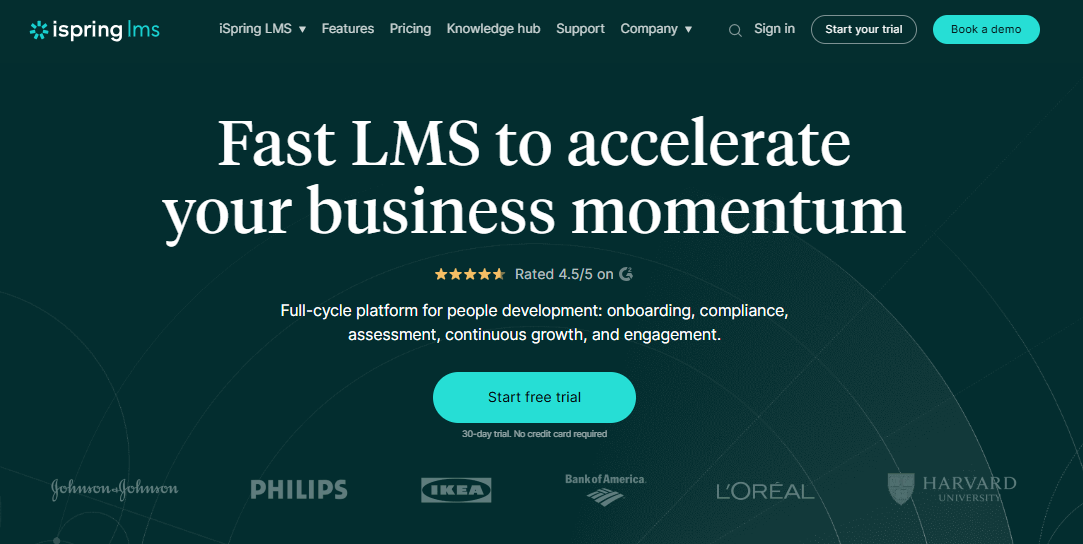
It is a plain, dependable LMS for structured onboarding and compliance training. Pricing is per user and decreases as headcount grows, making budgeting predictable. Integrations include tools like Zoom, Salesforce, and BambooHR, plus an open API for custom connections, so ask how it would receive your employee records rather than assuming it will.
There is no free plan, so testing requires committing to a paid tier; it is a training platform rather than a content marketplace. I would pick it for a team that values a quiet, predictable rollout over a long feature list.
Pros:
- Built for structured onboarding and compliance training
- Per-user pricing that drops meaningfully at higher headcounts
- Consistently praised, responsive customer support
- Fast setup without heavy IT involvement
- Open API for custom integrations
Cons:
- Not a ready-made course library
- No free plan, so testing means committing to a paid tier
Pricing: Starts around $6.91 per user per month at 100 users, dropping to about $3.97 at 500 users.
5. SkyPrep – Best for Role-Based Assignment Without the Admin Overhead
SkyPrep suits managers who want training to follow the role, not a spreadsheet. Automated role assignments send people the right courses based on who they are, and recent additions like per-module feedback help you see where learners get stuck instead of waiting for a completion report.
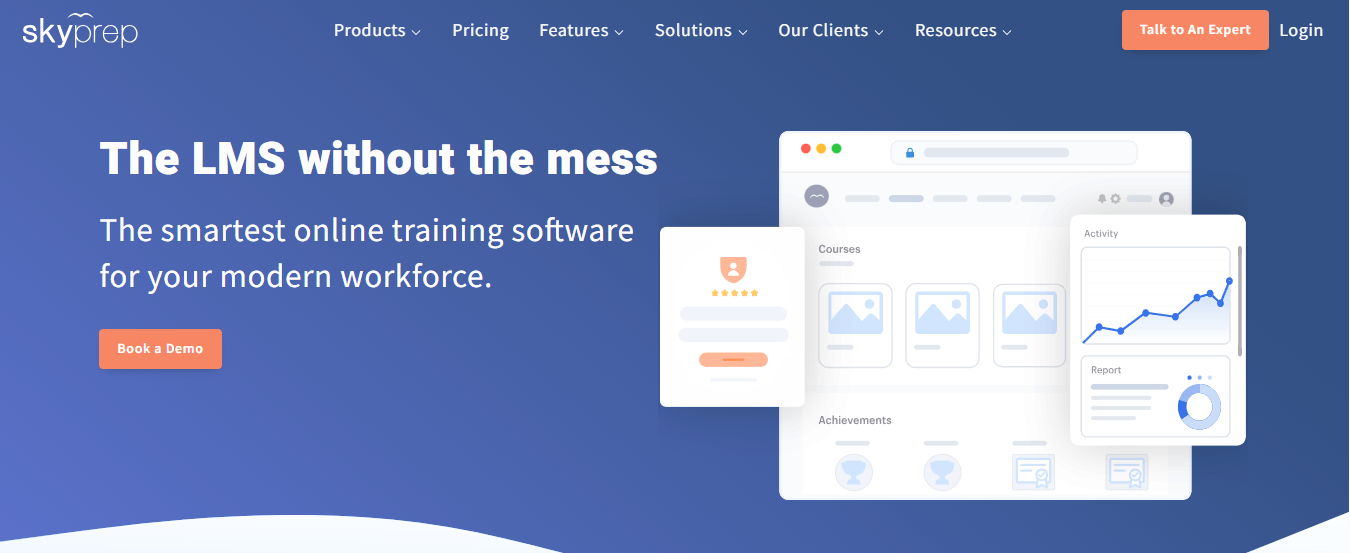
As an LMS, it covers course authoring, quizzes and assessments, learning paths, certificates, and progress tracking in one place, so it can run a compliance program end-to-end. Support is a consistent highlight in user feedback, which counts for a lot when your administrators are not full-time LMS specialists. Pricing is quote-based, and some users note admin complexity and reporting quirks that take time to learn.
I would shortlist it for a mid-sized company that wants real automation and a responsive vendor, and I would ask for a pilot built on your own roles and courses so you see the assignment logic working before you sign.
Pros:
- Automated role assignments that reduce manual enrollment
- Course authoring, quizzes, assessments, and learning paths in one platform
- Certificates and progress tracking for compliance records
- Per-module feedback that shows where learners struggle
- Support that users consistently praise
Cons:
- Pricing is quote-based, with no published plans
- Users mention admin complexity and some reporting quirks
Pricing: Quote-based; contact SkyPrep for pricing.
6. Docebo – Best for Enterprise Reporting and AI-Assisted Content
Docebo is the heavyweight choice for companies where learning has become its own function. It is an AI-powered learning platform serving employees, partners, and customers, and its Shape tool can turn existing documentation into a course draft, helping address the content-cost problem that holds back many small training teams.
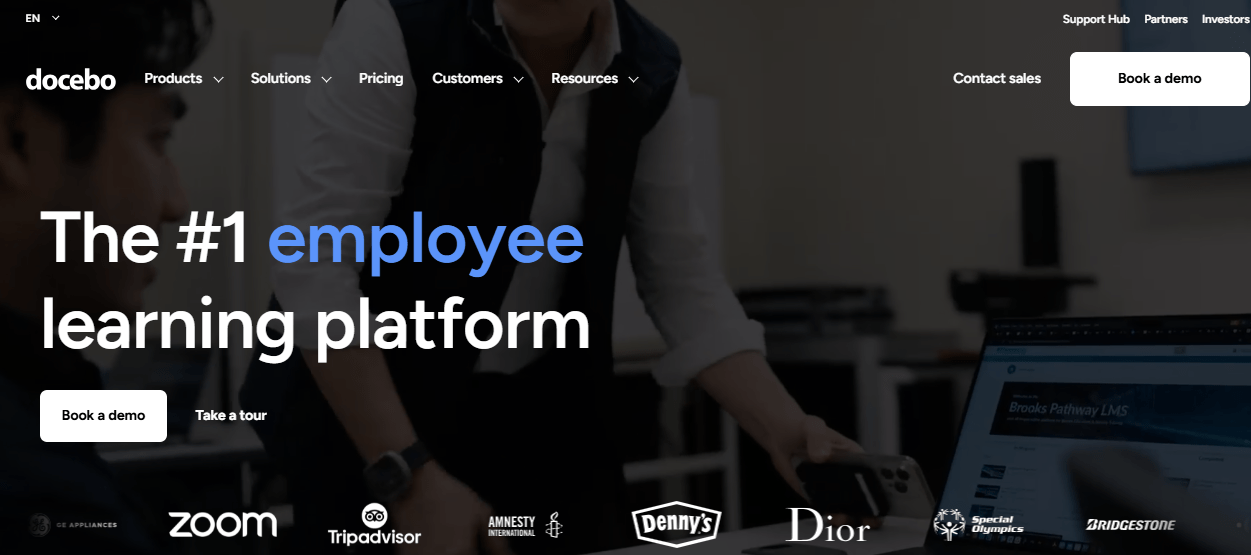
Reporting goes well beyond completion counts, which speaks directly to the difficulty of proving that training changed anything. The tradeoff is cost and effort. Pricing is quote-only, typically reported at around $25,000 per year before add-ons, and configuration requires dedicated admin time, which a team already struggling with a complex platform may not welcome.
For a larger organization with a learning team to run it, the price makes sense. For a company whose real problem is chasing completions, it is more platform than the problem requires, so I would pilot with one audience before signing anything multi-year.
Pros:
- Deep, customizable reporting beyond completion rates
- AI-powered content creation (Shape) that speeds up course drafting
- Strong multi-audience support for employees, partners, and customers
- Mobile-first learner experience with offline access
- Active roadmap with frequent AI feature releases
Cons:
- Pricing is quote-based and expensive at scale
- Steep admin learning curve during initial configuration
Pricing: Custom quote only; total cost of ownership commonly starts around $25,000 per year before add-ons.
7. 360Learning – Best for Experts Who Build the Courses Themselves
Content cost is a quiet drain, because quality courses take time that most HR teams do not have. 360Learning moves the work to the people who know the subject: experts co-author courses directly on the platform, and learner feedback flows back into the material, so a changed procedure gets fixed without waiting for an instructional designer.
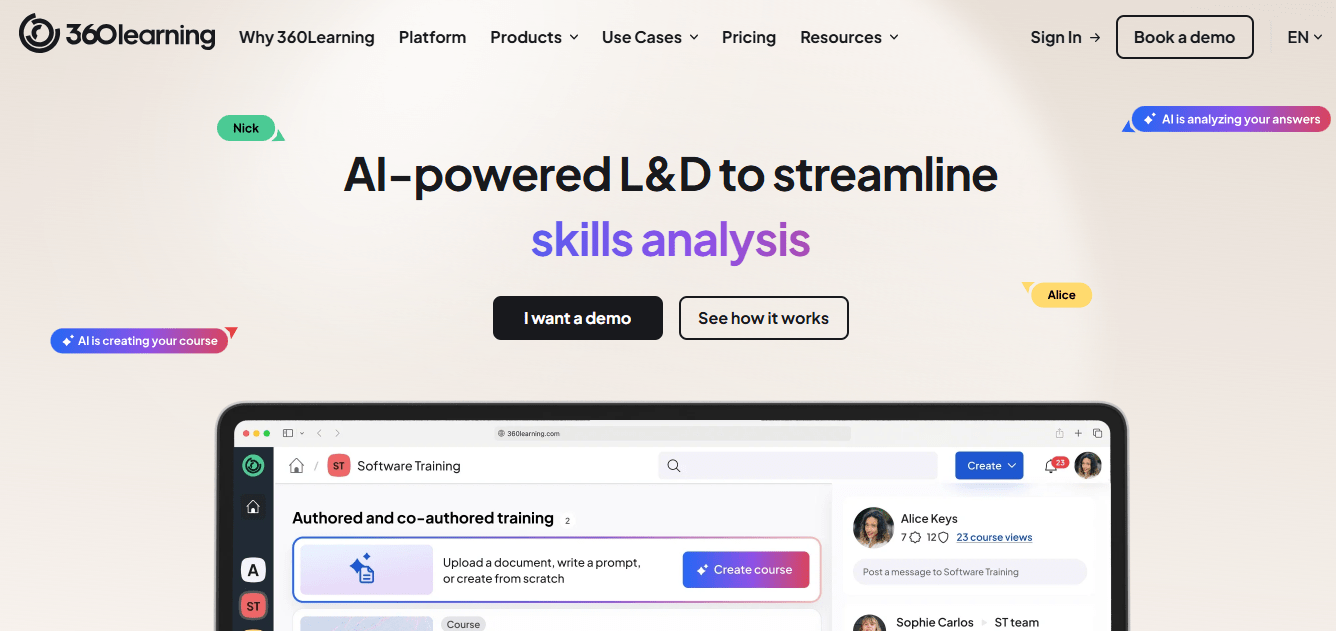
Public per-user rates make pricing easier to read than at most enterprise platforms, with custom quotes for larger teams. Admins and contributors tend to find the tool easy to use, which matters because an expert who finds the editor clumsy will simply stop contributing, and the program quietly stalls.
It is lighter on advanced compliance reporting and has no off-the-shelf catalog of its own. I would choose it when the gap is company-specific knowledge, such as how your teams actually do the work, and keep a compliance-grade system or content library beside it for the mandatory topics.
Pros:
- Subject matter experts co-author courses without design bottlenecks
- Built-in feedback loops that improve courses over time
- Published per-user pricing for smaller teams
- Easy to use for admins and contributors alike
- Well suited to capturing institutional knowledge
Cons:
- Advanced compliance and reporting features are lighter than enterprise suites
- Not a ready-made library, so content depends on your own experts
Pricing: Starts around $8 per user per month, with custom pricing for larger teams.
8. Axonify – Best for Raising Participation With Daily Microlearning
Low participation is the problem no reminder can fully fix, and Axonify approaches it differently: short daily sessions designed around retention, with gamification that users credit with keeping frontline staff engaged. Instead of a single annual module that people click through, learners get small, frequent prompts that reinforce what matters.
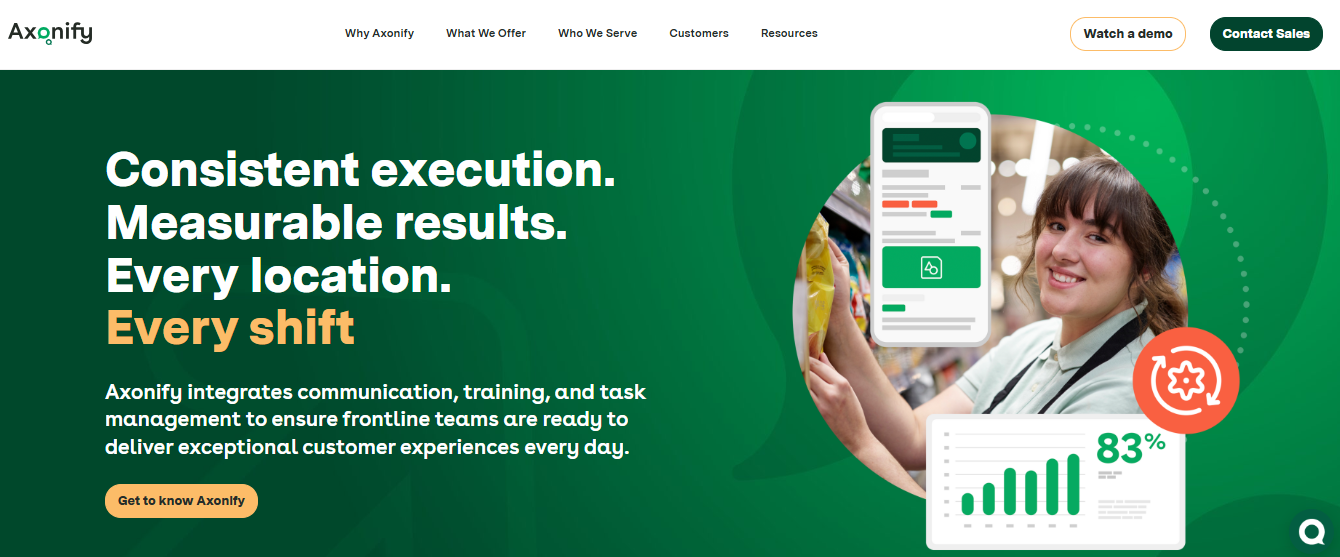
An AI coach, marketed in 60+ languages, answers questions in the flow of work, and guided task support sits alongside the learning, which moves it closer to on-the-job help than a course catalog. The tradeoffs are real. Pricing is a custom quote, and some users report admin complexity and a steeper setup than expected, so plan the rollout rather than improvising.
I would shortlist it when completion is not the issue, but forgetting is, particularly for hourly or distributed teams. It is not a compliance-first record keeper, so pair it with a system that handles certifications if audits drive your program.
Pros:
- Short daily microlearning built around retention
- Gamification that users credit with high participation
- AI coaching for on-shift questions, marketed in 60+ languages
- Guided task execution alongside learning
- Well suited to frontline and distributed teams
Cons:
- Pricing is custom and quote-only
- Users mention admin complexity and a steeper setup than expected
Pricing: Custom quote only; contact the vendor for per-user pricing.
9. Coursebox – Best for Drafting Courses From a Document in Minutes
When the real bottleneck is that nobody has time to write the course, Coursebox earns a look. Upload a document or describe a topic, and the AI drafts a complete course with quizzes, which your people refine in a drag-and-drop editor rather than building from a blank page, so an existing policy becomes training far faster than writing it by hand.
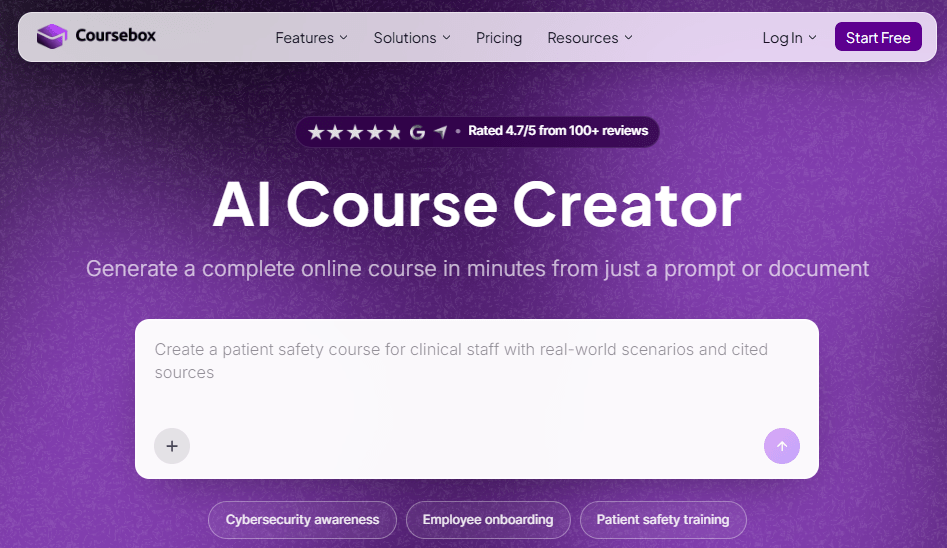
Users praise the speed and the ease of use. Design and branding controls are more limited than on dedicated authoring tools, and a few report slowdowns under heavy use, so test it with the volume you actually expect. An optional branded LMS means delivery does not require a second vendor, though it is lighter than the enterprise platforms on this list.
I would treat the AI draft as a strong outline for a subject expert to review before publishing. That review step is where the quality comes from. Pairing it with stricter tracking handles compliance.
Pros:
- AI drafts a complete course, quizzes included, from a document or prompt
- Drag-and-drop editor for refining AI-generated drafts
- Optional custom-branded LMS with the same AI built in
- Fast turnaround compared with building every lesson by hand
- Strong ease-of-use and satisfaction across user feedback
Cons:
- Branding and design customization are more limited than dedicated authoring tools
- Generation speed reported as inconsistent during heavy use
Pricing: Starts at $40 per month.
10. Continu – Best for a Modern Interface and Strong Adoption
A learning system nobody enjoys opening produces low completion, no matter how good the content is, and Continu bets on usability. It consistently earns a reputation for being easy for both admins and learners, with a modern interface that feels more like a workplace app than an old training portal.
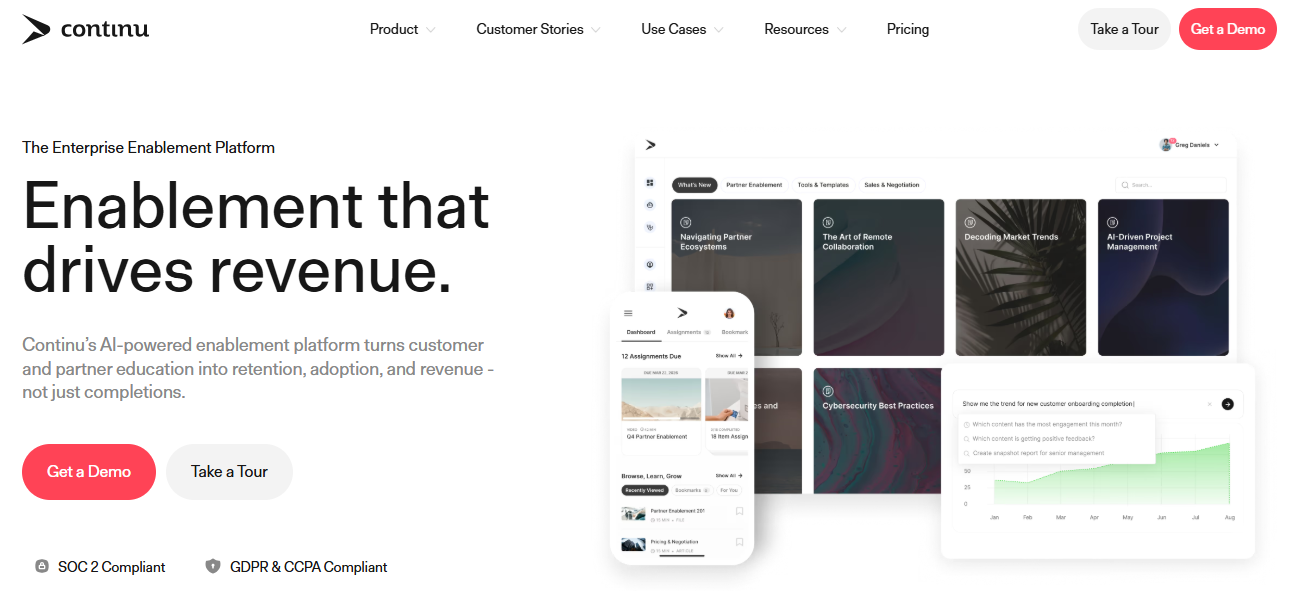
Implementation is commonly cited at around two months, a realistic planning number rather than a promise of same-day setup, and integrations cover everyday tools like Slack and Google Workspace, so reminders can land where people already work. Plans generally start at around 250 seats, and pricing is a custom quote, which suits mid-size and larger companies better than very small ones.
Deep regulatory compliance tracking is lighter than on enterprise compliance platforms, though basic completion tracking works fine. I would choose it for a growing company where engagement is the problem and a single, pleasant learning home matters more than the longest feature list.
Pros:
- Consistently strong usability for admins and learners
- Modern, engagement-focused learner interface
- Integrations with everyday tools like Slack and Google Workspace
- Implementation commonly cited around two months
- Suited to mid-size and larger companies
Cons:
- Pricing is not published and starts around a 250-seat level
- Deep regulatory compliance tracking is lighter than on enterprise platforms
Pricing: Custom quote only; plans generally start around 250 user seats per year.
My Top Picks Among the Rippling Learning Alternatives
If you read nothing else, start here. Among all the Rippling Learning alternatives above, these three cover the three jobs people actually leave the built-in module for: automating compliance busywork, building content without a big budget, and getting people to finish. Whether you searched for Rippling Learning competitors or just a module that does more, one of them fits.
1. ProProfs Training Maker
My pick if the weekly chase is the thing wearing you down. Its automated actions can assign a follow-up course before a certification lapses, and reminders go out automatically. Add an AI course creator and 500+ expert-built courses for the content side, and the program runs with far less manual effort than a spreadsheet-driven one.
2. Absorb LMS
My pick if manual enrollment is your bottleneck and your compliance volume is large. Automated enrollment rules and bulk operations replace the click-heavy assignment work, and the learner experience is polished enough to help adoption. Expect a quote-based contract and add-ons for authoring and advanced analytics, so scope the real cost before you commit.
3. Axonify
My pick if people finish the training and forget it by Friday. Short daily sessions and gamification target retention and participation rather than annual completion, and the AI coach helps in the flow of work. It is not a compliance-first record keeper, so budget for pairing it with something that is.
How I Evaluated These Rippling Learning Alternatives
I did not rank these ten alternatives to Rippling LMS on feature lists alone. Here is what shaped the order:
- User reviews and ratings from Capterra, weighted toward platforms with a meaningful volume of recent reviews
- Compliance automation, meaning rules that assign the right courses, due-date reminders, and renewal handling, since busywork is the loudest complaint driving people toward Rippling LMS alternatives
- Content cost, including ready-made libraries, AI drafting, and how easily experts can build their own courses
- Engagement, meaning whether a platform does anything beyond sending reminders to raise participation
- Measurement, meaning reporting that shows more than completion, which is where users say the built-in module falls short
- Setup effort and support quality, since a steep platform learning curve is part of why teams look elsewhere
- Real-world fit, matching each platform to whether you are optimizing compliance, content, or engagement, which is what separates Rippling training alternatives from one another
Pick the Job, Then Pick the Platform
Most LMS regrets come from buying for the demo instead of the ordinary Tuesday afternoon.
Rippling Learning is a fair fit for a team already on Rippling that wants less busywork and cleaner compliance, especially once the core employee data is clean. It is the wrong fit when you need to build courses, lift engagement, or prove impact. Among all these Rippling Learning alternatives, none wins every category, so decide which of those jobs hurts most and choose that one.
Before you switch, roll out in phases, start with one team, and keep your completion history until the new platform reports it correctly. Read up on compliance training best practices before you set the rules, because automation only helps if the underlying assignments are right. Anyone comparing alternatives to Rippling LMS should ask each vendor to show that assignments, reminders, and reporting work on their own data.
If course creation and tracking are your priorities, start by testing ProProfs Training Maker with one real training program.
Frequently Asked Questions
What are the best Rippling Learning alternatives for compliance training?
ProProfs Training Maker, Absorb LMS, and SkyPrep stand out for compliance, with automated assignment, reminders, and certification tracking that reduce manual chasing. Pilot each against one real mandatory course, and check how renewals are handled, before deciding.
Which Rippling LMS alternatives automate enrollment?
Among Rippling LMS alternatives, Absorb offers automated enrollment rules and bulk operations, SkyPrep assigns by role, and ProProfs Training Maker automates follow-up assignments and reminders. Ask each vendor to demonstrate it on your own roles.
Who are the main Rippling Learning competitors for engagement?
Axonify is the clearest of the Rippling Learning competitors for engagement, using short daily sessions and gamification. Continu focuses on a modern interface that helps adoption, and ProProfs Training Maker adds leaderboards to lift completion.
What should I look for in alternatives to Rippling LMS?
Start with the job that hurts: compliance busywork, content cost, engagement, or measurement. Then compare setup effort, support quality, and how employee data reaches the platform, before you compare long feature lists or chase the lowest price.
Which Rippling training alternatives work for new-hire onboarding?
Among Rippling training alternatives, ProProfs Training Maker offers a customizable onboarding training template with quizzes and reports. TalentLMS and iSpring Learn also suit structured onboarding for new hires from day one, with simple setup and predictable pricing.
Is Rippling Learning enough, or do I need a standalone LMS?
If you mainly assign required courses to people already in Rippling, it can be enough. Move to a standalone LMS when you need to build custom courses, improve completion, or report on impact beyond who finished.
Let ProProfs AI create your training course

 We'd love your feedback!
What did you like & how can we make it even better?
 Thanks for your feedback!
 Ask Your Question
Have a question? Get expert help to make your decision easier.